This Week's Sponsor:

BetterTouchTool

Now with a Powerful Launcher for Your Mac


Posts tagged with "agents"

Spark Mail Adds a Mac CLI and Agent Skills

About two weeks ago, Spark, the email app by Readdle, was updated with a CLI and a set of agentic skills for Claude Code, Codex, and other agents, allowing them read-only access to messages, calendar events, contacts, and meeting notes. These features were extended again a few days ago with new abilities that added email triage actions and more skills. The approach is clever in its local architecture, which keeps your message data on your Mac while making it available to agents.

CLIs are one of this year’s top app trends, with a wide variety of productivity apps adding them. The reason is simple: agents that work in the Terminal like Claude Code and Codex can use local CLIs, which keeps token usage down because the agent only sees a command’s text output instead of carrying tool schemas with it the way MCP servers do.

Spark works with several agents.

Spark works with several agents.

Spark isn’t the first to create an email CLI. The Google-created, but “not an official product,” googleworkspace CLI interfaces with Gmail and a bunch of other Google services, offering over 100 skills. The difference is that a CLI like googleworkspace contacts Google’s Gmail servers and acts on your messages in the cloud, whereas Spark’s CLI acts as a remote control for the Spark app itself, managing the messages locally on your Mac and then syncing them back to Gmail via the desktop app.

I’ve worked with both the googleworkspace CLI and Spark’s, and Spark’s is by far the easier one to use because you don’t need to set up a Google Cloud project or deal with OAuth. The only drawback is that the Spark app needs to be open for its CLI to work because everything happens on your Mac. However, as a practical matter, that’s not a limitation that has impacted me since my email app is open when I’d want to use Spark’s CLI or skills anyway.

Read-only actions are available for all users. Triage actions require a Pro subscription.

Read-only actions are available for all users. Triage actions require a Pro subscription.

There are two levels to what Spark offers. The read-only CLI and skills are available to all users, whether or not they subscribe to Spark Pro. Those actions include the ability to search and summarize messages, fetch context, read threads, and view your calendar, contacts, and meeting notes. A Pro subscription adds message drafting, replying, snoozing, pinning, labeling, moving, and archiving, along with team commenting. It’s an excellent set of actions that uses syntax similar to Gmail, which means it should be familiar to many long-time Gmail users straight out of the box.

And there’s more. Readdle has also released a set of recipes and personas, which are open-source skills. The recipes include instructions for morning and end-of-day email reviews, reviewing of new senders, catching up on messages after vacation, and more. Personas are more holistic approaches to your inbox that apply to an entire email session and have modes. For example, the Founder persona has Rapid Triage, Aggressive Delegation, and Cross-Team Oversight modes. Other personas include Executive Assistant, Freelancer, and Team Lead. Full details of every recipe and persona are available on Readdle’s GitHub page.

Searching email via the command line.

Searching email via the command line.

I’ve spent time using the read-only actions of Spark’s CLI with Claude Code, and it’s an excellent option for automating your email. Setup is simple and fast, and it works well. I’m not sure personas are for me, but there are a bunch of interesting ideas among the recipes, which I intend to explore more and use to create my own skills.

Spark Mail is available as a free download on the Mac App Store. The CLI’s triage actions are exclusive to users who subscribe to Spark Pro, which costs $20/month or $200/year.


Remodex Is the Best Codex Remote Client for iOS (Until OpenAI Releases an Official Codex Mobile App)

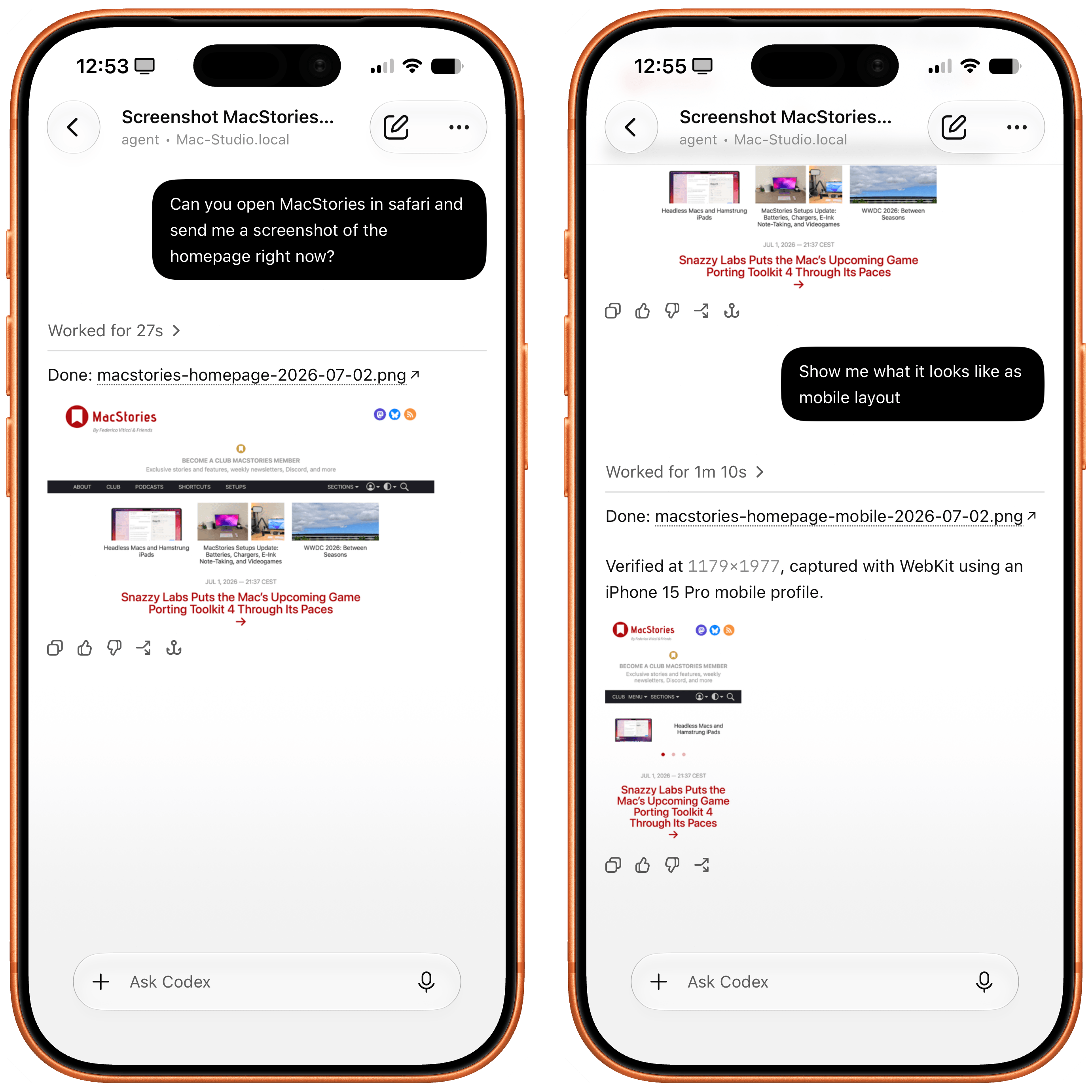
Remodex for iOS.

Remodex for iOS.

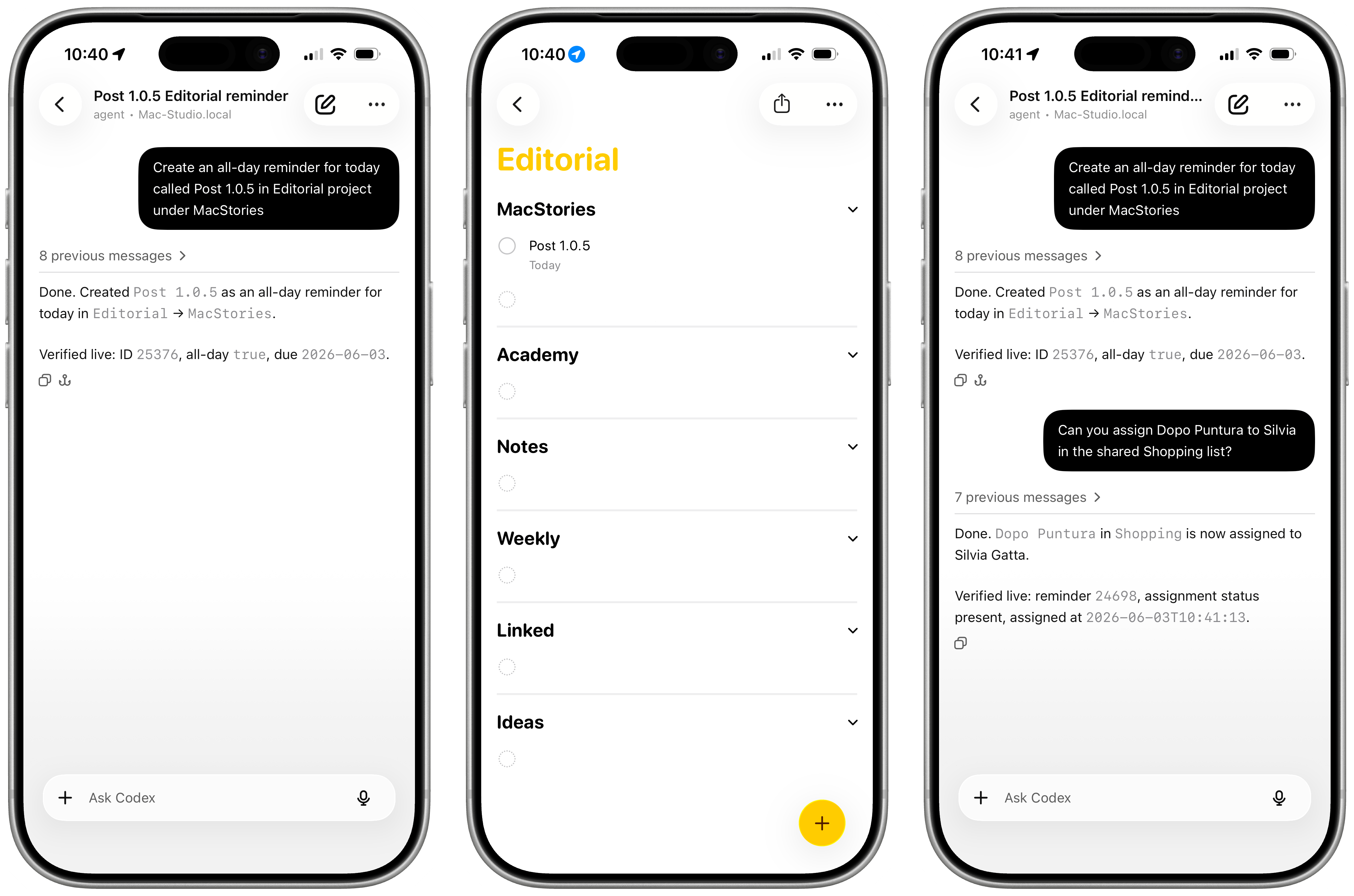
Various OpenAI employees and members of the Codex team have been hinting at a native Codex app for iOS lately. While I very much hope that’s in the cards – especially if the project involves connecting to a remote Mac running the full Codex app – I wanted to highlight an indie utility I’ve been using a lot lately to access my Codex setup on my Mac Studio server from my iPhone.

The app is called Remodex, and it was created by Italian indie developer Emanuele Di Pietro. Remodex, as the name suggests, acts as a remote for the Codex CLI installed on a macOS computer, and it lets you operate your existing projects and chats with a UI that is reminiscent of the official Codex app for Mac. Even better, Remodex is not based on some hack-y workaround: it’s entirely powered by OpenAI’s official (and open-source) Codex App Server.

Read more


Introducing Apple Frames 4: A Revamped Shortcut, Support for Frame Colors, Proportional Scaling, and the Apple Frames CLI for Developers

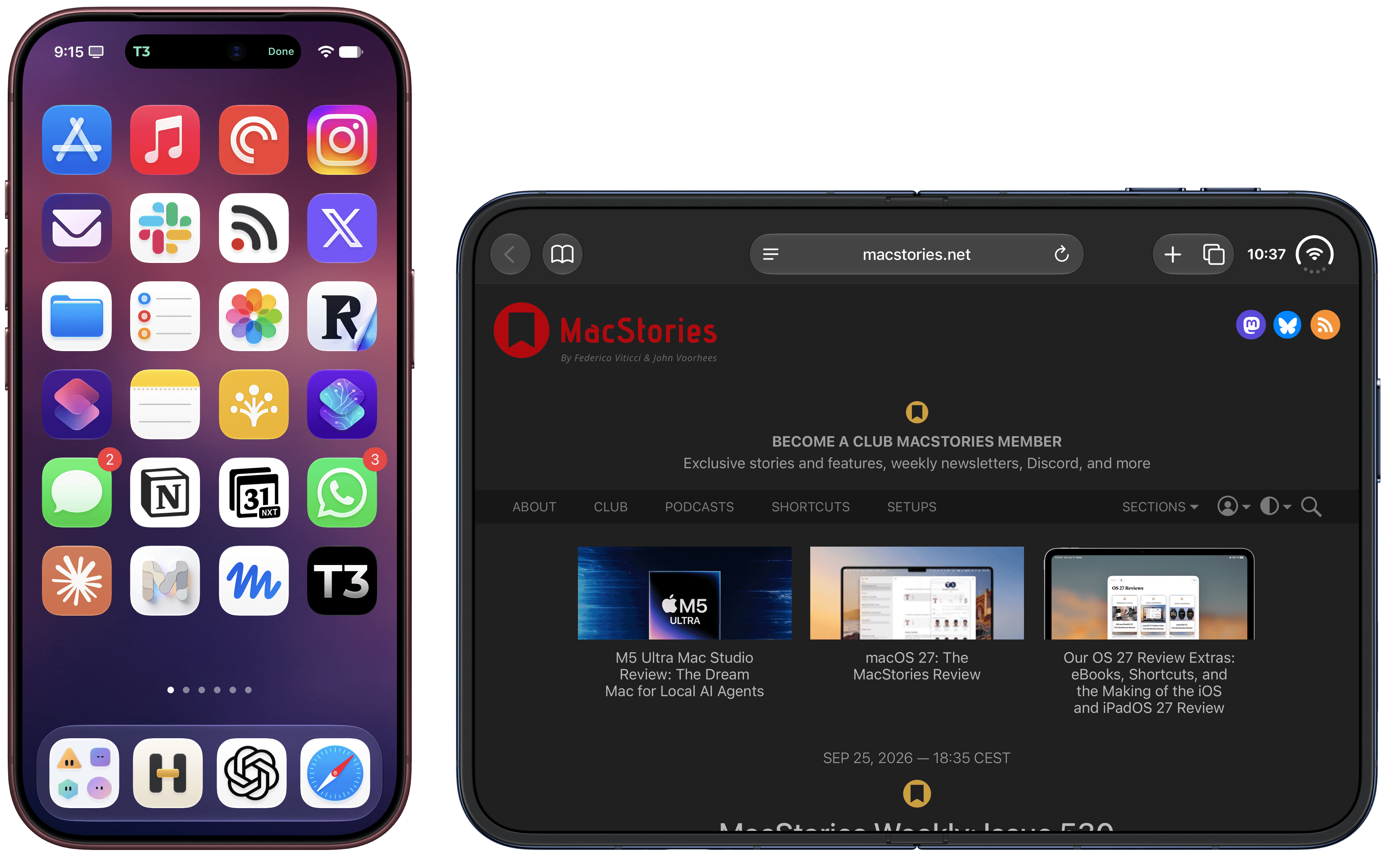
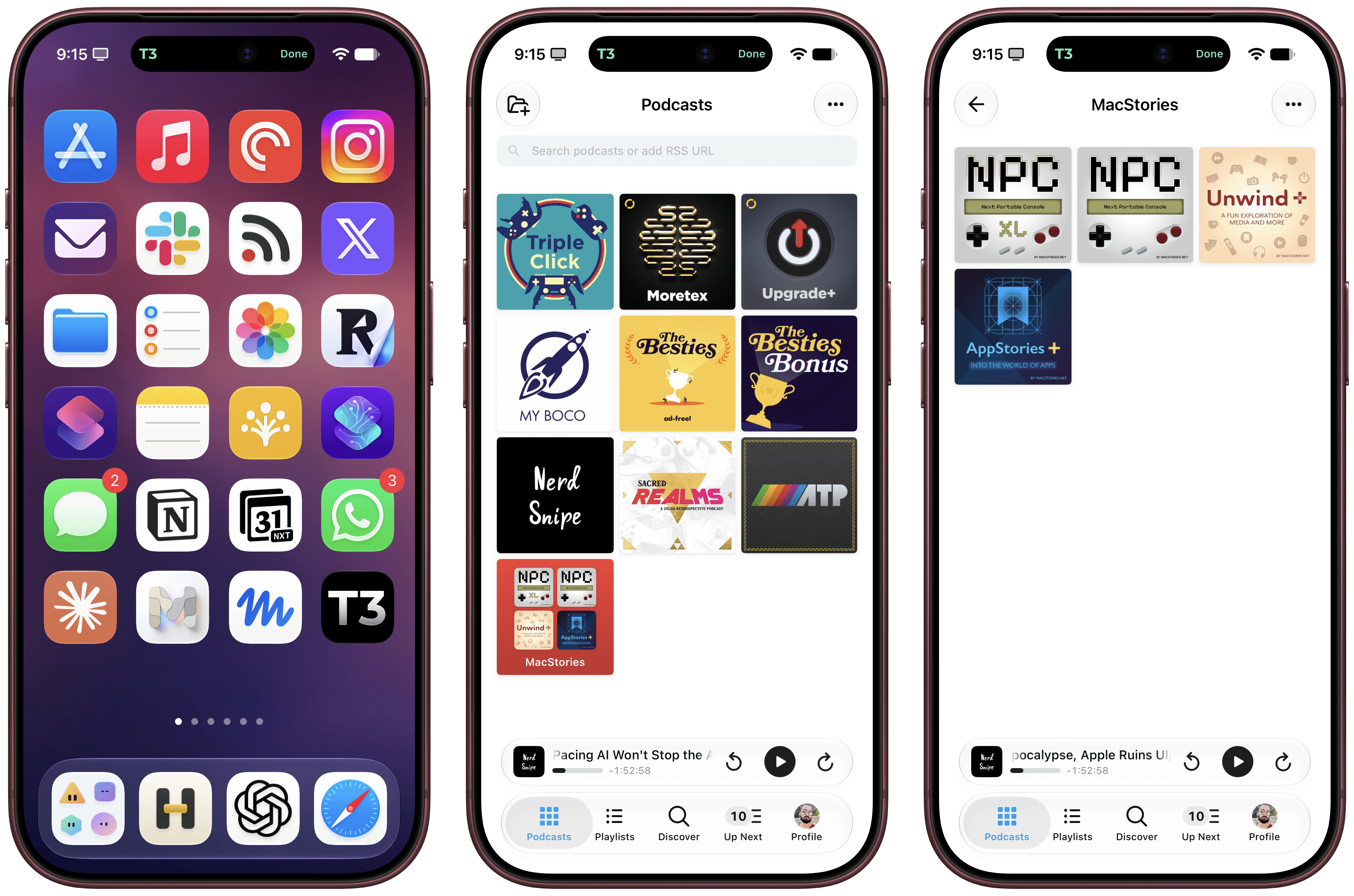
Apple Frames 4.

Apple Frames 4.

Well, it’s been a minute.

Today, I’m very happy to introduce Apple Frames 4, a major update to my shortcut for framing screenshots taken on Apple devices with official Apple product bezels. Apple Frames 4 is a complete rethinking of the shortcut that is noticeably faster, updated to support all the latest Apple devices, and designed to support even more personalization options. For the first time ever, Apple Frames supports multiple colors for each device, allowing you to mix and match different colored bezels for each framed screenshot; it also supports proportional scaling when merging screenshots from different Apple devices.

But that’s not all. In addition to an updated shortcut, I’m also releasing the Apple Frames CLI, an open source command-line utility that lets developers and tinkerers automate the process of framing screenshots directly from the Mac’s Terminal. And there’s more: the Apple Frames CLI is also designed to work with AI agents, and it comes with a Claude Code/Codex skill that lets coding agents take care of framing dozens or even hundreds of screenshots in just a few seconds, from any folder on your Mac.

Apple Frames 4 is the result of an idea I had months ago that enabled me to remove more than 500 actions from the shortcut, going from over 800 steps down to ~300. I did all that work manually, but it was worth it; the improved shortcut is faster and vastly more reliable than before thanks to a more intelligent logic that adapts to the growing ecosystem of Apple screen sizes and display resolutions.

Apple Frames 4 and the Apple Frames CLI represent a substantial step forward for screenshot automation, and I’ve been using both extensively for the past few weeks.

Let’s dive in.

Read more


First Look: Hands-On with Claude Code’s New Telegram and Discord Integrations

Late yesterday, Anthropic announced messaging support for Claude Code, allowing users to connect to a Claude Code session running on a Mac from a mobile device using Telegram and Discord bots. I spent a few hours playing with it last night, and despite being released as a research preview, the messaging integration is already very capable, but a little fiddly to set up.

Let’s take a look at what it can do.

Read more


OpenClaw Creator Peter Steinberger Joins OpenAI

Peter Steinberger, the developer behind OpenClaw that was launched and took off barely a month ago and has already had three names, is joining OpenAI. In addition, OpenClaw is moving to a foundation where it will remain an open-source project.

As Steinberger explains on his website:

It’s always been important to me that OpenClaw stays open source and given the freedom to flourish. Ultimately, I felt OpenAI was the best place to continue pushing on my vision and expand its reach. The more I talked with the people there, the clearer it became that we both share the same vision.

The community around OpenClaw is something magical and OpenAI has made strong commitments to enable me to dedicate my time to it and already sponsors the project. To get this into a proper structure I’m working on making it a foundation. It will stay a place for thinkers, hackers and people that want a way to own their data, with the goal of supporting even more models and companies.

The AI world has been talking about agents for more than a year, but it wasn’t until Steinberger’s project came along that we got software that put the idea of agents to practical use. OpenClaw may have only been just a few months old, but it captured the imaginations of users, including Federico, who has an uncanny knack for spotting the next big thing very early.

It will be interesting to see where OpenAI’s apps go next. I’ve been impressed with Codex, and with the Sky team and Steinberger on the company’s roster, I have high hopes for what they’ll do next.

Permalink