

I wasn’t fully sure what to call this blog post, but I caught myself doing a few things on my iPad Pro today that I hadn’t previously mentioned on MacStories, and they seemed worthy of a mention here. Hence, the short blog post.
Let’s start with this screenshot:
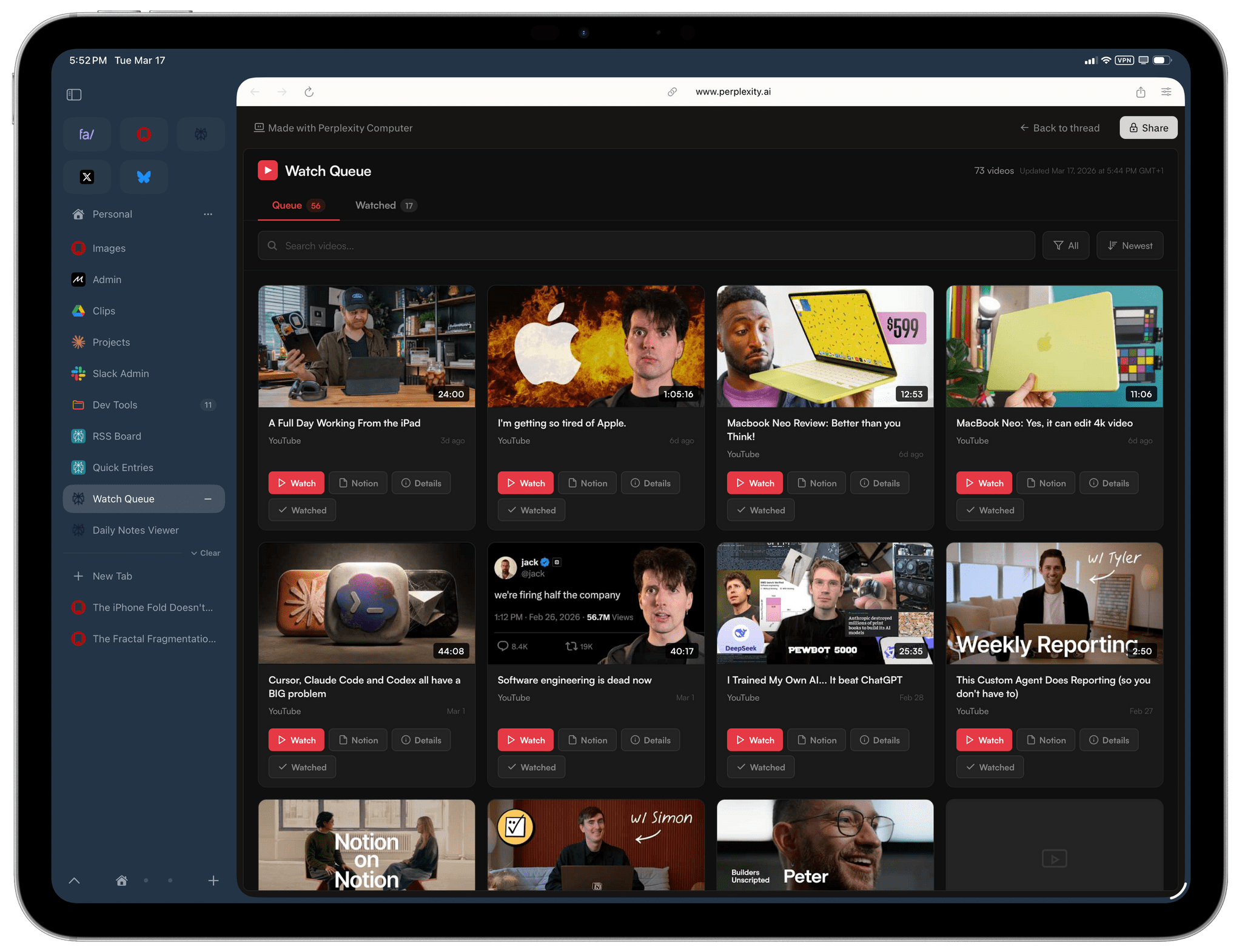
You’re looking at a couple of things here. First up is the web browser, which is called Beam and is essentially a modern version of Arc, but reimagined for the modern era of iPadOS 26 and Liquid Glass. I’m not exaggerating when I say that Beam is one of the best iPad apps for power users I’ve tested in a while. Beam borrows a lot of ideas and conventions that were pioneered by Arc such as the design for Favorites at the top of a vertical tab bar, the ability to rename tabs, and a Command-K bar for quick actions, but it also infuses them with iPad-native touches that are entirely new. There are a lot of settings to tweak, keyboard shortcuts, support for the menu bar, and tons of context menus hidden behind long-presses, which I love. Even better, Beam comes with its own built-in AI assistant to “chat” with tabs, which is useful for summarizing or asking questions about webpages. You can choose to use it locally with Apple Intelligence, or plug in your own Google/Anthropic/OpenAI API keys.
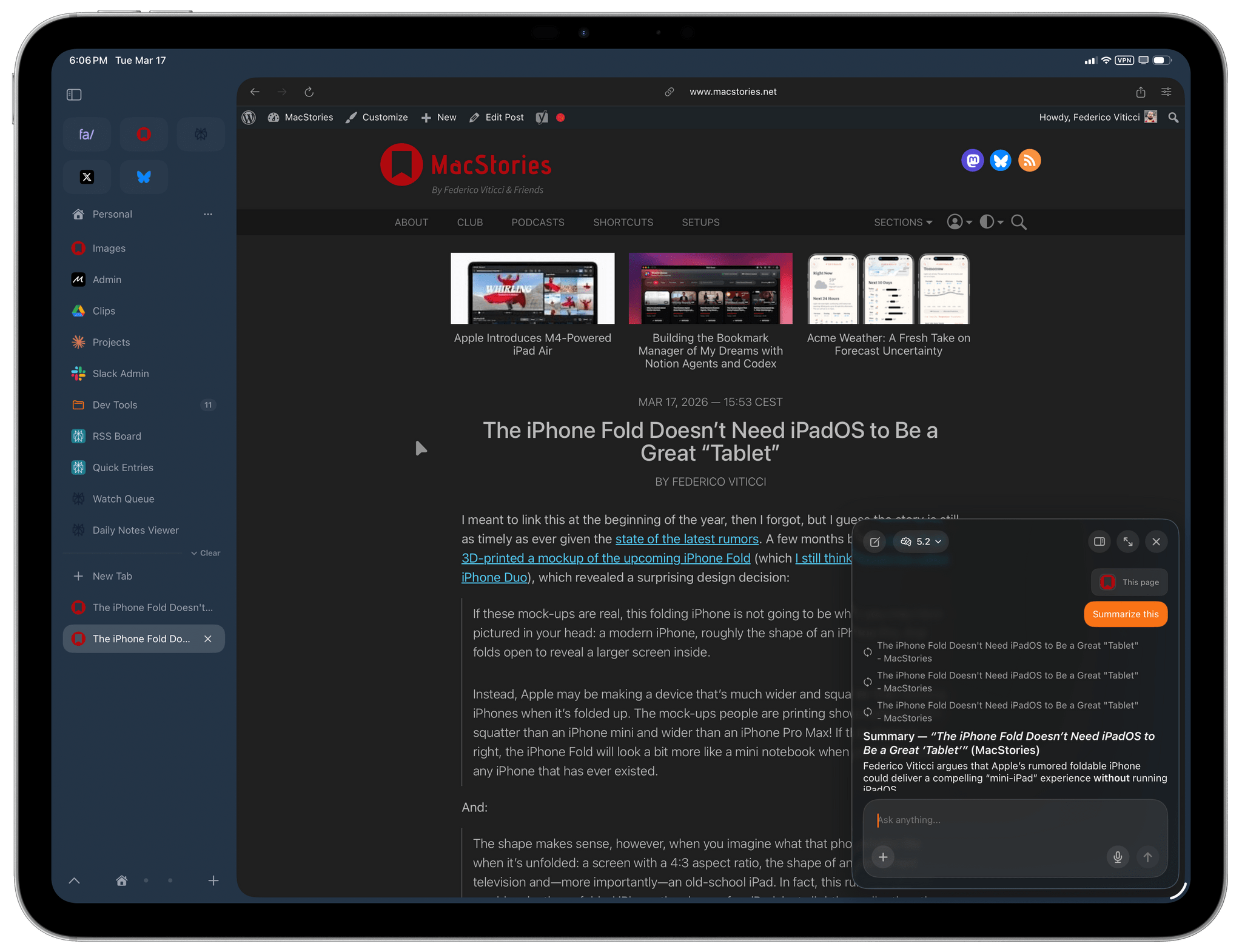
The only downside: Beam is currently iPad-only and there is no iPhone or Mac version. The developer is working on an iPhone counterpart, which is good to hear. If you’ve been looking for a new web browser on iPadOS, I recommend taking Beam for a spin. I’d also keep an eye on Click, another iOS/iPadOS browser with some fascinating ideas that is currently in beta.
Anyway, back to the screenshot. I’ve been rebuilding some of the web apps I previously created with OpenClaw using Perplexity Computer out of curiosity, and I have to say that I’m impressed with the experience Perplexity has designed here. In case you missed it, Perplexity Computer is the company’s answer to OpenClaw and the rise of similar agents: it’s an orchestration layer for different models (which is something Perplexity is good at, after all) that can build or do stuff for you. By that, I mean that it can search the web and perform API calls, prepare and edit documents, or create web apps that are hosted on Perplexity.
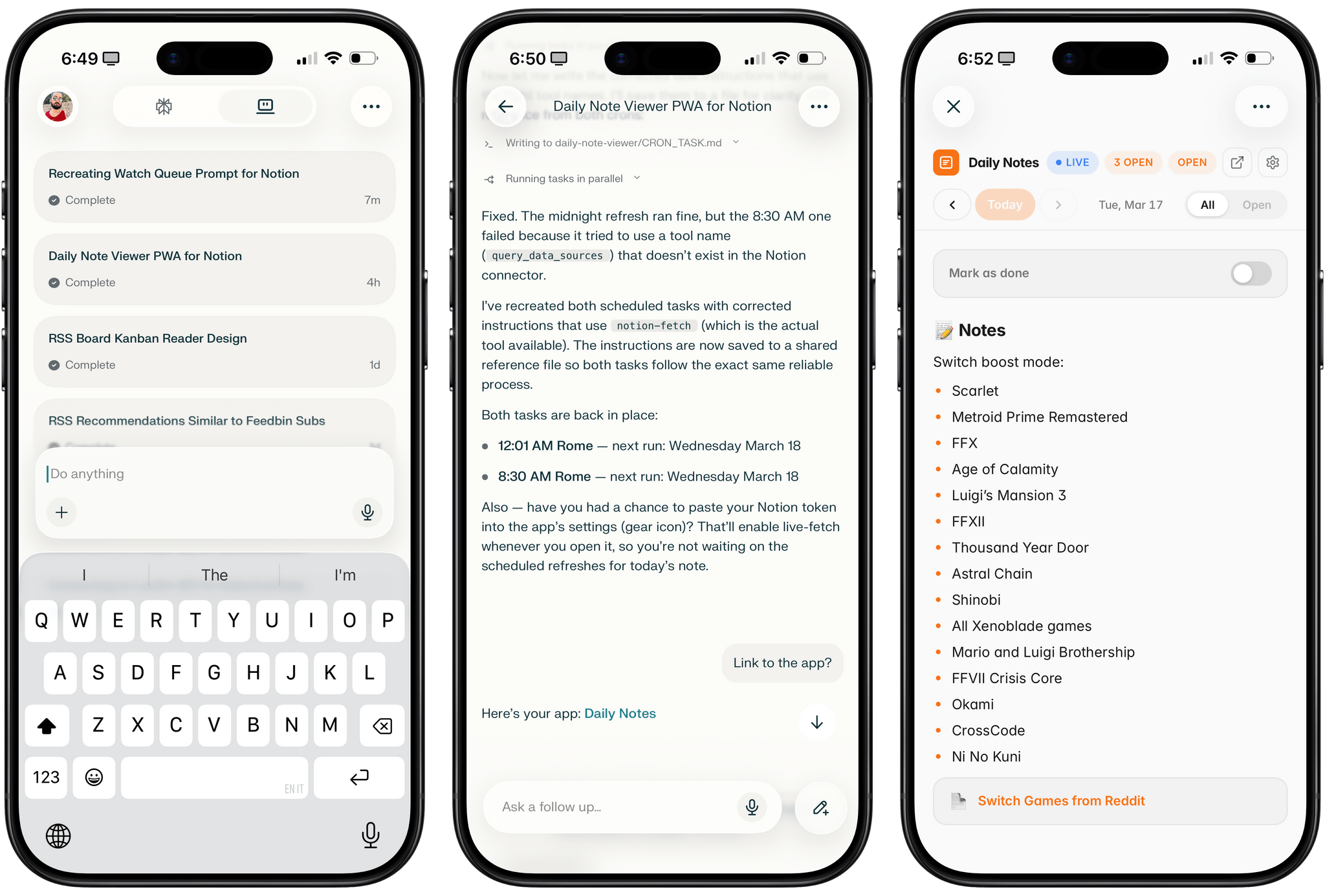
There are a couple of things I find impressive about Perplexity Computer, and some I don’t like. Obviously, unlike OpenClaw, a product like this removes the need to worry about security altogether since everything is running inside Perplexity’s own sandbox and consumes credits on your account. It’s much easier to get started with Computer than OpenClaw; unlike Claude Cowork, it’s been fully rolled out on iOS, iPadOS, and Android. Over the past few days, whenever I had an idea for features I wanted to add to my Computer-made apps, I could just open the Perplexity app on my iPhone, dictate those ideas, and find the result later on my Mac. The workflow is fast, elegant, and, like other Perplexity products, polished.
The other remarkable idea here is that you can build apps that integrate with external services using the native connectors supported by Perplexity Computer. Instead of having to store, say, your Notion API token somewhere inside the app, you can just tell Computer to write a Notion app based on its connector’s credentials, and it’ll do that. This feels like a powerful idea, and I wish I could also design these “mini apps” based on my connectors in Claude.
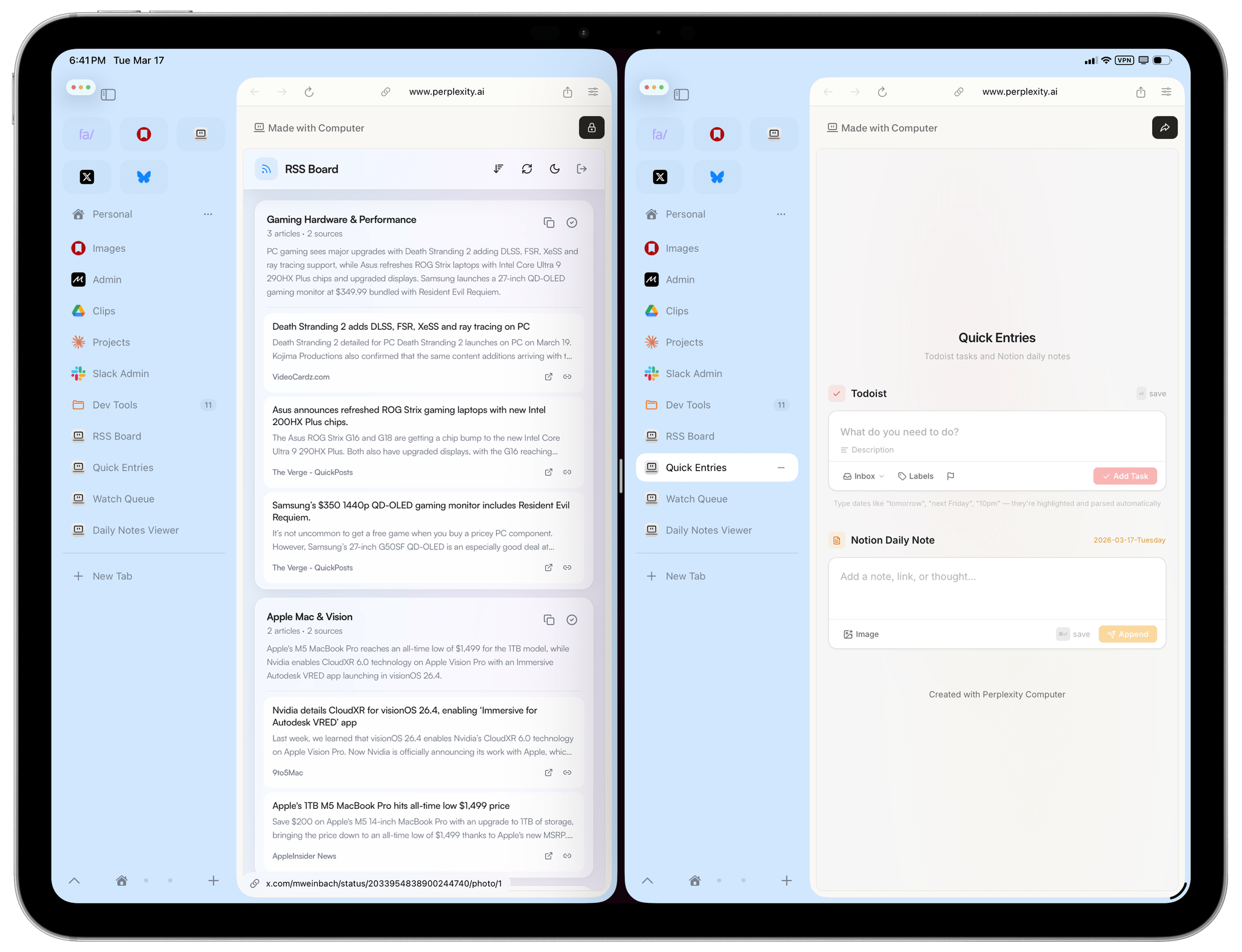
There are downsides to Perplexity Computer’s approach compared to OpenClaw, too. Because the product is simpler, it also means that when you do want to call an API directly, there is no native way to store credentials securely in your Perplexity account for the web apps it creates. (I’d like to see Perplexity add some kind of secure “keychain” feature here.) The bigger problem is that these apps are hard to access. The whole point of OpenClaw is that the agent can make apps for me, run them on my Mac Studio server, and I can quickly access them from any web browser by using my personalized Tailscale address. I can even add those apps to my Home Screen or dock and they have custom icons since they’re PWAs. That’s not possible with Perplexity Computer: generated apps live inside “tasks”; while they can be opened with direct URLs, they run inside an iframe, require you to be logged into Perplexity to use them, and they don’t support custom icons (they use the standard Perplexity web app icon instead).
Going forward, I hope Perplexity will consider a “dashboard” UI of some kind to pin generated documents and apps outside of conversations for faster access. Or, more simply, perhaps the addition of Personal Computer (an instance of Perplexity Computer running on your own Mac, announced last week, and already copied by Manus yesterday) will obviate the need for that. I assume that, with Perplexity Personal Computer (gosh, what a name), you’ll be able to create and deploy apps locally just like you can with OpenClaw. We’ll see. I’d love to test it in advance!
Anyway, that’s enough blogging for the day. If you’ve come across any other new and powerful iPad apps lately, I’d love to know.
