
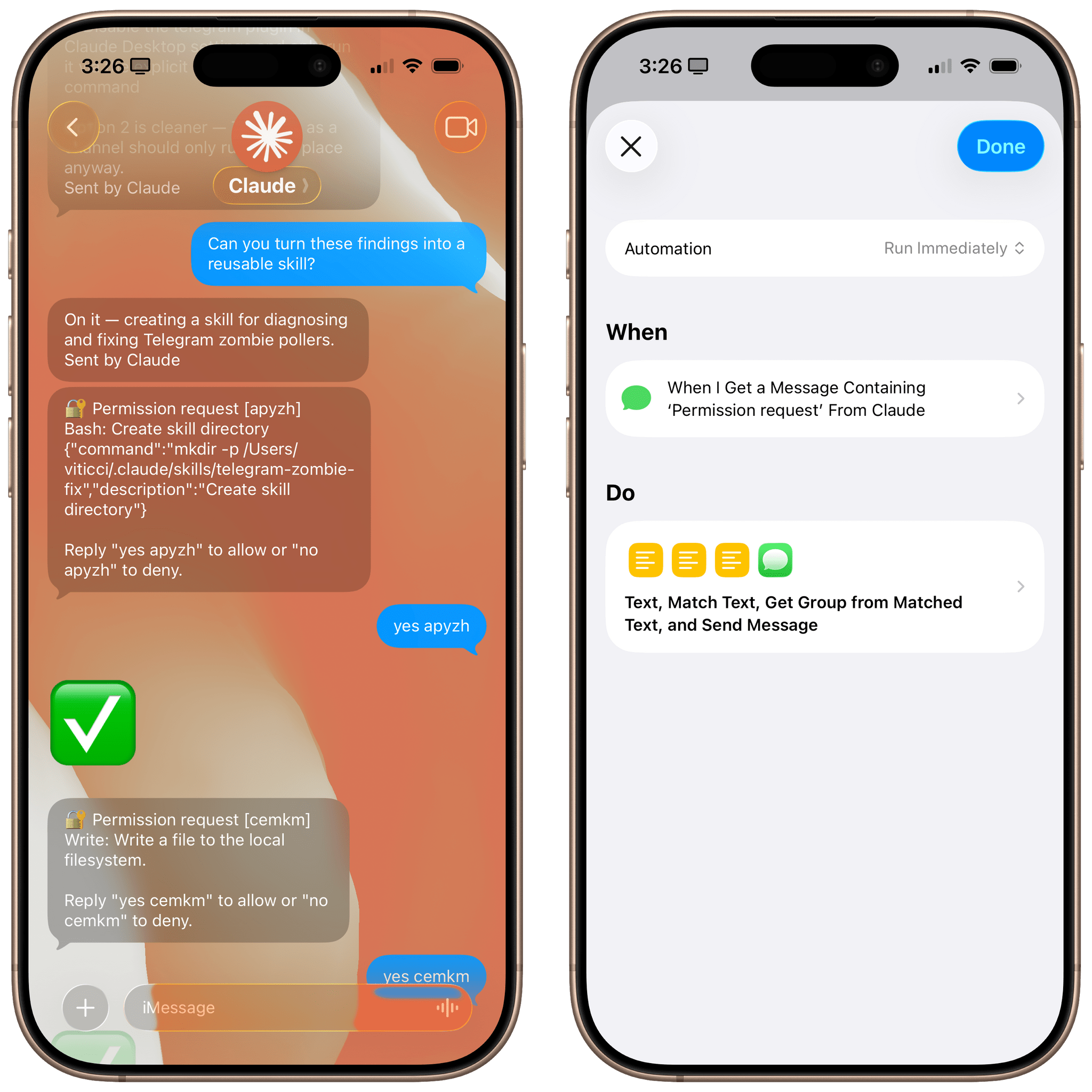
Let me start by saying that you probably shouldn’t do this. I’ve been having a surprisingly good time using Claude Code via its new iMessage channel (which is part of my attempt to recreate OpenClaw with an “OpenClaude” system, more about this here), but I find its permission prompt system fairly annoying. You see, while Claude’s Telegram integration allows you to tap on interactive buttons in a chat to grant Claude permission to do something, the iMessage integration (based on primitive AppleScript) supports no such buttons. As a result, the Claude Code team came up with a simple, but tedious idea: you have to manually type “yes” followed by a randomized authorization code every time.
Posts in tutorials
How I Fixed Switching Between Safari Profiles with BetterTouchTool and a Hyper Key
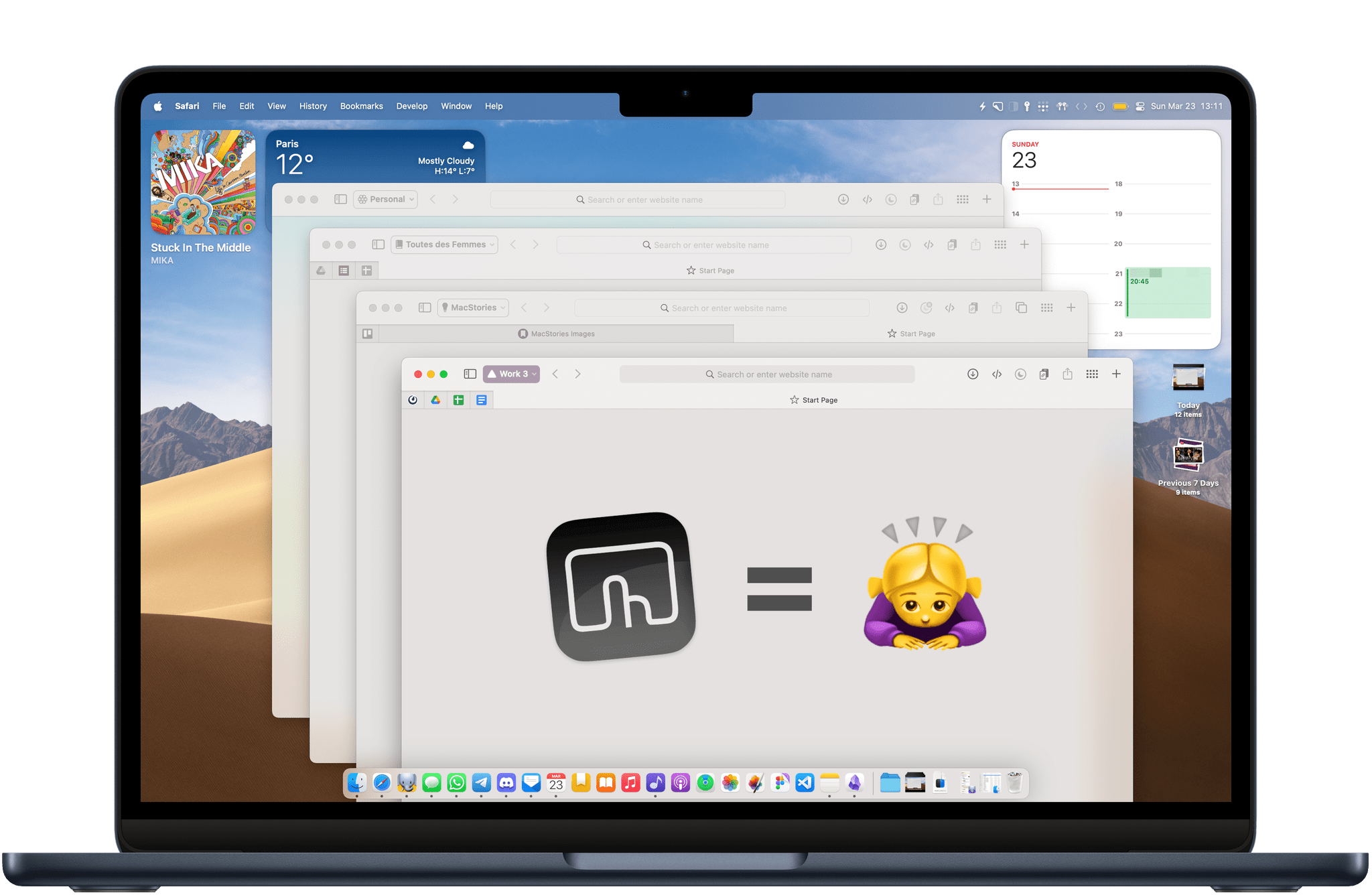
A lot has changed in my professional life over the past year. As of today, I am working fully from home on three separate long-running projects, and now more than ever, the web browser has become central for all three. Since the M2 MacBook Air is my only computer, I found myself in urgent need of a way to allow these virtual workspaces to coexist on the same device.
Fortunately, Apple added profiles to Safari in macOS 14 Sonoma, iOS 17, and iPadOS 17 (then later in visionOS 2). Profiles offer a way to keep your bookmarks, cookies, extensions, and browsing history separate between, say, a Personal profile and a Work profile. Even though Google Chrome and Firefox have had similar solutions in place for a while, Safari remains my web browser of choice, so I wanted to take full advantage of the new feature.
In my prolonged usage, Safari profiles work exactly as intended. I’ve set up four different profiles: a Personal profile and three separate work profiles. They are each logged into a different Google account, and they each have their own set of bookmarks, their own pinned tabs for quick access to relevant tools and web apps, and their own set of extensions. Safari makes it easy enough to tell profile windows apart by allowing you to assign a custom icon and color to each one.
That being said, Safari’s implementation of profiles has one major UI flaw: Apple has made it unusually cumbersome to switch between them on the fly, or even to launch Safari into a specific profile directly. So, to no one’s surprise, I have once again attempted to leverage the power of Mac automation utility BetterTouchTool to come up with a workaround. The solution I’ve arrived at is simple, but it makes a huge difference.
Let me show you.
Beyond ChatGPT’s Extension: How to Redirect Safari Searches to Any LLM
Earlier this week, OpenAI’s official ChatGPT app for iPhone and iPad was updated with a native Safari extension that lets you forward any search query from Safari’s address bar to ChatGPT Search. It’s a clever approach: rather than waiting for Apple to add a native ChatGPT Search option to their list of default search engines (if they ever will), OpenAI leveraged extensions’ ability to intercept queries in the address bar and redirect them to ChatGPT whenever you type something and press Return.
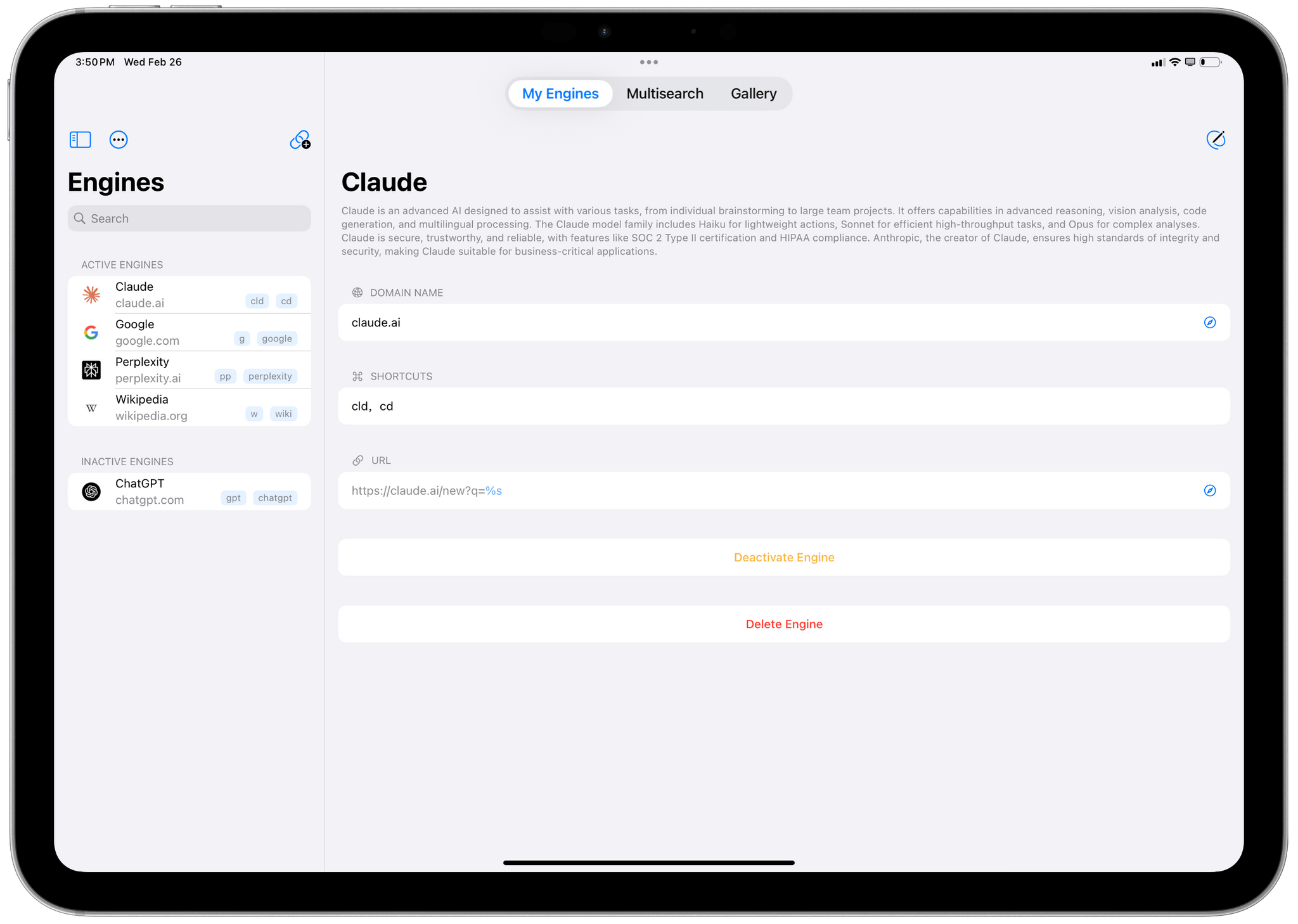
However, this is not the only option you have if you want to redirect your Safari search queries to a search engine other than the one that’s set as your default. While the solution I’ll propose below isn’t as frictionless as OpenAI’s native extension, it gets the job done, and until other LLMs like Claude, Gemini, Perplexity, and Le Chat ship their own Safari extensions, you can use my approach to give Safari more AI search capabilities right now.
Creating a Custom Weather and Home Climate Control Menu Bar App with MenuBot and Shortcuts
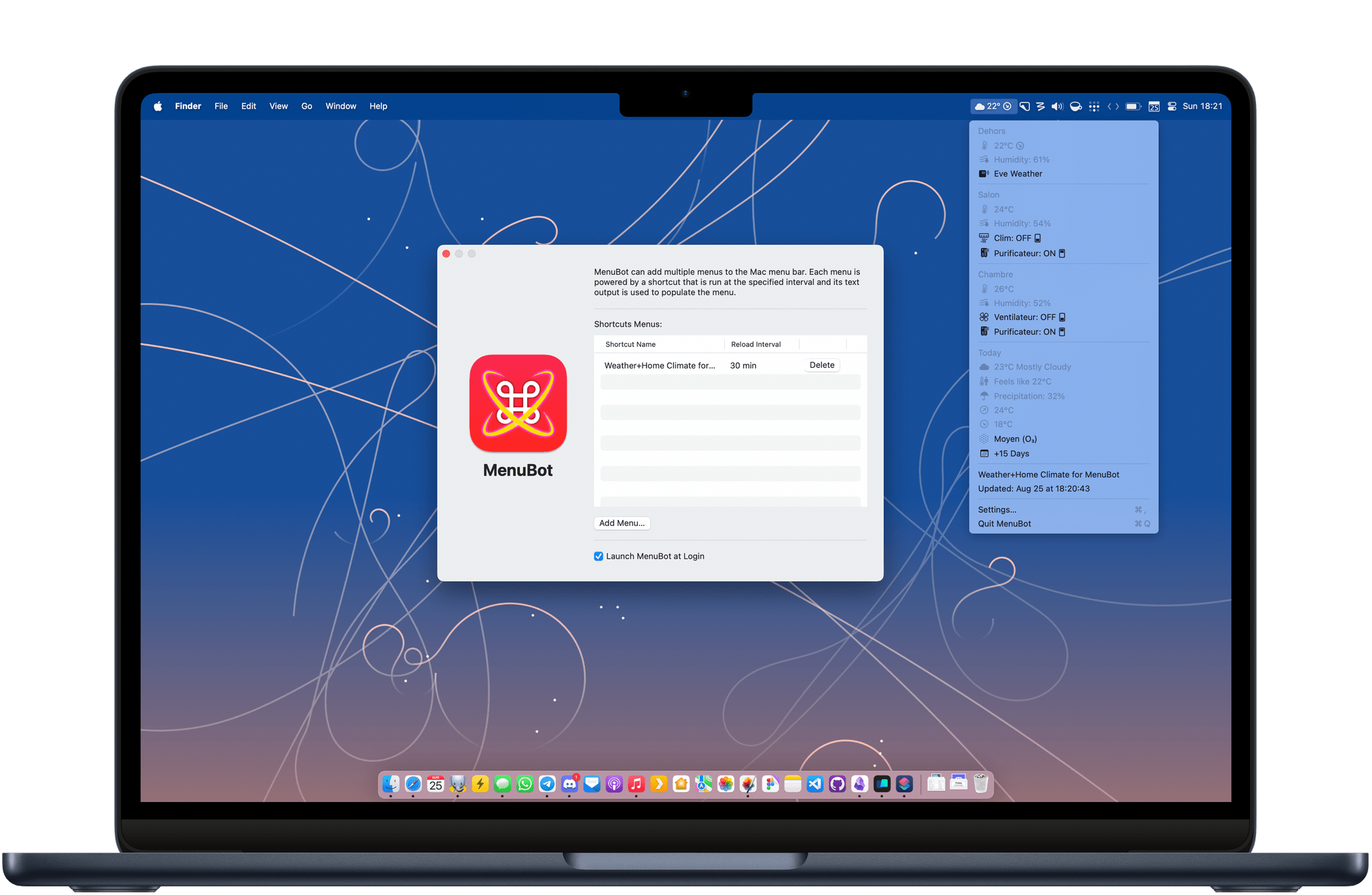
Last year, I wrote about how I was able to display the temperature from my outdoor sensor in my Mac’s menu bar using a combination of Shortcuts, SF Symbols, and small utilities like One Thing and Data Jar. I’ve been using this approach ever since, but this summer, I came across a tool that changed that: MenuBot.
MenuBot is an app for the Mac that lets you build your own indicators and applets for your menu bar directly from the output of a shortcut. The app is more powerful than it may seem at first: you can create entire submenus and even tie URLs and actions to each menu entry. In the end, I was able to use it to completely revamp my outdoor temperature indicator in the menu bar and even enhance it with HomeKit controls.
I’ve been having a ton of fun playing with MenuBot. Let me show you what I’ve done with it.
Three Tips to Combine BetterTouchTool and Raycast for Simpler Keyboard Shortcuts
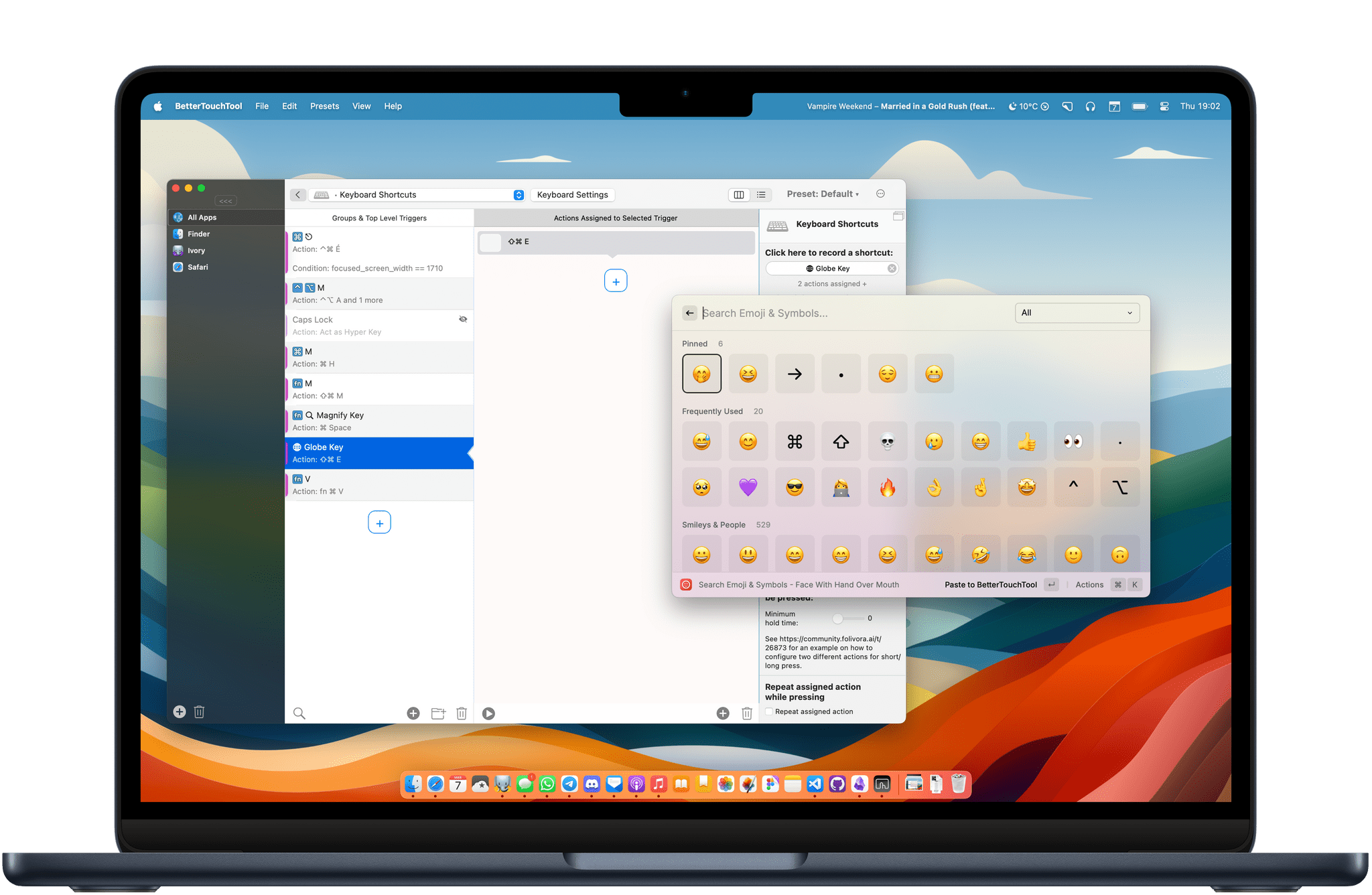
Raycast is one of my favorite Mac utilities of all time. When I recommend Raycast to someone, I usually like to say that it’s a Swiss Army knife for your Mac. It is an app launcher, a shortcut launcher, a clipboard manager, an emoji picker, and more, all in one single app.
I am also a huge fan of BetterTouchTool on my Mac to fill those interaction gaps that I feel are missing in macOS. I previously wrote on MacStories about how I use BetterTouchTool to manage my windows with the Magic Trackpad and keyboard shortcuts.
Lately, I’ve been exploring the idea of using Raycast and BetterTouchTool together. I found that I can combine the two to create some really simple keyboard shortcuts that would otherwise be impossible to make because they leverage Apple’s special keys on the Magic Keyboard.
I have selected three of these simple keyboard shortcuts to share with you today. Let’s check them out.
Using Shortcuts to Display the Temperature from My Outdoor Sensor in the Menu Bar
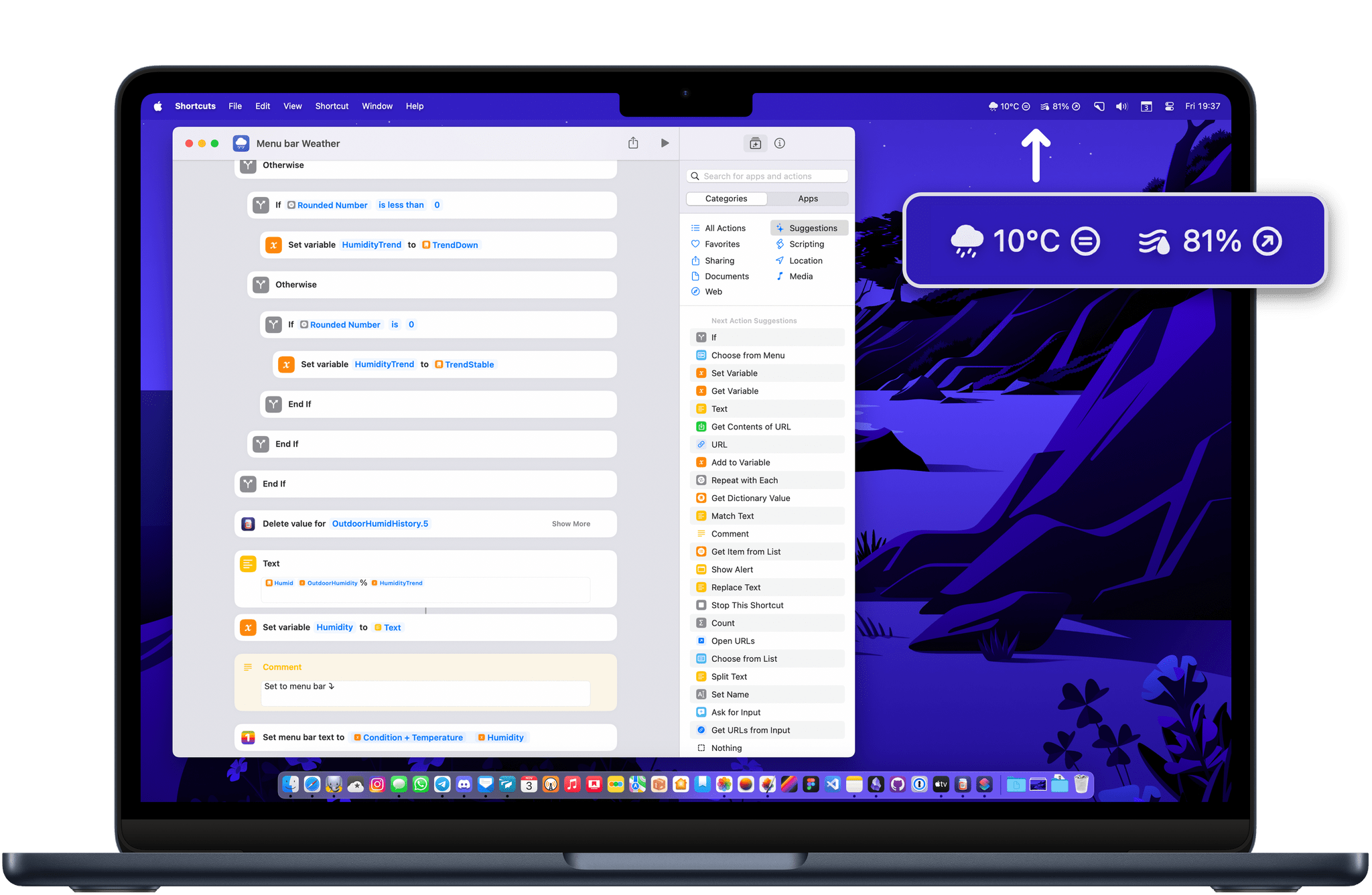
I have always enjoyed having the current temperature in the menu bar on my Mac. Even though macOS Sonoma now supports adding a Weather widget of your choice directly to the desktop, I still prefer how a menu bar item is always glanceable and visible regardless of how crowded the desktop is.
For the past few months, I have tried many weather apps to achieve this, including the great Mercury Weather. While most of them worked great, I wanted to take advantage of the fact that we now own an outdoor HomeKit sensor — the Eve Weather — and display the data coming directly from that weather station in the menu bar. I ended up with a neat little solution, using a combination of Shortcuts, SF Symbols, and a couple of useful utilities.
Three Ways to Use BetterTouchTool to Enhance Window Management with a Trackpad
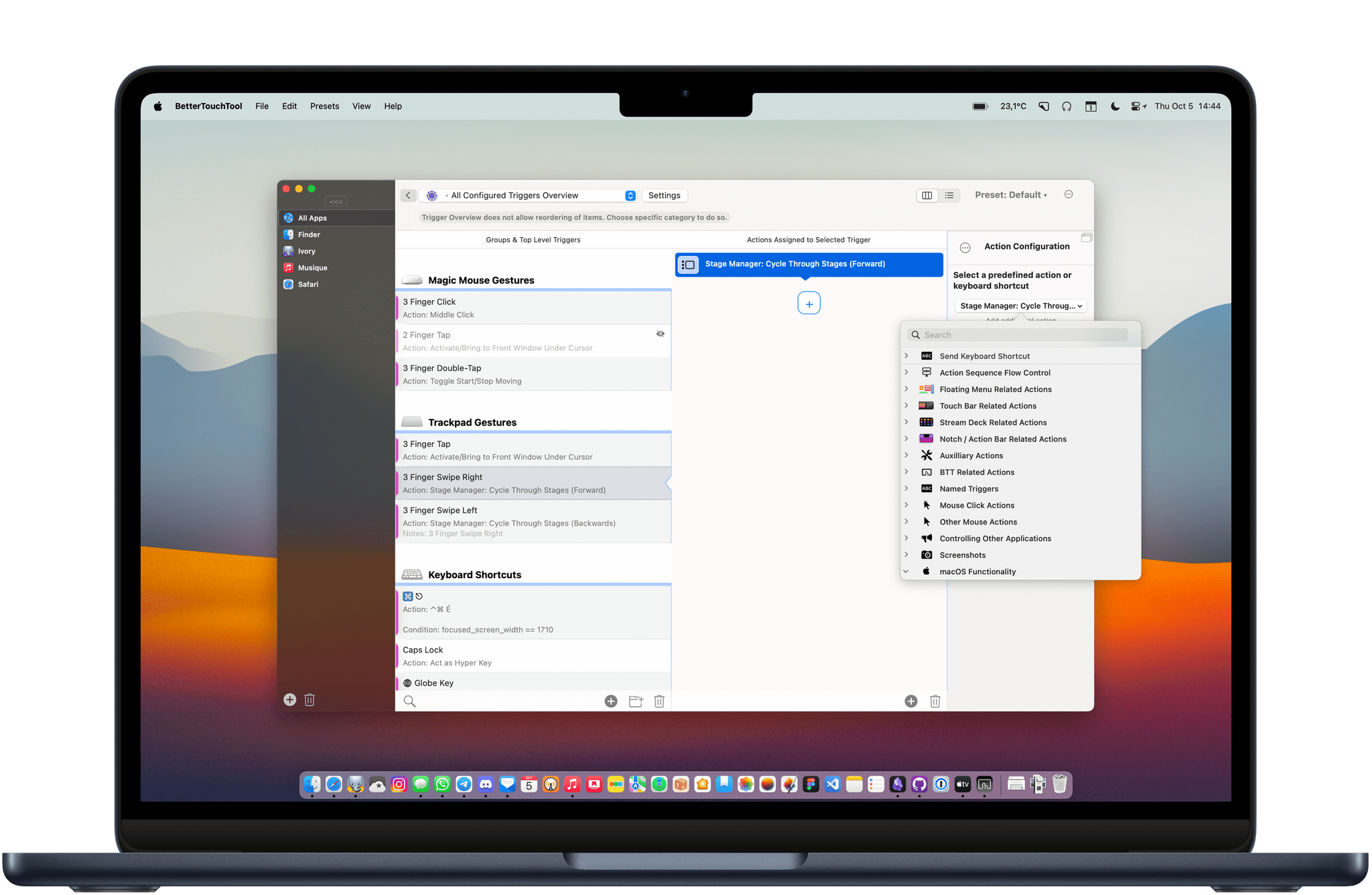
BetterTouchTool is an essential tool that can help anyone streamline their workflows, but I think it really shines when it helps me solve some of my everyday frustrations.
I mainly use a Magic Trackpad at my desk. It’s a great way to navigate a Mac: smooth scrolling, great haptic feedback, and gestures for multitasking with Mission Control. However, Apple has not gone far enough to make the trackpad as useful and easy to use as it could be when it comes to managing windows. So, to fix three tiny window management annoyances, I use BetterTouchTool.
Customizing App Icons on a Mac in 2023
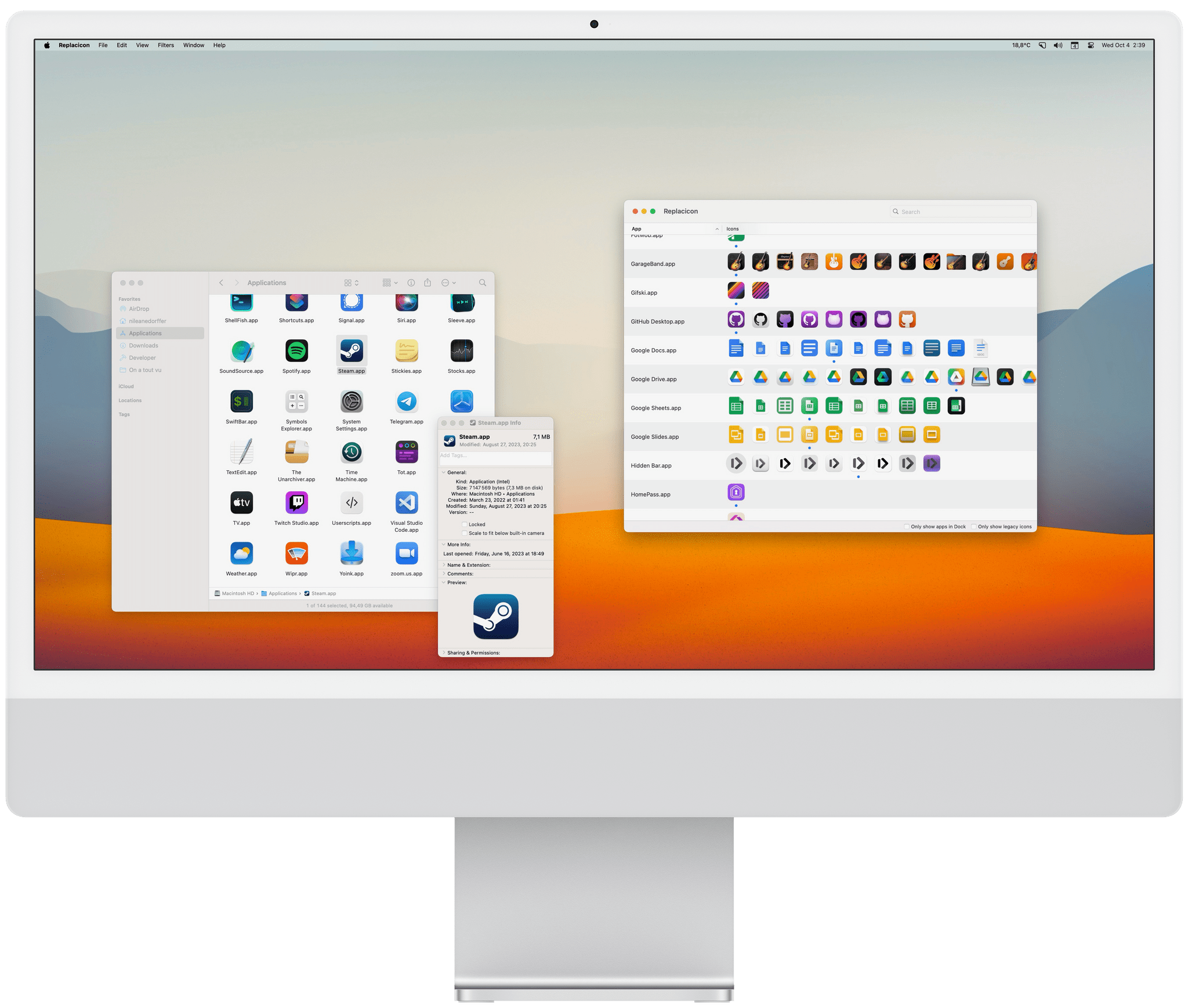
The age of wildly personalizing the look of macOS might be over, but customizing app icons is still fun, and the phenomenon is more popular than ever since the advent of Home Screen widgets and custom Shortcuts launchers that have allowed millions to personalize the look of their iPhones.
Just like on iOS, I believe there is still room for custom icons on the Mac. Whether you’re looking to completely change the look of your Dock or simply tweak a couple of app icons, here’s how you can do it.
What to Do When the Mac App Store App Just Spins and Spins
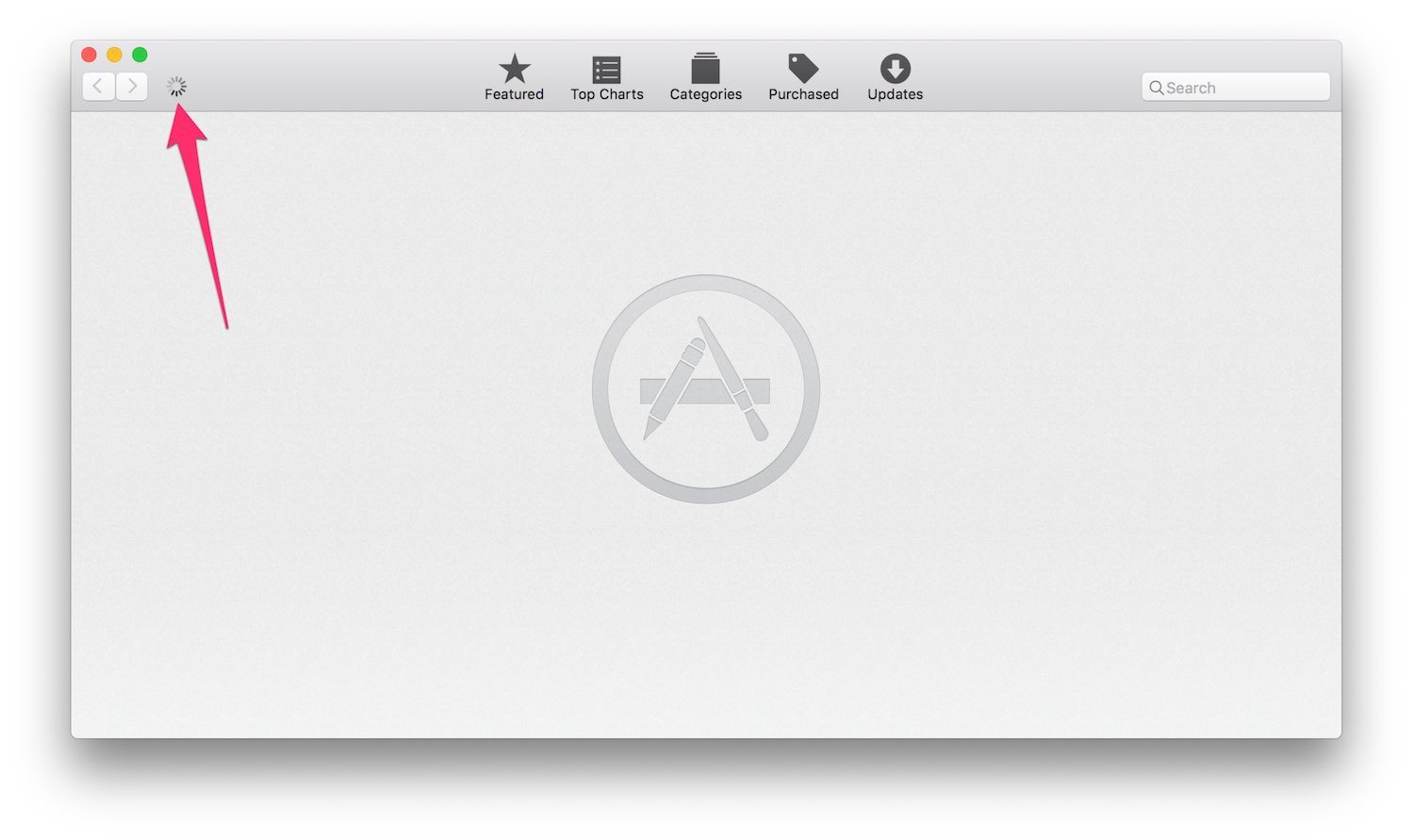
Recently I found myself in a bind: the Mac App Store app on my Retina MacBook would launch, but would not show me anything except a little spinning circle near the top-left corner. I left it like that overnight and when I came back the next morning it was still spinning. Fixing it was tricky, even for an experienced Mac user like myself, so I thought I’d share what worked for me in case you ever find yourself in that situation.