This Week's Sponsor:

Copilot Money

Copilot Money, The Best Money Tracker, Launches on the Web – Limited-Time: Get 26% Off + 2 Months Free


Posts in reviews

Why Skitch Has Captured My Heart

Skitch is awesome. I love it, and if it were a girl, I would want to take it out to dinner, impress it with fine wine choice and witty banter, and then encourage it to love me forever, and have my babies. I think if you get to know it, you’ll love it too, although maybe more platonically.

Read more


Mouseposé 3, An Awesome Compliment to Screencasts

I like applications that make my life easier. Anything that helps me avoid post production for example is usually something I’ll fall in love with if I can apply it to my work. If you noticed in the last screencast, I was able to better display screen shortcuts sans what Screenflow offered me. While Screenflow is certainly an excellent tool, its specific text tools were not geared towards my application. Instead, I was using something called Mouseposé, which is a must have if you ever do screencasts. Many of you probably already know about it, or even have it. I just came across this wonderful tool, and would like to share my walkthrough with all the other new screencasters out there.

Read more


Extract: Grabs Flash Videos and Plays Them In a Dedicated Window

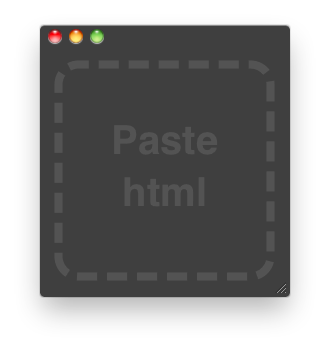
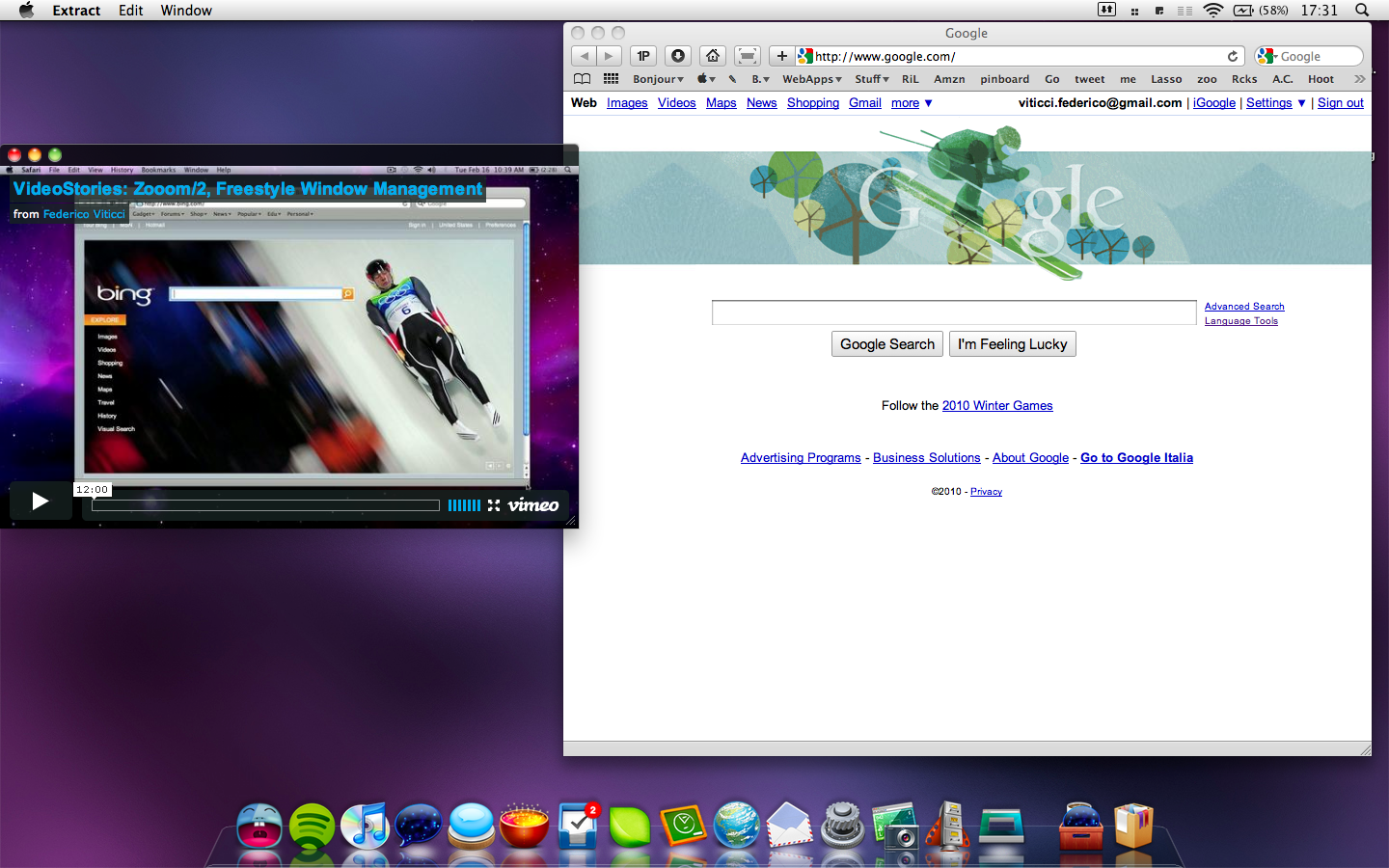
This is neat. Extract from Zach Waugh is a new Mac app that can load html code in a dedicated, almost chromeless, window and it’s ideally meant for loading flash videos into a standalone window on your Mac. You just have to launch the app, copy the embed code from either Youtube or Vimeo and paste it into Extract; the app will then load the lash instance and display it into a minimal, translucent black chrome.

Extract Mac

Extract Mac

I find this app very useful as it lets you watch a video without having to open another Safari window or switching between tabs in the browser. Also, you can activate the “Keep on Top” function that will make the app stand in the foreground even when another application is selected: this means you can drag Safari around and the transparent border of Extract will just overlay it.

Extract Mac

Extract Mac

Now the developer just need to add an “automatically resize” feature and this will be my favorite utility since ClickToFlash.

Extract Mac

Extract Mac

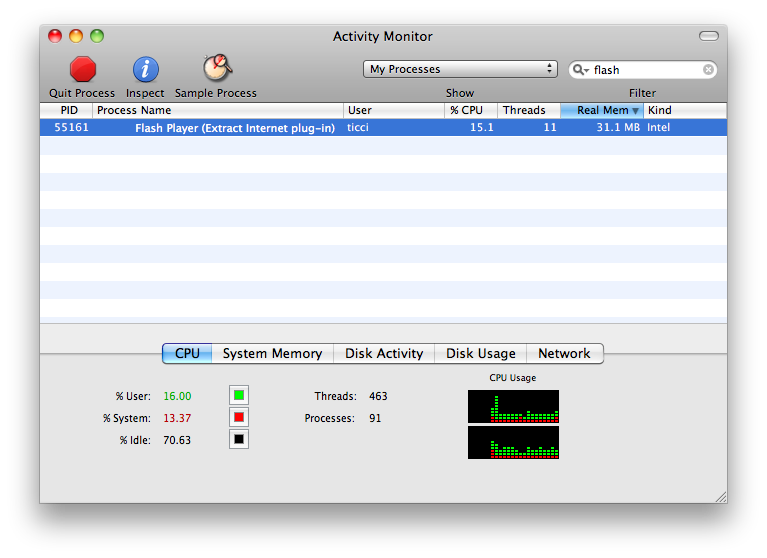
Sure, you can open a new Safari window, resize it and play the video in that window. Problem is, Flash would still be able to kill the browser (Leopard only. Snow Leopard has a separate process for Flash) and, overall, you can’t compare it to the easy to use of Extract.

Good job, Zach.


HipChat, Business Communication’s Must Have

Business communication is incredibly important whether you’re working with clients or you’re discussing the latest coffee spill from your board meeting. While some may rely on e-mail to keep up to tabs, let’s not forget that this is a relatively archaic way of chatting.

The folks over at HipChat have presented to us a wonderful new chat application built on Adobe Air that is designed for teams, groups, business, collaborators, and people who want to have a focused medium for tracking and recording their conversations. While the words “Adobe Air” might scare you, we wouldn’t be reviewing this if it wasn’t seriously cool, and as it takes two people to chat, I present to you today another DoubleStory feature.

Read more


ThermoCLine: HUD Command Line for Mac OS X

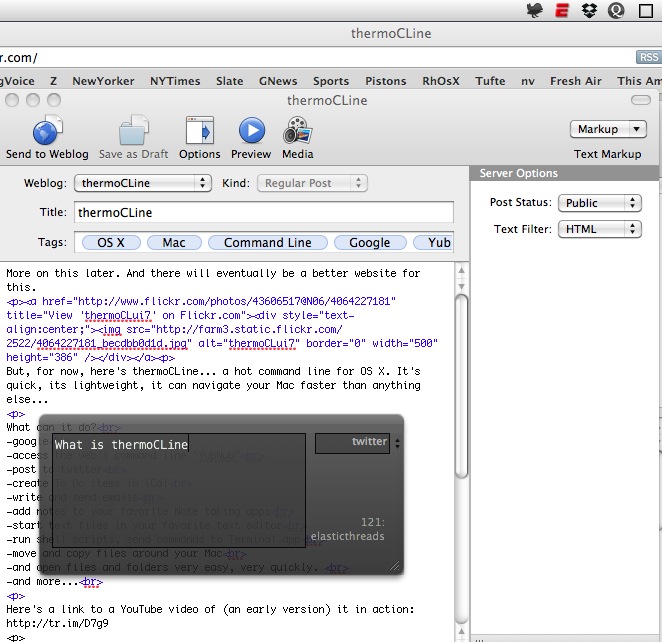
ThermoCLine is an interesting utility developed by my friend @elasticthread which allows you to perform a lot of action from a command line interface anywhere on your Mac. You can go to folders, start Google searches, do some math, shorten URLs and even tweet.

It requires a little bit of setup (you have to copy some files, assign a keyboard shortcut with Fastscripts to the required Applescript) but after that, it’s pure awesomeness. The .zip files comes with a huge explanation of how the app works and with a list of commands as well, so you won’t miss anything TCL offers.

ThermoCLine

ThermoCLine

You can download the app here. Don’t forget to follow @elasticthreads on Twitter and give him some suggestions for new features.


Zooom/2, Freestyle Window Management [VideoStories]

MacStories has covered a few window management apps, including Cinch, MercuryMover, and SizeUp. Today, we’re going to bring you yet another window manager, this time for those who can’t keep their hands off their clickers.

Zooom/2, despite its name, is a handy window manager that makes moving and resizing windows just a tad easier. It isn’t revolutionary, but it’s definitely worth taking a look at.

Instead of grabbing the corner of a window, you are given the option to move, resize, and maximize/minimize by holding a couple of modifier keys from anywhere in your target window. The demo is a little confusing though, since the default settings conflict with the instructions (just something to be aware of), and you’ll want to enable “Require mouse click to activate” to follow along. Other than this minor caveat, learning the app only takes 30 seconds to learn - and you’ll be happy you went through the demo.

Otherwise, I think this is a pretty cool app, but it’s a bit buggy. Magnetics didn’t always work like I wanted them too, so I left it off. The ignore list initially confused me, because I thought checking an item disabled that particular feature, rather than enabling it. Overall I think it’s pretty solid, it’s 64-bit compatible for Snow Leopard, and it features what the developer describes as “clean code” (although I thought hiding the dock icon required some kind of hack). Anyway, check out the video for a quick demonstration on it’s feature. Trust me, this one is short!


Hobiconer: Create, Import and Export Icons

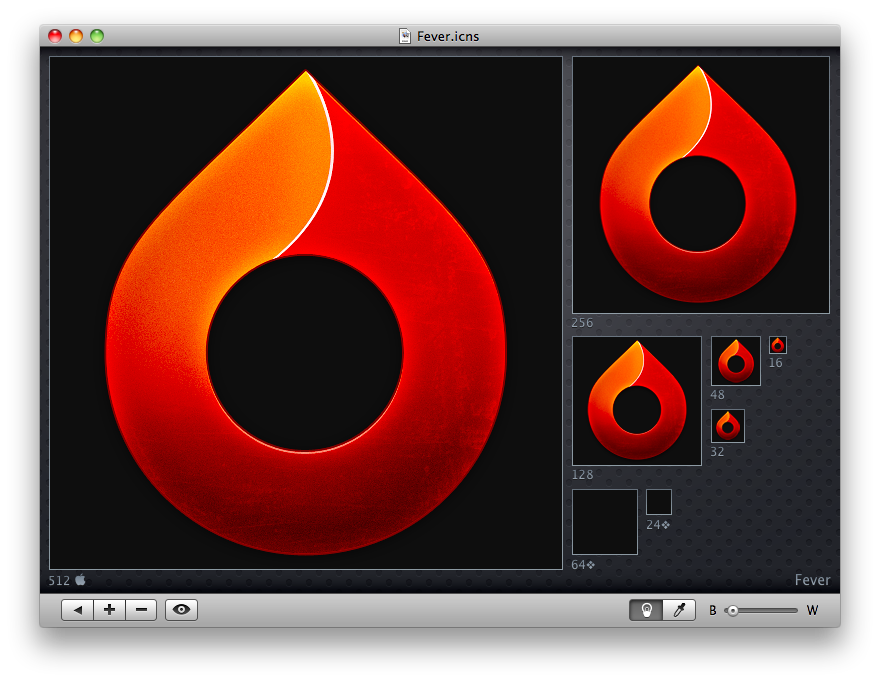
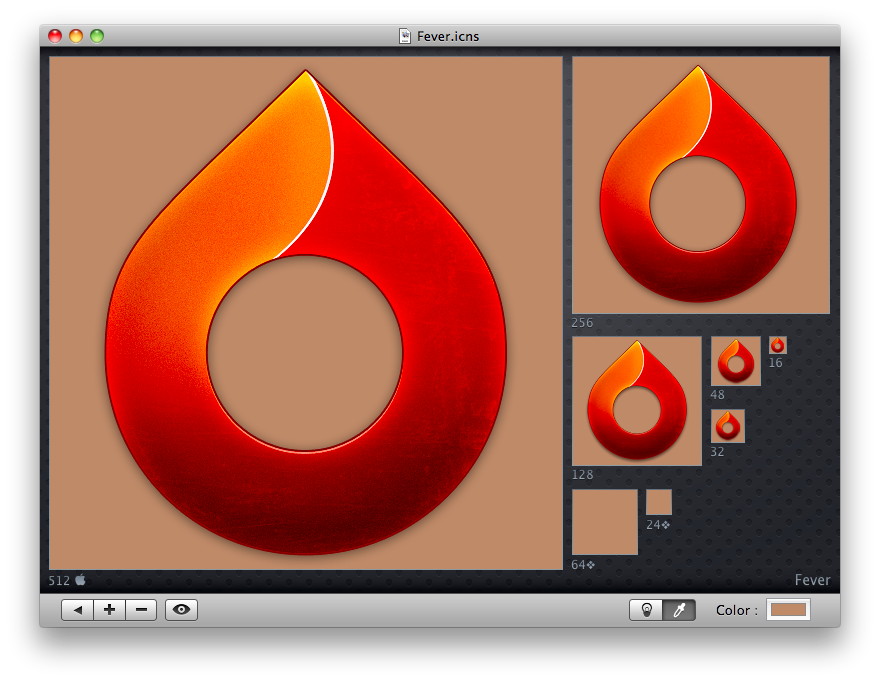
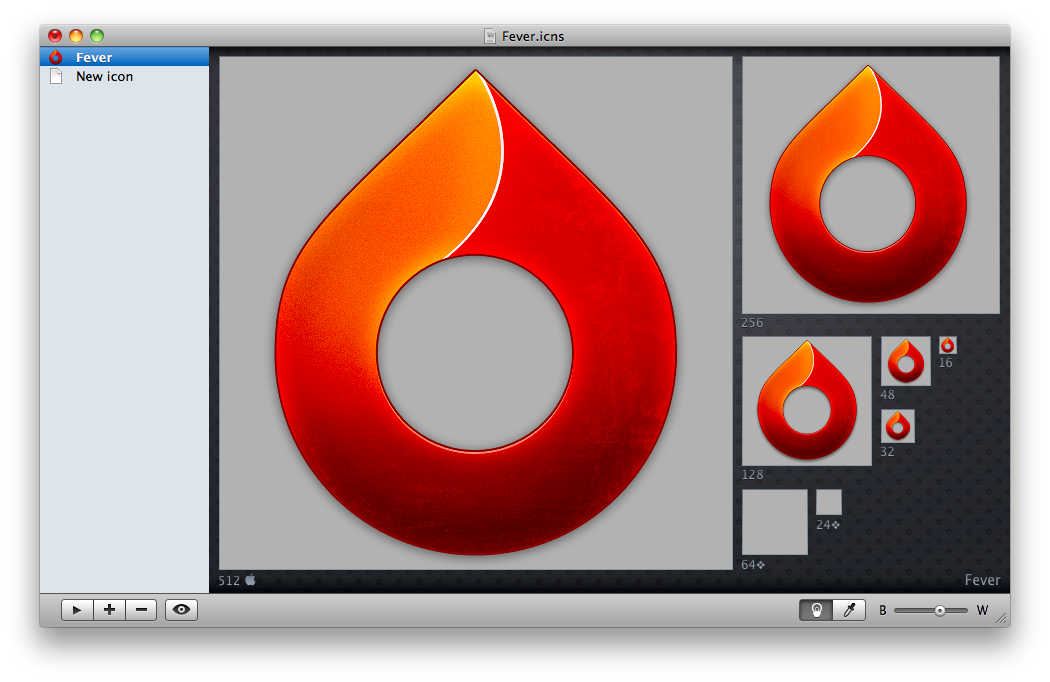
What a nice application I’ve just found on MacThemes forums. It’s called Hobiconer and it’s a free app by Jérémy Marchand that lets you create, import and export icon in many formats: .icns (Apple icon format), .ico (Microsoft icon), .png and .tiff.

As you can see from the screenshots, you can import an icon and see it at every available resolution, change the background color from black to white with a slider (or even choose another color with the system wide picker), hit the eye button to see the icon “live” in the dock, open more than a “project” in the sidebar.

Hobiconer

Hobiconer

Hobiconer

Hobiconer

Hobiconer

Hobiconer

There are a lot of advanced tools that let you export icon image files, but this one is just a simple solution for people who need a quick conversion / preview. The app it’s free, it does well what it’s meant for, you should give it a try.

[Fever icon by Matthew Rex Downham. Go download it here.]


Bowtie: The Customizable Music Controller. For Mac and iPhone.

How do you control your music?

I don’t know how many times I’ve been asked this question since I started blogging on MacStories. I still haven’t found a good way to control my music, besides the good & old “go to the player of choice and press play”. Yes, I’ve never been able to stick with a dedicated desktop controller for iTunes or Spotify, as I kept switching back and forth between new apps (Tracks), popular alternatives (Coversustra) and even mobile applications (Remote). As I mentioned many times before, I found a good compromise in Ecoute, which is a neat app that enables you to play your music library without launching iTunes and it even displays a nice controller on the desktop.

There was this other app, anyway, that many people were using and enjoying: Bowtie. Bowtie has been sitting on the much popular beta stage for months, but has been finally released as a 1.0 version - both on the Mac and iPhone. Was the wait really worth it?

Read more


ShrinkIt: A Little and Useful New App from Panic

Link

“Is your application larger than necessary because of needless data stored in image resources? What is making your PDFs four times the size they ought to be?

ShrinkIt is a simple, small Panic internal tool that will automate the process of stripping needless metadata from PDFs by re-saving them using Apple’s PDF processor. Just drop a bunch of files (not folders) onto it — such as the contents of your app’s Resources folder — It’ll find the PDFs and do its magic on them. The original files will be renamed with the prefix “_org_” for safety, but you’ll likely want to delete those. That’s it!”

An app meant for developers, but I’m curious to see how much space I can free from my /Applications folders.