Posts in news

Podcast Rewind: The M5 iPad Pro, AYN Thor First Impressions, and an Interview with Brendon Bigley

Enjoy the latest episodes from MacStories’ family of podcasts:

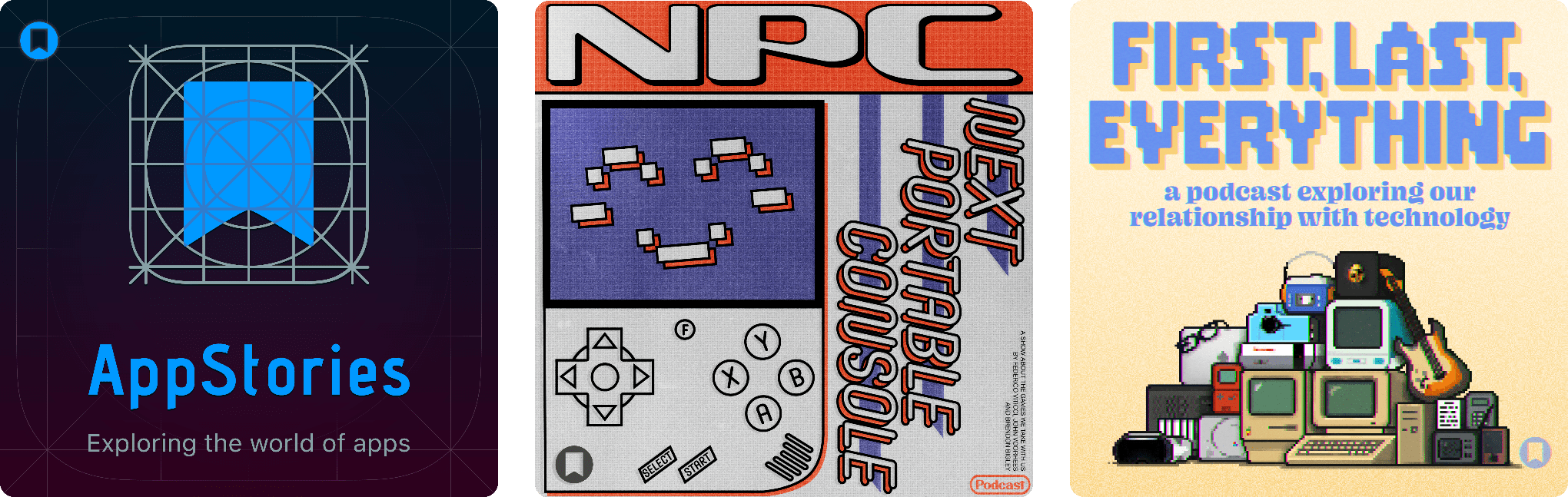
AppStories

This week, Federico and John consider whether Apple made the case for running local LLMs and gaming on the M5 iPad Pro and discusss who should consider buying it.

On AppStories+, we explain how Claude Skills work and why they are one of Anthropic’s most exciting features in a while.


NPC: Next Portable Console

This week, a Retroid tease, the Miyoo Mini Flip goes on sale, and John is the first of the gang to get the Ayn Thor.

This week on NPC XL, the crew shares their experiences using GameHub.


First, Last, Everything

This episode’s guest, Brendon Bigley, is, in his words, extremely online. He helped build the podcasting platform Anchor, which was acquired by Spotify in 2019, and he worked for Marvel, overseeing its presence on YouTube and other platforms. But what most people know him for is his opinions and passion for gaming and tech in general. He co-hosts the gaming podcasts Into the Aether and NPC, and he blogs and publishes videos under the Wavelengths banner.

Read more

Access Extra Content and Perks

Founded in 2015, Club MacStories has delivered exclusive content every week for nearly a decade.

What started with weekly and monthly email newsletters has blossomed into a family of memberships designed for every MacStories fan.

Learn more here and from our Club FAQs.

Club MacStories: Weekly and monthly newsletters via email and the web that are brimming with apps, tips, automation workflows, longform writing, early access to the MacStories Unwind podcast, periodic giveaways, and more;

Club MacStories+: Everything that Club MacStories offers, plus an active Discord community, advanced search and custom RSS features for exploring the Club’s entire back catalog, bonus columns, and dozens of app discounts;

Club Premier: All of the above and AppStories+, an extended version of our flagship podcast that’s delivered early, ad-free, and in high-bitrate audio.

Learn more here and from our Club FAQs.


Podcast Rewind: Phone Reviews and Daily Notes

Enjoy the latest episodes from MacStories’ family of podcasts:

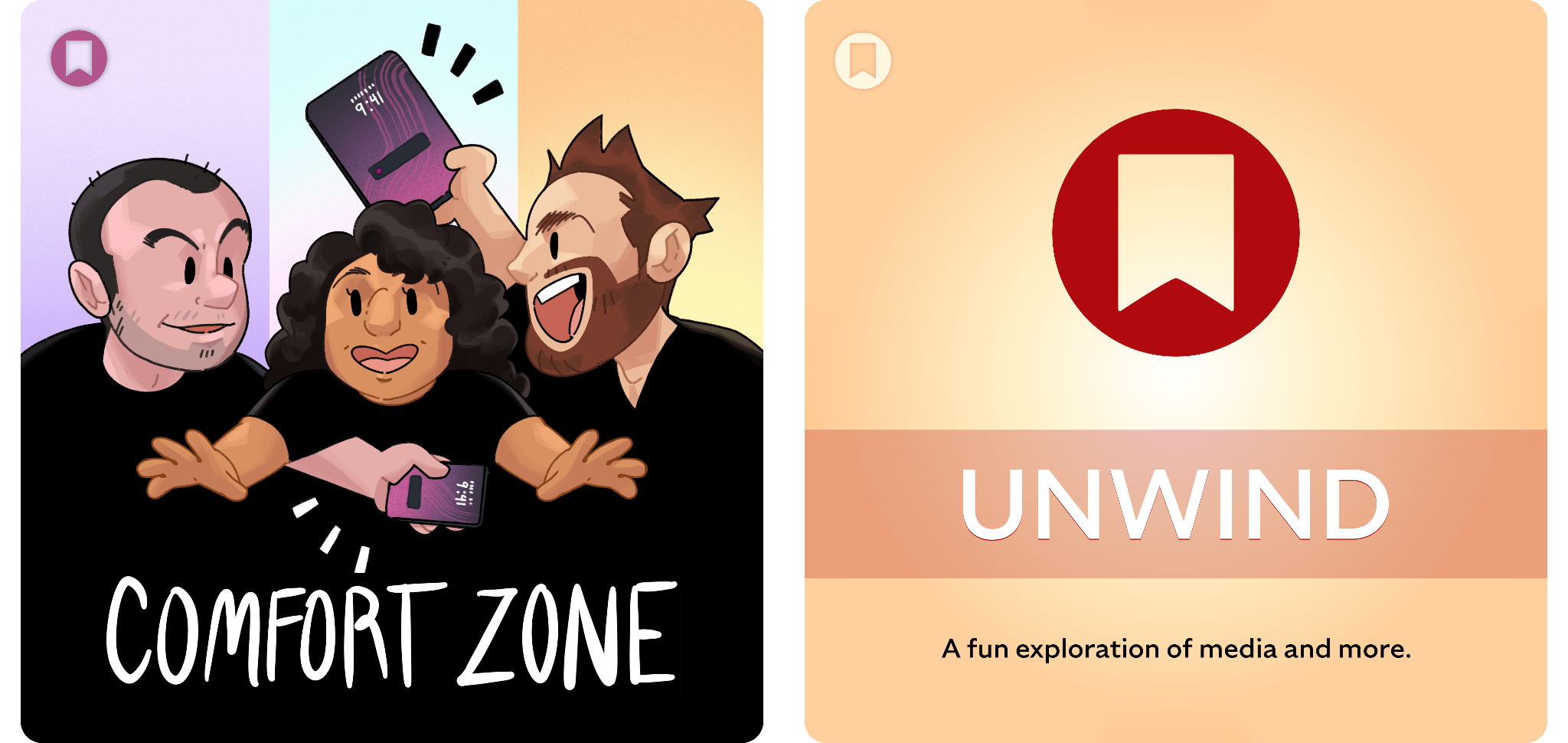
Comfort Zone

Matt reviews basically every phone of 2025, Chris has Apple silicon Christmas in October, and the whole gang gets creative on their phones.

In the Cozy Zone, the gang discusses everything in their travel bags.


MacStories Unwind

This week, John asks Federico to explain how he uses Daily Notes in Notion, after which they discuss the AI browsers and why they are so disappointing.

Read more

Access Extra Content and Perks

Founded in 2015, Club MacStories has delivered exclusive content every week for nearly a decade.

What started with weekly and monthly email newsletters has blossomed into a family of memberships designed for every MacStories fan.

Learn more here and from our Club FAQs.

Club MacStories: Weekly and monthly newsletters via email and the web that are brimming with apps, tips, automation workflows, longform writing, early access to the MacStories Unwind podcast, periodic giveaways, and more;

Club MacStories+: Everything that Club MacStories offers, plus an active Discord community, advanced search and custom RSS features for exploring the Club’s entire back catalog, bonus columns, and dozens of app discounts;

Club Premier: All of the above and AppStories+, an extended version of our flagship podcast that’s delivered early, ad-free, and in high-bitrate audio.

Learn more here and from our Club FAQs.


Sky Acquired by OpenAI

Source: OpenAI

Source: OpenAI

Sky, the AI automation app that Federico previewed for MacStories readers in May, has been acquired by OpenAI.

Nick Turley, OpenAI’s Vice President & Head of ChatGPT said of the deal in an OpenAI press release:

We’re building a future where ChatGPT doesn’t just respond to your prompts, it helps you get things done. Sky’s deep integration with the Mac accelerates our vision of bringing AI directly into the tools people use every day.

I’m not surprised by this development at all. OpenAI, Anthropic, and Perplexity have all been developing features similar to what Sky could do for a while now. In addition, Sam Altman was an investor in Software Applications Incorporated, the company behind Sky.

Ari Weinstein of Software Applications Incorporated, who was one of the co-founders of Workflow, which was later acquired by Apple and became Shortcuts, said of the acquisition:

We’ve always wanted computers to be more empowering, customizable, and intuitive. With LLMs, we can finally put the pieces together. That’s why we built Sky, an AI experience that floats over your desktop to help you think and create. We’re thrilled to join OpenAI to bring that vision to hundreds of millions of people.

It’s not entirely clear what will become of Sky at this point. OpenAI’s press release simply states that the company will be working on integrating Sky’s capabilities.

Access Extra Content and Perks

Founded in 2015, Club MacStories has delivered exclusive content every week for nearly a decade.

What started with weekly and monthly email newsletters has blossomed into a family of memberships designed for every MacStories fan.

Learn more here and from our Club FAQs.

Club MacStories: Weekly and monthly newsletters via email and the web that are brimming with apps, tips, automation workflows, longform writing, early access to the MacStories Unwind podcast, periodic giveaways, and more;

Club MacStories+: Everything that Club MacStories offers, plus an active Discord community, advanced search and custom RSS features for exploring the Club’s entire back catalog, bonus columns, and dozens of app discounts;

Club Premier: All of the above and AppStories+, an extended version of our flagship podcast that’s delivered early, ad-free, and in high-bitrate audio.

Learn more here and from our Club FAQs.


Claude Adds Screenshot and Voice Shortcuts to Its Mac App

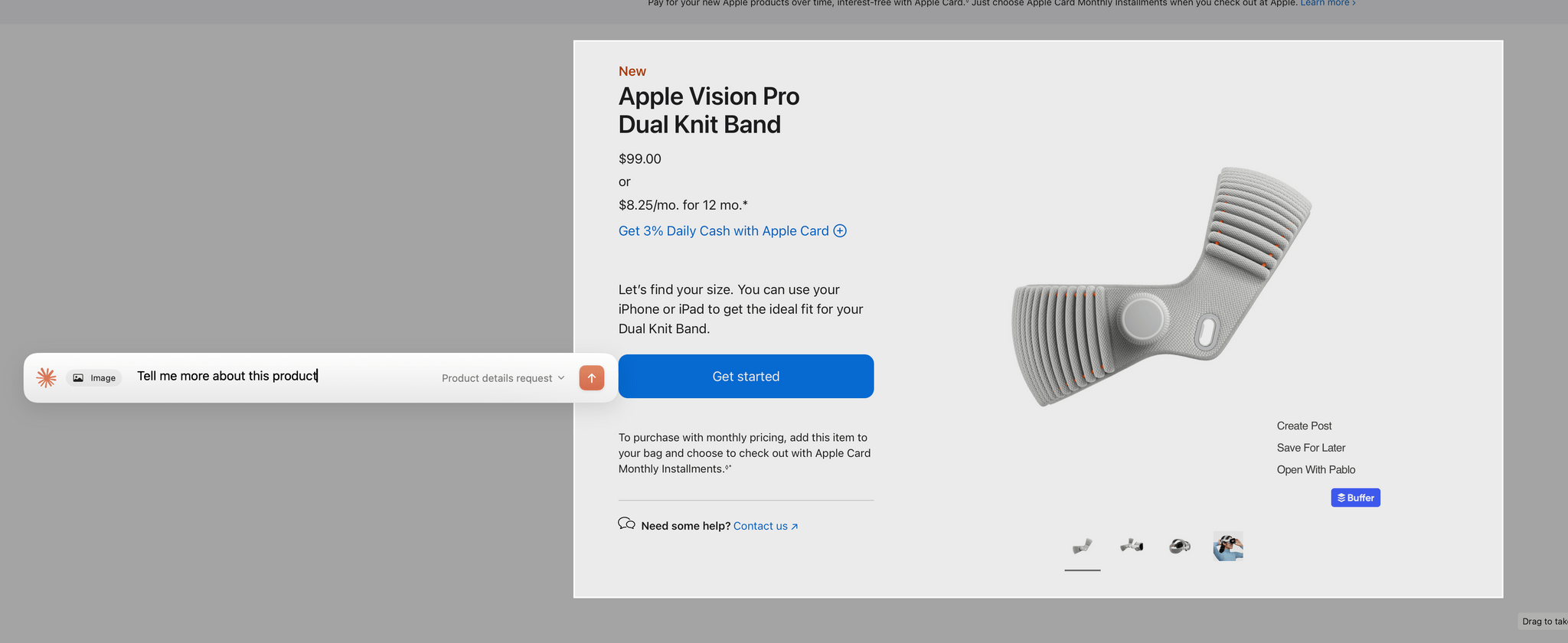
Claude's new in-context screenshot tool.

Claude’s new in-context screenshot tool.

Anthropic introduced a couple of new features in its Claude Mac app today that lower the friction of working with the chatbot.

First, after giving screenshot and accessibility permissions to Claude, you can double tap the Option button to activate the app’s chat field as an overlay at the bottom of your screen. The shortcut simultaneously triggers crosshairs for dragging out a rectangle on your Mac’s screen. Once you do, the app takes a screenshot and the chat field moves to the side of the area you selected with the screenshot attached. Type your query, and it and the screenshot are sent together to Claude, switching you to Claude and kicking off your request automatically.

Instead of double-tapping the Option key, you can also set the keyboard shortcut to Option + Space, or a custom key combination. That’s nice because not all automation systems support two modifier keys as a shortcut. For example, Logitech’s Creative Console cannot record a double tap of the Option button as a shortcut.

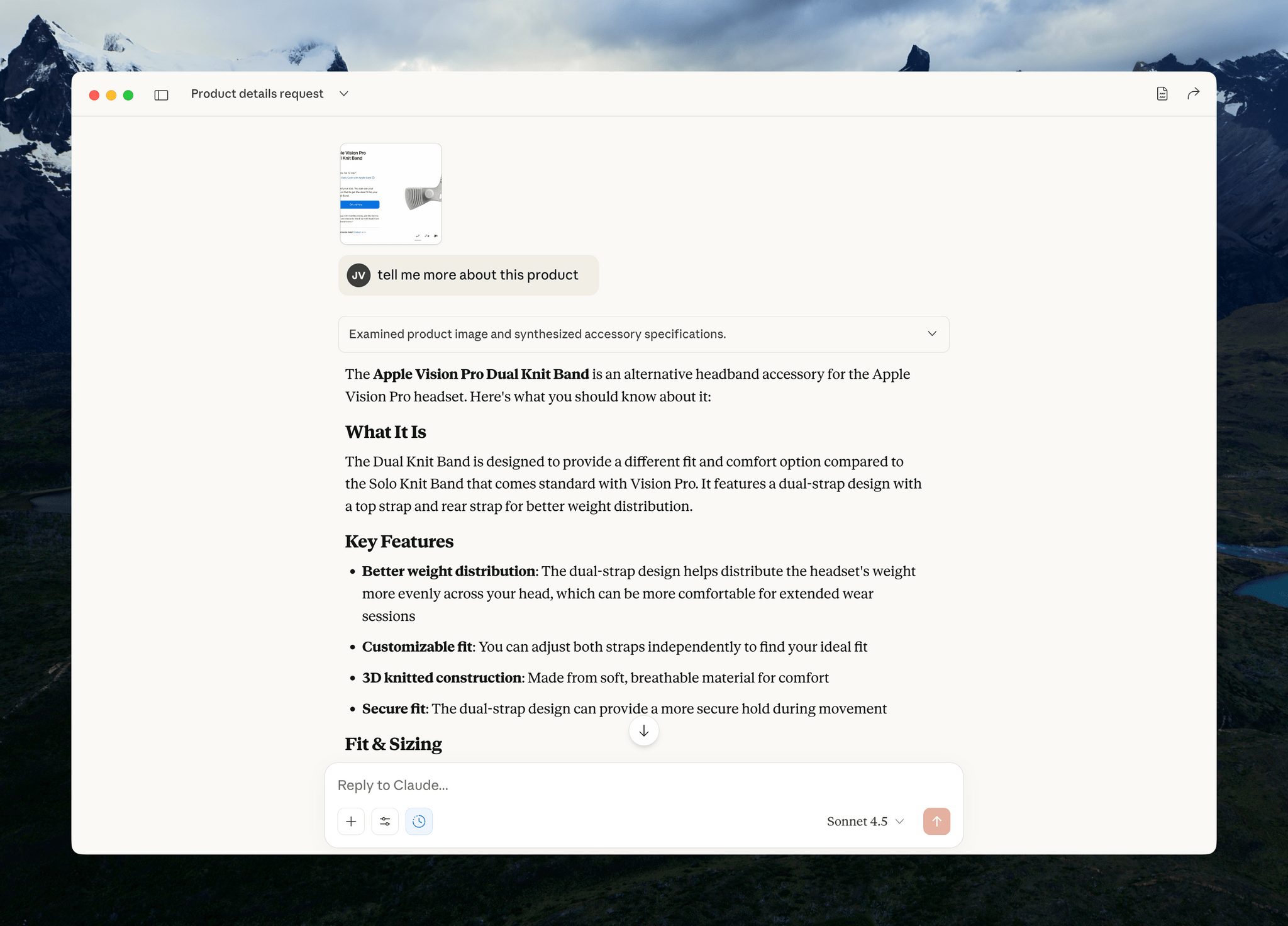
Sending your query and screenshot takes you back to the Claude app for your response.

Sending your query and screenshot takes you back to the Claude app for your response.

I send a lot of screenshots to Claude, especially when I’m debugging scripts. This new shortcut will greatly accelerate that process simply by switching me back to Claude for my answer. It’s a small thing, but I expect it will add up over time.

My only complaint is that the experience has been inconsistent across my Macs. On my M1 Max Mac Studio with 64GB of memory, it takes 3-5 seconds for Claude to attach the screenshot to its chat field whereas on the M4 Max MacBook Pro I’ve been testing, the process is almost instant. The MacBook Pro is a much faster Mac than my Mac Studio, but I was surprised at the difference since it occurs at the screenshot phase of the interaction. My guess is that another app or system process is interfering with Claude.

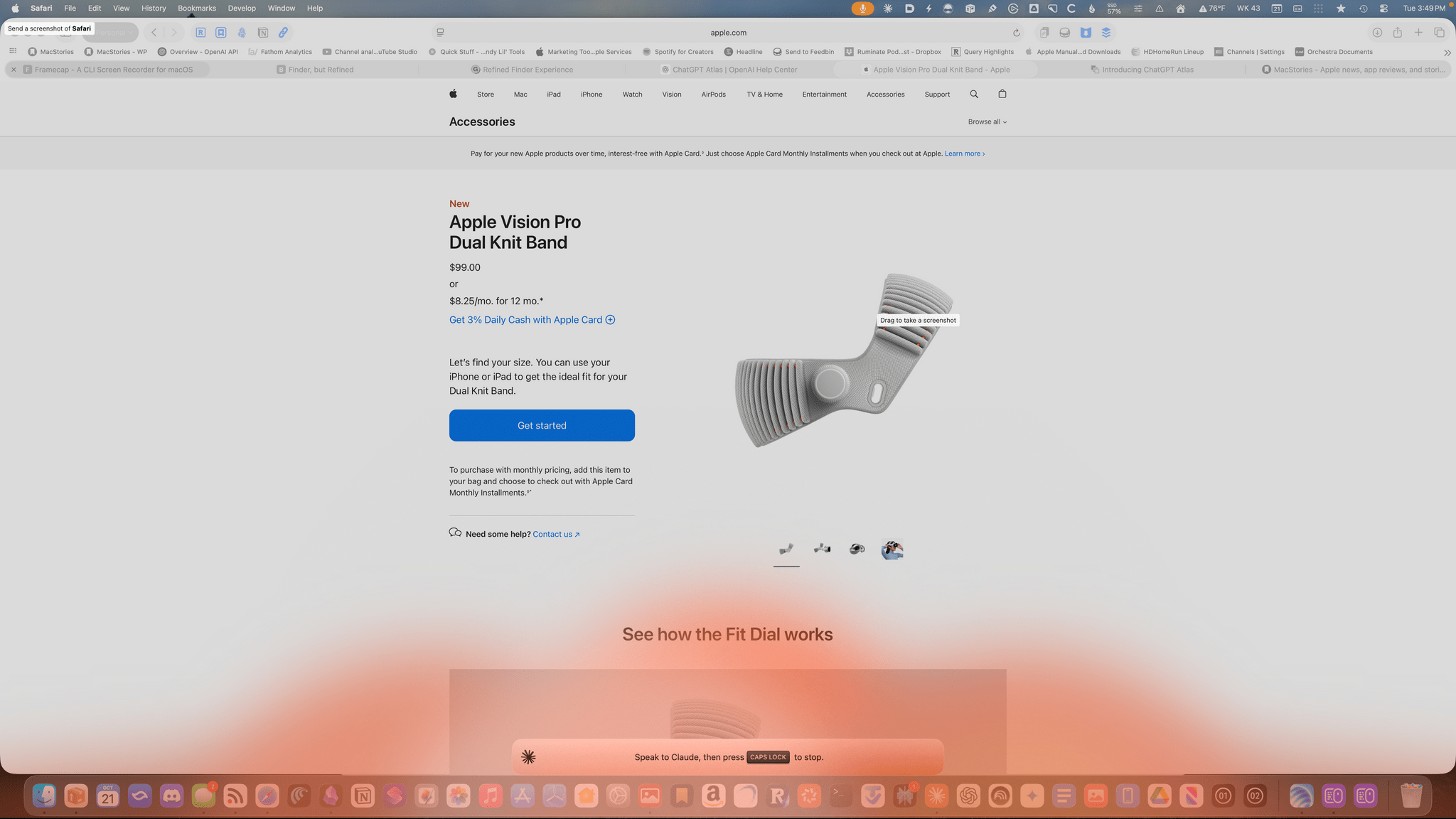
Am I talking to the Claude chatbot or lighting my Dock on fire.

Am I talking to the Claude chatbot or lighting my Dock on fire.

The other new feature of Claude is that you can set the Caps Lock button to trigger voice input. Once you trigger voice input, an orange cloud appears at the bottom of your screen indicating that your microphone is active. The visual is a little over-the-top, but the feature is handy. Tap the Caps Lock button again to finish the recording, which is then transcribed into a Claude chat field at the bottom of your screen. Just hit return to upload your query, and you’re switched back to the Claude app for a response.

One of the greatest strengths of modern AI chatbots is their multi-modality. What Anthropic has done with these new Claude features is made two of those modes – images and audio – a little bit easier, which gets you from input to a response a little faster, which I appreciate. I highly recommend giving both features a try.

Access Extra Content and Perks

Founded in 2015, Club MacStories has delivered exclusive content every week for nearly a decade.

What started with weekly and monthly email newsletters has blossomed into a family of memberships designed for every MacStories fan.

Learn more here and from our Club FAQs.

Club MacStories: Weekly and monthly newsletters via email and the web that are brimming with apps, tips, automation workflows, longform writing, early access to the MacStories Unwind podcast, periodic giveaways, and more;

Club MacStories+: Everything that Club MacStories offers, plus an active Discord community, advanced search and custom RSS features for exploring the Club’s entire back catalog, bonus columns, and dozens of app discounts;

Club Premier: All of the above and AppStories+, an extended version of our flagship podcast that’s delivered early, ad-free, and in high-bitrate audio.

Learn more here and from our Club FAQs.


Podcast Rewind: What’s Next for Apple Intelligence, Budget Android Handhelds, and an Interview with Joe Rosensteel

Enjoy the latest episodes from MacStories’ family of podcasts:

AppStories

This week, Federico and John discuss what might be next for Apple Intelligence and how it fits into the broader AI market.

On AppStories+, Federico and John cover the fallout from the Sora app and why AI can’t replace human creativity.

This episode is sponsored by:

  • Claude: Get 50% off Claude Pro, including access to Claude Code.

NPC: Next Portable Console

This week, Steam Deck, Switch 2, and Vision Pro accessory follow-up, Thunderbolt 5 eGPUs, Android handhelds break into the budget category, and the ROG Xbox Ally X is a bust.

On NPC XL, Apple’s M5 chip promise gaming advances on the iPad, but can it deliver?


First, Last, Everything

On this episode, we’re joined by Joe Rosensteel. Joe is a VFX artist who’s worked on big-name Hollywood productions as well as smaller commercial projects. He’s a writer on his own blog and for the Six Colors website, and he also has a podcast with Dan Sturm called Defocused.

Read more

Access Extra Content and Perks

Founded in 2015, Club MacStories has delivered exclusive content every week for nearly a decade.

What started with weekly and monthly email newsletters has blossomed into a family of memberships designed for every MacStories fan.

Learn more here and from our Club FAQs.

Club MacStories: Weekly and monthly newsletters via email and the web that are brimming with apps, tips, automation workflows, longform writing, early access to the MacStories Unwind podcast, periodic giveaways, and more;

Club MacStories+: Everything that Club MacStories offers, plus an active Discord community, advanced search and custom RSS features for exploring the Club’s entire back catalog, bonus columns, and dozens of app discounts;

Club Premier: All of the above and AppStories+, an extended version of our flagship podcast that’s delivered early, ad-free, and in high-bitrate audio.

Learn more here and from our Club FAQs.


Remess Visualizes Your Life in Texts

Text messages are a chronicle of our lives. But by the same token, those conversations remain locked away in Messages. The app’s search has improved with macOS Tahoe, which I appreciate, but finding past snippets of a chat log doesn’t allow you to understand the full arc of conversations across your entire family and friend group.

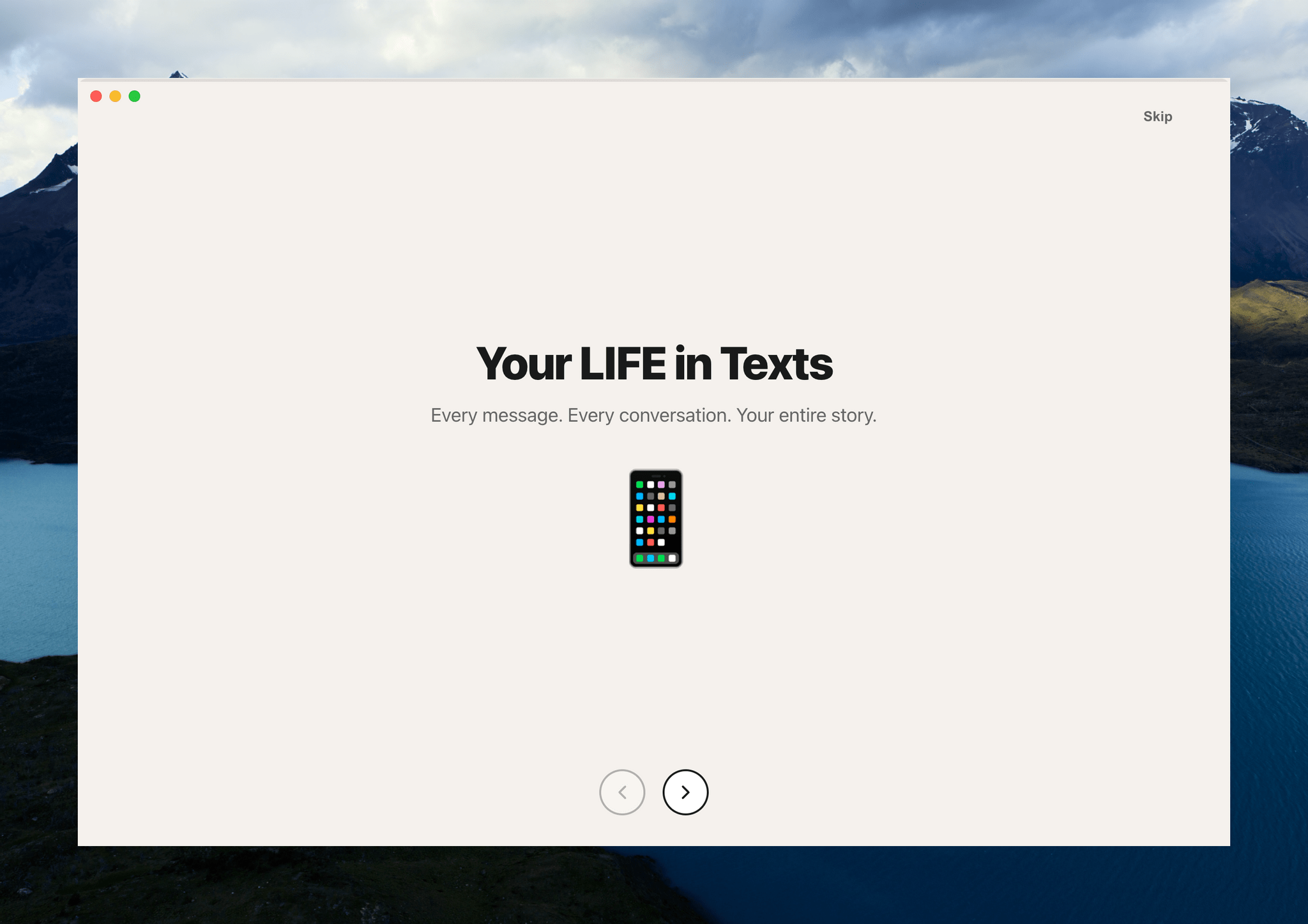
That’s where Remess by Fahmi Omer comes in. It’s a Mac app that accesses your Messages and Contacts databases locally to paint a picture of your life in text messages.

To run Remess, which is an open source project that you can inspect on GitHub, you need to run a Terminal command that bypasses Apple’s Gatekeeper protection and give it both full disk access and access to your contacts. The developer says the app only accesses your information locally, but there’s an element of trust there that’s worth considering before you take the plunge. That said, if you go for it like I did, Remess is a lot of fun.

Let’s take a look.

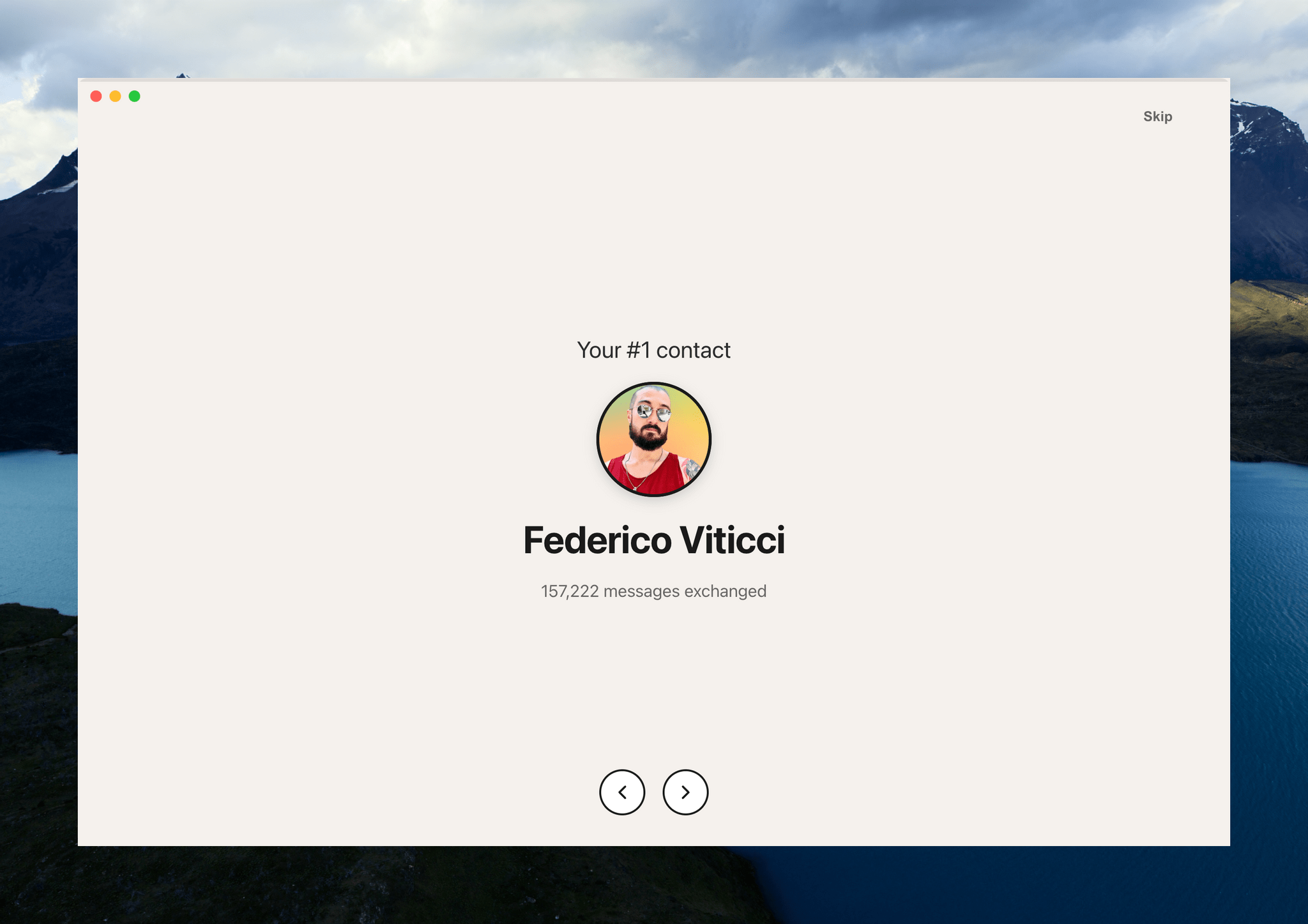
The app starts out very high level with the total number of messages sent and received:

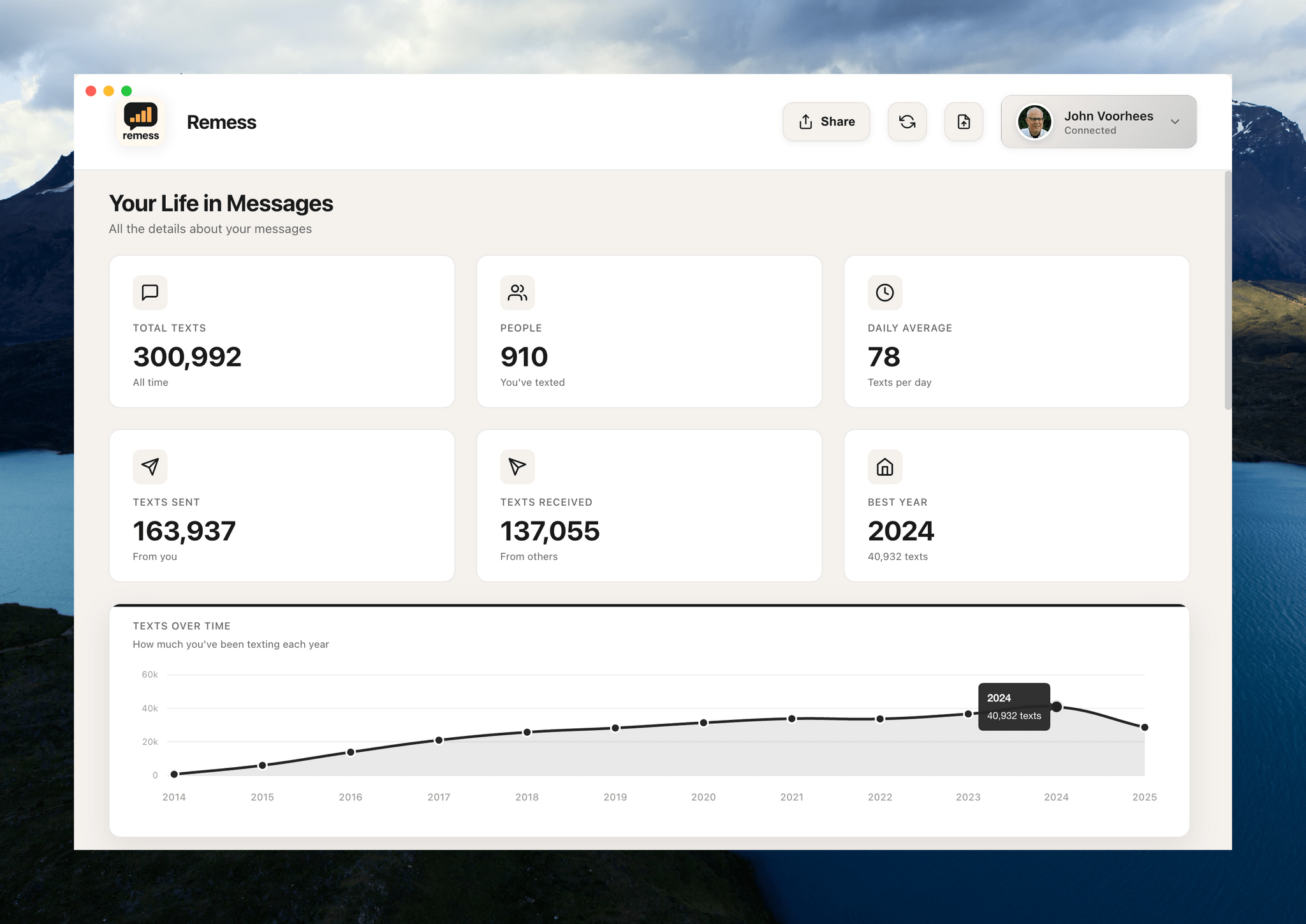
Then, it digs into the details. This is what writing at MacStories for nearly a decade looks like:

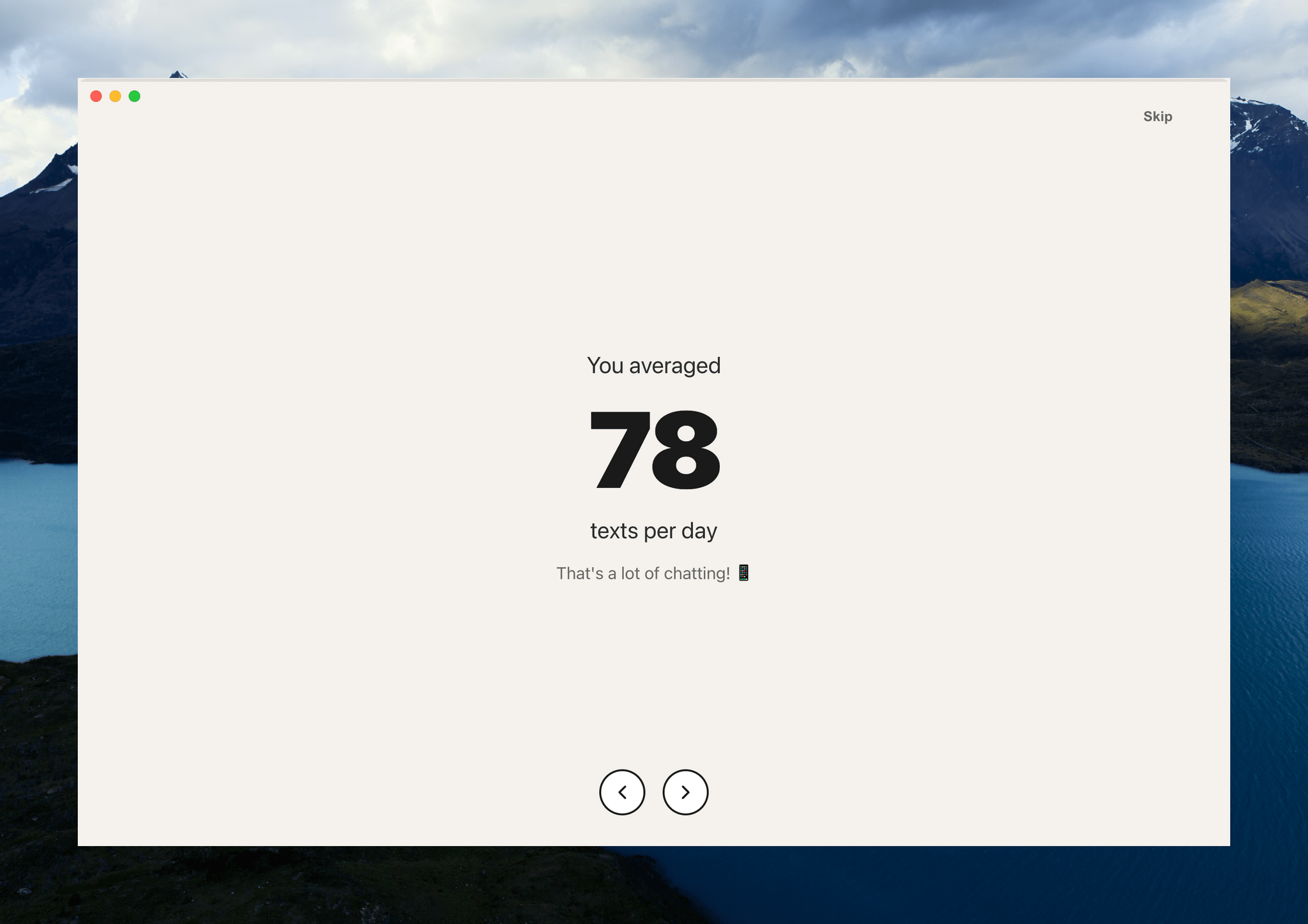
From all-time numbers, Remess digs into what a typical day of texting looks like for you:

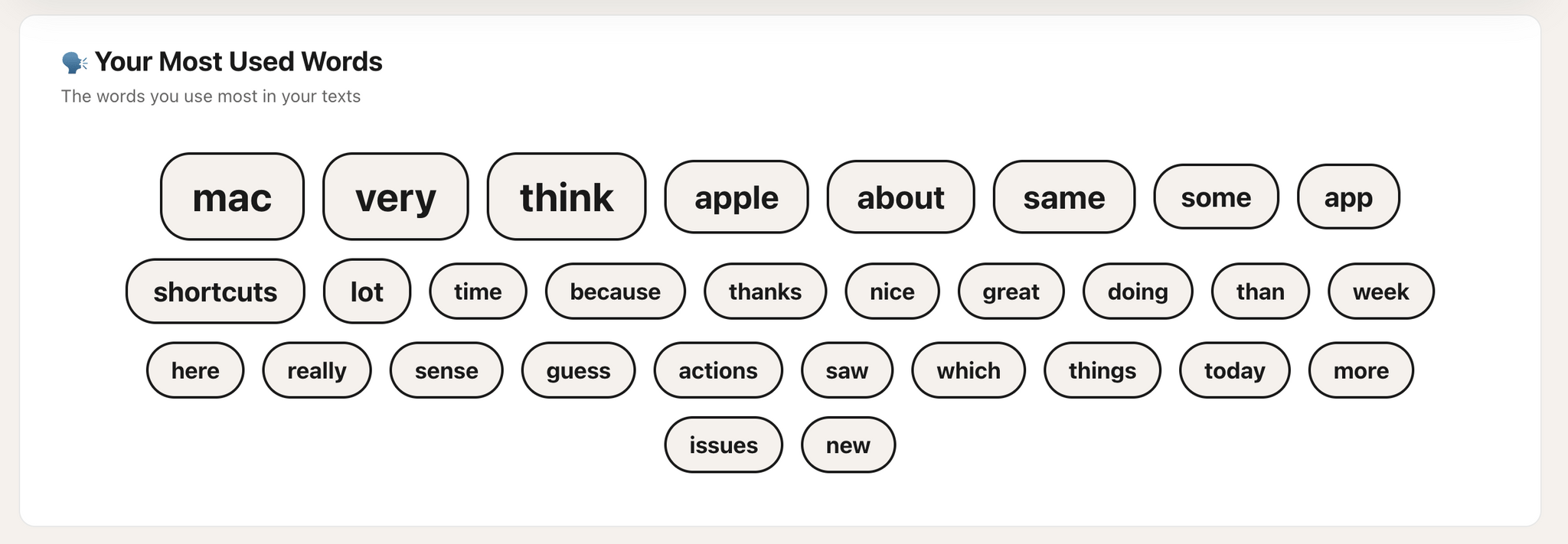
The app also calculates the year you sent the most messages and how many people you’ve exchanged texts. After this brief tour of your life in texts, Remess lands on a dashboard with additional data, a graph of your texting totals, a word cloud of most frequently-used words, and a ranking of your contacts and groups ranked by texting totals.

You can filter texting totals by year, too, which is an interesting way to spot patterns in your messaging habits.

The word cloud should probably filter out common words, but the rest is about what you'd expect from me: Mac, app, shortcuts.

The word cloud should probably filter out common words, but the rest is about what you’d expect from me: Mac, app, shortcuts.

I’m not sure I learned anything about my texting habits from Remess that I didn’t already have a sense of based on my day-to-day messaging. Still, it’s interesting and fun to see the magnitude of the number of texts and the way they’ve accumulated over time.

Remess is available as a free download directly from its developer.

Access Extra Content and Perks

Founded in 2015, Club MacStories has delivered exclusive content every week for nearly a decade.

What started with weekly and monthly email newsletters has blossomed into a family of memberships designed for every MacStories fan.

Learn more here and from our Club FAQs.

Club MacStories: Weekly and monthly newsletters via email and the web that are brimming with apps, tips, automation workflows, longform writing, early access to the MacStories Unwind podcast, periodic giveaways, and more;

Club MacStories+: Everything that Club MacStories offers, plus an active Discord community, advanced search and custom RSS features for exploring the Club’s entire back catalog, bonus columns, and dozens of app discounts;

Club Premier: All of the above and AppStories+, an extended version of our flagship podcast that’s delivered early, ad-free, and in high-bitrate audio.

Learn more here and from our Club FAQs.


Podcast Rewind: Bricking Your Phone and Robot Dreams

Enjoy the latest episodes from MacStories’ family of podcasts:

Comfort Zone

With Matt on Safari, Chris brings a brick, Niléane does an AMA, and the two have a listening party with some groovy tunes.

In the Cozy Zone, Matt and Chris quiz Niléane on U.S. geography.


MacStories Unwind

This week, weekend outings and the chores we wish robots could do for us, plus Federico shares an anti-pick, and John is hooked on a gritty crime drama.

Read more

Access Extra Content and Perks

Founded in 2015, Club MacStories has delivered exclusive content every week for nearly a decade.

What started with weekly and monthly email newsletters has blossomed into a family of memberships designed for every MacStories fan.

Learn more here and from our Club FAQs.

Club MacStories: Weekly and monthly newsletters via email and the web that are brimming with apps, tips, automation workflows, longform writing, early access to the MacStories Unwind podcast, periodic giveaways, and more;

Club MacStories+: Everything that Club MacStories offers, plus an active Discord community, advanced search and custom RSS features for exploring the Club’s entire back catalog, bonus columns, and dozens of app discounts;

Club Premier: All of the above and AppStories+, an extended version of our flagship podcast that’s delivered early, ad-free, and in high-bitrate audio.

Learn more here and from our Club FAQs.


Apple Strikes Broadcast Deal with F1

Apple announced today that it will be the exclusive U.S. broadcaster for Formula 1 racing. The five-year deal begins next year and will also include integrations with Apple News, Maps, Music, and Fitness+.

Eddy Cue, Apple’s senior vice president of Services, said of the deal:

We’re thrilled to expand our relationship with Formula 1 and offer Apple TV subscribers in the U.S. front-row access to one of the most exciting and fastest-growing sports on the planet. 2026 marks a transformative new era for Formula 1, from new teams to new regulations and cars with the best drivers in the world, and we look forward to delivering premium and innovative fan-first coverage to our customers in a way that only Apple can.

Apple says that its streaming subscribers will have access to all practice, qualifying, Sprint sessions, and Grands Prix and that certain races and practice sessions will be available for free in the TV app. Apple TV subscribers will also have exclusive access to F1 TV Premium, F1’s premium content service, at no extra cost. Apple says it will release more information about F1 product integrations in the coming months.

This deal has been rumored for a long time and makes a lot of sense for Apple, which has been working to add internationally popular sports to its lineup for some time. Along with MLS and select weekly baseball games, the company has a much more robust sports package than ever before, which should make Apple TV attractive to a broader audience.

Access Extra Content and Perks

Founded in 2015, Club MacStories has delivered exclusive content every week for nearly a decade.

What started with weekly and monthly email newsletters has blossomed into a family of memberships designed for every MacStories fan.

Learn more here and from our Club FAQs.

Club MacStories: Weekly and monthly newsletters via email and the web that are brimming with apps, tips, automation workflows, longform writing, early access to the MacStories Unwind podcast, periodic giveaways, and more;

Club MacStories+: Everything that Club MacStories offers, plus an active Discord community, advanced search and custom RSS features for exploring the Club’s entire back catalog, bonus columns, and dozens of app discounts;

Club Premier: All of the above and AppStories+, an extended version of our flagship podcast that’s delivered early, ad-free, and in high-bitrate audio.

Learn more here and from our Club FAQs.


Apple Announces New M5 iPad Pros

Source: Apple.

Source: Apple.

The MacBook Pro wasn’t the only Apple computer to receive an M5 update today. Both the 11” and 13” iPad Pros were updated with the company’s latest chip, too.

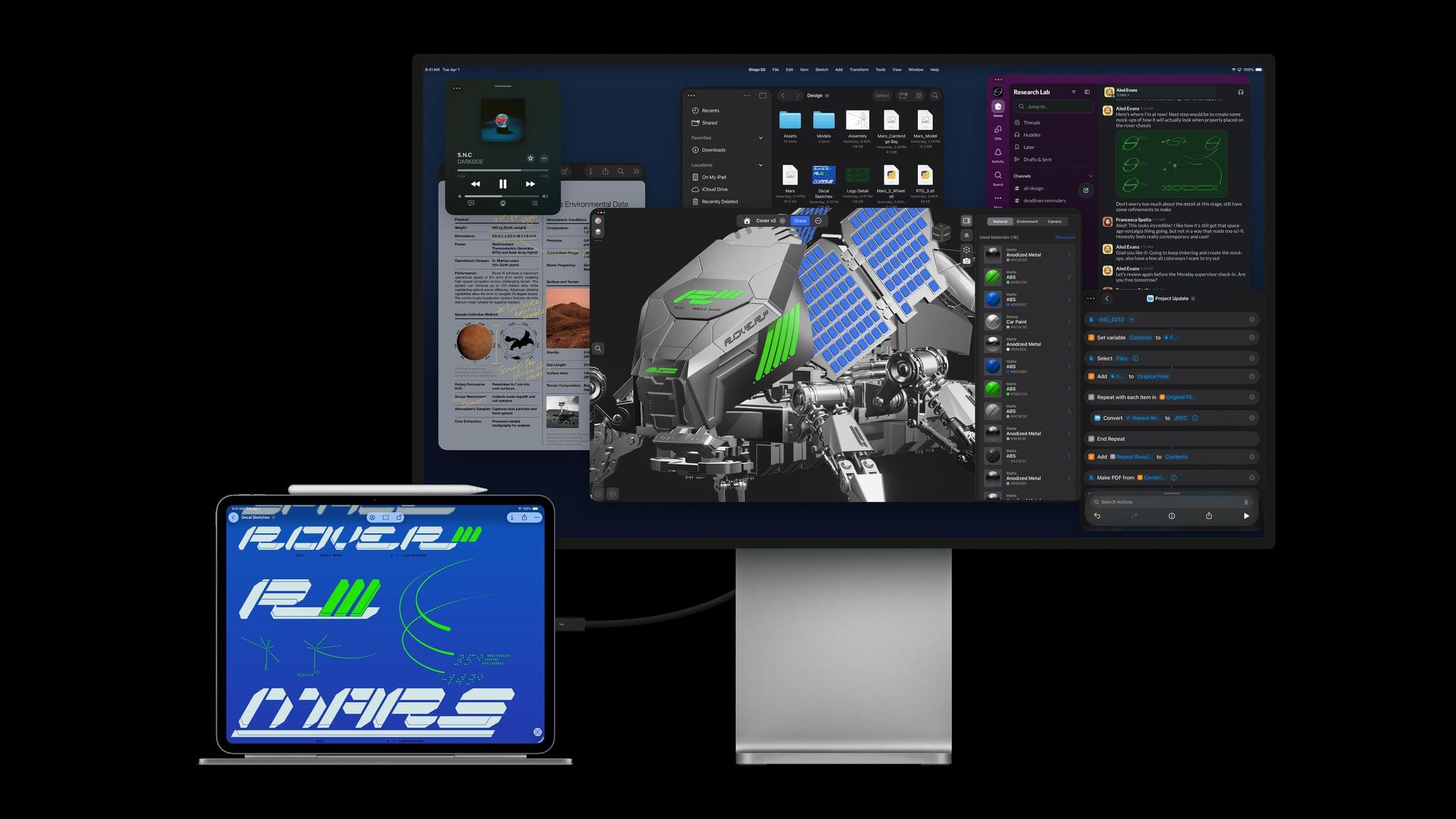
As you’d expect, the performance boosts to the iPad Pro line closely resemble the enhancements to the 14” MacBook Pro, with up to 3.5× performance gains on AI workflows compared to the M4 iPad Pro and 5.6× the performance of an M1 iPad Pro, which is slightly less than the bump from an M1 Mac to the M5 MacBook Pro. The base RAM configuration has been increased to 12GB, too, and the M5 chip enables the iPad Pro to run external displays up to 120Hz with Adaptive Sync.

The new iPad Pros also feature Apple’s N1 networking chip, which supports Wi-Fi 7, Bluetooth 6, and Thread and was first seen in this year’s iPhone updates. For users who buy a cellular-capable iPad Pro, that feature is now powered by Apple’s C1X modem, which the company says is up to 50% faster and more power efficient.

Source: Apple.

Source: Apple.

Like with the MacBook Pro introduced today, the M5 is the star of this update. The chip features a 10-core GPU architecture that has dedicated Neural Accelerators for each GPU core. The 16-core Neural Engine, unified memory bandwidth, storage, and charging are faster too.

According to Apple that equates to substantial real-world performance enhancements:

  • Up to 6.7x faster 3D rendering with ray tracing in Octane X when compared to iPad Pro with M1, and up to 1.5x faster than iPad Pro with M4.
  • Up to 6x faster video transcode performance in Final Cut Pro for iPad when compared to iPad Pro with M1, and up to 1.2x faster than iPad Pro with M4.
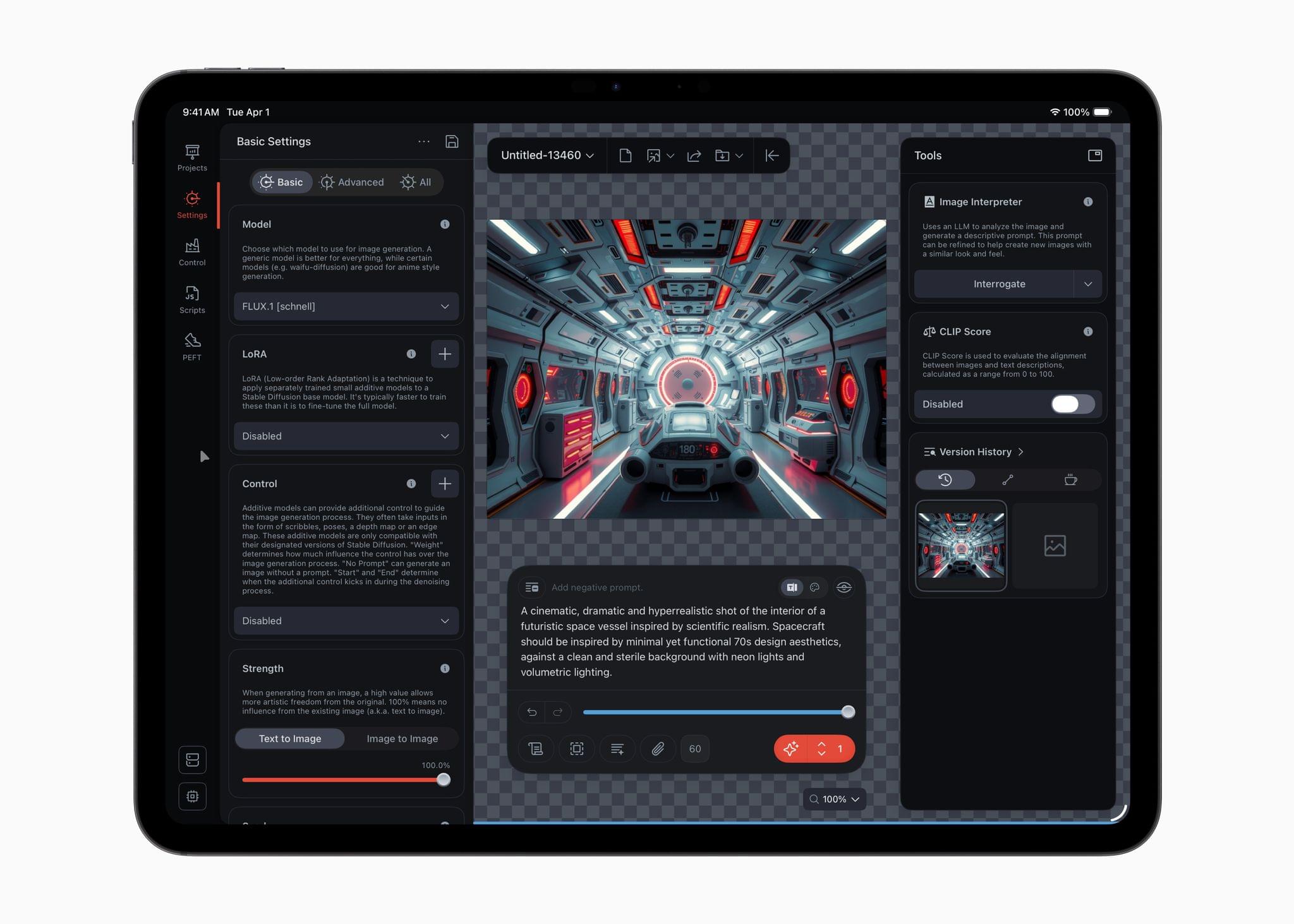
  • Up to 4x faster AI image generation performance in Draw Things for iPad when compared to iPad Pro with M1, and up to 2x faster than iPad Pro with M4.
  • Up to 3.7x faster AI video upscaling performance in DaVinci Resolve for iPad when compared to iPad Pro with M1, and up to 2.3x faster than iPad Pro with M4.

(See the press release for footnotes regarding testing details).

Source: Apple.

Source: Apple.

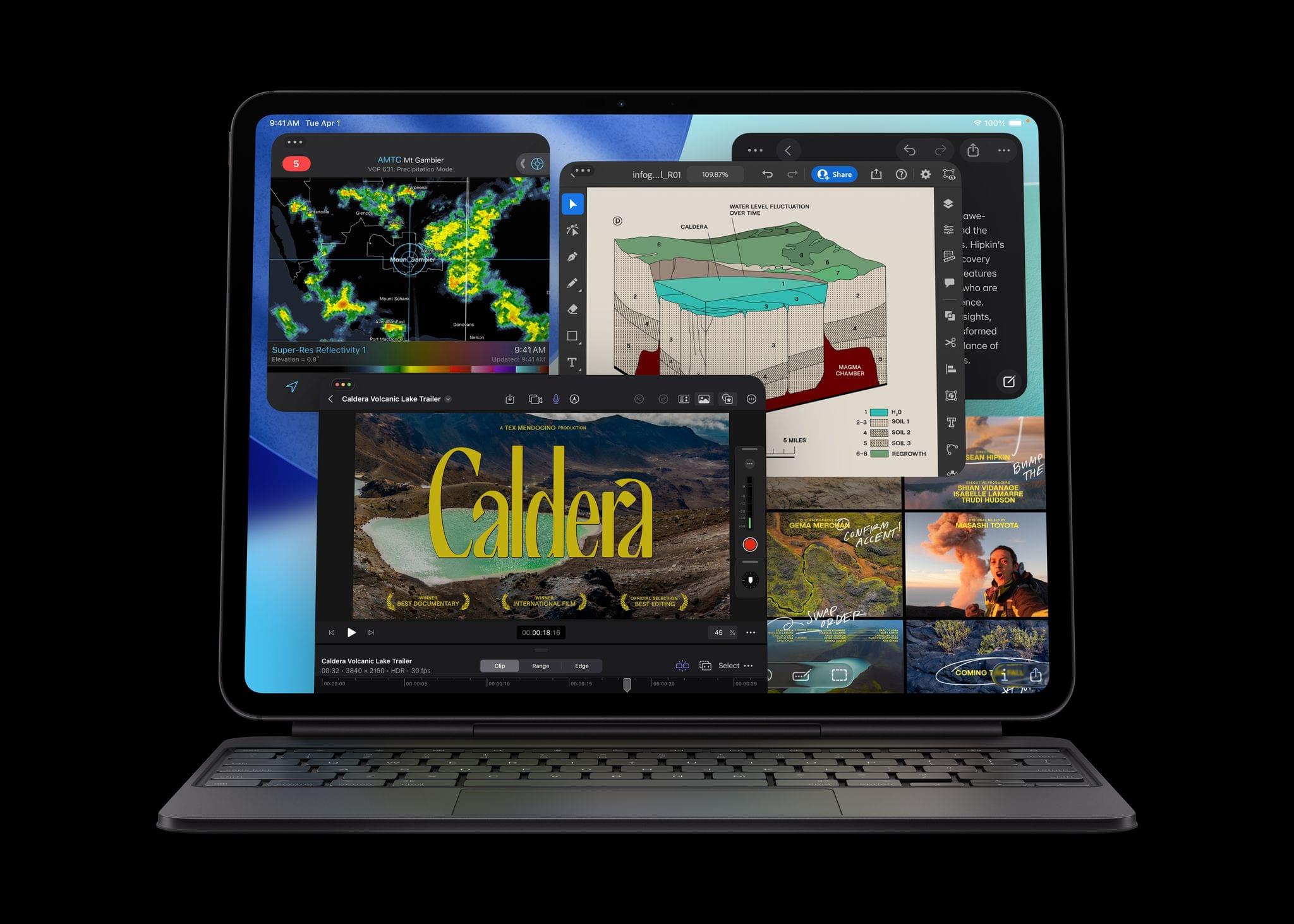
The iPad Pro line’s new M5 chip should be a meaningful performance boost for users coming from older models, though less so for M4 iPad Pro users. Regardless, it’s good to see Wi-Fi 7 continue to spread across Apple’s hardware lineup. Between multi-windowing and the M5, users will undoubtedly be pushing the iPad Pro further than ever, which often means large files that will benefit from a faster chipset, Wi-Fi, and internal storage.

The new 11” and 13” iPad Pros come in Space Black and Silver and start at $999 for the 11” Wi-Fi model and $1,299 for the 13” Wi-Fi model, with cellular models costing $200 more. Education customers can save $100 on each model, too. Pre-orders can be placed today, with deliveries and in-store availability beginning October 22.

Access Extra Content and Perks

Founded in 2015, Club MacStories has delivered exclusive content every week for nearly a decade.

What started with weekly and monthly email newsletters has blossomed into a family of memberships designed for every MacStories fan.

Learn more here and from our Club FAQs.

Club MacStories: Weekly and monthly newsletters via email and the web that are brimming with apps, tips, automation workflows, longform writing, early access to the MacStories Unwind podcast, periodic giveaways, and more;

Club MacStories+: Everything that Club MacStories offers, plus an active Discord community, advanced search and custom RSS features for exploring the Club’s entire back catalog, bonus columns, and dozens of app discounts;

Club Premier: All of the above and AppStories+, an extended version of our flagship podcast that’s delivered early, ad-free, and in high-bitrate audio.

Learn more here and from our Club FAQs.