Posts in iOS

Sunrise Launches on Apple Watch

Sunrise, the calendar app/platform acquired by Microsoft earlier this year, has always been about integrating your schedule with as many devices and services as possible. Pierre Valade and his team wanted to build a calendar app that could go beyond a traditional representation of calendar events, and this meant opening up Sunrise to third-party services like Todoist, Wunderlist (now also part of Microsoft), Songkick, and more. Sunrise’s willingness to integrate deeply with users’ workflows can even be seen in Meet, a custom keyboard that brings Sunrise’s scheduling features to any app.

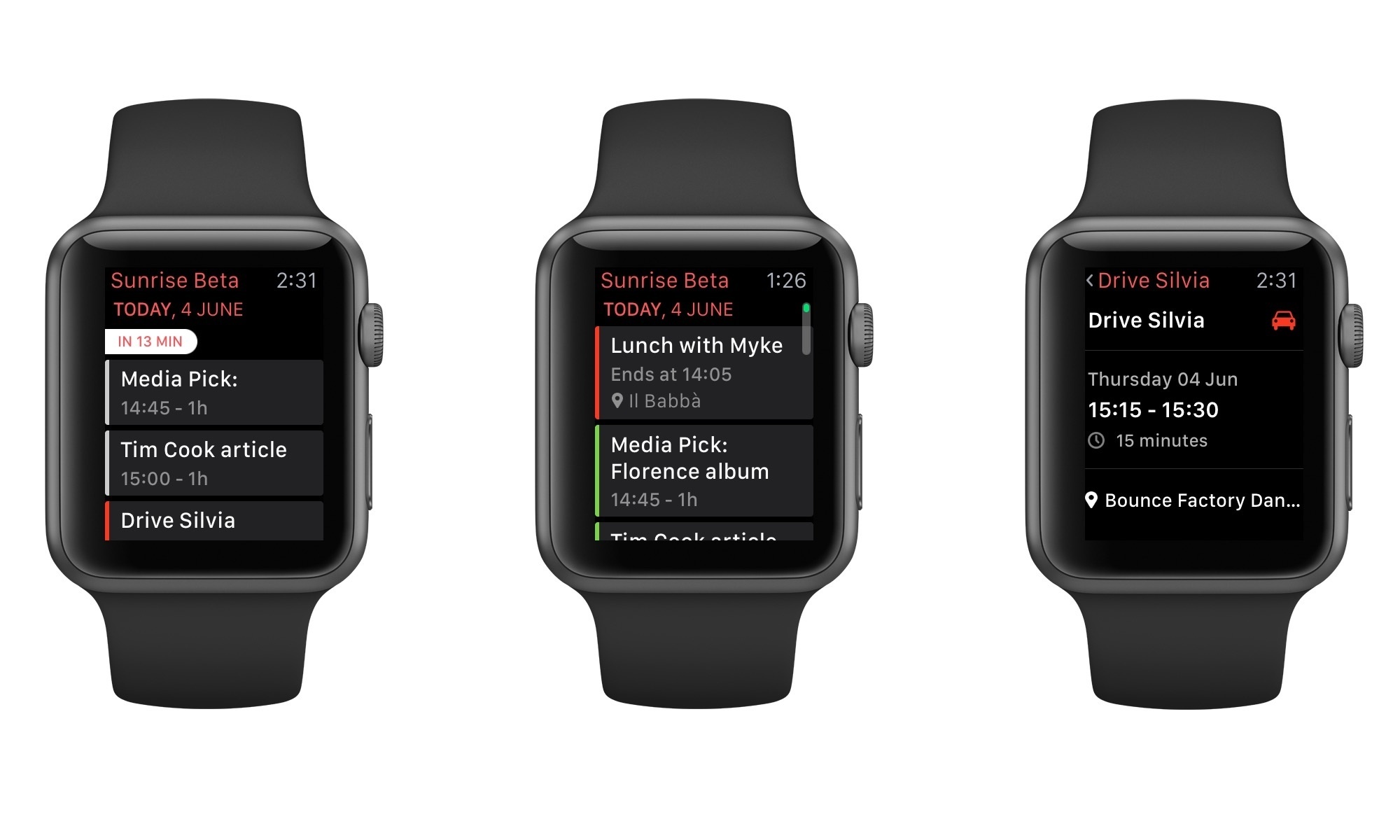
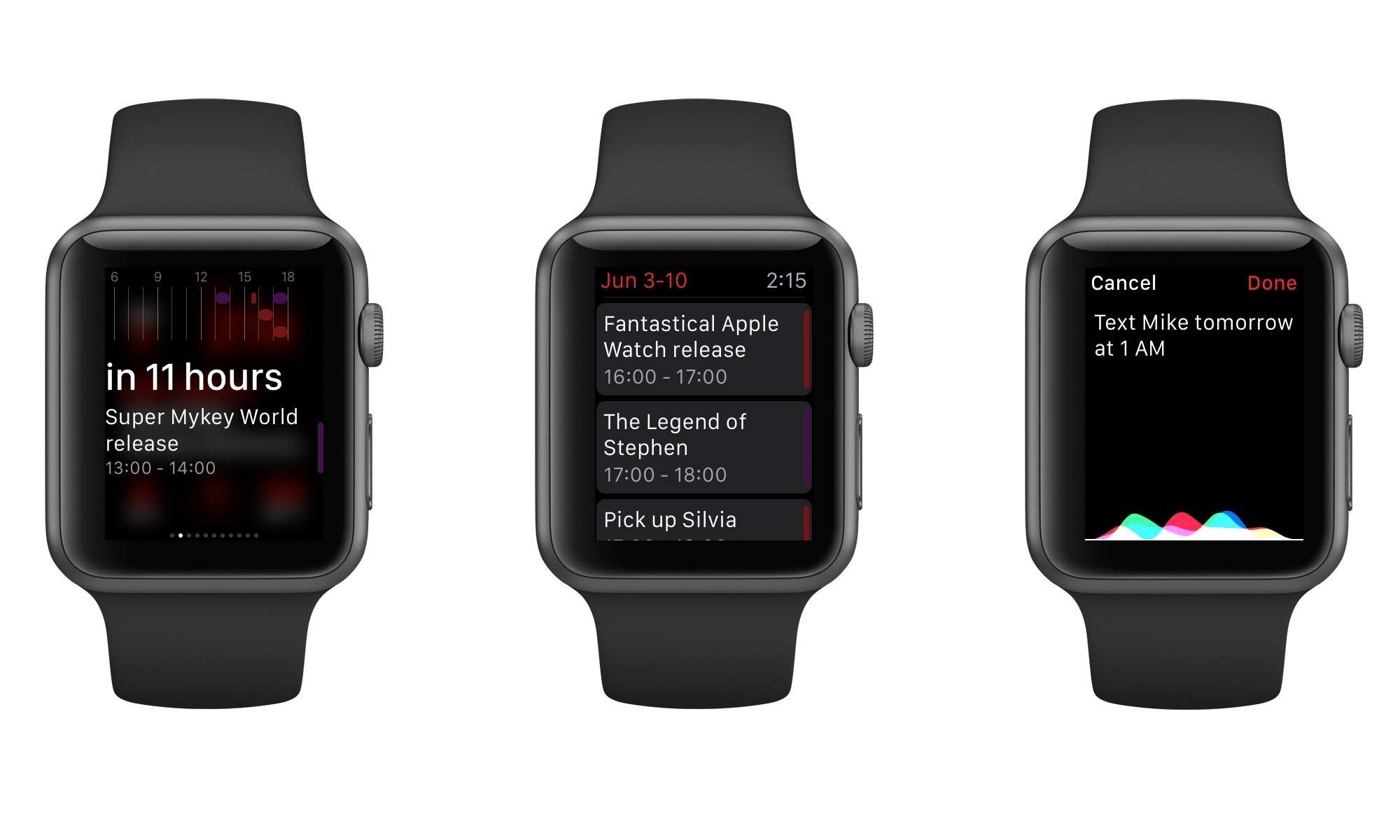
Sunrise is launching on Apple Watch today, with another integration that rethinks a core aspect of the app for a new device. Sunrise for Apple Watch, which I’ve tested over the past month, puts the focus on viewing what’s coming up, with an elegant UI and a glance that make it easy to check and act on upcoming events.
Read more


ETA Brings Travel Times and Traffic Status to Apple Watch

I first covered ETA back in September, and I noted how the app simplified the process of getting travel times for favorite locations by taking advantage of a widget in Notification Center:

ETA’s best feature is actually a way to never open the app itself. Taking a clue from Apple’s Today Summary in Notification Center, Eastwood created an iOS 8 widget that lets you see driving times in the Today view and tap them to quickly load directions in your mapping app of choice (Google Maps, Apple Maps, or Waze). Your preferences for walking/driving directions and time of arrival are carried over to the widget, which is simple, elegant, and useful.

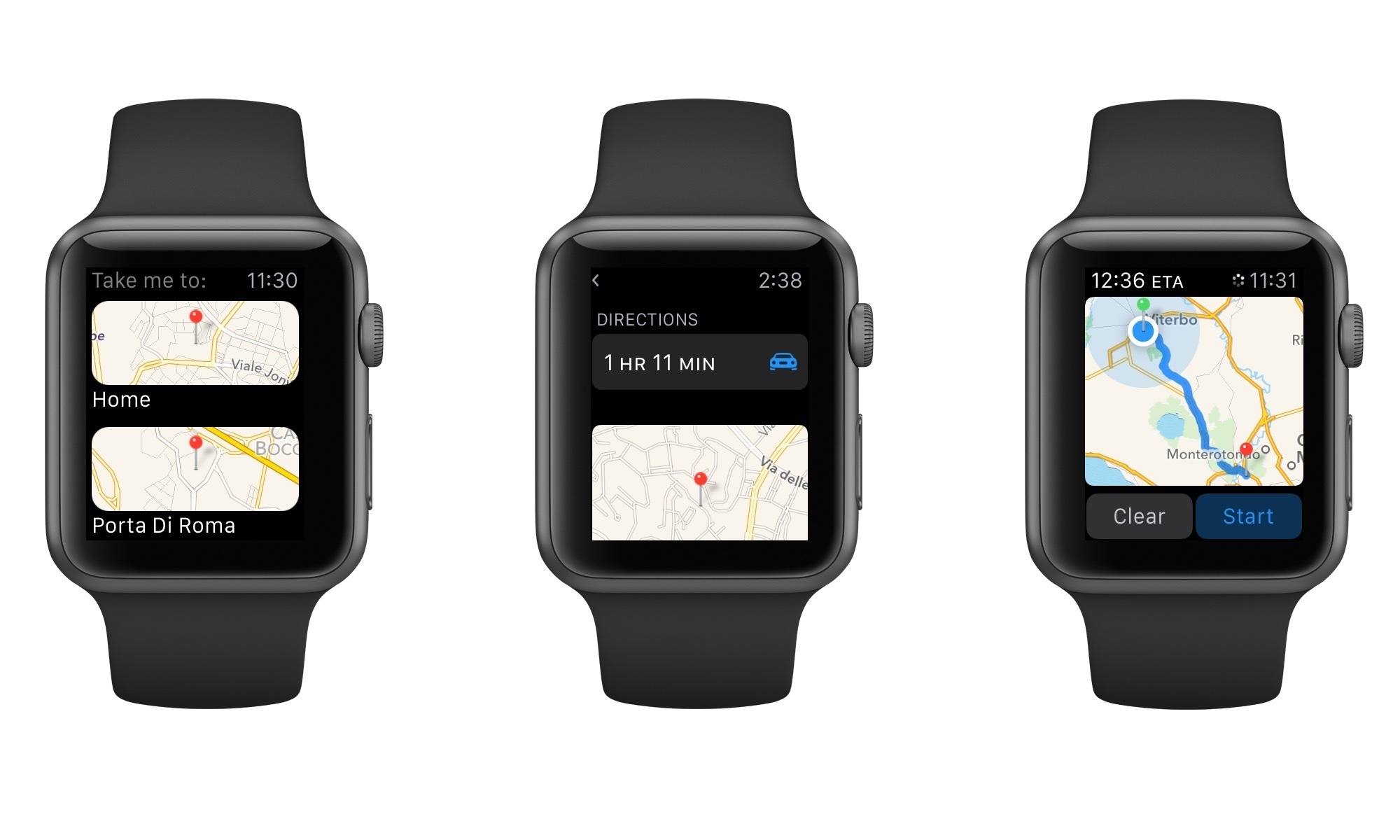
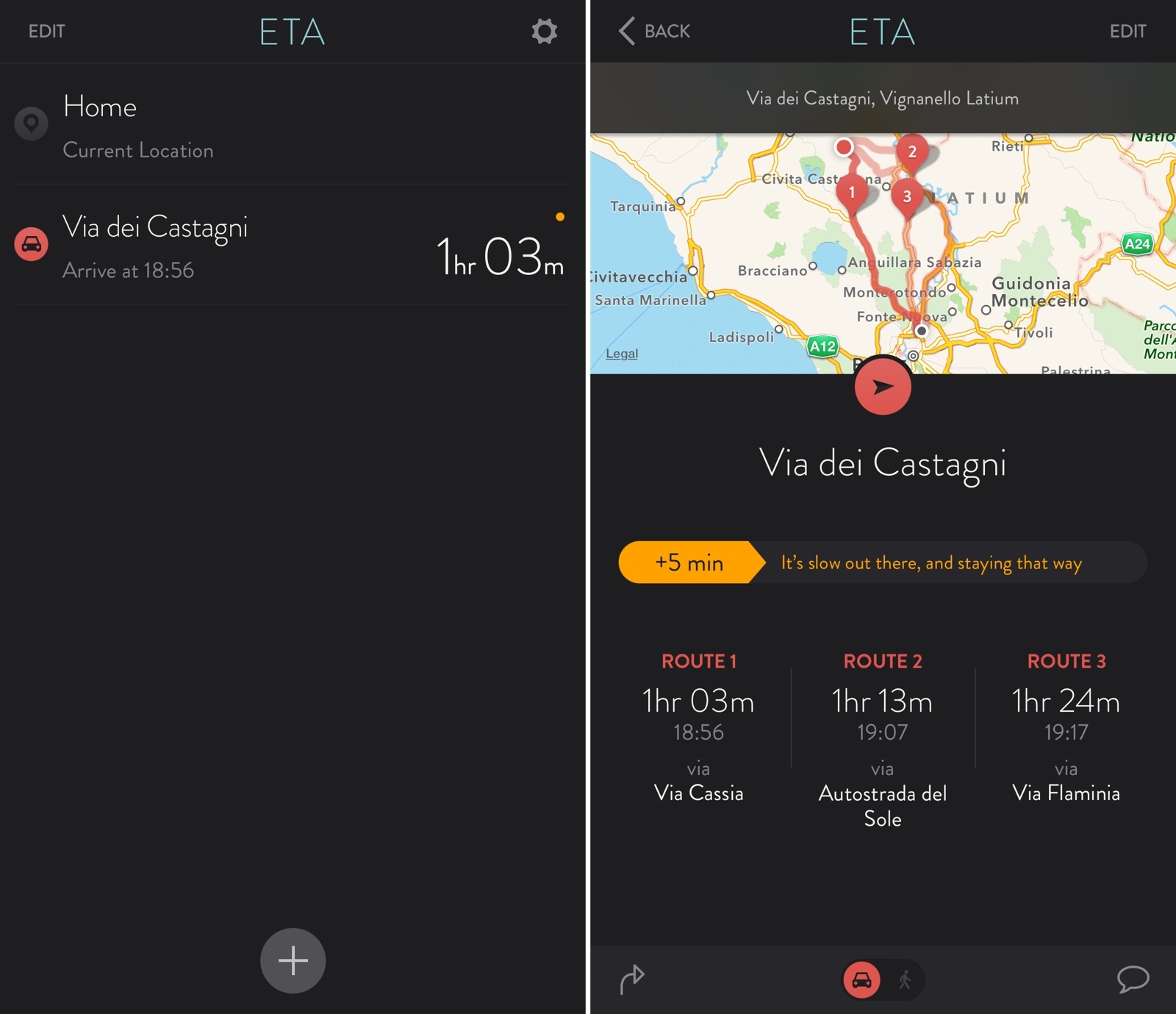
Today, ETA 2.0 has been released with a new design, the ability to show multiple routes and traffic information, and an Apple Watch app that lets you quickly view travel times and traffic directly from your wrist.

Read more


Opener for iOS 8 Opens Web Links in Apps

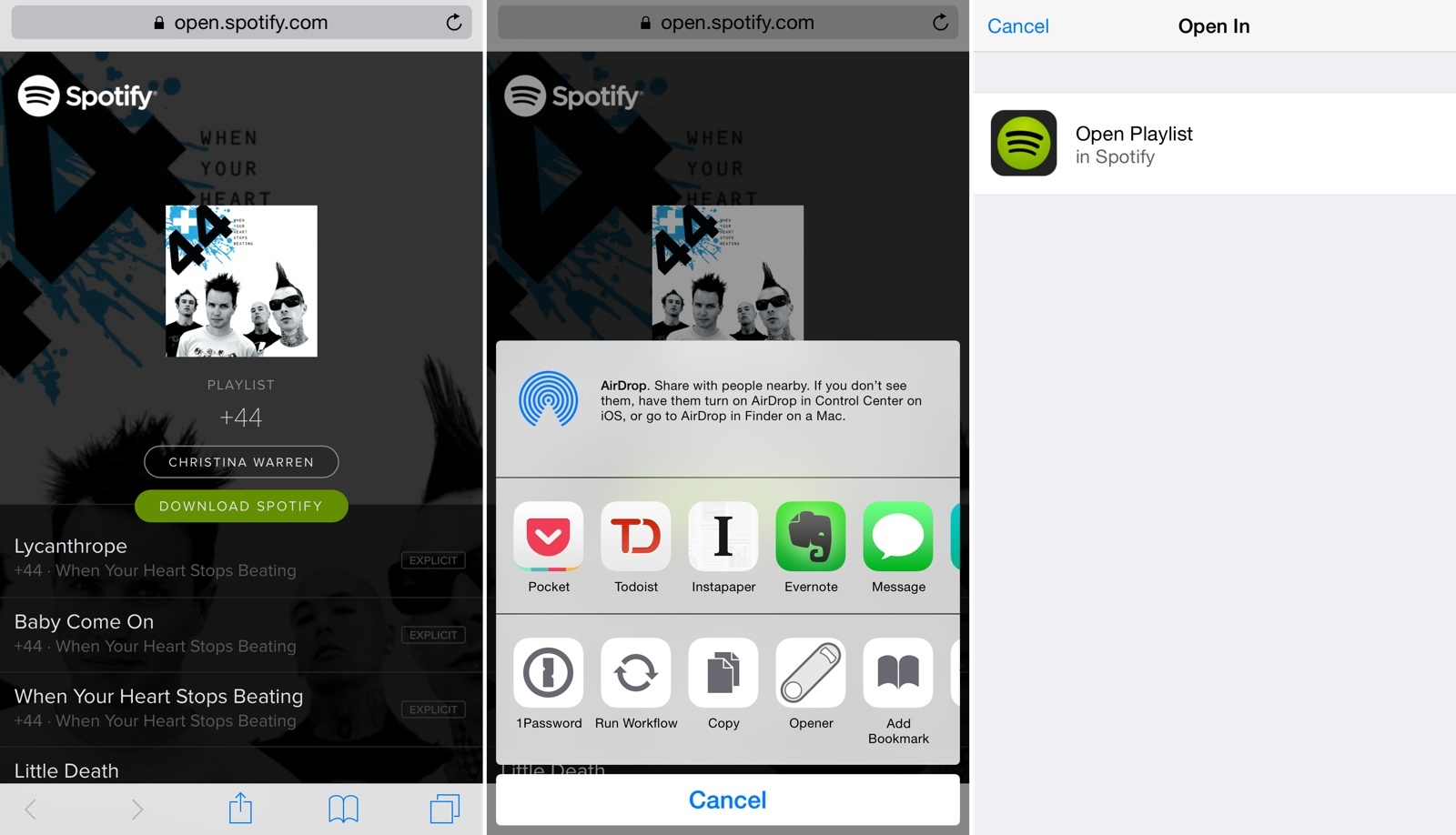
In spite of several companies’ efforts to match web links to native apps, opening links from apps on iOS usually takes you to a web view even if you have the website’s associated iOS app already installed. This is why following links to songs on Spotify or podcast episodes on Overcast doesn’t automatically take you to their native apps: iOS lacks a native deep linking technology. While Apple could introduce such framework in the future, currently there’s no system-wide solution that can be adopted across every website and app out of the box. Many have tried to solve deep-linking on mobile, but to achieve real support for this experience, Apple will need to step in eventually.

In the meantime, Timothy Johnsen has created a workaround called Opener that uses an action extension to let you easily open a web link in its native app. Released with an initial set of compatible links/apps such as Twitter, Overcast, SoundCloud, Spotify, Kickstarter, and more, Opener allows you to avoid tapping buttons in web views to launch associated apps; Opener can automate the process by resolving links and launching them inside apps with an extension.

Read more


Todoist Comes to Apple Watch, Updates iOS 8 Extension

I’ve already written at length about my experience with Todoist and leveraging its powerful features for a more flexible todo list.

I’ve been using Todoist for over nine months now, and I continue to appreciate features such as filters and shared projects, which have allowed me to have a superior visualizations of tasks and to collaborate with others on big projects. And then, of course, there’s the work Todoist has done on its iOS app and third-party integrations, bringing natural language support and a handy extension to the iPhone and iPad and extending the service beyond its own apps to embrace solutions like Sunrise (see your tasks alongside calendar events) and IFTTT’s Do Note (type a new task and tap a button to save it).

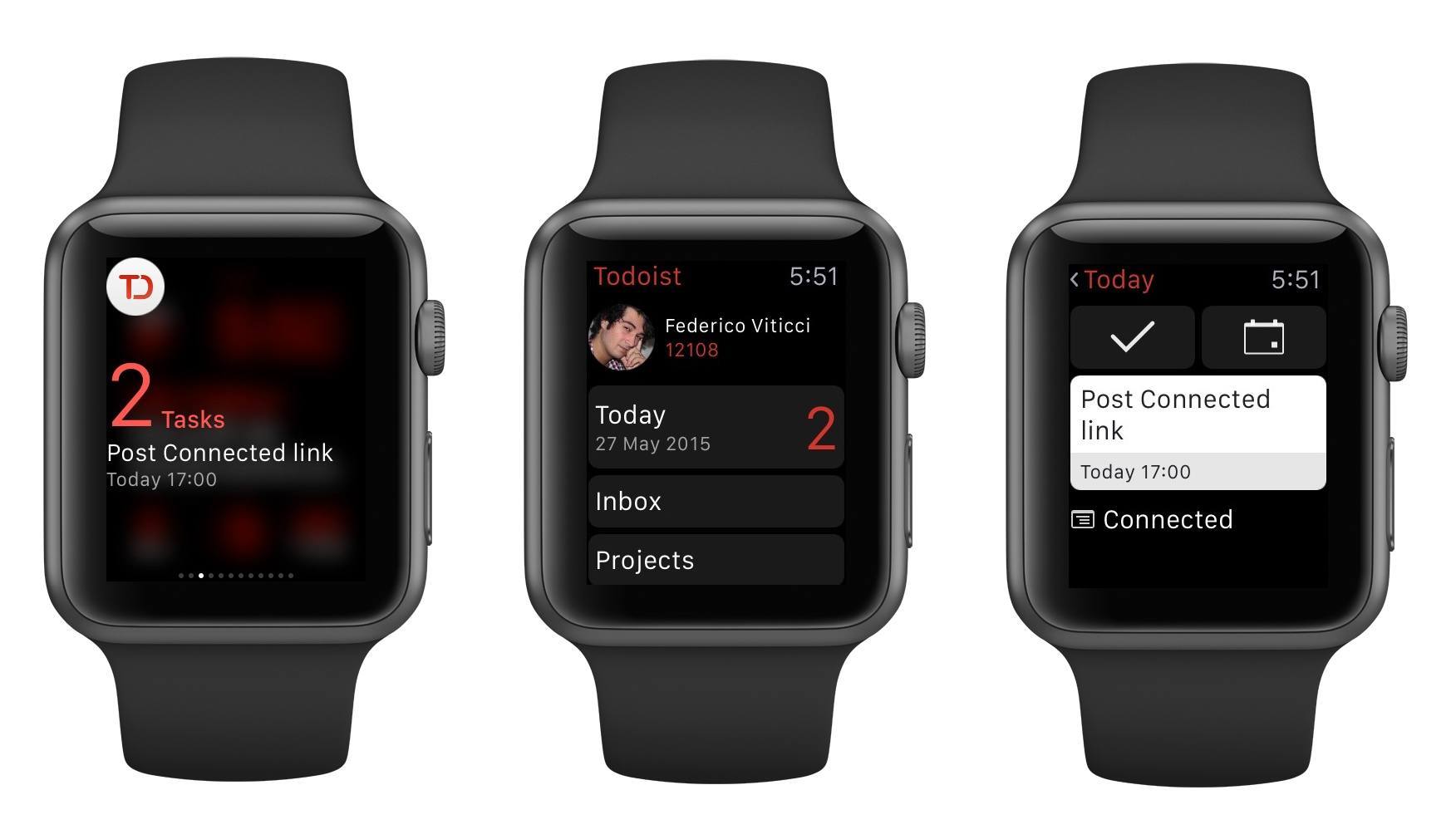
I depend on Todoist and I genuinely like the service because it’s focused on doing, not fiddling. Today, that focus is becoming even more apparent with a new app for the Apple Watch and an updated extension that makes it even easier to save new tasks from anywhere on iOS.

Read more


Bugshot Relaunches as Pinpoint

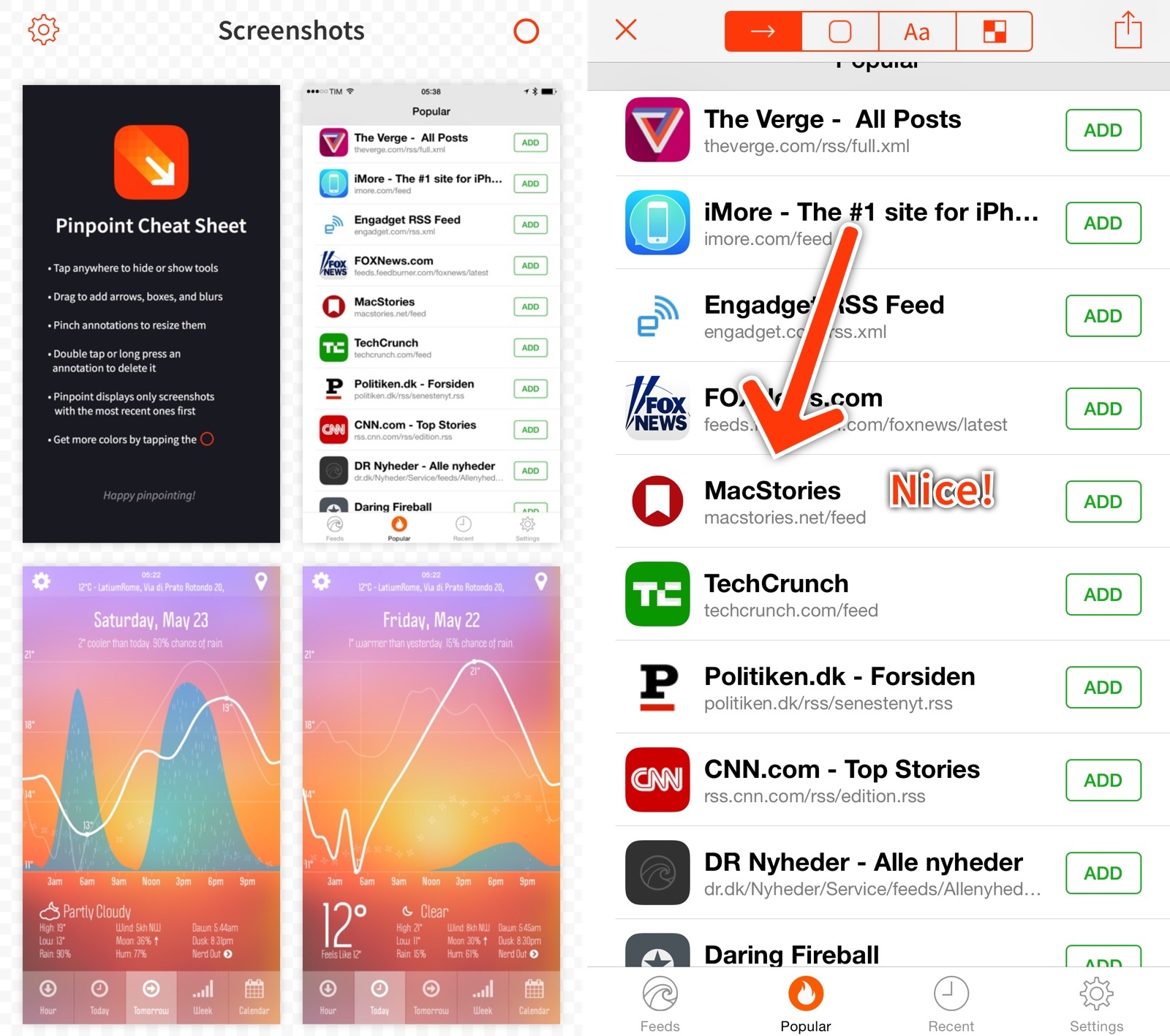
I was a fan of Marco Arment’s Bugshot when it launched in 2013. As someone who takes screenshots for app reviews on a daily basis, any tool that can help me annotate and edit those screenshots quickly is welcome. Evernote hasn’t been paying much attention to Skitch over the past couple of years, and even after they introduced iOS 8 support two months ago, they did so with unstable extensions that I still can’t use reliably.

This is why I’m thrilled to see that Bugshot has been relaunched as Pinpoint by Lickability, makers of longtime MacStories favorite Quotebook.

Read more


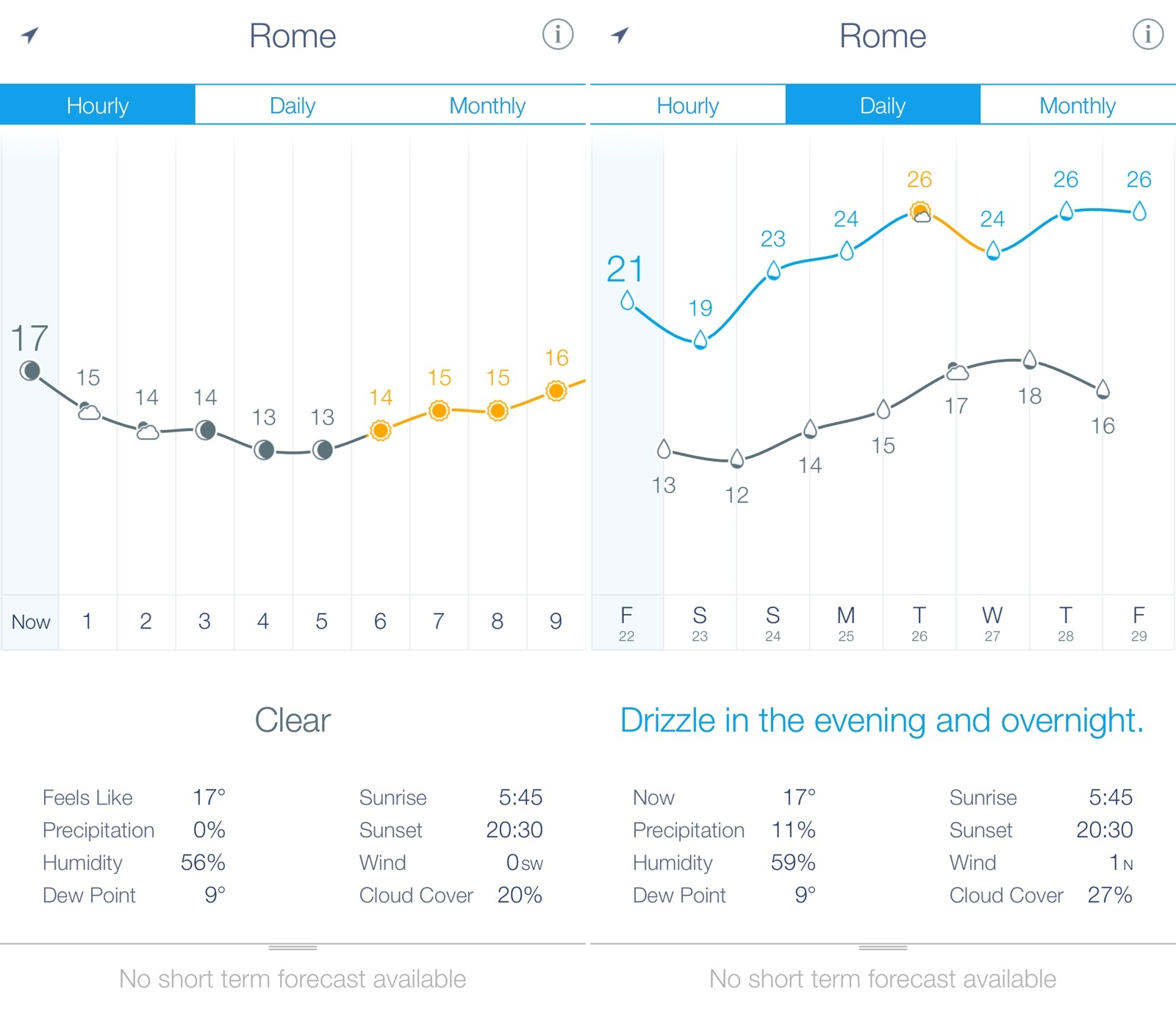
Weather Line Updated for iOS 8, iPhone 6

I first reviewed Weather Line in October 2013. As I wrote:

I see Weather Line as a combination of a casual weather app for the average user like me and a more advanced solution for the data nerd who wants to know numbers and other weather stats. By sitting somewhere in the middle of these two categories, Weather Line can appeal to both kinds of users thanks to its simple but effective design that uses a line to contextualize forecasts. I have been using Weather Line alongside Apple’s Weather, Yahoo Weather, and Today, and, while I still can’t settle on just one weather app, I have been enjoying Weather Line’s design and presentation.

Weather Line was last updated in November 2013, but, like many others, I kept using it throughout 2014 in spite of its lack of support for iOS 8 and the latest iPhones. Weather Line’s visualization of forecasts and temperature was just too good and its simplicity was unparalleled.

I’m happy to see that Weather Line is back with an update that properly supports iOS 8, the latest iPhone generation, and extended forecasts with more data. Weather Line was one of the first iOS 7 apps to truly take advantage of color in its interface to display different sets of information, and the app still looks and works great.

$1.99 on the App Store, and currently on sale. Recommended.


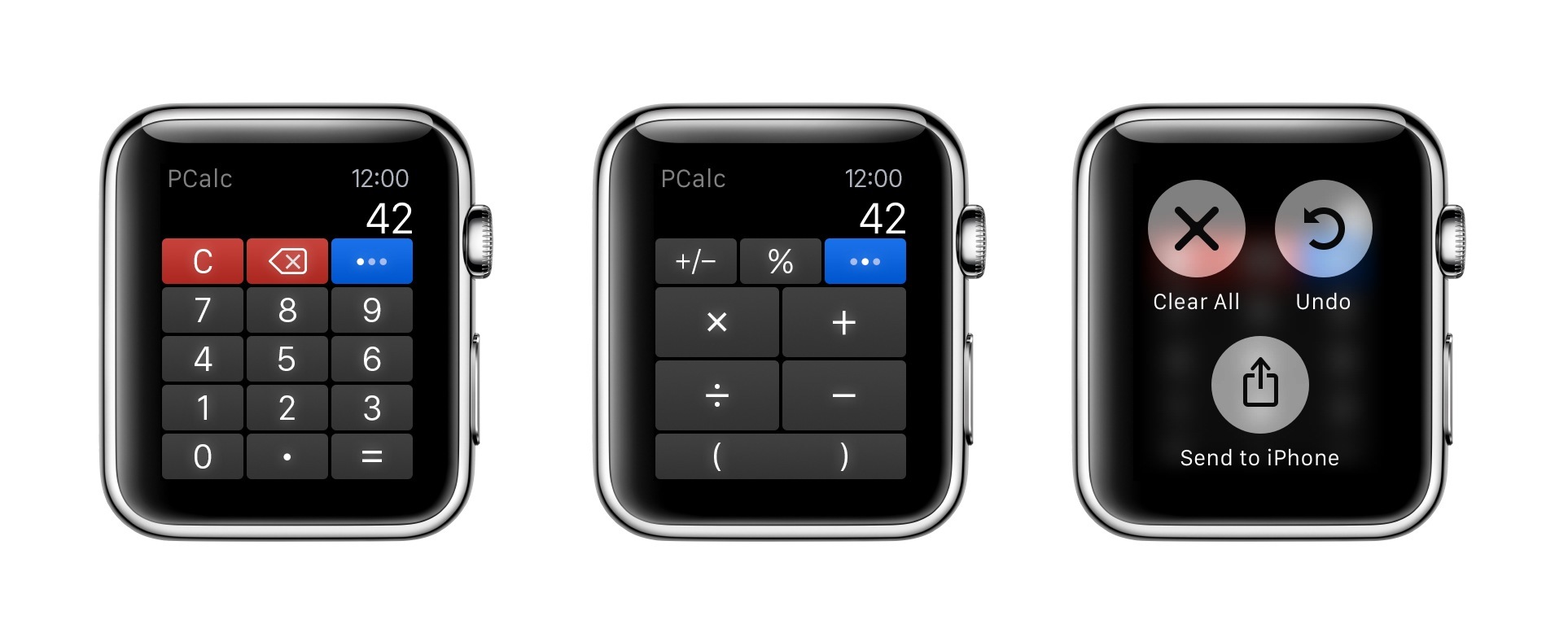
PCalc for Apple Watch

For a few months now, I’ve been using PCalc as my only calculator and currency converter on iOS. As I wrote last year after the release of the app’s iOS 8 update, the ability to customize layouts and have fast access from Notification Center lets me launch PCalc quickly from anywhere and come up with my own custom buttons for frequent calculations and conversions.

Read more