Posts in reviews

A Month with Mailbox

Mailbox, Inbox Zero

Mailbox, Inbox Zero

Orchestra, the company originally behind Mailbox, set out to redesign the traditional mobile email app by transforming the inbox into a to-do list. Recently acquired by Dropbox to the tune of $100 million, Mailbox has been making waves in the media on the promise of helping people act-on their email more quickly and efficiently. Anticipation for the free email app began late 2012 and came to boil over as the app launched in February, thanks to an incredible amount of press attention and clever marketing through Twitter.

Questionably, Mailbox launched with a reservation system to cope with demand. Available on a first come, first served basis, Mailbox was initially only available to those who signed up for the service early-on. So far, over a million people have signed up to use the app, and the company has filled over 500,000 reservations according to a recent TechCrunch interview with Mailbox founder Gentry Underwood.

Mailbox has had its fair share of both praise and criticism. Understandably there’s a healthy amount of skepticism over whether Mailbox actually helps you deal with the bulk of email people receive in their inboxes.

I gave Mailbox my phone number before much of the recent press, leaving me with a reservation somewhere in the early 20,000s. My reservation was filled relatively quickly. As I downloaded the app, I decided I’d pass on early impressions to get a good feel for whether Mailbox could be my daily driver on the iPhone.

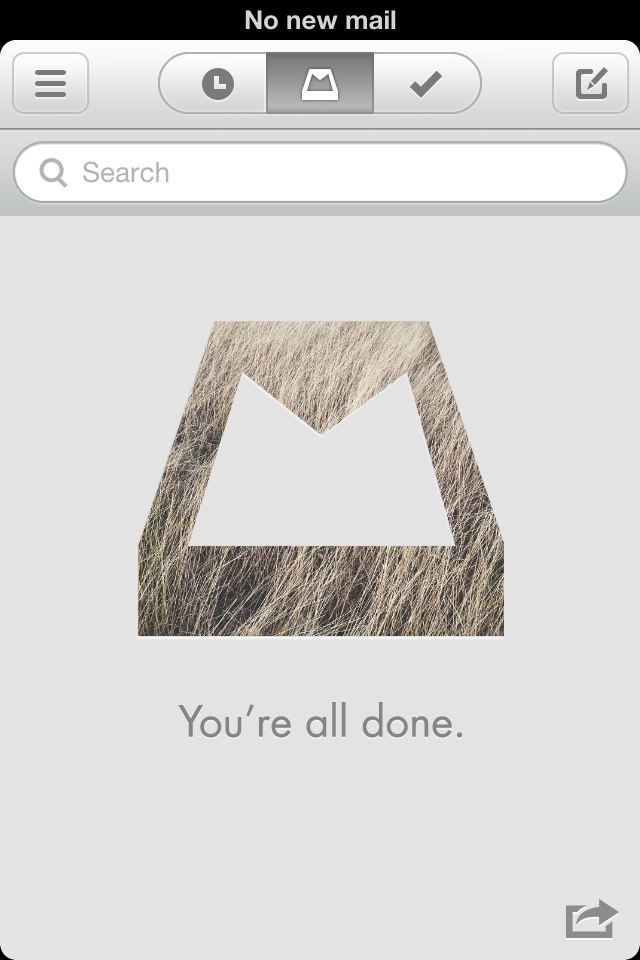
As Mailbox is structured around the principles of Inbox Zero, the actions that can be performed are built on top of making quick decisions about what’s necessary to keep. With mobile in mind, Mailbox is designed to help people quickly archive, delete, snooze, or put email in a “do someday” list. People are always checking their phones throughout the day, so why not give people an easier way to weed out the things that don’t matter?
Read more


Alfred 2: Rewritten From The Ground Up, Workflows, Themes, and More

Alfred is one of the few apps that I can honestly say have changed the way I use my Mac. I remember the first time I downloaded Alfred back in 2010, the 0.4.1 beta had just been released. I was frustrated with the complexities of Quicksilver and wanted to try something different so I downloaded that early version of Alfred. I remember thinking it was nice, had a small handful of useful features, but ultimately I got bored and deleted it. I hadn’t even given the app another thought until Apple launched the Mac App Store and Alfred was one of the apps to be initially available in the store. I downloaded the free version and not even a week later I had purchased the PowerPack. I lost countless hours of my life scripting extensions to do anything and everything. Over the next 2 years the app received incremental upgrades adding new features with each release. This led to an overwhelming and hard to navigate labyrinth of settings and preferences.

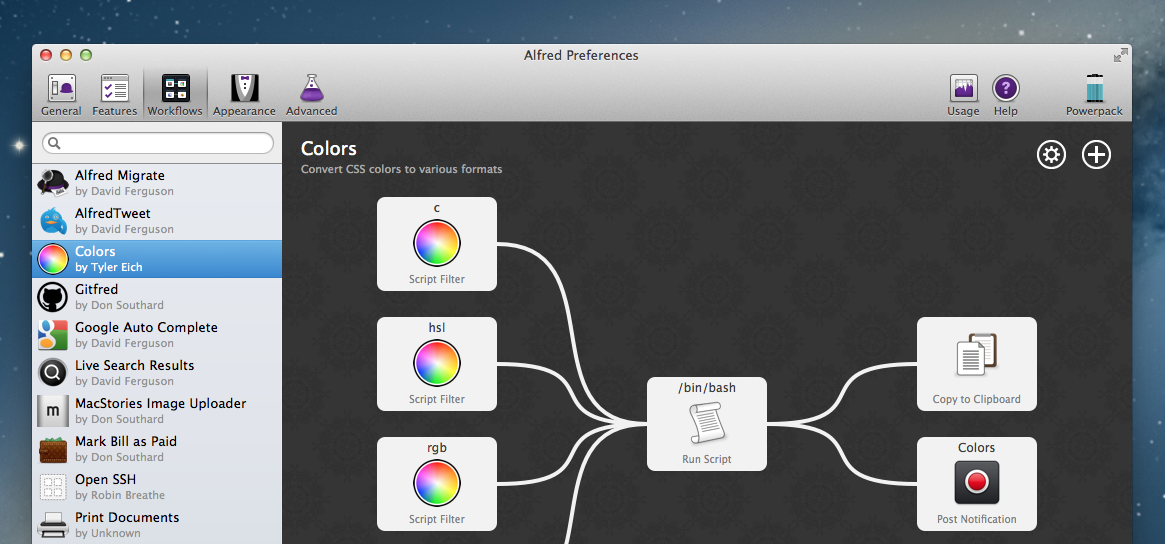
Alfred 2 doesn’t feel like an incremental upgrade to the original app. I think it could be better described as a fresh start. Rebuilt from the ground up, Alfred 2 sports a more logical preference structure that has been simplified for easy navigation without losing any features from version 1. Most notably, the developers replaced extensions with more powerful workflows. The user interface is larger, cleaner, and has new Retina-ready icons.

Read more


Characters for Mac

Special characters are the bane of my scripting hobby. In dealing with text on a daily basis and constantly playing around with scripts and macros to make text editing faster, I inevitably come across the occasional Unicode Error that increases my headache and coffee consumption rate. Which is why, if you have the same issues with Python, I recommend watching this video that Dr. Drang kindly sent me a few weeks ago on Twitter.

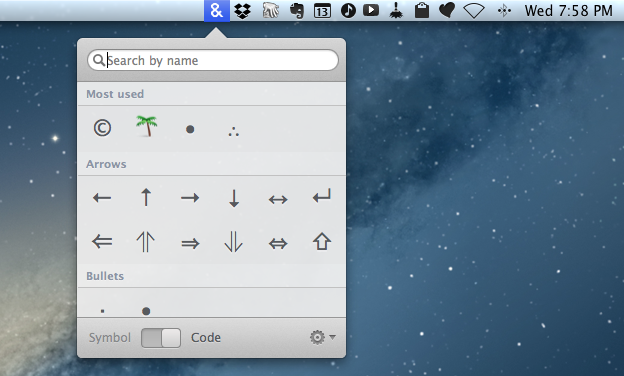
Characters for Mac is a menubar app that wants to make the process of copying special character effortless and simple for both users and developers. Read more


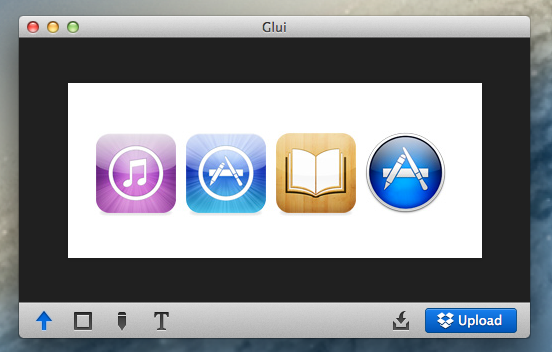
Glui: Simple Image Annotations With Dropbox Sharing

Glui

Glui

While I like Skitch, some people haven’t been thrilled with the app after the Evernote acquisition and especially after Evernote shipped a version with several Evernote-specific features. Even after an update that re-added functionality that had been removed, some users still don’t like the Evernote-centric approach Skitch has taken. Personally, I use Evernote on a daily basis and don’t mind about the deeper integration – I actually like it a lot – but I have sometimes wished the Skitch app could be a bit faster or simpler for quick annotations.

Glui is an interesting proposition for those who have been looking for a Skitch alternative without the new Skitch features. Read more


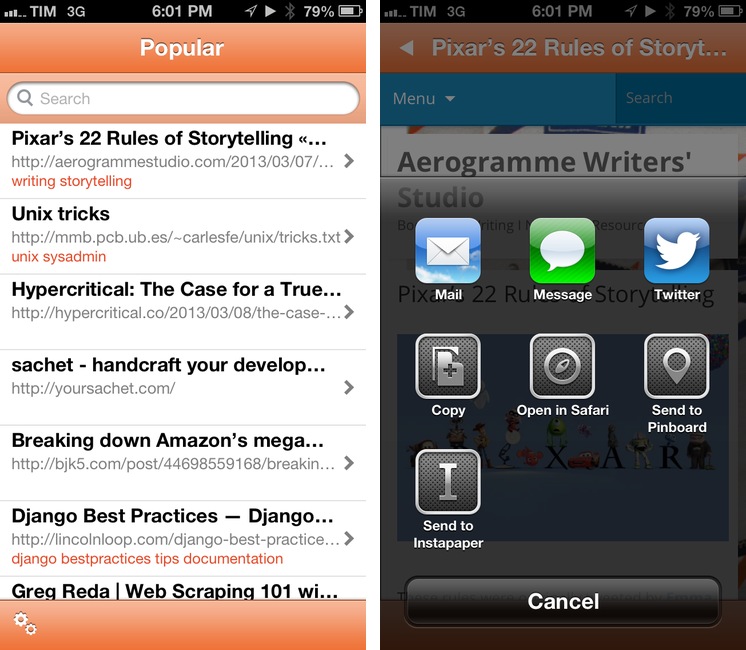
Pinbrowser for Pinboard

pin

pin

There’s been a rise in popularity for Pinboard clients lately, and I very much like this trend. I use Pinboard on a daily basis to save and discover links of interest, and I really appreciate the business model of the service. On iOS, I use Pinbook to save links (primarily thanks to a bookmarklet) and Pushpin to browse Popular and Network bookmarks on my iPhone. Pinbrowser is a new Pinboard app focused on letting you browse the Popular feed, users, and tags.

Read more


Launch Center Pro 1.1

LCP

LCP

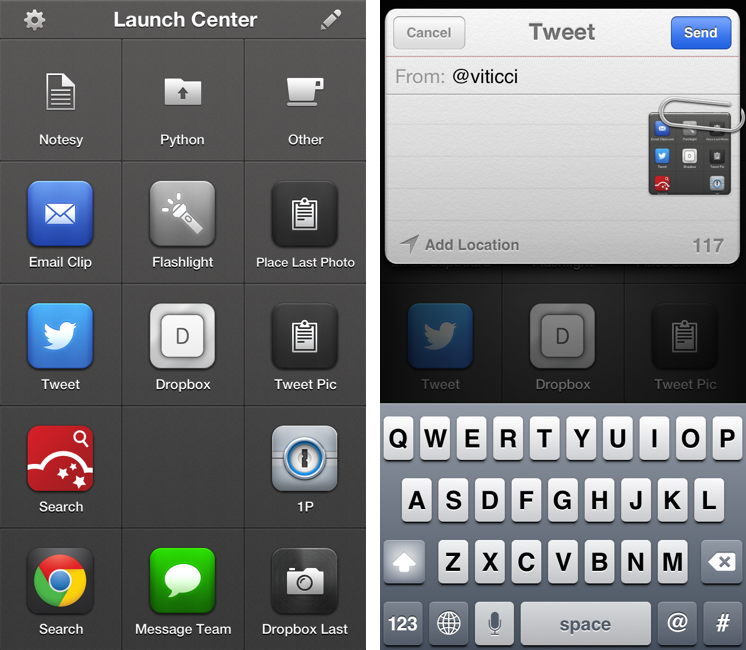
Released in December 2011, App Cubby’s Launch Center re-ignited interest in iOS URL schemes – shortcuts to automate communication between apps and get specific things done faster with less manual tapping and interactions. Its direct sequel, Launch Center Pro, was released in the summer of 2012 and doubled down on the entire idea of automating iOS tasks by providing a “Home screen for your actions” to allow users to better and more visually organize their shortcuts.

Launch Center Pro 1.1, released today, focuses on improving three key aspects of Launch Center Pro: native in-app actions, the Action Composer, and TextExpander support in URLs. Read more


Week Calendar HD Review

weekcal

weekcal

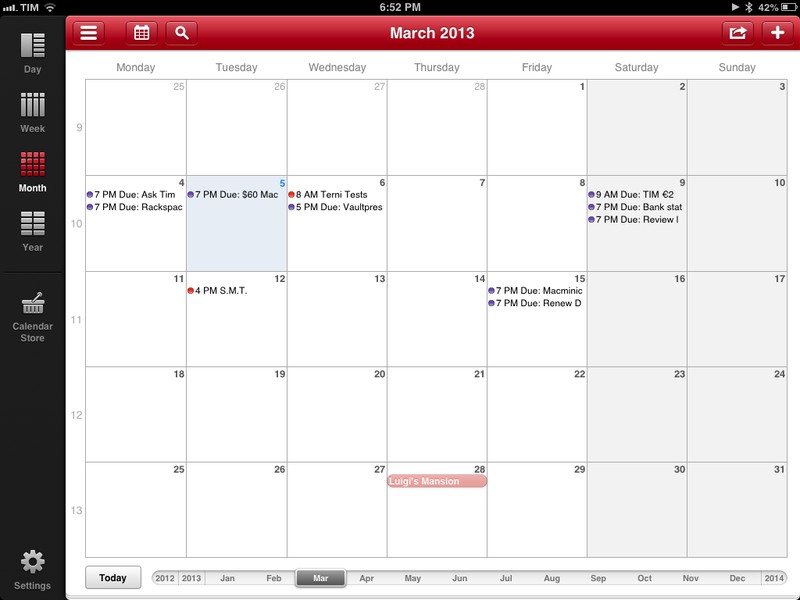
Week Calendar has always been a calendar app for power users. I remember taking my first look at the iPhone version in March 2011, calling it a “powerful iCal alternative for iPhone”; two months later, I covered the release of the iPad client, which was then given a new theme to better differentiate it from Apple’s own Calendar app.1 After a long absence on the App Store, Week Calendar for iPad is back today as Week Calendar HD, which I have been testing for the past few months.

Just like its predecessors, Week Calendar is a calendar app for power users. You will find dozens of options and settings to tweak, perhaps even too many if you don’t like the idea of tweaking every font size, calendar behavior, or menu to your liking. The compromise of using a feature-rich app as Week Calendar is that there is an initial learning curve – not too steep, but definitely something worth keeping in mind if you want to get the most out of the app.

Therefore, instead of listing every single feature in detail, I’ll try to focus on the ones that I have been using on a daily basis.2

Read more


Justnotes 1.3 Syncs Twice as Fast

Justnotes 1.3 Syncs Twice as Fast

It’s been a little while since we’ve talked about Justnotes, but the developer has been progressively adding features and polishing the app in order to capture what makes Simplenote such a pleasure to use. Boiled down to just the essentials, Justnotes replicates Simplenote’s web experience in favor of a polished desktop app, providing more flexibility such as importing notes in OS X Mountain Lion or exporting simple text files.

Justnotes 1.3 is updated with Simplenote’s new syncing API, which is estimated to be over twice as fast as before. Shawn Blanc notes an additional useful feature that lets you hide the modification date thanks to a simple command that can be run in the Terminal.

You can download a trial of Justnotes to use for 15 days, but for a limited time, it’s available for $5.99 (normally $9.99) on the Mac App Store.

Permalink

Batch Resize Images On iOS with Reduce

Reduce

Reduce

I deal with two types of images on my iOS devices: photos and screenshots.

For photos, I’ve long settled on a Dropbox-based workflow that takes care of automatically archiving and sorting photos for me. For screenshots, the story is a bit more complicated.

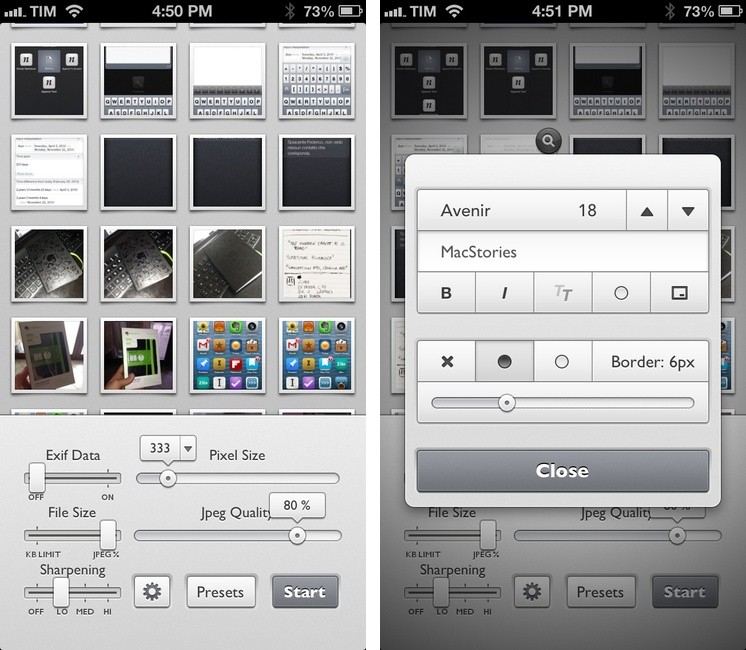
For months, I used OneEdit, an iPhone/iPad app to batch resize images from the Camera Roll; OneEdit comes with a lot of features, including presets, Dropbox sharing, and FTP uploads. The downside is that the app’s interface is clunky and convoluted, with seemingly no intention from the developer to update it. In spite of that, however, I kept using OneEdit to resize multiple screenshots at once, save them to the Camera Roll, fire up Diet Coda, and move them to our FTP server. When we decided to move 4 years of image uploads off the FTP and onto a CDN (alongside new uploads on a daily basis), I asked our Don Southard to create a Hazel script that would monitor Dropbox for screenshots and upload them to the CDN. This is what I’ve been using in combination with some Pythonista scripts that would resize screenshots for me.

My iOS screenshot workflow is faster thanks to Pythonista and the Hazel script running on the Mac mini, but I miss the possibility of having a single app capable of batch resizing and uploading images to Rackspace Cloud Files.1 The latest Pythonista update made things dramatically better with the Photos module, but I still can’t pick multiple photos at once (and, obviously, I still have to deal with Python).

My “ideal” batch resizing photo app for iOS would excel in two different aspects: it would be Universal and have an elegant interface to pick multiple photos at once to batch resize them with presets; it would come with a plethora of sharing options built-in, including Cloud Files and SFTP support. Reduce is close to excellence when it comes to the first one.

Read more