
Here are the highlights from the Club MacStories Discord this week: Over in the Obsidian channel, Jezza helped me figure out how to implement custom checkboxes in the app, which I can then query with Dataview. This system is going to be extremely useful for my iOS 16 review. Tyler asked for Nintendo DS game...
 What WWDC 2022 Means for Apple’s Platforms
 John
John
 An iOS 16 Shortcut, New Shortcuts Actions, A Stage Manager Tip, and a Stream Deck Setup for Music
Here are the highlights from the Club MacStories Discord this week: Om created a shortcut that uses the new rich text support in the Notes actions for iOS 16 to import multiple Markdown files in the app while preserving their formatted text. Jeffrey compiled a list of the new actions in Shortcuts for iOS and...
5 Questions About iPadOS 16 Multitasking
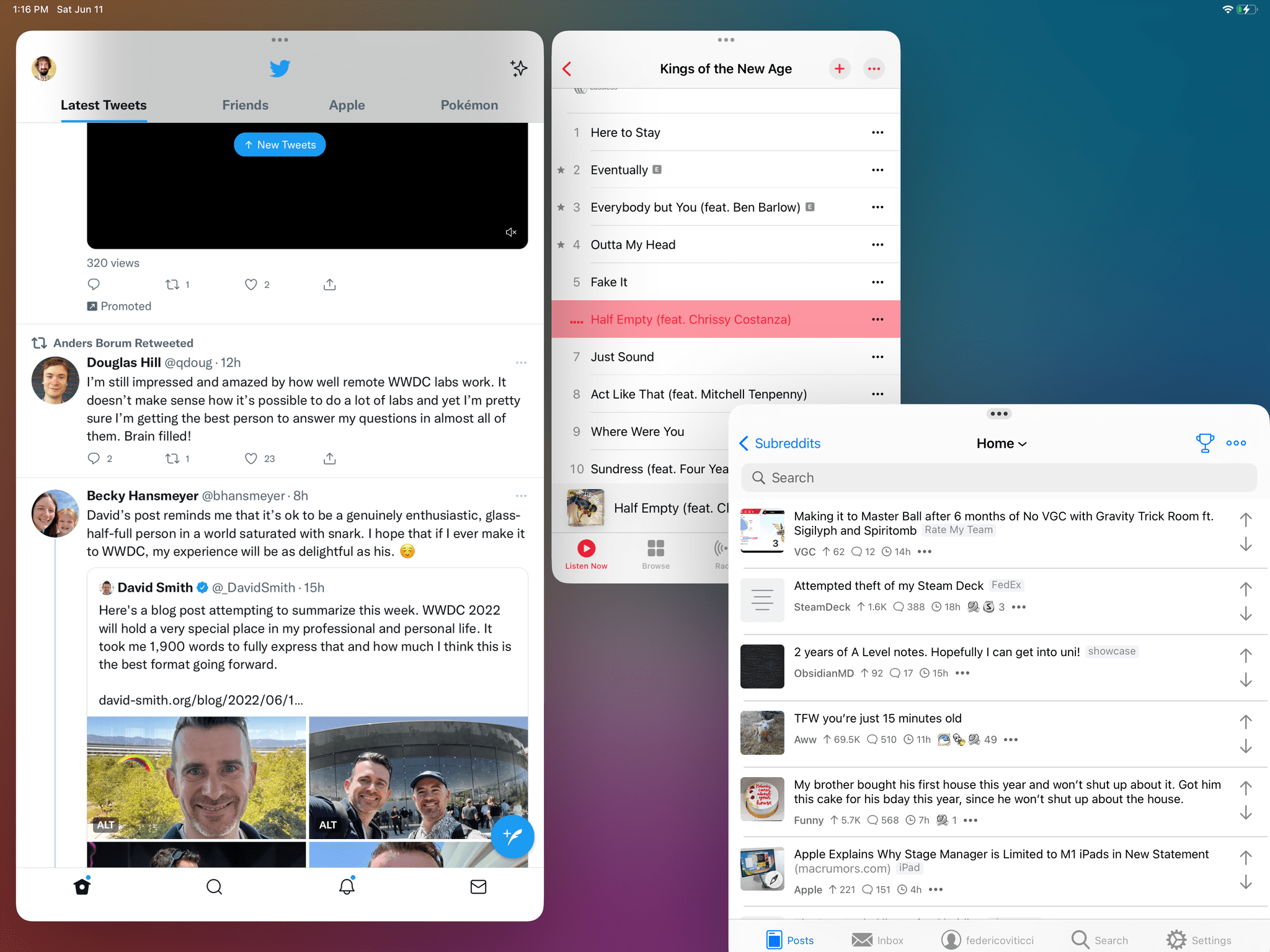
WWDC 2022 is now behind us, and, as expected, one of the most important announcements from the conference was the brand new multitasking mode for macOS Ventura and iPadOS 16 called Stage Manager. As I explained in my story, Stage Manager represents a major leap forward for iPad multitasking, marking the arrival of a desktop-class...
WWDC 2022: App Shortcuts, New Actions, and What We Didn’t Get

AppStories Episode 281 - WWDC 2022: App Shortcuts, New Actions, and What We Didn’t Get
0:00
31:21
31:21
In the latest installment of AppStories’ special WWDC series, Federico and John talk about how they use the Developer app before diving into Shortcuts with a closer look at App Shortcuts and some of the new actions Shortcuts has to offer and considering some of the wishes that didn’t come true in 2022.
WWDC 2022: The M2 MacBook Air and macOS Ventura
AppStories Episode 280 - WWDC 2022: The M2 MacBook Air and macOS Ventura
0:00
34:32
34:32
In the latest installment of AppStories’ special WWDC series, Federico and John are joined by Myke Hurley to talk about the M2 MacBook Air, as well as Stage Manager and gaming on macOS Ventura.
WWDC 2022: iPadOS’ Desktop-Class Features and Updates to Reminders
AppStories Episode 279 - WWDC 2022: iPadOS’ Desktop-Class Features and Updates to Reminders
0:00
28:16
28:16
In the latest installment of AppStories’ special WWDC series, Federico and John dig in deeper on the desktop-class features being added to iPadOS and the new functionality in Reminders on all platforms.
iOS and iPadOS 16: The Tidbits
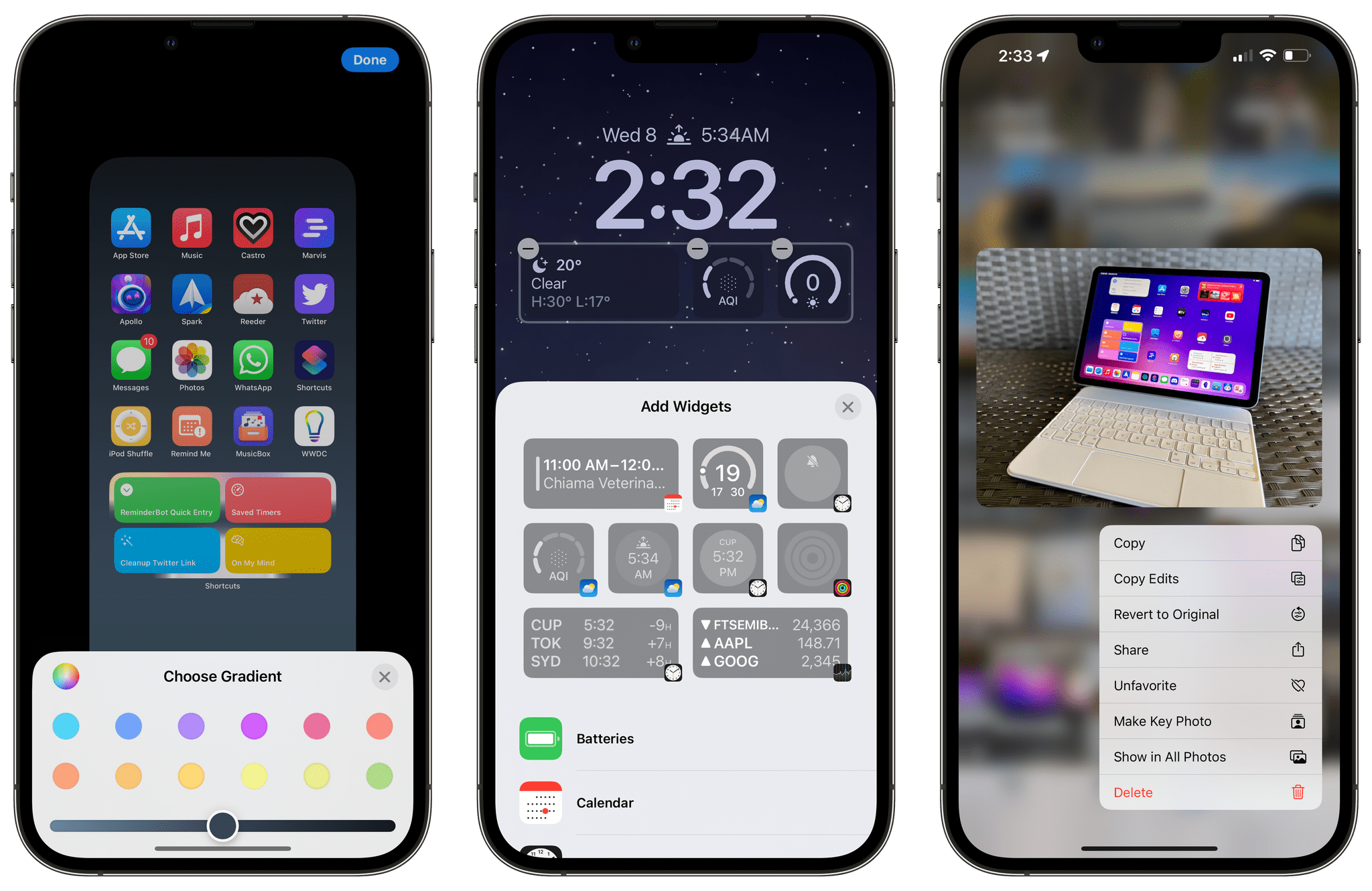
As is always the case when Apple releases the first developer betas of new major versions of iOS and iPadOS, there are hundreds of features that don’t make an appearance in the keynote or aren’t mentioned in Apple’s marketing pages. Very often, those “smaller” features turn out to be some of the most beloved and useful tweaks to the operating systems we use every day. I installed the iOS and iPadOS 16 betas on my devices earlier this week, and I’ve collected some of the most interesting details I’ve spotted so far. Let’s take a look.
2022 Apple Design Award Winners: The AppStories Interviews
AppStories Episode 278 - 2022 Apple Design Award Winners: The AppStories Interviews
0:00
35:54
35:54
For today’s special bonus episode of AppStories, Federico and John interview the creators of three 2022 Apple Design Award winning apps and games: Claire d’Este of Savage Interactive, the maker of Procreate, Curtis Herbert of Breakpoint Studios, the creator of Slopes, and Joe Lee of Netmarble, the developer of MARVEL Future Revolution.