Federico is the founder and Editor-in-Chief of MacStories, where he writes about Apple with a focus on apps, developers, iPad, and iOS productivity. He founded MacStories in April 2009 and has been writing about Apple since. Federico is also the co-host of AppStories, a weekly podcast exploring the world of apps, Unwind, a fun exploration of media and more, and NPC: Next Portable Console, a show about portable gaming and the handheld revolution.
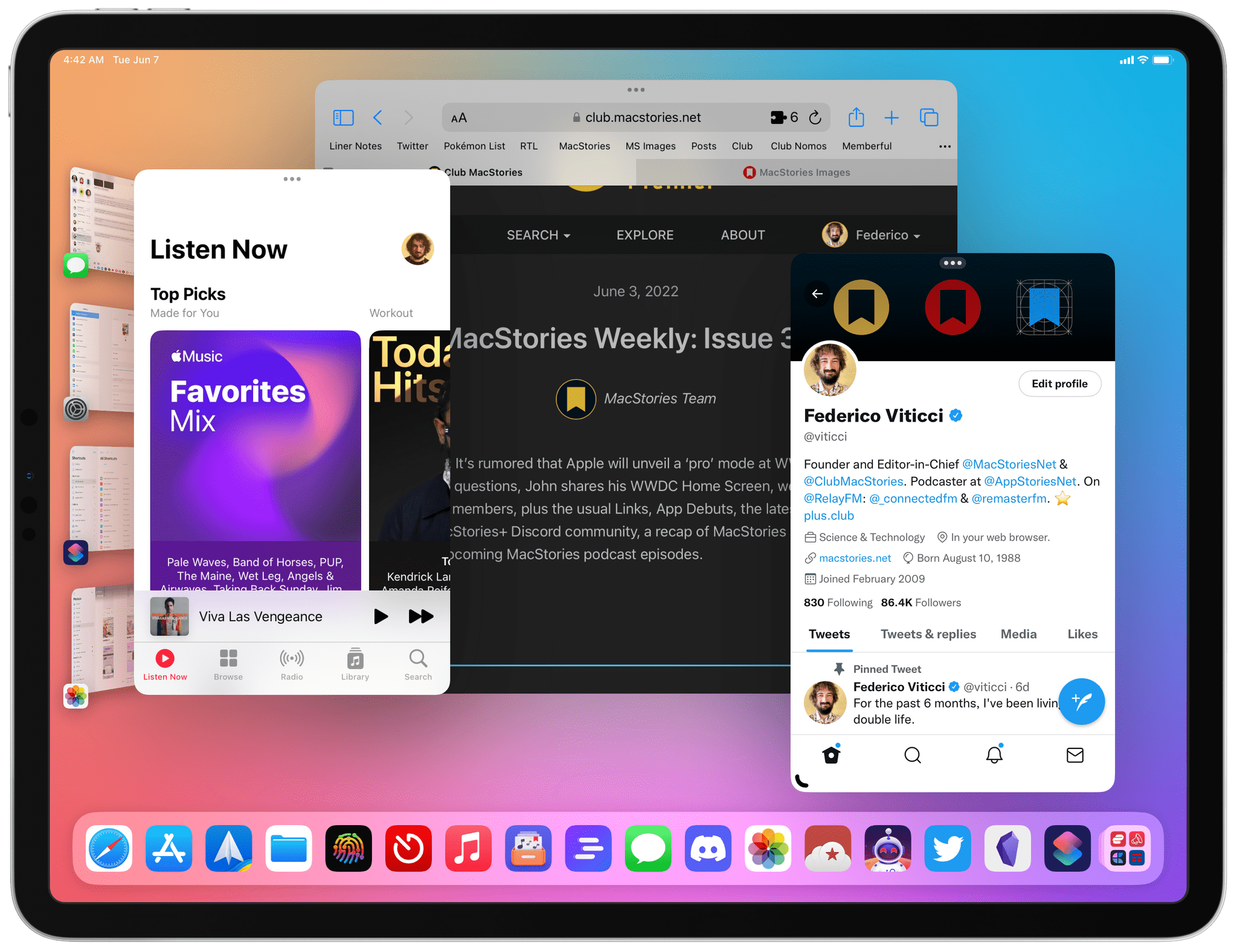
In the latest installment of AppStories’ special WWDC series, Federico and John dig in deeper on the desktop-class features being added to iPadOS and the new functionality in Reminders on all platforms.
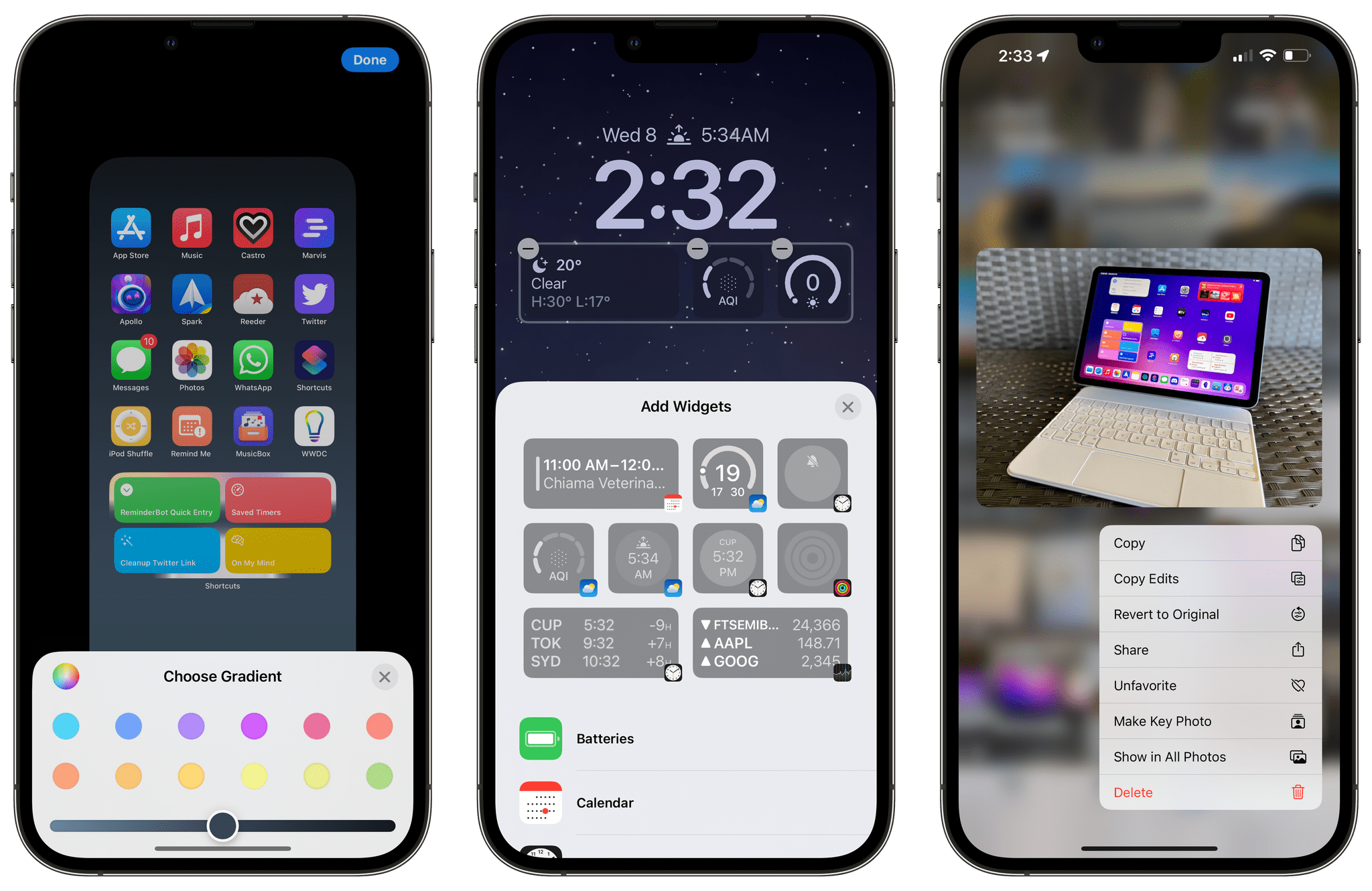
As is always the case when Apple releases the first developer betas of new major versions of iOS and iPadOS, there are hundreds of features that don’t make an appearance in the keynote or aren’t mentioned in Apple’s marketing pages. Very often, those “smaller” features turn out to be some of the most beloved and useful tweaks to the operating systems we use every day. I installed the iOS and iPadOS 16 betas on my devices earlier this week, and I’ve collected some of the most interesting details I’ve spotted so far. Let’s take a look.
For today’s special bonus episode of AppStories, Federico and John interview the creators of three 2022 Apple Design Award winning apps and games: Claire d’Este of Savage Interactive, the maker of Procreate, Curtis Herbert of Breakpoint Studios, the creator of Slopes, and Joe Lee of Netmarble, the developer of MARVEL Future Revolution.
In today’s first special WWDC 2022 episode that was recorded live in the Club MacStories+ Discord community, Federico, John, and Alex cover the highlights of Apple’s keynote, including iOS and iPadOS 16, macOS Ventura, and watchOS 9.
At its keynote held earlier today online and, for a limited audience of developers and media, in Cupertino, Apple unveiled the next major versions of iOS and iPadOS: iOS 16 and iPadOS 16. Both OSes will be released for free this fall, with developer betas available today and a public beta to follow next month.
After last year’s iOS and iPadOS 15, which were largely quality-of-life updates that mostly focused on improving the foundation set with iOS 14, Apple is back this year with a round of sweeping features for iPhone and iPad that are poised to fundamentally alter how we interact with our devices. From an all-new Lock Screen experience with support for widgets and personalization and a more powerful Focus mode to desktop-class features in apps for iPad and, yes, a brand new multitasking mode called Stage Manager, both iOS and iPadOS 16 are substantial updates that will rethink key interactions for average and power users alike.
As always, you can expect in-depth coverage from me and the rest of the MacStories team over the coming weeks, throughout the summer, and, of course, when the OSes will launch to the public later this year. But in the meantime, let’s dive in and take a quick look at what’s coming.
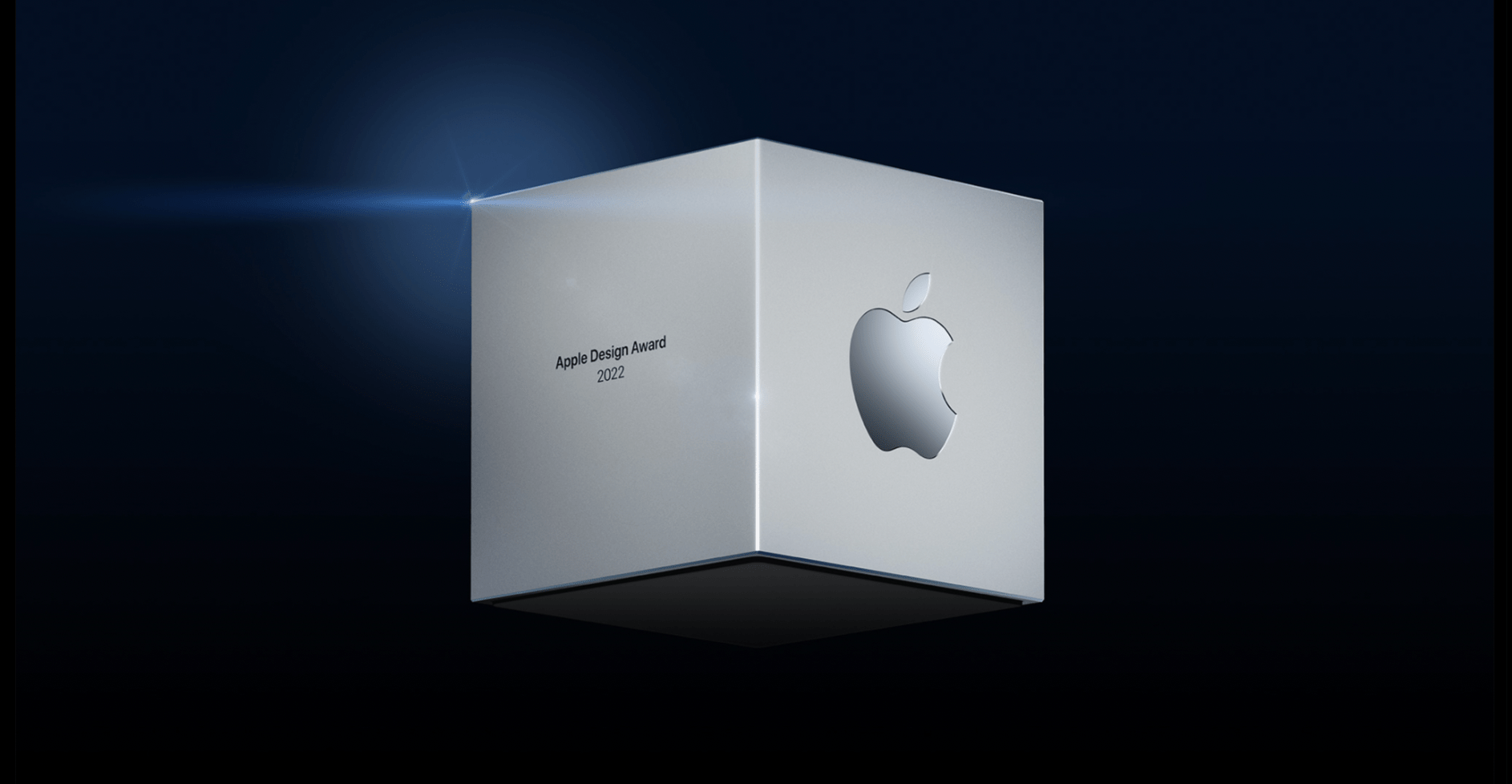
Last week, Apple announced the finalists for the 2022 Apple Design Awards: 36 apps and games in six categories: Inclusivity, Delight and Fun, Interaction, Social Impact, Visuals and Graphics, and Innovation.
Today, the company announced two winners (one app and one game) in each category for a total of twelve 2022 Apple Design Award winners.
Congratulations to all of this year’s winners and finalists:
Today’s keynote was a fast-paced affair that covered a lot of ground including upcoming updates to iOS, iPadOS, macOS, and watchOS. If you didn’t follow the live stream or announcements as they unfolded today, you can replay it on Apple’s Events site or catch it on YouTube.
The keynote video can be streamed here and on the Apple TV using the TV app. A high-quality version will also available through Apple Podcasts as a video and audio podcast.
Whenever Apple holds a keynote event, the company shares a variety of numbers related to things like user counts for certain products, software performance improvements, and customer satisfaction. With the company announcing the future of key platforms like iOS, iPadOS, macOS, watchOS, and tvOS, there was unsurprisingly a lot of data mentioned during today’s WWDC keynote.
We’ve collected some of the most interesting numbers shared on-stage during the keynote:
Apple has now opened 17 developer academies around the world
According to Tim Cook, “many millions of developers” engaged with last year’s online-only WWDC
There are now 34 million registered Apple developers
Dictation is used 18 billion times each month. That’s a lot of words
Improved Maps will launch in 11 more countries later this year
According to Apple, over 130 products are in the pipeline with support for the Matter home connectivity standard
98% of cars sold in the United States now support CarPlay; and according to a survey, 79% of U.S. buyers would consider a car with CarPlay integration
Mac Numbers
The second-generation chip in the Apple Silicon family, called M2, features:
20 billion transistors, 25% more than M1
100 GB/s of unified memory bandwidth, 50% more than M1
Up to 24 GB of unified memory
Up to 18% better performance than M1
1.9x performance compared to a 10-core laptop chip while using 1/4 of the power
Up to 35% better GPU performance than M1
Specifically, Apple says it offers 25% better graphics performance at the same power, but up to 35% at max power
40% more Neural Engine operations than M1
The new MacBook Air with M2, announced today, comes in 4 colors
It’s 20% thinner, weighs 2.7 lbs, and is 11.3mm thick
It has a 13.6” display with thinner borders
The display supports 500 nits, which is 25% brighter than before, and 1 billion colors
It has a 1080p camera with twice the resolution and twice the low-light performance
The Air has a 3-mic array and 4-speaker sound system
It supports up to 18 hours of video playback according to Apple’s benchmarks
It supports 67W fast-charging, so you can charge up to 50% in 30 minutes
It starts at $1199
As for the new 13” MacBook Pro, also carrying the M2 chip:
It’s 40% faster than the previous model
Supports up to 24 GB of unified memory
Supports up to 20 hours of video playback
This is not a number, but it comes with the Touch Bar. The Touch Bar!
Starts at $1299
The M1 MacBook Air continues to be a product in Apple’s lineup, and it now starts at $999.
WWDC starts Monday, and if you’ve been on Twitter or read Apple-centric blogs at all in the past week, you should know that one of the leading rumors at the moment is the possibility of Apple introducing a brand new ‘pro mode’ for iPadOS 16 featuring entirely rebuilt multitasking with a new design and more...




 John
John