Federico Viticci

10766 posts on MacStories since April 2009

Federico is the founder and Editor-in-Chief of MacStories, where he writes about Apple with a focus on apps, developers, iPad, and iOS productivity. He founded MacStories in April 2009 and has been writing about Apple since. Federico is also the co-host of AppStories, a weekly podcast exploring the world of apps, Unwind, a fun exploration of media and more, and NPC: Next Portable Console, a show about portable gaming and the handheld revolution.

Apple to Live Stream September 9 Event

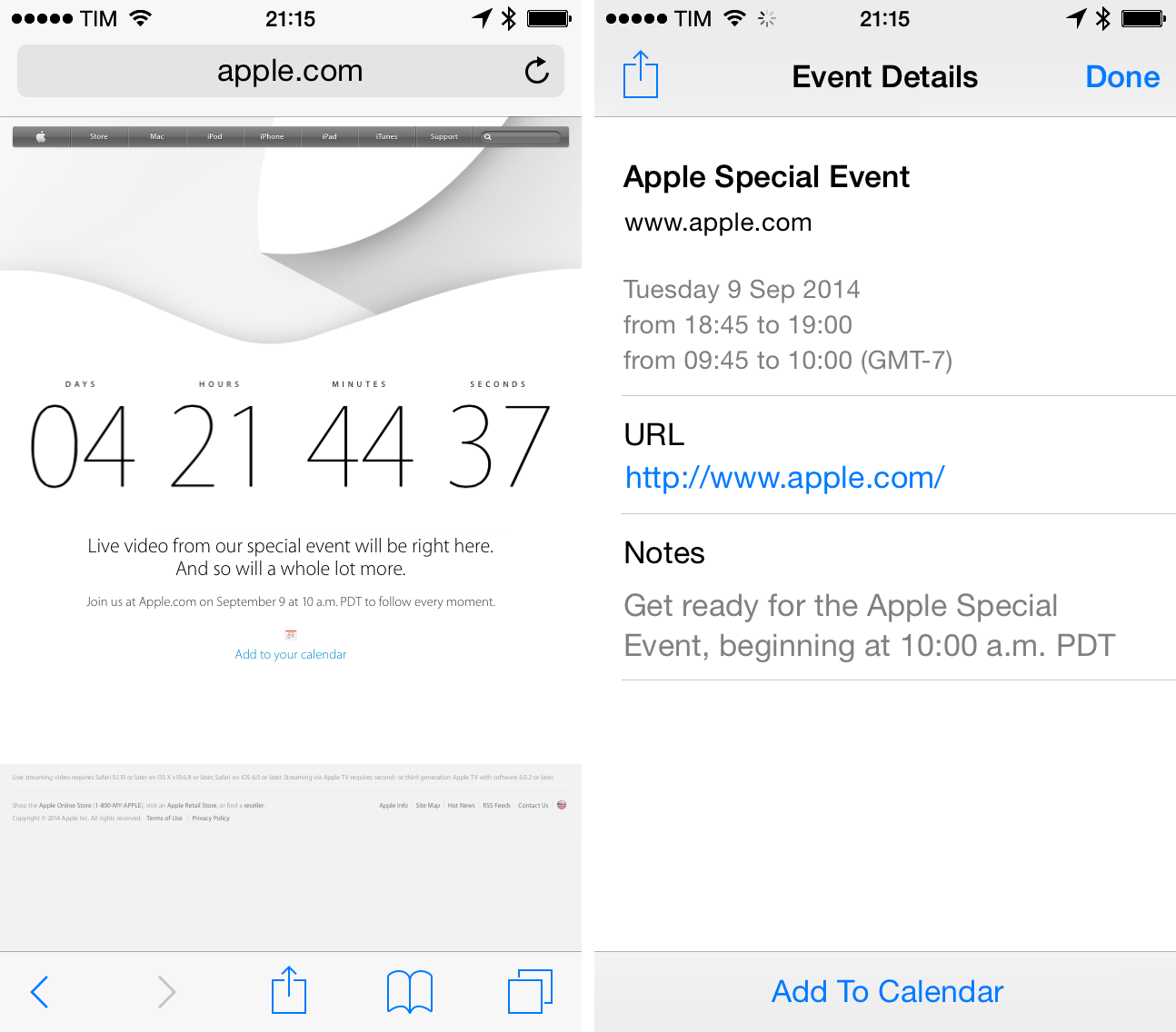
Earlier today, Apple announced that they will live-stream the special media event the company is holding on September 9th in Cupertino, California. From the webpage:

Live video from our special event will be right here. And so will a whole lot more.

In an article also published today, The New York Times reports that Apple will – as rumored – introduce two larger iPhones and a smartwatch next week. According to the article, the “watch” will have a flexible display and carry fitness and health-related functionalities with iOS integration through Handoff and other wireless features; because of the larger screens, the new iPhones’ software should have a “special” one handed mode.

Last, Sachin Patel recorded (via 9to5Mac) a video using a drone to show the structure that Apple has built in front of the Flint Center in Cupertino for next week’s event. You can watch it below.
Permalink

Discovering Sunrise

“On a paper calendar, what you see is what you put in. We believe that over time, you’re going to put less and less stuff yourself – it’s just going to come automatically.”

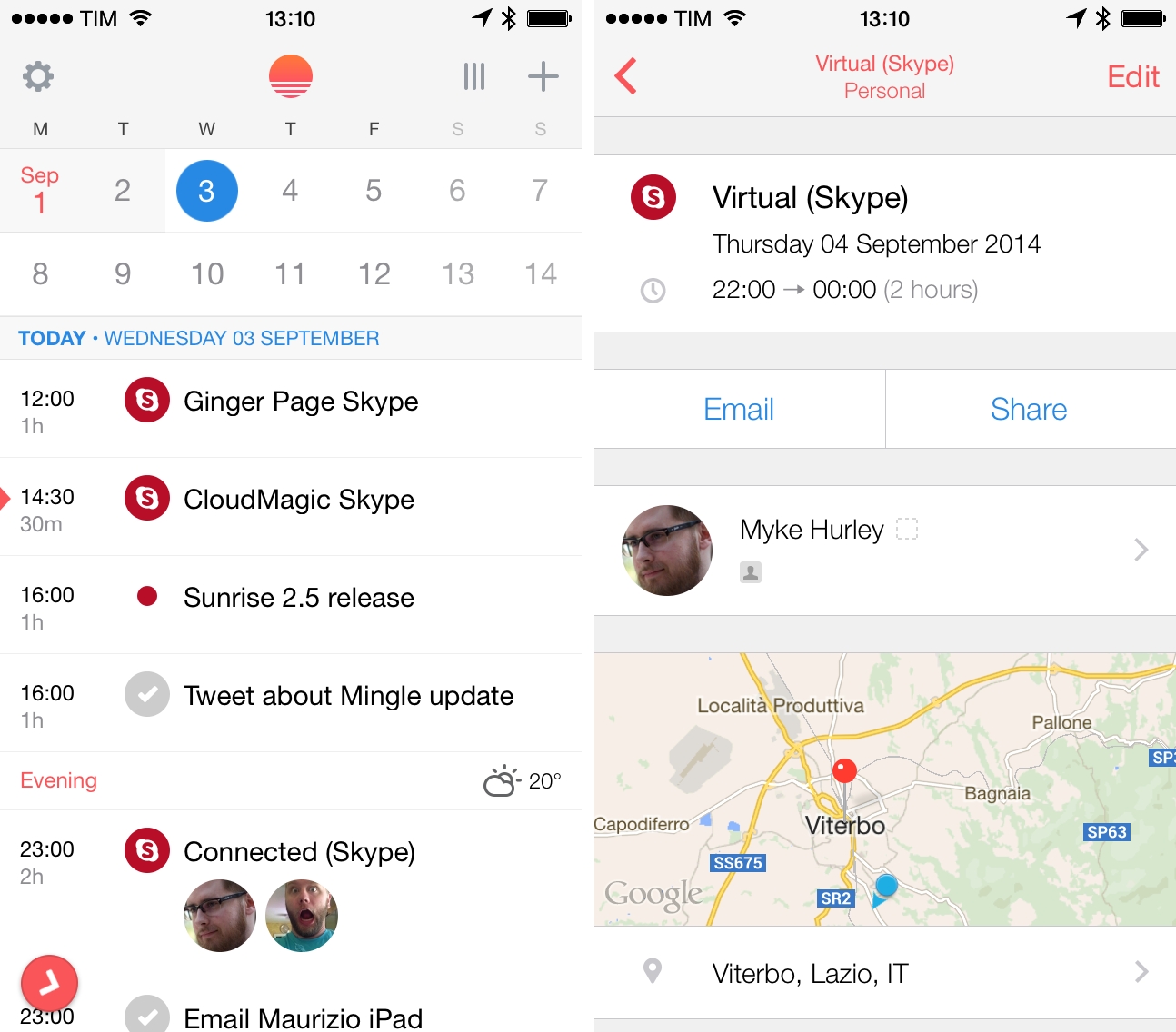
Since launching Sunrise in February 2013, Pierre Valade, former UX designer at Foursquare, had a busy year. Started as an iPhone app aimed at reinventing digital calendars and how people manage their schedules, Sunrise quickly gained 250,000 users, added support for Exchange calendars, and expanded to the web, iPad, OS X, and Android. Valade and his team listened to Sunrise’s userbase and added better invitation management and Google Maps previews, but, more importantly, they had to deal with a data breach that forced them to switch to a new token-based authentication for iCloud. More recently, Sunrise launched native app integrations, building on the founders’ vision of a calendar that extends beyond events with a developer platform to let anyone to build services connected to Sunrise.

Valade wants digital omnipresence and modern features to be key elements of Sunrise, which is still a free app with over $8 million raised in funding thus far. And today, with the launch of version 2.5 on the App Store, Valade is hoping that new functionalities such as search, push for Google Calendar, and integration with Todoist will continue to offer the value that, according to his plan, should make Sunrise an app people can’t work without.

Read more


IFTTT Introducing Paid Features “Soon”

Reported last week, IFTTT has raised $30 million in funding. In the NYT article covering the news, Mike Isaac included a mention of paid features coming soon to the service:

The company also plans to soon introduce its first revenue streams, and will offer a paid version of its product for users who want to connect different accounts to the service. A social media manager for a company, for example, could connect multiple Twitter accounts to IFTTT and set up recipes specific to each account.

IFTTT has become a service that I rely upon for tasks that would waste several minutes every day. I archive my tweets in Evernote, receive notifications in Launch Center Pro, and save my sleep and weight logs using IFTTT. Paid accounts have been on the roadmap for years now, and I hope that what they’re planning will generate enough revenue to be sustainable. It’d be a sad geek world without IFTTT.

Permalink

PARC Scientist Larry Tesler Recalls Jobs’ Famous Xerox Visits

Larry Tesler, one of the Xerox PARC scientists that gave the first demoes of the graphical user interface to Steve Jobs, recalls Apple’s original visits to PARC and Jobs’ reactions to what he saw.

Fortune writes:

This six-minute excerpt is part of a 100-minute panel discussion hosted by Paul Freiberger at San Jose’s Churchill Club in November 2011. It’s one of hundreds of tributes to Jobs’ legacy recorded in the weeks after his death, which may explain why I missed it the first time around and why fewer than 40,000 people in the world know about it.

You can watch the full video here.

Permalink

Automatic: Your Smart Driving Assistant on Your Smart Phone [Sponsor]

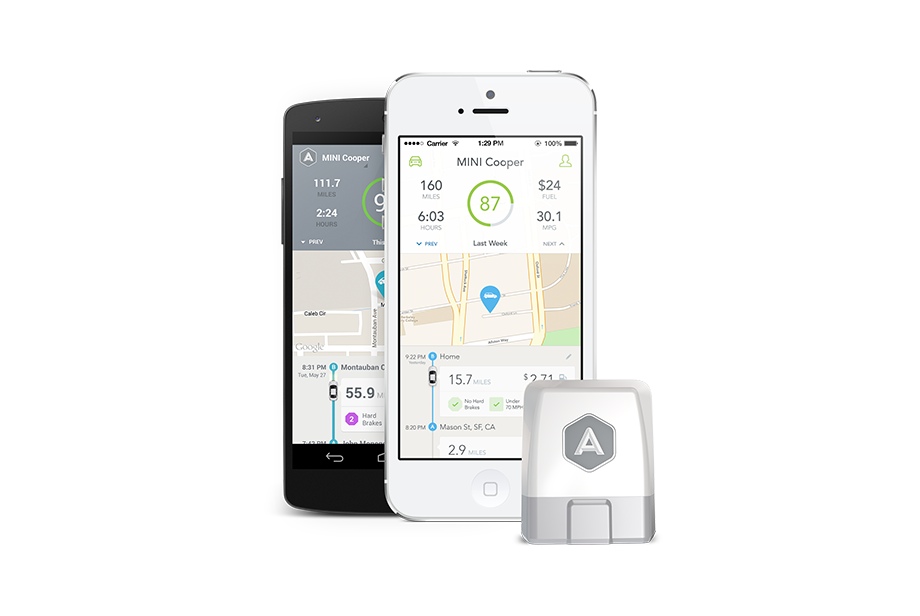
Automatic is a smart driving assistant that plugs into your car’s data port and lets you connect your smartphone (either iPhone or Android) with your car. By  talking to your car’s onboard computer and using your smartphone’s GPS and data plan to upgrade your car’s capabilities, Automatic will allow you to easily diagnose your engine light, never forget where you parked your car, and save hundreds of dollars on gas.

Automatic learns your driving habits and gives you suggestions through subtle audio cues to drive smarter and stop wasting gas. Thanks to a map view available on your phone, Automatic can display a trip timeline after every driving session, showing you how you’re doing with a Drive Score; the app can even track local gas prices and tell you how much you’re spending.

In case of engine problems, Automatic can decipher what the “check engine” light means and show you a description of the issue with a possible solution. And thanks to a feature called Crash Alert, Automatic can detect many types of serious crashes and automatically alert local authorities as well as your loved ones when you can’t.

Automatic is currently available in the US for iPhone and Android devices, with a 45-day return policy and free shipping in 2 business days. Automatic retails at $99.95 with no subscription fees.

MacStories readers can go to automatic.com/macstories to get 20% off and buy Automatic at just $80. For more information, check out Automatic’s website.

Our thanks to Automatic for sponsoring MacStories this week.


Common App Rejections

As noted by AppFigures on Twitter, Apple has posted a new webpage detailing common app rejections during the review process for the App Store.

Before you develop your app, it’s important to become familiar with the technical, content, and design criteria that we use to review all apps. We’ve highlighted some of the most common issues that cause apps to get rejected to help you better prepare your apps before submitting them for review.

At the bottom of the page, Apple lists the top reasons for app rejections in a seven-day period ending August 28, 2014.

Unsurprisingly, apps that exhibited bugs/crashes and that did not comply with the developer agreement were rejected, but the list also contains mentions of “less than very good” interfaces, apps with “screenshots not relevant to the App Store”, and apps with “icons similar to other apps”. All these are common traits of many apps that have been approved, not rejected.

Check out Apple’s new webpage here.

Permalink

Choosing CloudKit

Greg Pierce, the developer of Drafts, Phraseology, and Terminology, has written a post with his reasons for choosing CloudKit instead of other sync providers in iOS 8:

I’m glad choosing CloudKit removes the need for me to manage servers or engage another third party service to do so, but that is not why I chose it. I’m not afraid of servers.

Why am I willing to make these trade-offs for CloudKit, despite it’s limitations? Because, ultimately, developer perspectives aside, I felt it was the right choice for my customers.

If CloudKit will work as advertised, I, as a user, can only appreciate the fact that I won’t have to create additional online accounts or worry about the privacy policy of an app I just want to try for a couple of days. I have big hopes for more apps using iCloud on iOS 8.

Permalink


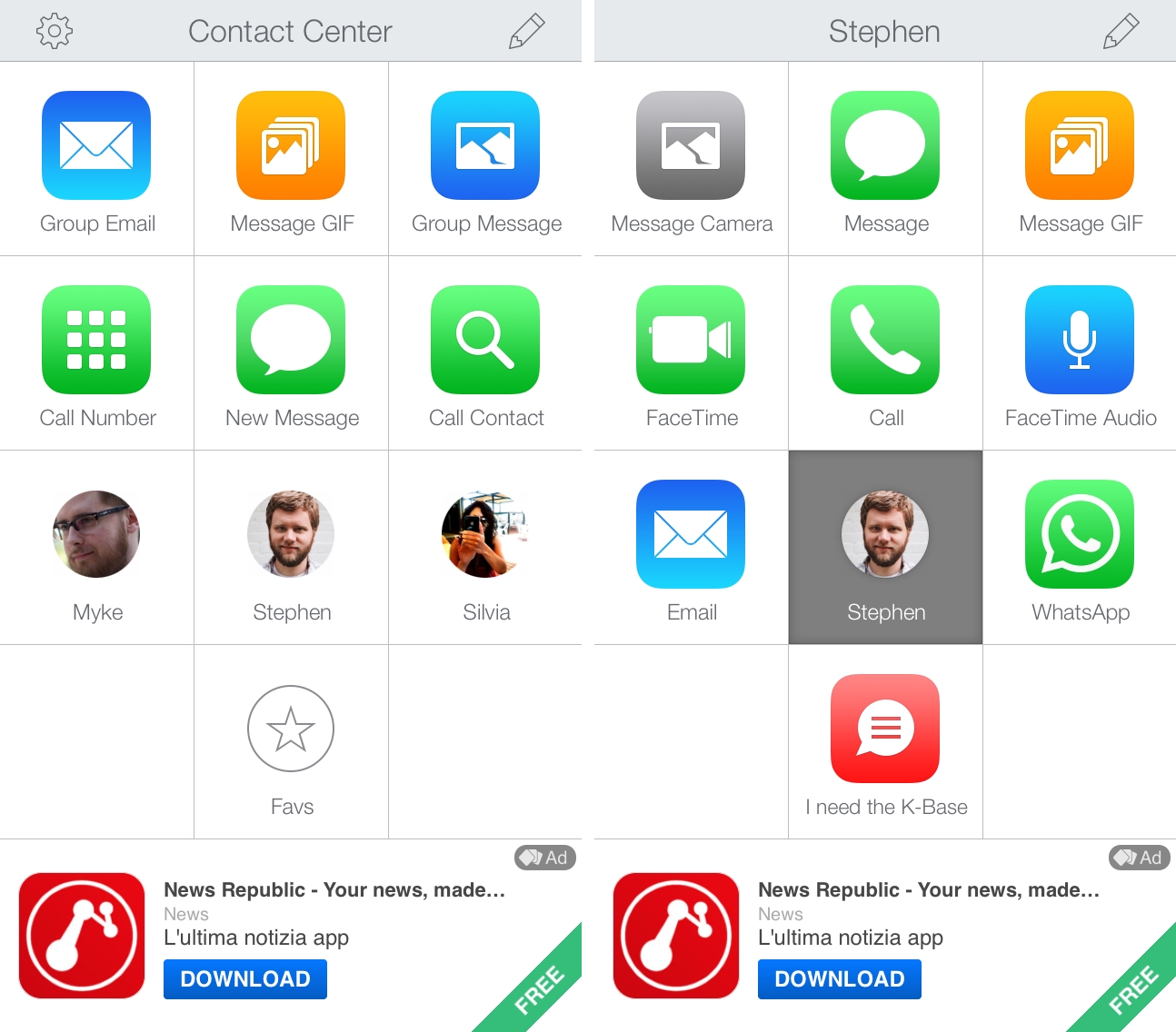
Based on Launch Center Pro, Contact Center Simplifies Contact Shortcuts

Contact Center is not for me. The latest product from Contrast, Contact Center is a simplified version of Launch Center Pro that brings a subset of its features to a free iPhone app supported by ads and aimed at a less geeky and power-user audience. I don’t need Contact Center. But, at the same time, I recognize that it’s a great idea from the Contrast team, cleverly executed in this 1.0 release.

Read more