Federico Viticci

10864 posts on MacStories since April 2009

Federico is the founder and Editor-in-Chief of MacStories, where he writes about Apple with a focus on apps, developers, iPad, and iOS productivity. He founded MacStories in April 2009 and has been writing about Apple since. Federico is also the co-host of AppStories, a weekly podcast exploring the world of apps, Unwind, a fun exploration of media and more, and NPC: Next Portable Console, a show about portable gaming and the handheld revolution.

Apple Announces Media Event for October 16

As first reported by The Loop’s Jim Dalrymple, Apple has invited selected members of the press to a media event that will take place in Cupertino, California, on October 16th at 10 AM.

Following last month’s introduction of the iPhone 6, Apple Pay, and Apple Watch, the company is expected to announce new iterations of its iPad Air and iPad mini lines. According to recent rumors and speculation, the new iPads will carry Touch ID (first introduced last year with the iPhone 5s), a thinner chassis, and design cues from the iPhone 6 and iPhone 6 Plus.

Apple is also expected to provide a release date for Yosemite, the next major version of OS X currently in testing with registered Mac developers and in “Golden Master candidate” status. OS X Yosemite, announced at WWDC ‘14, brings a complete redesign of the company’s Aqua interface and deeper integration with iOS 8 through Handoff and Continuity. Yosemite will also feature the desktop counterparts of several new functionalities first rolled out on iOS 8, such as Notification Center widgets and app extensions.

(Invitation image via 9to5mac)


iOS 8 Apps I’m Trying This Week

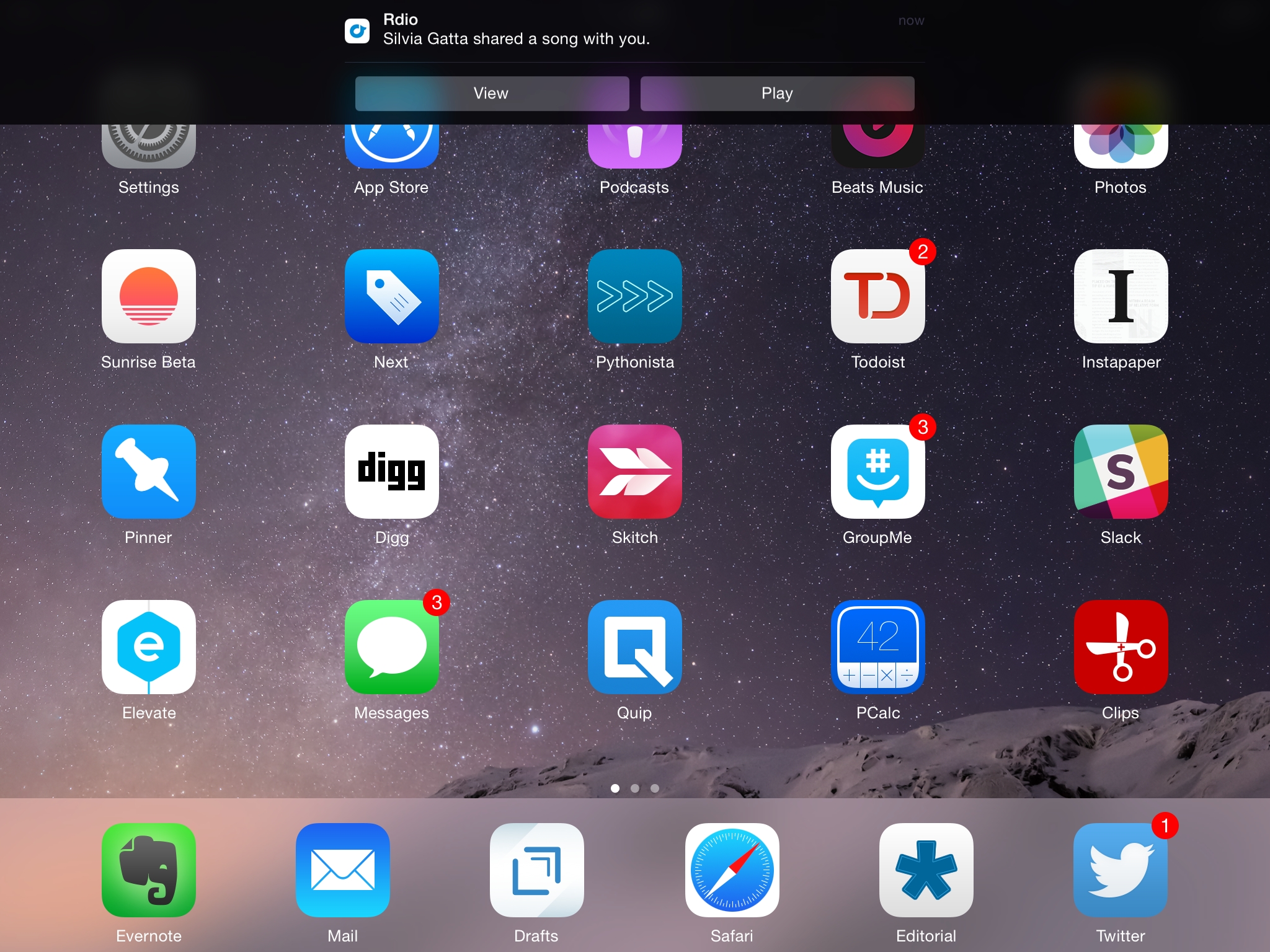
While iOS 8 user adoption may be slowing, the same hasn’t been true for third-party apps. Developers are embracing the new OS with app updates that take advantage of new features such as widgets and extensions, and since the release of iOS 8 last month I’ve been trying dozens of new apps and utilities in my daily workflow.

Some of these apps will turn into full reviews; others will likely be replaced over time. I’ve been having fun exploring the App Store and discovering new software for iOS 8, and I thought it’d be nice to keep documenting what I’m trying. Consider this a follow-up to my earlier post from September 19th.

You can find the list below and our complete iOS 8 coverage here.

Read more


CleanMyMac 2 [Sponsor]

CleanMyMac 2 makes space for the things you love. Sporting a range of ingenious features, CleanMyMac 2 lets you safely and intelligently scan and clean your entire Mac with just one click.

CleanMyMac 2 clears out more than just system junk – including large files you’ve forgotten about or haven’t opened in a while such as movies, dot-dmg files, and unpacked archives. It even reduces the size of your iPhoto library to help track down those hidden modified copies of your photos and lets you remove them.

What about apps you don’t use anymore? Their uninstaller makes it easy to do a complete uninstall on those apps you don’t need or that are no longer compatible with your Mac. It also identifies those annoying leftovers of previously removed applications.

CleanMyMac 2 uses a set of rules and exceptions to properly clean up junk files without doing any harm to the user’s system. It’s called Safety Database and they’ve been building this for over 5 years! CleanMyMac 2 stands out among all other cleaning apps by making it safe to clean up your Mac. It’s just the best app for cleaning up your Mac.

For MacStories readers, MacPaw is offering a 30% off discount. You can buy CleanMyMac 2 by visiting macpaw.com/macstories.

Our thanks to MacPaw for sponsoring MacStories this week.


1Password 5.1

Released today on the App Store, version 5.1 of 1Password brings, in addition to iPhone 6 support, better compatibility with Touch ID and a redesigned security screen.

When I tested 1Password 5 for my review, I noted that Touch ID had been working well for me, but the public release of the app revealed that iOS 8 was prompting for master passwords for many people due to memory constraints and other bugs.

Version 5.1 comes with redesigned settings that better explain how Touch ID authentication works, unify the master password and PIN options, and that also contain an option (in the Advanced section) to enable custom keyboards inside 1Password (they’re turned off by default as they could transmit keystrokes). According to Agile Bits, the implementation of Touch ID is more reliable now and the app should always honor its security settings. That means less master password prompts, unless you restart your device or Touch ID fails.

I continue to be amazed by the fact that 1Password can now be invoked in any app that supports action extensions. If you’re a developer and you’re making apps that handle web logins or other secure data input, consider supporting the 1Password extension. If you’re a 1Password user, get the 5.1 update from the App Store as it brings some welcome bug fixes.

Permalink

Keymoji Custom Keyboard Lets You Add Emoji by Typing Their Name

Emoji keyboards have become one of the most popular consequences to Apple offering third-party keyboard replacements in iOS 8. Apple’s default emoji keyboard leaves much to be desired, and developers are finding a new opportunity in being able to give users better input methods for the emoji millions of people use every day. Last week, I covered David Smith’s excellent Emoji++, but I’ve also been enjoying Keymoji, available for free on the App Store.

Read more


iOS 8 Automation on Mac Power Users

Federico Viticci of MacStories joins us to talk about the state of automation with the new enhancements of iOS 8.

I was invited on Mac Power Users and I had lots of fun discussing iOS 8 apps, extensions, and new automation features with Katie and David. Some of the apps I mentioned have been covered here, others will be released soon.

You can get the episode here.

Permalink

Apple Pay and Security

Yoni Heisler has an in-depth overview of Apple Pay at TUAW today:

Remember that merchants in an Apple Pay transaction never have access to user credit card information and, as a result, users never have to worry about their information being compromised in a security breach. Further, security at the device level is effectively impenetrable as tokens, along with the encrypted keys responsible for the cryptogram, are all securely stored in the Secure Element.

And as an extra security precaution, iPhone owners will have the ability to unlink or temporarily suspend a token connected to a stolen device, thereby rendering Apple Pay inoperable until the device is retrieved.

I may be skeptical about Apple Pay in Europe, but the way it’s been built and will operate is fascinating. (I’m even more curious to know if integration with Safari will happen for web payments eventually).

Permalink

Evernote Wants to Go Beyond Note-Taking

At its conference in San Francisco today, Evernote announced a slew of updates for its core iOS and OS X experience as well as a redesigned web app (currently available as public beta), a redesign of Penultimate, a new scanner app, and new Market products.

Harry McCracken has an overview of the announcements at Fast Company. He concludes with a legitimate concern:

As a pretty committed Evernote user–I have more of my digital life stored there than any one other single place–all of these announcements leave me both excited and at least a tad concerned. Profoundly useful though the service is, it’s never quite felt like it’s nailed the best, simplest, most intuitive interface for what it does. (The fact that it has a habit of radically redoing its user interface on a regular basis is presumably an acknowledgement of that.) Adding more features will only make it tougher to keep Evernote coherent and approachable.

I’m curious to check out the updates to the iOS apps (I use Evernote for work every day) and the redesign of the Mac app for Yosemite looks nice. I’m a fan of the web app: by default, it lets you write a new note with just a few clicks, but it packs most of the features available in other versions of Evernote. It was a much needed change.

I have my doubts about the contextual and messaging features Evernote announced, but they also have potential and I’d rather wait until I can try them. I’m not sure I’d ever benefit from links pulled in from the WSJ or LinkedIn while I’m doing research, but other sources would be welcome. As for messaging, it is going to be hard for Evernote to beat the workplace integration that’s being built by Slack, but I imagine it could be a nice plus for businesses that rely heavily on Evernote internally.

I liked the tone and message of the keynote. Phil Libin is a good presenter and he genuinely seems to be invested in Evernote as a product. Evernote is often derided for their frequent redesigns, but they have struck a good balance with iOS 7 in the past year (both Evernote and Skitch are now highly polished and functional apps) and the Yosemite update looks like a moderate refresh rather than a ground-up redesign. Evernote has insanely high goals – software for “your life’s work” is the new slogan – and a willingness to adapt to people’s ever-changing needs can be a good thing. The partnership with News Corp. seems a little strange, but, overall, the event was solid.

Check out the Evernote blog for details on Context, the new web app, and Work Chat.

Permalink