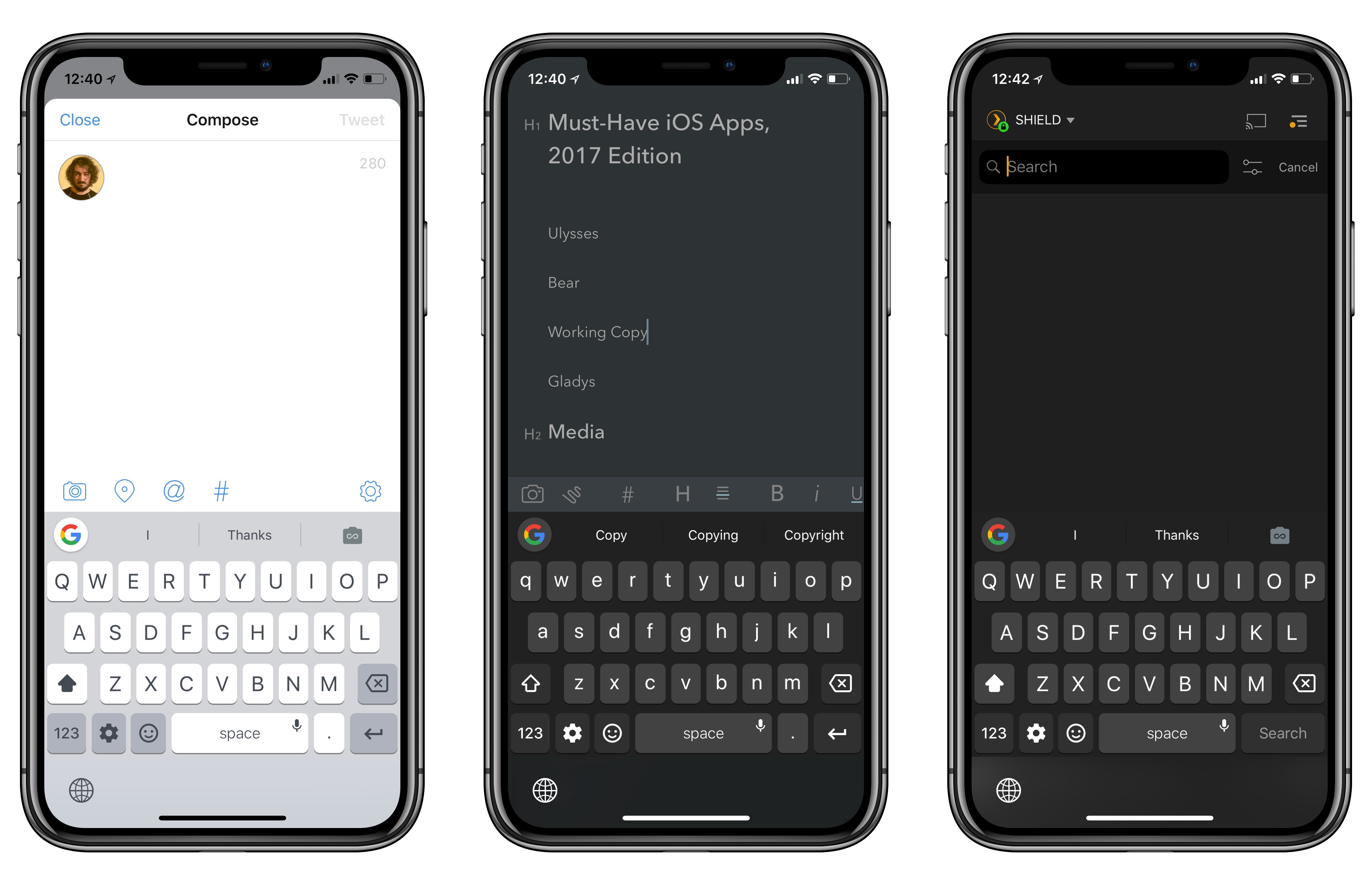
I received my iPhone X earlier today, but because I didn’t add AppleCare+ to my shopping bag when the preorders opened (I wanted to be as quick as possible, and I was sleepy), today I had to buy it separately.
AppleCare+ came in handy earlier this year when I (inexplicably) bent my 12.9-inch iPad Pro and the repair’s cost ended up being €49 instead of €550. After Stephen Hackett pointed at the more expensive repair costs for the iPhone X, I was even more convinced to add the extra coverage to my new iPhone. Buying AppleCare online is surprisingly easy: you receive an email from Apple with a link, which takes you to iOS’ built-in diagnostics app that verifies your device’s eligibility with Apple’s servers. It takes a couple of minutes, after which you can continue with the checkout in Safari. I never did this myself before because I thought driving to the Apple store just to buy AppleCare was easier; it’s not. The diagnostics app has an iOS 11 large title design, too.
If you also have a new iPhone X without AppleCare, Apple has a support document that explains how you can purchase it here.
Federico and John explain the apps and workflows they use to cover Apple earnings calls and then cover updates to Newsify on iOS and Twitterrific for macOS.
Read more
Mario is back! Is he better than ever?
On this week’s episode of Remaster, we share our thoughts on Super Mario Odyssey. There are spoilers in the second half of the show. This is a good one. You can listen here.
Sponsored by:
- Squarespace: Make your next move. Enter offer code INSERTCOIN at checkout to get 10% off your first purchase.
- Podcast Listener Survey: We rely on advertising as a way to support this show. If you could do us a favor and answer a few short questions, it would be really helpful to us.
One of my favorite features of Todoist is the ability to create filters to visualize subsets of tasks based on their due dates, tags, projects, and other criteria. Think of Todoist’s filters as the equivalent of OmniFocus’ perspectives, but more flexible thanks to a natural language syntax and available on every platform, including the...
Noteshelf 2 Launched last month, this major update to the popular note-taking app for iPad (I first reviewed it in 2010) has brought dozens of new features well worth the upgrade. Noteshelf 2 has an iPhone version, which syncs with the iPad using iCloud; books can be grouped into categories, are sorted by date,...
Question: I have recently switched from a Mac to working exclusively on my iPad Pro. What backup strategies do you recommend given the discussions of iCloud data loss? Is it possible to set up Backblaze to automatically back up my iCloud data? (Anonymous)
Unfortunately, one of the limitations of working from the iPad is...
The combination of iOS 11 and iPhone X is pushing developers to reconsider many of their interaction paradigms and interface affordances that predated the Super Retina display and drag and drop. In a span of two months, iOS 11 made custom implementations of multiple item selection and reordering effectively obsolete, while the iPhone X now requires apps to embrace its display and novel status bar design.
Overcast 4.0 is a good example of how Apple’s biggest releases of the year impacted apps that needed a lot of work to be updated for the iPhone X and iOS 11. Released today on the App Store, Overcast 4.0 bears no groundbreaking additions to the experience; instead, developer Marco Arment focused on design refinements and simplifying the app’s navigation, modernizing Overcast’s appearance and flow while bringing smaller enhancements to the listening and browsing experience.
There are some notable changes in this version – drag and drop is present, albeit in a limited fashion – but Overcast 4.0 is primarily aimed at foundational improvements and laying the groundwork for the future. Despite this “Snow Leopard approach”, however, heavy Overcast users should still find the many optimizations as well as the “by popular demand” tweaks more than welcome.
Read more
Ahead of the iPhone X’s public debut tomorrow, 1Password received a significant update today that brings native Face ID authentication, plus enhancements for clipboard integration and iPad users.
Read more
I’ve been a fan of Unread, the elegant RSS reader for iOS, since it came out in early 2014. I stopped using it when I moved to Inoreader as my RSS service (and also because Unread wasn’t receiving major updates anymore), but Golden Hill Software recently acquired the app, and development pace has picked up again.
With today’s version 1.8, Unread is finally gaining support for Split View and Slide Over on the iPad, allowing you to read articles next to your favorite note-taking app or Twitter client. In addition to these iPad multitasking improvements, Unread is now compatible with the iPhone X, and its readability mode should be more accurate as it’s now based on Mozilla’s fork of the popular third-party tool.
I still would like to see Inoreader integration and support for the Taptic Engine as well as drag and drop in Unread. I would love the ability to pick up an article from the main list and drop its URL in another iPad app. For now though, this is another much needed update that modernizes the app’s codebase and puts it on the same base level of other iOS 11 RSS clients. Unread 1.8 is available on the App Store.

