John is MacStories' Managing Editor, has been writing about Apple and apps since joining the team in 2015, and today, runs the site alongside Federico.
John also co-hosts four MacStories podcasts: AppStories, which covers the world of apps, MacStories Unwind, which explores the fun differences between American and Italian culture and recommends media to listeners, Ruminate, a show about the weird web and unusual snacks, and NPC: Next Portable Console, a show about the games we take with us.
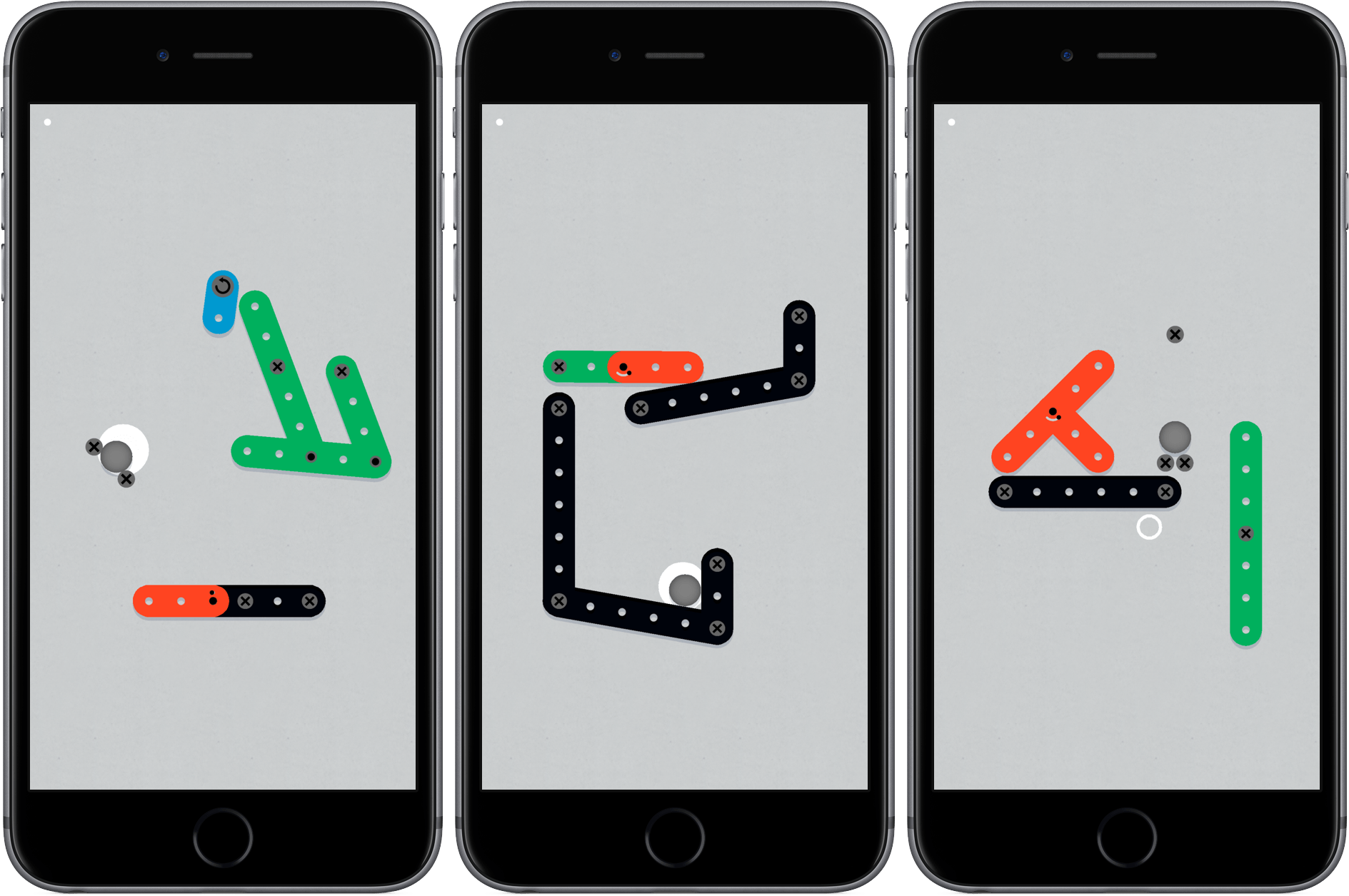
Zip Zap, by Philipp Stollenmayer, combines physics and timing in a unique and lighthearted puzzle game. The interaction with the game couldn’t be simpler. You tap to contract Erector Set-like pieces at their hinges and release to retract the hinge, which makes pieces creep, hop, jump, and swing across the playing area. That’s it. The game even helpfully reminds you that swiping doesn’t do anything.
Each of the over 100 levels requires you to maneuver one of the pieces or a ball into a specific spot. What makes Zip Zap work is the realistic physics and variety of ways tapping affects the interaction of the piece you control with the obstacles in the game environment. Precise timing plays a big role too, complicating each level and requiring close attention and concentration.
The difficulty of the levels ramps up gradually, but before long, the route to the goal is no longer obvious and requires experimentation. There is no score or penalty for retrying a failed level and no timers. You just swipe from the right to reset the pieces to their starting positions if you want to retry a level. As a result, Zip Zap is low-stress. Add to that an upbeat soundtrack, bright colors, and the playfulness of the game mechanics and you’ve got an excellent puzzle game that’s great when you need a break fro whatever you’re doing.
The stickers couldn’t be blue or green, they couldn’t use San Francisco as the typeface, and the app could no longer be marketed as a “prank” app, because Apple doesn’t approve prank apps…
Howell was given until this Thursday to change his stickers. Howell decided not to change them and the stickers were pulled from sale.
Today, Howell published a follow-up that provides interesting insights into the early iMessage App Store from the perspective of an app that sat in the #1 paid spot for eight days in a row. Phoneys, which cost $0.99, netted $23,206 in the eleven days it was available and drew nearly two million impressions. The high number of impressions were driven by Phoneys’ spot in the Top Paid chart, but conversion rates were highest from customers who tapped a link to Phoneys from Howell’s and other websites, highlighting importance of marketing outside the App Store.
Right now, depending on the day of the week, 1,000–1,500 sales a day will make your app #1 Top Paid in the iMessage App Store.
Around $2,500-$3,000 dollars in sales a day will make your app #1 Top Grossing in the iMessage App Store.
Being featured on the iMessage App Store home screen will get your app around 150,000-200,000 impressions a day, but unless you’re on the top paid or top free chart, it won’t drive very many conversions (I’ve talked to several folks whose stickers are currently being featured that back this up).
Howell’s data reflects the performance of just one sticker pack that was available for less than two weeks, but given its success during that brief period, Phoneys is a fascinating behind-the-scenes look at the early iMessage App Store. I highly recommend reading Howell’s full post.
John:This is a simple tip, but one that will come in handy for any longtime iPhone user. Holding down the power button and Home button simultaneously for a few seconds has been how you restart an iPhone for years. With the iPhone 7 and 7 Plus, which have solid Home buttons, restarting is accomplished by...
Apps that work well with CarPlay only fall into a few categories like messaging, voice, entertainment, and mapping. Of those, entertainment apps have enjoyed the longest CarPlay support and, consequently, the greatest number of apps from which to choose. Here are some of my favorites. Overcast Overcast, which has been my primary podcast player...
Question: In the most recent newsletter, there was a workflow story about sharing a playlist with someone – is this a shared playlist in the sense that the people you’ve shared it with get updates? That’s what the story seems to imply but I didn’t think that was supported. (Jay McCormack, @jaymcc)
Prisma is a popular free photo app with bold filters in the style of famous artists. With an update today, Prisma filters can also be applied to video. According to BuzzFeed:
Prisma uses AI to “repaint” still images in the styles of famous painters. It debuted in June and already has 70 million users, according to co-founder Aram Airapetyan.
Check out BuzzFeed’s article for some great examples, like this one, of what Prisma can do with video:
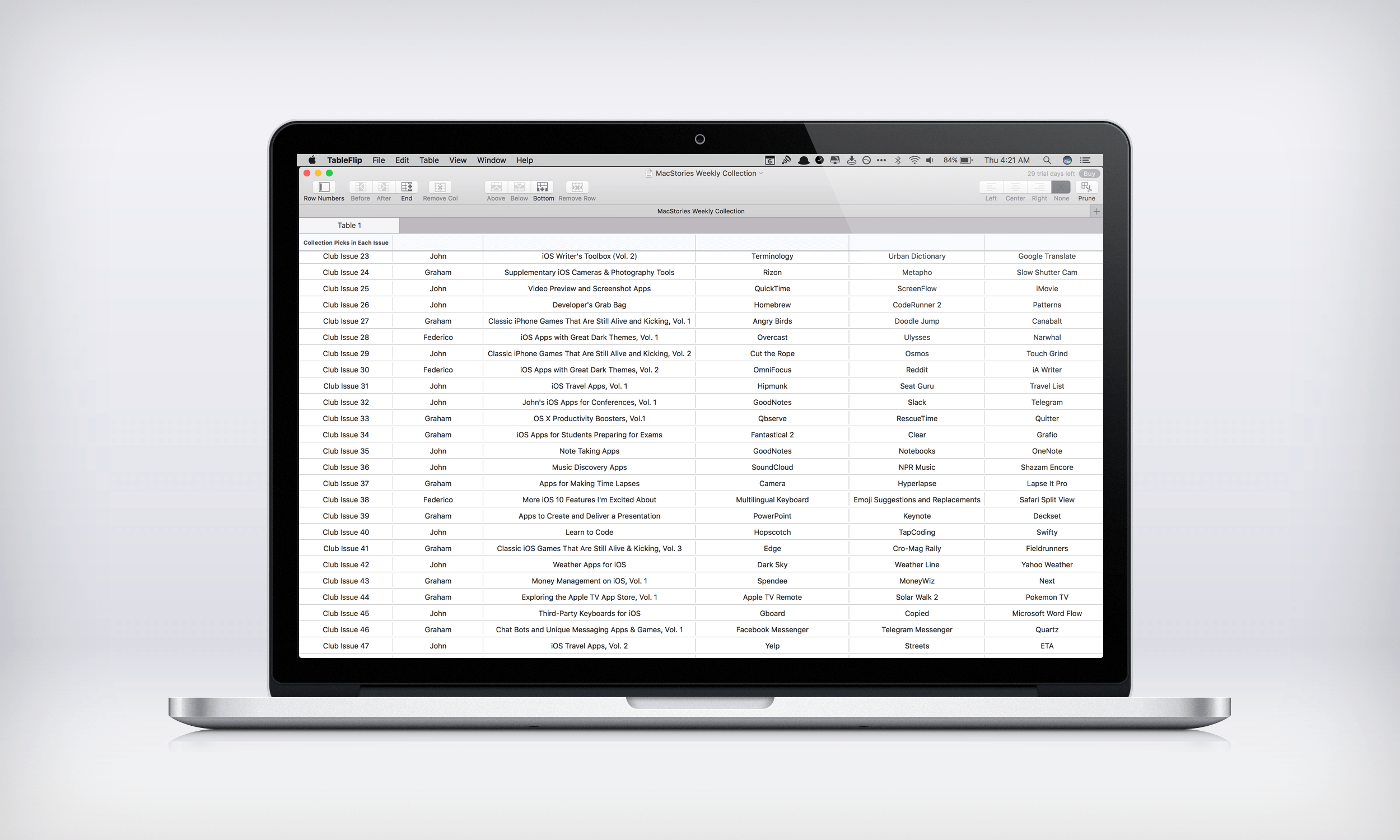
TableFlip, by indie developer Christian Tietze, does something no other Mac app I know of does – it lets you create and edit Markdown tables in a familiar spreadsheet-like interface. Table syntax is part of Fletcher Penny’s MultiMarkdown extension of John Gruber’s Markdown format for displaying HTML in easily readable plain text. MultiMarkdown’s syntax for tables is handy for short tables, but can get unwieldy and complex with larger tables. TableFlip fixes that by letting you flip between a plain text document and a fully-rendered and editable version of your table.
Steve Jobs didn’t grant many interviews after his return to Apple in 1997. However, he did make several appearances at the D: All Things Digital conference from 2003 to 2010 that was hosted by Wall Street Journal reporters Walt Mossberg and Kara Swisher. On the fifth anniversary of Jobs’ death, Recode, which was co-founded by Mossberg and Swisher, has complied a selection of the most memorable moments from those interviews into a short video.
Jim Dalrymple of The Loop was told by Apple that beginning today, Macs with automatic downloads turned on for the Mac App Store will auto-download updates of macOS Sierra. As Jim emphasizes though,
It’s important to note that this is not an automatic installer—this process will only download the update in the background, and then alert you that it is available to install. You can choose to install it when its convenient. You can also choose to ignore the update.
In addition, Sierra updates will not auto-download if your Mac doesn’t support the update or doesn’t have enough free storage.
Automatic OS updates make a lot of sense as a way to encourage adoption of the latest version of macOS and should help spread critical security updates more quickly. The change is not without its downsides though. For instance, updates can be large, which could be an issue for people with limited data plans as Stephen Hackett points out on 512 Pixels. Notwithstanding that sort of issue, I think the change strikes a good balance between automation and requiring intentional user interaction to update macOS, which should work well for most users.


 Federico