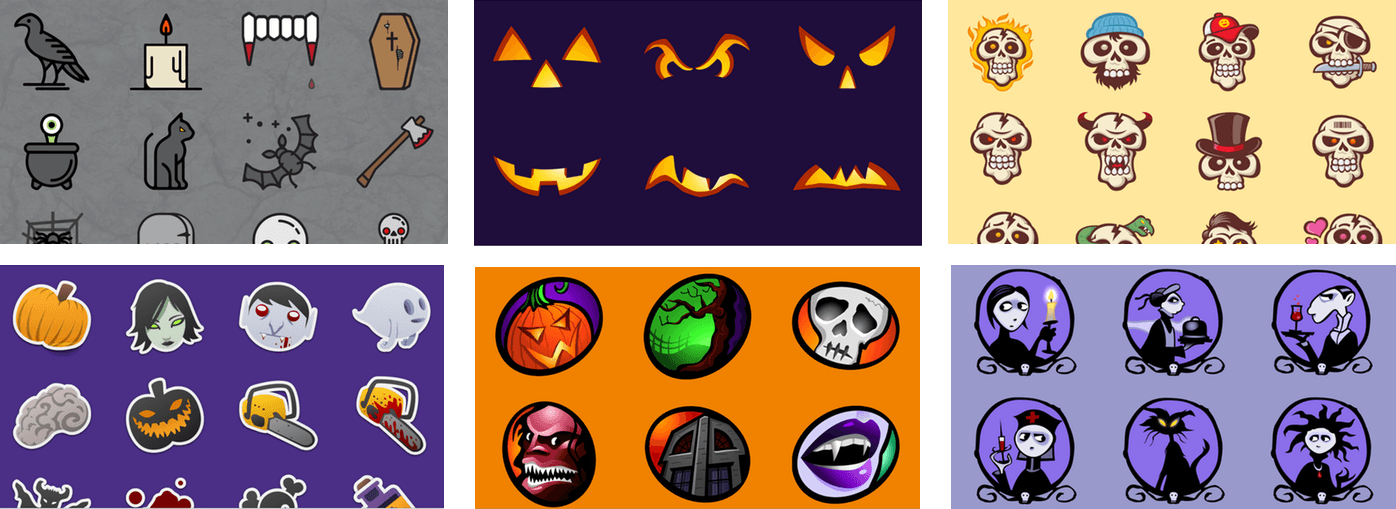
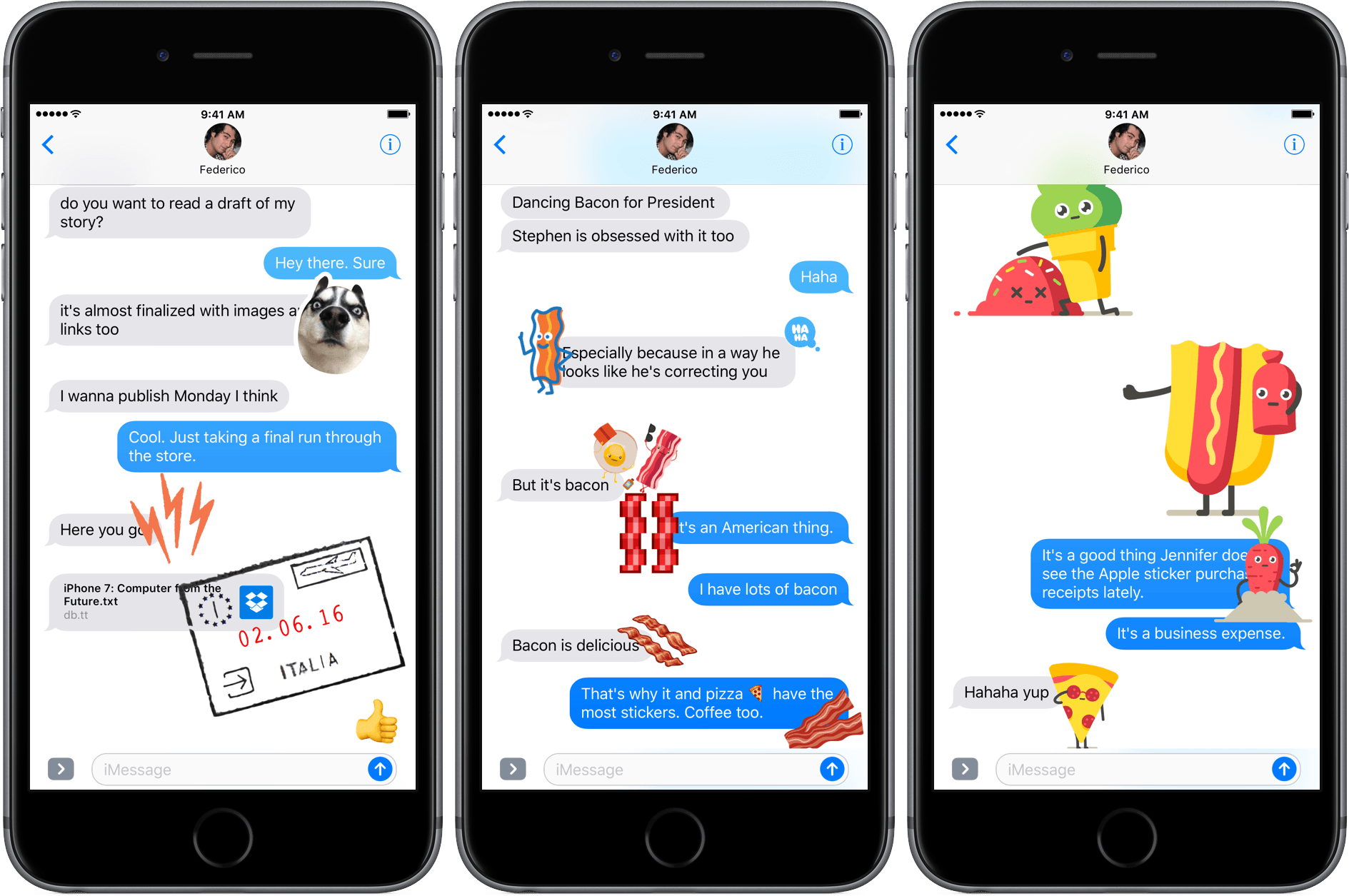
Donut Ghost You have probably figured out by now that I like strange sticker packs. Donut Ghost fits the bill perfectly as a half ghost, half donut character expressing different emotions and doing various things. MonsterDesserts So many sticker packs turn pastries and other treats into cute little characters, I couldn’t resist this pack...
 App Debuts
 Federico
Timepage for iPad Timepage was one of the most impressive iPhone apps I had come across in a while when it first launched. Now, the beautifully designed calendar client is available on the iPad, and it has brought with it all the attention to detail and thoughtful navigation features of the smaller version. Timepage...
Google Photos Adds Four New Features→
Google Photos has introduced four new features:
- Google Photos uses faces in your most recent photos to suggest older photos with with the same person in them;
- If you take a lot of photos of the same subject, like a child, Google Photos will create a card of the best ones from the past month;
- Animations, which Google Photos already creates using photos, are also generated from videos now; and
- If Google Photos detects that there are sideways photos in your collection, it will present a card with the photos that it thinks should be rotated.
This is what Google Photos does best. It finds connections and photos that would be like searching for a needle in a haystack if you did it manually with a big photo library.
Each of the new features are available on iOS, Android, and the web.
Lessons Learned from the Demise of the Next Keyboard→
The Next Keyboard by Tiny Hearts made a big splash when it launched. Funded by a successful $65,000 Kickstarter campaign, it grabbed a lot of press, including from mainstream news outlets like CNBC. At it’s peak, the Next Keyboard made almost $20,000 in a single day, but like most apps, it rode a steep slope down after the initial spike.
Tiny Hearts recently announced that it is discontinuing work on the Next Keyboard and pulling it from the App Store at the end of next week. Robleh Jama, the founder of Tiny Hearts, explores what went wrong:
When we built Next Keyboard, we were amongst the first to experiment with Apple’s custom keyboard functionality. Unfortunately all third-party iOS keyboards — including Next Keyboard — were never truly stable because of Apple’s API. There’s a surprisingly poor user experience around using third-party keyboards (such as setting up a new keyboard). Even Google’s Keyboard, Gboard, has issues today, a full two years after third-party keyboards were announced.
It’s hard to turn any app into a sustainable business, but the Next Keyboard faced greater challenges than most. Third-party keyboards are hard to build, limitations in the Apple APIs mean they cannot match the system keyboard feature-for-feature, and big companies like Google and Microsoft entered the market shortly after the Next Keyboard was launched.
The experience was a costly and disappointing one for Tiny Hearts, but not without value. As Jama explains:
Even though it was an expensive lesson, things worked out. There are things we wished would’ve turned out differently. We let our users down, and we don’t feel good about that. But we came out stronger and smarter for it, we’ve learned an unbelievable amount, and we will still bet on iOS, messaging and conversational interfaces. If you don’t play, you’ll never win. It’s been tough for us to swallow, but we paid for one of the most important lessons: making money with an app is risky.
Amazon Music Unlimited Launches in the US→
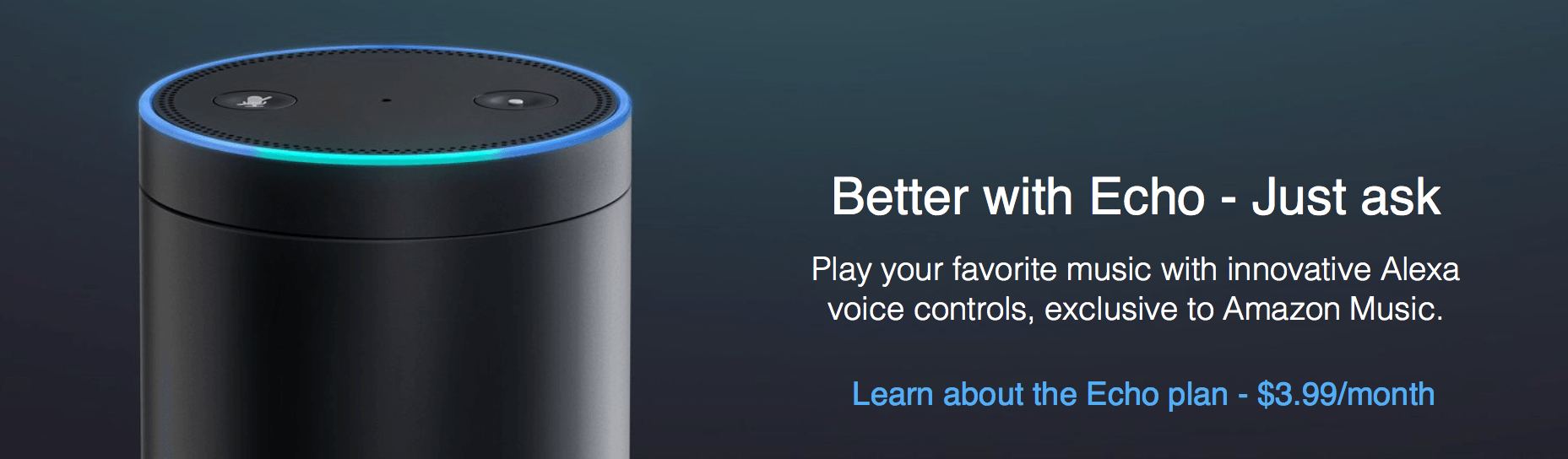
Amazon announced its long-anticipated streaming music service, called Amazon Music Unlimited, with a focus on Echo integration and pricing. According to Dan Seifert of The Verge:
…while Spotify relies on its intelligent music recommendation and discovery as a draw and Apple pushes people towards its service with major album exclusives, Amazon is touting Music Unlimited’s tight integration with its Echo devices and Alexa voice assistant as the real differentiator here. Not only do Echo owners have access to a discounted version of the service (though it’s only available on one Echo device at a time), they can request songs from Music Unlimited in a variety of ways just using their voices.
The service also differentiates itself from Spotify, Apple Music, and others with a feature called Side-by-Side that adds artist commentary to certain albums.
For now, Amazon Music Unlimited is available only in the US, but it is scheduled to be released in the UK and Germany later this year according to 9to5Mac. After a 30-day free trial, Amazon Prime members can subscribe to Music Unlimited for $7.99 per month. Non-Prime customers pay $9.99 per month (the same as an individual Apple Music subscription), unless they have an Amazon Echo, in which case the service costs just $3.99 per month. Amazon plans to offer a family plan that can be used by up to six family members for $14.99 per month, the same as Apple Music’s family plan, but it’s not yet available.
Music Unlimited looks like a great deal for Echo owners, but apart from the cost advantage and Echo integration, it remains to be seen how the service’s music selection, playlists, and other core features stack up against competing services.
OmniGraffle Standard and Pro for Mac Gets a Big Update
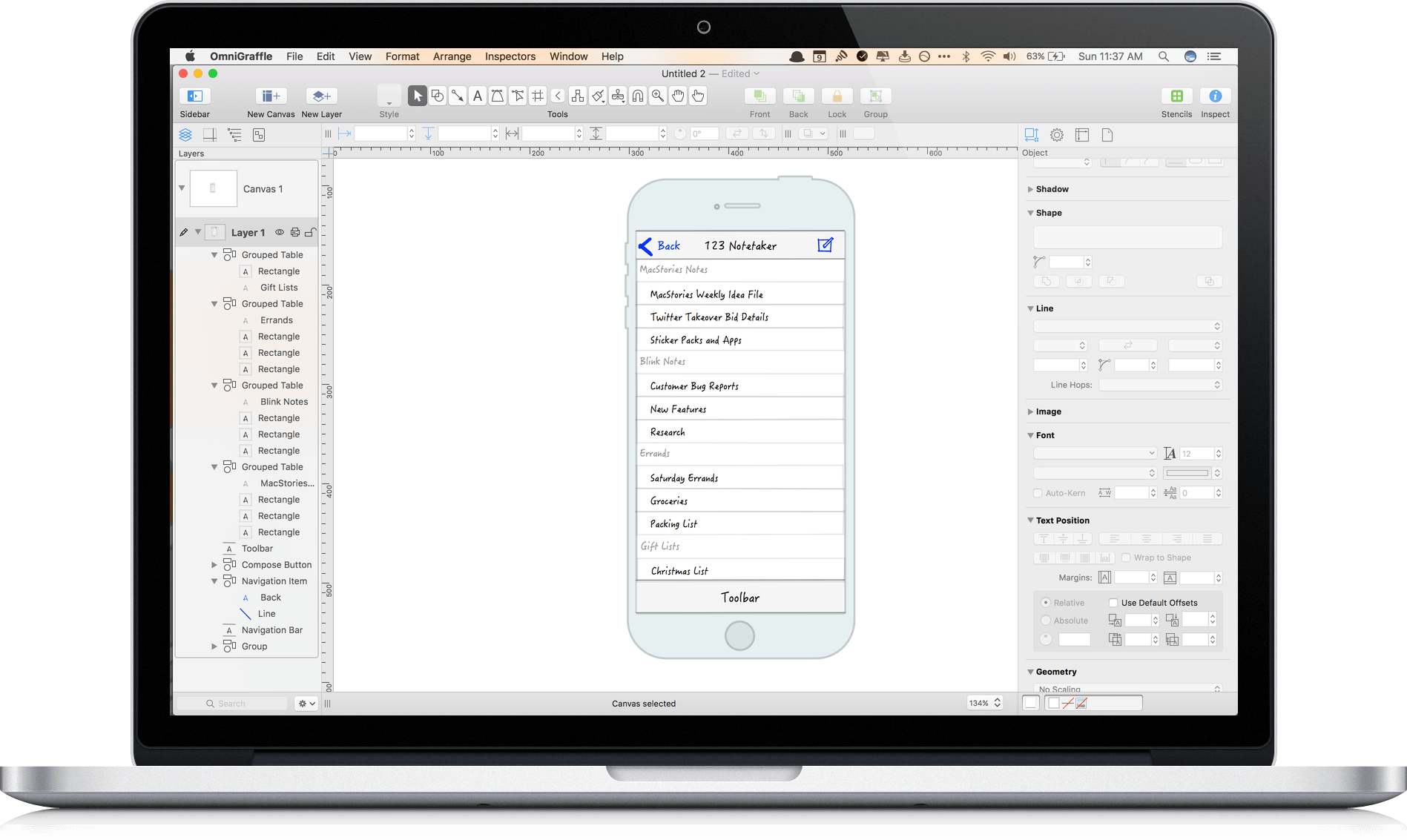
It’s hard to capture exactly what OmniGraffle 7 is. Sure, it’s a vector drawing and diagraming tool, but the power of OmniGraffle lies as much in the flexibility of its tools as anything else. By giving users the ability to tweak virtually any property of a shape, line, or other graphic element on its canvas, OmniGraffle works equally well for prototyping an iPhone app as it does for laying out an addition to your house or creating a corporate organization chart. With Version 7 of OmniGraffle, The Omni Group plays to its strengths, further extending the power, adaptability, and ease of use of those tools in what adds up to an outstanding update.
Dropbox Receives a Major iOS Update
Dropbox announced an update to its iOS app that adds five new features with a sixth promised ‘in the coming weeks.’ According to Dropbox, the update will be released today, although we have not seen it in the App Store yet.
The five new features are:
- The ability to sign PDFs within the Dropbox app, which eliminates the need to send PDFs to another app for signing.
- A new iMessage app that lets you access recent files from within the Messages app and insert them with a preview of the file into a conversation.
- A new widget, from which you can scan, upload, or create new documents and access recent Dropbox files.
- Notifications when someone else edits a document you are viewing and an opportunity to refresh the document to include the edits.
- Picture-in-Picture support when you watch videos stored in Dropbox.
Finally, Dropbox announced that ‘in the coming weeks’ it will also add Split View support for iPad users. It’s disappointing that Split View, which was introduced with iOS 9, is still not part of Dropbox, but good to know that we should see it added before the end of the year.