John Voorhees

5811 posts on MacStories since November 2015

John is MacStories' Managing Editor, has been writing about Apple and apps since joining the team in 2015, and today, runs the site alongside Federico. John also co-hosts four MacStories podcasts: AppStories, which covers the world of apps, MacStories Unwind, which explores the fun differences between American and Italian culture and recommends media to listeners, Ruminate, a show about the weird web and unusual snacks, and NPC: Next Portable Console, a show about the games we take with us.

This Week's Sponsor:

Crickets

The first alarm app for families.


AppStories, Episode 36 – The Impact of App Pre-Orders on Developers and Their Customers→

On this week’s episode of AppStories, we discuss app pre-orders, a new feature introduced by Apple that has interesting implications for developers and their customers.

Sponsored by:

  • Spark – The future of email.
  • Finances — Effortless bookkeeping for everyone.
AppStories+ Deeper into the world of apps

AppStories Episode 36 - The Impact of App Pre-Orders on Developers and Their Customers

0:00
34:02

↓

AppStories+ Deeper into the world of apps

Permalink


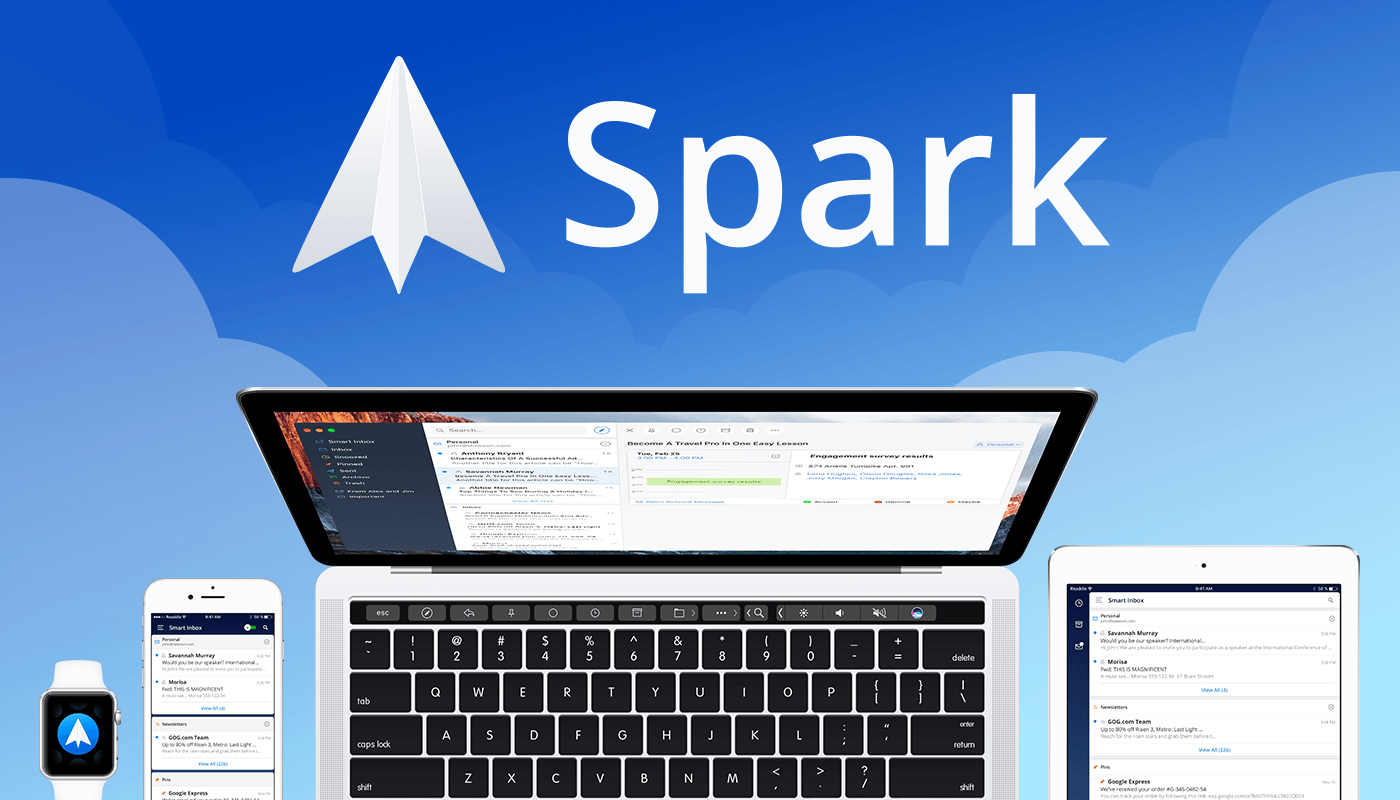
Spark: The Future of Email [Sponsor]

Email robs you of precious time. Spark recovers those lost moments by knowing what’s important and organizing it for you neatly and automatically.

Spark’s smarts start with its inbox. Messages that arrive in Spark’s Smart Inbox are automatically categorized as Personal, Notifications, and Newsletters, which makes it easy to focus on what’s important and return what’s not later.

Intelligent search makes it simple to find messages no matter where they are. Spark’s natural language algorithm thinks like you do. Just ask for messages the way you would if you were asking a friend.

Email notifications are a problem that can spin out of control quickly. Spark uses Smart Notifications to filter out the junk and only notify you what you need to know now.

In addition, Spark features beautifully designed card-style calendar invitations that can be accepted with just one tap, the ability to send later and set up reminders for messages that don’t receive a reply, message snoozing, and Quick Replies that let you acknowledge a message with a single tap. Spark also has customizable gesture actions and works with Dropbox, Box, iCloud Drive, and more. Spark is beautifully designed too with a threaded message view that makes following a conversation simple.

As if that weren’t enough, in just a few short months, Spark 2.0 will introduce Spark for Teams, which will change the way teams collaborate giving them the ability to do things like comment and discuss messages and write messages together.

The future is now. Download Spark today for free on iOS or on macOS and take control of your inbox.

Thanks to Spark for supporting MacStories this week.


Subscribing to Google Calendars on iOS

It’s always an adventure to set up an iPhone as a new device. One of the most frustrating experiences I had this time around was setting up Google calendars. If you log into a Google account from the Accounts & Passwords section of the iOS Settings app, you can toggle Mail, Calendars, Contacts, and...


Alternatives to Apple’s Home App

Home What I like most about Home is that surfaces HomeKit features that are buried deep within Apple’s Home app. Apple released its Home app after developer Matthias Hochgatterer released his, so the two confusingly share the same name and similar icons, but after you launch Hochgatterer’s app, the differences become obvious immediately....


Q&A

Question: What app would you recommend for editing audio files on an iPad Pro? (Jonathan)

The answer depends, in part, on what type of audio you want to edit. For music, Apple’s GarageBand is an excellent choice. If you’re editing spoken word audio like a podcast, Ferrite from Wooji Juice is very capable and...


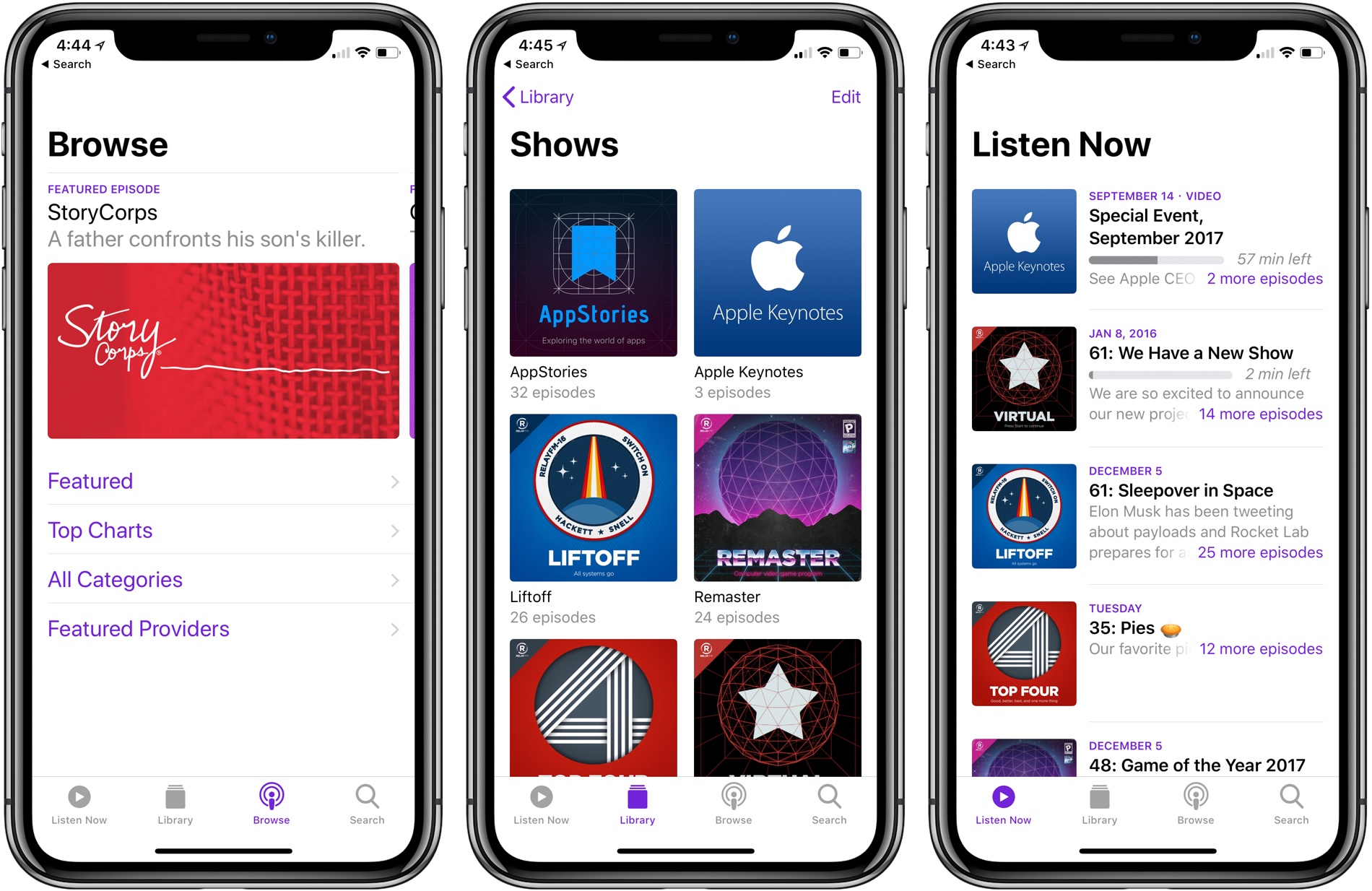
Apple Introduces Podcast Analytics Beta

During as session about podcasts at WWDC in June, Apple announced that it would introduce podcast analytics later in the year. Today, the feature was rolled out as a beta service as part of iTunes Connect, Apple’s content creator portal. At release, the data available to podcast producers includes unique device downloads as well as playback metrics.

Historically, podcast analytics have been rudimentary. Producers could track downloads, but there was no way to tell how many users were behind those downloads or how long they listened. Those sorts of features are something that some podcast producers, especially those coming from the radio industry, have wanted Apple to add for a while.

With the beta introduced today, producers can track the number of unique device downloads and view graphs of how long listeners lasted before giving up on a show. The data is aggregated to protect user privacy, but it’s nonetheless substantially more information than podcasters have had in the past.

The data is limited to users using the Apple Podcasts app on iOS 11 and later or listening via iTunes 12.7 or later on macOS, which limits its utility for some show producers. For example, Apple Podcasts listeners account for barely over 5% of listeners of our podcast, AppStories, a number which counts users of the app on all versions of iOS.

One of the big proponents of these sort of analytics has been big brand advertisers who want to more closely measure the performance of podcast advertising. As podcasts have boomed in recent years and producers have looked to bring larger advertisers along for the ride, pressure has mounted for the kind of analytics that are employed on the web. It remains to be seen whether podcast analytics do to podcasts advertising rates what click-through and other metrics have done to other online media outlets’ advertising revenue.

The beta is available at podcastsconnect.apple.com/analytics.


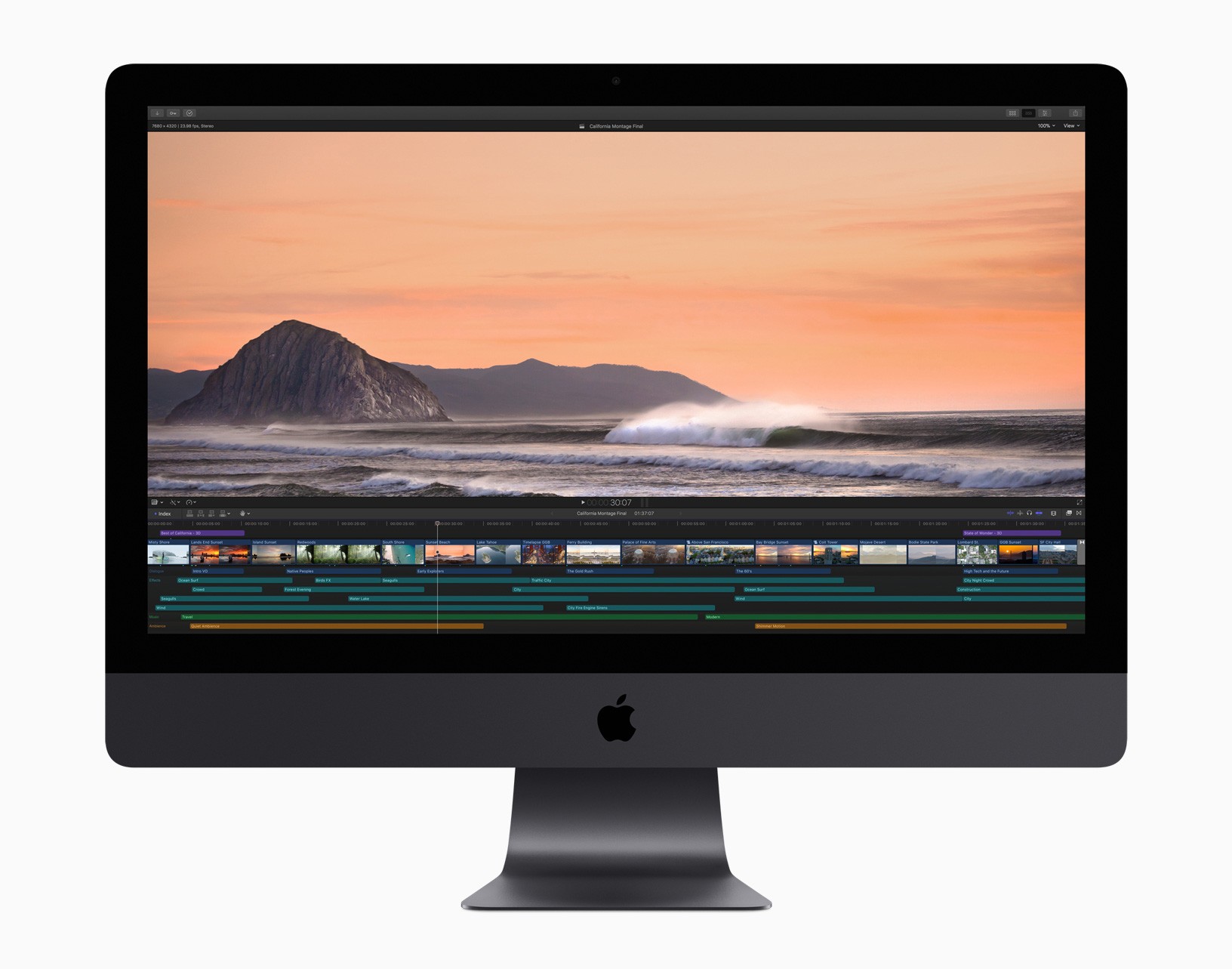
Apple Releases iMac Pro and Updates to Final Cut Pro X, Motion, and Compressor

As expected, Apple introduced of the iMac Pro today, and an update to its professional video-editing app, Final Cut Pro X. Companion video-editing apps Motion and Compressor received updates too.

Specifications of the new iMac Pro are in line with what was reported earlier this week. In its press release, Apple provides examples of the kind of performance increases that different professionals can expect:

iMac Pro takes Mac performance to a whole new level, even when compared to our fastest quad-core iMac.

  • 3D designers can visualize huge 3D models and render scenes up to 3.4 times faster.
  • Developers can run multiple virtual machines and test environments, and compile code up to 2.4 times faster.
  • Scientists and researchers can manipulate massive data sets and complex simulations, visualizing data up to 5 times faster.
  • Photographers can work with enormous files and perform image processing up to 4.1 times faster.
  • Music producers can bounce (export) massive multi-track projects up to 4.6 times faster and use up to 12.4 times as many real-time plug-ins.
  • Video editors can edit up to eight streams of 4K video, or edit 4.5K RED RAW video and 8K ProRes 4444 at full resolution in real time without rendering. The iMac Pro can also export HEVC video 3 times faster.

All that power comes at a substantial price. The iMac Pro starts at $4,999 but can be configured to over $13,000.

Apple also updated Final Cut Pro X, its professional video editing app for macOS. According to Apple:

new features including 360-degree VR video editing, advanced color grading tools and support for High Dynamic Range (HDR) video. Optimized to take full advantage of the incredible performance capabilities of the all-new iMac Pro, Final Cut Pro users can now edit full-resolution 8K video for the first time on a Mac. Apple is also extending 360-degree VR video support to Final Cut Pro companion apps, Motion and Compressor.

Susan Prescott, Apple’s vice president of Apps Product Marketing said:

“With new features like 360-degree VR editing and motion graphics, advanced color grading and HDR support, Final Cut Pro gives video editors the tools to create stunning, next-generation content…. When combined with the performance of Mac hardware, including the all-new iMac Pro, Final Cut Pro provides an incredibly powerful post-production studio to millions of video editors around the world.”

The update to Final Cut Pro X lets editors create 360-degree video content and view those projects in real time using an HTC VIVE VR headset and SteamVR. Apple has also added professional color grading tools and supports popular HDR formats. Other features Apple touts include:

  • Easily import iMovie projects from iPhone and iPad into Final Cut Pro for advanced editing, audio work, motion graphics and color grading.
  • HEVC and HEIF support for importing and editing high efficiency video and photo formats from Apple devices.
  • Updated audio effects plug-ins from Logic Pro X with redesigned, resizable interfaces.
  • Faster, higher quality optical flow analysis built on Metal, Apple’s advanced graphics technology.

In addition to the update to Final Cut Pro X, Apple has updated Motion, which lets users create 360-degree VR titles and effects that are accessible from Final Cut Pro. Compressor has also been updated to let ‘users deliver 360-degree video with industry-standard spherical metadata.’

Final Cut Pro X, Motion, and Compressor are available on the Mac App Store as free updates to existing users. For new users, Final Cut Pro X is $299.99, Motion and Compressor are $49.99 each. Educational users can purchase the apps as a bundle for $199.99.



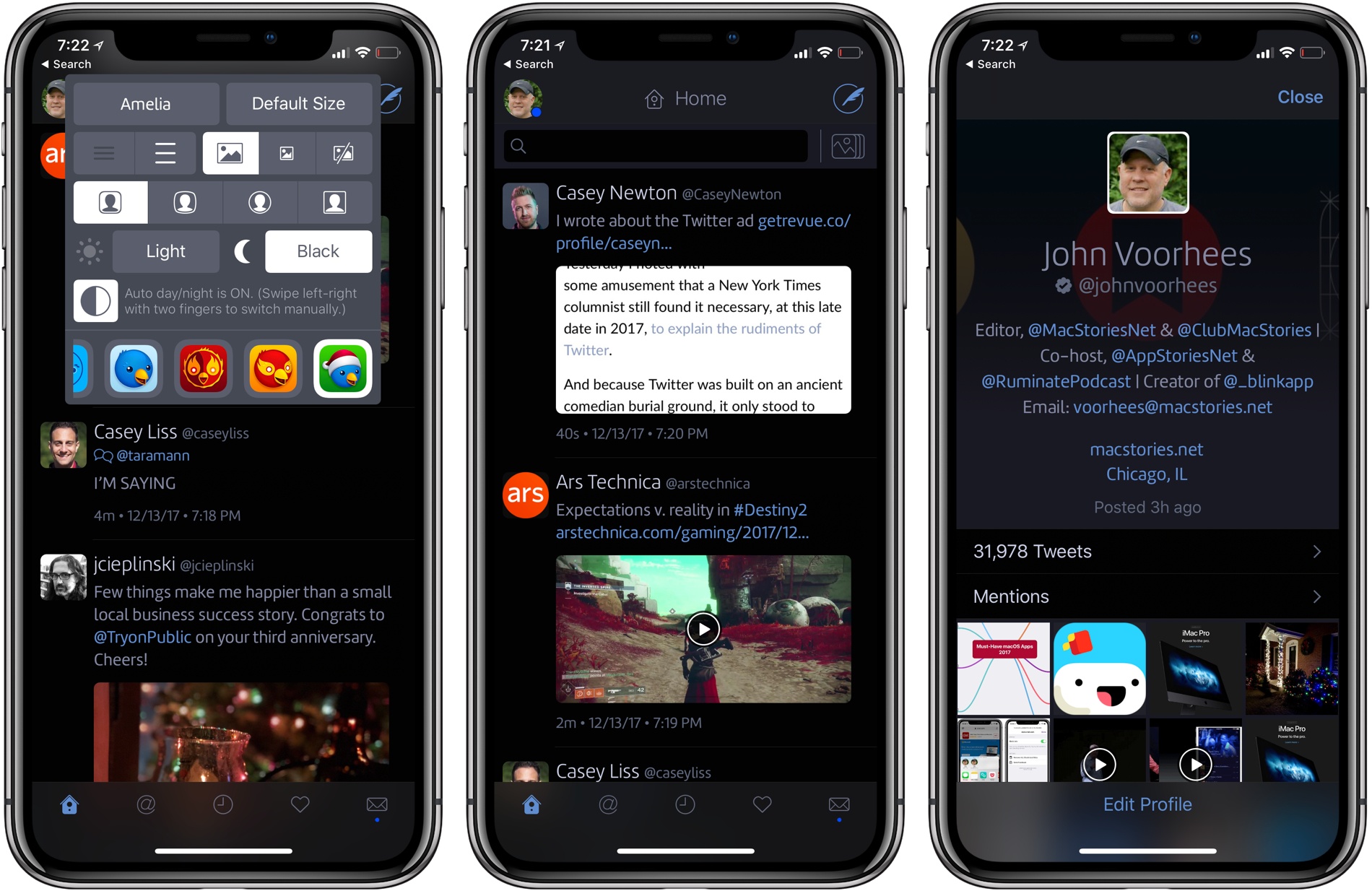
Twitterrific for iOS Adds Black Theme, Dynamic Type, Temporary Muffles, Poll Support, and More

Twitterrific 5 for iOS was updated today with several new and improved features. My favorite addition is a true black theme that looks striking on the iPhone X. Users that pick the black theme are given a choice between a dark theme that has been modified for ‘greater contrast and clarity’ and the true black theme.

The app’s design has undergone other changes too. Users can pick avatars that are rounded rectangles, circles, squares, or squircles, and text sizes can be adjusted with more granularity thanks to the use of Dynamic Type.

Muffles, which are rules that partially hide tweets from your timeline, can be temporarily disabled now. Previously, the only way to deactivate a Muffle was to delete it.

Twitterrific’s experimental support for polls, which debuted on macOS recently, has been added to the iOS app too. To celebrate the holiday season, The Iconfactory has also added a new icon option: ‘Jolly Ollie,’ which features Twitterrific’s mascot in a Santa hat.

Twitterrific is available on the App Store.