Federico
AppStories Episode 37 - Our Ideal Email Client
0:00
42:17
42:17
Federico and John discuss the features that their ideal iOS and Mac email clients would have and what they are using now.

The first alarm app for families.
For some people, IT is a task and not a career. Jamf Now helps you manage and secure your iPad, iPhone and Mac devices at work.
For example, when a business is first starting out, it’s pretty easy to keep track of a couple of Apple devices. But as a company grows and it start to buy more tech for employees, it gets harder to keep track of everyone’s Mac, iPhone, and iPad. Figuring out how to secure an iPad that an employee lost can be tough — especially if they work remotely.
Jamf Now makes that, and much more, easier. You can check real-time inventory, configure Wi-Fi and email settings, deploy applications, protect sensitive company data, and even lock or wipe a device from anywhere. Jamf Now helps manage your devices so you can focus on your business. There’s no IT experience needed.
MacStories readers can start securing their business today — by setting up the first 3 devices for free. Add more, for just $2 a month, per device. Create your free Jamf Now account today.
Thanks to Jamf Now for supporting MacStories this week.
Panic has announced that it will remove Transmit iOS from the App Store soon. In a blog post today, Cabel Sasser explains that the revenue generated by the paid-up-front app was insufficient to justify its continued development. Sasser doesn’t rule out a return of Transmit to iOS some day, and the move does not affect the company’s other iOS apps or Transmit 5 for the Mac, but adding features to the iOS app to match those debuted in the Mac version last year would make Transmit iOS ‘a guaranteed money-loser.’
This is not Panic’s first pull-back from the App Store. In 2016, Panic pulled the plug on Status Board, its widget-style app for tracking data through web APIs. Why Transmit wasn’t sustainable on iOS is unclear:
Was the use case for this app too edge-casey or advanced? Did we overestimate the amount of file management people want to do on a portable device? Should we have focused more on document viewing capabilities? Maybe all of the above?
Although Transmit will be removed from the App Store soon, Panic updated it with iPhone X support, and existing users will still be able to download it from the App Store and use it until some future change in iOS breaks the app.
I’m sad to see Transmit go. It’s a loss for the platform, but I don’t think it’s a bad omen for ’pro’ iOS productivity apps in general. Transmit failed to get the traction necessary to sustain its further development, but there are still many examples of productivity apps that have found success on the App Store. Hopefully, Panic will find a way to bring Transmit back to iOS one day.
For some people, weather apps simply answer questions like ‘Do I need a coat today?’ but their appeal is much broader. Weather apps are also about science and statistics. If you enjoy the geeky data side of tracking the weather, there’s no better way satisfy that interest than by collecting measurements yourself with a weather station like the one made by Netatmo.
Weather stations, like many gadgets, run from the simple to the complex. What I like most about the Netatmo Weather Station is that it’s easy to set up and modular. That means you can start with the core system that tracks basic weather data like temperature, humidity, barometric pressure, and air quality, and later, add wind speed and precipitation gauges if you want to dive deeper into tracking the weather.
In a support article, Apple has acknowledged that the recently-disclosed Meltdown and Spectre exploits, which affect virtually every CPU in computers, mobile devices, and other platforms, also impact every Mac and iOS device. Although there are no known exploits of the vulnerabilities, Apple advises that users proceed with caution and download apps from trusted sources only.
Mitigations to defend against Meltdown have already been shipped by Apple in iOS 11.2, macOS 10.13.2, and tvOS 11.2. watchOS is unaffected by Meltdown. Development of mitigations for both exploits is ongoing and new defenses will be released to each Apple OS as they become available.
The support article published by Apple provides a high-level explanation of how each exploit works. If there’s any good news to be found in the widespread concern caused by these exploits it’s that Apple says the recently-released mitigations have no measurable impact on performance:
Our testing with public benchmarks has shown that the changes in the December 2017 updates resulted in no measurable reduction in the performance of macOS and iOS as measured by the GeekBench 4 benchmark, or in common Web browsing benchmarks such as Speedometer, JetStream, and ARES-6.
Apple’s support document also reveals that Spectre can be exploited in web browsers, including Safari, using JavaScript. Apple is working to address the problem with an update to Safari that will be released in the coming days. Apple says that:
Our current testing indicates that the upcoming Safari mitigations will have no measurable impact on the Speedometer and ARES-6 tests and an impact of less than 2.5% on the JetStream benchmark.
The gravity of the exploits, which affect virtually all computing platforms, cannot be understated, but it’s reassuring that the initial mitigations released and those coming in the days ahead should have little or no impact on performance. It’s also worth noting that this is probably not the last we’ll hear about Meltdown and Spectre. As Apple notes:
We continue to develop and test further mitigations within the operating system for the Spectre techniques, and will release them in upcoming updates of iOS, macOS, tvOS, and watchOS.
During the week beginning on Christmas Eve, the App Store sold $890 million of apps to a record number of customers. In a press release today, Apple revealed that on New Year’s Day alone, customers bought another $300 million of apps.
“We are thrilled with the reaction to the new App Store and to see so many customers discovering and enjoying new apps and games,” said Phil Schiller, Apple’s senior vice president of Worldwide Marketing. “We want to thank all of the creative app developers who have made these great apps and helped to change people’s lives. In 2017 alone, iOS developers earned $26.5 billion — more than a 30 percent increase over 2016.”
That’s a big increase over 2016 and with the tenth anniversary of the App Store on the horizon, the App Store is closing in on a big milestone. Since the App Store launched in July 2008, developers have earned over $86 billion. If App Store sales continue to grow at a pace similar to 2017, developer earnings should top $100 billion just in time for the anniversary.
Apple also stated that over 2,000 ARKit-enabled apps are available in the App Store, contrary to estimates by research firm Apptopia that fewer than 1,000 ARKit apps are available.
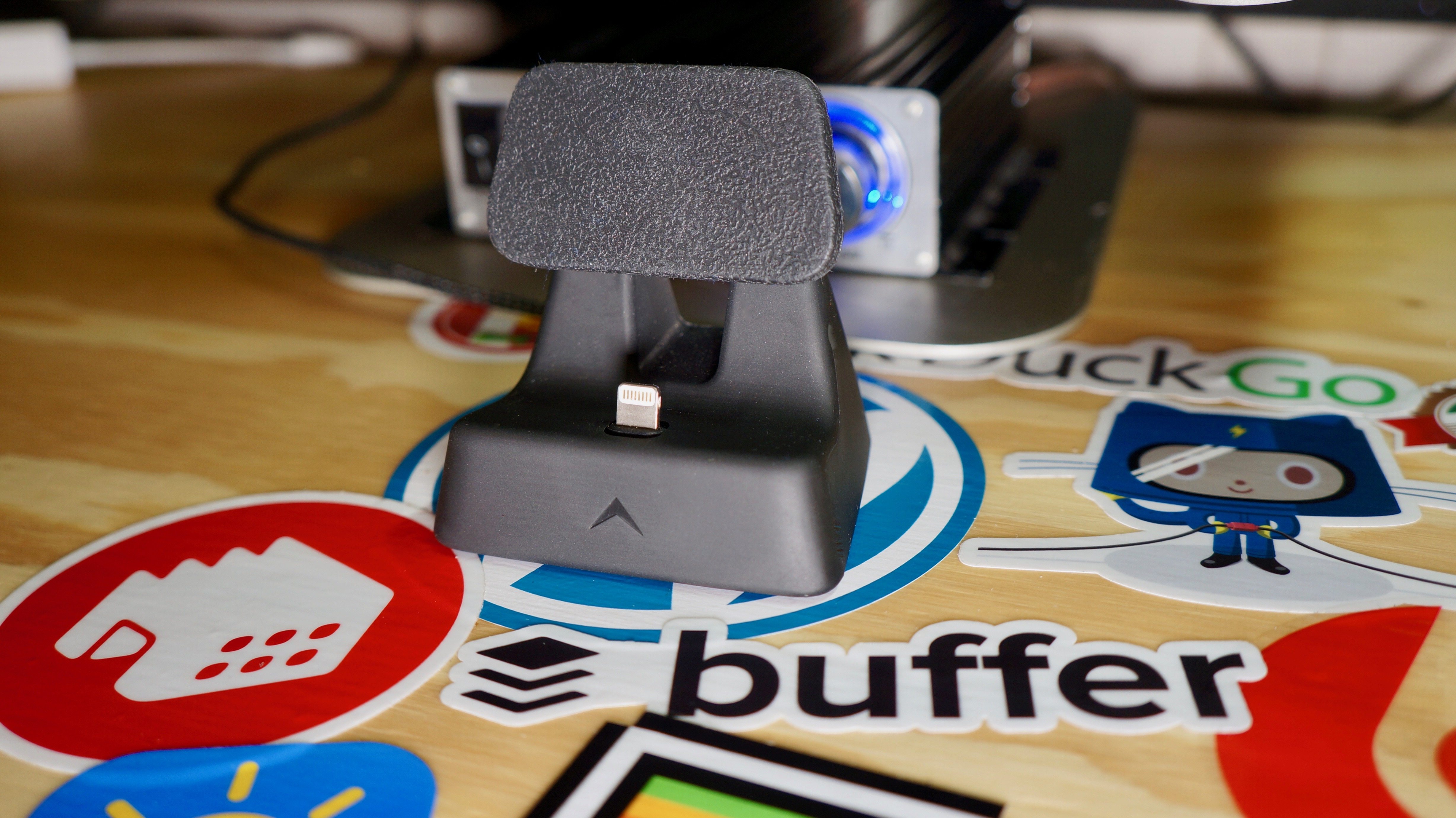
The ElevationDock 4 is an unassuming collection of smart design decisions that together make it my favorite iPhone dock. The device, which comes in black or white, performs well as a place to charge my iPhone, which isn’t remarkable by itself. What distinguishes the ElevationDock though, is the little touches that combine to make it more useful than other docks.
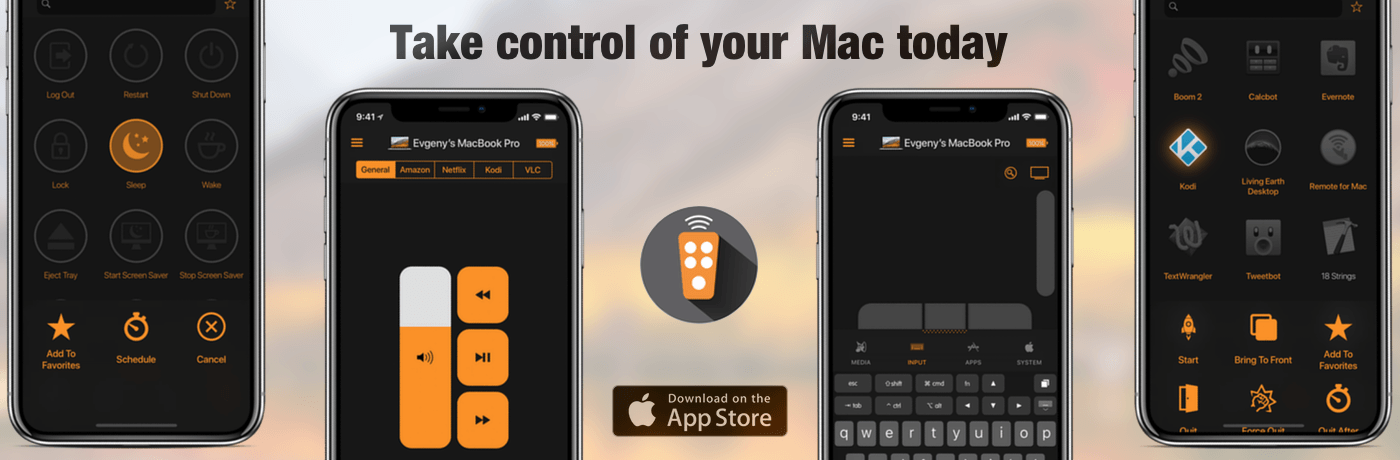
Remote Control for Mac is an iOS app that lets you use your Mac whether you’re sitting in front of it or not. Whether you’re running a Mac as a media center or just want to launch apps or control system settings on your Mac when you’re doing something else, Remote Control for Mac makes the process simple.
One of the greatest use cases for Remote for Mac is controlling a Mac that serves as a media center. A Mac mini makes a great media server, but it’s not comfortable to sit on the couch with a keyboard and trackpad or mouse. Remote Control for Mac cuts through the complications making it easy to control your media center. Just install a helper app on your Mac and use Remote Control for Mac to control system settings like volume and apps and services like iTunes, Amazon Prime Video, Netflix, YouTube, Plex, Kodi, SoundCloud, Spotify, and VLC.
Remote for Mac isn’t just for Mac media centers though. The uses are only limited by your imagination. You can just as easily use the app to browse the web or read email on a Mac connected to your TV. Using the app’s keyboard and virtual trackpad makes navigation a breeze. When you’re finished, Remote for Mac can turn off your display or shut down your Mac too.
Remote has a special giveaway for MacStories readers. The first 20 readers who visit this link will get a free copy of Remote for Mac.
Take control of your Mac today. Download Remote Control for Mac from the App Store.
Our thanks to Remote for Mac for supporting MacStories this week.
 Beyond Text Editors
 Although most of my writing time is spent in a text editor, many other apps play a supporting role in the process. I’ve mentioned some of these before in other places, but wanted to capture my complete writing toolbox in one place. Most of my day-to-day article planning happens in Apple’s Notes app where...