

I recently rediscovered Living Earth when a Club member asked if I knew of any apps that can track the weather and time in multiple cities. There are a lot of apps that do one or the other, but far fewer that can do both. Fortunately, Living Earth not only gets the job done...
 Q&A
Q&A
Question: What app would you recommend to pixelate part of an image when publishing or sharing the image publicly? Ideally an app that works on iPad with Pencil support. (Anonymous)
My favorite app for this sort of thing is Annotable. I use the app all the time for annotating screenshots on MacStories. There are...
Mac Catalyst Isn’t Only for Bringing iPad Apps to the Mac for the First Time
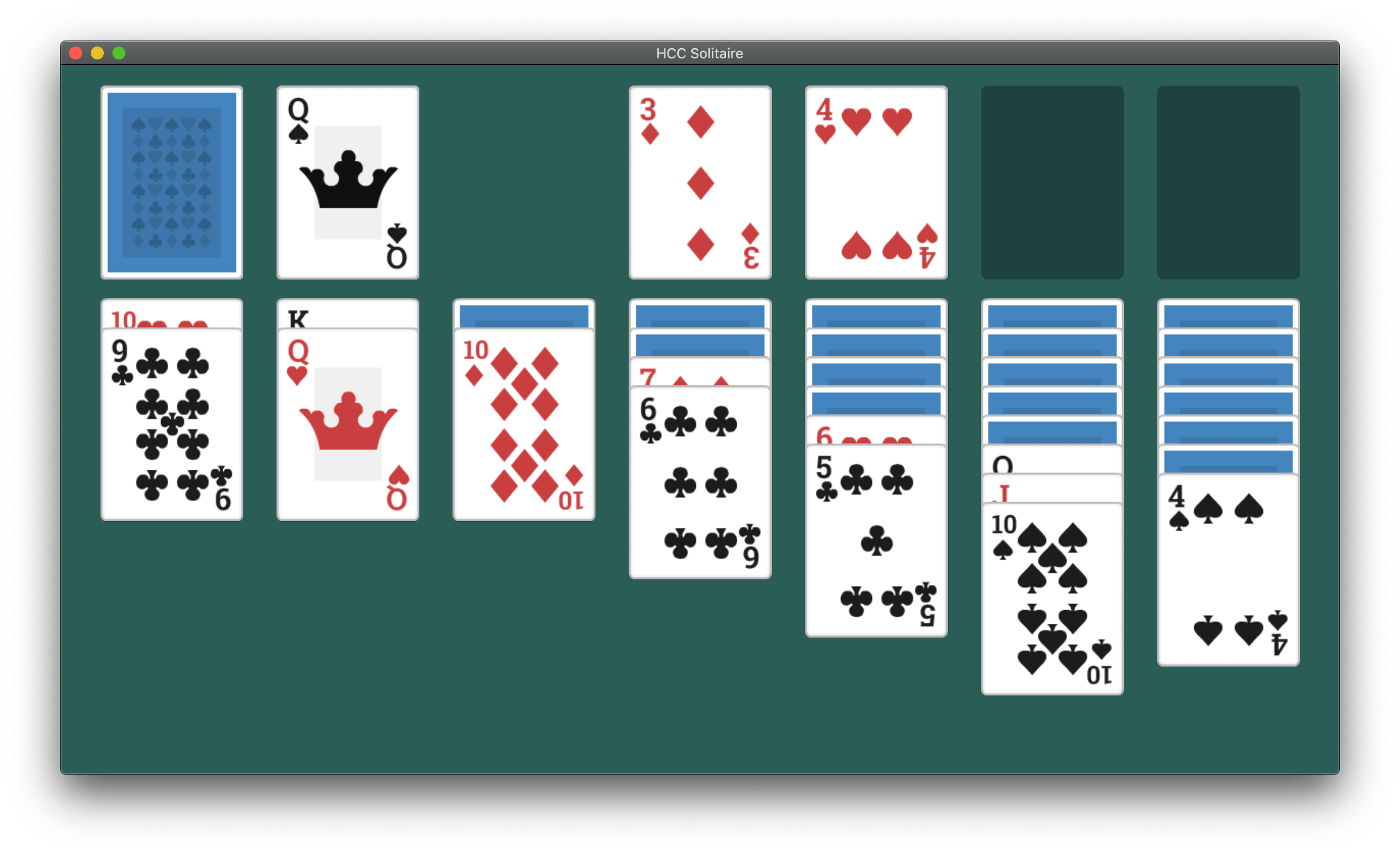
So far, the most common path to releasing a Mac Catalyst app on the Mac App Store has been to adapt and release an existing iPadOS app as a first-time Mac app. However, that’s not the only route to the Mac App Store. Apple allows developers to use Mac Catalyst in a variety of ways, as Steve Troughton-Smith has demonstrated with HCC Solitaire, a Mac-only game built using Mac Catalyst. He and Brian Mueller, the creator of CARROT Weather, have also used Mac Catalyst to release new versions of Mac apps that were previously built with AppKit.
As Troughton-Smith’s HCC Solitaire confirms, developers are not required to have an iPad app on the App Store to release an app on the Mac App Store using Mac Catalyst.
https://twitter.com/stroughtonsmith/status/1183880710840635400
The game is an implementation of classic solitaire that’s just $0.99 and displays no ads. Perhaps most interesting from a developer standpoint, though, is that you won’t find HCC Solitaire if you search for an iOS or iPadOS version on the App Store. Troughton-Smith built the game using UIKit and the tools provided as part of Mac Catalyst without also creating an iPadOS version.
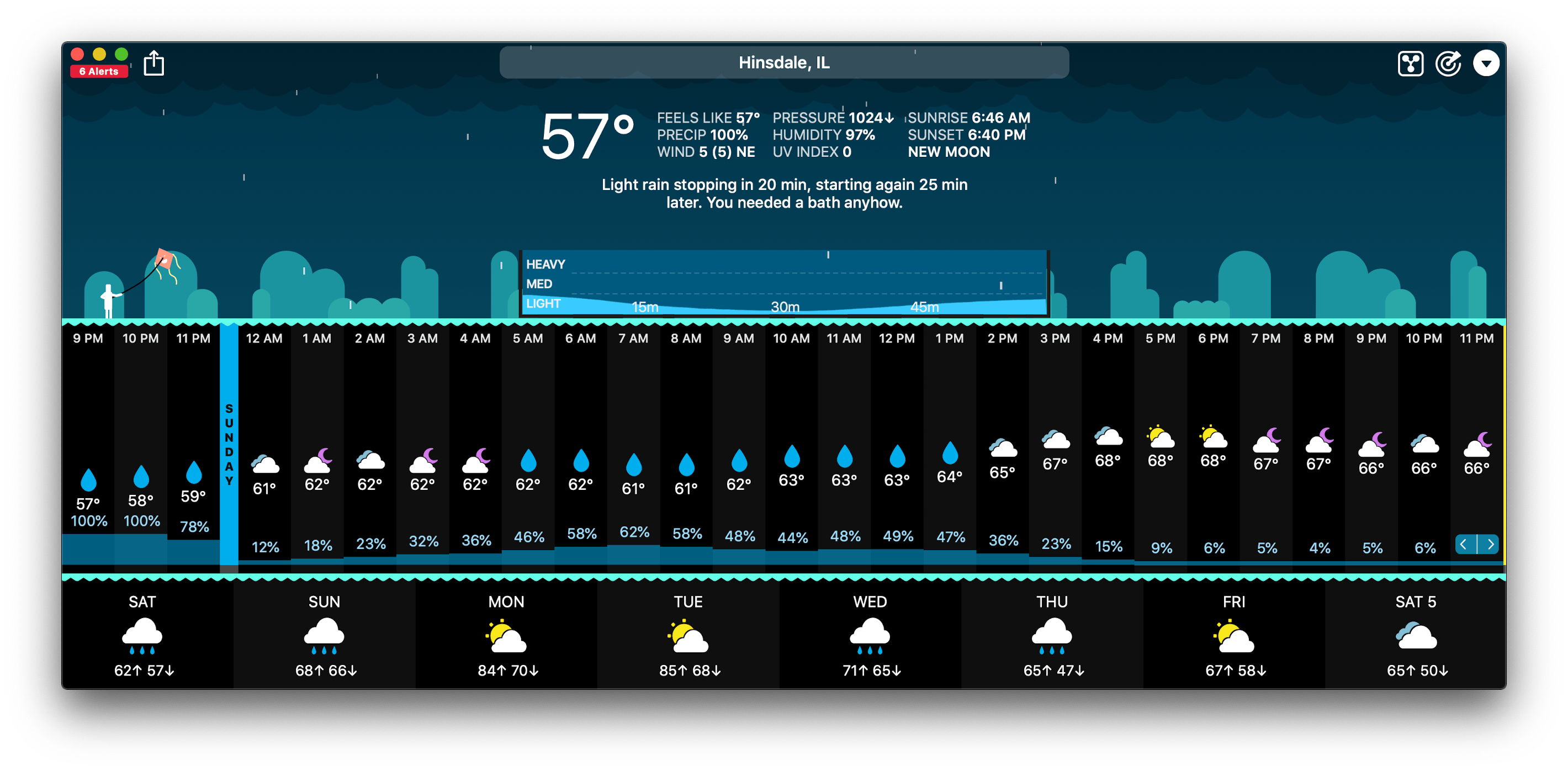
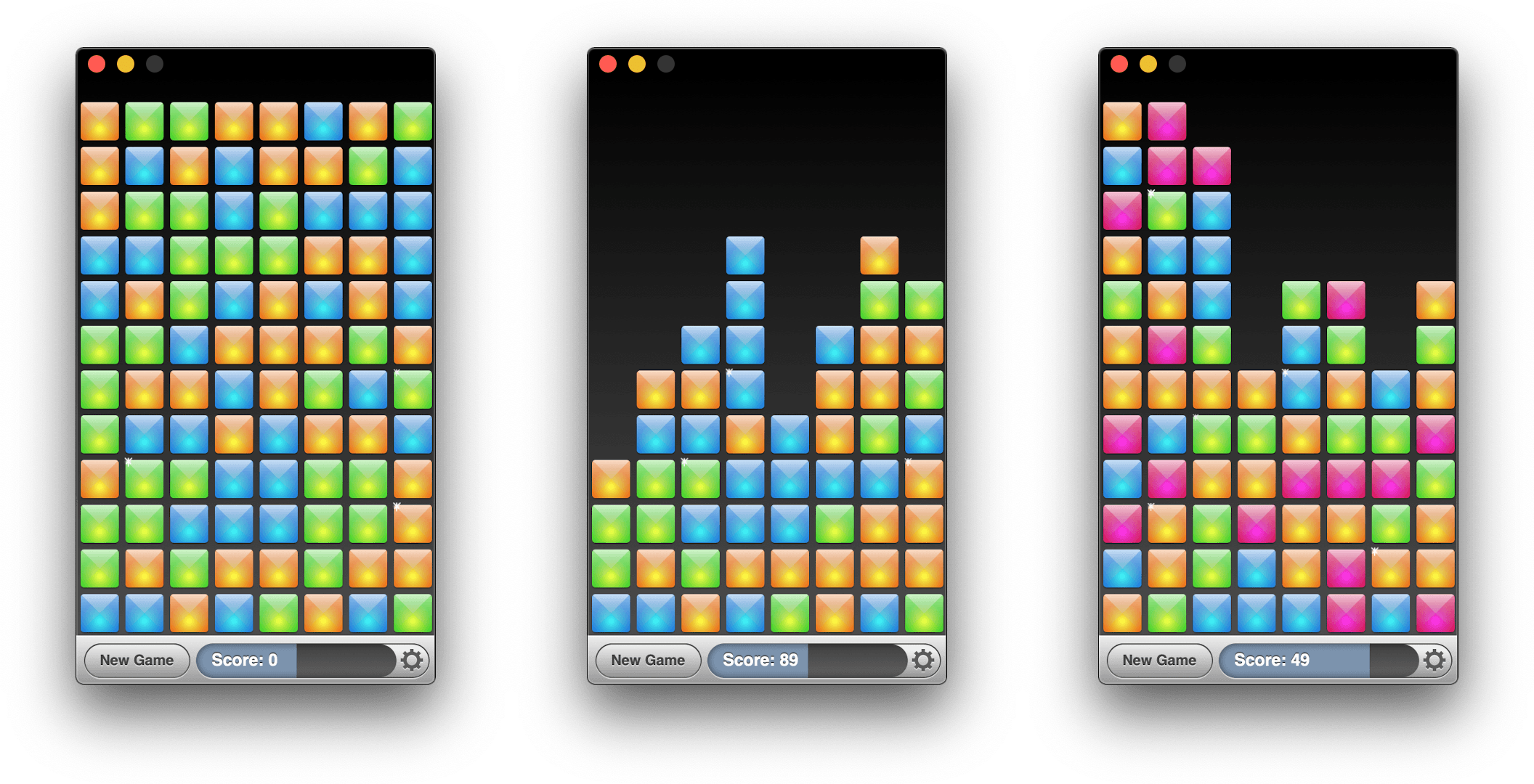
Mac Catalyst apps can also be swapped in for existing Mac apps. That’s what Brian Mueller did with CARROT Weather, which was launched the day macOS Catalina was released as version 4.13 of his existing AppKit app. Troughton-Smith took the same approach with SameGame, a color-matching game in which you earn points by eliminating contiguous blocks that are the same color, releasing version 2.2 shortly after Catalina’s release.
I don’t expect either of these approaches to become the main way that Mac Catalyst apps are released, but I’m glad to see that it’s possible. Most developers will be bringing an iPadOS app to the Mac for the first time, but business models, developer backgrounds, the APIs used in an app, and many other variables play a role in the decision of whether to use Mac Catalyst. It’s encouraging to see Apple take a flexible approach and allow developers to experiment because that makes Mac Catalyst useful to more of them. However, as I noted in my Catalina review and elsewhere, that flexibility needs to be coupled with bug fixes, documentation, and rapid evolution of Mac Catalyst for it to become a viable option for a wider audience of developers.
MakePass: Create Your Own Apple Wallet Passes on the Mac
I often find myself reaching for my iPhone or iPad to do something that can’t be done at all or as quickly on my Mac. If I’m already working at my desk in front of my Mac, though, that requires a context switch that slows me down and often leads to being distracted by something else. One of the areas where this happens most frequently is with specialized, single-purpose utilities that are plentiful on iOS and iPadOS, but often unavailable on the Mac.
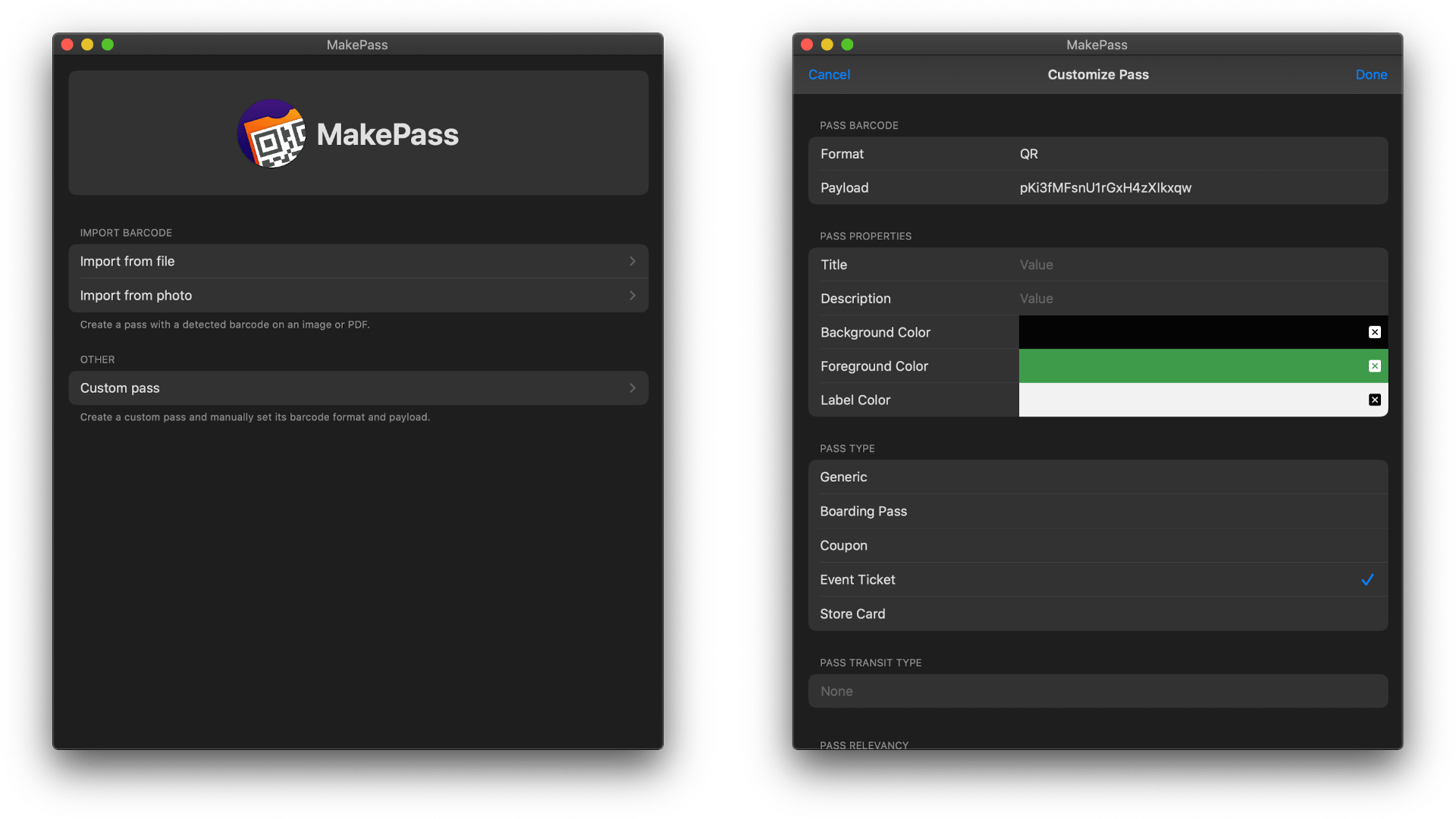
A terrific example that just debuted on the Mac as a Mac Catalyst app is MakePass, an app for generating Apple Wallet passes. Whether it’s a health club membership card, bus pass, grocery store loyalty card, or concert ticket, MakePass can turn them all into digital passes stored inside Apple’s Wallet app where they are organized and out of the way.
Several apps offer functionality similar to MakePass’ on the iOS and iPadOS App Store. However, my searches turned up none on the Mac App Store. That may be because Apple’s Wallet app is an iPhone-only app, but it’s handy to be able to make passes on your Mac too because that’s one of the places where codes come into your life.
New Beats Solo Pro Headphones Featuring Apple’s H1 Chip Are Available for Pre-Order

Apple subsidiary Beats has announced a new version of the Beats Solo Pro noise cancelling headphones, which can be pre-ordered now and will begin shipping at the end of the month.
The new headphones, which retail for $299, feature Apple’s H1 chip that also powers the second-generation AirPods and Powerbeats Pro. The H1 chip enables hands-free ‘Hey Siri’ commands and the ability to share audio with someone using the Audio Sharing feature that Apple debuted with iOS and iPadOS 13. The headphones also have volume, track, and call controls on the right ear cup and a button for turning noise cancellation and their Transparency feature on and off on the left ear cup.
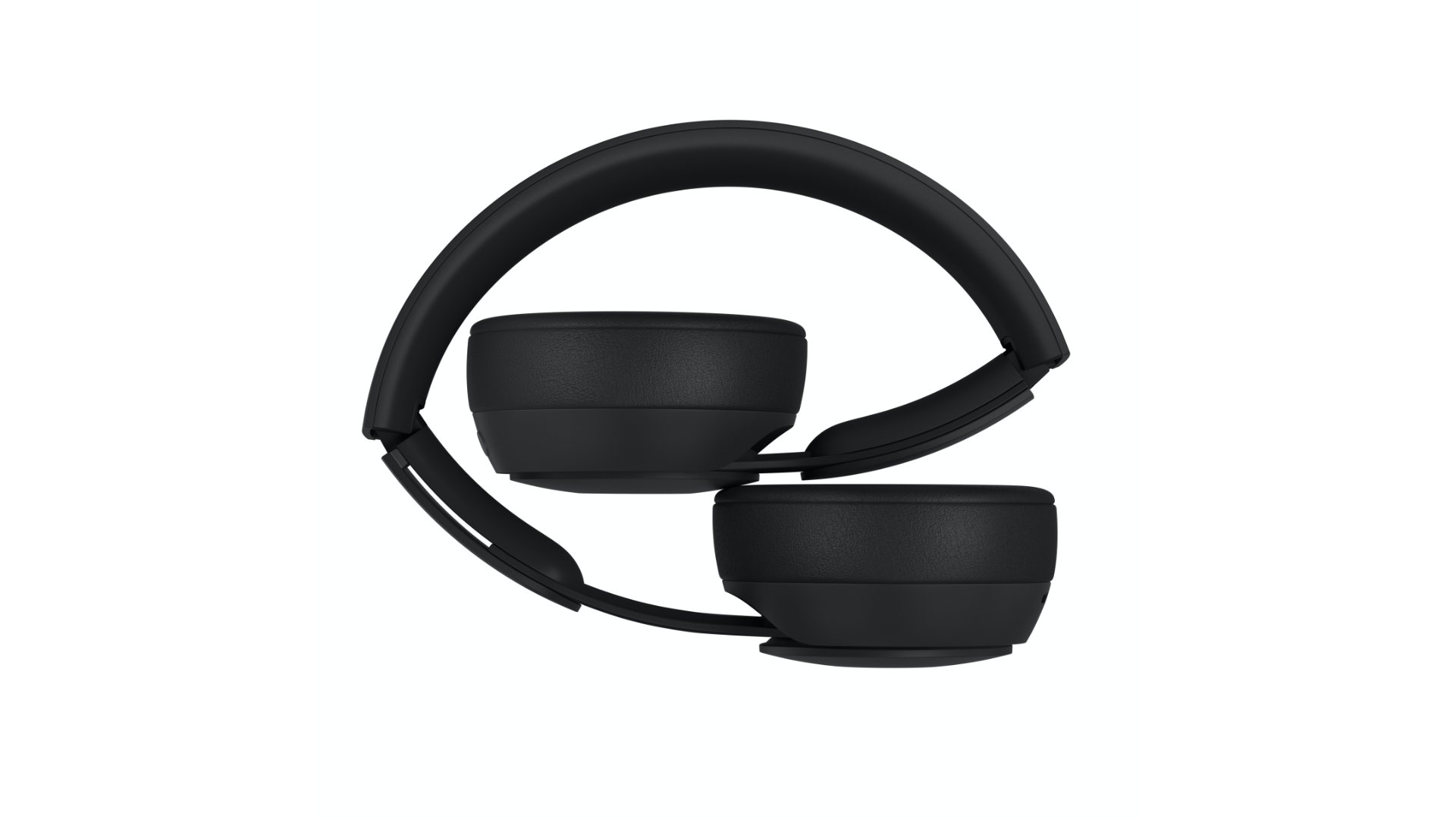
The Beats Solo Pros feature active noise cancellation to filter out external sound and what Beats calls Transparency that uses external microphones to allow some sounds through, so users remain aware of their surroundings when using the headphones. According to Beats, the headphones, which are turned on and off by unfolding and folding them, get 22 hours of battery life with noise cancellation and Transparency turned on. If those features are turned off, the company says the battery life lasts 40 hours. The company also says that a ten-minute charge provides up to 3 hours of battery life. The Solo Pros charge with a USB-A to Lightning cable for the first time too.
The Solo Pros come in six colors: light blue, red, dark blue, ivory, black, and gray. Although The Verge and other sites report that the new headphones will begin shipping on October 30th in the US, apple.com currently lists the ship date as October 29th during the pre-order checkout process.
AppStories, Episode 134 – Mac Catalyst and the First Wave of Apps Built with It→
On this week’s episode of AppStories, we discuss Mac Catalyst, the technology for bringing iPad apps to the Mac, and round up some of our favorite Mac Catalyst apps that have been released so far.
Sponsored by:
- Kolide – User focused security for teams that Slack. Try it free for 30 days.
- Direct Mail – Create and send great looking email newsletters with Direct Mail, an easy-to-use email marketing app designed exclusively for the Mac.
- UpHabit: – The app that makes connecting with people you care about part of your routine. Try it for free or take advantage of 60% off for new subscribers

AppStories Episode 134 - Mac Catalyst and the First Wave of Apps Built with It
0:00
40:47
40:47






 Mac Catalyst and the First Wave of Apps Built with It
 Federico
AppStories Episode 134 - Mac Catalyst and the First Wave of Apps Built with It
0:00
40:47
40:47
This week, Federico and John discuss Mac Catalyst, the technology for bringing iPad apps to the Mac, and round up some of their favorite Mac Catalyst apps that have been released so far.
Agenda: Date-Focused Note Taking [Sponsor]
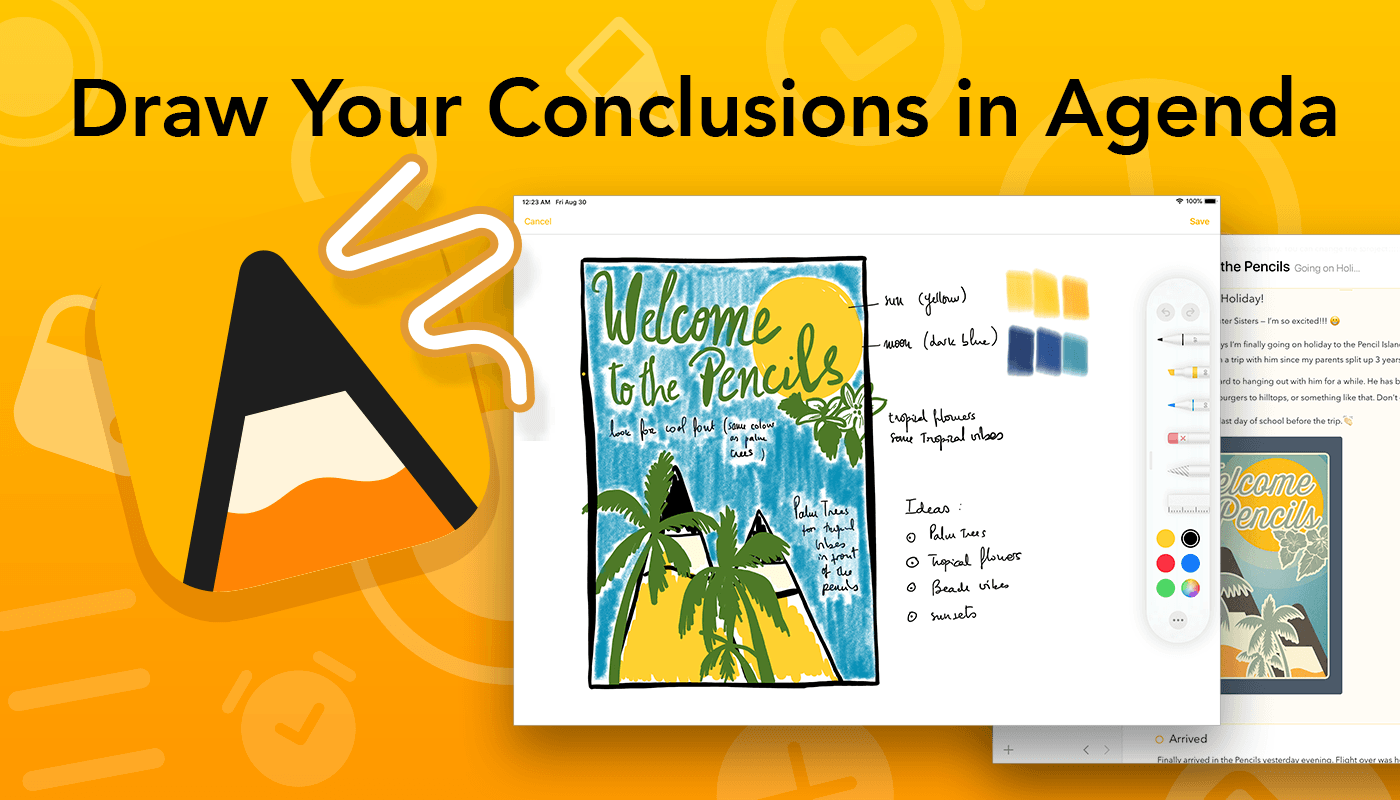
Agenda is the award-winning note-taking app for iOS, iPadOS, and the Mac with a focus on dates. Our lives are full of notes and dates, and it only makes sense to bring order to the chaos by integrating the two. Agenda, the winner of an Apple Design Award, does precisely that, ensuring that your notes are always at your fingertips when and where you need them most.
By tightly integrating your calendar and notes, Agenda becomes something more than either can offer on their own. By tying those notes you’ve been taking in advance of your next meeting to the event on your calendar, they are right there when you need them. You can use Agenda to track your team’s progress as you work on hitting milestones for a big project too. The app is also terrific for keeping a daily journal or simply expanding your to-do list with relevant reference material and notes to help keep you on track.
You can create and edit events without ever leaving Agenda too. Rather than competing with your calendar, Agenda complements it, working perfectly together.
Agenda is continually updated with the latest features for every platform. For instance, with the release of iPadOS 13, you can now use the Apple Pencil to handwrite notes or add sketches to your notes. Of course, Agenda also supports dark mode on every platform, Shortcuts, and is tightly integrated with Apple’s new Reminders app. You can even scan documents to create PDF attachments to notes on iOS and iPadOS.
Agenda is free to download and use forever. Premium features are available with an In-App Purchase that unlocks all current premium features and new ones introduced over the following 12 months.
To learn more, visit Agenda’s website, or just download Agenda now for free on the Mac App Store and on iOS and iPadOS.
Our thanks to Agenda for sponsoring MacStories this week.
The Important Role Design Plays in Building a Mac Catalyst App→
There’s more to migrating an iPad app to the Mac than simply checking a box in Xcode. Although developers need to resort to AppKit APIs used to build Mac apps for some functionality, thoughtful design that respects the interaction model of the Mac is a significant part of the process too.
Vidit Bhargava is the designer behind the dictionary app LookUp and the cofounder of Squircle Apps. Bhargava, who we interviewed in the most recent issue of MacStories Weekly for Club MacStories, has written an in-depth look at how much of the process of bringing LookUp’s iPad app to the Mac was about design. As he explains:
I’m sharing this design document to highlight some of the design considerations I made for bringing LookUp’s iOS App to macOS. And while I did use fall backs to AppKit in certain situations (Even though I had no prior knowledge to AppKit, the APIs were relatively easy to get to), I still feel that a lot of apps can design a good experience without having to use them.
We’ve covered the iOS and iPadOS version of LookUp before and love it. On the Mac, there are dozens of little touches implemented throughout the app that make LookUp one of the best examples of an excellent Mac Catalyst app. What I find most fascinating is how familiar but also unmistakably Mac-like LookUp’s Mac design is, which is why it was one of a handful of apps that I spotlighted in my macOS Catalina review.
Bhargava’s full post is worth a read because it’s fully-illustrated with examples of the differences between the iPad and Mac designs, early prototypes, and the evolution of the app’s design.