
I’m currently using a two Apple Watch setup. I don’t suggest anyone go out and buy two Apple Watches, but when I got my Series 5, I saw how little I’d get for trading in or selling my Series 4 that I decided to keep it for sleep tracking. The experience has been great,...
 Q&A
Q&A
Question: I was so excited when Apple added USB-C to the iPad Pro. I was hoping I’d be able to connect an external drive to my iPad for backups but that doesn’t seem possible. Is that correct? (Gerry)
You are correct. iPadOS added support for external drives in iPadOS 13, which show up in...
App Debuts
 Ryan
RyanMoleskine Journey Moleskine Journey is a brand new app that aims to serve as a life organizer of sorts. There are sections for keeping track of your current projects and tasks, and a planner view as well, but the main attraction is the My Day tab, where you can see an overview of various...
AppStories, Episode 147 – The Apps That Defined the iPad→
This week on AppStories, we look back at the introduction of the iPad ten years ago, the apps announced onstage, and how the iPad’s app story has changed over the past decade.
Sponsored by:
- Linode – Cloud Hosting and Linux Servers. Get a $20 credit.
- Health IQ – Insurance for the Health Conscious. Save up to 41%. Take the quiz now to see if you qualify.

AppStories Episode 147 - The Apps That Defined the iPad
0:00
58:56
58:56






Apple Q1 2020 Results - $91.8 Billion Revenue

Apple has just published its financial results for Q1 2020. The company posted revenue of $91.8 billion. Apple CEO Tim Cook said:
“We are thrilled to report Apple’s highest quarterly revenue ever, fueled by strong demand for our iPhone 11 and iPhone 11 Pro models, and all-time records for Services and Wearables,” said Tim Cook, Apple’s CEO. “During the holiday quarter our active installed base of devices grew in each of our geographic segments and has now reached over 1.5 billion. We see this as a powerful testament to the satisfaction, engagement and loyalty of our customers — and a great driver of our growth across the board.”
Estimates and Expectations for Q1 2020 and the Year-Ago Quarter (Q1 2019)
Apple’s revenue guidance for Q1 2020 fell between $85.5 billion and $89.5 billion, with gross margin estimated to be between 37.5% and 38.5%.
Going into today’s earnings call, CNBC said:
Analysts are expecting earnings per share of $4.55, up from $4.18 per share from a year ago, according to Refinitiv. Revenue is expected to be $88.5 billion, up year-over-year from $84.3 billion.
In the year-ago quarter (Q4 2018), Apple earned $84.3 billion in revenue.
After the break, we’ve compiled a graphical visualization of Apple’s Q1 2020 financial results.
 The Apps That Defined the iPad
 Federico
The iPad at 10: A New Product Category Defined by Apps
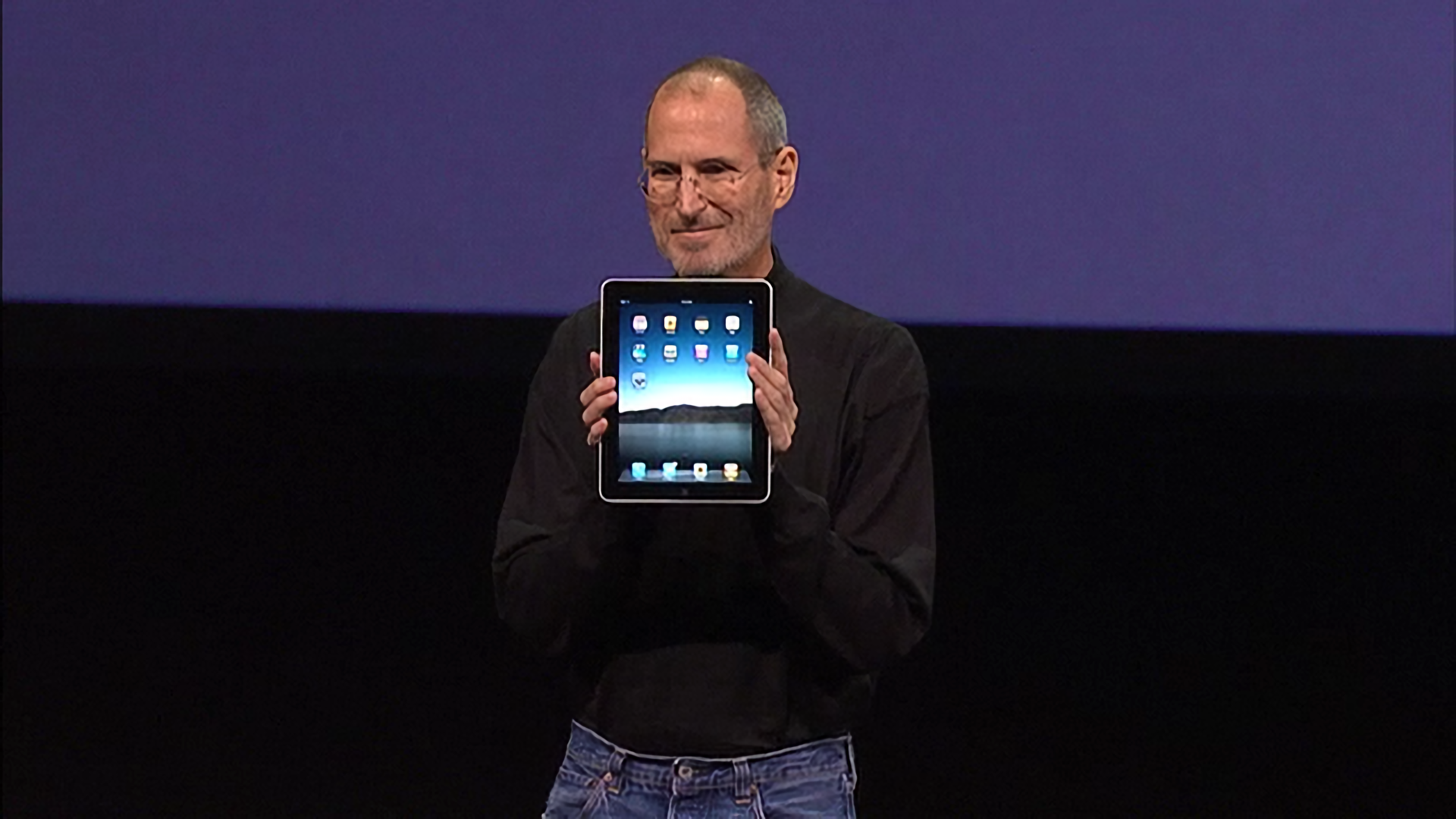
When Steve Jobs strode onto the stage at the Yerba Buena Center on January 27, 2010, he carried with him the answers to years of speculation and rumors about an Apple tablet. Everyone at the event that day knew why they were there and what would be announced. Jobs acknowledged as much up front, saying that he had a ‘truly magical and revolutionary product’ to announce.
Thanks to the iPhone, everyone at the Yerba Buena Center also had a vague notion of what Apple’s tablet would probably look like. Mockups and phony leaks were all over the web, and tablets weren’t new. Everyone expected a big slab of glass. Beyond that, though, few rumors were in agreement about what the tablet’s hardware specs would be.
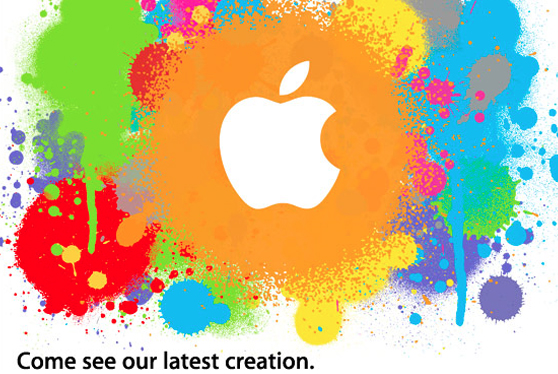
It was correctly assumed that Apple’s tablet would fit somewhere in between an iPhone and a Mac both physically and functionally, but where exactly was a mystery. That made the OS and the apps the stars of the keynote and critical to the way Apple’s tablet would be used and how it would be perceived for years to come.
Before Steve Jobs revealed Apple’s new tablet to the world, though, he paused – as is still customary during most Apple keynotes – to set the stage and provide context, which is where I will start too. Ten years ago, the tech world was a very different place, and Apple was a very different company. Not only is it fun to remember what those days were like, but it helps explain the trajectory of the iPad in the decade that followed.
Twelve South AirFly Pro Mini Review

The AirFly Pro from Twelve South is a relatively new model in the AirFly lineup that both transmits and receives audio via Bluetooth. The device, which Twelve South sent me recently for testing, is tiny: just 57 x 25.5 x 11mm, according to the company. To help prevent it from getting lost, there’s a keychain...
App Debuts
Charcoal Charcoal is a new free iPad app that lets you easily jot down and visualize ideas with the Apple Pencil. I’ve found Charcoal the easiest, fastest way to go from a blank page to a drawing created with the Pencil: unlike other apps, Charcoal has no layers, toolbars, or other confusing settings –...