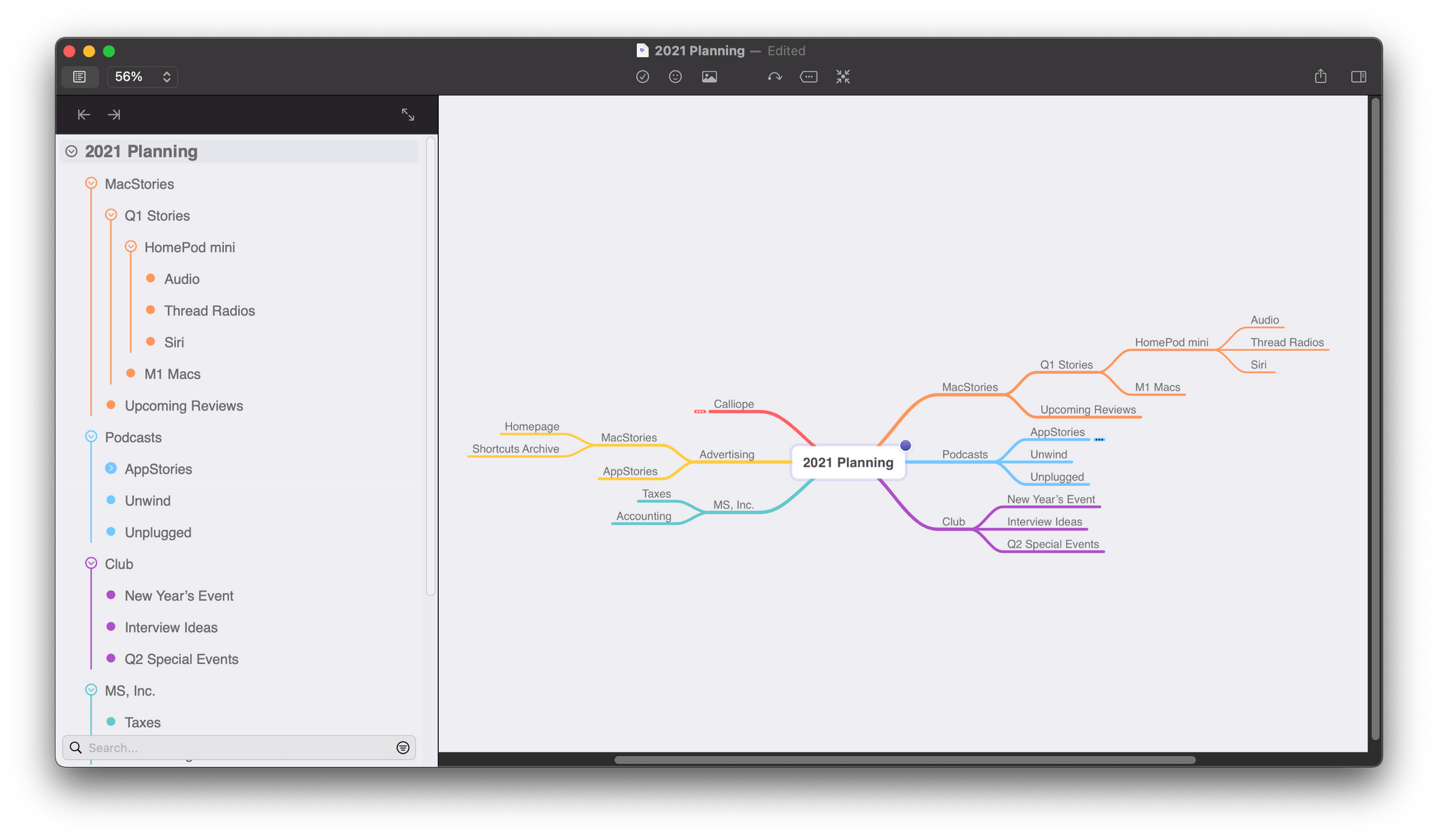
When I think about my writing, I think in outlines, which is a remnant of my days as a law student. A big part of every law school’s first-year curriculum is teaching students how to synthesize vast quantities of research materials into carefully-organized outlines. Outlines are a system of organizing my thoughts that have served me well, but it’s not the only approach, nor is it always the best.
Mind maps provide a more visual way to organize your thoughts and afford more room for creativity by making it easier to spot connections between related ideas and organize them in a less constrained way. Outlines suffer from a linearity and information density that makes those connections harder to find. However, when you pull back and consider most mind maps and outlines from a birds-eye perspective, they’re complementary rather than alternative ways to approach the same problem.
Last year, as I planned my Big Sur review, I briefly considered switching from MindNode to an outlining app to organize my notes. MindNode has included an outline view for years, but it wasn’t editable, which always bothered me. I appreciated the alternate visualization but wanted the ability to move nodes around within the outline’s hierarchy.
Read more
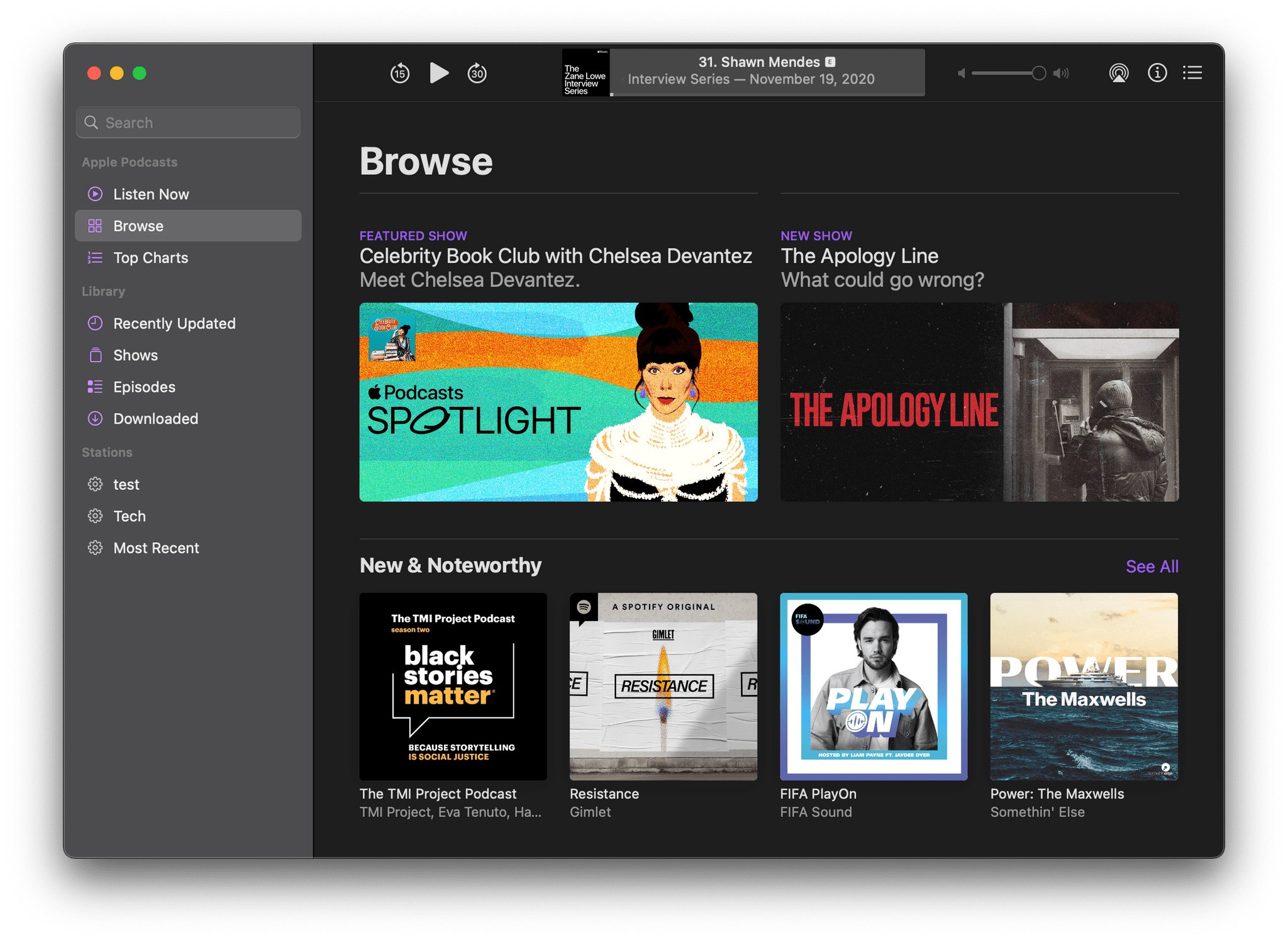
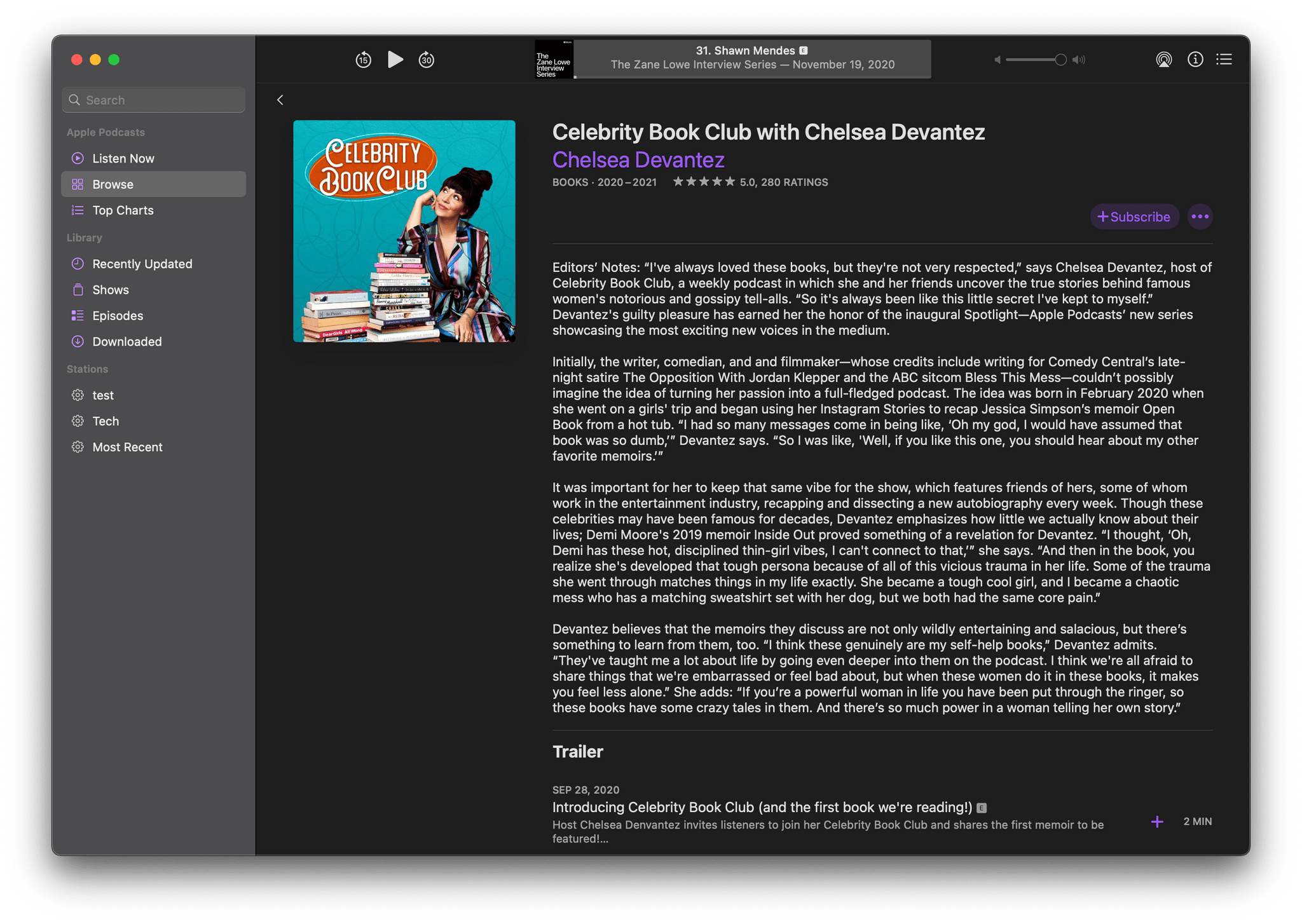
Today, Apple unveiled a new monthly editorial feature for Podcasts called Spotlight, which showcases up-and-coming podcast creators. The first podcaster featured is Chelsea Devantez, whose show Celebrity Book Club debuted late last year and discusses the memoirs of celebrity women.
Spotlight can be found in Podcasts’ Browse tab and is accompanied by ‘Editors’ Notes’ where you usually would see the show’s description. As a result, those editorial notes are available in third-party podcast apps too.
In an announcement by the podcast’s publisher Stitcher, Apple’s Global Head of Business for Apple Podcasts, Ben Cave said that “Apple Podcasts Spotlight helps listeners find some of the world’s best shows by shining a light on creators with singular voices.” I’m glad to see Apple Podcasts continue to evolve and expand its discovery tools. Apple has been instrumental in the growing popularity of podcasts for years. However, the company’s role as editorial curator of shows and creator of its own content is a more recent development. Like features the company has rolled out for Apple Music in recent years, Spotlight is the sort of thing that doesn’t need to be held until an OS update, allowing podcast fans to take advantage of it now.
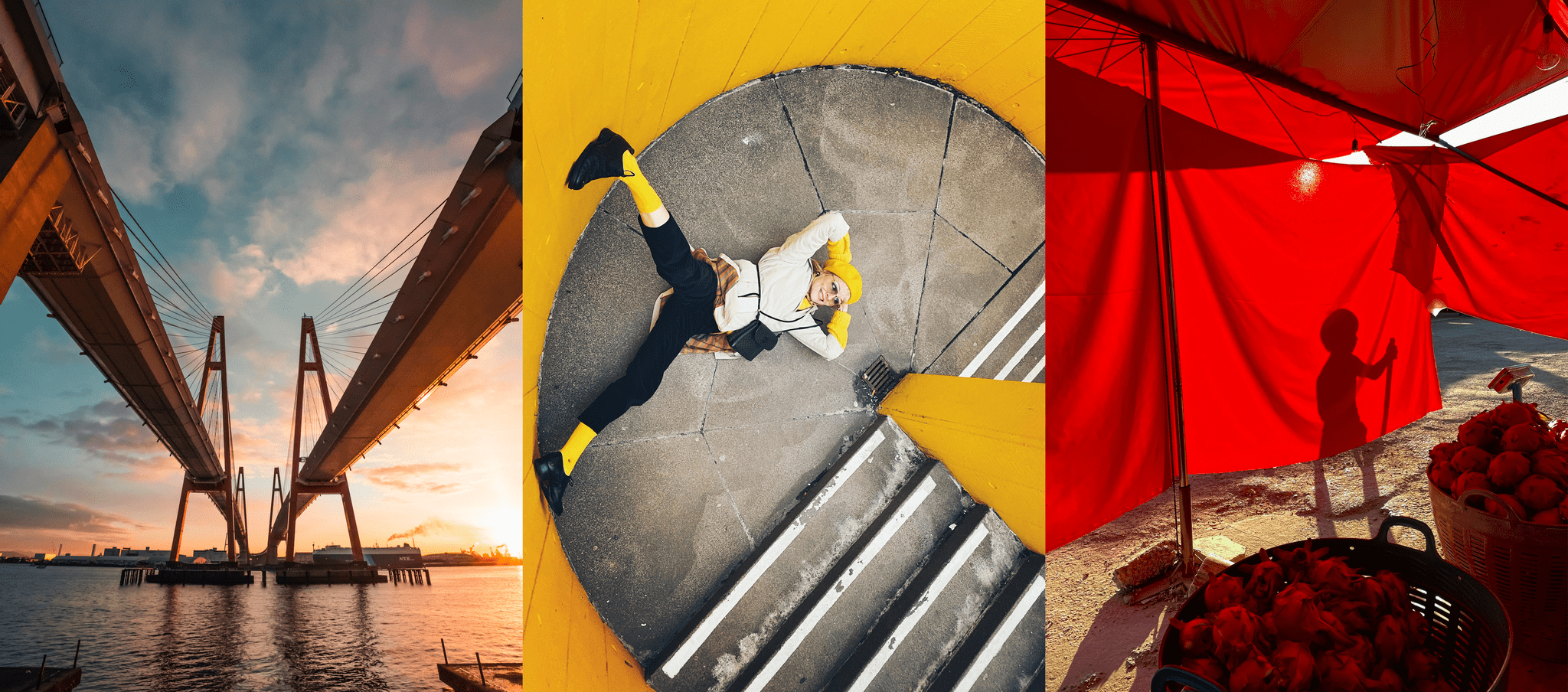
For the past several years, Apple has shown off some of the best photos taken with the current-generation iPhone. In a press release today, the company highlights 17 beautiful images taken around the globe, as a showcase of what the iPhone 12, 12 mini, 12 Pro, and 12 Pro Max can do. It’s one thing read about the latest iPhone camera technology, which today’s press release recaps. However, it’s something entirely different to see what the latest hardware and software can do in the hands of a skilled photographer.
In 2019 and 2020, Apple’s January photography announcement was accompanied by a photography contest judged by Apple employees and a team of professional photographers. This year’s press release makes no mention of a contest, which is understandable in light of the global pandemic.
This week, Federico and John share their HomeKit device setups, how they control them, the automations they use, and provide advice on approaching home automation projects.
Read more
Sponsored by: Unite 4 – Turn Websites into Apps on Your Mac
This week on MacStories Unwind:
- MacStories Weekly
- Bartender 4
- 16 giveaways of productivity apps
- Federico’s GoodTask quick action setup
- Apps to expand your HomeKit experience
- MacStories Unplugged: Food, Travel, and Very Good Dogs
- In this episode of MacStories Unplugged, Federico and John share the foods they miss from their past travels, discuss the frustrations with dining out and traveling with two very good dogs, and have some advice on stepping back from the brink before burnout takes hold.
Unwind
- Federico’s Pick:
- John’s Pick:
Next Monday on AppStories, Federico and I go in-depth about HomeKit accessories. It’s something I’ve talked about a little in the past and written about in the context of reviews, but I’ve never shared my entire setup, which has taken shape over the past few years. While that episode is primarily about my...
HomeWidget for HomeKit If you’re looking for a way to add a lot of HomeKit scenes to your iPhone or iPad widgets, HomeWidget is worth a look. The app can fit up to 18 scenes in a single medium-sized widget. The app features over 500 colorful, custom scene icons that adjust their size depending...
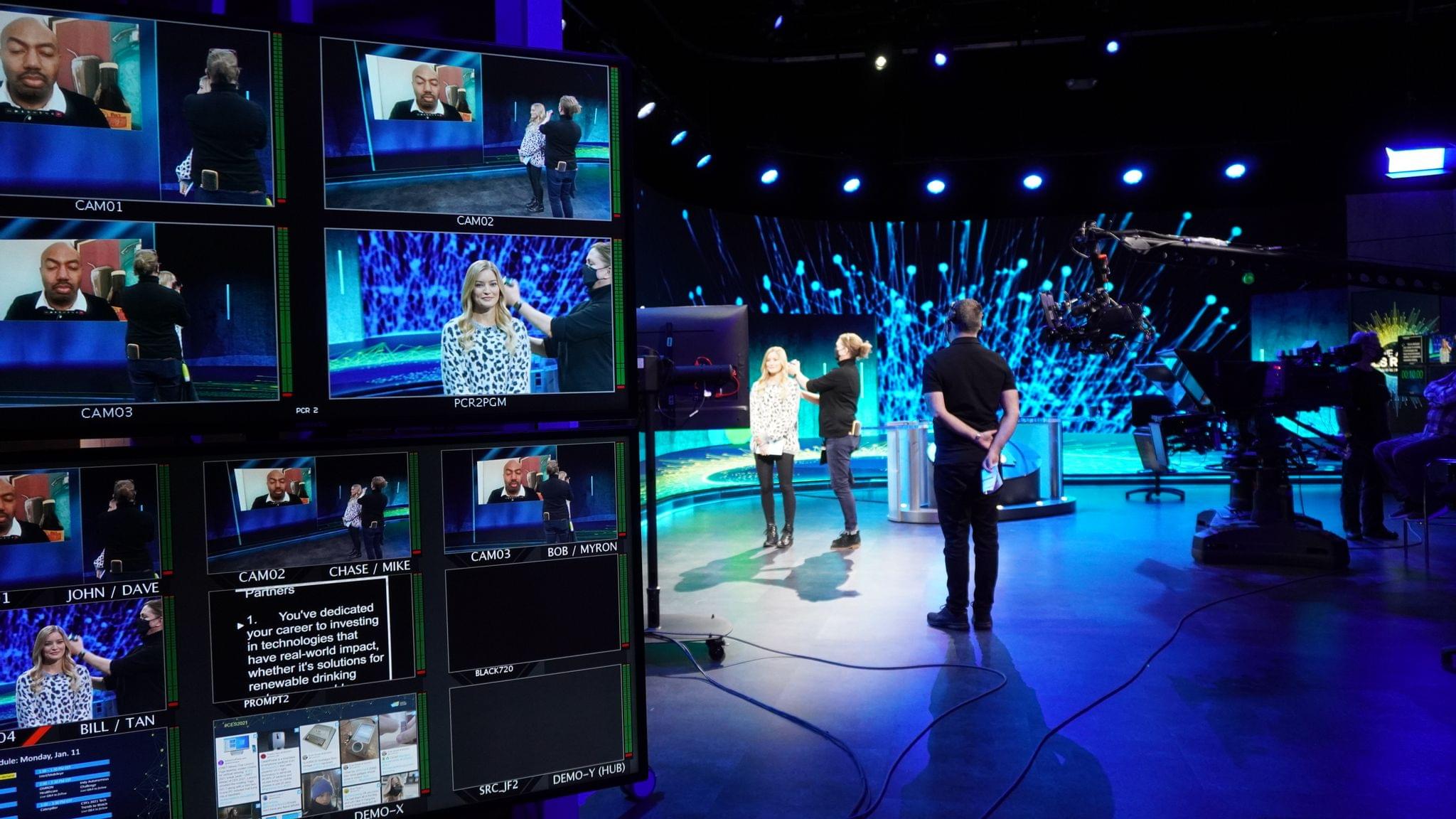
My coverage of CES has always been virtual. This year the show itself is virtual too, which left me wondering whether there would be much to cover. Although there are fewer vendors participating than in the past, the event continues to provide a steady stream of news about new products planned for the coming months.
Some of what is announced each year will never see the light of day, and other gadgets will never look as good as they did in the hands of expert marketers. Still, CES always provides a useful snapshot of tech industry hardware trends, a handful of unexpected gems, like last year’s Eve Cam that I reviewed over the summer and Samsung’s T7 external SSD, which ended up powering my Big Sur beta testing, plus a healthy dose of the truly strange.
After pouring over hundreds of headlines and press releases, I’ve compiled a roundup of some of this week’s most intriguing announcements. Feel free to skip around to the categories that you find most interesting using the table of contents below.
Read more
This week on AppStories, we conclude our miniseries on workflows with a look at what they’re using to manage calendar events and team communications. Plus, Federico springs a big app surprise on John and listeners.




 Federico