John Voorhees

5631 posts on MacStories since November 2015

John is MacStories' Managing Editor, has been writing about Apple and apps since joining the team in 2015, and today, runs the site alongside Federico. John also co-hosts four MacStories podcasts: AppStories, which covers the world of apps, MacStories Unwind, which explores the fun differences between American and Italian culture and recommends media to listeners, Ruminate, a show about the weird web and unusual snacks, and NPC: Next Portable Console, a show about the games we take with us.

Our 2021 macOS WWDC Wishes

AppStories+ Deeper into the world of apps

AppStories Episode 217 - Our 2021 macOS WWDC Wishes

0:00
52:51

AppStories+ Deeper into the world of apps

This week, Federico and John begin their annual pre-WWDC wish list episodes with their 2021 wishes for macOS.

Read more


MacStories Unwind: Epic’s Antitrust Case Against Apple, CARROT Weather Updated, and Another Streaming Service Integrates with the HomePod

AppStories+ Deeper into the world of apps
0:00
29:39

AppStories+ Deeper into the world of apps


Sponsored by: Inoreader – Take Back Control of Your News Feed

This week on MacStories Unwind:

MacStories

Club MacStories

  • MacStories Weekly
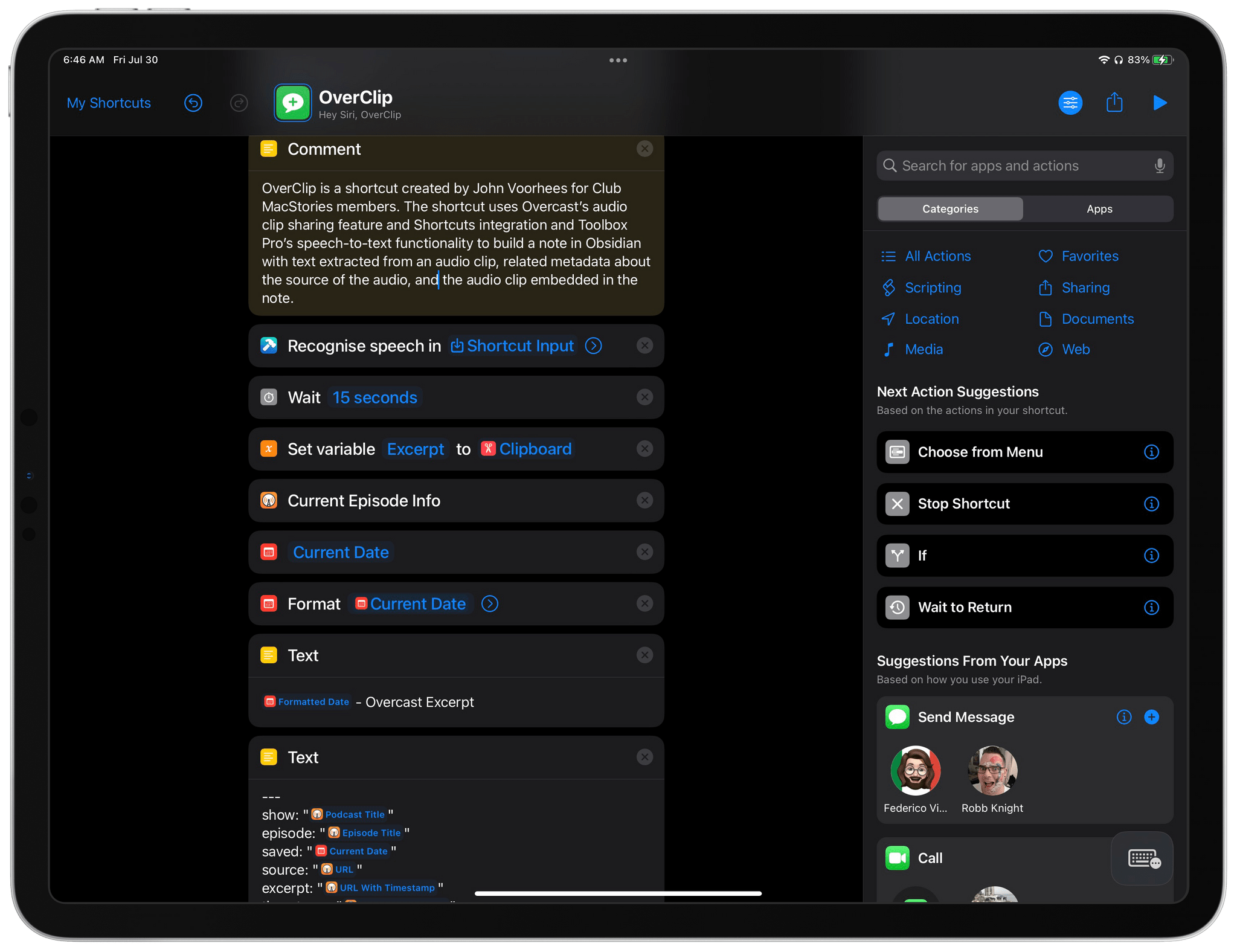
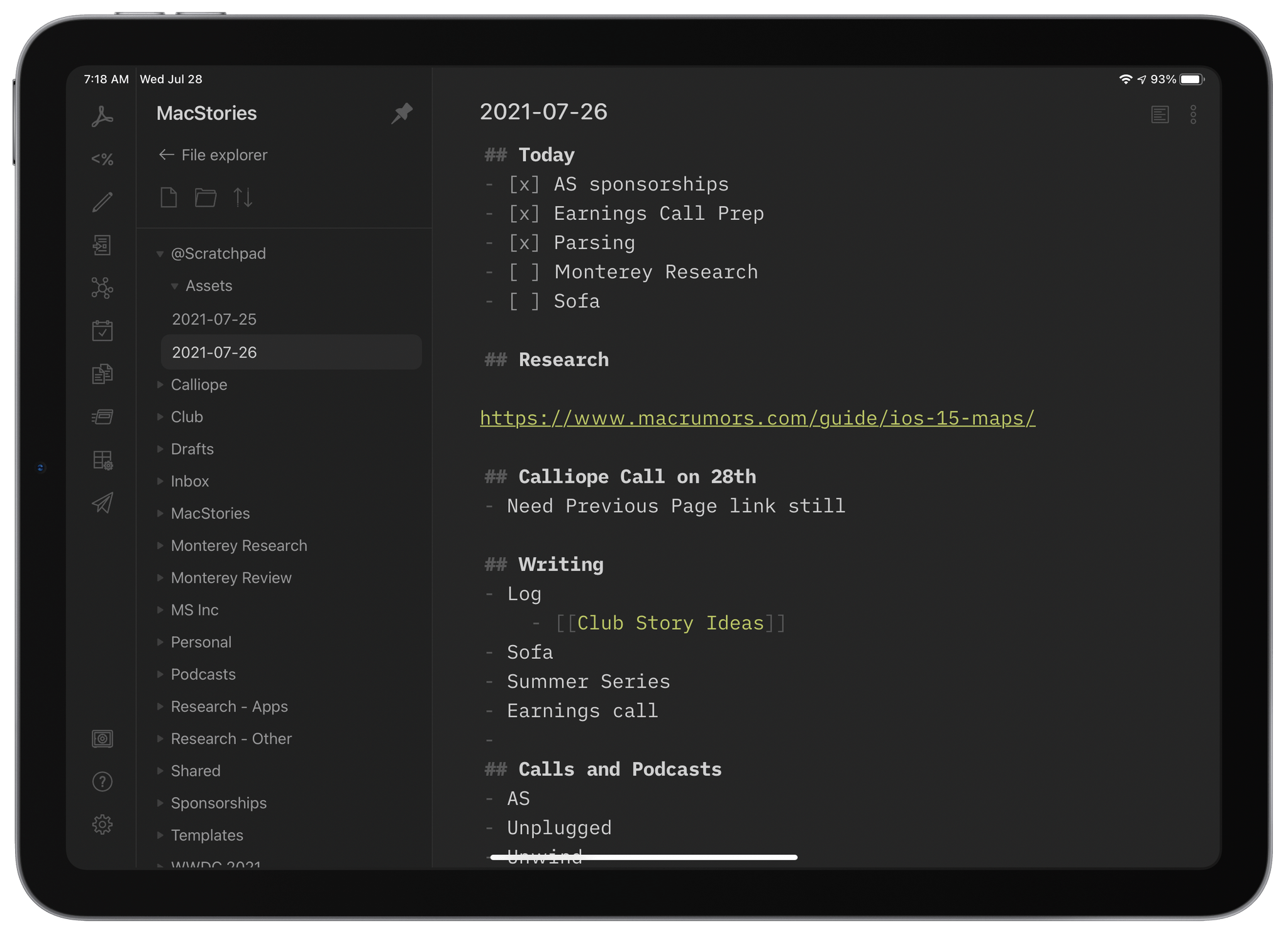
    • A collection of plain text apps that aren’t text editors
    • Federico jumps through some hoops to get his Toggl data into Timemator
    • An interview with Six Colors’ Jason Snell
    • A Scorecard giveaway

AppStories

Unwind


Plain Text: It’s Not Just for Writing

I spend most of my day working with plain text, writing, researching, and taking notes in Markdown. As Federico and I discussed earlier this week on AppStories, one of the greatest advantages of working in plain text is its portability. That’s led to a deep catalog of text editors that layer functionality on top...


App Debuts

Charty The popular utility to generate beautiful charts and graphs using Shortcuts actions received a major update with an entirely new series type: ring charts. These will be familiar to anyone who’s used an Apple Watch and Apple’s Fitness app before, and they’re well suited for conveying a “completion state” in the data you’re...


Deezer’s New HomePod Integration Supports Hi-Res Audio Playback

Source: Deezer.

Source: Deezer.

Late last year, music fans gained the ability to switch their default music service on the HomePod. Pandora was the first to offer the option last November and has now been joined by Deezer in Australia, Canada, France, Germany, Japan, Mexico, Spain, the UK, and the US.

Similar to other services, Deezer’s HomePod voice control functionality lets subscribers play albums, specific tracks and artists, as well as playlists using Siri. However, the most notable feature of Deezer’s HomePod integration announced by the company today is that its HiFi subscribers will be able to listen to hi-res audio using Apple’s smart speaker. Deezer’s Flow feature, which plays an endless playlist of subscribers’ favorite music, is also available.

The HomePod mini isn’t the best choice for hi-res audio playback, but this integration is an excellent option for Deezer users who have the original HomePod. As the only major streaming service without a hi-res alternative and with the original HomePod discontinued and rumors of a ‘new HiFi tier’ of Apple Music circulating, it will be interesting to see what Apple does in this area.


CARROT Weather 5.2 Revamps Layout Customization and Adds New Sections and Data

When CARROT Weather 5 was released in January, it became one of the most highly-customizable apps available on the iPhone, iPad, and Apple Watch. With that came a level of complexity that required a bit of a learning curve. With a bit of experimentation and the progressive unlocking of customizations, though, I thought version 5’s layout features were manageable. However, with the update released today, developer Brian Mueller has overhauled CARROT Weather’s layout functionality making it easier to get started and faster to build a personalized weather dashboard than ever before.

The Layout section of CARROT Weather's settings is where you choose from layout templates and add individual data components called Sections.

The Layout section of CARROT Weather’s settings is where you choose from layout templates and add individual data components called Sections.

The app’s settings include a new group of related items: Layout, Display, and App Icon, the first two of which are new. Layout replaces Customization and is divided into preset layouts and sections that can be added to the app’s main view. Layout presets, like Odin, Siren, and Chronos, are a great place to start when planning your CARROT Weather layout. You can preview any that you aren’t using, which takes your data settings and applies it to the new preset, so you can see how it would look. From the preview, you can tap ‘Set’ to begin using the new theme or ‘Cancel’ to return to the app’s Layout settings to make more adjustments.

The settings for each section now includes previews of what that section will look like before you add it to your layout.

The settings for each section now includes previews of what that section will look like before you add it to your layout.

The Sections part of Layout is where you pick and customize the individual data components for your layout. The big change here is that at the top of each section’s individual settings is a preview of what it will look like based on the options you’ve chosen. It’s a big improvement because it eliminates the guessing about what each change will look like before you add the section. Together with the Layout previews, the new Sections picker short-circuits the trial and error loop of version 5.0, making it much faster to design the perfect weather dashboard.

CARROT Weather 5.2 includes new Maps and Alerts sections.

CARROT Weather 5.2 includes new Maps and Alerts sections.

CARROT Weather has added a couple of new sections too. The first, which is exclusive to Premium Ultra subscribers, is a Weather Maps section that allows you to add weather radar to your dashboard. You can add multiple layers of data to the map, pick from three different sizes and zoom levels, and choose a handful of additional style and appearance settings, all of which are previewed for you at the top of the screen. There’s also a new alerts section that can be added to notify you of severe weather and other unusual conditions, as well as new tide data available in certain existing sections. Finally, you can adjust the text size and pick among multiple font choices in the new Display section of the app’s settings.

When CARROT Weather 5.0 came out, I spent some time coming up with a layout that I liked, and I never touched it again. It’s not like I spent hours trying every possible combination to come up with something that I liked, but there was enough trial and error involved that I didn’t feel like testing out anything else after that initial setup. With the new layout system, that has changed. Tweaking the size of sections and their layout is much faster with the new previews, making experimenting easier. As a result, I’ve tweaked my hourly view a little, added a Map section, and modified the data reported by a couple of other sections. The changes weren’t drastic, but it’s even better now, which I love. If you haven’t played with CARROT Weather’s customization options in a while, now is definitely the time to do so.

CARROT Weather is available as a free update on the App Store and offers multiple subscription tiers for its more advanced, data-rich features.


AppStories, Episode 216 – Substack, Email, and Data Portability

This week on AppStories, we explore the popularity of Substack among writers leaving big media companies, rethink our email workflows after leaving Hey, and consider data portability and the tradeoffs of proprietary app systems.

Sponsored by:

  • Pingdom – Start monitoring your website performance and availability today, and get instant alerts when an outage occurs or a site transaction fails. Use offer code APPSTORIES to get 30% off. Offer expires on January 31, 2022, and can be used only once.
  • Backblaze – Get peace of mind knowing your files are backed up securely in the cloud. Start a free 15-day trial with Backblaze today
  • Linode– Cloud Hosting & Linux Servers. Get a $100 in free credit.

Permalink

Substack, Email, and Data Portability

AppStories+ Deeper into the world of apps

AppStories Episode 216 - Substack, Email, and Data Portability

0:00
49:59

AppStories+ Deeper into the world of apps

This week, Federico and John explore the popularity of Substack among writers leaving big media companies, rethink their email workflows after leaving Hey, and consider data portability and the tradeoffs of proprietary app systems.

Read more


Epic Versus Apple: The MacStories Overview

Later today, Epic Games and Apple will square off in a high-stakes trial in US federal district court that’s nominally about money. However, if that were all that was at stake, the claims each company has made against the other would likely have been resolved by now. Companies the size of Apple and Epic settle because it’s rarely in their interest to have a judge make decisions for them. However, this trial is different.

There’s more to these disputes than Epic’s allegation that Apple violated antitrust laws and Apple’s claims that Epic violated its developer agreement. Underlying it all is the way the dispute was precipitated by Epic. The Fortnite creator’s actions don’t necessarily absolve Apple of antitrust violations, but Epic’s calculated orchestration of events leading to the dispute have not gone unnoticed by the judge presiding over the case and may influence the trial’s outcome. Coupled with Epic’s efforts to get regulators around the world to take up its cause and its very public crusade against the way Apple operates the App Store, it’s not surprising that the claims haven’t settled. Instead, the parties will begin today with opening arguments in front of US District Judge Yvonne Gonzalez Rogers, who the parties have agreed will decide the dispute instead of a jury.

Regardless of your opinion of the way Apple runs the App Store or Epic’s litigation tactics, the thing to keep in mind as the trial starts is that the judge is being asked to settle a legal dispute, not set policy. Both companies have made specific claims against the other, which by definition means the judge’s ruling will likely be narrower in scope than it would be in an antitrust case brought by the US government. Nor is any remedy imposed by the judge likely to be as broad as government regulation of the App Store might be someday.

Still, that doesn’t mean the stakes aren’t high; they are. An adverse ruling against Apple could significantly change the way the company operates the App Store and would likely trigger more antitrust lawsuits and regulatory scrutiny in the future. As a result, I thought it would be useful to dig in and take a closer look at some of the parties’ arguments and the context in which this dispute arose to provide a better sense of what to expect from the trial, which is expected to run about three weeks, and what the outcome might be.

Read more