John Voorhees

5413 posts on MacStories since November 2015

John is MacStories' Managing Editor, has been writing about Apple and apps since joining the team in 2015, and today, runs the site alongside Federico. John also co-hosts four MacStories podcasts: AppStories, which covers the world of apps, MacStories Unwind, which explores the fun differences between American and Italian culture and recommends media to listeners, Ruminate, a show about the weird web and unusual snacks, and NPC: Next Portable Console, a show about the games we take with us.

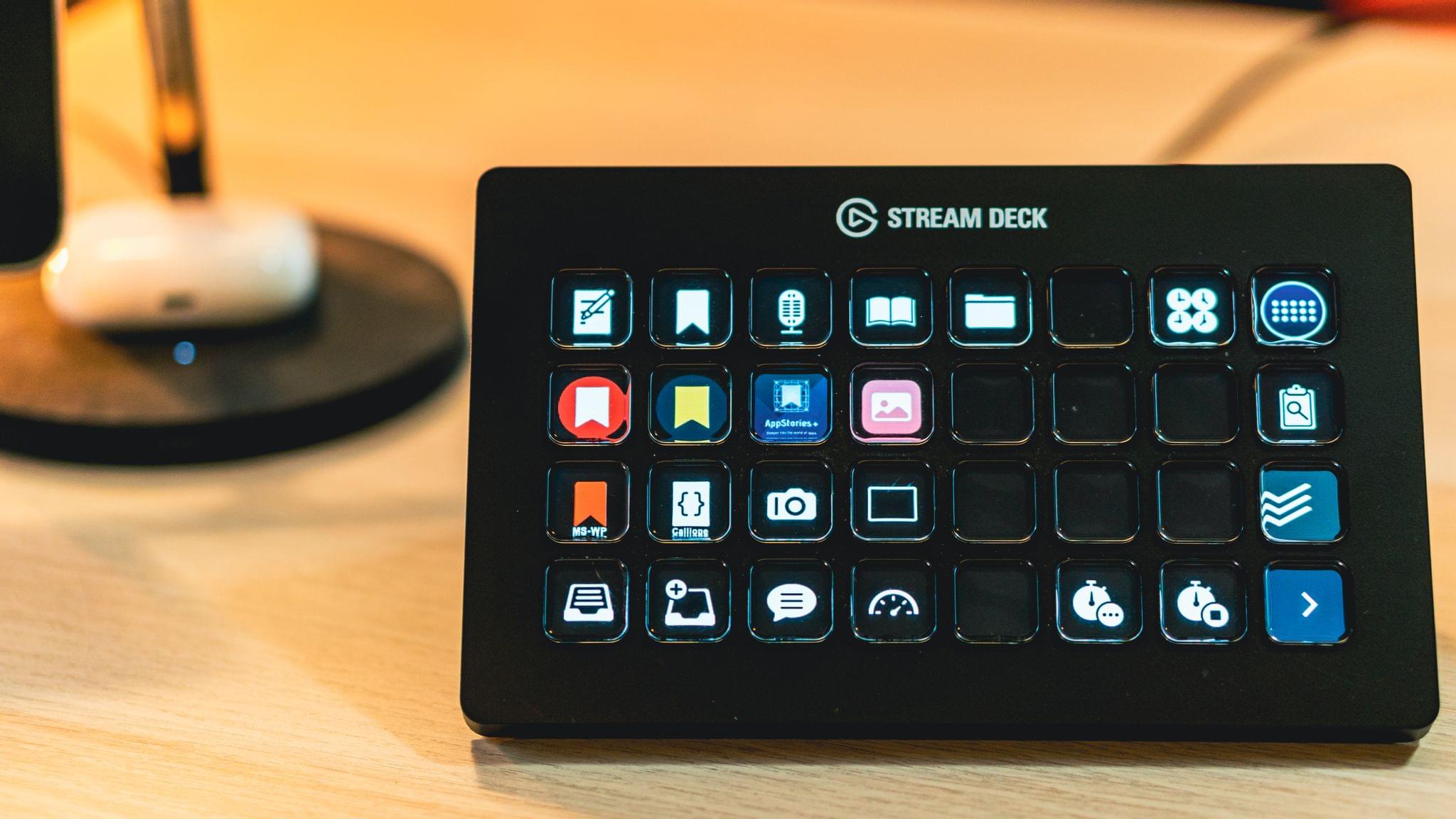
Getting Started with Shortcuts for Mac and the Stream Deck

The Stream Deck has been a favorite of Mac users who are into automation for a while now, but the device’s utility has grown substantially for a couple of reasons. First, you can use the Stream Deck to run Shortcuts, which expands the device into an entirely new realm of automation.

Second, the Stream Deck opens up new ways to approach all automation on your Mac that aren’t possible with any single Mac app, allowing you to mix and match different kinds of automation in one interface. It’s a powerful combination that unlocks the ability to organize the automation tools you use to fit with the way you think and work.

To get you started, I’m going to cover:

  • What the Stream Deck is and how it works
  • The many ways to run your Shortcuts from the device
  • Approaches for organizing your shortcuts and other automations with the Stream Deck
  • An alternative to the Stream Deck

Let’s dig in.

Read more


More iPhone, iPad, and Mac Tips

AppStories+ Deeper into the world of apps

AppStories Episode 249 - More iPhone, iPad, and Mac Tips

0:00
33:01

AppStories+ Deeper into the world of apps

This week, Federico and John dive back into their favorite iOS and iPadOS 15 and macOS Monterey tips.

Read more


Interesting Links

[[Federico]] The folks at Vyncher set out to create a nature wallpaper inspired by Monterey Canyon given that Apple only made an abstract one for macOS Monterey. The result is beautiful. (Link) Matt Birchler is trying Spotify again and the experiment is not going well. I agree with everything he wrote. (Link) Club MacStories member...


A Downloads Folder Cleanup Shortcut

One of Shortcuts for Mac’s strengths is its wide variety of file and Finder actions. The actions let you do things like fetch specific files and the contents of folders, plus select, open, move, archive, extract, label, filter, rename, and delete files. It’s a deep toolbox of actions thanks, in part, to Automator, which contributed...


App Debuts

[[Federico]] Thum I was wondering when someone would come up with a very simple app that combined both calendar events and reminders in the same unified timeline, and Thum, created by indie developer Bruno Wernimont, is the first example I’ve seen that gets it right. The app merges events and reminders in the same view...


Getting the Most Out of Modern Mac Keyboards

The switches on Mac laptops aren’t the only thing that Apple has changed about its keyboards. Along with the iPad, the Mac has added a Globe key that makes new keyboard shortcuts available to users. But that’s not all. Apple has also redesigned the function keys on its laptops and the standalone Magic Keyboard. It...


MacStories Unwind: The Art of Foundation, the iOS App Icon Book, a New Apple Original Podcast, and Lots of Videogame News and Recommendations

AppStories+ Deeper into the world of apps
0:00
25:05

AppStories+ Deeper into the world of apps


This week on MacStories Unwind:

MacStories

Club MacStories

  • MacStories Weekly
    • Mac keyboard tips
    • A Mac shortcut for cleaning up your Downloads folder
    • How Federico uses GameTrack
    • Two Reminders-based shortcuts from Club members
    • Brian King’s M1 MacBook Pro video editing setup
    • Lots of apps

AppStories

Unwind


Coming Soon: The Fourth Annual MacStories Selects Awards, Featuring Expanded Readers’ Choice and New Lifetime Achievement Awards

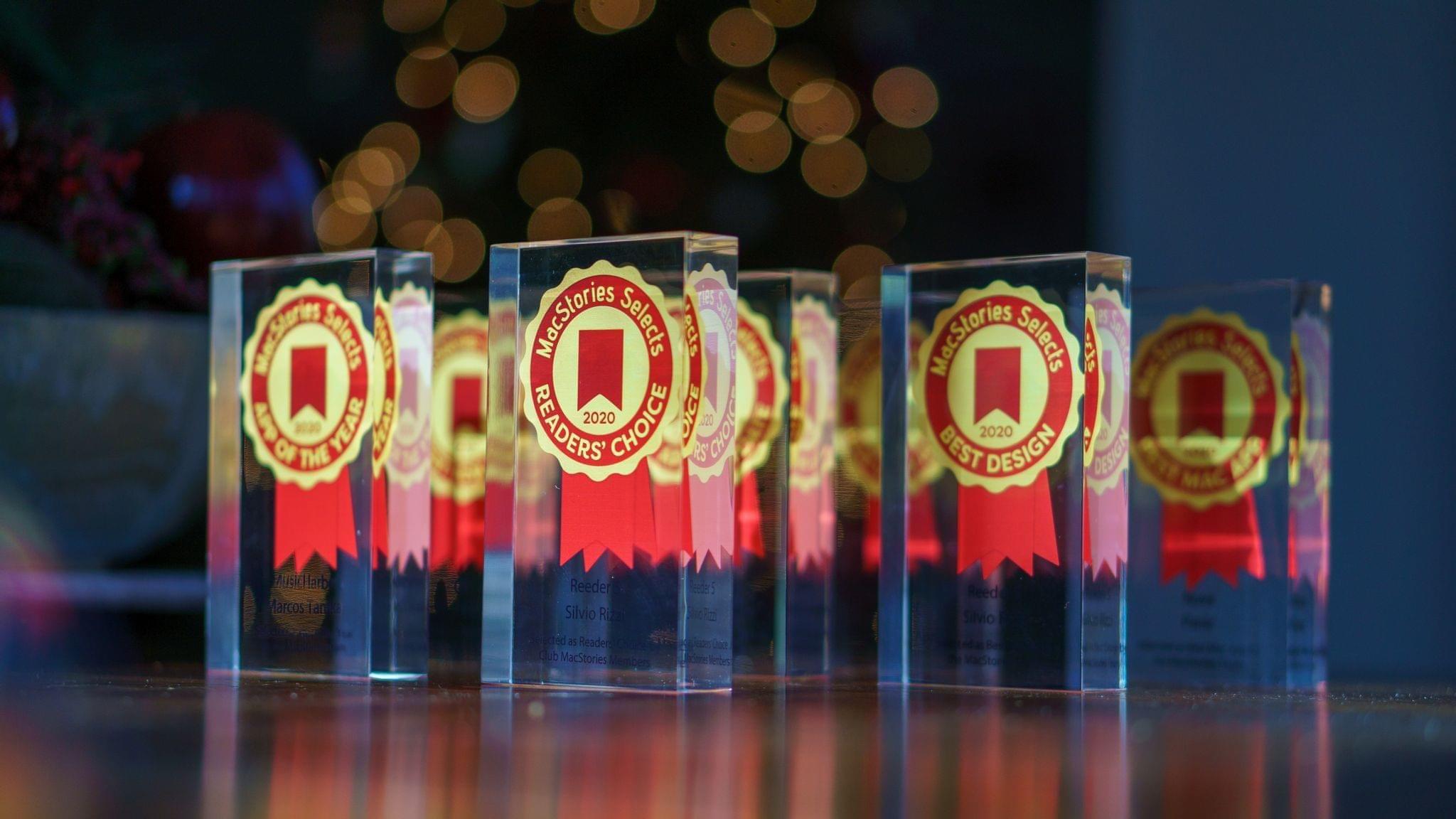
Soon, we’ll announce the fourth annual MacStories Selects Awards, honoring our favorite apps in a wide variety of categories. Winners will receive a physical MacStories Selects award designed by MacStories’ Silvia Gatta. As with last year, awards will be selected in the following eight categories:

  • App of the Year
  • Best New App
  • Best App Update
  • Best New Feature
  • Best Design
  • Best Watch App
  • Best Mac App
  • Readers’ Choice Award

We’re also making a couple of changes this year to expand the awards and Club MacStories member participation.

First, we’re introducing an all-new Lifetime Achievement Award to recognize an app that has had an important impact on the world of apps. We’ll be choosing an app beloved by users and inspiring to developers, which has left its mark on the App Store’s history.

Second, we’re adjusting the Readers’ Choice Award to incorporate Club MacStories’ new structure.

All Club members can nominate their favorite apps for the Readers’ Choice Award. A link to the nomination form and details about which apps are eligible for the award can be found in Issue 297 of MacStories Weekly right at the beginning of the issue. Nominations will be accepted until 5:00 PM Eastern US time on Monday, November 15th.

After nominations close, we’ll tally the submissions and open voting on the top five nominees to Club MacStories+ and Club Premier members via our Discord community. Voting will conclude at Noon Eastern US time on Thursday, November 18th.

For more details on Club MacStories, please visit plus.club.

Every year, we look at hundreds of terrific apps. MacStories Selects is our way to call out a handful of our absolute favorites that are shining examples of the best apps on Apple’s platforms.

We look forward to sharing our selections and our Club members’ pick. We’ll be handling announcements a little differently this year, too, so keep an eye on all we do here and elsewhere for the big reveal in December.


AppStories, Episode 248 – Our iPad mini Home Screen and Focus Setups

This week on AppStories, we go into detail on our iPad mini Home Screen setups, including how they differ from other devices and how we use widgets, Focus modes, and Shortcuts to manage the setups.


On AppStories+, John brings a little bit of strange American culture along with him to Rome, surprising Federico with a Thanksgiving Dinner Candy Corn taste test.

We deliver AppStories+ to subscribers with bonus content, ad-free, and at a high bitrate early every week.

To learn more about the benefits included with an AppStories+ subscription, visit our Plans page, or read the AppStories+ FAQ.

Permalink