John is MacStories' Managing Editor, has been writing about Apple and apps since joining the team in 2015, and today, runs the site alongside Federico.
John also co-hosts four MacStories podcasts: AppStories, which covers the world of apps, MacStories Unwind, which explores the fun differences between American and Italian culture and recommends media to listeners, Ruminate, a show about the weird web and unusual snacks, and NPC: Next Portable Console, a show about the games we take with us.
To kick off our Summer OS Preview Series, Federico and John cover the top new features of iOS and iPadOS 16 and macOS Ventura, that are now available as part of Apple’s public beta program.
With the release of the macOS Ventura public beta today, macOS takes another step down the path to syncing up its platforms that began four years ago. Where once the Mac hung out doing its own thing with scant regard for where iOS, and later, iPadOS was heading, today the Mac feels like part of a coherent family of products more than ever. Fewer of the differences among Apple’s product lines are the result of historical accidents than ever before. Instead, they’re intentional differences that speak to the ways the devices are used, not how they were developed. As a result, it’s never been easier for someone to move between devices up and down the company’s computing lineup. The same is true for developers looking to bring their apps to all of Apple’s platforms.
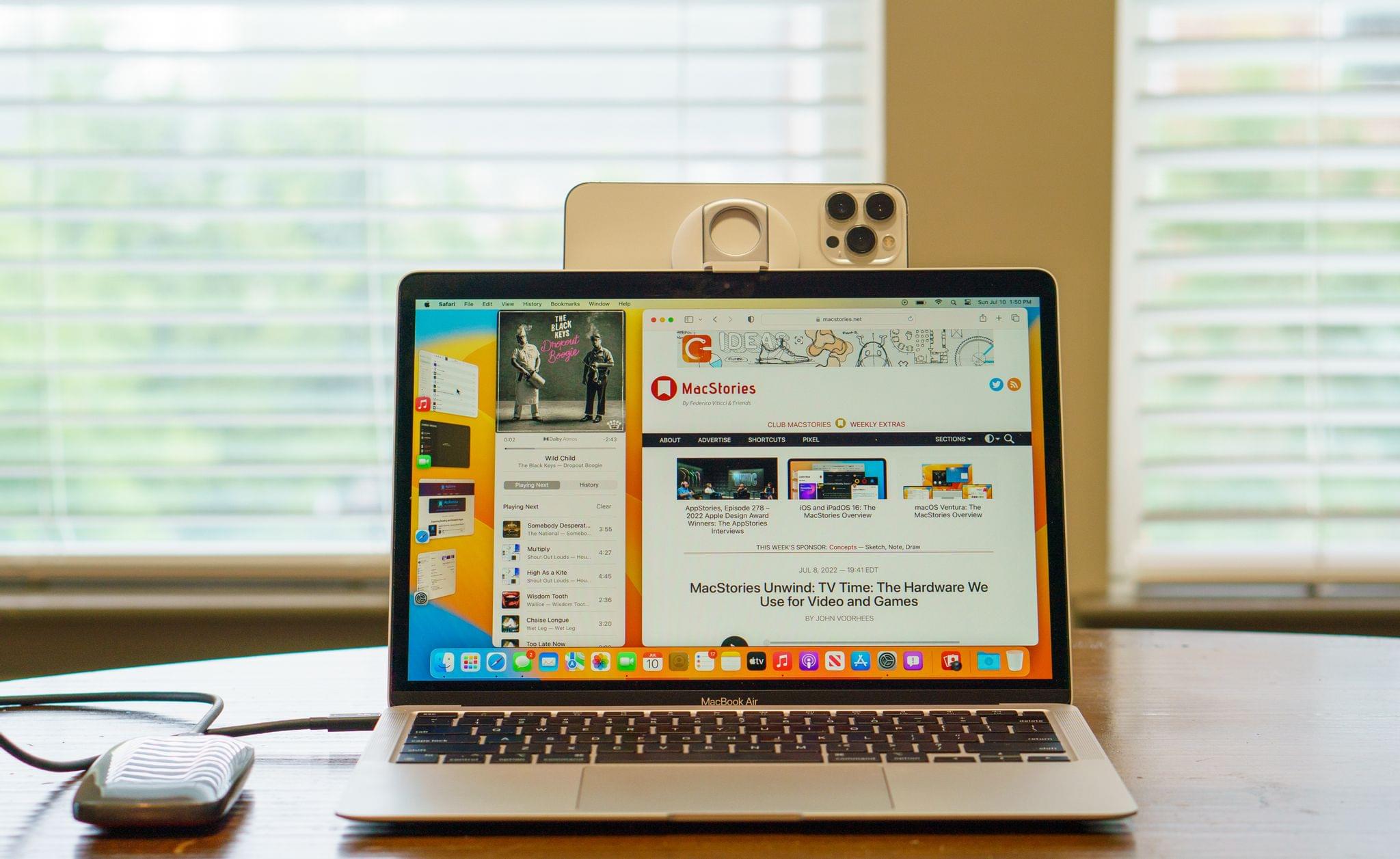
This year, the process of harmonizing the Mac with Apple’s other devices continues with Stage Manager, a new window management system available on macOS and iPadOS that offers users a similar windowing experience on both systems for the first time. On the Mac, Stage Manager is very different from the Mac’s traditional windowing systems, but it’s also very easy to get the hang of, which bodes well for new users coming from the iPad. And, of course, the feature is entirely optional, so anyone with whom it doesn’t click can ignore Stage Manager completely. However, as you’ll read below, I think everyone should give Stage Manager a chance because I’ve been surprised at how much I enjoy using it.
Another thread from Monterey that is even more pronounced in the Ventura beta is Apple’s renewed emphasis on collaboration and sharing. Last year, SharePlay enabled new experiences that connected people with family and friends no matter what Apple device they use. This year, macOS Ventura expands macOS’ collaboration across devices with Continuity Camera, collaboration features in system apps that are also available to third-party apps, the integration of Messages into collaboration functionality and SharePlay, and more. These are features that are available across macOS, iOS, and iPadOS and are serving as a new thread that strengthens the ties between the iPhone, iPad, and Mac.
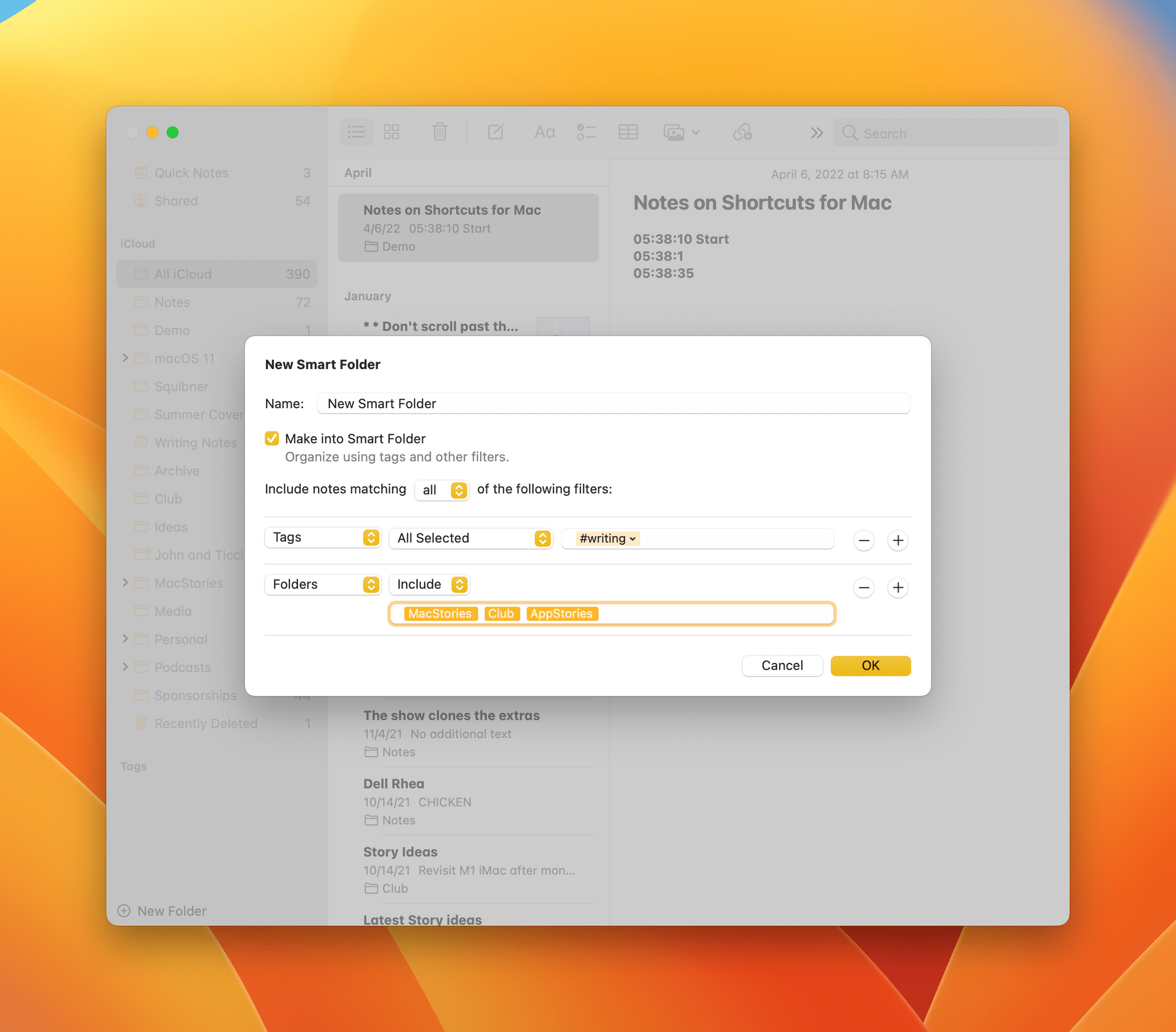
Notes’ Smart Folders are far more powerful in macOS Ventura.
Finally, no macOS update would be complete without updates to system apps. One of the dividends Apple is enjoying from the unification of the technologies on which its apps are built is they have been able to advance system apps across all platforms simultaneously. We saw that most strikingly last year with Monterey, but the trend will continue with Ventura, which includes significant updates to Mail, Messages, Notes, Photos, Home, and more. This year’s crop of updates shows that last year wasn’t a one-off push to synchronize system apps. I think it’s now reasonable to expect simultaneous annual app updates across all platforms going forward.
I’ll have more to say about what Ventura means to the Mac and where Ventura succeeds and fails in my annual macOS review this fall. However, because the public beta of Ventura is available for anyone to download for the first time today, and I know many readers are eager to give it a try, I want to provide a preview of what you can expect to find if you install it along with my first impressions of using it for the past few weeks.
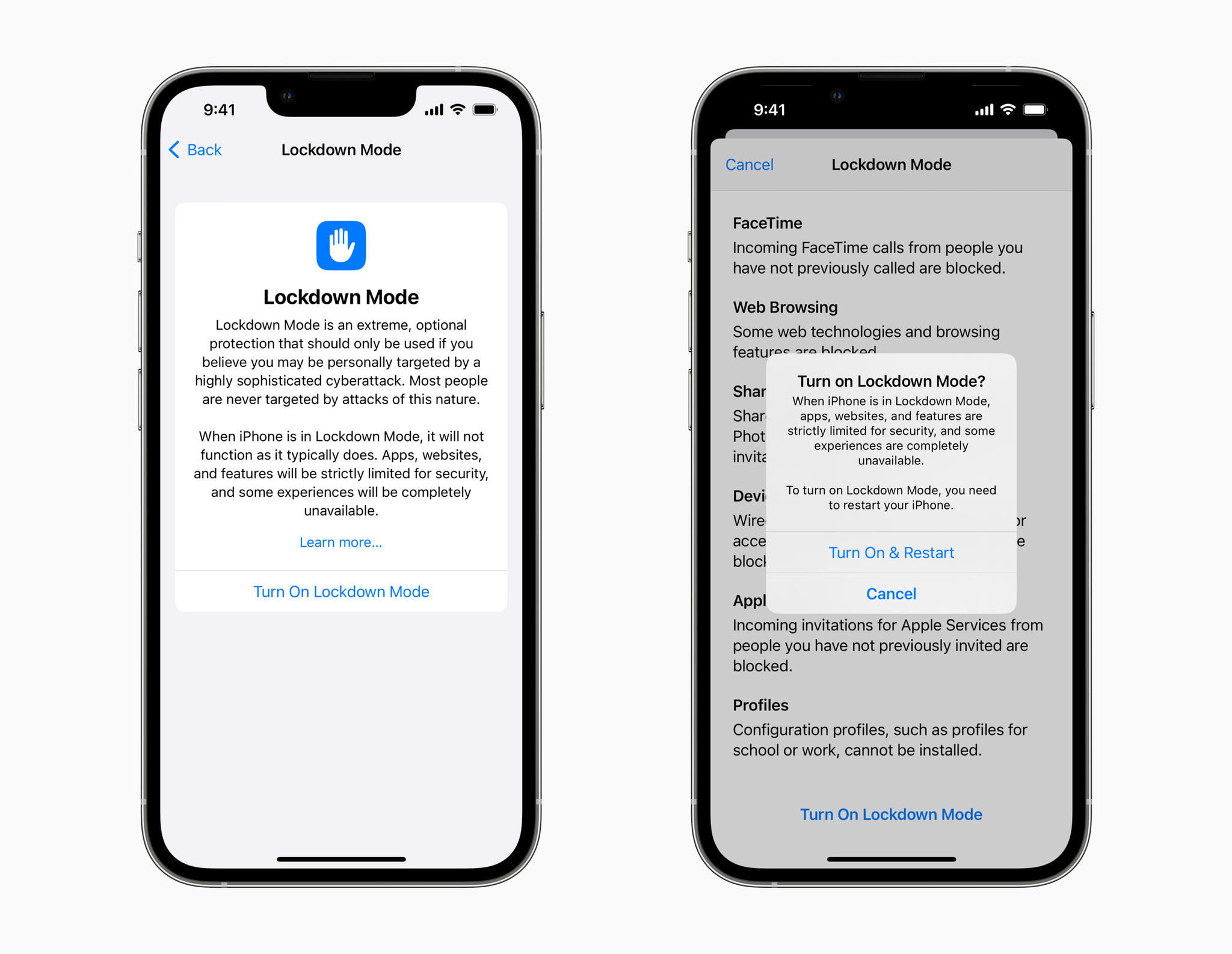
Apple has announced a new Lockdown Mode for iOS, iPadOS, and macOS designed to protect people who may be personally targeted by sophisticated digital threats. In a press release, Apple says:
Lockdown Mode — the first major capability of its kind, coming this fall with iOS 16, iPadOS 16, and macOS Ventura — is an extreme, optional protection for the very small number of users who face grave, targeted threats to their digital security.
Lockdown mode is designed to limit certain features to reduce the attack surface available to spyware. The company said that:
At launch, Lockdown Mode includes the following protections:
Messages: Most message attachment types other than images are blocked. Some features, like link previews, are disabled.
Web browsing: Certain complex web technologies, like just-in-time (JIT) JavaScript compilation, are disabled unless the user excludes a trusted site from Lockdown Mode.
Apple services: Incoming invitations and service requests, including FaceTime calls, are blocked if the user has not previously sent the initiator a call or request.
Wired connections with a computer or accessory are blocked when iPhone is locked.
Configuration profiles cannot be installed, and the device cannot enroll into mobile device management (MDM), while Lockdown Mode is turned on.
Apple is also doubling its bounty payouts for qualifying findings in Lockdown mode up to a maximum of $2 million.
The company added that its grant of $10 million, plus any damages awarded in its lawsuit against the NSO Group:
will be made to the Dignity and Justice Fund established and advised by the Ford Foundation — a private foundation dedicated to advancing equity worldwide — and designed to pool philanthropic resources to advance social justice globally.
The Dignity and Justice Fund will begin making grants from the funds beginning late this year or in early 2023.
Lockdown Mode is clearly intended for high-profile individuals who feel they may be at risk of a targeted attack. Although the feature will be available to anyone to turn on, doing so will significantly limit the features of the iPhone, iPad, and Mac in ways that most people are unlikely to want to do.
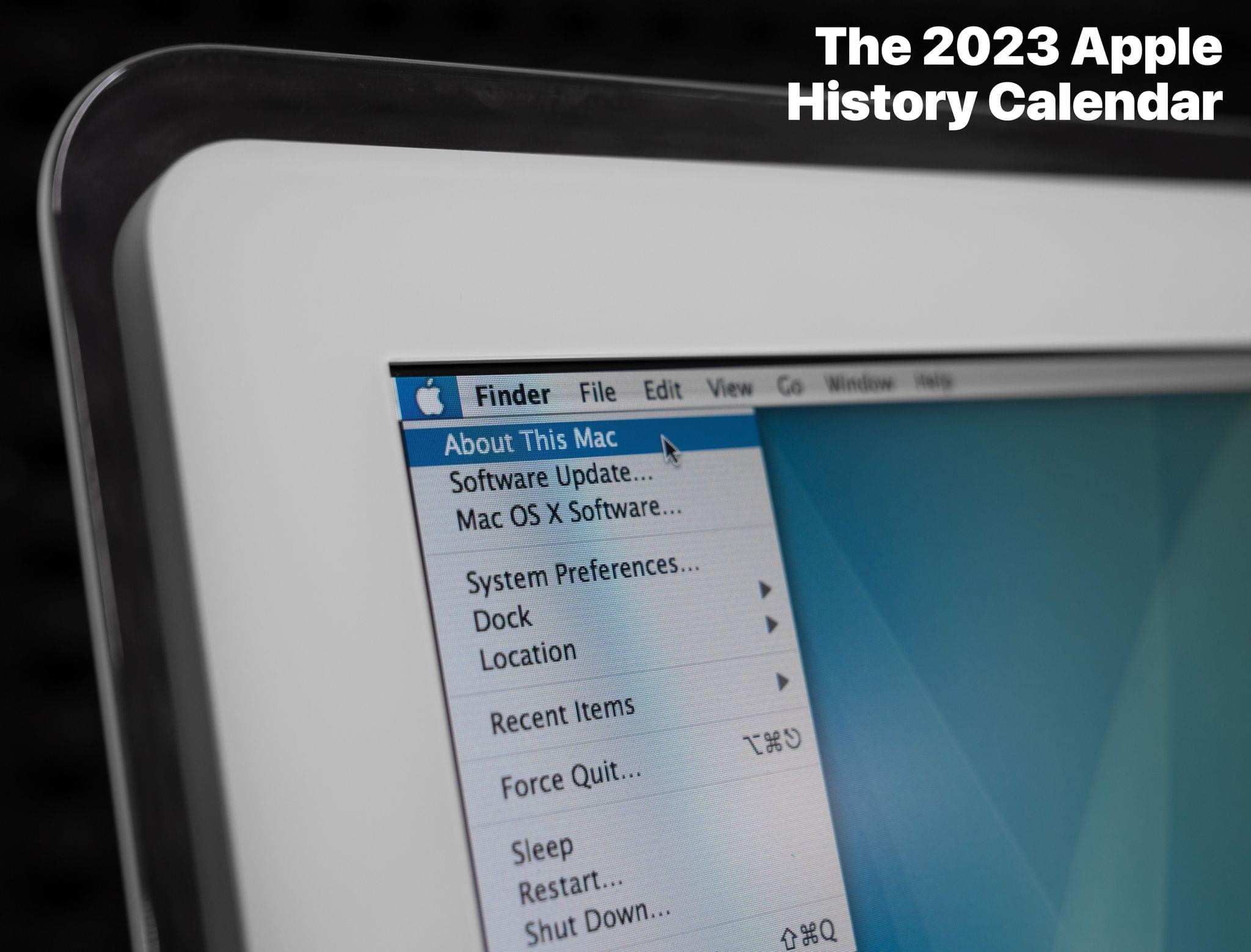
In addition to the wall calendar, Stephen has created a digital wallpaper pack for backers who pledge $5 or more. If you pledge $32 or more, you get the wall calendar, wallpaper pack, and a .ics file for importing Apple’s software dates into a calendar app. Pledge $38 or more, and you’ll get stickers too.
Stephen’s been working hard on this project for a while now. I’m really looking forward to seeing this year’s photos, which are a great way to show off his collection of Apple hardware, and browsing through the dates he’s compiled for this year’s calendar.




 Federico