John Voorhees

5427 posts on MacStories since November 2015

John is MacStories' Managing Editor, has been writing about Apple and apps since joining the team in 2015, and today, runs the site alongside Federico. John also co-hosts four MacStories podcasts: AppStories, which covers the world of apps, MacStories Unwind, which explores the fun differences between American and Italian culture and recommends media to listeners, Ruminate, a show about the weird web and unusual snacks, and NPC: Next Portable Console, a show about the games we take with us.

AppStories, Episode 300 – App Trends Revisited and Reconsidered

This week on AppStories, we mark episode 300 of the show by revisiting the app trends they covered in episode 100 and discussing the new trends that will shape the apps we use in the next several years.

Sponsored by:

  • Things – The award-winning to-do app.
  • Pillow – Sleeping better, made simple.
  • Kolide – Kolide believes that maintaining endpoint security shouldn’t mean compromising employee privacy. Check out our manifesto: Honest Security.
  • Kosmik – For All Mindkind

On AppStories+, we reveal the app trends we want to see end.

We deliver AppStories+ to subscribers with bonus content, ad-free, and at a high bitrate early every week.

To learn more about the benefits included with an AppStories+ subscription, visit our Plans page, or read the AppStories+ FAQ.

Permalink

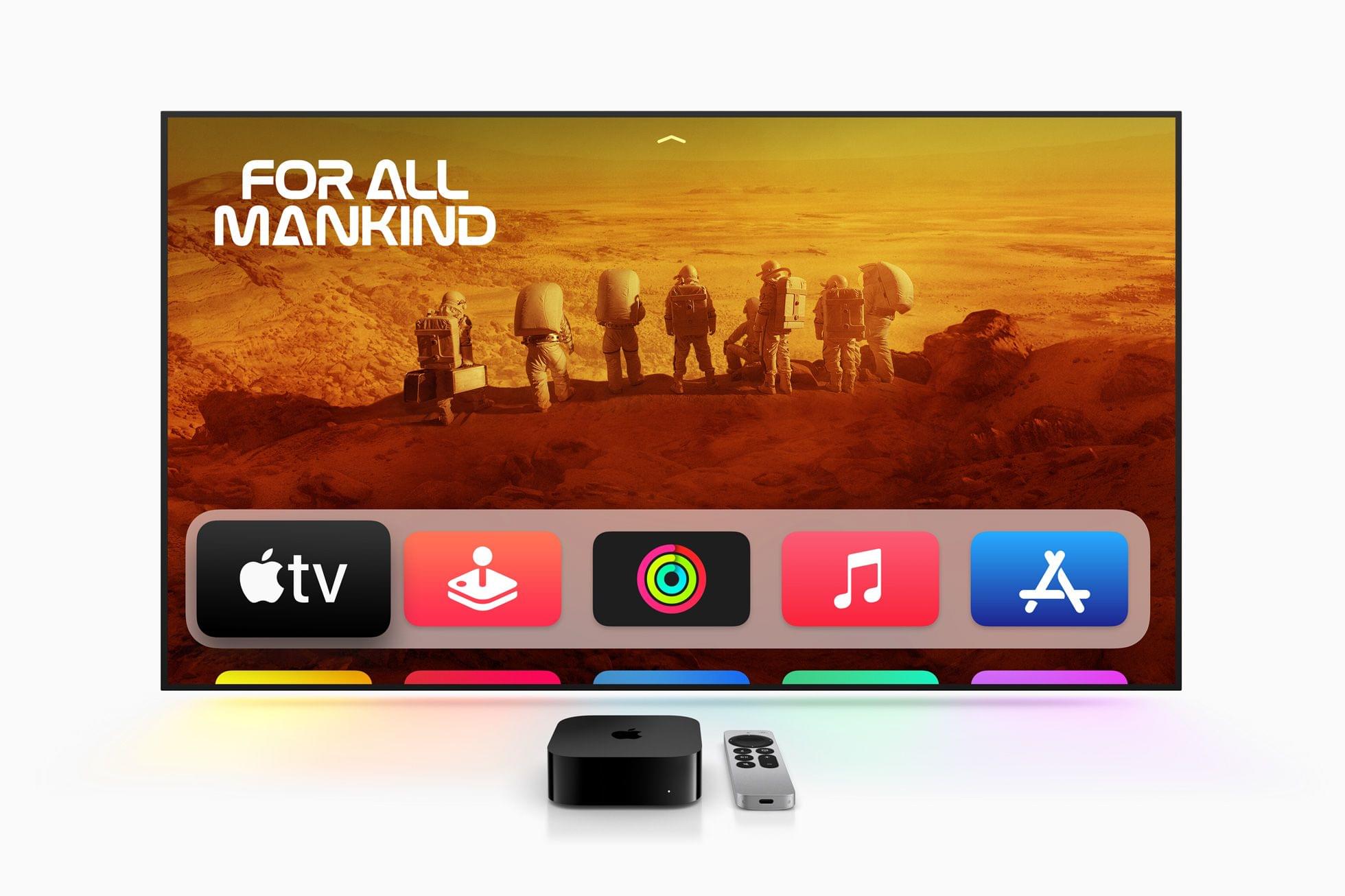
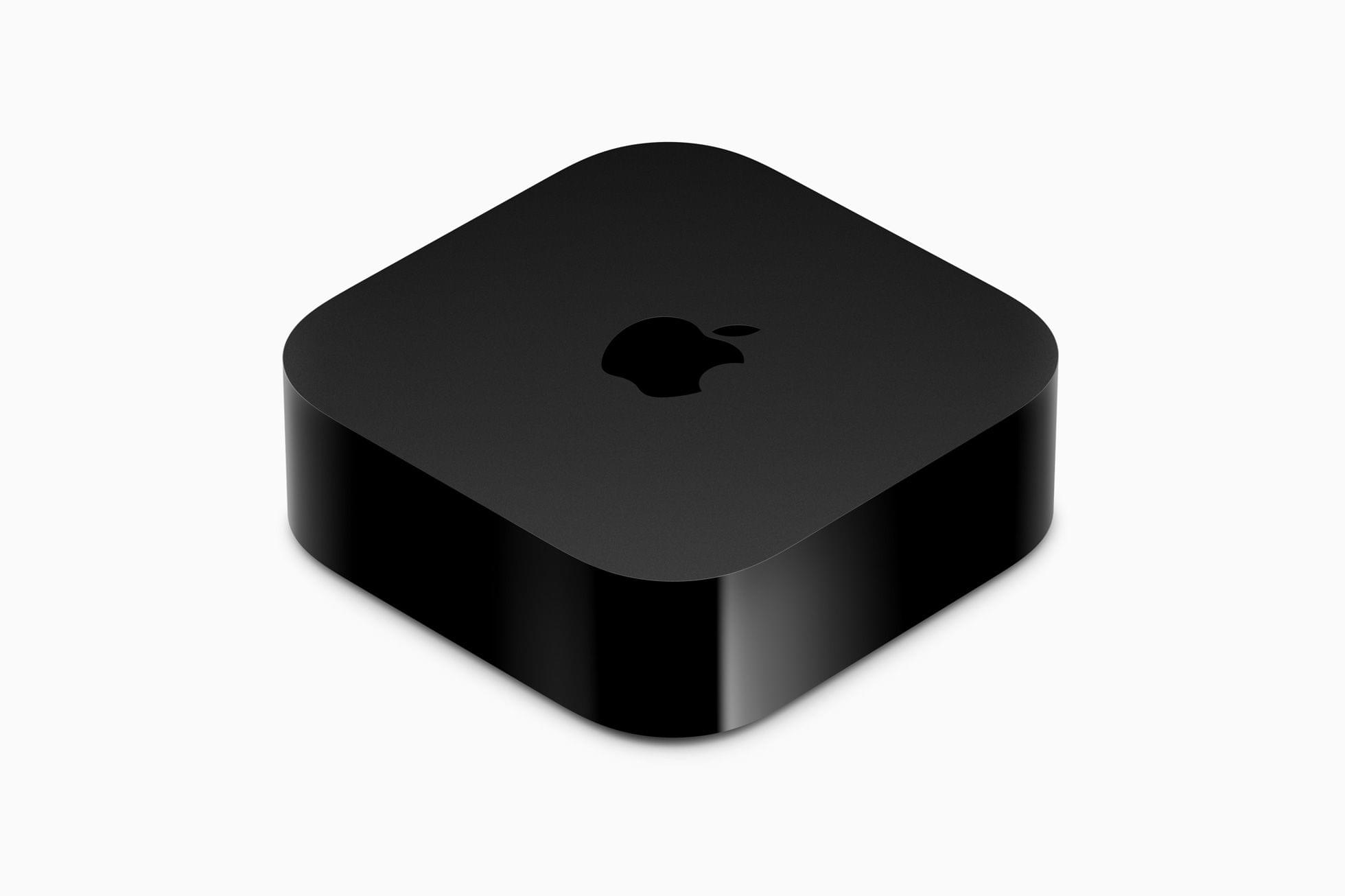
Apple TV 4K Updated with an A15 Bionic Chip, HDR10+, and a Lower Starting Price

Today, Apple published a press release announcing an update to the Apple TV 4K, which now comes in two configurations that offer different storage capacities and network connectivity. The Apple TV HD is no longer available on Apple’s online store.

The Apple TV 4K has been updated with an A15 Bionic chip and support for HDR10+, which is part of tvOS 16. The base configuration, which is $129, has 64GB of storage and is WiFi-only. The other model adds Gigabit Ethernet and has 128GB of storage for $149. The top-tier Apple TV 4K supports Thread networking too.

Apple says:

CPU performance is now up to 50 percent faster than the previous generation, delivering greater responsiveness, faster navigation, and snappier UI animations. GPU performance is now up to 30 percent faster than the previous generation for even smoother gameplay.

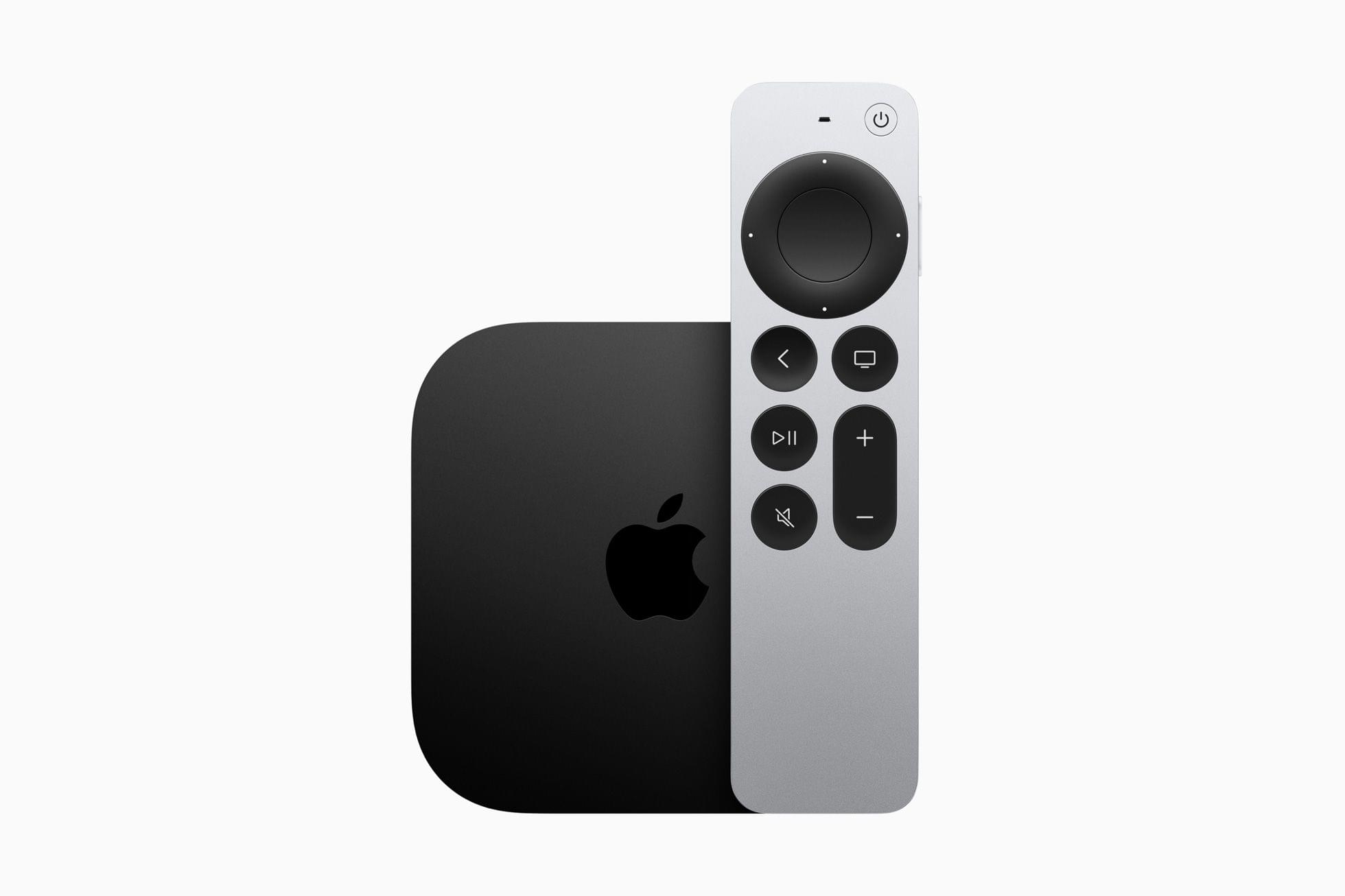
The Siri Remote now charges via USB-C.

The Siri Remote now charges via USB-C.

The Siri Remote has remained mostly the same, except it has added USB-C charging in place of the previous model’s Lightning port. The Siri Remote is included with the Apple TV but can be purchased separately for $59.

Overall, the changes to the Apple TV 4K are fairly minor, notwithstanding the snappier UI the A15 Bionic enables. I don’t see a good reason for most people to upgrade from a previous generation Apple TV 4K unless you play a lot of games on the Apple TV and have run into storage limits. If you have an Apple TV HD before and are planning on buying a 4K TV, the new model will save you some money and offer a few new perks. Although it’s a shame that Ethernet is only available in the more expensive configuration, that’s probably part of how the cost of the base model has been brought down, and I’m sure most people connect their Apple TVs via WiFi anyway.

The new Apple TV 4K is available for pre-order now, with deliveries beginning on Friday, November 4th in 30 countries, including the US.


iOS and iPadOS 16.1 Betas Add Per-App Clipboard Access Permissions to the Settings App

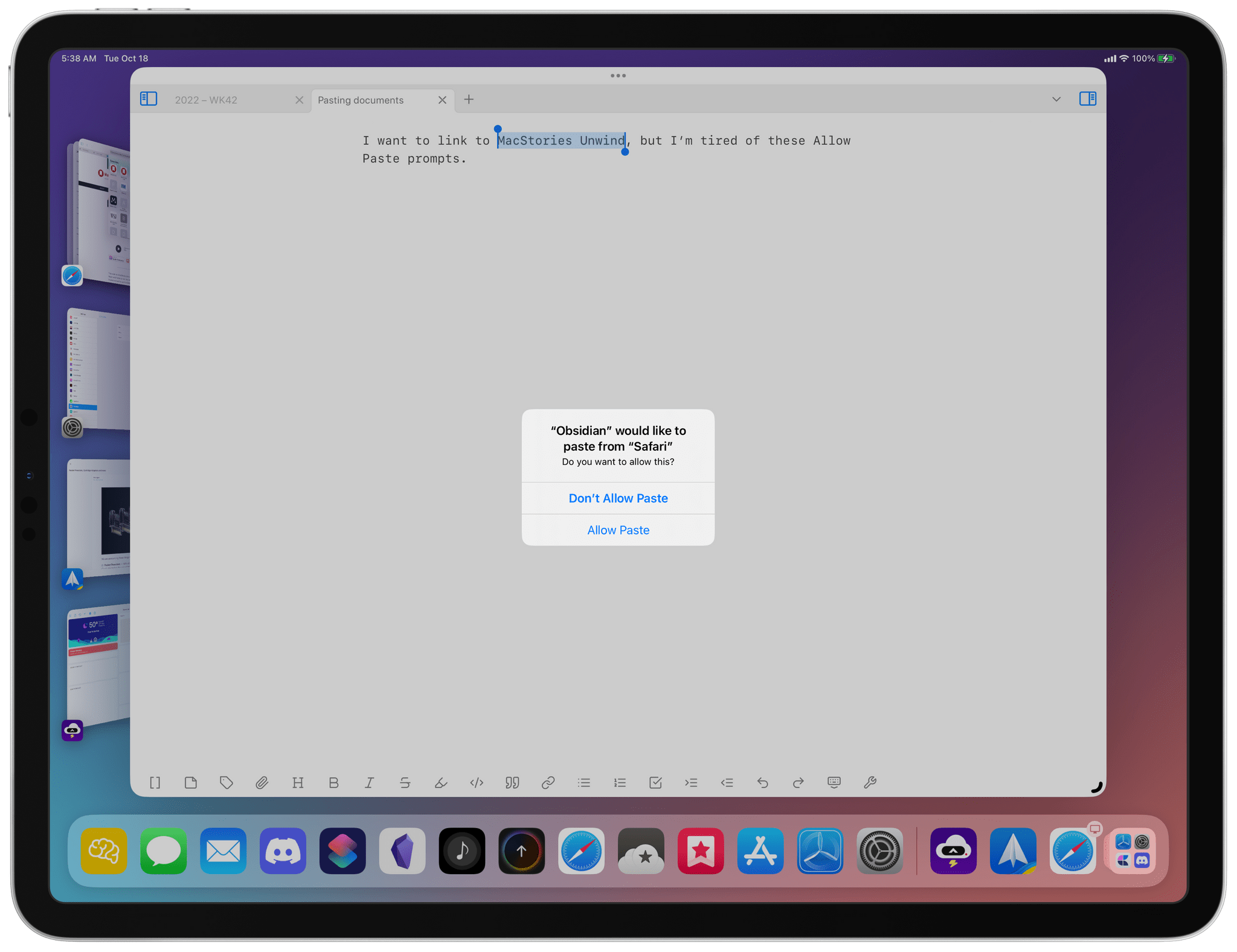
In iOS 16 and the upcoming iPadOS 16.1, Apple added an alert when an app tries to read your device’s clipboard, giving users a chance to grant or deny access. It’s a privacy measure, but for apps that have legitimate reasons to use the clipboard’s contents, it quickly becomes an annoyance to confirm every time you want to paste something. Apple has said that excessive prompts to use the clipboard are a bug that it was working to fix, but whatever the origin, the latest beta of iOS and iPadOS 16.1 include new settings that dramatically improve the experience.

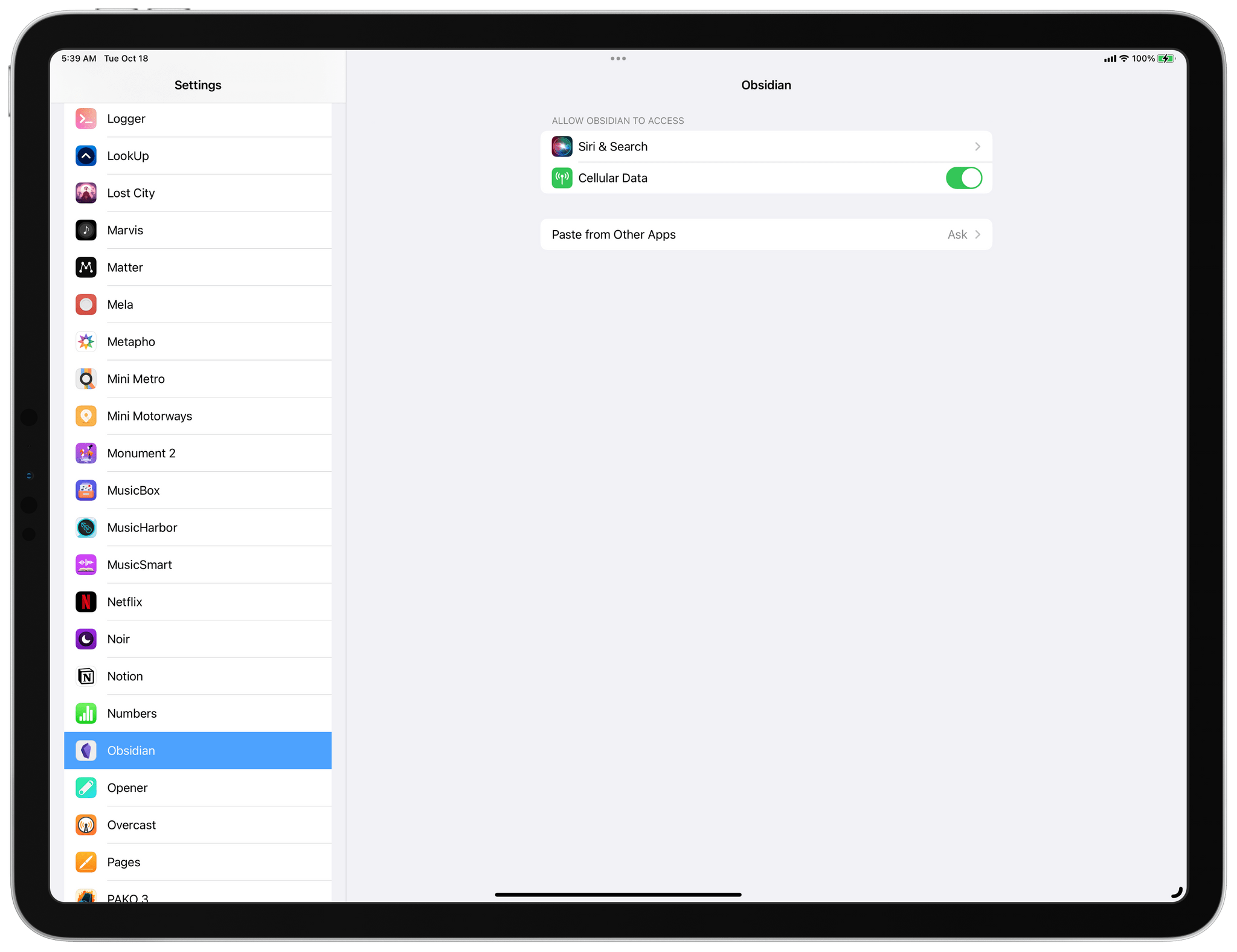
After asking for permission to paste from another app at least once, a new setting appears in an app's Settings entry.

After asking for permission to paste from another app at least once, a new setting appears in an app’s Settings entry.

According to Joe Rossignol at MacRumors:

 In the Settings app on the fourth beta of iOS 16.1 and later, a new “Paste from Other Apps” menu appears for apps that have previously asked for permission to paste content from another app. The menu can be found in the Settings app → [App Name] → Paste from Other Apps.

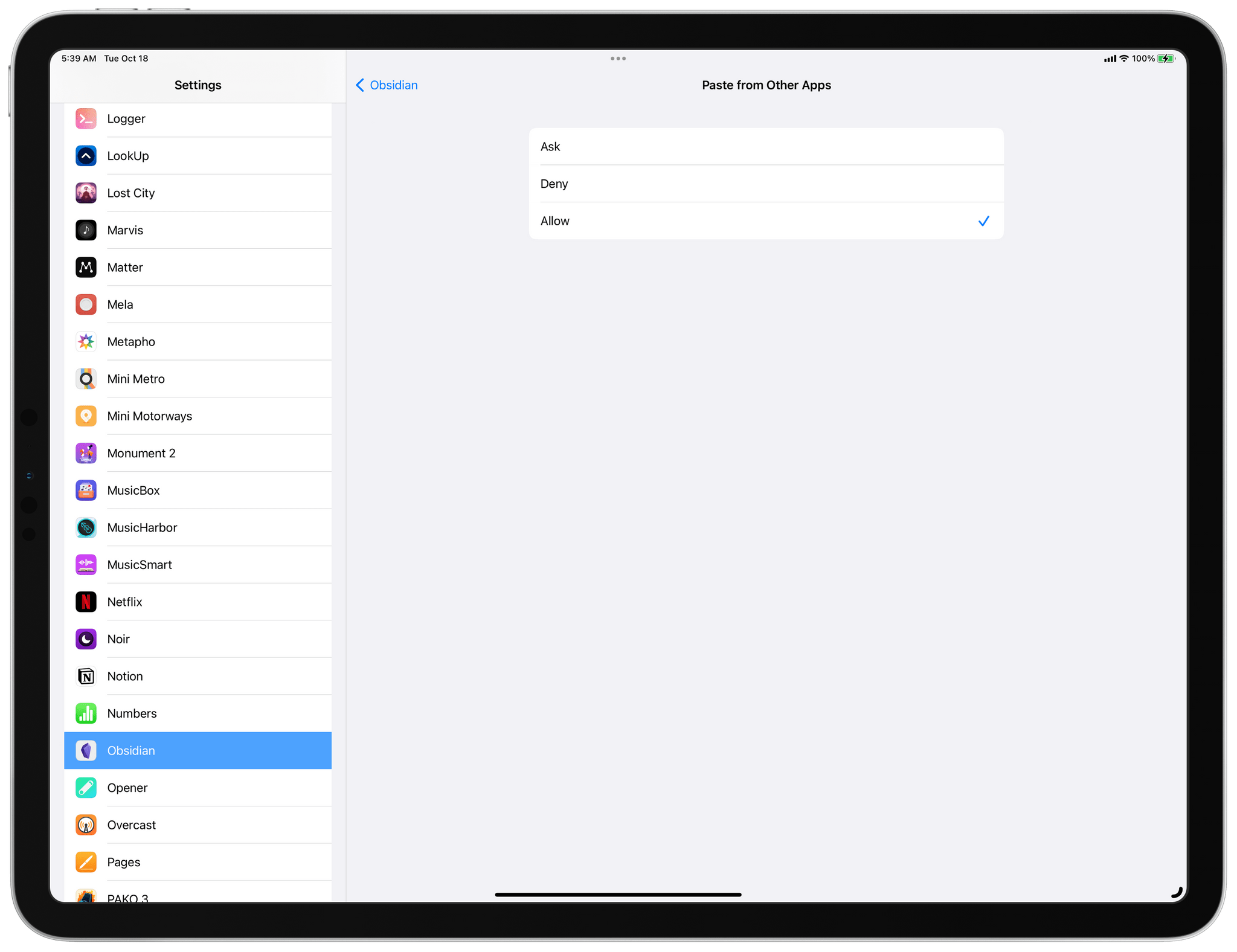
The menu presents users with three options:

  • Ask: The app must continue to request permission to paste content from other apps.
  • Deny: The app cannot paste content from other apps.
  • Allow: The app can paste content from other apps without asking for permission again.
To never see the paste prompt again choose 'Allow.'

To never see the paste prompt again choose ‘Allow.’

This change is a huge win for any app you use and trust that needs clipboard access. For me, that’s Obsidian. We use a custom plugin for creating Markdown links to webpages and images that we shared last fall with Club MacStories members. The plugin works the way I think all text editors should handle Markdown linking when you have a URL on your clipboard: highlight some text, paste, and instead of replacing the highlighted text, the URL is linked to highlighted text. However, since running iOS and iPadOS 16 betas, I’ve had to select ‘Allow Paste’ anytime I wanted to create a Markdown link using the plugin. Now, with ‘Allow’ chosen in the Obsidian entry of the Settings app, that’s no longer a constant source of friction as I write, which is great.

It’s worth noting that the setting doesn’t sync across devices. For example, if you Allow pasting on an iPhone, you’ll have to do the same on an iPad. Also, the setting only appears in the Settings app after an app has requested permission to access the clipboard at least once.

Permalink

App Trends Revisited and Reconsidered

AppStories+ Deeper into the world of apps
0:00
55:31

AppStories+ Deeper into the world of apps

This week, Federico and John mark episode 300 of the show by revisiting the app trends they covered in episode 100 and discussing the new trends that will shape the apps we use in the next several years.

Read more