
When I first got a Stream Deck and later a Loupedeck Live, I realized very quickly that setting up those devices can quickly turn into an unproductive time sink. There’s the question of which automations to turn into a button, plus the layout and look of the buttons to consider. If you’re not careful, it’s...
 Extending Shortcuts for Mac with Third-Party Apps
Automation April has reacquainted me with the many bugs in Shortcuts for Mac. It’s incredibly frustrating to hit a wall when you have an idea for an automation that should work but doesn’t because of a bug. I have a long list of wishes for Shortcuts actions, but I’d take stability over any of them....
App Debuts
 Federico
SwiftKey Keyboard Microsoft’s third-party keyboard for iPhone is the latest of the company’s products to receive integration with AI-powered Bing chat, but don’t expect to be able to access the ChatGPT-based service from inside the keyboard view on your phone: when you tap the ‘Chat’ button above the keyboard, you’ll be taken into a...
Deadline Extended for Automation April Shortcuts Contest to April 21st

As we head into the weekend, we wanted to let everyone know that we’ve extended the Automation April Shortcuts Contest to Friday, April 21st, at 5:00 PM Eastern US time. That gives you four extra days to finish your shortcuts and submit them.
Remember:
- You can submit up to two shortcuts for consideration in any of the six categories
- You can edit your submissions until the deadline on April 21st
- Shortcuts do not have to be complex to win the contest; originality and utility are key factors in the judges’ decisions
- We have tons of great prizes, including a Loupedeck Live S and CalDigit Thunderbolt Station 4 for the winner of the Best Overall Shortcut, plus Club MacStories memberships
For the complete rules, be sure to read our post from last week.
Good luck, and use the extra time wisely!
You can also follow MacStories’ Automation April coverage through our dedicated hub, or subscribe to its RSS feed.
MacStories Unwind: An Iced Coffee, a Mouse, New Caledonia, and John Wick







This week on MacStories Unwind, I explain iced coffee to Federico, who has a new Logitech Lift mouse and has been playing Tchia, while I spent hours at the theater enjoying John Wick, Chapter 4.
Iced Coffee
- John’s jug of Calafia Farms Cold Brew
Federico’s Picks:
Legend of Zelda: Tears of the Kingdom
- A brief Tears of the Kingdom aside because we couldn’t help ourselves.
John’s Pick:
Unlock Big App Savings with Club MacStories+ and Premier Memberships

A core perk of a Club MacStories+ or Club Premier membership is the wide variety of discounts on our favorite apps and services we offer in partnership with developers. Our app discount program brings Club members a long list of deals that regularly rotate, so there’s always something new to try. That makes it easy to save hundreds of dollars on some of the best apps out there when you sign up and to keep on saving month after month.
Drawing a Blank→
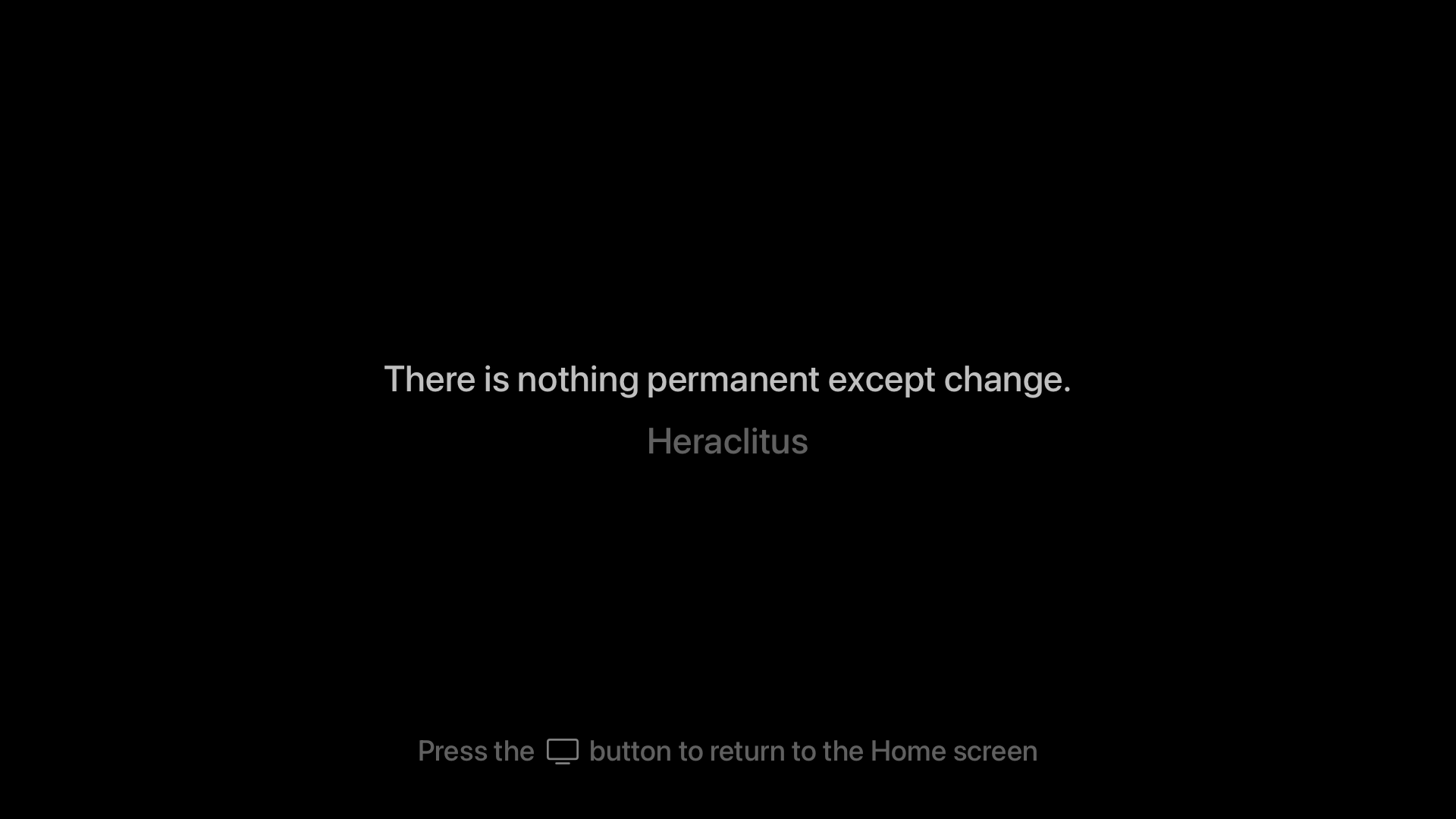
Yesterday, Craig Hockenberry announced a free Apple TV app he created called Blank. The app blanks out your TV screen until you press a button on the Apple TV remote. That way, you can listen to music or a podcast through an Apple TV without also watching the album art or screensavers.
Blank is a clever solution to something that’s been a problem ever since the second-generation Apple TV, which ditched its dedicated audio out port in favor of HDMI. How do I know that? Well, I tackled the same problem myself in 2016 in a far hackier way than Hockenberry, which I shared more than 300 issues ago in MacStories Weekly 25. As I said then, when the Apple TV’s flyover screensavers, and even HDMI, were brand new:
I enjoy the new flyover screensavers on the Apple TV, but whether you have a current generation Apple TV and use those, or use a different screensaver with any model of the Apple TV, the screensavers are a distraction when you throw a party and want to use the Apple TV for music. In my experience, people are drawn to the screensaver like moths, focusing on it instead of socializing.
My solution? Create a Photos album with a single 1080p image of a black rectangle and use it with the Apple TV’s ‘Sliding Panels’ screensaver. Blank is a far more elegant solution and even offers an inspirational quote that appears onscreen before the screen goes blank.
Automation April: The Loupedeck Live S Is a More Portable and Affordable Automation Control Panel for the Mac
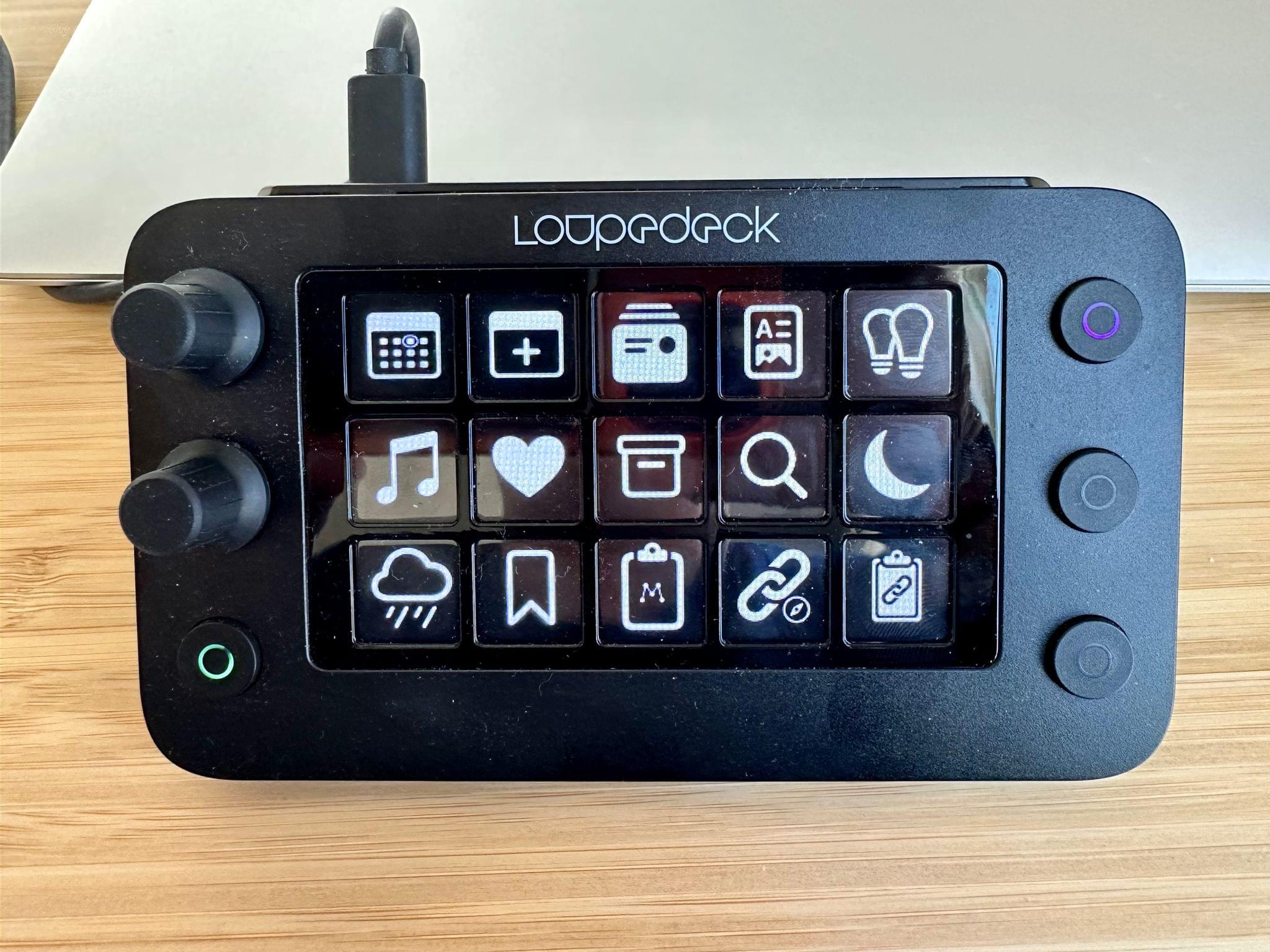
In 2021, I reviewed the Loupedeck Live, a programmable control panel for the Mac and Windows PCs for Club MacStories members as part of my Macintosh Desktop Experience column. It’s an excellent device, but its price put it at a disadvantage to a similarly-sized Elgato Stream Deck despite several other advantages that I explained in the review.
Last year, Loupedeck released the Loupedeck Live S, a smaller, more affordable Loupedeck that retains the core experience of the Loupedeck Live, but dispenses with a handful of physical buttons and dials. The new device retails for $189 compared to the Loupedeck Live, which is $269. That’s still $40 more than the 15-button Stream Deck MK.2, but a significantly narrower difference for a device that offers a wider range of functionality, making it worth another look if you were put off by the Loupedeck Live’s price.
AppStories, Episode 324 – Automation April: A Link Management Workflow and S-GPT
This week on AppStories, I explain my new link management workflow, combining a series of apps and shortcuts, and Federico shares more about his S-GPT shortcut that integrates ChatGPT with Apple’s OSes.
Sponsored by:
- Zocdoc – Find the right doctor, right now with Zocdoc. Sign up for free.
](https://cdn.macstories.net/banneras-1629219199428.png)

On AppStories+, a behind-the-scenes look at the first week of Automation April.
We deliver AppStories+ to subscribers with bonus content, ad-free, and at a high bitrate early every week.
To learn more about the benefits included with an AppStories+ subscription, visit our Plans page, or read the AppStories+ FAQ.