John Voorhees

5408 posts on MacStories since November 2015

John is MacStories' Managing Editor, has been writing about Apple and apps since joining the team in 2015, and today, runs the site alongside Federico. John also co-hosts four MacStories podcasts: AppStories, which covers the world of apps, MacStories Unwind, which explores the fun differences between American and Italian culture and recommends media to listeners, Ruminate, a show about the weird web and unusual snacks, and NPC: Next Portable Console, a show about the games we take with us.

Obsidian’s Importer Plugin Lets You Move Your Apple Notes to Any Note-Taking App That Supports Markdown

As Club MacStories members know, I’ve been spending time the past few weeks decluttering my digital life and setting up systems so it’s harder for things to come undone again. One of my strategies to make life easier for ‘future me’ is to minimize the number of places I store things.

For notes and articles I write, that means Obsidian. In the past, I’ve resisted putting every text file in Obsidian because the app’s file management tools haven’t always been the best. Part of that historical weakness is undoubtedly the result of Obsidian’s emphasis on linking between documents. Fortunately, Obsidian’s folder and file management tools have come a long way. Paired with Omnisearch, a powerful third-party search plugin, I’ve overcome my hesitation and gone all in with Obsidian as an editor and text storage solution. So, when I heard that Obsidian’s open-source import tool had been updated to work with Apple Notes, I thought I’d export some of my notes to Obsidian to get a feel for how well it works.
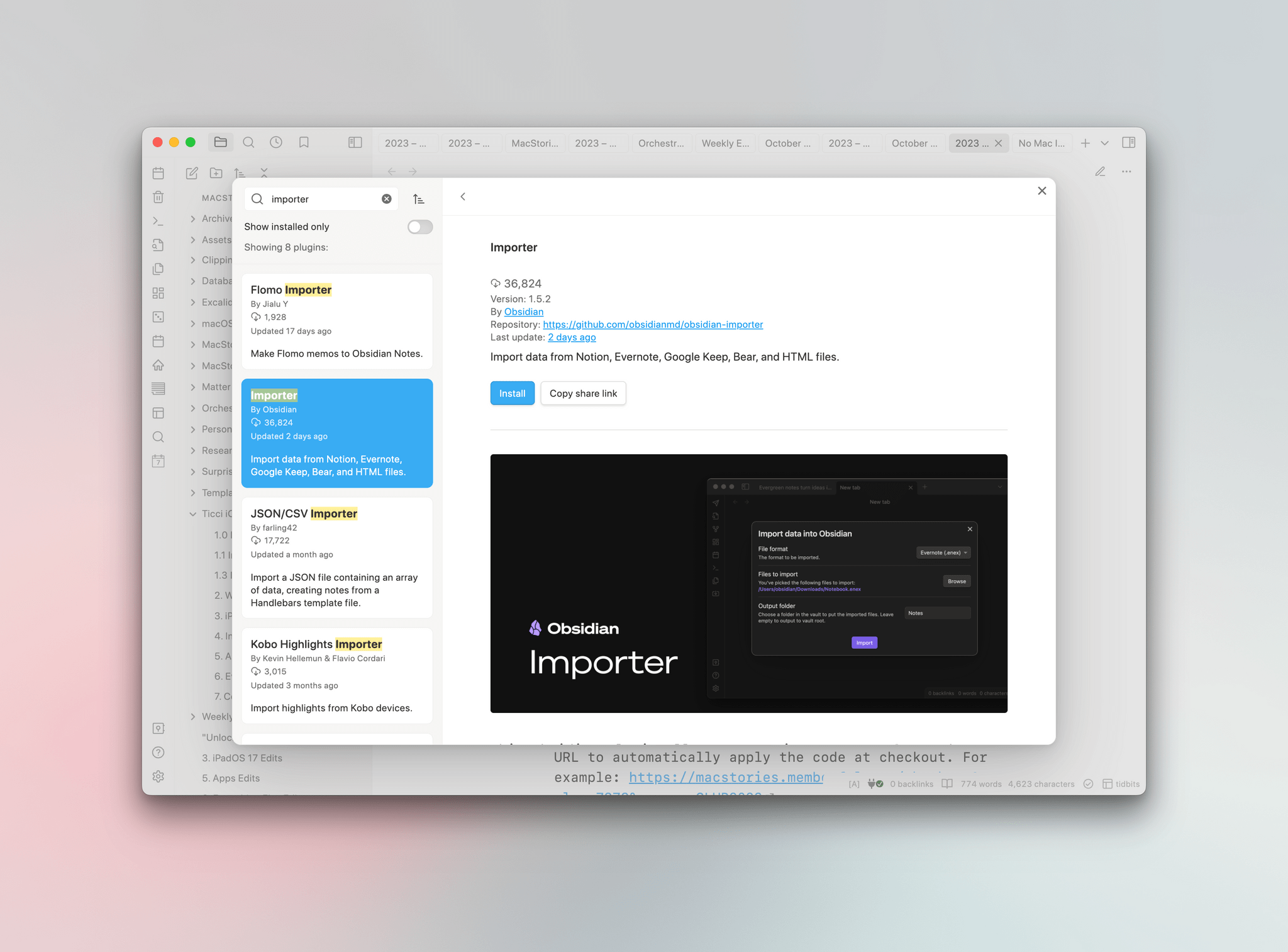
The Importer plugin.

The Importer plugin.

Apple Notes doesn’t have an export option. Instead, as Obsidian’s blog post on the Importer plugin update explains, it stores your notes in a local SQLite database. The format isn’t documented, but the developers of the plugin were able to reverse-engineer it to allow users to move notes and their attachments out of Notes and into two folders: one with Markdown versions of your notes and the other with the files attached to your notes. The folder with your notes includes subfolders that match any folders you set up in Notes, too.

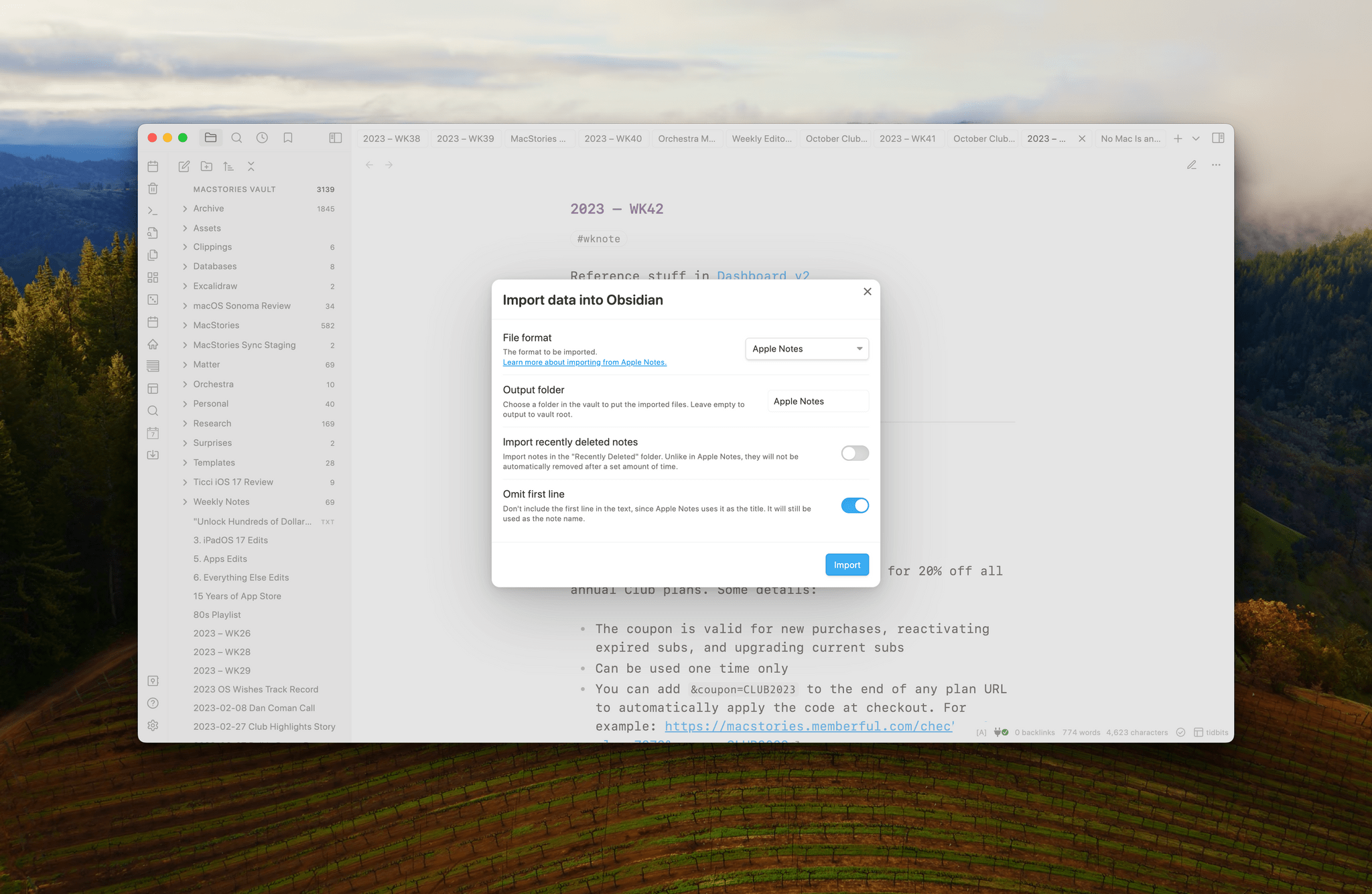
Importer is an Obsidian plugin that can be downloaded and installed from the Community Plugins section of Obsidian’s settings. The Importer’s UI can be opened using the command ‘Importer: Open Importer,’ which gives you options of where to save your imported notes, along with options to include recently deleted notes and omit the first line of a note, which Obsidian will use to name the note instead. Click the Import button, and the plugin does its thing. That’s all there is to it.
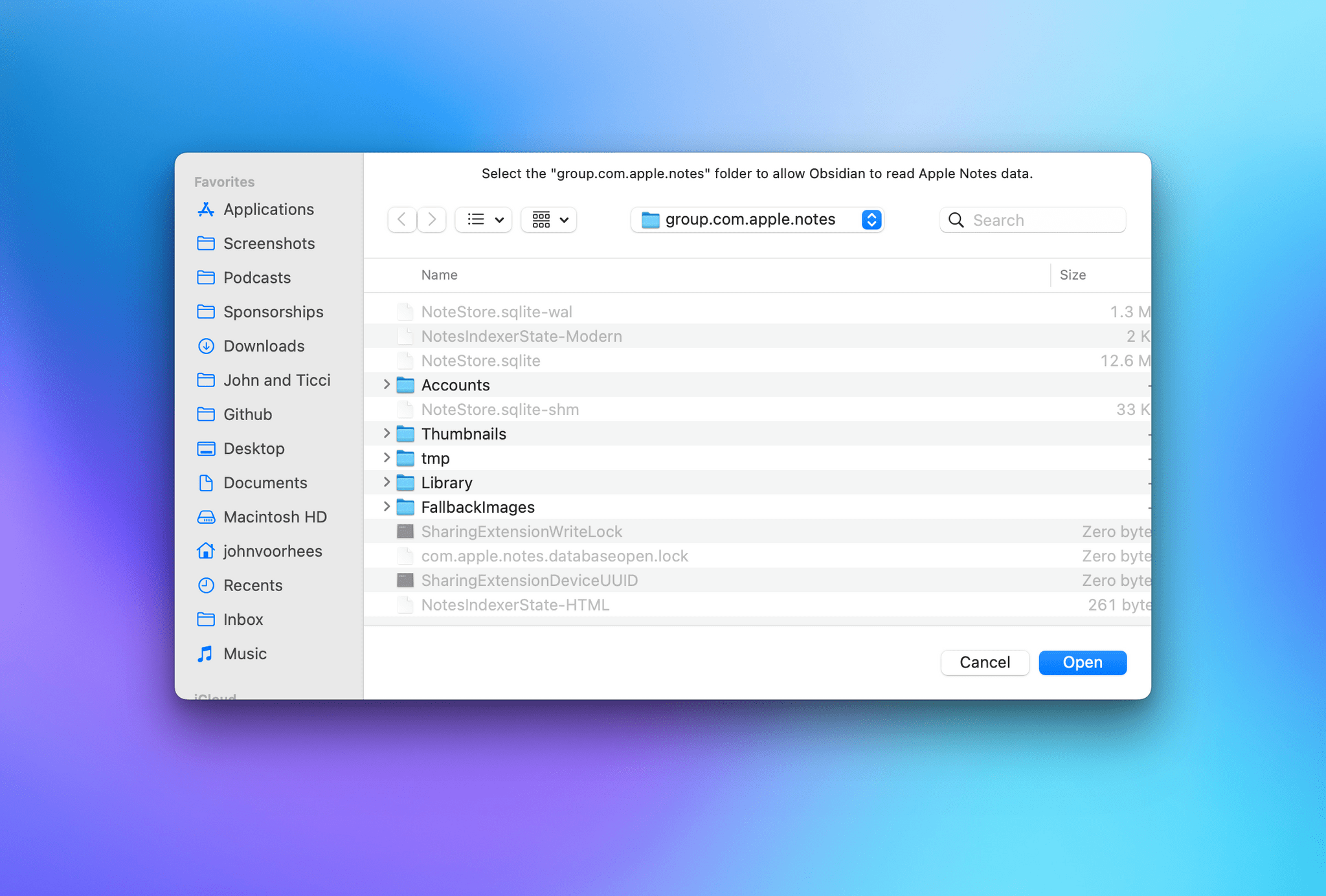
When you run Importer, it requires you to confirm where your Notes are stored, which is easy because the plugin takes you there itself.

When you run Importer, it requires you to confirm where your Notes are stored, which is easy because the plugin takes you there itself.

I ran Importer twice to see how well it worked in practice. The first time was on a set of more than 400 notes, many of which hadn’t been touched in years. The import process was fast, but it failed on 36 notes, and it wasn’t clear from the plugin’s interface whether that caused it to get stuck part of the way through or if the plugin just skipped those notes. I don’t know why some of my notes failed to import, but the results weren’t too bad for an undocumented file format of an app with no official export feature.
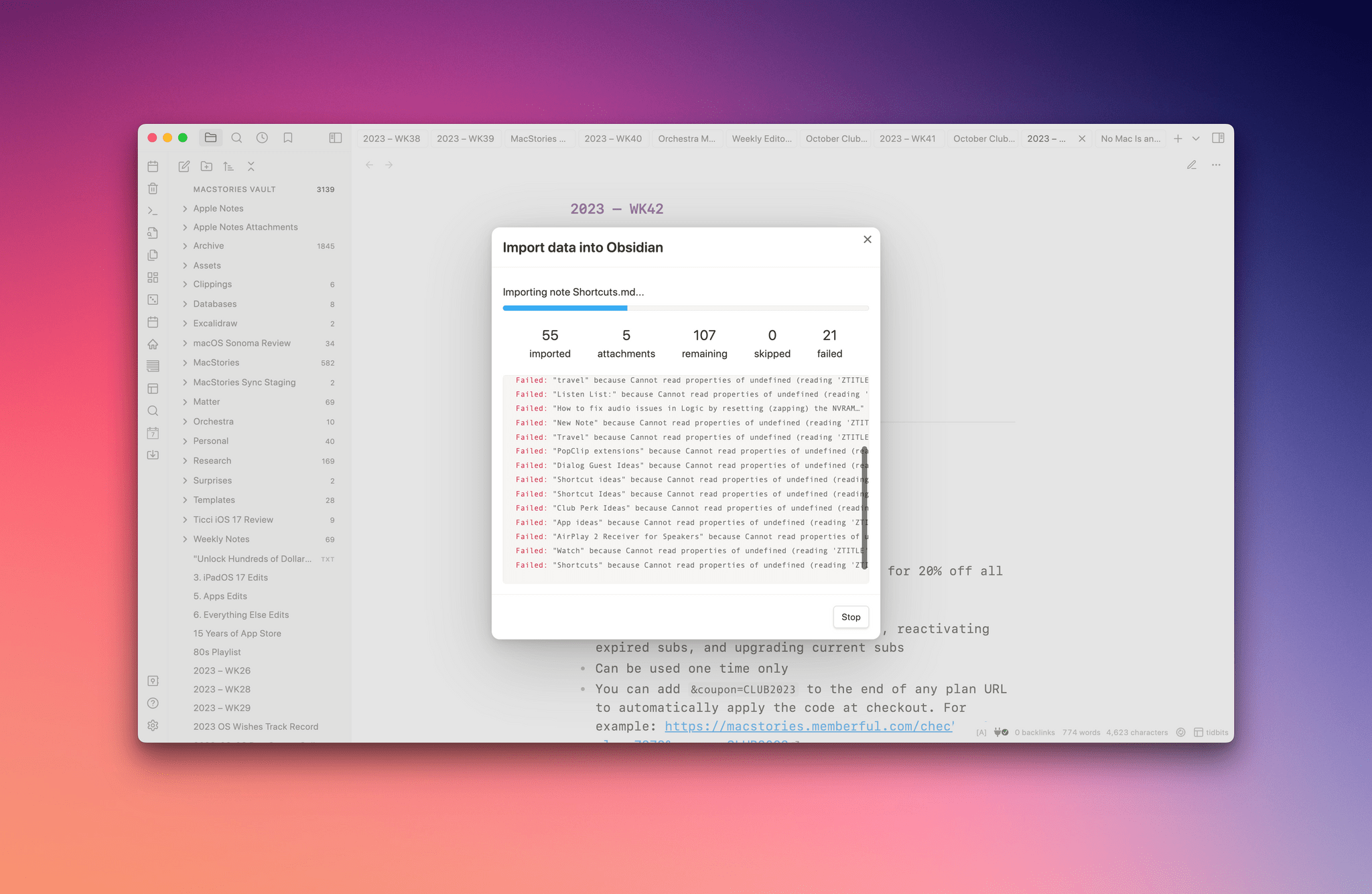
Importer isn't perfect but it's close enough given my large collection of old, rarely touched notes.

Importer isn’t perfect but it’s close enough given my large collection of old, rarely touched notes.

The import process is non-destructive, meaning it doesn’t delete the notes in Apple Notes. I took advantage of this by deleting everything I’d just imported into Obsidian. Then, I went back to Notes and cleaned them up a bit, deleting old notes I didn’t need anymore and reducing the total note count to 149. I re-ran Importer, and this time, I got no errors. I haven’t checked every note, but based on a spot check, the import process looks like it was successful.
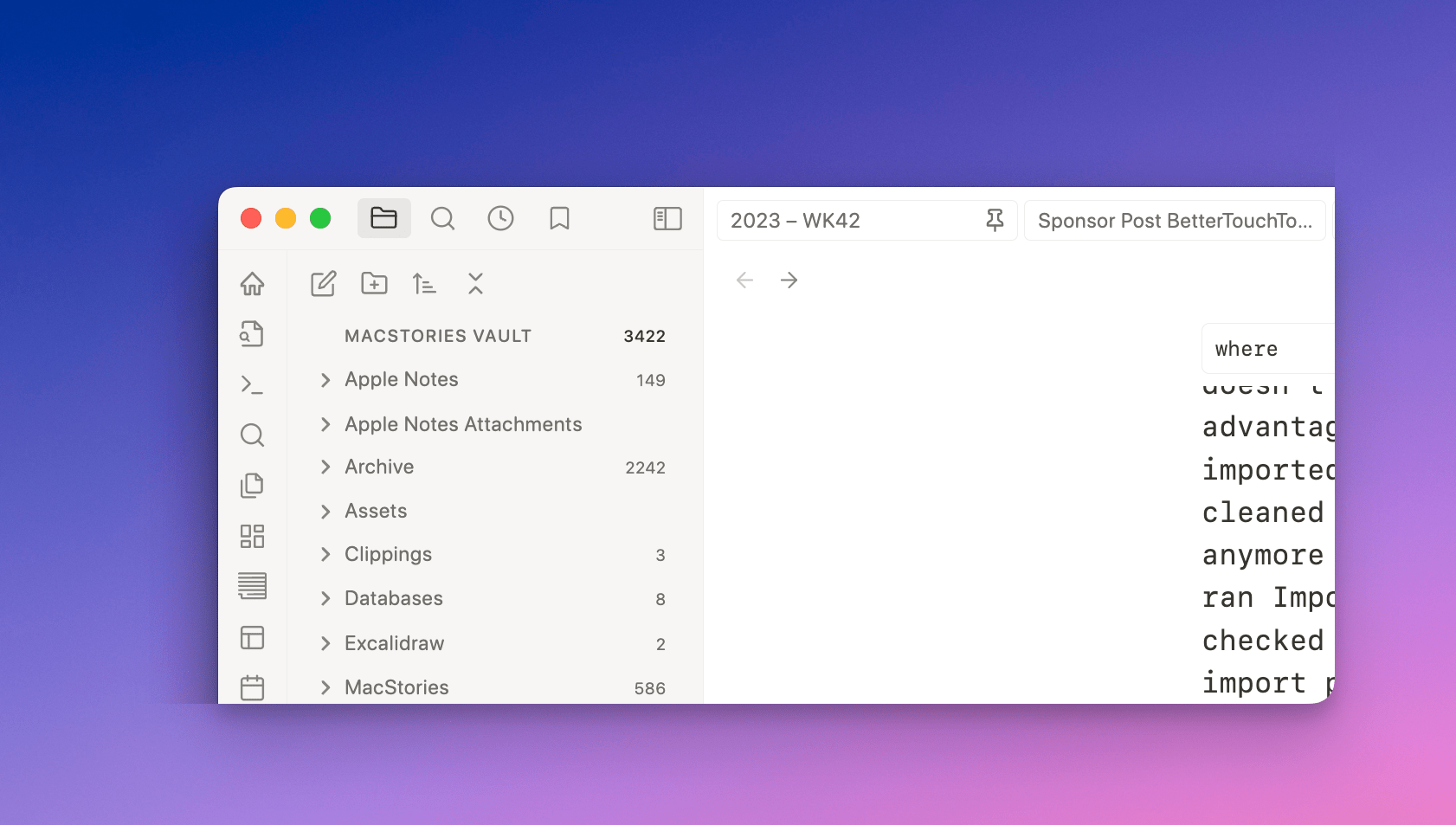
The end result of using Importer is a folder of Apple Notes and related subfolders, plus a folder of attachments.

The end result of using Importer is a folder of Apple Notes and related subfolders, plus a folder of attachments.

One limitation of Obsidian’s Importer plugin is that it requires you to use the Obsidian app. However, the beauty of plain text is that once you have a folder full of Markdown files, you can use them with any app that supports Markdown, so it’s a tool worth considering whether you’re an Obsidian true believer or not.

That said, I don’t intend to abandon Apple Notes completely. It was easy to move a bunch of reference notes to Obsidian, where they’ll be easier to use alongside other notes. However, Obsidian’s Achilles heel is its lack of a workable system for collaboration. Until there’s a fast, secure, and simple way to share and edit notes with others, I’ll still use Apple Notes’ sharing feature. For everything else, I’m in deep with Obsidian because the portability and flexibility of plain text combined with a rich selection of third-party plugins make it the best tool for the sort of work I do.



Apple Announces October 30th Event

Apple has announced an event will be held on Monday, October 30th, at 5:00 pm Pacific time. There’s no indication of what might be announced, but the announcement does include the obtuse teaser ‘Scary Fast’ in the email invitation that was sent to the media. Also, Mark Gurman of Bloomberg has suggested that a refreshed iMac and MacBook Pros may be in the works.

The event is also being held at an unusual time compared to every Apple event in recent history. Whether or not that’s significant or not remains to be seen.


AppStories, Episode 356 – Web Apps and Services

This week on AppStories, we cover the web apps we use and why they’re sometimes preferable to native apps.

Sponsored by:

  • CleanMyMac X – Your Mac. As good as new. Get 5% off today.
  • Electric – Unbury yourself from IT tasks. Get a free pair of Beats Solo3 Wireless Headphones when you schedule a meeting.
  • Vitally – A new era for customer success productivity. Get a free pair of AirPods Pro when you book a qualified meeting.

On AppStories+, I explain why I’m a fan of Adaptive Noise Control and Conversation Awareness, Federico has come around on Dolby Atmos, and we both speculate about where the AirPods Max are heading.

We deliver AppStories+ to subscribers with bonus content, ad-free, and at a high bitrate early every week.

To learn more about the benefits included with an AppStories+ subscription, visit our Plans page, or read the AppStories+ FAQ.

Permalink

Automattic Acquires Interoperable Messaging Service Texts

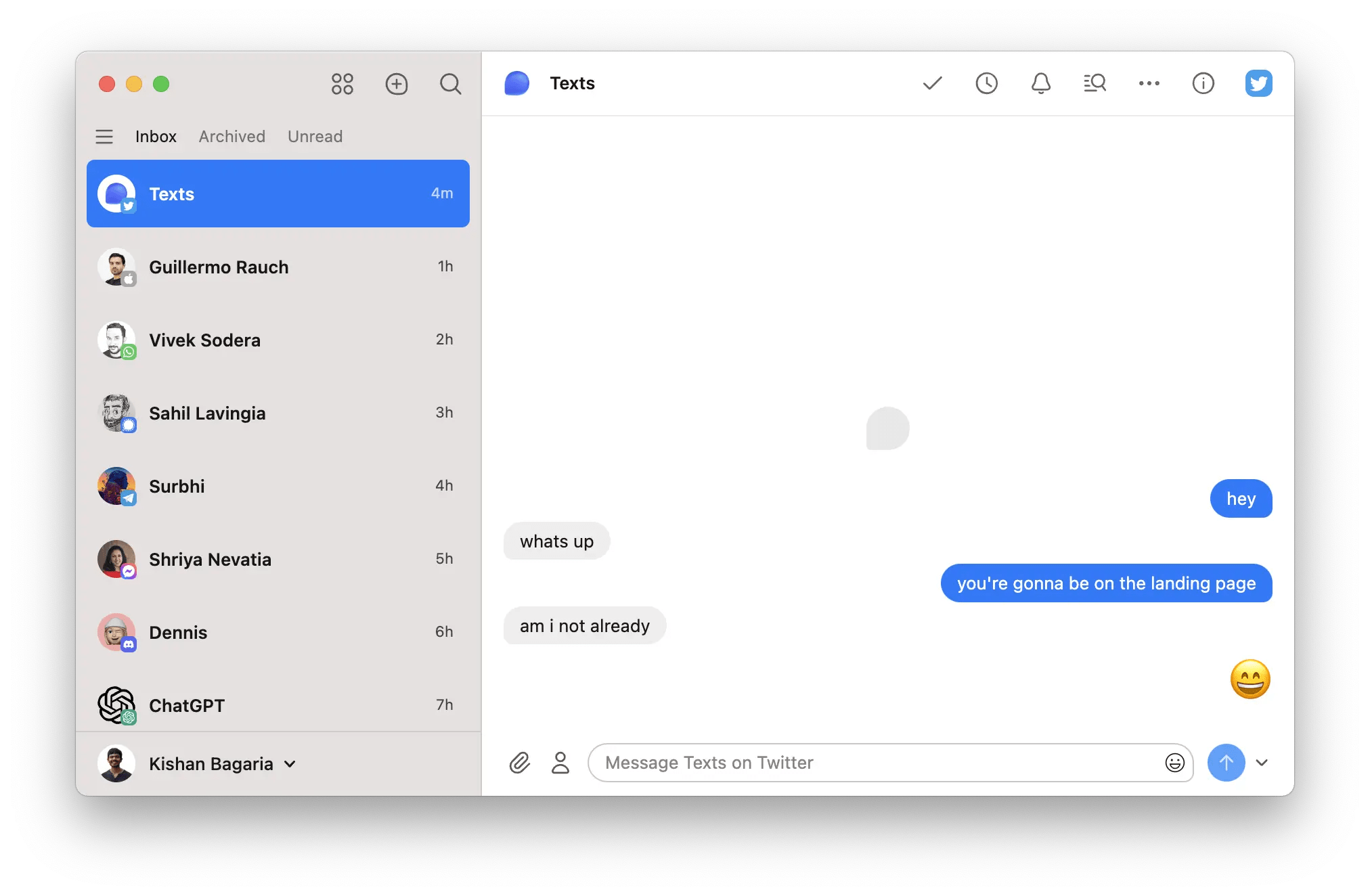
Source: Texts.

Source: Texts.

Today, Automattic acquired Texts, a startup that’s been building a one-stop destination for managing your many chat and messaging apps in one place.

Automattic, which runs blogging platform WordPress.com and Tumblr, has been acquiring a growing list of companies in recent years, including the makers of apps like Day One and Pocket Casts. The company’s latest purchase marks its first foray into messaging.

Texts is a paid service that allows users to send and receive messages on several platforms, including iMessage, WhatsApp, Telegram, Signal, Messenger, Twitter, Instagram, LinkedIn, Slack, and Discord DMs, from a single app. There are other companies, like Beeper, attempting something similar using the open-source protocol Matrix, but Texts is a little different. It has developed its own technology stack for handling messages from multiple services that the company says doesn’t require it to send them across its servers and is end-to-end encrypted. Instead, Texts sends messages directly from one of its supported messaging platforms to another. Currently, Texts is available on the Mac, Windows, and Linux, with an iOS app under development and Android on the company’s roadmap too.

I had a chance to speak with Automattic CEO Matt Mullenweg about the acquisition, and it was clear from our conversation that he views it as a natural next step in the company’s support of open web platforms. It’s also a great fit with WordPress.org and Tumblr’s embrace of the ActivityPub protocol, which powers Mastodon and other federated social networks.

With the list of companies that offer some sort of siloed messaging that doesn’t interoperate with any others continuing to grow, I imagine the demand for a service like Texts’ is only going to grow over time. Backed by Automattic, Texts should have the resources to bring interoperability to more messaging services and grow its support for additional OSes more quickly, making it more competitive in what I expect will become an increasingly competitive market as lawmakers and regulators continue to put pressure on tech companies to make their messaging platforms more open.


Web Apps and Services

AppStories+ Deeper into the world of apps

AppStories Episode 356 - Web Apps and Services

0:00
38:27

AppStories+ Deeper into the world of apps

This week, Federico and John cover the web apps they use and why they’re sometimes preferable to native apps.

Read more


Interesting Links

[[John]] As Jason Snell explains on Six Colors, one of the prices of keeping older Apple products around at lower price points is a sometimes confusing lineups like the iPad’s. (Link) Elgato has released a streamer-friendly teleprompter for $280 that integrates with the company’s Stream Deck. (Link) Instagram has added the ability to review which...


App Debuts

Channel Keeper I really like the idea behind this new app, even though this is obviously a young product that needs more work and features. Channel Keeper lets you view all new videos from your favorite YouTube channels, which you can organize in collections. To watch a video, you just tap the thumbnail to...


A Club MacStories Membership Event Recap, Plus AV Club Update

There’s a lot going on with the Club this week and coming up soon, so I thought I’d share a brief recap: On Monday we announced our fall Club MacStories Membership Event featuring daily content across all Club tiers, plus 20% off annual Club memberships for new, returning, and upgrading members, using the code CLUB2023...