John Voorhees

5615 posts on MacStories since November 2015

John is MacStories' Managing Editor, has been writing about Apple and apps since joining the team in 2015, and today, runs the site alongside Federico. John also co-hosts four MacStories podcasts: AppStories, which covers the world of apps, MacStories Unwind, which explores the fun differences between American and Italian culture and recommends media to listeners, Ruminate, a show about the weird web and unusual snacks, and NPC: Next Portable Console, a show about the games we take with us.

Hands-On: Ford Debuts New in-Car Digital Platform with Dual-Screen Apple Maps via CarPlay

Today, Ford announced its next-generation in-car infotainment system built on Google’s Android Automotive platform, which includes an expansion of its CarPlay support.

Chance Miller at 9to5Mac got a preview of the new system last week, which includes support for a variety of built-in apps but can also run Android Auto and CarPlay. As Chance explains, this isn’t the next-gen CarPlay Apple showed off at WWDC 2022, but it does represent an extension of CarPlay onto more screens in Ford vehicles:

As part of the new Ford and Lincoln Digital Experience, Ford is adding support for dual-screen Apple Maps for the first time. This means that when you start Apple Maps navigation on the primary CarPlay screen, the Apple Maps interface will expand into the instrument cluster display.

Be sure to catch 9to5Mac’s full hands-on video because it’s interesting to see how CarPlay has been embedded in a sort of Android Automotive wrapper, allowing drivers to access the apps chosen by Ford or the CarPlay apps are on their iPhones.

This approach makes far more sense to me than GM’s abandonment of CarPlay. However it also comes with a certain amount of visual dissonance between the design of the two systems, which I find jarring.

Also, don’t miss the end of the video where the person demoing the system breaks out a foldable Bluetooth keyboard and starts browsing the web because it has some very big in-car Viticci productivity vibes.

Permalink

Apple Vision Pro Preparations, Questions, and Apps

AppStories+ Deeper into the world of apps

AppStories Episode 367 - Apple Vision Pro Preparations, Questions, and Apps

0:00
37:41

AppStories+ Deeper into the world of apps

This week, Federico and John kick Apple Vision Pro preparations into high gear, sharing the questions they still have about the device and discussing the apps developers are working on.

Read more


Spatial Computing Is Already a Thing

Federico's setup.

Federico’s setup.

When you see the mods Federico has made to his iPad Pro, it’s easy to only see chaos. I’ll grant you that the setup has a very Federico vibe, which comes with a sprinkling of chaotic energy on top, but what I saw was this: Then, as I thought about it more, I also thought...


Wrapping Up a Big Week

It was a big week at MacStories. We welcomed Magic Rays of Light, Federico was busy modding his iPad Pro, I reviewed new hardware and an app, plus the Vision Pro launched. So, to close out the week, we invited Sigmund and Devon to share media-themed stories in this issue, and Marcos Tanaka generously offered...


Interesting Links

Andy Baio chronicles the demise of Ello, a social network started nearly a decade ago that tried to do things differently, but failed. (Link) In 2022, Notion acquired Cron, a design-focused calendar app for people who use Google Calendar. This week, Notion released Notion Calendar, which is based on Cron and integrates with your...


Federico’s Evolving Setup

Federico with the Z13 Acronym.

Federico with the Z13 Acronym.

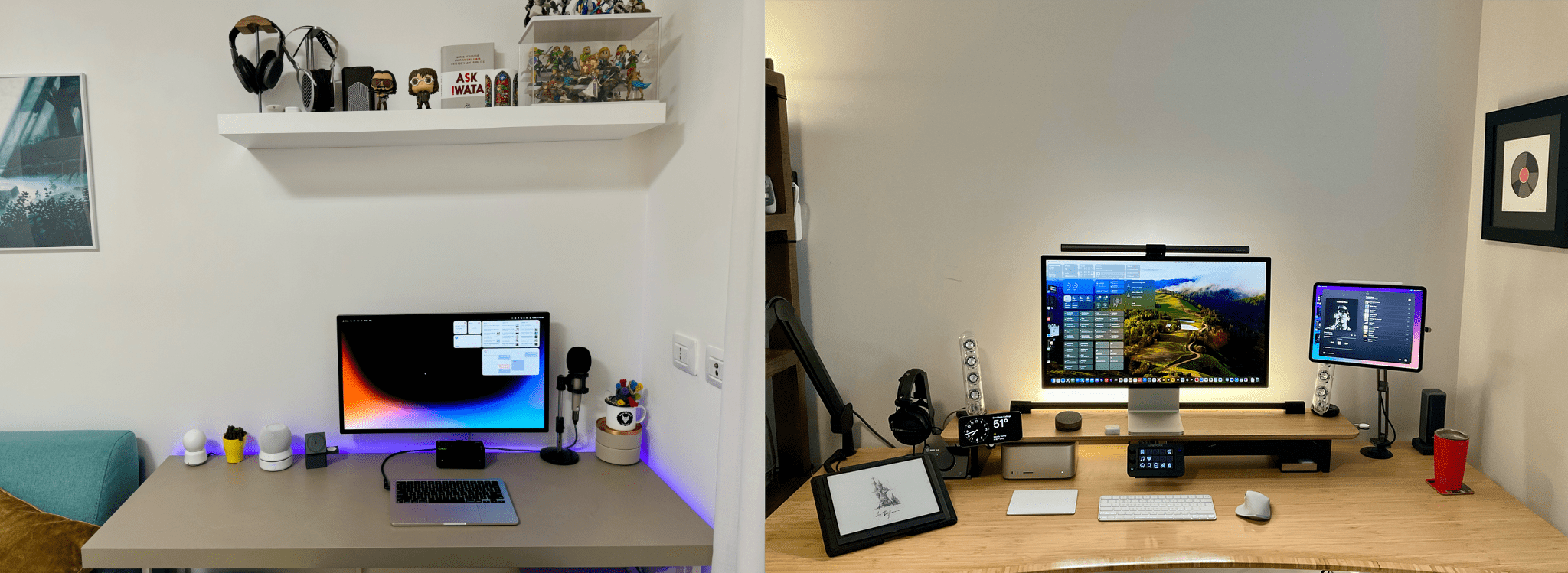
Just like the App Store Review Guidelines, our Setups page is a living document. Federico and I are always tweaking and refining the gear we use, so it should come as no surprise that today, Federico updated his sections of the Setups page with new items, including his Asus gaming tablet from this week’s episode of MacStories Unwind and the accessories he used to mod his iPad Pro. He dropped a few items too.

Federico's iPad Pro mods.

Federico’s iPad Pro mods.

We’ve included a handy changelog at the top of the Setups page if you want to see the latest changes and will be linking updates here on the homepage to make it easy to follow along. I’ll have some updates soon too, but I’ve been waiting for a package for over a month that got stuck in Cologne, Germany. I’d love to spill the beans today, but what fun would that be? I’ll reveal what I’ve been up to soon enough.

Until then, here are the latest changes to Federico’s setup:

Permalink

MacStories Unwind: Godzilla vs. Ticci’s Surprise, Part 2

AppStories+ Deeper into the world of apps
0:00
31:10

AppStories+ Deeper into the world of apps


This week on MacStories Unwind, I recommend Godzilla Minus One in honor of Magic Rays of Light joining MacStories and Federico shares part two of his big gaming surprise, explaining the hardware he’s using to emulate Switch games and more.

John’s Pick

Ticci’s Absolutely Bananas Gaming Tablet

Strap included.

Strap included.

The Ultimate lifestyle shots

The Ultimate lifestyle shots

Ticci and ACRNM.

Ticci and ACRNM.

Who doesn't love a kickstand?

Who doesn’t love a kickstand?


MacStories Unwind+

We deliver MacStories Unwind+ to Club MacStories subscribers ad-free and early with high bitrate audio every week.

To learn more about the benefits of a Club MacStories subscription, visit our Plans page.


Apple Releases a Guided Tour of Vision Pro and Shares a Making Of Video

Source: Apple.

Source: Apple.

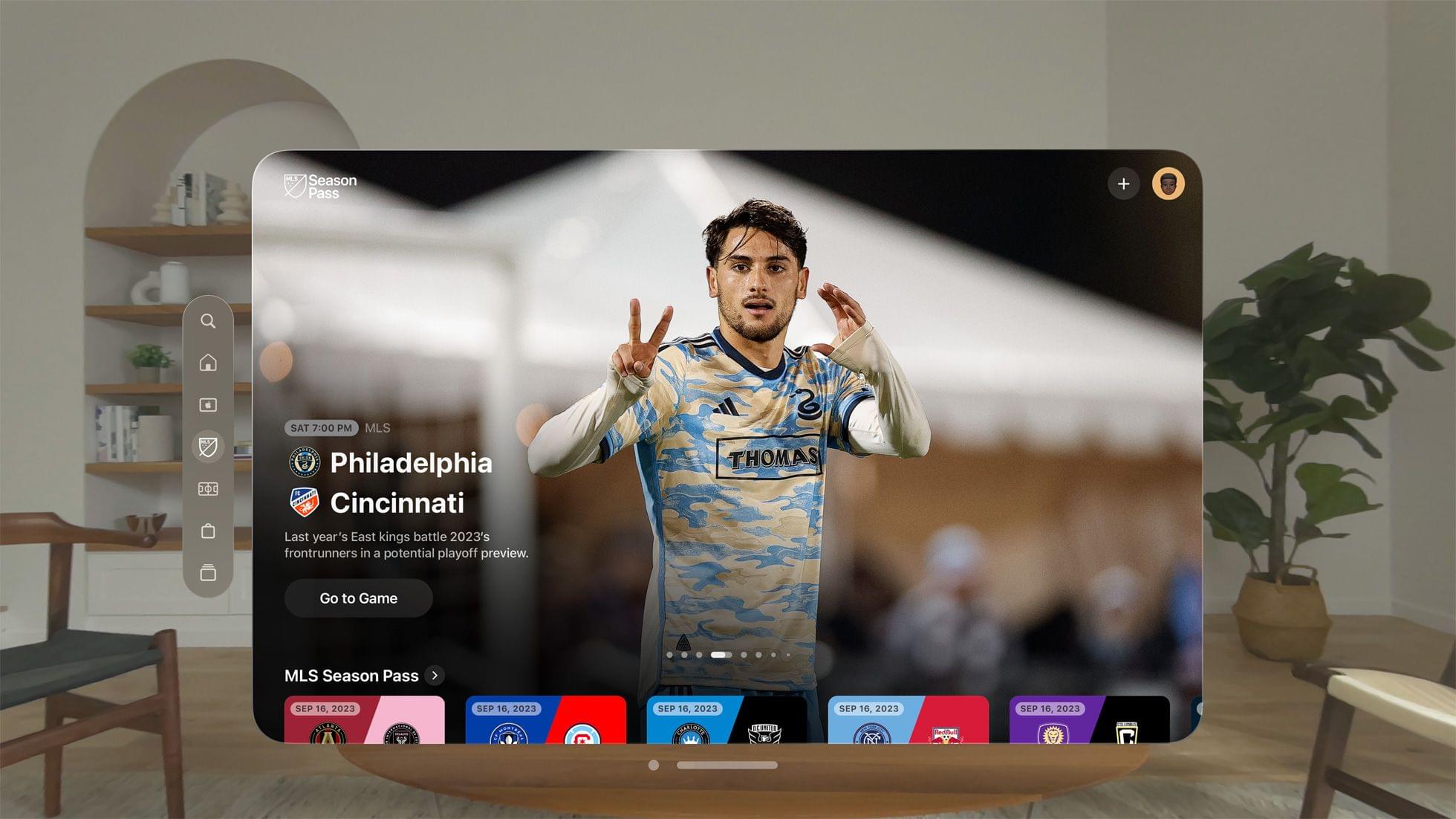
Apple has released a guided tour of Vision Pro on its website that walks through a bunch of its features. Whether or not you’re planning to purchase Apple Vision Pro, this video is worth taking the time to watch. It’s about ten minutes long and covers many of the device’s core features from the perspective of someone using it for the first time.

I wish I’d seen this guided tour earlier. As someone who hasn’t had a hands-on demo of Apple Vision Pro, this video has done far more to get me excited to try it myself than anything else.

Tim Cook also shared a montage video on X/Twitter of the Vision Pro being manufactured, which can also be viewed on YouTube. The careful orchestration of robots milling parts and stitching bands together is mesmerizing to watch.


Every Apple Vision Pro Accessory Option

The Vision Pro Travel Case.

The Vision Pro Travel Case.

If you finished the Apple Vision Pro checkout process with any money left in your bank account, Apple has several accessories available for its new spatial computing headset.

The Vision Pro battery.

The Vision Pro battery.

At the $199 price point, you have three options:

The light seal.

The light seal.

The light seal cushion.

The light seal cushion.

However, if all you need is the light seal cushion, you can order that for $29. The Apple Vision Pro Solo Knit Band and Dual Loop Band are also available for separate purchase for $99 each.

The ZEISS lenses.

The ZEISS lenses.

If you forgot to order ZEISS lens inserts during checkout or your prescription changes, they can be purchased separately starting at $99 for non-prescription ‘reader’ lenses and $149 for prescription lenses.

The Dual Loop Band.

The Dual Loop Band.

The Solo Knit Band.

The Solo Knit Band.

As previously reported, Belkin is offering a battery clip that includes a case with a clip for the battery and a smaller clip for the power cable for $49.95. Apple also lists a 30W power adapter, USB-C charging cable, the Magic Keyboard, Magic Trackpad, and AirPods Pro (2nd generation) alongside the Vision Pro.

Oh hey, here's an accessory for less than $100. Thanks Belkin.

Oh hey, here’s an accessory for less than $100. Thanks Belkin.

Thankfully, it looks like Apple heard the critics of its AirPods Max case and built a polycarbonate protective case with a ‘ripstop outer shell’ and spots to tuck the device’s battery, optical lenses, and cover, along with ‘other accessories.’ The case looks nice, but I took a pass, figuring I can always pick one up in advance of my next trip if I decide to take the Vision Pro on the road with me.

I did, however, buy a spare battery. I expect that I’ll connect the battery that comes with the Vision Pro to power a lot of the time to get more than two hours of use out of it, but a spare battery will allow for greater portability.