This Week's Sponsor:

FunnMedia Premium Plus Bundle

Unlock 13 premium apps on your Apple devices for less than $5/month.


Posts tagged with "videogames"

Big Walk: A Good Hang with Friends

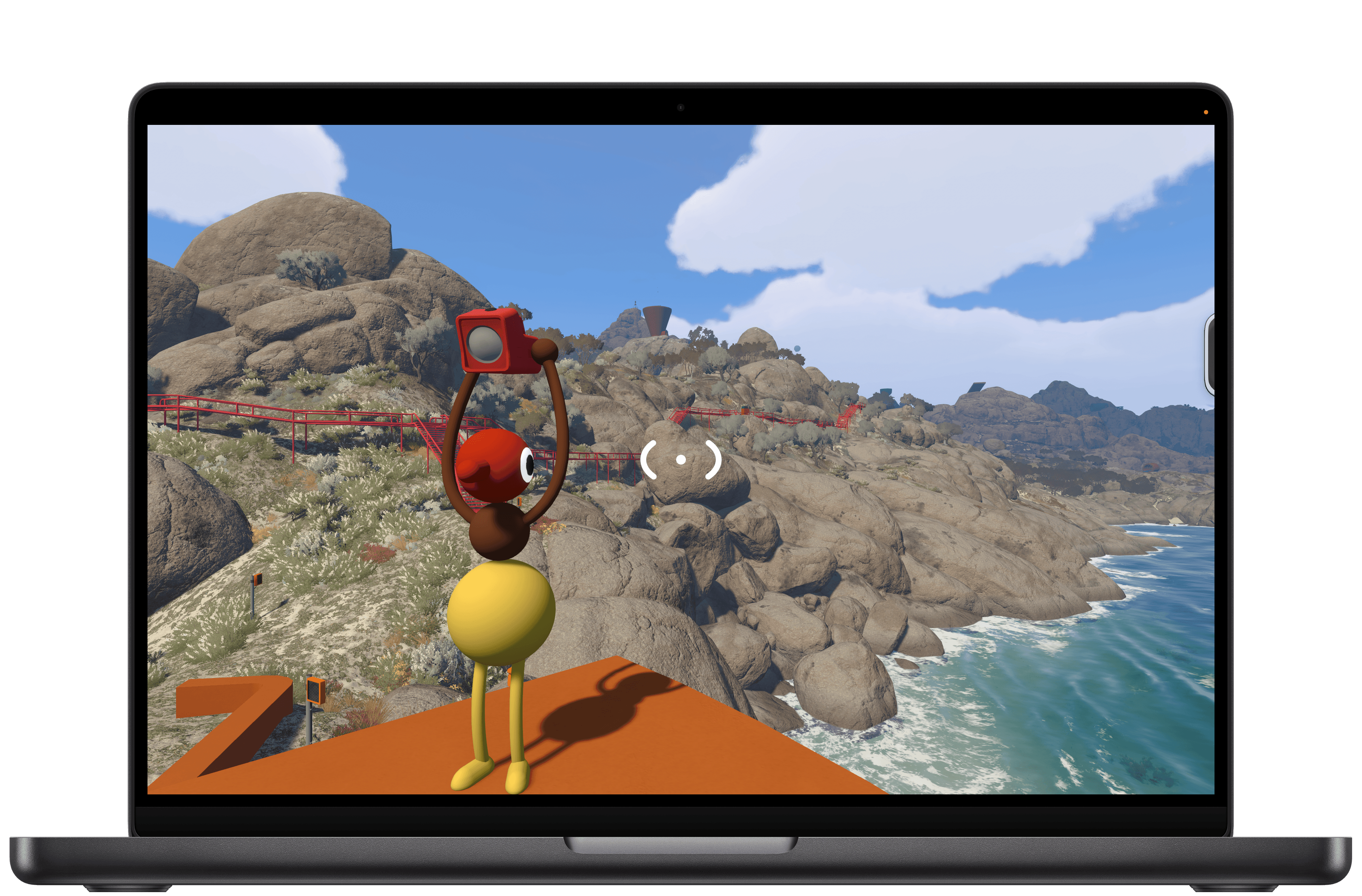
I dove into Big Walk with no expectations at all. I’d seen trailers leading up to the launch and knew that it was a co-op puzzle game from House House, the makers of Untitled Goose Game, but that was about it. And because most of my gaming is done solo, I initially tuned out most of the game’s post-launch headlines. Still, Big Walk is published by Panic, which has a great track record for finding and publishing great indie games, so I decided to give it a try earlier this week. And you know what? I love it.

Big Walk is about as low-key as a puzzle game gets in the best possible way. Co-op is the only mode, so you’ll need to coordinate a time to play it with a friend or group. One person takes the lead, setting up the session and inviting the others. The process is far simpler than trying to find a time that works for everyone in your group.

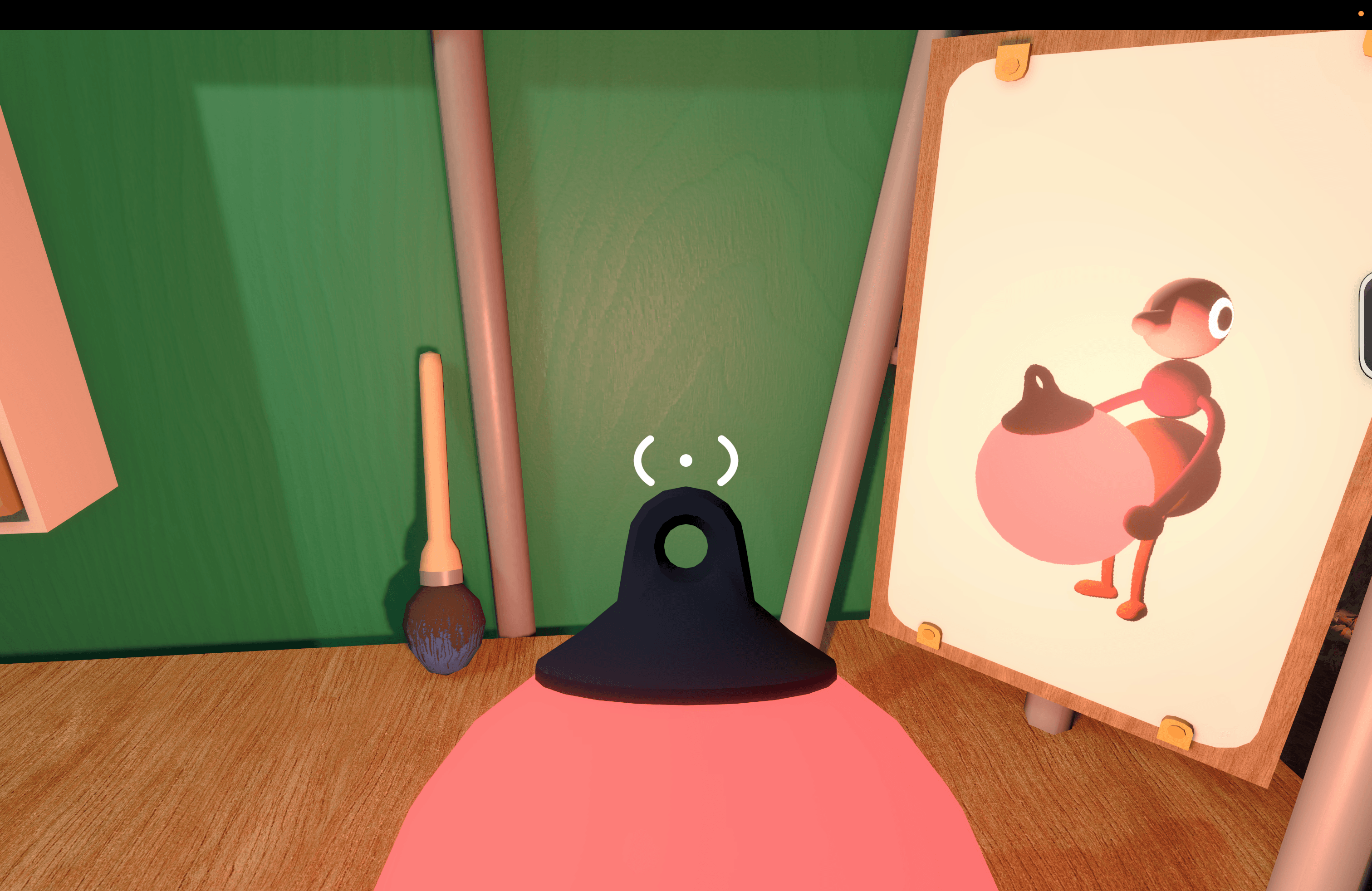
As players join, you’re dropped into a space to wait for the others and explore a little. This lobby space is where you’ll learn the game’s controls, too. Big Walk supports keyboard and mouse input as well as a controller, which is what I used, playing on an M4 Max MacBook Pro.

Once you get your bearings, it’s time to exit the lobby and start exploring. That exploration is core to what Big Walk is all about. You aren’t told what to do, but there are just enough clues to push you forward, figuring out the goals on your own without too much trouble.

I played using AirPods Pro 3, and the game made great use of their mics and speakers, simulating the environments we were in. Closed spaces were echoey, and speech was distant and faint when we were separated. Sound even becomes part of the mechanic in some puzzles, such as an early one where you have to look through an open window to hear each other properly and help guide the other player’s actions.

That cooperation is the key part of the game’s loop. You may see how to solve Big Walk’s puzzles on your own, but implementing the solution will require you and a companion to work together.

The togetherness of it all extends beyond the puzzles, too. Big Walk’s environment (at least in the early stages) is mountainous with large rocks and trees that make it possible to get separated from others. Add to that day and night cycles where it’s almost impossible to see where you’re going at night without a light, and you have every incentive not to wander off on your own without a plan for how to reconnect.

I’ve played through Big Walk’s first couple of sections, and it was a blast. The puzzles were clever and challenging without being frustrating, but most of all, I enjoyed working through them with someone else. There’s no time pressure or monsters lurking around corners – just puzzles and a chance to chat.

Ultimately, that’s what makes Big Walk work. It’s a good hang built against the backdrop of a beautiful landscape and low-key, fun challenges. I highly recommend giving it a try.

Big Walk, which supports crossplay and 2–12 players, is available on the Mac App Store for $14.99. The game is also on Steam, the Switch 2, and PS5.


EA Sports Tailors Madden NFL 27 for Apple Arcade

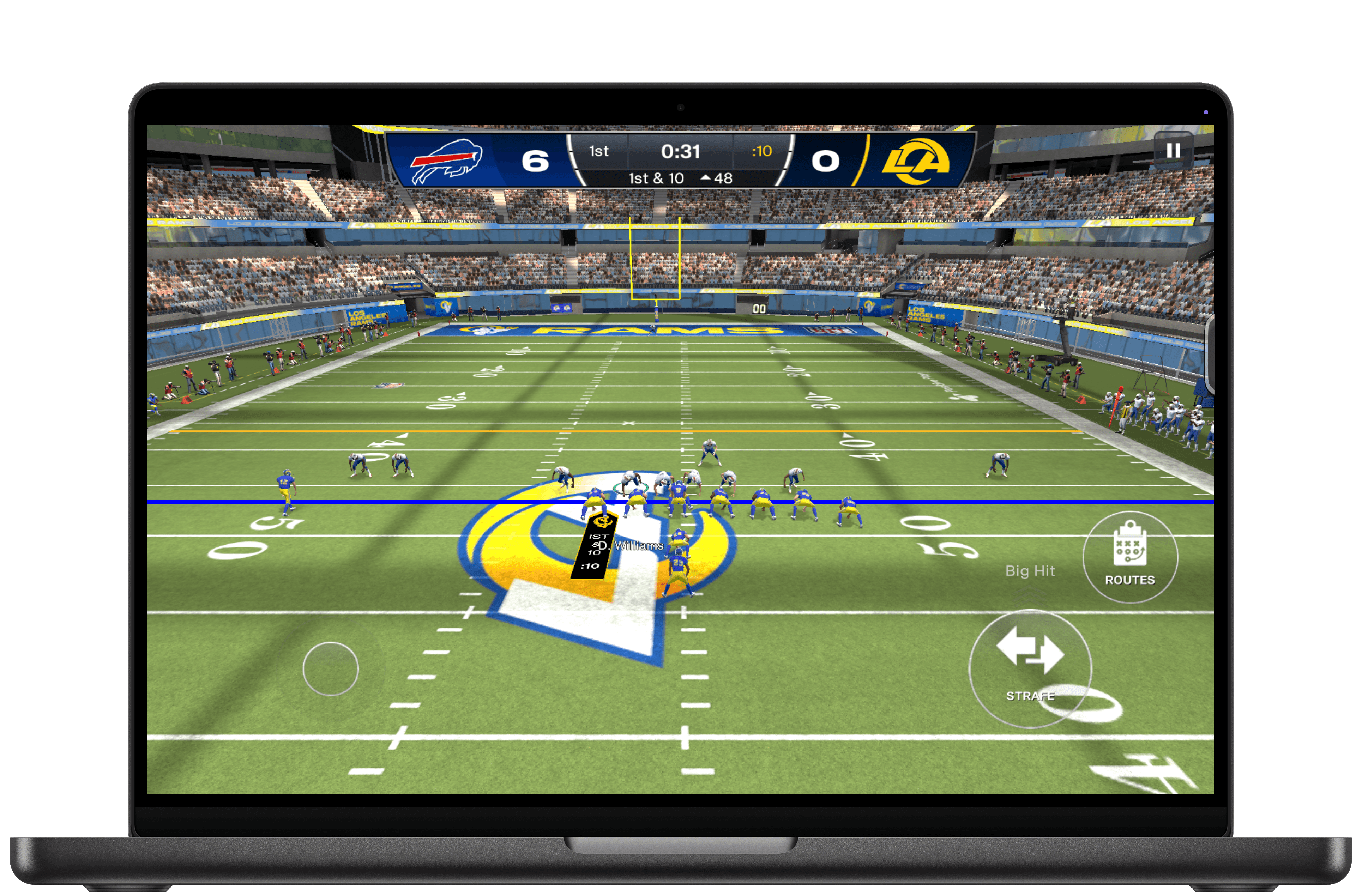
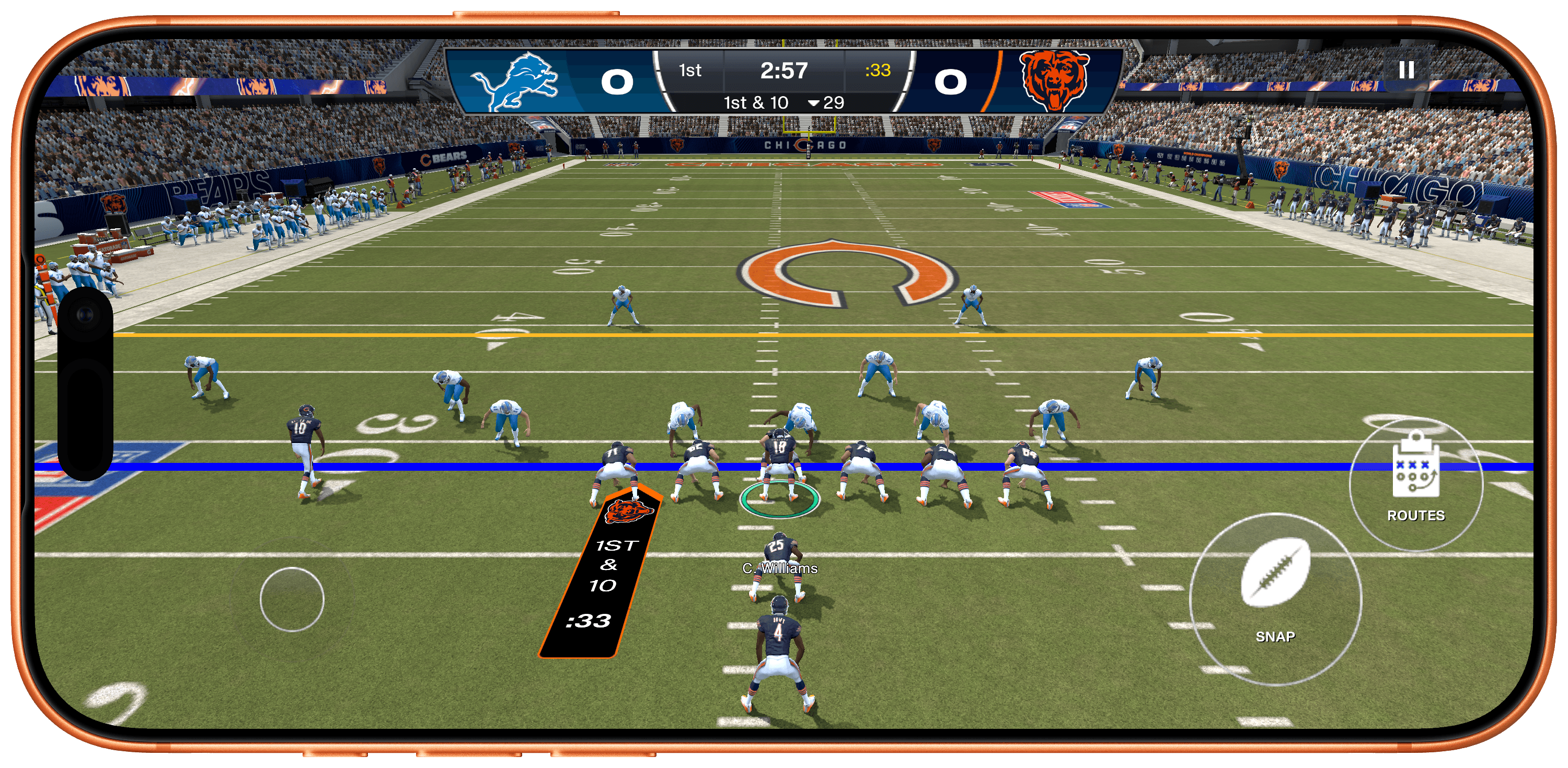
EA Sports has released Madden NFL 27 Arcade Edition, a version of the popular football simulation franchise that Apple Arcade subscribers can play on the iPhone, iPad, Mac, and Apple TV. It’s a big release built specifically to take advantage of Apple hardware, allowing players to play the game on a wide variety of hardware.

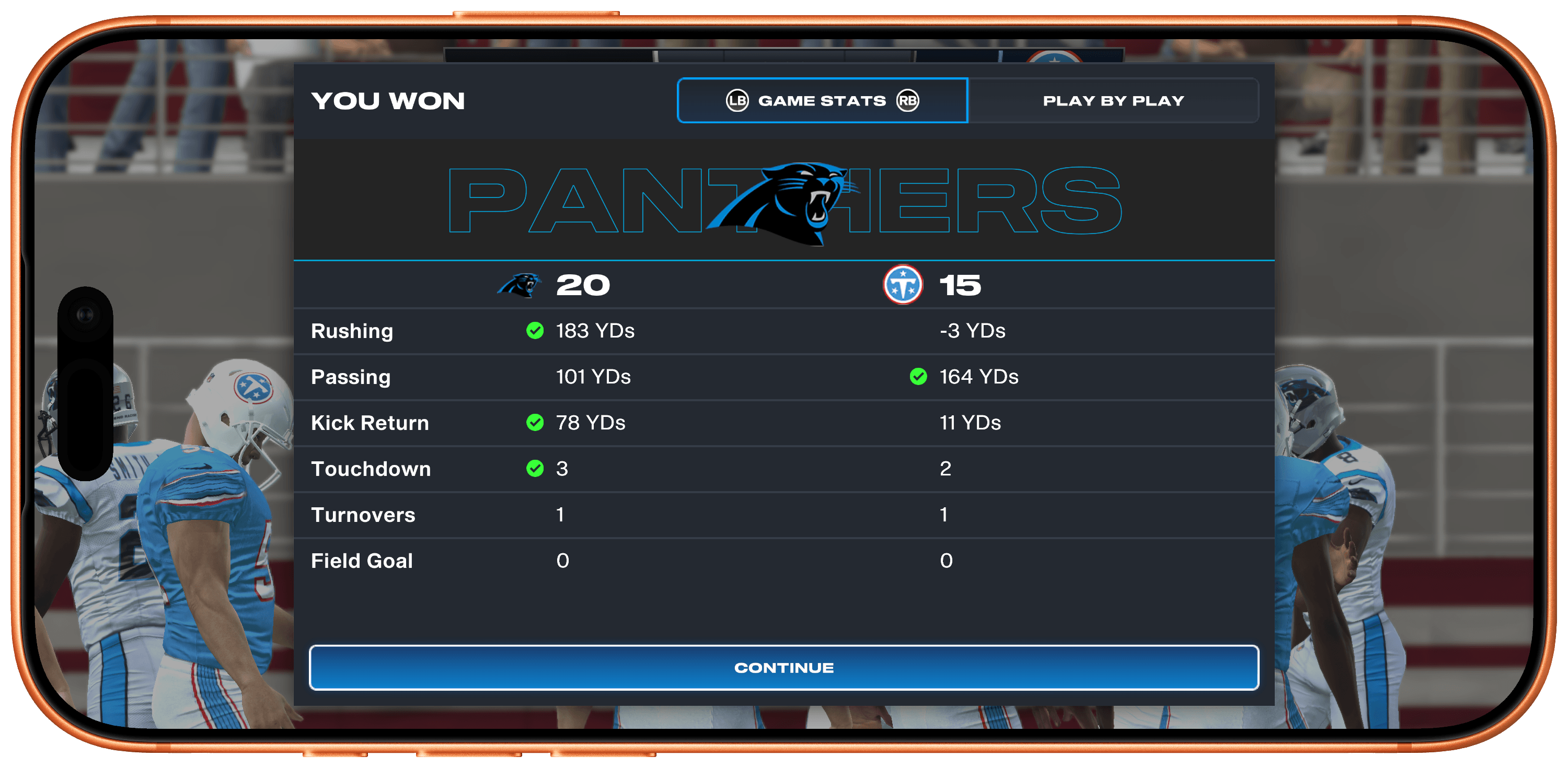
I was struck by how easy it is to pick up and play the game whether you’re a diehard NFL fan or not. I don’t follow football closely, but I was able to get the hang of the game and have fun right away, knocking out a Quick Play match when I had a few minutes to spare.

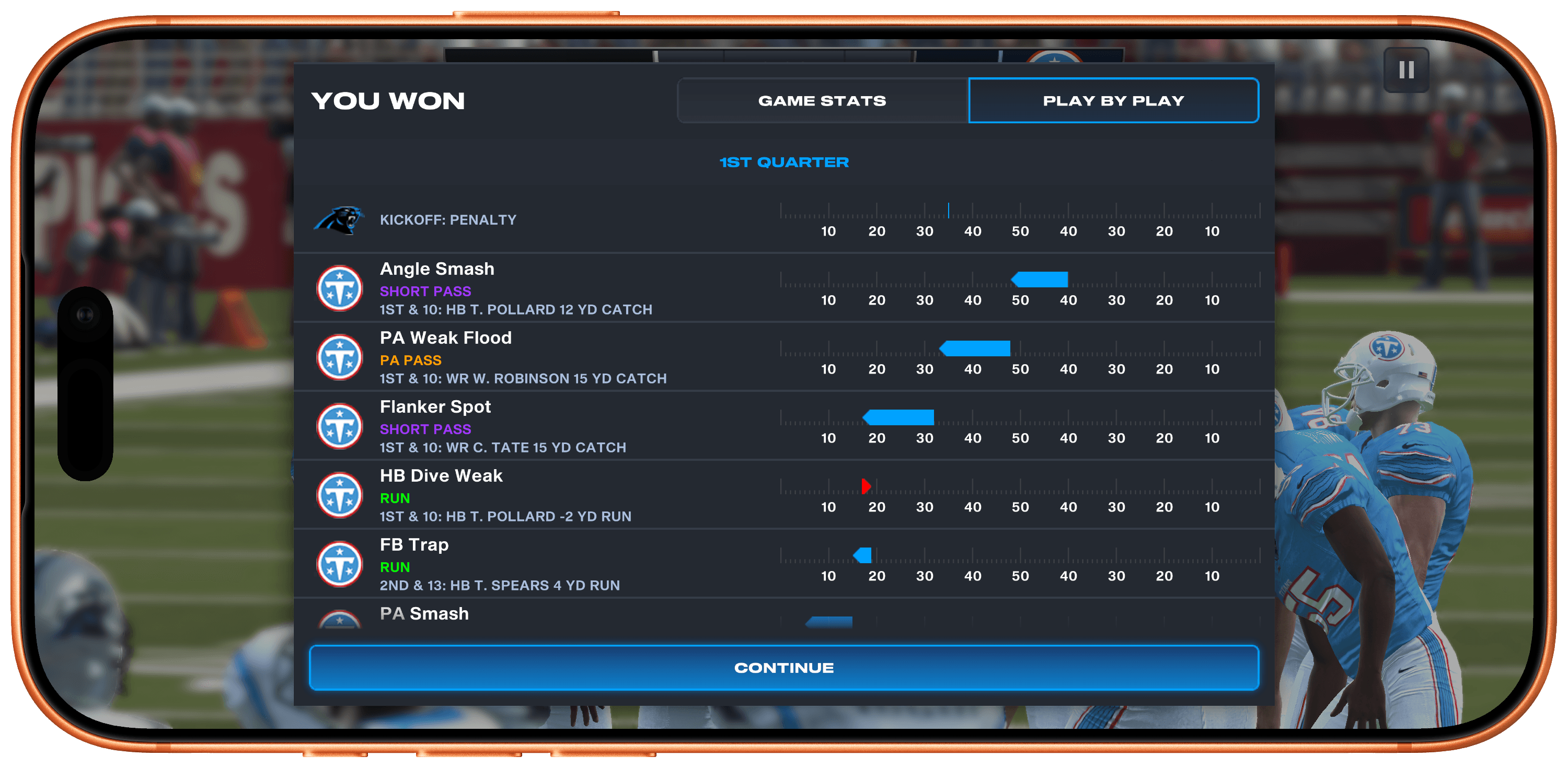
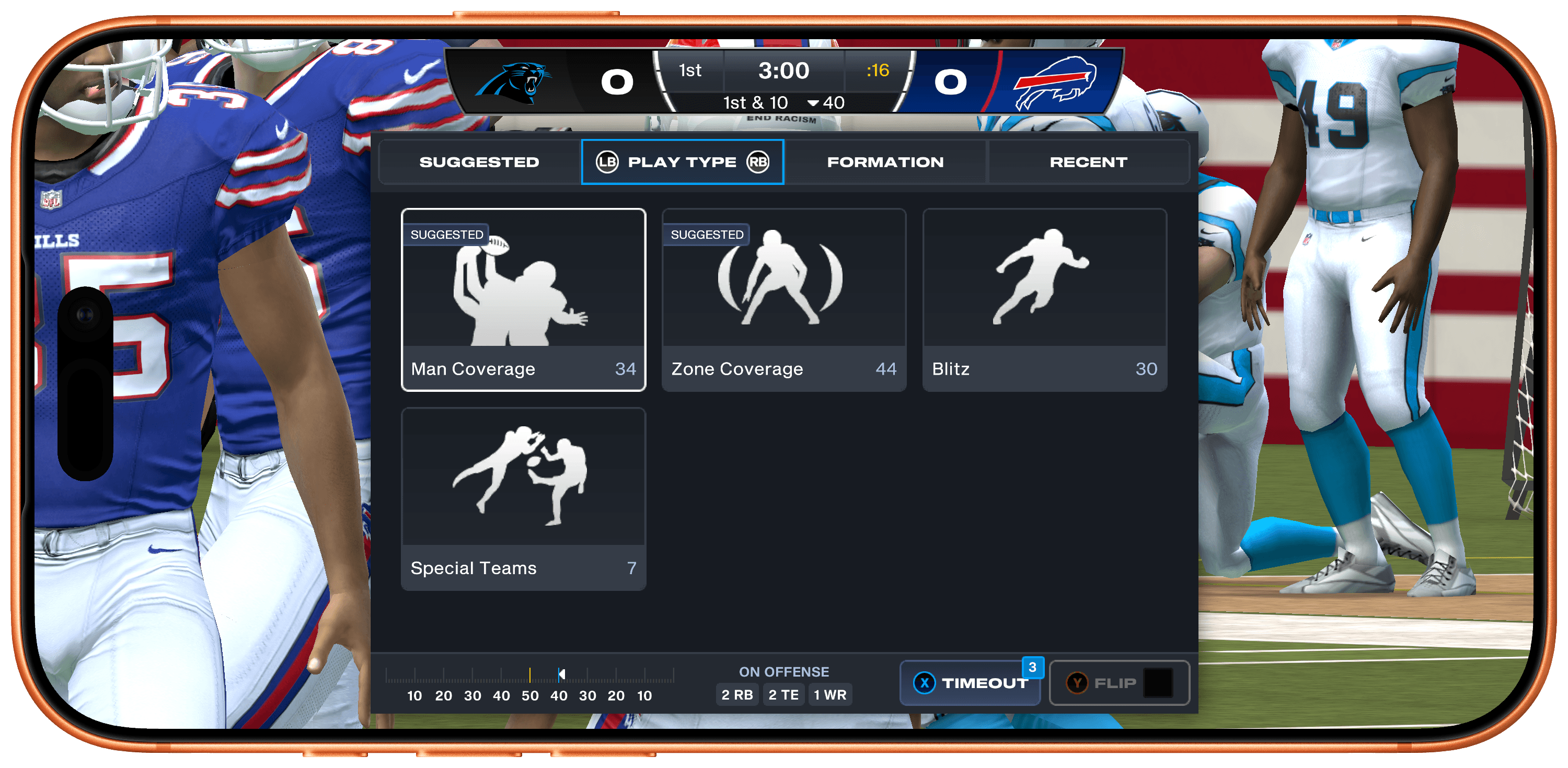
Quick Play tightly limits the overall time it takes to complete a matchup, but it doesn’t sacrifice depth in the process. There are long lists of plays you can run, including suggested plays, play types, formations, and recents, as well as a wide variety of statistics. And after a big play, you can replay it with total control over the camera angle, too.

However, if you want to go really deep, the game’s Franchise Mode lets you play a full NFL season, managing your team all the way through the playoffs. You can also draft your dream team from the game’s huge catalog of real-world NFL stars. Plus, during the real-world NFL season, player attributes shift based on their actual performance.

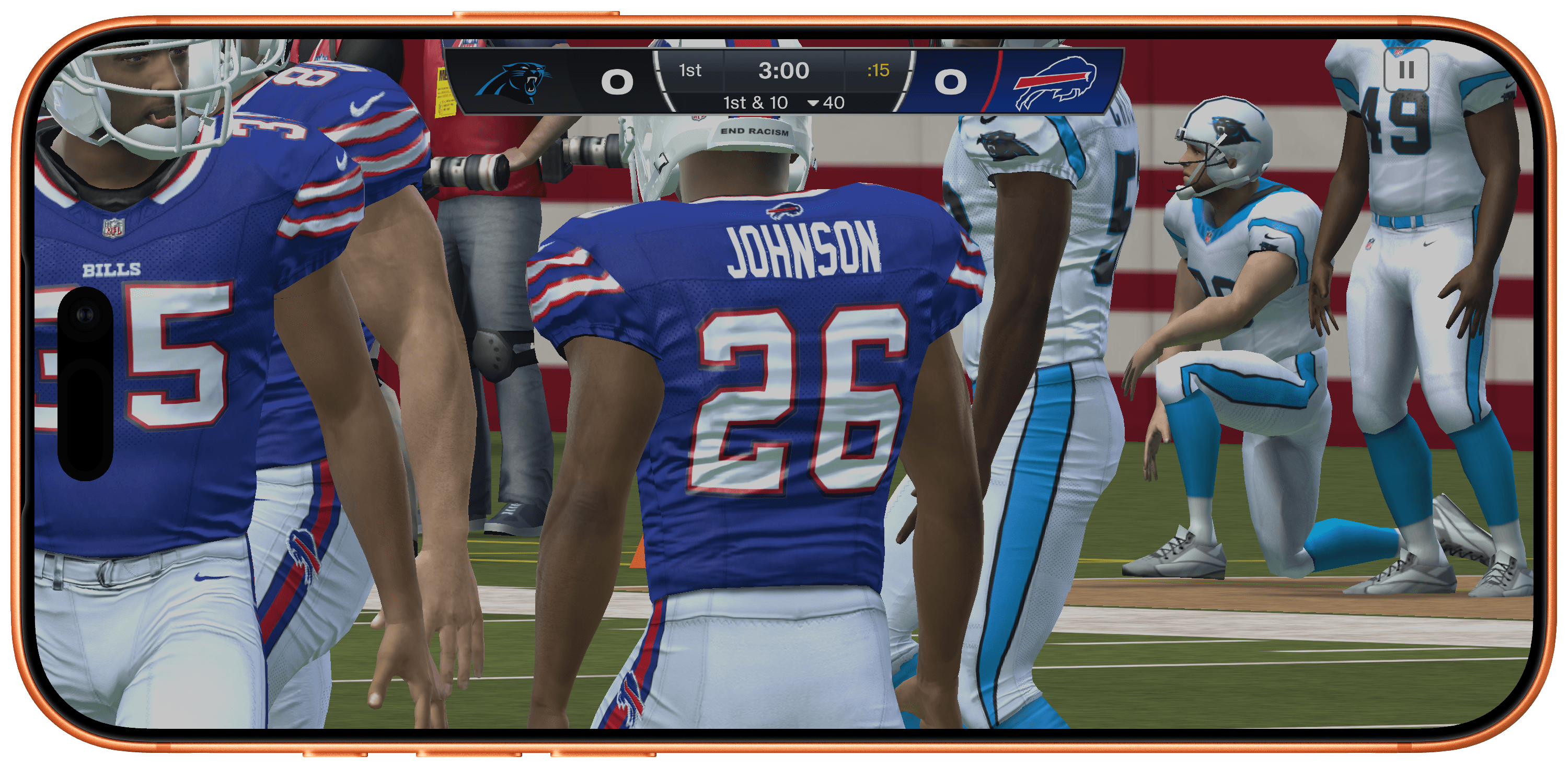
Madden NFL 27 also looks terrific. The 120Hz playback is smooth on the iPhone, where I spent most of my time with the game, and even nicer on a bigger screen like my 14” M4 Max MacBook Pro, making for an immersive experience.

What impresses me most about Madden NFL 27, though, is how well it makes use of the Apple hardware and technologies at its disposal. Too often, those sorts of details get left behind when a big release is published on Apple platforms.

To its credit, EA has done an excellent job adapting Madden NFL 27 for Apple Arcade subscribers. You can play across every device mentioned above, leaving off on one device and picking up on another seamlessly because saves sync across devices. Every device supports game controllers and touch where applicable, and those devices with 120Hz displays support that, too.

Madden NFL 27 Arcade Edition is available now on the App Store as part of an Apple Arcade subscription. The game is debuting on other platforms next week.


Snazzy Labs Puts the Mac’s Upcoming Game Porting Toolkit 4 Through Its Paces

Over at Snazzy Labs, Quinn Nelson has a great in-depth look at the changes coming to Apple’s Game Porting Toolkit with macOS 27 this fall. Paired with Metal 4, it’s a real leap over what’s possible today, and Nelson showcases the difference well.

Thanks to the upcoming update, Nelson was able to use CrossOver, a Windows-to-Mac compatibility layer that allows PC games to be played on a Mac, to spotlight some impressive numbers on games ranging from Red Dead Redemption to the recently released 007 First Light.

Not all games Nelson tried showed the same leap in performance, but that’s true on compatibility layers like Proton on the Steam Deck, too. What’s remarkable is that it’s all done in software and as Nelson points out, the advent of coding agents like Codex and Claude may help bring more PC games to Mac using the Game Porting Toolkit by reducing the porting costs.

Nelson also makes a pitch for an Apple gaming device. I agree with him that more than ever, the pieces, right down to a hardware-focused incoming CEO, are all there for such a device, and I remain optimistic. However, I’ve made the case for such a device for years now to no avail. Still, whether or not Apple builds gaming hardware itself, watch the full video above. It’s a fantastic view of how far the Mac has come as a potential gaming platform since the advent of Apple silicon.

Permalink

Coming Soon: What’s Next on Apple TV and Apple Arcade in May 2026

It’s a new month and it’s F1 season, which means it’s time for a roundup of everything coming to Apple TV and Apple Arcade in May 2026.

This month we’re adding F1 and other sports airing on Apple TV this month, starting with tomorrow’s Miami Grand Prix, and continuing below with the Canadian Grand Prix and Friday Night Baseball at the end of the month.

Let’s dive in.

F1: The Miami Grand Prix (Tomorrow, May 3)

Source: Apple.

Source: Apple.

Sunday will see the very first U.S.-based race of the 2026 Formula 1 season in Miami, Florida. In addition to Sunday’s race, Apple TV subscribers can watch qualifying round coverage beginning today at 3:25 PM Eastern U.S. time, with qualifying beginning at 4 PM and the race itself beginning at 4 PM Eastern Sunday.

Apple has also created a 3D view of the race track in Apple Maps, a Maps Guide of local hot spots for race attendees, an Apple Music playlist that Apple says captures the energy and excitement of F1, and many other race weekend tie-ins you can check out in this Apple press release.

Add to Your Calendar:

Apple Arcade

Apple Arcade is debuting four games this month on Thursday, May 7:

Perchang World (Release Date: May 7)

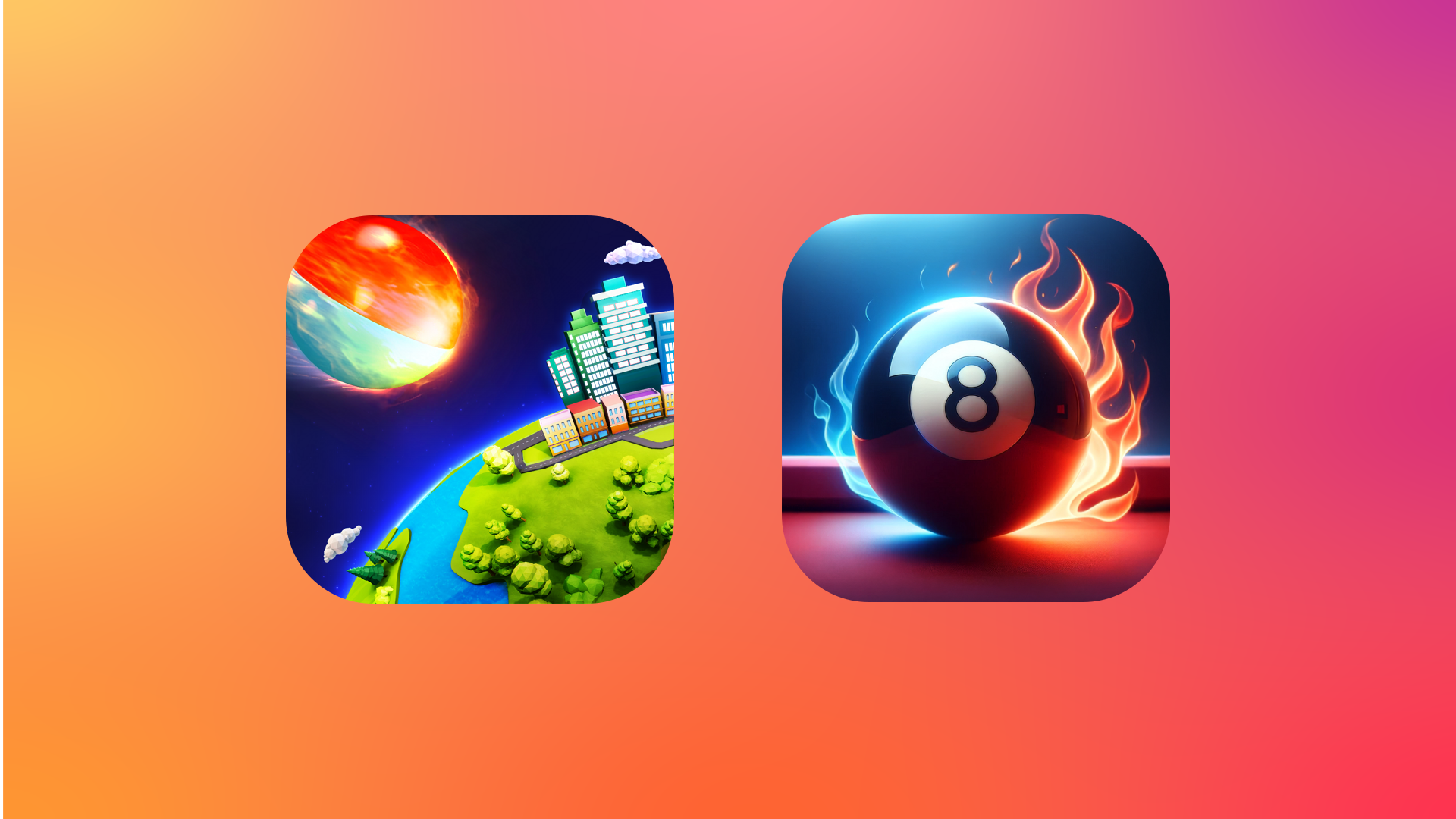
The game I’m most excited about this month is Perchang World, an update to a classic indie game first released about a decade ago. The version debuting on Apple Arcade for iPhone, iPad, Mac, and Apple TV is an evolution of the original physics puzzler that requires you to use a variety of switches and platforms to guide balls through the game’s brightly-colored, playful environments. The game is narrated by British comedian James Acaster, who judging from the game’s trailer, adds a great sense of humor and fun.

Add to Your Calendar:

Ultimate 8 Ball Pool+ (Release Date: May 7)

Source: Apple.

Source: Apple.

If you’re a fan of pool, Ultimate 8 Ball Pool+, an Arcade adaptation of the HypGames’ App Store version will be available for Arcade subscribers on May 7 too. The game features photorealistic graphics and 3D perspectives as well as one-on-one multiplayer, tournaments, trickshot challenges, and more.

Add to Your Calendar:

Nick Jr. Replay! and Good Pizza, Great Pizza+

Next Thursday, Apple Arcade will also release Nick Jr. Replay!, a family-friendly game starring characters from Nick Jr. shows like Dora the Explorer and Blue’s Clues & You! and over 50 minigames designed to help kids with math, reading, art, and other learning skills. Finally, Good Pizza, Great Pizza+ is an adaptation of an App Store game, but without In-App Purchases. The game is a cooking simulator where your goal is to take orders, bake pizzas and get them to customers.

Apple TV Shows and Movies

Unconditional (May 8, 2026)

Unconditional promises to start May off with a bang. The brand new thriller follows Orna, whose daughter Gali is arrested for drug smuggling in Russia. The eight-episode show follows Orna as she fights for her daughter’s freedom, which pulls her into the dangerous criminal underground of Moscow.

Add to Your Calendar:

Maximum Pleasure Guaranteed (May 20, 2026)

Maximum Pleasure Guaranteed is a dark comedy/thriller starring Tatiana Maslany as a newly divorced mom who believes she witnesses a murder. Deciding to investigate what happened, Maslany’s character, Paula, is drawn into what appears to be a dangerous larger conspiracy, while also dealing with a battle over custody of her child.

Add to Your Calendar:

Star City (May 29, 2026)

Star City is Apple’s For All Mankind spinoff. Based on the same alternative history events where the Russians land on the moon before America, the show follows the story from the perspective of the Russians. The eight-episode show follows Russia’s cosmonauts, scientists, engineers, and government officials as they race to the moon.

Add to Your Calendar:

Propeller One-Way Night Coach (May 29, 2026)

Source: Apple.

Source: Apple.

Propeller One-Way Night Coach is an Apple Original movie based on a 1997 children’s book of the same name. The film, which is John Travolta’s first directorial credit, follows Jeff, who loves airplanes, and his mother as they travel to Hollywood. Their one-way journey transforms everyday travel into an adventure filled with an unusual cast of characters.

Add to Your Calendar:

Live Sports Events

Canadian Grand Prix (May 22-24, 2026)

Source: [F1](https://www.formula1.com/en/racing/2026/canada).

Source: F1.

Round 5 of the 2026 Formula 1 season will take place against the skyline of Montreal, Canada from May 22-24. The semi-permanent 4.36 km track is on Île Notre-Dame, a man-made island in the St. Lawrence River. F1 racing on Circuit Gilles Villeneuve began in the late 70s and has a reputation of unpredictable weather that can cause chaos on the track.

Add to Your Calendar:

Friday Night Baseball

Source: Apple.

Source: Apple.

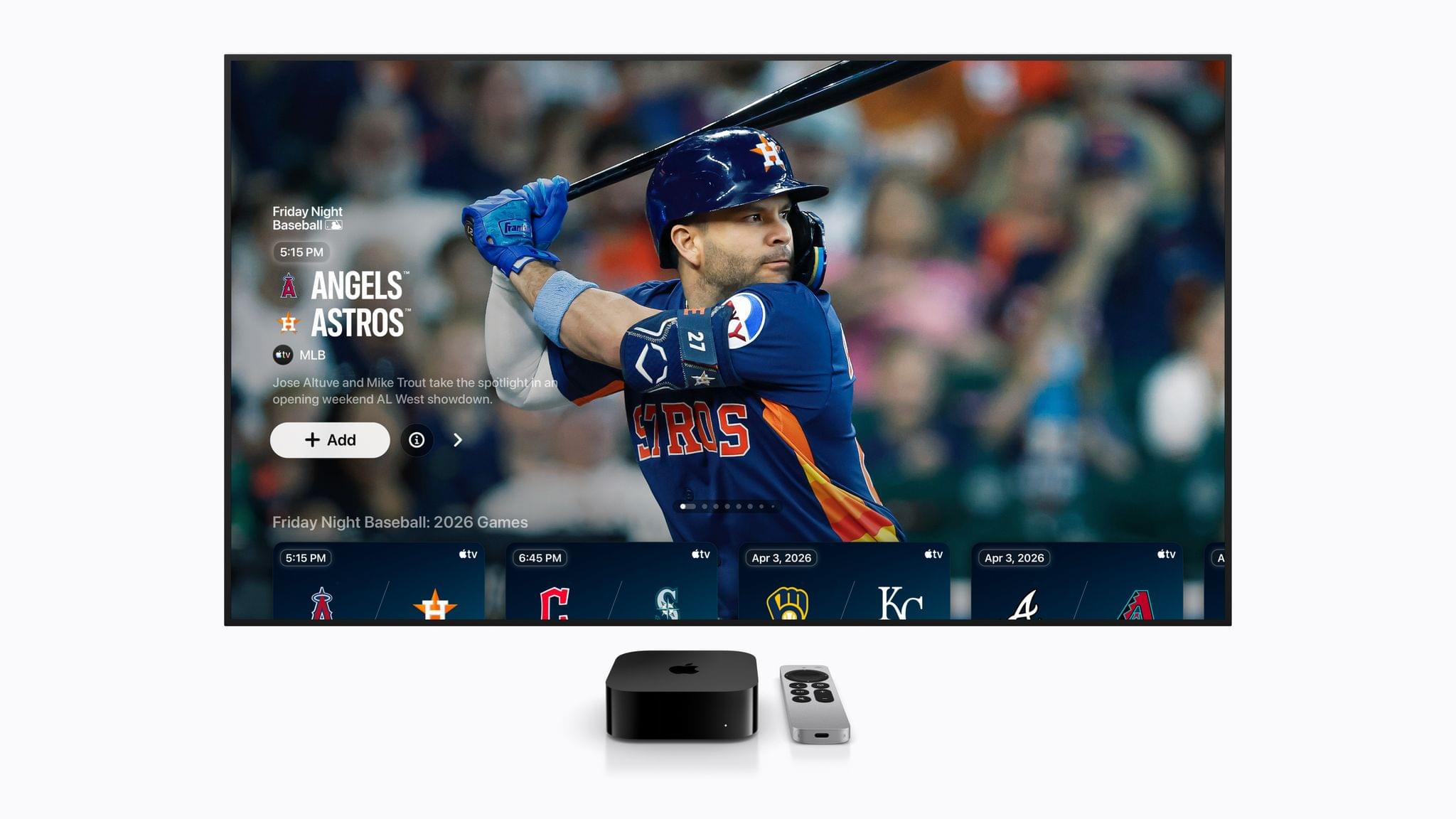
It’s hard to believe that Apple is in the midst of its fifth Friday Night Baseball season. In May, viewers will be treated with the following two game lineup every Friday:

  • May 8
    • Minnesota Twins at Cleveland Guardians (7:00 PM Eastern)
    • St. Louis Cardinals at San Diego Padres (9:30 PM Eastern)
  • May 15
    • Toronto Blue Jays at Detroit Tigers (6:30 PM Eastern)
    • New York Yankees at New York Mets (7:00 PM Eastern)
  • May 22
    • Houston Astros at Chicago Cubs (2:00 PM Eastern)
    • Detroit Tigers at Baltimore Orioles (7:00 PM Eastern)
  • May 29
    • Minnesota Twins at Pittsburgh Pirates (6:30 PM Eastern)
    • Philadelphia Phillies at Los Angeles Dodgers (10:00 PM Eastern)

That’s it for May. I’m personally looking forward to Perchang World and Star City the most. If you’re a Club MacStories Plus or Premier member, drop by the TV and Movies channel in Discord to chat about what you’re looking forward to from Apple TV this month, and be sure to listen to MacStories Unwind, where I’m sure Federico and I will cover some of these shows and games, along with our other media recommendations every week.


GameHub’s Desktop Beta Promises to Expand Mac Gaming

If you follow our show NPC: Next Portable Console, you probably know about GameHub, an app from controller maker GameSir. GameHub first appeared on Android, where it has become one of the hottest recent developments in handheld gaming because it lets you play Windows PC games on Android devices. That’s not something that’s possible on iOS or iPadOS, which Apple tightly controls through the App Store, but macOS is a different story altogether, which is why GameSir is bringing GameHub to the Mac.

Currently in beta, GameHub isn’t the first to bring PC games to the Mac using a software compatibility layer, but it’s one of the more user-friendly implementations, thanks to tight integration with Steam and the Epic Games Store. In fact, GameHub itself is a fork of the Winlator open-source project. And, while it’s still early days for PC games on Android and even earlier for PC games on the Mac, GameHub’s beta is making steady progress as Russ Crandall of Retro Game Corps showed off in his most recent YouTube video:

Of the 20 games Crandall tried, none of which are otherwise available on the Mac, about 60% were playable. As on Android, some games required some tweaking to get them working, but overall, the results were impressive, especially when it comes to games like Pragmata, which has only been out for about a week.

What GameHub for Mac demonstrates is just how capable Apple silicon is. The compatibility layers built to run Windows games on Android, and now the Mac, are complex, but at its core, it’s the sheer horsepower of ARM-based processors that makes this possible, regardless of the OS they run. It also makes me wonder why Apple doesn’t turn its Game Porting Toolkit that helps developers translate PC games to the Mac into a consumer product. It’s been done before with Whisky, a SwiftUI wrapper around the Game Porting Toolkit and Wine, but that project is no longer maintained. It strikes me as a great way to expand the gaming universe on the Mac and encourage more developers to support macOS directly. Maybe we’ll hear something from Apple on the topic at WWDC in June.

In the meantime, you can visit the GameHub website and join its Discord server where you’ll find instructions on joining the beta. And, if you’re interested in learning more about how GameHub and similar solutions work on Android and Mac, a good place to start is with NPC, Episode 48, Steam Emulation on Android Gets Real.

Permalink

Cronos: The New Dawn Showcases the Mac’s MetalFX and Ray Tracing

Source: Bloober Team.

Source: Bloober Team.

Top-tier games continue to roll out on Apple’s platforms at a steady clip. Recently, Crimson Desert landed on the Mac on the same day as other platforms, and then last week, Control: Ultimate Edition added support for the iPhone and iPad, joining the Mac version that was released last year.

Today, Cronos: The New Dawn, a survival horror game by Bloober Team, joins the Mac gaming scene via Steam. In a post-apocalyptic, retro-tech setting, you play as the Traveller, who has been sent on a mysterious mission by a group called The Collective. Not long after you set out on your quest, you realize you aren’t alone. The landscape is littered with corpses that merge into mutant, zombie-like enemies that you have to fight off with a combination of weapons and melee attacks.

Cronos debuted on the Xbox, PlayStation 5, Switch, PC, and Linux last September, but I didn’t play it on any of those platforms. Instead, I dove in fresh when I got the chance to try it on the Mac, thanks to a few days’ early access. I haven’t played very far into the story yet, but despite not being a huge fan of horror games, I was immediately captivated by the game’s incredible sound design, retro tech vibe, and creepy story.

With limited time, I focused on the game’s performance on two Macs: my M1 Mac Studio connected to a 4K ASUS display and an M4 Max MacBook Pro, both on its own and connected to a BenQ 5K display I’ve been testing. As I expected, the difference between the two Macs was noticeable, showing just how far Apple silicon has come in terms of gaming. My Mac Studio may still pull its weight when it comes to productivity tasks, but the M4 Max MacBook Pro operates on an entirely different level.

Bloober Team is no stranger to Apple silicon, having released The Medium with Metal 3 support for Apple silicon in 2023. The experience shows in the studio’s incorporation of both MetalFX upscaling and hardware-accelerated ray tracing in Cronos.

By default, Cronos’ MetalFX and ray tracing settings are turned off, but both are worth trying along with frame generation because they make a big difference. After some experimentation on my M1 Max Mac Studio, I landed on a pretty consistent 70-75 FPS at 1440p with the help of MetalFX and frame generation. Hardware-accelerated ray tracing isn’t supported by Apple’s M1 family of chips, so that wasn’t an option at all.

As you’d expect, performance was much better on the M4 Max MacBook Pro, which does support hardware-accelerated ray tracing. Starting with the default settings and playing on the MacBook Pro’s display, I turned on ray tracing, MetalFX, and frame generation and got a consistent 55-65 FPS, and turning off ray tracing bumped that more consistently into the 60s. The game struggled a little bit when I connected to an external 5K display, but with a few more tweaks, it was running well, too.

What’s clear is that Cronos pushes the Mac’s hardware hard and that Apple’s latest gaming technologies make a big difference in performance. On the MacBook Pro, the fans spin up loudly soon after starting the game; plus, if you don’t have your laptop plugged in, you may be prompted to switch to Low Power Mode pretty quickly. However, the overall experience on Apple’s most recent hardware has come a long way since the M1 chipset, and with every hardware revision, more games like Cronos become viable. And whether you play it on the Mac or not, Cronos: The New Dawn is worth checking out for a creepy futuristic good time.

Cronos: The New Dawn is available on Steam and is 30% off until May 1.


Steam Announces Steam Link for Apple Vision Pro and Releases Beta Version

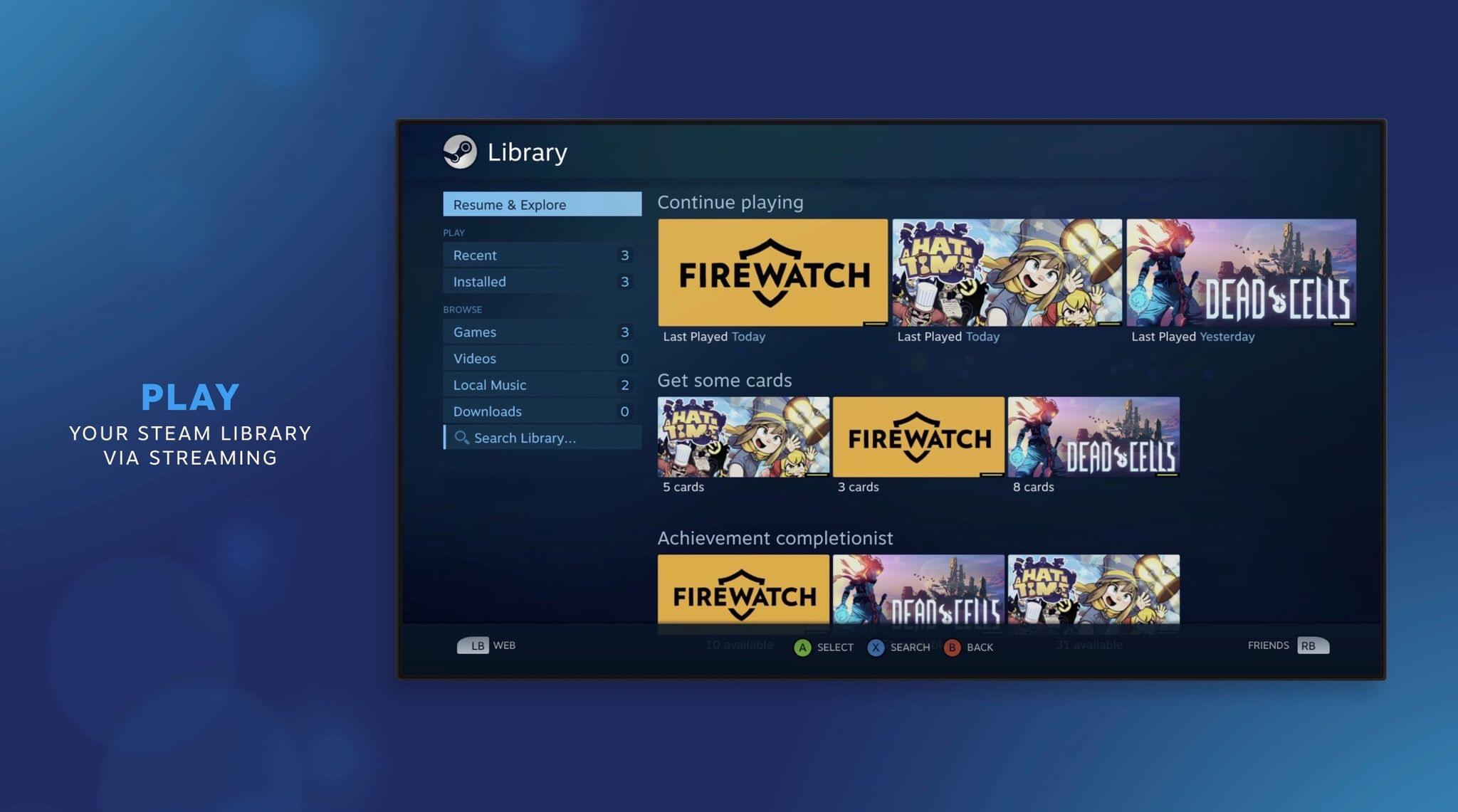
The gaming ecosystem on visionOS continues to grow, this time with the announcement that Steam Link is coming to the platform. The official app will allow users to wirelessly stream games in 2D from Steam on their local Macs and PCs to their Vision Pros. According to the company, the app can stream games at up to 4K resolution and includes an adjustable, curved panoramic view. A TestFlight beta is now available for those who want to test the app before its public release.

Steam’s stature in the PC gaming market cannot be understated, so opening the platform up to the Vision Pro is a huge boon for gaming on the device. Of course, one would hope to see VR streaming support come with time, but official support even for 2D gaming is a big step.

Between an official Steam client, 4K cloud game streaming from NVIDIA GeForce NOW, console remote play via Portal, local OpenVR game streaming with ALVR, HDMI input over UVC via the Developer Strap, and native titles from Apple Arcade and the App Store, the variety of games available for Vision Pro users to play is getting larger by the day. There’s lots to be excited about in the world of visionOS gaming these days.


NVIDIA GeForce NOW Adds 4K 90 FPS Game Streaming on Apple Vision Pro

Source: NVIDIA.

Source: NVIDIA.

NVIDIA has released version 2.0.83 of its GeForce NOW game streaming service with a couple of upgrades for Vision Pro users. First, games can now be streamed at up to 4K resolution at 90 FPS. Gaming at this quality requires a subscription to the service’s Ultimate tier and a Wi-Fi connection with a speed of at least 55 Mbps, and users have to enable 4K resolution manually in their settings. Still, it’s great that game streaming of this quality is available to those who want to play cloud-streamed games on a huge virtual screen, and the 4K option is a Vision Pro exclusive not available on other headsets. It’ll really put the device’s powerful screens to good use.

This version of GeForce NOW also coincides with the gradual rollout of H.265 video encoding in supported browsers. Because the service is still accessed via Safari on Vision Pro rather than a native app, H.265 browser encoding will be beneficial for the efficiency and quality of game streaming on the device.

This news comes on the heels of foveated streaming support coming to Vision Pro with last week’s release of visionOS 26.4. Apple and NVIDIA worked together to include support for NVIDIA’s CloudXR technology in the framework, giving developers a way to take advantage of foveated streaming in their own VR games and apps. Flight simulator X-Plane, motorsport simulator iRacing, and 3D visualization tool Autodesk VRED have already committed to adopting the feature on visionOS, and I imagine we’ll hear more similar announcements soon.

The full gaming story on Vision Pro is yet to be told, but these developments – along with the integration of spatial controllers into visionOS last fall – point towards a bright future for gamers on Apple’s newest platform, and I’m happy to see Apple working with partners like NVIDIA to make the experience as enjoyable and immersive as possible.


The MacBook Neo Takes on Retro Gaming

I love when my interests collide, and today, thanks to Russ Crandall, that’s exactly what happened. You see, Crandall runs Retro Game Corps, a YouTube channel covering the world of videogame emulation, handheld consoles, mini PCs, and more. It’s an excellent channel that we’ve covered multiple times on NPC: Next Portable Console, and yesterday, Crandall made a video exploring the MacBook Neo’s emulation capabilities.

It turns out that the Neo pulls its weight with more than productivity apps. It’s also does quite well with game emulation, some Steam titles, and streaming, with a couple of caveats.

Seeing is believing when it comes to emulation, so it’s worth seeing how your favorite systems fare before diving into emulation on the Neo yourself, but I was surprised to see how well the Neo did even on systems as recent as the Nintendo Switch 1. Beyond the GameCube, it’s hit or miss what will run well, but older systems like NES, Game Boy, GBA, SNES, PS1, PSP, 3DS, PS2, Dreamcast, and Saturn games all ran well and in most cases at upscaled resolutions and with shaders applied.

Probably the biggest limitation Crandall ran into is when he tried running games from more recent systems on external storage over the Neo’s USB-C 2 port, while using the USB-C 3 port for a capture card. Games from more recent systems are larger, so for anyone who wants to stream their gameplay, the Neo’s 256GB or optional 512GB internal storage could be a limitation.

That said, I was pleased to see how well the MacBook Neo handled emulation. Paired with lighter-weight Steam games, streaming on services like GeForce NOW, thanks to the Neo’s Wi-Fi 6E, and the App Store’s own catalog of native games, the Neo offers a lot of options for your downtime too.

Permalink