
Given all of the digital media you work with, shouldn’t there be a suite of tools that enable you to covert those old DVDs to your iPad, to record anything currently playing on your Mac, or to grab the latest shows from your TiVo? I don’t know… maybe something like Roxio’s Toast 11 Titanium and Titanium Pro? Fans of Roxio rely on Toast as their primary video conversion tool, or may have found it to be their lifesaving application that was able to rip proprietary disks from old camcorders into something iMovie can work with. In Toast 11, a brand new user interface is accompanied by a slew of new features making it the most friendly iteration yet for users of all kinds looking to convert family video and share projects with friends online.
Posts tagged with "music"
Roxio Toast 11, Record & Convert Anything
An Artist’s Tool: Learn Music & Train Your Ear With Capo
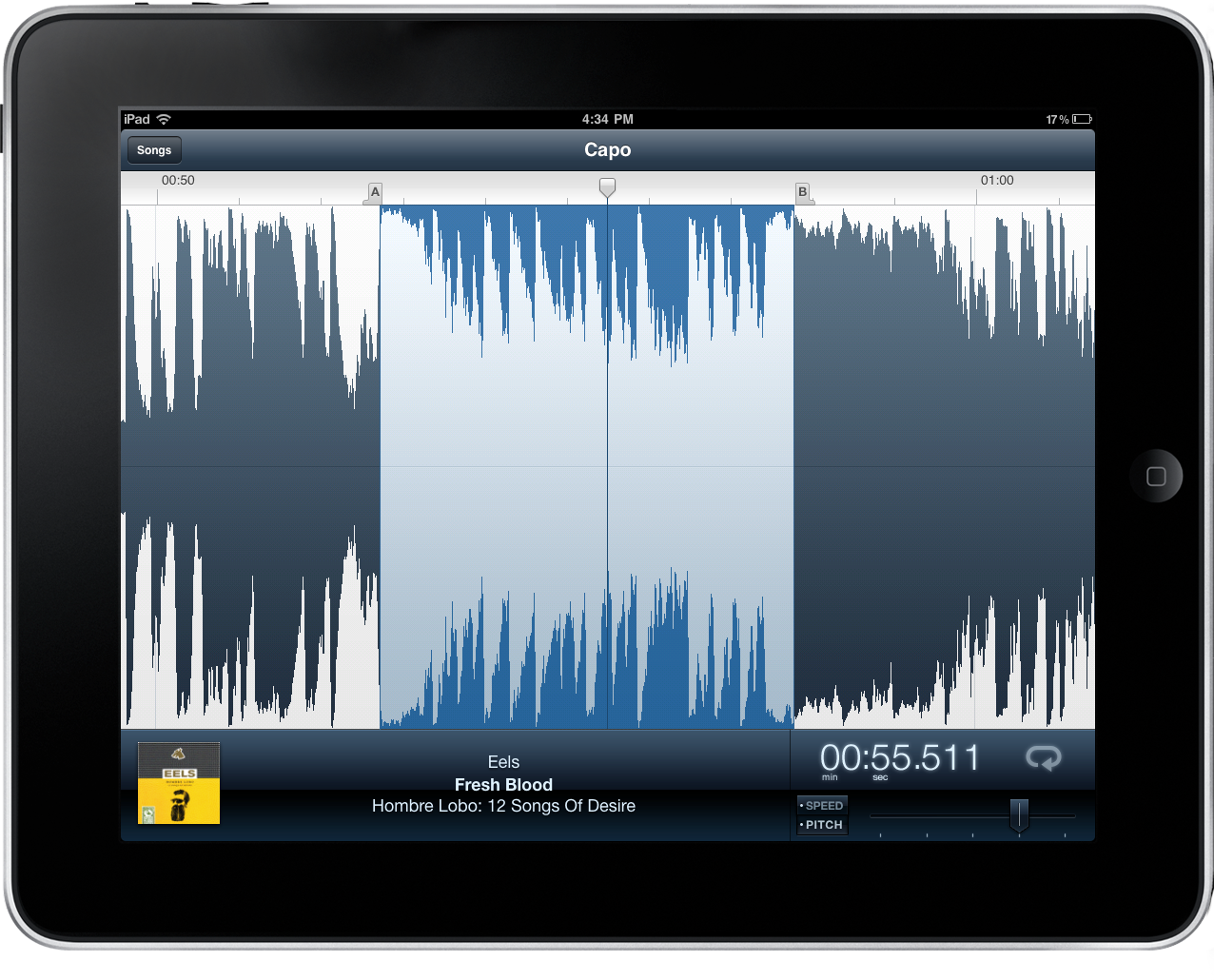
Capo is one of the brilliant Mac apps that often gets overlooked because of its niche value for musicians that have the will to not just follow tabs on a reading sheet, but to actually tear apart songs and learn them by ear. Capo intrinsically is an odd product in this respect – if you’re learning music by ear, why do you need an aid? I’ll tell ya: there’s nothing like being able to scribble all over a song, create your own tabs, and actually study what’s in front of you. You might want to fondle iTunes as you replay parts and study tracks, but you can ditch the pen and paper as you mark an important bridge, analyze the song’s chord progression, and figure out new riffs.
Create an iTunes Music Queue with “Next”
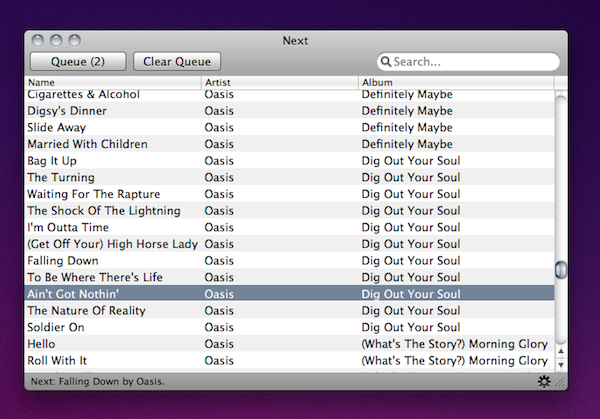
If you’re anything like me, you’re browsing through iTunes or Spotify all day searching for some music in your collection to send to your room’s speakers. Sometimes you spend so much time browsing albums and singles you own you even forget about the songs you wanted to play. Next, a $2.99 utility available in the Mac App Store, aims at solving this issue by providing a way to create a queue for your iTunes library so you’ll never forget about songs you want to listen to again. At the same time, it offers a neat solution to build a queue for artists and songs you’d like to check out in a specific orders.
The app plugs into your iTunes library with no setup required. It also looks very simple (perhaps a little too much) with only a list view being provided and that’s it. You can pick a song from iTunes and hit the Queue button to play it “next”. Another button lets you clear the queue entirely and Next can run in the menubar as well. The menubar icon has a shortcut to the song you’ve selected to play next, and if no song was picked the menu will display a “Random” button.
Next is a very easy way to manage songs in your iTunes queue, but I wish there was more attention to detail and UI design to make the app look better next to beautiful software like Ecoute or Spotify. Anyway, it does exactly what it’s supposed to, so you should give it a try.
Rdio Gets A Native Mac App
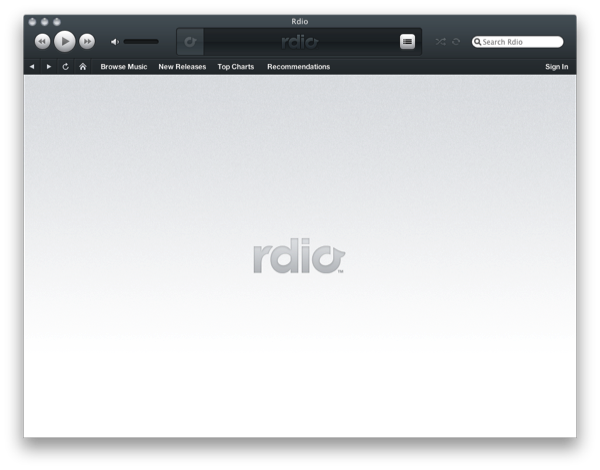
If you wanted to use Rdio without the Adobe Air component (which I thought was pretty good), there is now an official Rdio player built for the OS X desktop. The custom Rdio interface takes on a life of its own by disobeying Aqua’s color scheme for the dark blue seen in Rdio’s online playback controls, and we’d be dipped if it didn’t look a little like iTunes. Similar to something like Songbird, Rdio enables users to browse the site through the music interface, and can scan your music collection just like the Air app did. If you can purchase individual songs, they’ll be added to your iTunes library.
Rdio isn’t available in the Mac App Store - the download is only available to Rdio subscribers through www.rdio.com. You can sign up for a free trial, then navigate to the Rdio for Mac page for a free download.
[via The Next Web, Read Write Web]
Apple Negotiating With Record Companies Over Cloud Service?
According to sources who talked to Bloomberg, Apple is negotiating with the key record companies of Universal, Sony, EMI and Warner for an improved iTunes service that would simplify access to music that users have purchased. The service would allegedly allow consumers to retrieve a backup of all their music perhaps if their originals were lost.
According to Bloomberg’s three sources, an agreement could be announced midyear which could have the potential of bringing consumers “closer to universal access to content centrally stored on the Internet.” The record companies are supposedly concerned of the gaining popularity of Internet services such as Pandora, which allow users to stream songs rather than purchase them and want to offer users who purchase music a similar convenience.
Instacast Is The Twitter Of Podcast Apps
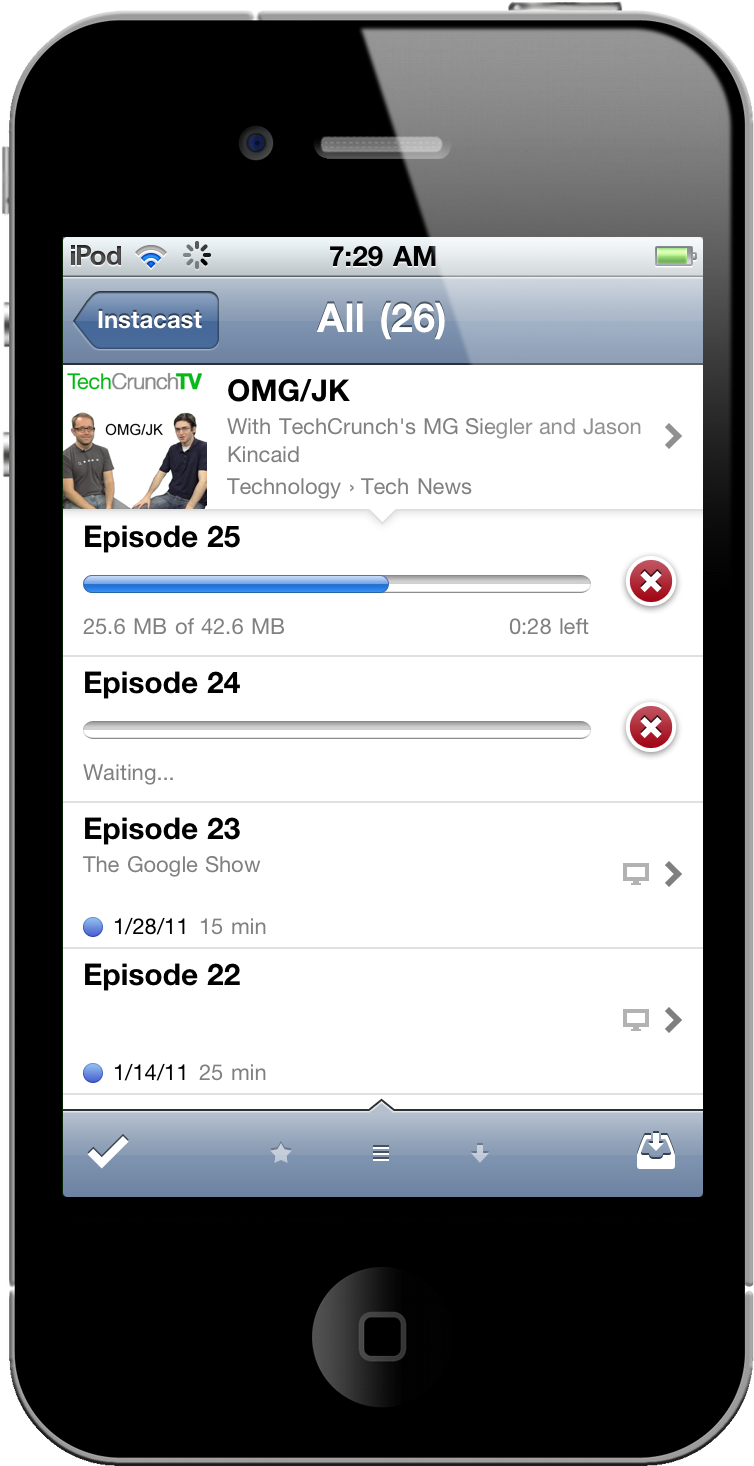
A title comparing a podcast player to one of the most influential iPhone apps isn’t given lightly. The incredible friendliness of Twitter, combined with some inspiration from Silvio Rizzi of Reeder, has been crafted by Vemedio into what may simply be the best podcast app available for your iPhone. The features are all beautifully implemented, the interface is a score above the rest, and might I add that it’s become a mainstay on my homescreen?
Rumor: iTunes In The Cloud Will Let You Backup Your Music Collection, Stream It
At a shareholders meeting yesterday, Apple clarified its position on the massive data center they’ve been building in Maiden, North Carolina confirming that launch is set for a Spring 2011 and it will to host the iTunes and MobileMe services. Many, however, have speculated in the past months whether the move of iTunes to the cloud would bring a new way of streaming songs and albums sold in the iTunes Store through a monthly subscription, or an easy-to-use way of uploading your personal media to the cloud.
According to a new report by the Financial Times, the iTunes online service will simply function as a backup solution for your music collection, which will be available over the internet on all Apple devices.
Apple, which rocked digital music services such as Pandora, Rdio and MOG last week by announcing plans to keep 30 per cent of all revenues from subscriptions taken out through its App Store, has clarified its plans for using remote storage, known as the cloud, according to several music industry executives.
More than a year after buying Lala, a cloud-based digital music service, Apple is now looking to use the cloud mainly to allow users of its iTunes store to back up their collections and access them from any Apple device.
One person with knowledge of Apple’s plans said the company did not want to undermine the market that it dominates for paid downloads, likening its plans for the cloud to “insurance”.
Rumors surfaced in the past weeks suggested Apple was working on a new version of MobileMe that would work as a “locker” for your personal media, stored in the cloud and accessible from all your Mac and iOS devices. Such a system would not compromise Apple’s lead in the digital music distribution market, but would let users upload their music to an online service always available. In the meantime, Google is rumored to be finalizing the details of its Google Music service for Android devices, and European company Spotify is reportedly nearing a U.S. launch after closing deals with major music labels. Spotify lets you stream any song available in the service’s online library through a monthly Premium subscription; it appears at this point that Apple is building the exact opposite, a cloud service that will let you backup / stream the songs and albums you already own.
References of a “MediaStream” service found in the iOS 4.3 SDK suggested Apple might be working on a new platform to allow users to stream their media from the cloud to iOS.
iPod Nano Software Update Lets You Control Music with Sleep Button
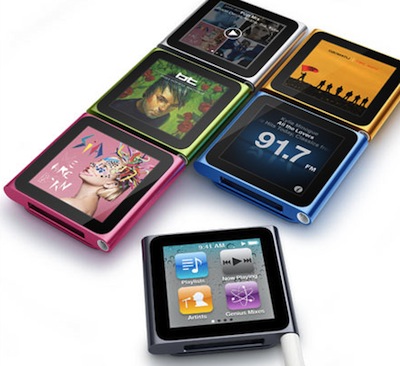
Earlier today Apple issued a software update for the iPod Nano 6th generation, which brings a useful feature to the device: you can now control music and radio playback using the Sleep / Wake button without looking at the screen.
With iPod software update version 1.1 for iPod nano (6th generation), you will be able to:
Completely turn off the iPod, rather than just put the device to sleep.
Control music or radio playback using the Sleep/Wake button without having to look at the device.
Another notes provided by Apple on the iPod Nano 1.1 update:
- When the iPod nano is off, you will not hear or be alerted to any alarm or reminder set on the iPod. When you turn iPod nano back on, alarms or reminders that haven’t yet expired will occur as scheduled.
- If you turn iPod nano back on within five minutes of when it was turned off, it will remember your music playlist and what was playing. However, if you turn iPod nano back on more than five minutes after it was turned off, the device will not remember what you were doing on the device or which application was active.
More information about the update available here.
Apple Looking To Improve Sound Quality of iTunes Store Songs?
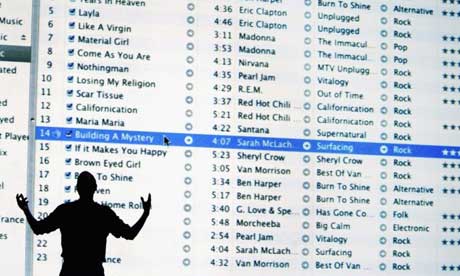
According to the CNN (via MacRumors), Apple is in talks with music industry executives to improve the sound quality of songs offered in the iTunes Store, bringing them to high-fidelity standards of 24-bit instead of the current 16-bit offerings:
Professional music producers generally capture studio recordings in a 24-bit, high-fidelity audio format. Before the originals, or “masters” in industry parlance, are pressed onto CDs or distributed to digital sellers like Apple’s iTunes, they’re downgraded to 16-bit files.
From there, the audio can be compressed further in order to minimize the time the music will take to download or to allow it to be streamed on-the-fly over the internet.
CNN reports Apple might as well offer these high-quality versions as separate “premium” purchases available as an option next to the existing iTunes Store 16-bit files. The move to 24-bit, however, would bring some issues with compatible hardware – considering that iTunes also works on Windows PCs:
Many models of Mac computers can play 24-bit sound, and the iTunes program is capable of handling such files. But most portable electronics, and many computers, don’t support 24-bit audio.
To make the jump to higher-quality music attractive for Apple, the Cupertino, California, company would have to retool future versions of iPods and iPhones so they can play higher-quality files.
In 2009, Apple made the first steps to increase the quality of iTunes digital downloads by offering “Plus” – a selection of albums and songs encoded at 256 kbps without digital rights management (DRM) protection copy. Regular iTunes downloads used to be encoded at 128 kbps with DRM enabled by default. Shifting to higher quality song downloads also rises some questions on Apple’s rumored streaming service for music and data center in North Carolina: will a section of the data center be dedicated to these rumored 24-bit songs? And if the rumors of “iTunes in the cloud” are to be believed, will Apple allow users to stream 24-bit audio files to their mobile devices?
As far as kbps stats are concerned, Spotify’s current Premium subscription enables users to stream 320 kbps songs from the cloud onto their computers and iPhones, offering an option to decrease quality on slower 3G connections.