Posts tagged with "iPad Pro"

Apple Highlights Apps and Games Updated for iPad Pro

In yesterday’s weekly refresh of the App Store’s front page, Apple launched a new section highlighting apps updated to support the iPad Pro with design optimizations and new features.

Creativity and productivity soar when you pair great apps with iPad Pro. We’ve compiled some of our favorites that take advantage of its expansive Retina display and astounding performance. On iPad Pro, everything from drawing to multitasking to watching videos is a stunning experience.

The section is organized in six sub-categories, each grouping apps that have been updated with integrations for specific iPad Pro and iOS 9 features, such as ‘Enhanced for Apple Pencil’, ‘Powerful Multitasking’, or ‘Desktop-Class Apps’. Featured apps include well-known names such as Evernote, 1Password, Slack, and OmniGroup apps, but also apps from smaller indie studio like Numerics (which takes advantage of the Pencil in an interesting way), LiquidText, Curator, and Workflow.

With the exception of Apple Pencil, apps featured by Apple in this section don’t have access to iOS features that are exclusive to the iPad Pro, and they’re not iPad Pro-only apps. Instead, Apple is highlighting apps that optimize for the iPad Pro’s hardware and bigger screen to augment existing iOS 9 functionalities. Thanks to the 12.9-inch display, multitasking on the iPad Pro is more powerful than its counterpart on the iPad Air 2; with the four speaker audio system, video apps can be more immersive.

In a separate section, Apple is also highlighting games for iPad Pro – which include titles like The Room Three, Broken Age, and Geometry Wars 3. You can find the section here.


“Why the iPad Pro Needs Xcode”

Steve Streza, writing on the state of some iPad apps and developers stretching their iPhone UIs for the big screen:

App developers don’t feel this pain as much, because they’re not living on iPad. For 8+ hours a day, they’re stuck using Xcode on a Mac. They aren’t living and breathing the idioms and design patterns of great iPad apps. Instead they’re stuck on Macs, usually sitting on desks with mice or trackpads, using a very underpowered and unwieldy iPad simulator, to build apps you touch with your hands on the couch.

Xcode running directly on the iPad Pro could fix many of those problems. You now have a tablet powerful enough to run an IDE, with a very nice keyboard cover, and a screen big enough to encompass all the functionality of Xcode, capable of testing almost every feature of every iOS device ever made. You can code with your keyboard and test with multitouch. You could work on a desk and take your whole development environment with you on the couch, bed, or plane.

I couldn’t agree more with all the points mentioned by Steve, especially about the potential benefits in education. As I wrote yesterday, the iPad Pro’s hardware demands to be used by new kinds of apps. This includes Apple.

Fortunately, I want to believe there’s some hope here. Over the past few months, I’ve personally heard about an iPad Pro version of Xcode in early stages, being demoed internally at Apple. I don’t know if this will ever actually happen, but it sure would make for a nice surprise at WWDC next year.

My fingers are crossed.

Permalink

‘The Start of Something New’

Great piece by Ben Bajarin on the iPad Pro, with an important section in the middle on the mobile generation (which is often unaccounted for in a lot of product reviews):

There is truly something happening with this generation growing up spending the bulk, if not all, of their computing time using mobile operating systems and doing new things with new tools. Being the techie that I am, I was a bit disheartened that my twelve-year-old was getting more out of the iPad Pro and pushing it further limits than I was. But she is a part of the mobile generation after all. For them, the future will look quite different and the tools they use to make that future might look quite similar to the iPad Pro.

Permalink

Connected: The iPad Pro Review

Federico talks to Myke and Stephen about the iPad Pro.

On this week’s Connected, we prepared a special episode to discuss my iPad Pro review, how I’ve been using the device for the past week, and what we expect from it going forward. It’s a good one. You can listen here.

Sponsored by:

  • Braintree: Code for easy, online payments. Get your first $50,000 in transactions fee-free.
  • Casper: Because everyone deserves a great night sleep. Get $50 off with the code ‘CONNECTED’
  • Igloo: An intranet you’ll actually like, free for up to 10 people.
Permalink


Jony Ive on the Apple Pencil

I liked this bit from The Telegraph’s Rhiannon Williams interview with Jony Ive on the Apple Pencil:

“I always like when you start to use something with a little less reverence. You start to use it a little carelessly, and with a little less thought, because then, I think, you’re using it very naturally. What I’ve enjoyed is when I’m just thinking, holding the Pencil as I would my pen with a sketchpad and I just start drawing,” he enthuses.

“When you start to realise you’re doing that without great intent and you’re just using it for the tool that it is, you realise that you’ve crossed over from demoing it and you’re actually starting to use it. As you cross that line, that’s when it actually feels the most powerful.”

Something I noticed I’ve started doing since having the Pencil: when I was editing my review, I kept playing with the Pencil as a distraction, and I even occasionally used it to highlight words on screen instead of reaching to it with my finger (the iPad Pro was held upright by the Smart Keyboard) – just like I’d normally point to something with a real pencil. It does feel familiar.

Permalink

iPad Pro Accessories Review: Apple Pencil, Smart Keyboard, Logitech CREATE Keyboard

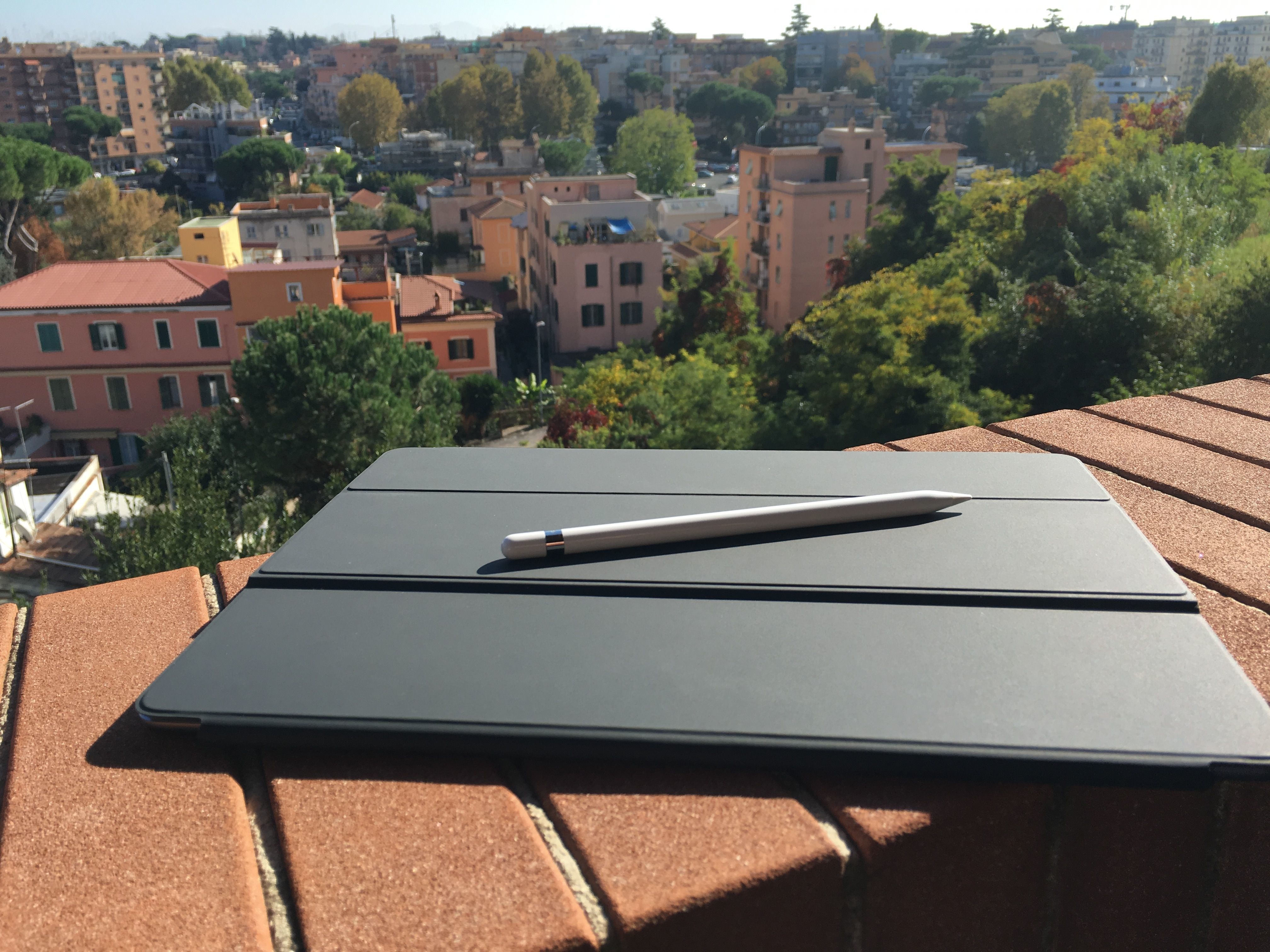
Ready to conquer Rome.

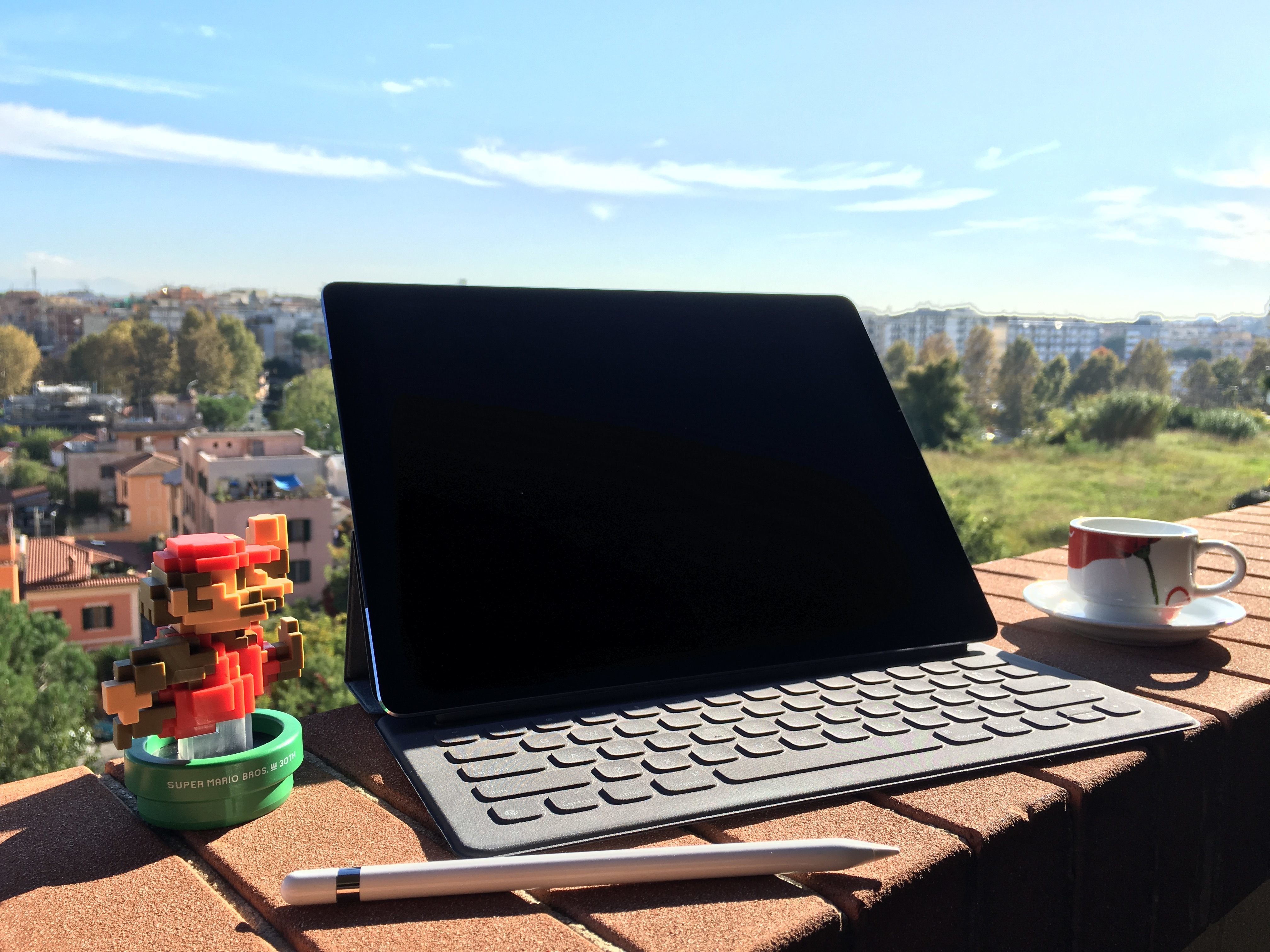
Ready to conquer Rome.

A fundamental part of the iPad Pro experience is the new range of accessories created by Apple and the framework the company has opened up to third-party manufacturers with the Smart Connector.

While Apple has been making iPad accessories since the very first iPad, the new Smart Connector has allowed the company to rethink how an external keyboard should connect to the device and interact with iOS, and they’re giving third-parties the ability to do the same with new types of accessories. Meanwhile, the Pencil marks Apple’s debut in the field of pens and styli for iPad, with several unique twists.

Alongside an iPad Pro review unit, Apple also provided me with an Apple Pencil, a Smart Keyboard, and, to my surprise, a Logitech CREATE keyboard case that connects to the device with the new Smart Connector. Because I don’t plan to use these accessories on a daily basis (I’m not an artist, I rarely have to sketch and annotate documents, and I mostly use the software keyboard when writing articles), I have collected a few thoughts in this standalone article.

You can find my impressions below.

Read more


iPad Pro Review: A New Canvas

For the past two years, I’ve been reconsidering my preconceptions on large screens.

Back in 2013, I thought the iPad mini would always be the perfect iPad for me. After the technologically outdated debut of the first iPad mini, the second-generation model iterated on almost every aspect of the device, offering a masterful blend of portability and strengths of the iOS platform. I couldn’t see myself switching to a full-size iPad again.

And then iOS 9 happened. Or rather, it started becoming clear – from multiple angles and sources – what would eventually happen to iOS for iPad, which had long stagnated in a state of close resemblance to the iPhone’s interface. In hindsight, looking back at my iPad’s history through a mere technological lens, upgrading to the iPad Air 2 in 2014 was a safe bet: a year later, the device that seemed even too powerful for iOS 8 would be the only one to fully support iOS 9’s new multitasking features on day one.

I was uncertain about switching from the iPad mini to the Air 2 as a future-proofing tactic for my iOS experience, but the decision paid off. I didn’t know I’d be able to get work done faster and more comfortably on the bigger iPad Air 2 until I got one. The iPad Air 2 became my primary computer.

On both the iPhone and iPad, I’ve discovered that I like big screens and I’m not affected by portability concerns. Moving to the iPad Air 2 and upgrading to the iPhone 6 Plus has been instrumental to assemble a setup that makes me more efficient on a daily basis.

It’s with this mindset that I approached the iPad Pro, which I’ve been using for the last eight days since getting a review unit from Apple last week. Announced in September alongside the iPhone 6s, the iPad Pro has been presented by the company as the future of computing, promising to deliver desktop-class performance in a tablet form factor and expanding the range of input sources beyond multitouch with new accessories.

More practical questions have been making me ponder my taste in iPads again for the past two months. Is the iPad Pro too big for me? Can it really take another leap and outclass the iPad Air 2 in my daily usage of iOS 9? And with an iPad this big, are the portability perks of the 9.7-inch tablet inevitably lost?

I’ve spent the past week trying to find out. I set up a clean installation of iOS 9.1 on the iPad Pro with the apps I use every day (Editorial, Tweetbot, 2Do, Slack, Newsify, Outlook, and Notes – just to name a few), tested several third-party apps with iPad Pro-specific optimizations, and used accessories Apple gave me alongside the review unit – a Pencil, a Smart Keyboard, and the new Logitech CREATE keyboard case. I’ve used the iPad Pro as my only computer in lieu of the iPad Air 2, and I’ve observed how its hardware and software changes altered my workflow and physical interactions.

There’s a lot to discuss about the iPad Pro, and I’ll have to continue unwrapping the nature of this device for weeks to come. But I want to make one thing clear from the outset:

This is less of a “just for media consumption” device than any iPad before it. The iPad Pro is, primarily, about getting work done on iOS. And with such a focus on productivity, the iPad Pro has made me rethink what I expect from an iPad.

Read more


Tim Cook on the iPad Pro and PCs

Tim Cook, speaking to The Telegraph about the iPad Pro:

“Yes, the iPad Pro is a replacement for a notebook or a desktop for many, many people. They will start using it and conclude they no longer need to use anything else, other than their phones,” Cook argues in his distinctly Southern accent (he was born in Alabama). He highlights two other markets for his 12.9 inch devices, which go on sale online on Wednesday. The first are creatives: “if you sketch then it’s unbelievable..you don’t want to use a pad anymore,” Cook says.

The second is music and movie consumers: the sound system and speakers are so powerful that the iPad appears to pulsate in one’s hands when one plays a video.

In a separate interview with The Independent, he noted that he’s only travelling with his iPhone and iPad Pro for his European tour that will see him deliver a keynote speech at the Bocconi university in Milan tomorrow:

Along with the Pencil, there’s a keyboard cover. Cook says it’s different from rival keyboards because with none of those would you say it “came from the same parent” as the tablet itself. “Now all of a sudden you have a keyboard that has been perfectly designed for the iPad, it’s integrated and then you’ve got the software with split view and it’s inherently very productive. I’m travelling with the iPad Pro and other than the iPhone it’s the only product I’ve got.”

Permalink