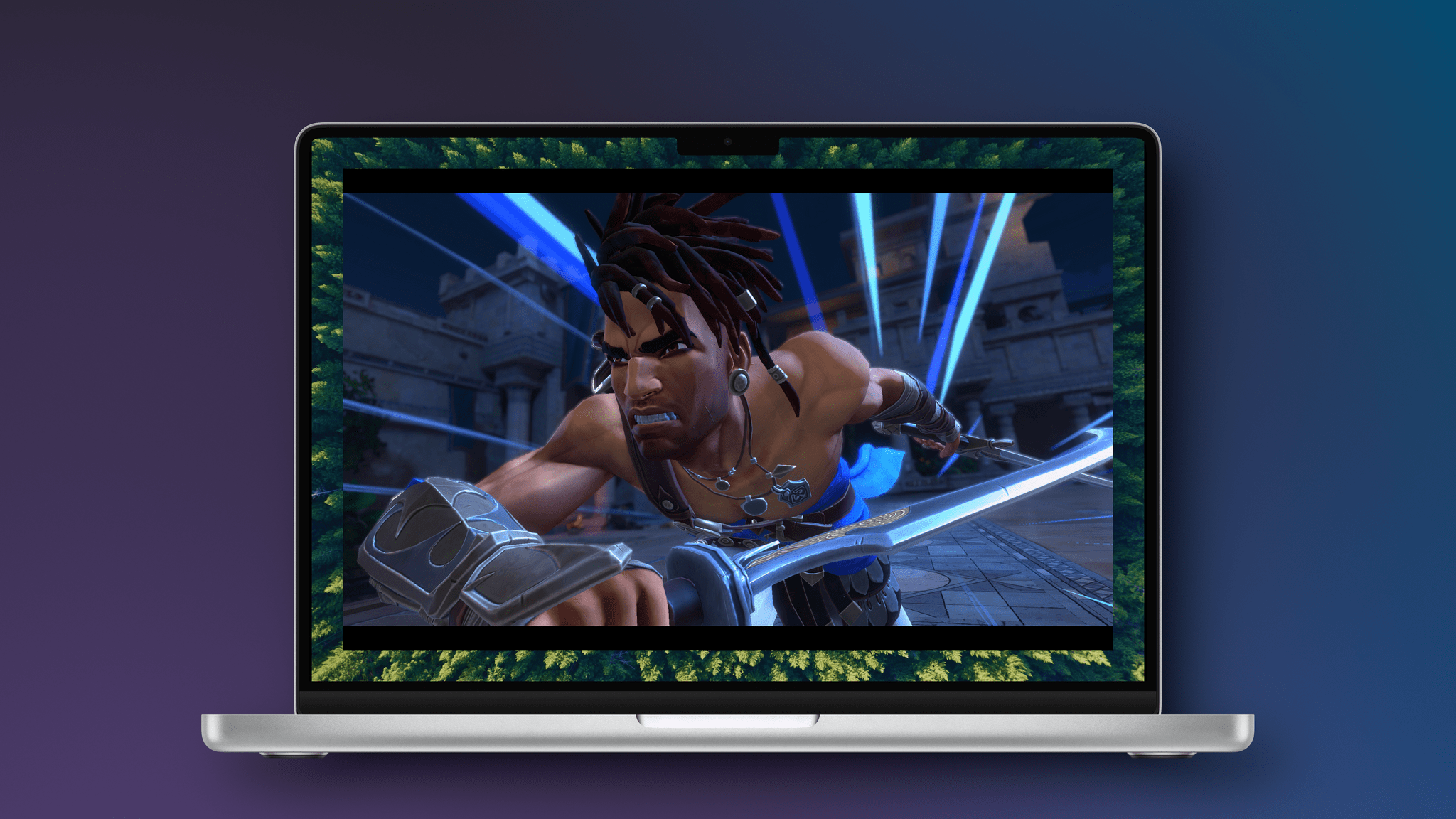
Last week, Ubisoft released Prince of Persia: The Lost Crown on the iPhone and iPad. I’ve had a chance to play the game on both platforms, along with the Mac version, and thought I’d share what it’s like playing on each.
The Lost Crown was released at the beginning of last year. Developed by Ubisoft Montpellier in France, the game was released to critical acclaim and won an Innovation in Accessibility Award at The Game Awards in 2024, but Ubisoft was unhappy with the game’s sales. The comeback of the celebrated series sold around 300,000 copies in its opening weeks, totaling around $15 million in revenue. In today’s “blockbuster or bust” gaming world, that wasn’t enough. Ubisoft released the Mask of Darkness story DLC in the fall but disbanded the team behind the game.
However, Ubisoft wasn’t finished trying to recoup its investment in The Lost Crown. The company called on its Da Nang studio to port the game to other platforms, starting with the Mac last December. The same group also adapted the game for the iPhone and iPad.
Today, The Prince of Persia: The Lost Crown is available everywhere. It’s on the Xbox Series X and S, Xbox One, PS4 and PS5, Switch, PC, Android, and other platforms, with Android being the latest addition alongside the iPhone and iPad.
If you’re a console or PC gamer, it would have been hard to miss The Lost Crown’s release in early 2024. The game follows Sargon, a warrior in an imagined version of ancient Persia, who is tasked with trekking to Mount Qaf to save Prince Ghassan. Along the way, there are puzzles to solve and a fun combination of platforming and fluid combat. It’s a shame the game didn’t fare better because it’s an absolute gem.
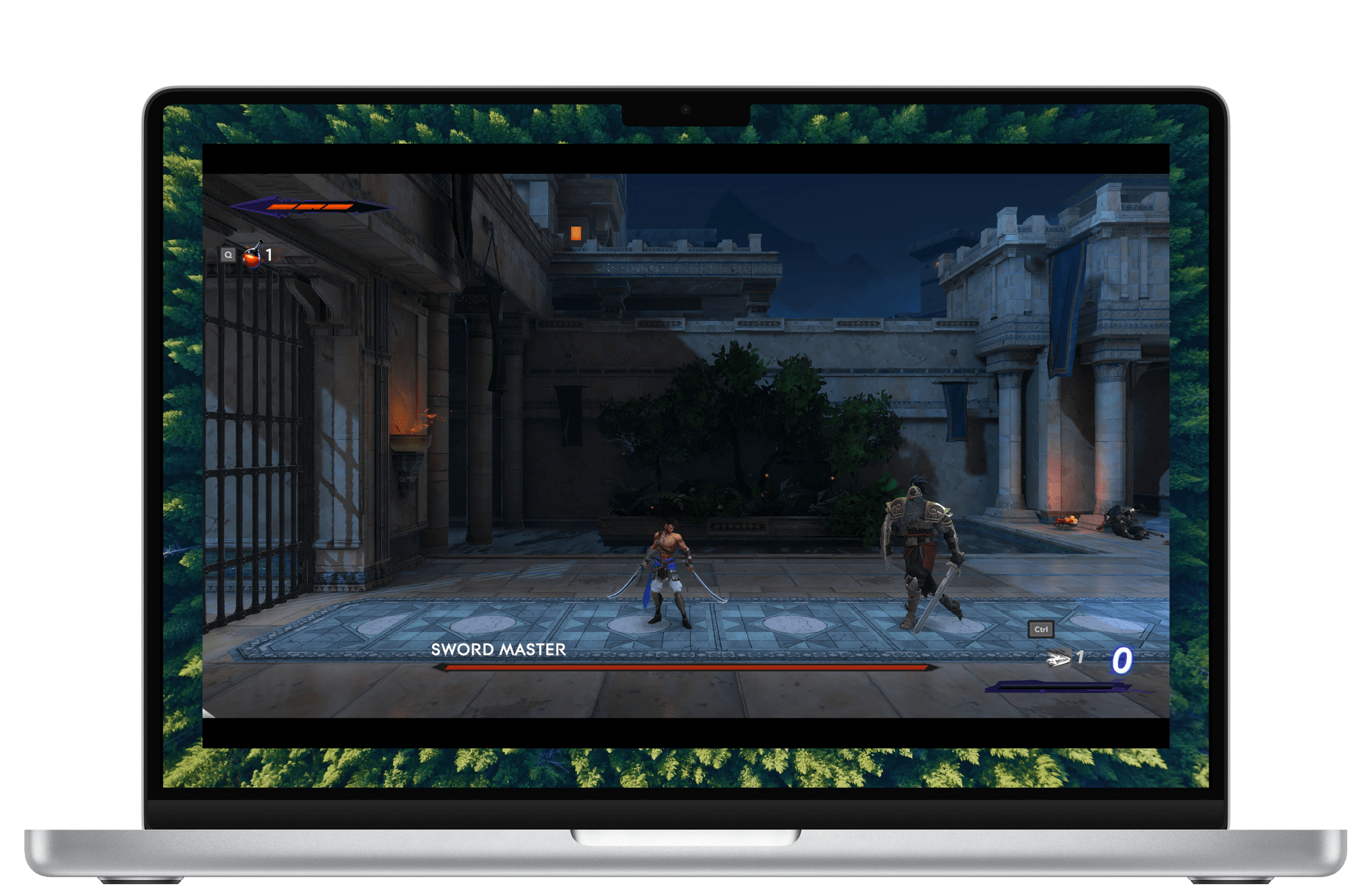
I’ve played at least the opening level of The Lost Crown on an M1 MacBook Air, M4 Max MacBook Pro, iPhone 16 Pro Max, M4 iPad Pro, and Sony PS5. Ultimately, the game ran well on all five devices, but there were differences. The PS5 was the smoothest of all, and the game looked phenomenal on my OLED TV.
As you’d probably expect, the game runs very well on an M4 Max MacBook Pro and M4 iPad Pro, although both got quite warm, and I could clearly hear the MacBook Pro’s fans when I removed my headphones. In both cases, I noticed a little hitch in the frame rate from time to time when transitioning from one area of the map to another, but it wasn’t a big deal in either case. The Lost Crown’s gorgeous artwork and sound design really shine on both devices, too.
The worst experiences were on the iPhone and M1 MacBook Air, for different reasons. The iPhone 16 Pro Max handled the game well, and it looked great, but the game is a lot more fun on a bigger screen. I noticed more frame rate hitches on the M1 MacBook Air than on any other device, but I didn’t really expect the game to be playable, so it was a pleasant surprise to find that it worked.
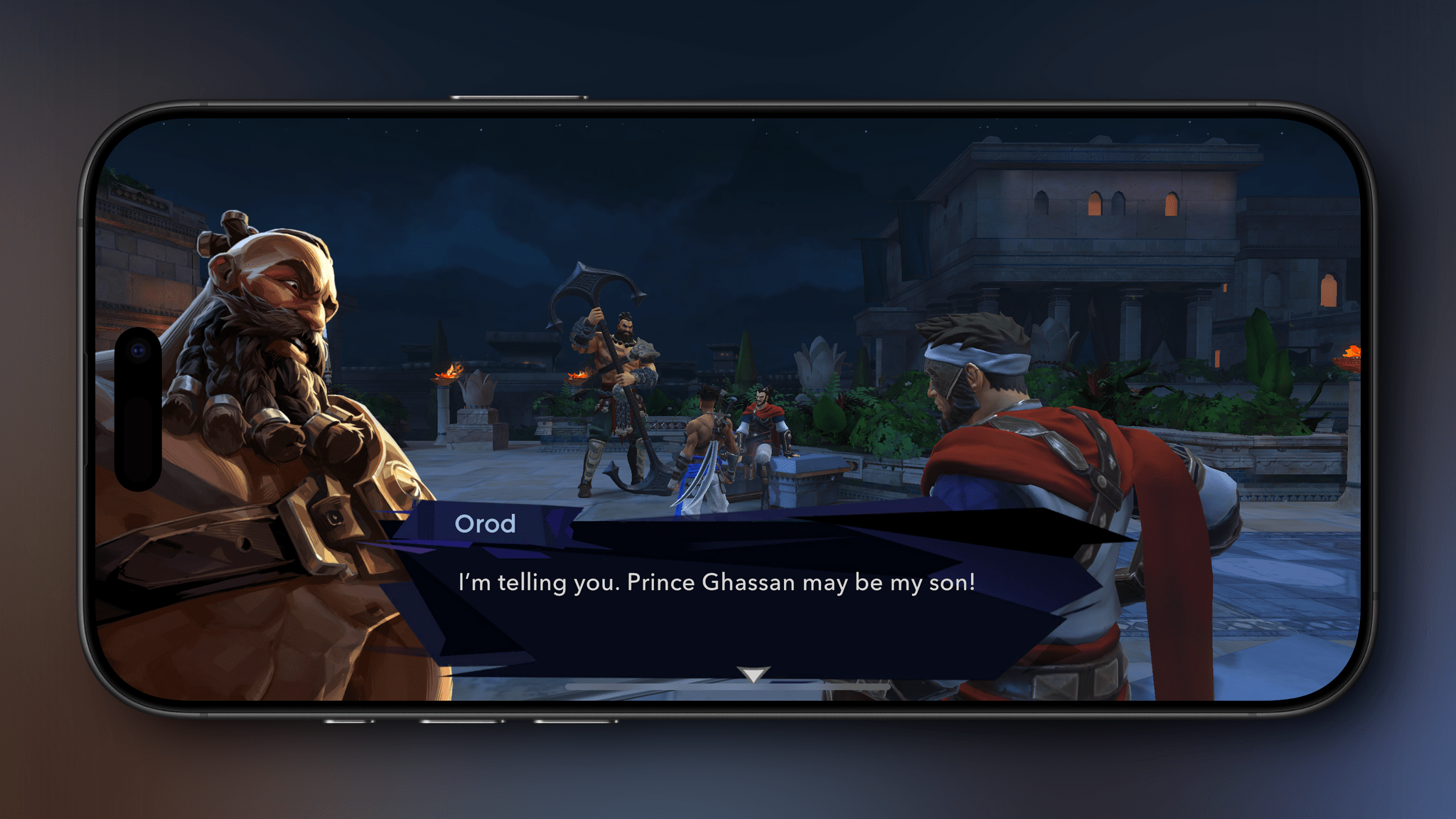
Both the iPhone and iPad versions of the game have been adapted for touch. There are on-screen touch controls, but I’d highly recommend using a controller instead. The onscreen controls are well done, but The Lost Crown’s combat feels much, much better with a controller. If you’re looking for a good controller for iPhone or iPad, check out our Setups page for a few recommendations.
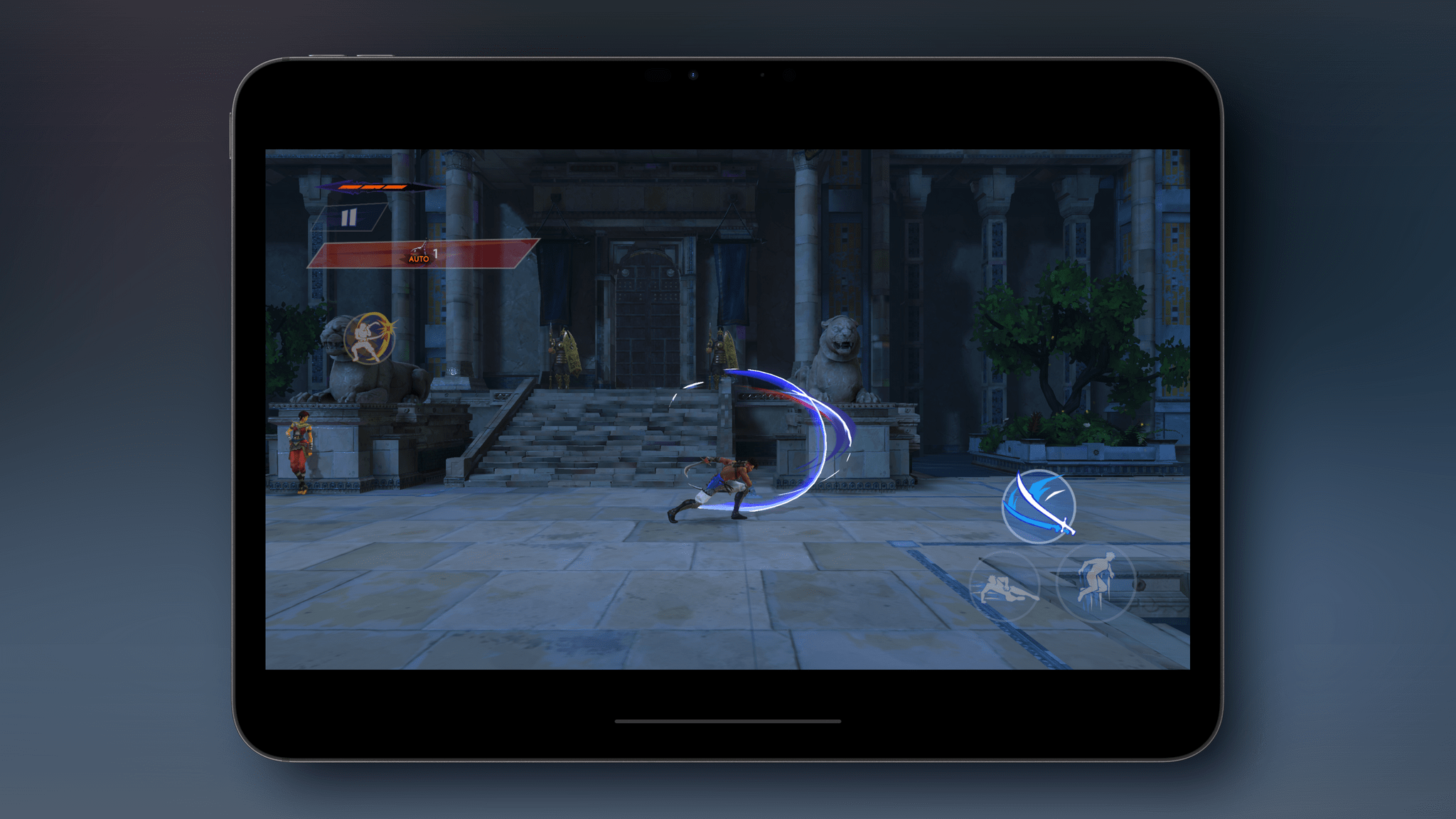
The mobile versions of The Lost Crown have added automatic parrying and healing potion use, as well as a new option to slow down time during combat, all of which are designed to make the game more touchscreen-friendly. I’m glad those options are there, but again, you really should use a controller with this game. It’s also worth noting that none of the Apple platform versions of the Lost Crown include the DLC, and the Mac version is capped at 60 fps; that doesn’t bother me, but I know it’s an issue for others. The Lost Crown also supports cloud saves if you have an Ubisoft Connect account, but the saves only work Mac-to-Mac or among iOS and iPadOS devices, which stinks.
Finally, we need to talk about the princely price Ubisoft is charging for The Lost Crown on the Mac. The game is $40, which is less than the $60 launch price over a year ago, but now, you can pick it up for as low as $15–$25 on other platforms, depending on whether it comes with the DLC. Given that difference, it’s hard to recommend the Mac version of Prince of Persia: The Lost Crown unless you have no other way to play it.
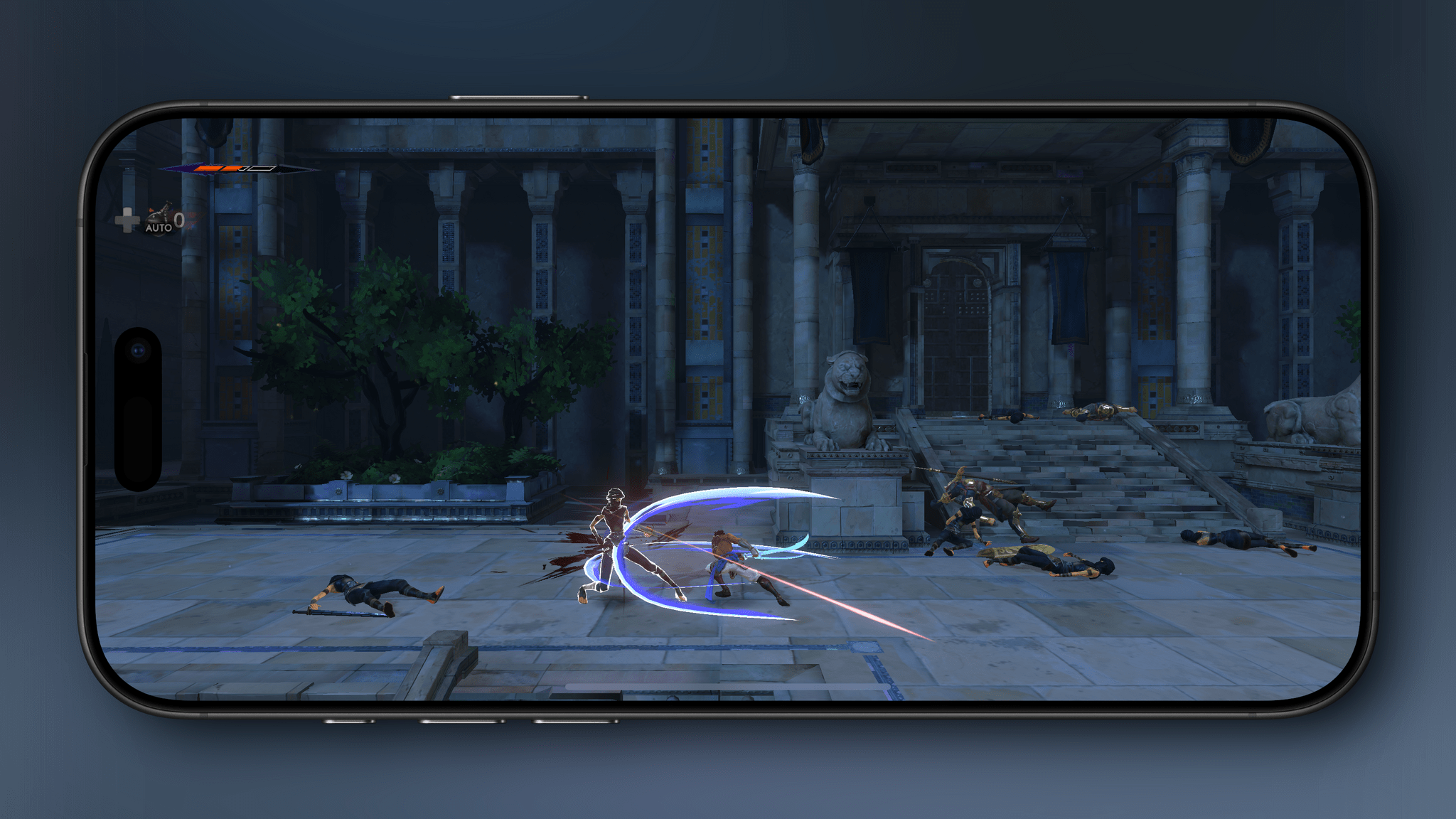
The iPhone and iPad versions are much more reasonable. First of all, you can download and play the tutorial level of the game for free to see if The Last Crown is for you, which I appreciate. Second, until May 5, the full game is available for $9.99 – the best deal available anywhere. There’s no guarantee you’ll ever have the option to play the DLC on either device, but $10 is fair for anyone who prefers to play games on their iPhone or an iPad. After May 5, the price is set to rise to $14.99, which is in line with console versions of the game that don’t come with the DLC.
So in the final analysis, there’s not much to commend the Mac version of The Prince of Persia: The Lost Crown if you have any other way of playing it because it’s more than double the price of PC and console versions. The iPhone and iPad versions are a closer call, especially while the game is on sale for $10. The Lost Crown looks great on both and plays well (though not perfectly), but any iPhone’s screen is a little small for a game like The Lost Crown. That said, if your preference is for portability or you don’t have the option of a PC or console, The Prince of Persia: The Lost Crown is worth downloading on your iPhone or iPad to try the free tutorial level.
The Prince of Persia: The Lost Crown is available on the App Store for the iPhone and iPad as a free download, with the full game available via an in-app purchase of $9.99 until May 5, after which it will be $14.99. The Mac version of the game is available on the Mac App Store for $39.99.