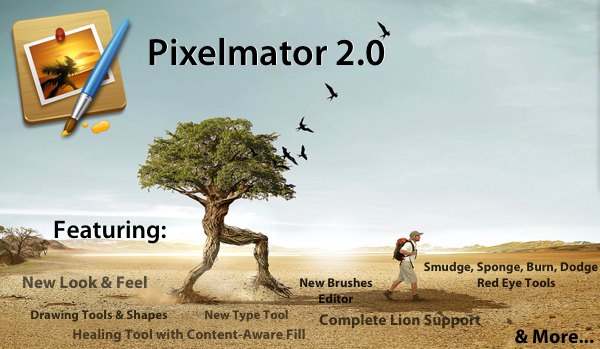
Pixelmator 2.0, a big new version of the popular image editing application for the Mac, just hit the Mac App Store and is available for just $29.99 (as an introductory price) and is a free upgrade for those who have previously purchased a copy of Pixelmator from the Mac App Store. Pixelmator 2.0 is a significant update, with significant improvements, completely new features, a new look and full support for OS X Lion.
With tons of exciting new features and support for OS X Lion, this new version of Pixelmator is the easiest, most enjoyable way to experience the best of image editing. Pixelmator 2.0 gives everyone the tools they need to unlock their creativity and boost their productivity, all for just $29.99. - Saulius Dailide of the Pixelmator Team
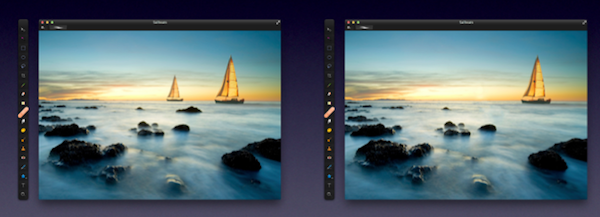
The big new features in Pixelmator 2.0 make it a truly powerful image editor and for most people it should be more than sufficient for all their needs - likely making something like Photoshop overkill for what their requirements are. A big drawcard for many will be Pixelmator’s new drawing tools that make it easy to create, combine and edit vector shapes easily. A new ‘Shape Settings’ palette also makes it simple to adjust the shadow, stroke and fill of a vector shape. A new healing tool in Pixelmator 2.0 features content-aware fill technology so that it is easy to remove ‘objects’ from a photograph and make it appear as though it was never even there.
By choosing either the new Healing Tool or the selection tools, a user can select wrinkles, blemishes, image damage or any other details present in images, and with just one click let Pixelmator seamlessly fill the selected area with similar nearby image content.
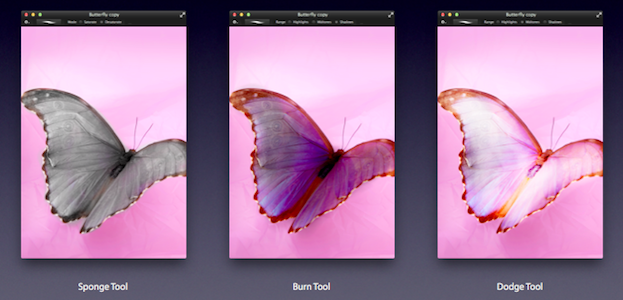
Then there are the new retouching tools of smudge, sponge (desaturate), burn (darken), dodge (brighten) and red-eye. These tools are great for retouching and work as one would expect. Finally, there is an improved type tool that not only makes it easier to format your text, but now also features more advanced typography tools for those that want complete control over how their type looks.
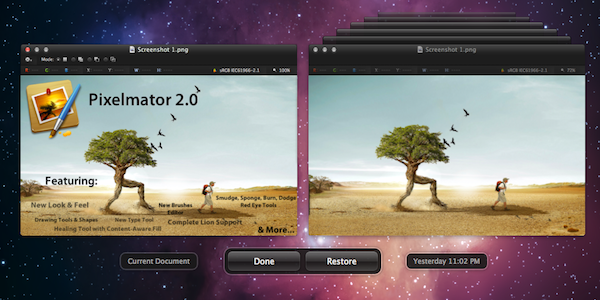
Taking advantage of the new features that Apple added to OS X Lion, Pixelmator now supports the native Auto Save and Versioning available in Lion, allowing you to easily save multiple versions of a document you are working on, and compare those versions easily. Lion’s Full Screen feature is also built into Pixelmator so you can easily focus on your work without distraction and also take full advantage of your Mac’s screen real estate. The last thing to note is that Pixelmator 2.0 also follows Lion’s lead and supports a number of gestures, buttons, menus and the new ‘invisible’ scroll bars.
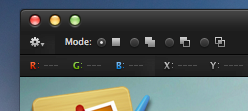
The look of Pixelmator has also been refined in 2.0, with a new ‘Tool Options’ bar and an ‘Info’ bar. Both sit discretely at the top of the window and both bars are contextual, changing depending on what tool you choose, giving you the appropriate information and settings depending on what tool you are using - so you never see useless information. The Tools palette is also more customisable now, allowing you to add, remove and even group any tools you want - letting you create a Tools palette that matches what your workflow requires.
There are a number of other new features, improvements and tweaks that are too numerous to go into. But speaking as an occasional user of Photoshop, Pixelmator 2.0 seems to have almost all the features I require for my image editing and it gives them to me at a fraction of the cost. If you’re like me, you might find Pixelmator a little jarring at first, with various tools and options located in different locations, but this soon disappears when you realise its an incredibly capable piece of software - that from my experience is actually a little more nimble at accomplishing various tasks (particularly when dealing with text).
Pixelmator 2.0 is available on the Mac App Store at an introductory price of $29.99 so be sure to grab a copy of it - at that price it’s an absolute steal. If you have previously purchased Pixelmator from the Mac App Store, its a free upgrade.