Posts tagged with "apple watch"

Studio Neat Introduces the Material Dock

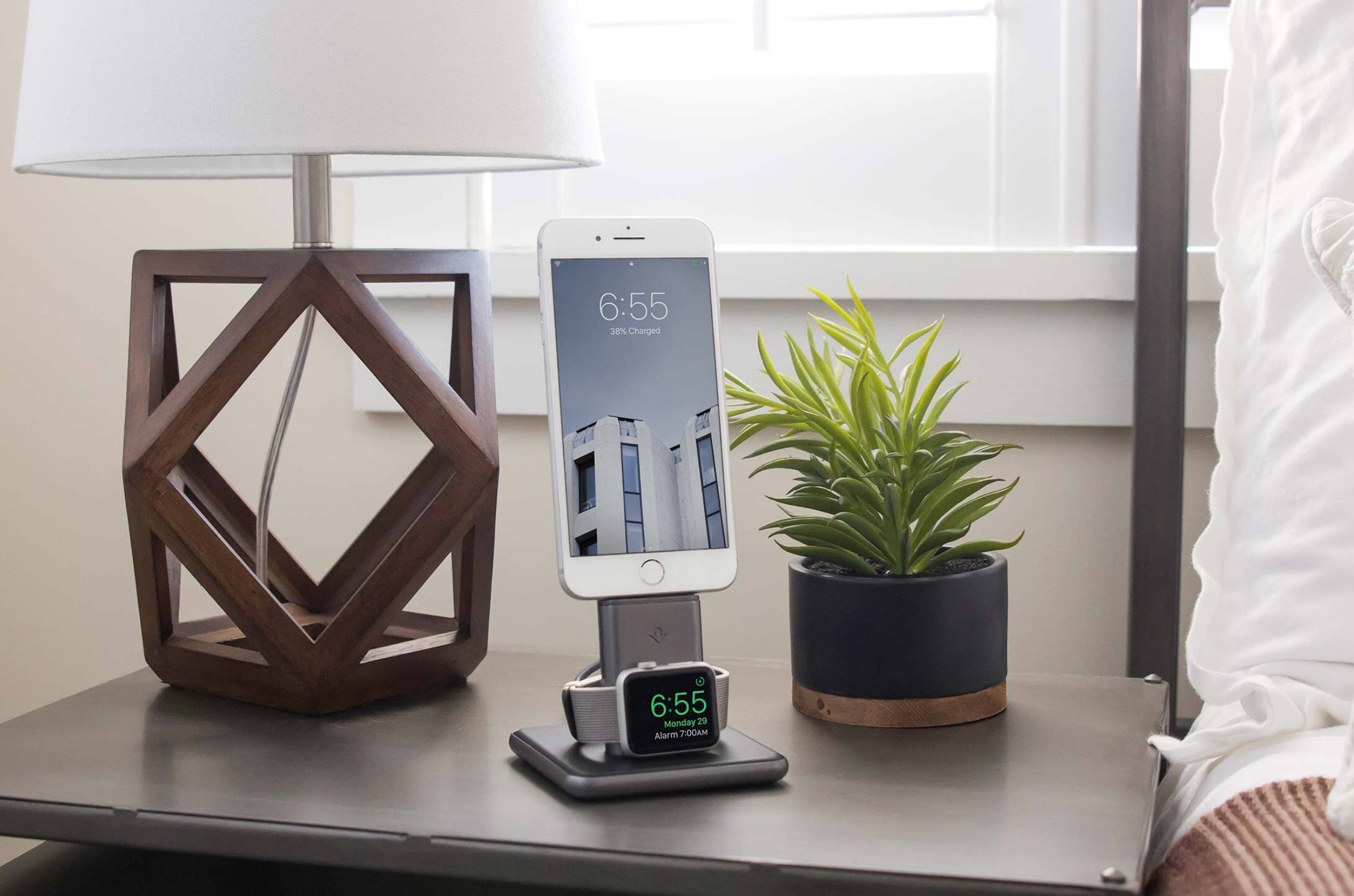
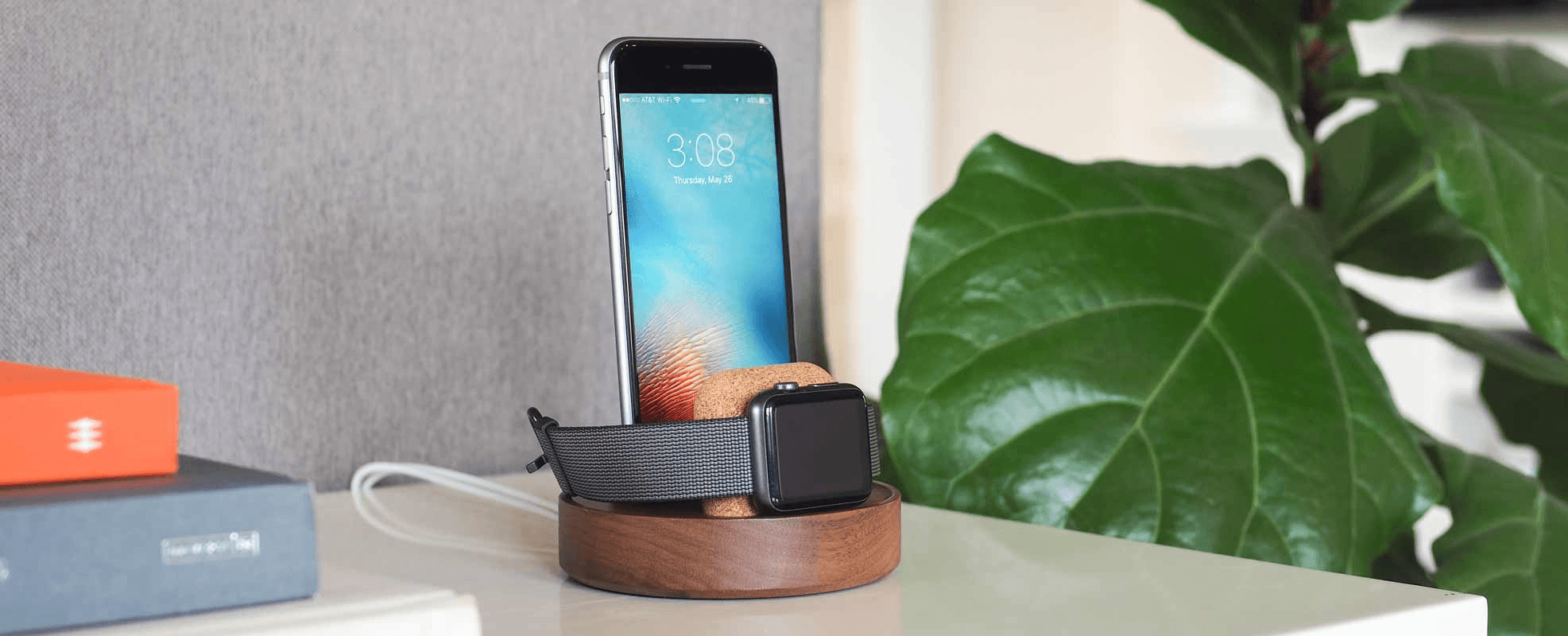
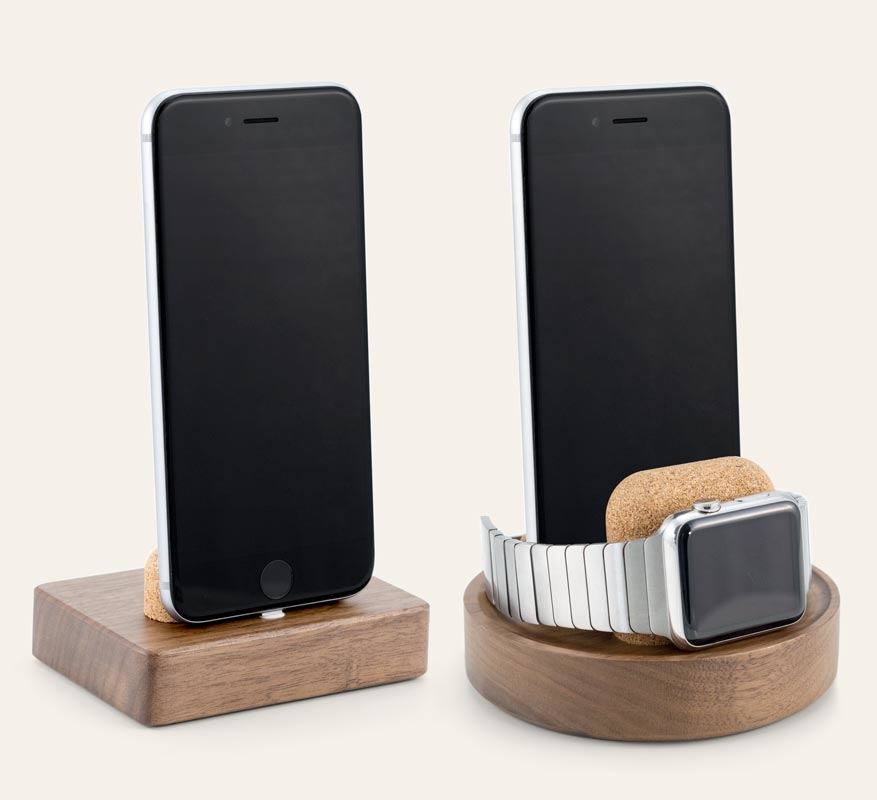
Just in time for the new iPhone 7 and Apple Watch Series 2, Studio Neat has introduced two handsome docks that integrate with charging cables that you supply. Called the Material Dock, one dock has a rounded rectangular base and charges the iPhone. The other model is circular and can charge an iPhone and an Apple Watch.

The Material Dock is made from natural, recyclable materials. The base of each dock is cut from a block of walnut features a soft matte finish. The iPhone and Apple Watch are supported by pieces of cork while charging. Small adjustments to the cork support allow the Material Dock to be used with or without a case on your iPhone, which is a nice touch that not all docks have. The bottom of the dock has non-slip strips of micro-suction material to keep it secure on a nightstand, desk, or other flat surface.

On the iPhone/Apple Watch model, the Apple Watch sits in front of the iPhone, which blocks the Home button. This probably wouldn’t be an issue in under most scenarios that I would use the Material Dock, but if you expect you might want to use your iPhone while it and the Apple Watch are docked, it’s worth keeping in mind.

I haven’t tried the Material Dock, but I have used many of Studio Neat’s other products in the past and all have been well-built from high-quality materials. If you want to tame your cables and charge in style, the Material Dock looks like a good choice.

The Material Dock is available on Studio Neat’s website. The iPhone-only version is $45 and the iPhone/Apple Watch version is $70.


An Inside Look at the Apple Watch’s Development

Fast Company spoke to Bob Messerschmidt, who worked on the heart rate sensor for the Apple Watch after his startup was acquired by Apple in 2010, about the lessons he learned during his time at Apple. Some of the most interesting bits were Messerschmidt’s description of how designers and engineers interact on a product like the Apple Watch:

One great example is [when] I went to a meeting and said I’m going to put sensors in the watch but I’m going to put them down here (he points to the underside of the Apple Watch band he’s wearing) because I can get a more accurate reading on the bottom of the wrist than I can get on the top of the wrist. They (the Industrial Design group) said very quickly that “that’s not the design trend; that’s not the fashion trend. We want to have interchangeable bands so we don’t want to have any sensors in the band.”

Like many before him, Messerschmidt was also impressed by Apple’s focus on products over technology:

At Apple I learned that design and user experience is everything when it comes to consumer products. It’s not so much the technology. It’s the design of the product that creates that sense of happiness in the user.

If you look at products like the iPhone or the iPad there aren’t too many totally new technologies included in those products. The real elegance and differentiation doesn’t have a lot to do with the technology idea itself; it’s about the packaging and the value add it gives to people. Those big (new technology) ideas generally happen elsewhere, and they happen earlier.

Messerschmidt’s interview is particularly notable because it’s not often we get a perspective on the interplay between Jony Ive’s design team and Apple’s engineers.

Permalink

watchOS 3 and Wheelchair Users

John Brownlee, writing for Fast Company on support for wheelchair users in watchOS 3:

Each test subject was allowed to use their own wheelchair, which they fitted with special wheel sensors. In addition, many were outfitted with server-grade geographical information systems, which collected extremely precise data on their movements through the world. The number of calories burned, meanwhile, were determined by fitting test subjects with oxygen masks, and precisely measuring their caloric expenditure as they pushed.

In the end, Apple collected more than 3,500 hours of data from more than 700 wheelchair users across all walks of life, from regular athletes to the chronically sedentary, in their natural environments: whether track or trail, carpet or asphalt. From this data, they learned how to adjust watchOS 3’s algorithms to track wheelchair users.

This is the kind of work that truly makes an impact on how people live their lives.

Permalink

Jobs, Healthcare, and the Apple Watch

Tim Bajarin, writing for TIME:

I recently spent time with Apple executives involved with the Watch. I asked them to explain the real motivation for creating the device. Although Apple has made fashion and design a key cornerstone of its existence, it turns out that this was not at the heart of why they created this product.

The late Apple CEO Steve Jobs developed pancreatic cancer in 2004. He then spent a great deal of time with doctors and the healthcare system until his death in 2011. While that personal health journey had a great impact on Jobs personally, it turns out that it affected Apple’s top management, too. During this time, Jobs discovered how disjointed the healthcare system can be. He took on the task of trying to bring some digital order to various aspects of the healthcare system, especially the connection between patients, their data, and their healthcare providers.

Permalink

A Watch That Makes You Wait

It’s hard for me to disagree with the premise of Nilay Patel’s piece on Circuit Breaker about the Apple Watch: it’s slow.

If Apple believes the Watch is indeed destined to become that computer, it needs to radically increase the raw power of the Watch’s processor, while maintaining its just-almost-acceptable battery life. And it needs to do that while all of the other computers around us keep getting faster themselves.

I know what you’re thinking – you’re using the Apple Watch primarily for notifications and workouts, and it works well. I get that. But when something is presented as the next major app platform for developers and then every single app I try takes seconds to load (if it loads at all), you can understand why enthusiasm is not high on my list of Apple Watch feelings.

I didn’t buy the Watch for notifications. I bought it with the belief that in the future we’re going to have computers on our wrist. Patel is right here: the slowness of the Apple Watch is undeniable and it dampens the excitement for the Watch as the next big Apple platform.

I disagree, however, with his idea for another “choice” for Apple:

The other choice is to pare the Watch down, to reduce its ambitions, and make it less of a computer and more of a clever extension of your phone. Most of the people I see with smartwatches use them as a convenient way to get notifications and perhaps some health tracking, not for anything else. (And health tracking is pretty specialized; Fitbit seems to be doing just fine serving a devoted customer base.)

I’ve seen similar comments elsewhere lately. Even with the flaws of the first model, I think you’d be seriously misguided to think Apple would backtrack and decide to make the Apple Watch 2 a fancier Fitbit.

I still believe that, a few years from now, a tiny computer on our wrist will be the primary device we use to quickly interact with the outside world, stay in touch, glance at information, and stay active. All of these aspects are negatively impacted by the Watch 1.0’s hardware today. Looking ahead, though, what’s more likely – that Apple shipped a product a bit too early and then iterated on it, or that the entire idea of the Apple Watch is flawed and Apple should have made a dumber fitness tracker instead?

If anything, Apple’s only choice is to continue to iterate on the original Watch idea: your most personal device. Faster, more sensors, faster apps, smarter apps, a lot more customization options. Gradually and then suddenly, we’ll realize the change has been dramatic.

That, of course, doesn’t soften my disappointment for the state of the Apple Watch as an app platform today. But knowing how Apple rolls, it makes me optimistic for its future.


All New watchOS Apps to Be Native Starting June 1

During the weekend, Apple announced that, starting June 1, all new watchOS app submissions will have to be native – written with the watchOS 2 SDK.

This, of course, doesn’t enforce existing watchOS 1.0 apps (built with the first SDK) to be updated for watchOS 2, so it’ll be interesting to see how Apple will handle developers who launched a watchOS app last year, saw a muted response, and then ignored watchOS 2 due to a lack of incentives.

In my experience, the performance of watchOS 2 apps has only been marginally better than old watchOS 1.0 ones, and I haven’t heard of developers rushing to support watchOS 2 as a must-rewrite-everything effort. If I had to speculate, perhaps new iPhone apps for iOS 10 or later could only support watchOS 3 – but, again, that wouldn’t solve the issue for watchOS 1.0 apps currently on the App Store. Quite a curious conundrum.

Permalink

Activity++ Review

After creating the wildly useful Sleep++ and Pedometer++, iOS veteran David Smith has returned with Activity++. Smith’s newest venture is set on improving what’s already been done with activity tracking for the Apple Watch. Along with its $2.99 price tag, Activity++ is a bold move in the progression of solid apps from Smith and one that, rather unsurprisingly, looks to be a great step forward.

Read more


Apple Discounts Apple Watch Sport, Introduces 26 New Watch Bands

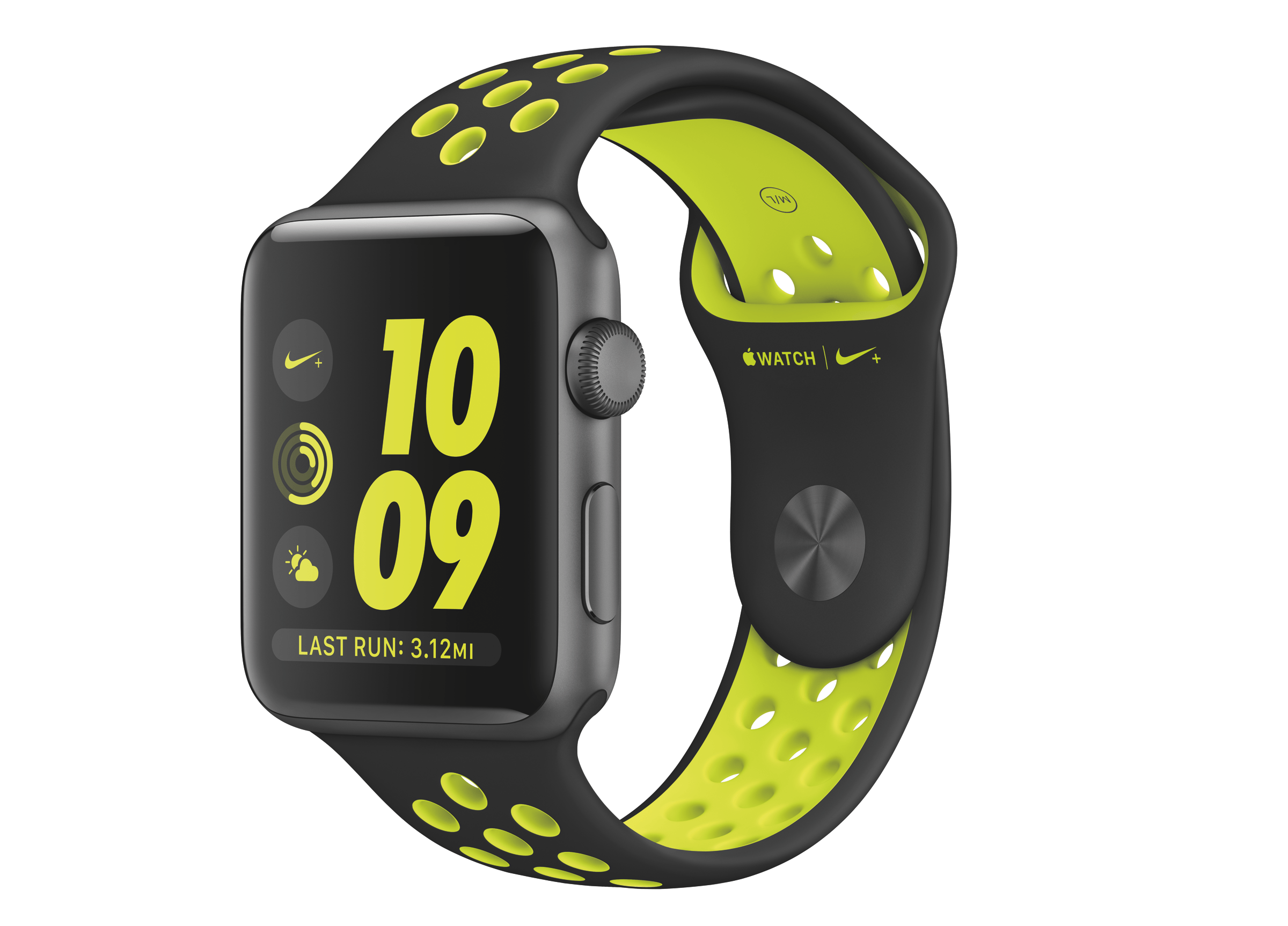
After touting the Apple Watch as the top selling smartwatch in the world, Apple revealed this morning that it will now price the Apple Watch Sport at $299 and $349 for the 38mm and 42mm models, respectively.

In addition to the $50 price drop, Apple introduced new watch bands, including the Space Black Milanese Loop and spring collections of the Leather Loop, Sport, and Classic Buckle. A new category of bands, a Woven Nylon collection, was also shown.

Read more


Great Watch Apps Are Great Complications

Conrad Stoll (via Dave Verwer):

The best Apple Watch apps in my mind are the ones that include the most useful and frequently relevant complications. The watch face itself is the best piece of real estate on the watch. That’s park avenue. It’s what people will see all the time. The complications that inhabit it are the fastest way for users to launch your app. Having a great complication puts you in a prime position to have users interact frequently with your app while inherently giving them quick, timely updates at a glance. It’s an amazing feature for users, and the most rewarding should you get it right.

I don’t think that’s where Apple would like the Watch app ecosystem to be today, and it’s hard to argue against the greatness of complications when “full” apps are slow and barely usable. I also feel like I’m not too enthusiastic about Watch apps right now because (in addition to slowness) my most used iPhone apps don’t offer complications yet.

I also agree with Stoll’s last line – “when a user chooses to place your complication on their watch face that’s when you know you’ve built a great watch app”.

Permalink