

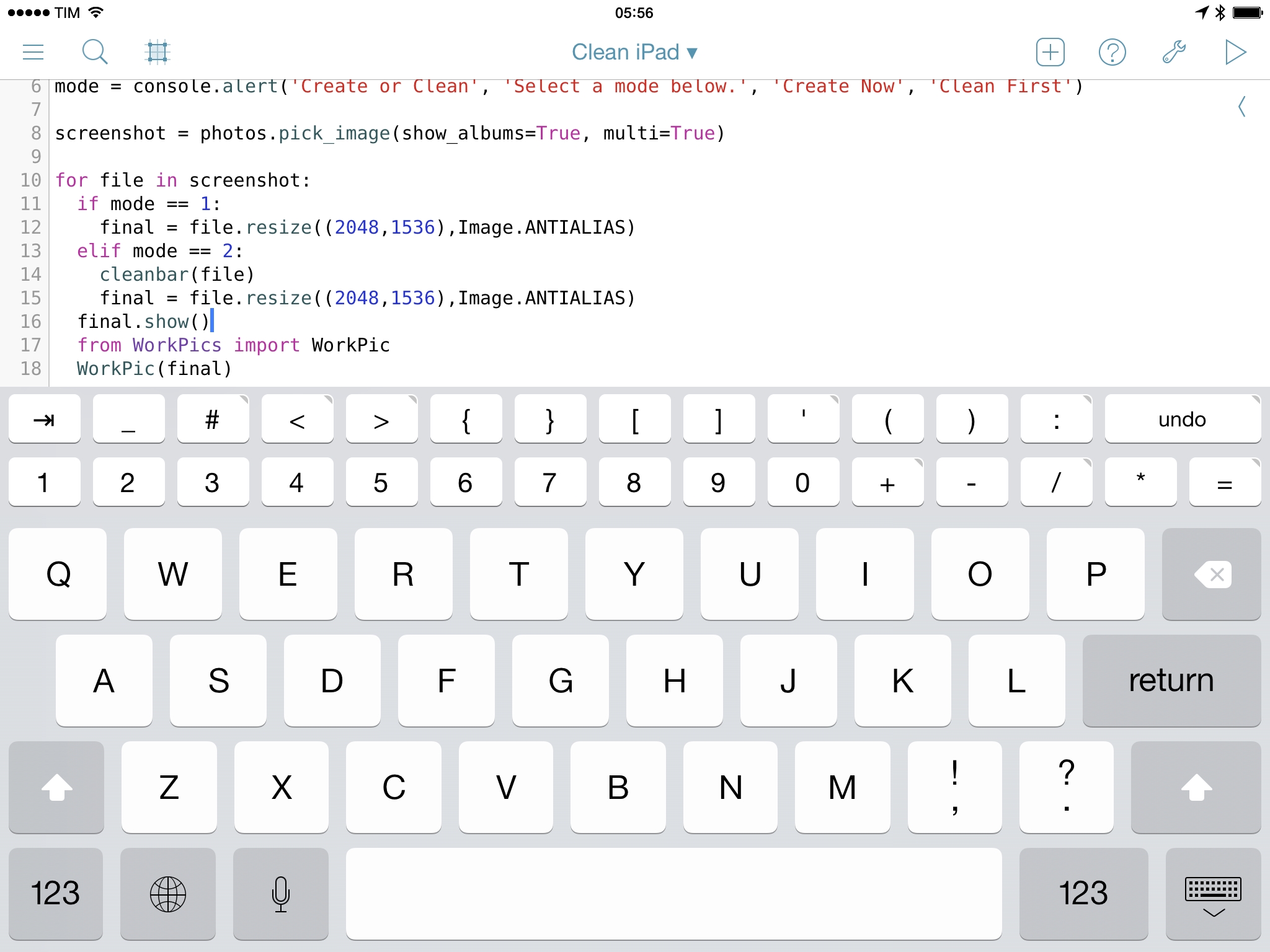
Pythonista 1.5, the latest version of Ole Zorn’s Python interpreter for iOS, has been released today on the App Store, bringing new modules, native integrations, UI refinements, and the removal of the Open In feature to comply with Apple’s App Store guidelines. Pythonista 1.5 is another fantastic update to one of the most powerful and flexible iOS apps ever made, and it follows in the footsteps of Editorial 1.1, released last month.
Pythonista 1.5: Custom Interfaces, matplotlib, and No More “Open In”
Skitch 3.2
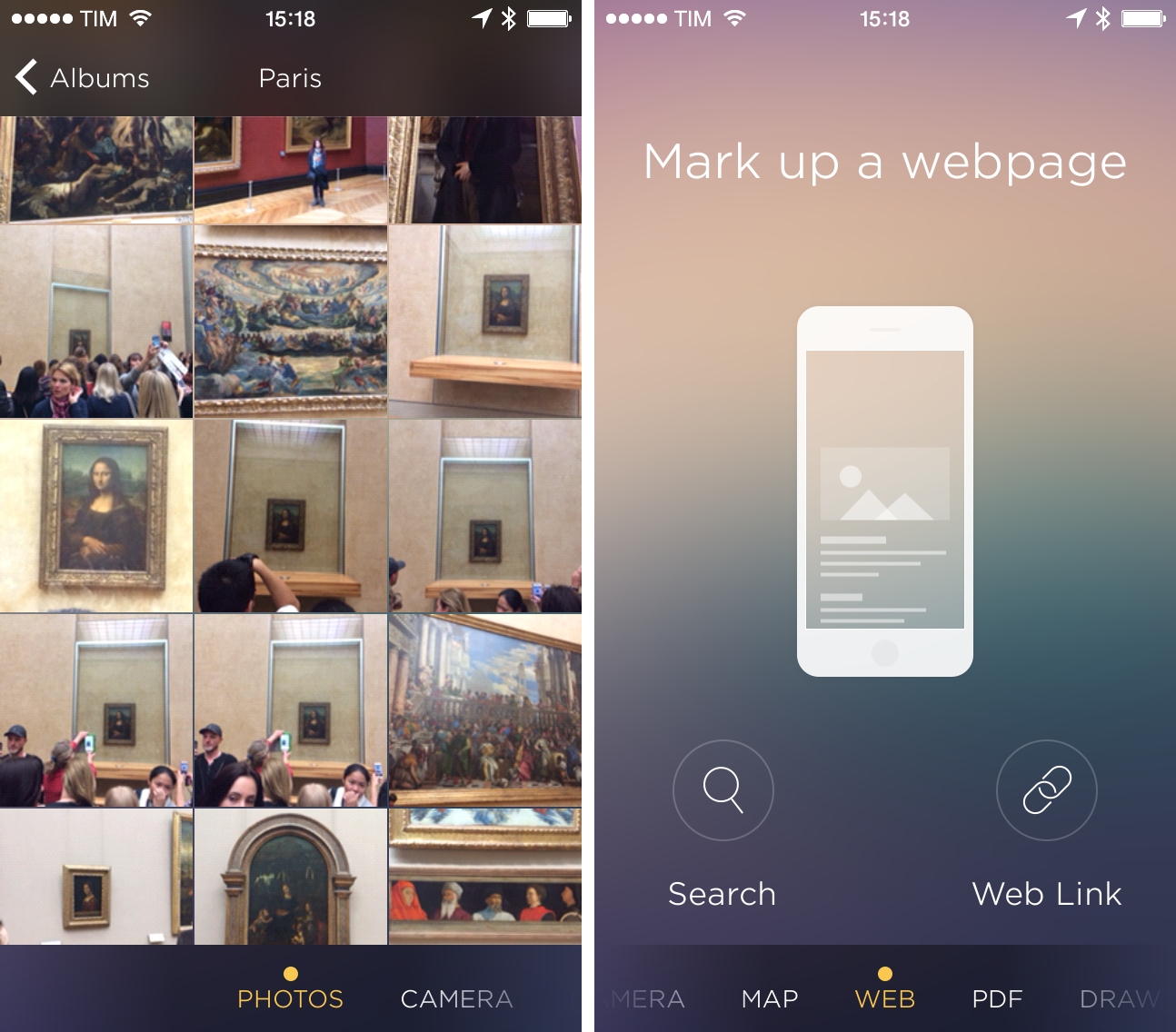
Version 3.2 of Evernote’s Skitch, released last week on the App Store, has brought a welcome redesign that lets you easily pick the kind of image you want to annotate by swiping through screens. I’ve been using this version of the app for some time now, and I believe Evernote has managed to combine the best elements of the iOS 7 redesign with the speed and ease of use that used to be defining characteristics of Skitch.
Instapaper and IFTTT
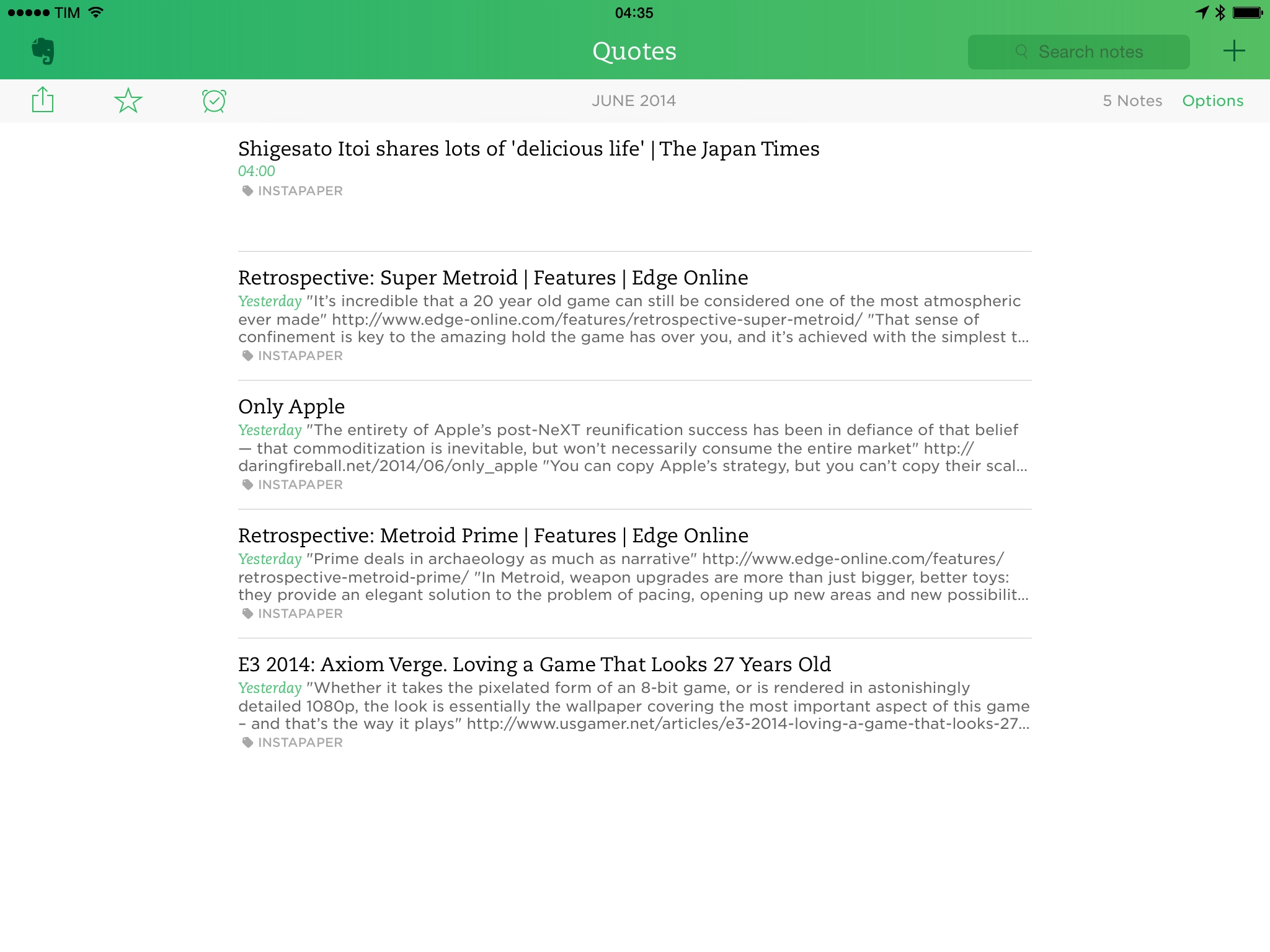
Earlier this week, web automation service IFTTT launched a new Instapaper channel that, unlike the old one, contains a variety of triggers to send items from Instapaper to other channels.
After my recent return to Instapaper (which I’ll write about…someday), I already had a Launch Center Pro action that used IFTTT to save articles to read later, but the new triggers intrigued me, so I decided to try out a couple of additional recipes.
Directional: E3 2014→
This week Federico and Myke do their best to cram in as much E3 news as possible. They discuss some of their favourite game announcements from the show and their overall impressions of each company’s offerings.
In our special Directional episode for E3 2014, we try to mention all the games that caught our interest and we consider some of the general themes and trends of the show. Get the episode here, and don’t miss the show notes.
Only Apple→
Fantastic article by John Gruber on Apple’s WWDC and the state of the company. I particularly enjoyed his thoughts on Tim Cook’s Apple:
The same maestro who was able to coordinate the procurement, assembly, production, and shipment of 76 million all-new iPhones and iPads in one quarter has brought those operational instincts and unquenchable thirst for efficiency to coordinating a Cupertino that can produce major new releases of both iOS and OS X, with new features requiring cooperation and openness, in one year. They’re doing more not by changing their thousand-no’s-for-every-yes ratio, but by upping their capacity.
Tweetbot 3.4 Adds Support for Multiple Twitter Images
The Prompt: Koala Consortium→
This week Stephen leaves Federico and Myke to celebrate The Prompt’s first anniversary on their own. However, they have the help of David Smith to discuss the App Store after WWDC—as well as a whole host of follow-up and fun.
For The Prompt’s first birthday, we invited the good Underscore and discussed his wishes for a better App Store after Apple’s announcements at WWDC.
You can get the episode here, and I would like to thank everyone for listening in the past year. Here’s to many more episodes.
Beyond the Silo: How Apple Plans To Reinvent Document Management with iOS 8
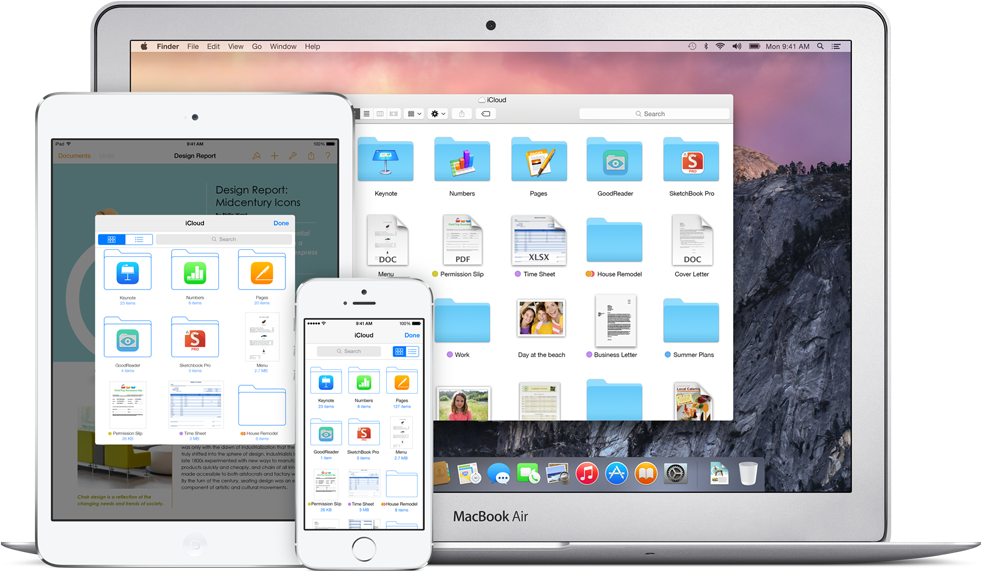
With iOS 8, announced last week at WWDC, Apple is going to bring deep changes to one of the most controversial aspects of its mobile platform: document storage and management. While iCloud will play a big role with a unified iCloud Drive for iOS and OS X, third-party developers will also get a chance to add better file management functionalities to their apps.
The new features and APIs have been detailed by Apple during its opening keynote and in developer sessions throughout the week, and they follow a common thread: apps can now extend beyond their sandbox, accessing documents stored in other apps without creating unnecessary copies. To better understand the importance of these technological changes in iOS 8 and the inherent complexity that they’ll add for developers and users, I want to take a step back and contextualize how iOS currently handles file storage and management.
Apple Expanding Curation To More European App Store Categories
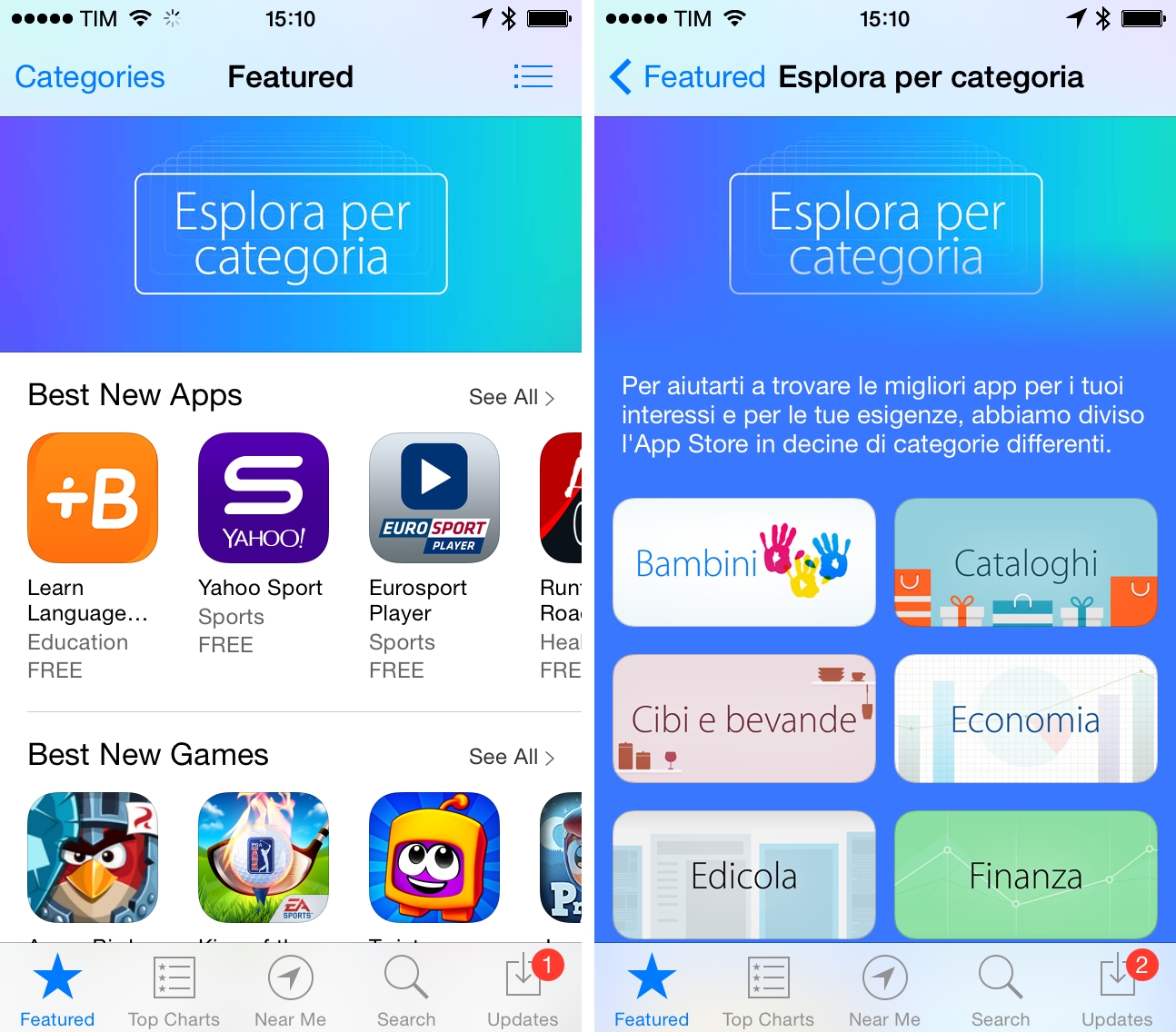
As first reported by The Guardian today, Apple has expanded human curation on the European App Store to seven additional categories, adopting the same custom layout with curated sections and recommendations that was first introduced in the US Store in late 2012.
The Guardian notes that only five European categories were curated by human editors, with algorithms in charge of highlighting popular apps in other App Store categories for European customers:
iPhone and iPad owners visiting the productivity, photo & video, sport, music, lifestyle, health and travel categories will now see recommendations and themed collections of apps from Apple’s editorial teams.
Until today, only five App Store categories – games, kids, education, food and Newsstand – were curated. Homepages for other categories simply displayed lists of new and popular apps chosen by an algorithm.
To promote the increased curation efforts, Apple has included a banner on the front page of several European App Stores, pointing users to a section grouping curated categories. In each category, Apple highlights editorial recommendations, curated collections, themed sections, and “best new apps”. Typically, these app picks are refreshed on a weekly basis.
The refreshed category layout mirrors the work Apple has been doing on the US App Store, but it’s not indicative of the sub-categories that the company will launch with iOS 8. At its developers conference last week, Apple announced Explore, a new App Store section that will allow customers to browse location-based app recommendations, editorial collections, and brand new sub-categories for apps.