

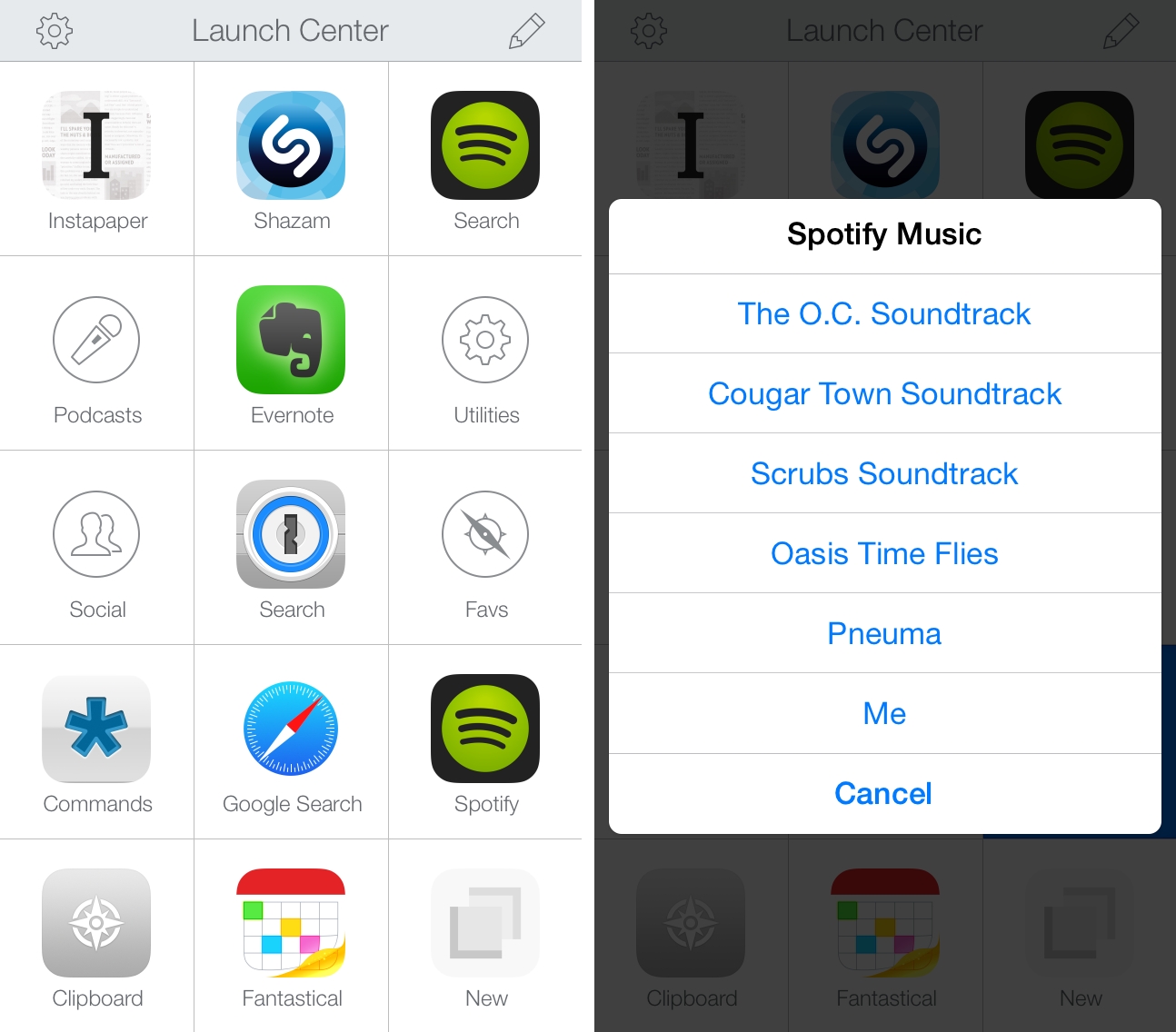
I recently tweeted about a change in the Spotify app for iOS – which I’ve been using to listen to music every day1 – that broke my shortcut to search for songs and artists from my Launch Center Pro action grid. I’ve been trying to identify the culprit and I’ve read documentation about Spotify’s URL scheme and integration with the web app, but I haven’t been able to figure out how to make searches typed in Launch Center Pro work with Spotify again. Therefore, I’ve tweaked my Spotify action setup and settled on a compromise that’s (kind of) working for now.
Spotify Actions for Launch Center Pro
Apple Launches Swift Blog→
This new blog will bring you a behind-the-scenes look into the design of the Swift language by the engineers who created it, in addition to the latest news and hints to turn you into a productive Swift programmer.
Directly from the Swift team at Apple, and there’s already a post about Compatibility. You can subscribe via RSS here.
CMD+Space with Jared Sinclair→
This week Myke is joined by Jared Sinclair. They talk about balancing being a developer and a designer, and his apps Riposte, Whisper and Unread.
Speaking of Myke and podcasts, I particularly enjoyed this episode of CMD+Space with Jared Sinclair. Jared is the creator of Unread – my current favorite RSS reader for iOS – and I found his career path and decisions to be fascinating and inspiring. There are a lot of points worth thinking about in the episode, such as balancing utility and artistry when making apps with a vision, and I highly recommend it.
The Prompt: Stephen for Calendars→
Myke, Federico and Stephen follow-up on Sherlocking and discuss photo management in the light of the upcoming Photos app from Apple. Then Myke shares his experience with Android Wear and the Weekly Picks sound effect gets played for the first time in ages.
It seemed appropriate to discuss one of our dearest topics in the penultimate episode of The Prompt. Get it here.
Five Years of Pinboard→
Perspective does not make you immune to burnout. It just makes burnout less scary. I’ve gone through a few episodes since starting Pinboard, and I’m sure there will be more to come. People have been very understanding about my occasional need to flee the Internet. I find that the longer I run the site, the more resistant I become to the idea of ever giving it up, even if I need to take the occasional break. It is pleasant to work on something that people draw benefit from. It is especially pleasant to work on something lasting. And I enjoy the looking-glass aspect of our industry, where running a mildly profitable small business makes me a crazy maverick not afraid to break all the rules.
A great post on Pinboard’s fifth birthday by Maciej Cegłowski. Pinboard is one of my favorite web services because it does its job well and it’s dependable. There’s a lot to learn from Maciej when it comes to building trust and a profitable business on the Internet.
The End of Our Podcasts and A New Challenge
Today, my friend and co-host Myke Hurley announced that he’s leaving 5by5 to pursue new goals and be independent again. From his blog post:
Today I am announcing that I will be departing 5by5 on July 16th 2014.
The last 18 months have been a tremendous experience, but it is time for me to move on to new things. I have new goals that I want to tackle, and to be able to do this I need to be independent again.
Apple Publishes 2014 Environmental Responsibility Report
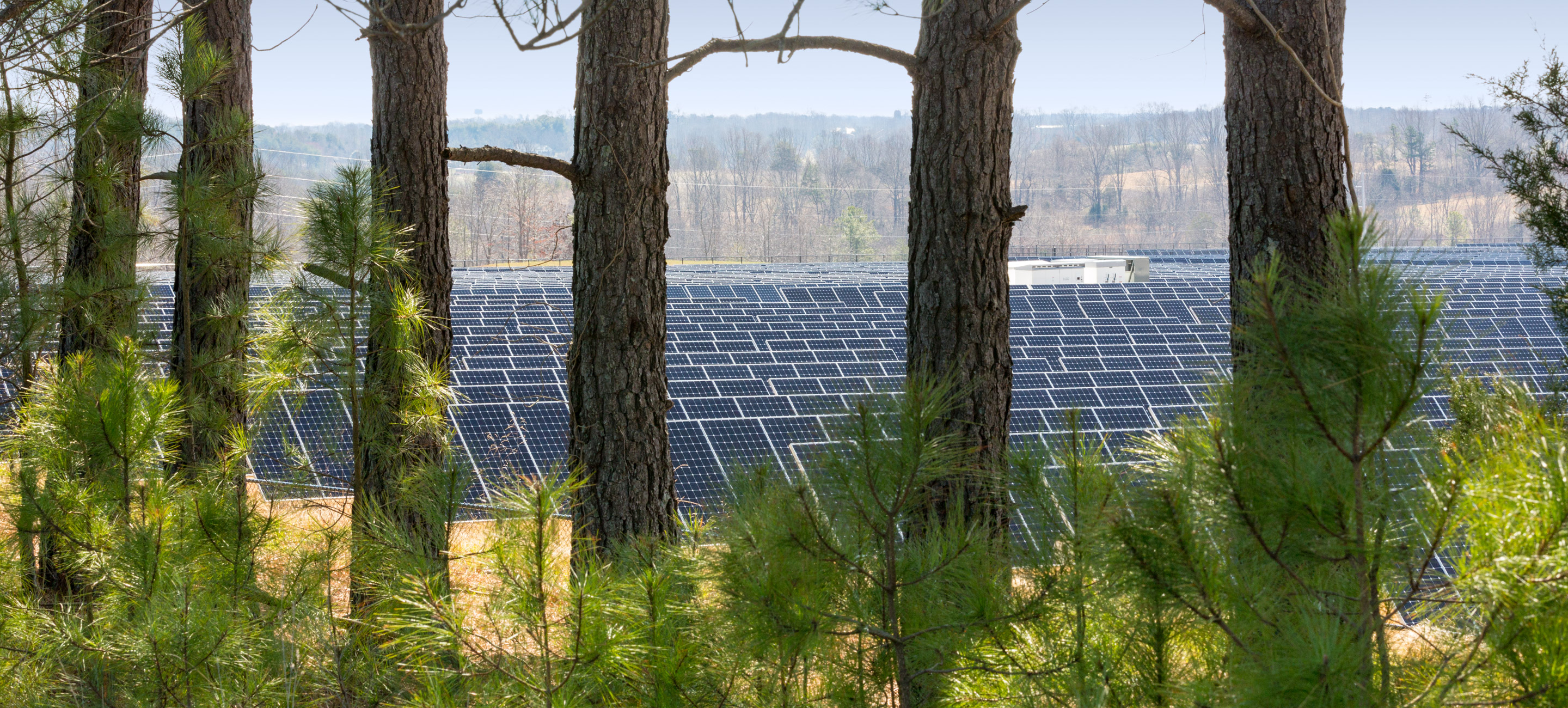
Late on Wednesday Apple published their 2014 Environmental Responsibility Report, detailing Apple’s efforts to reduce their impact on the environment. The company also updated their Environmental Responsibility pages on their website, reflecting the new data contained in this year’s Environmental Responsibility Report.
In the report and on their website, they highlight the significant progress they have made to reducing their carbon footprint. Between fiscal year 2011 to fiscal year 2013, Apple’s carbon footprint from energy use actually dropped by 31 percent, despite overall energy consumption increasing by 44 percent. As for this year’s goal of powering Apple retail stores by renewable energy, they have so far converted 145 of their US retail stores and all 21 of their Australian retail stores to using 100 percent renewable energy (either purchasing from third-party renewable energy providers or participating in
utility green tariff programs).
Directional: Media Centers and Subscriptions→
Panic PunchClock→
Panic has fun with iBeacons:
With this new technology in-hand, it wasn’t too long before I put together a brand new office In/Out tracker called PunchClock. It uses a combination of a geo-fence and iBeacon tracking, plus a simple Sinatra backend hosted at Heroku. The part that took the longest to fine-tune was figuring out the right combination of polling to provide good location information without draining the battery.
Not only does their internal app look great – it’s also available on GitHub for you to play with.