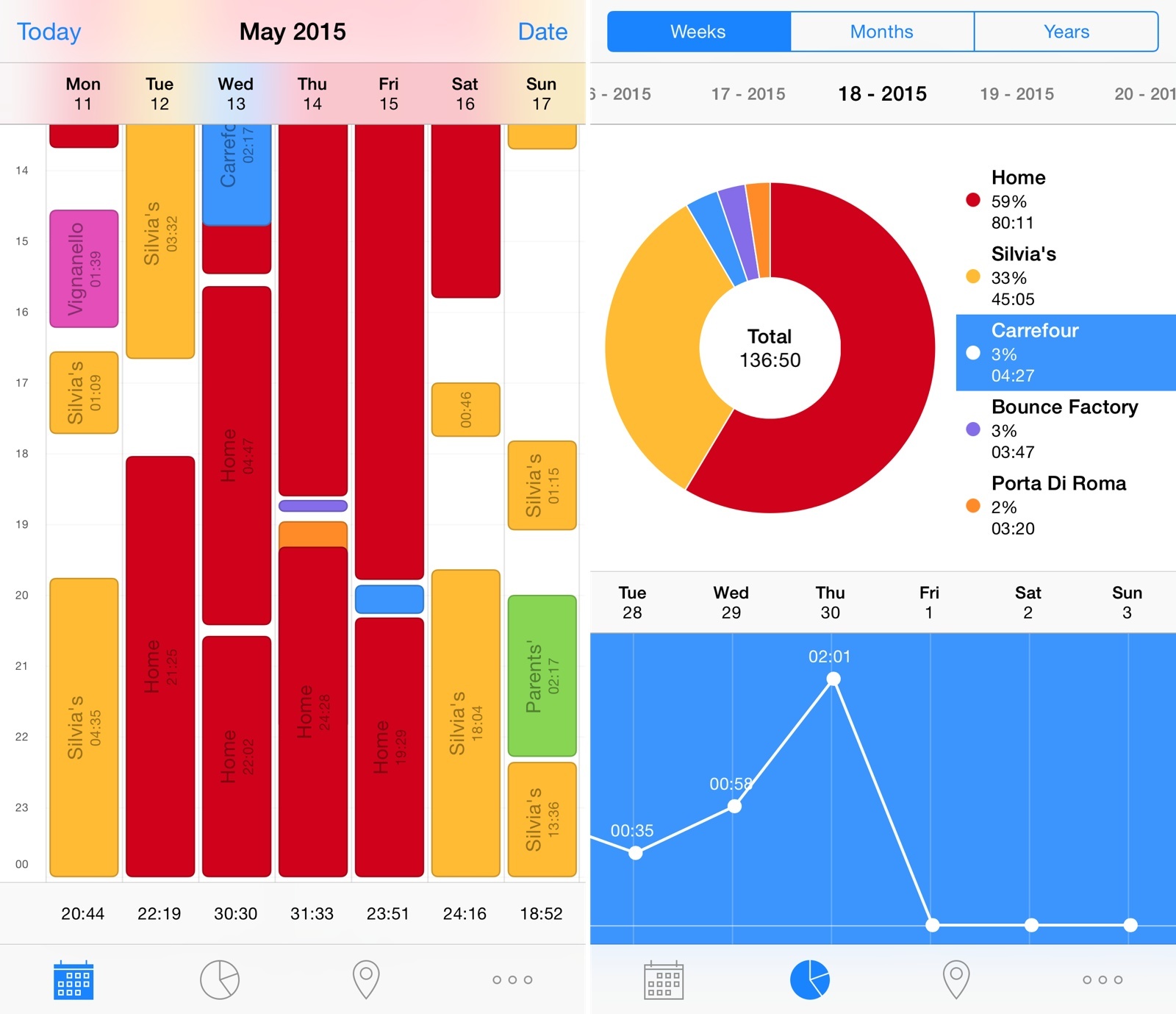
Rewind: Location-Based Time Tracker for iPhone

I’ve always been interested in tracking my location and how I use my time. I’m a highly visual person, and the ability to see where my time is being spent helps me optimize my schedule and tweak my habits accordingly. Unfortunately, polished and full-featured time tracking apps like Hours haven’t scaled in the long run for me – the time I want to track isn’t spent working for clients or freelance jobs, and I always forget to launch an app and start tracking time. The time I want to track is my personal, every day routine; the Google app for iOS can track locations and times continuously in the background, but its visualization is lackluster and not optimized for mobile.

Rewind is an automatic time tracker by noidentity (makers of the excellent Next for iOS) that I’ve been using on my iPhone since early March. Through location tracking and an elegant breakdown of statistics, Rewind does exactly what I want from a mobile time tracker: it tracks where I spend my time automatically in the background, every single day.
Read more


Apple Watch and Continuous Computing

Ben Thompson, writing about Apple Watch and Siri:

Moreover, the Watch may even help Apple to rival Google when it comes to Siri and the cloud: the best way to improve a service like Siri is to have millions of customers using it constantly, and I for one have used Siri more in the last two weeks than I have the last two years. Multiply that by millions of Watch users and you have the ingredients for a rapidly improving service. Perhaps more importantly, the fact that Siri is critical to the Watch’s success in a way it isn’t to the iPhone’s may finally properly align Apple’s incentives around improving its cloud services.

Apple has been improving Siri both in terms of speech recognition and load times considerably over the past two years (they’re now at the third generation of Siri). I’m finding the wrist to be a better activation point for Siri – raising your wrist to talk to a watch like a spy somewhat feels more natural than staring at a phone and speaking into it (although that may come down to cultural heritage and personal taste).

As I wrote in my iOS 9 wishes, faster interactions with all Watch apps (Apple and third-party ones) could be possible with a Siri API. I’m curious to see how Apple Watch will shape Siri’s future.

Permalink


Connected: Nose Scrolling: I Do Not Condone This

This week the Europeans are joined by Sam Soffes to follow up on Redacted for Mac, before discussing Federico’s thoughts on the Apple Watch.

If you’re curious to hear my first impressions about the Apple Watch after six days with the device, this week’s Connected is the episode you’re looking for. You can listen here.

Sponsored by:

  • lynda.com: An easy and affordable way to help individuals and organizations learn. Free 10-day trial.
  • PDFpen Scan+, from Smile: The app for mobile scanning and OCR.
  • Igloo: An intranet you’ll actually like, free for up to 10 people.
Permalink

Igloo: an Intranet You’ll Actually Like [Sponsor]

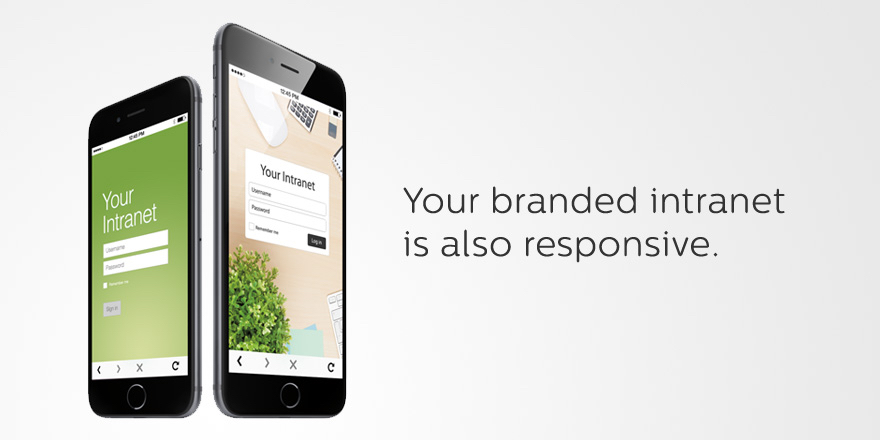
Why invest in the latest, sleekest devices if you are going to use them to stare at an intranet website that looks like it was built in the 90’s? With Igloo, you don’t have to be stuck at your desk to do your work. Your favourite Intranet is also mobile.

Not only can Igloo be customized to look exactly like your brand, but with its responsive design, it’s automatically optimized for almost any device you’re using, including the latest iPhone 6 or 6 Plus. And just like your favourite Apple devices, Igloo helps you do your best work.

Share files, coordinate calendars, provide status updates and manage projects. Igloo’s not just for your traditional intranet stuff like HR policies and expense forms. It also lets you work better together with your teams. And it keeps getting better.

Their latest upgrade, Viking, gives you more control over how you interact with documents, gather feedback and make changes. They’ve even added the ability to track who has read critical information (like read receipts in your email, but less annoying) to keep everyone on the same page. You can manage your task list from your laptop during a meeting, share status update from your phone as you are leaving the client’s site, and access the latest version of a file from home (and who doesn’t like to work in their pyjamas?).

Everything is now mobile – work should be too. Not convinced yet? Igloo understands love doesn’t happen overnight. Try Igloo for free for as long as you want with 10 of your favourite coworkers.

Our thanks to Igloo for sponsoring MacStories this week.


Apple Releases Watch OS 1.0.1

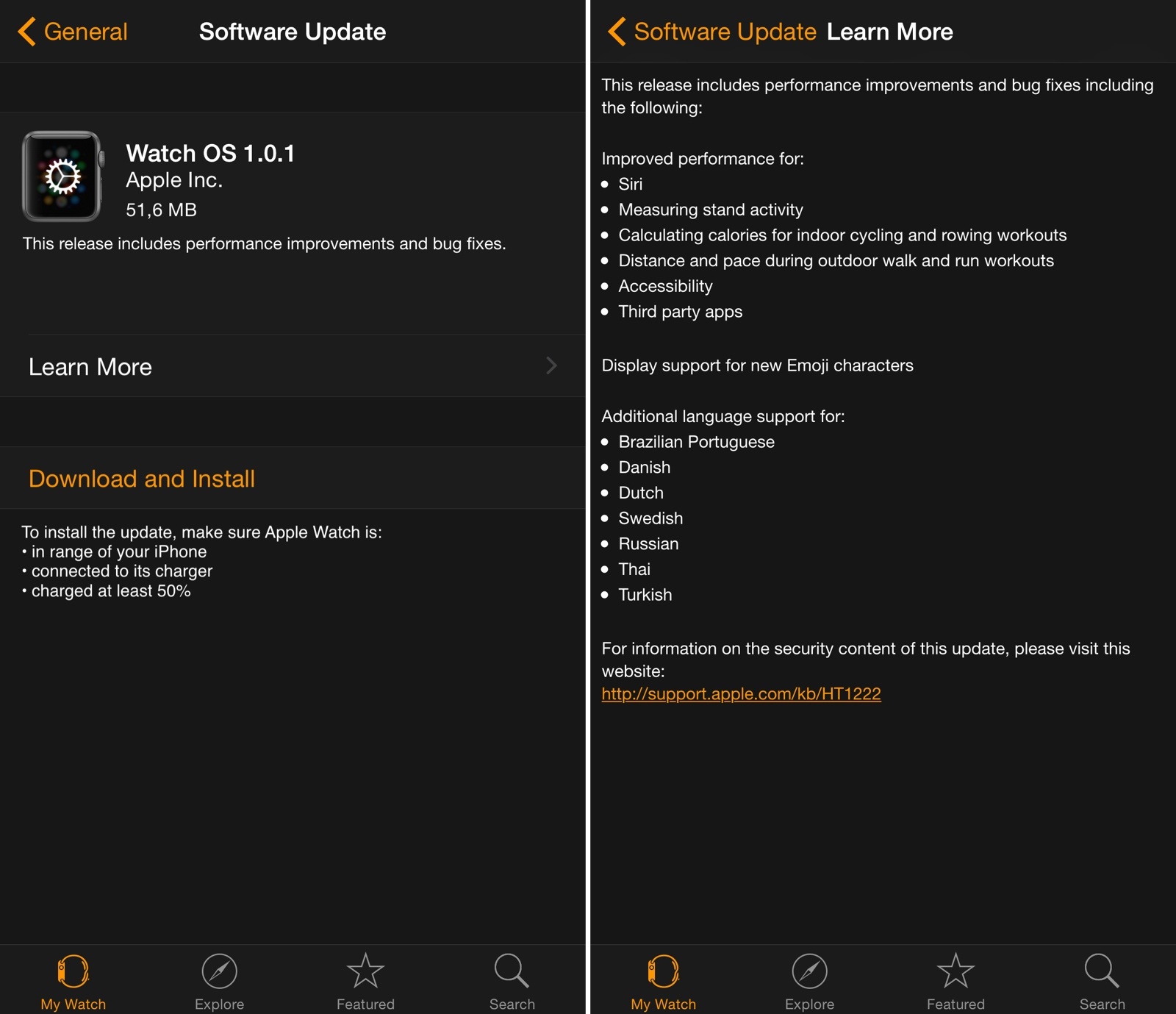
Apple has released the first update for Watch OS today, bringing a variety of improvements for Siri, third-party apps, and fitness features on Apple Watch.

In the first update since the device’s launch, Apple highlights improved performance for measuring stand activity and calculating calories for indoor cycling and rowing workouts, three of the Apple Watch’s fitness-oriented functionalities. The update also notes that Siri and third-party apps should have better performance now – notably, a number of initial reviews of the Apple Watch noted how apps (based on the WatchKit framework) were slow to load and prone to errors.

Watch OS 1.0.1 is available now in the Software Update section of the Apple Watch app for iPhone. You can find the full changelog in the screenshot above.


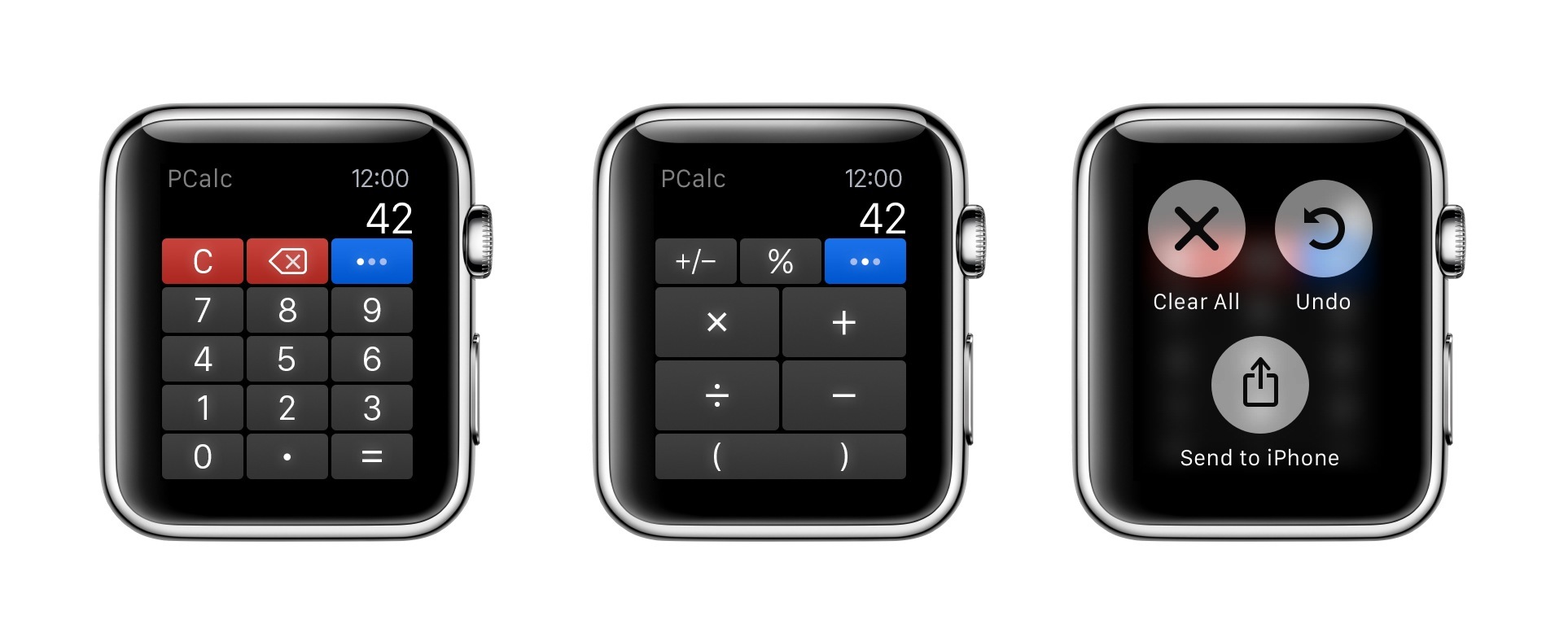
PCalc for Apple Watch

For a few months now, I’ve been using PCalc as my only calculator and currency converter on iOS. As I wrote last year after the release of the app’s iOS 8 update, the ability to customize layouts and have fast access from Notification Center lets me launch PCalc quickly from anywhere and come up with my own custom buttons for frequent calculations and conversions.

Read more


The Accessibility of Apple Watch Bands

Last summer, I wrote an article for iMore in which I stress the importance of looking at hardware in accessibility terms. I wrote, in part:

Assessing the kinesthetic, tactile value of using an iPhone or iPad is just as important as assessing the software it runs. Speaking from personal experience, not only am I visually impaired but I also suffer from a mild form of cerebral palsy. What this means is, for me, the strength in my hands and fingers are substantially less than that of a fully-abled person. Hence, it takes much more effort to hold things — in this case, my iOS devices — as well as do things on my devices, like typing. Because of this, my approach to buying a new iPhone or iPad depends not only on 64-bit systems-on-a-chip and improved cameras, but also how the device feels in my hands: the weight, width, thinness, etc.

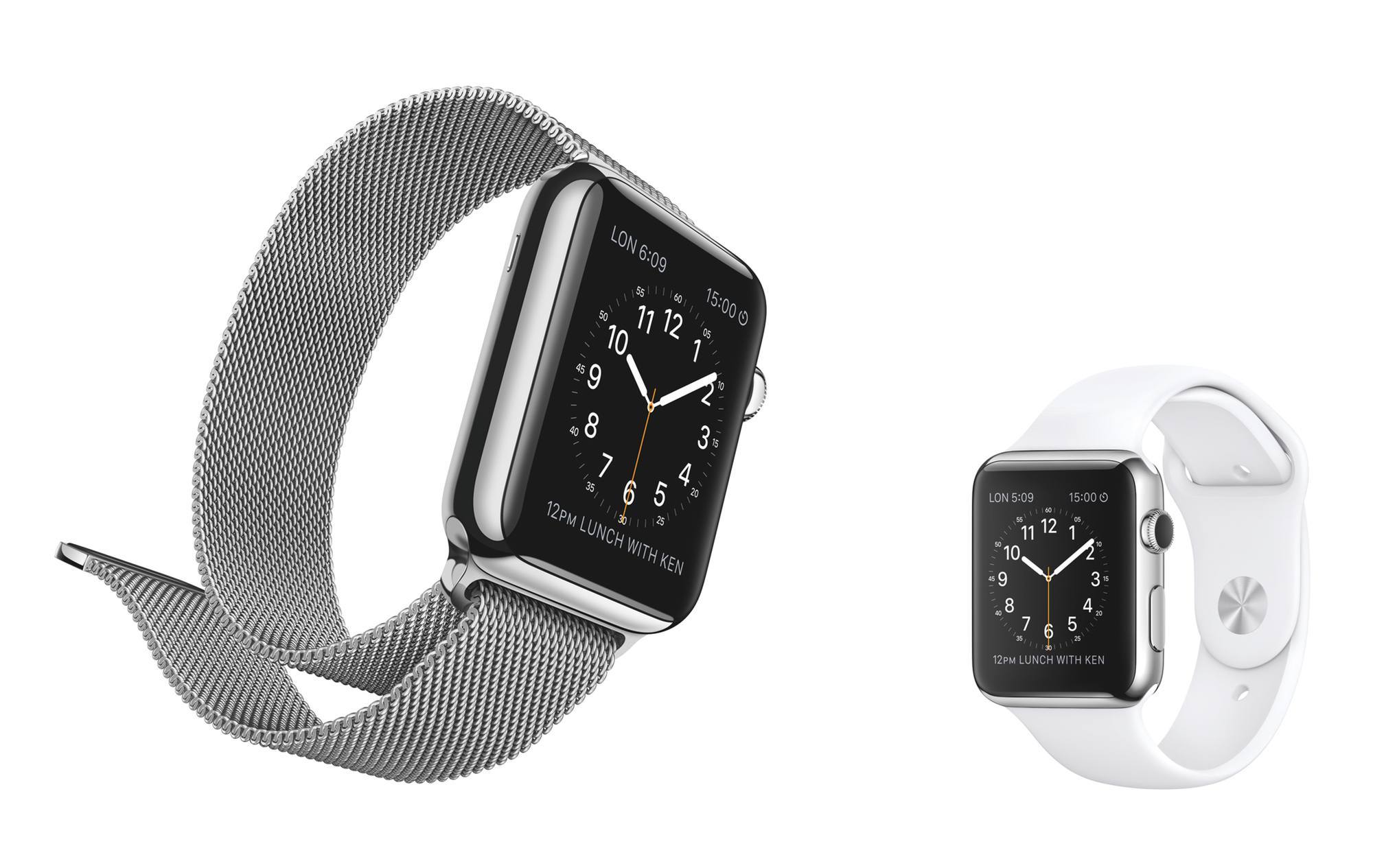
What applies to iPhones and iPads also applies to Apple Watch. In the context of the Watch, the hardware that is most crucial, accessibility-wise, are the bands. To folks like me who suffer from motor delays, the ability to successfully get the Apple Watch on and off is as key to a positive user experience as the quality of the software it runs.

Read more


Apple Refreshes 15-inch MacBook Pro with Force Touch Trackpad & Introduces Lower Priced Retina iMac

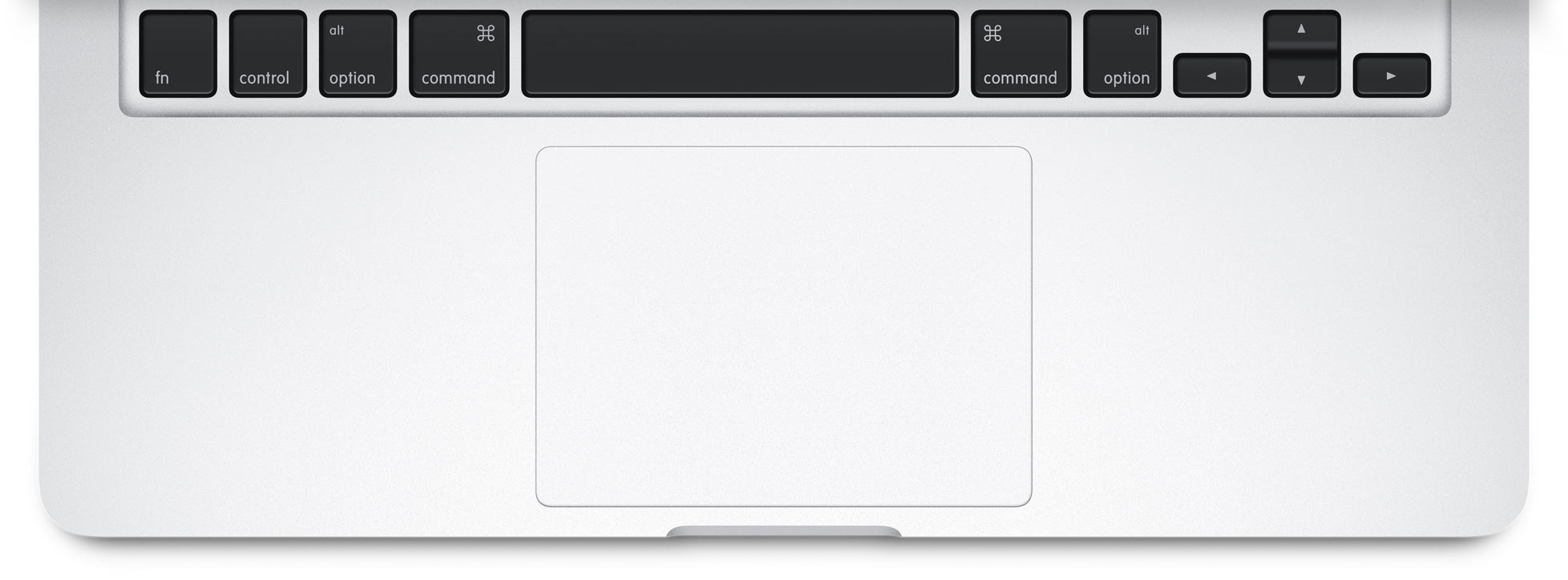
Apple today refreshed the 15-inch MacBook Pro, bringing the Force Touch trackpad, faster flash storage, longer battery life and more powerful graphics performance to the product line. The changes come after the 13-inch MacBook Pro was upgraded earlier this year alongside the debut of the new MacBook, both of which included the new Force Touch trackpad.

The new 15-inch MacBook Pros start at $1,999 and come with a 2.2GHz quad-core Intel Core i7 processor, 16GB memory, 256GB flash storage and Intel Iris Pro graphics.

Apple also released a new configuration of the iMac with Retina 5K display. The new configuration comes in at a lower starting price of $1,999 and includes a 3.3GHz quad-core Intel Core i5 processor, 8GB of memory, 1TB storage and AMD Radeon R9 M290 graphics.

“The response to the new MacBook and updated 13-inch MacBook Pro with Retina display has been amazing, and today we are thrilled to bring the new Force Touch trackpad, faster flash storage and longer battery life to the 15-inch MacBook Pro with Retina display,” said Philip Schiller, Apple’s senior vice president of Worldwide Marketing. “Customers love the groundbreaking iMac with Retina 5K display, and now with a new lower starting price, even more people can experience the best desktop we’ve ever made.”