
Real Design Work on an iPad

Khoi Vinh makes some good points about using an iPad for design work. Among his list of suggestions, I’d point out better clipboard support on iOS:

Robust clipboard. The Mac’s clipboard is still relatively simple—it holds one thing at a time and allows you to paste it in any app that supports its current contents—but iOS’s clipboard isn’t even as capable as that. It would be a boon in itself to have more pervasive support for that simple level of copy and paste throughout the app ecosystem, but I would argue that iOS’s far more constrained interaction model should sport an even more advanced clipboard than the Mac’s. You should be able to save multiple clipboard items of multiple media types; each app that supports the clipboard should allow you to paste the most recently copied compatible item. That would significantly reduce the friction inherent on iOS in pulling together content from multiple sources.

Requests for better clipboard management on iOS go back a long way. Even trivial tasks such as copying rich text from one app and pasting into another one can be problematic on iOS (for “fun”, try to build workflows to paste rich text in iOS 9’s Notes. I’ll wait.). There are excellent solutions for third-party clipboard management (Clips and Copied – I use the latter now), but it should be native to the OS. There’s still plenty of low-hanging fruit for Apple to pick on the iPad.
Permalink

Sketch Is Leaving the Mac App Store

Sketch, the popular image creation and design tool for OS X and winner of an Apple Design Award in 2012, is leaving the Mac App Store. Developer Bohemian Coding has announced the move in a blog post today:

Today, we’re announcing an important change in how you receive updates to Sketch. After much thought, and with a heavy heart, we’re moving Sketch away from the Mac App Store. If you’re a Mac App Store customer, all you need to do is download Sketch from our website, launch it and enter your email address to receive your license.

As for the reasons behind this decision, Bohemian Coding mentioned a few usual suspects:

There are a number of reasons for Sketch leaving the Mac App Store—many of which in isolation wouldn’t cause us huge concern. However as with all gripes, when compounded they make it hard to justify staying: App Review continues to take at least a week, there are technical limitations imposed by the Mac App Store guidelines (sandboxing and so on) that limit some of the features we want to bring to Sketch, and upgrade pricing remains unavailable.

Sketch is, quite possibly, one of the most popular image editing apps for professionals who use Macs nowadays, and it’s yet another high-profile departure from the Mac App Store. Bohemian Coding doesn’t rule out returning to the Mac App Store if things change, but, for now, they are going to be selling the app directly on their website.

At this stage, we are far beyond the point of acknowledging there is a problem on the Mac App Store. We are not talking a bunch of isolated cases anymore – leaving the Mac App Store has become an accepted trend among developers, which is compounded by the sad state of abandon in which Apple has left it and other issues developers illustrated in the past.

The simple reality is that, gradually, developers of the best apps for OS X are finding it increasingly hard to justify doing business on the Mac App Store. I hope Apple also sees this as a problem and starts doing something about it.

Permalink

Thoughts on the Inevitable Demise of the 3.5mm Audio Jack on the iPhone

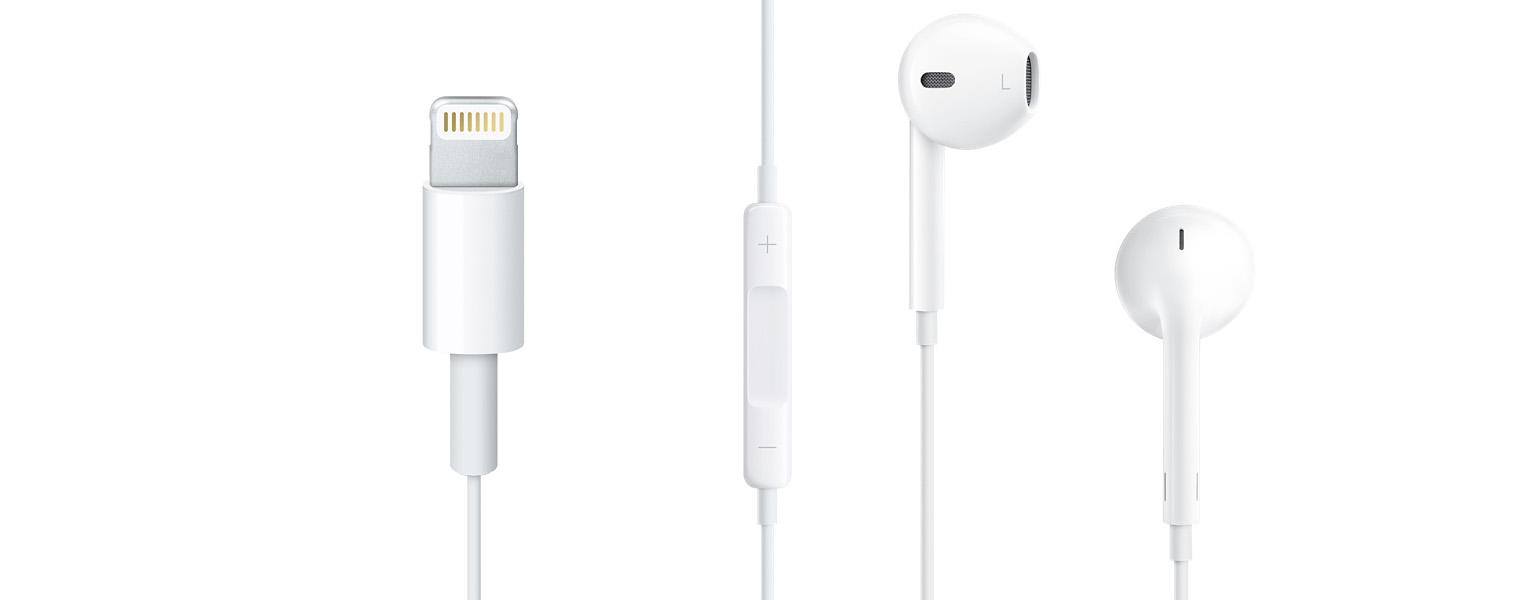
There are once again rumors that Apple is going to remove the 3.5mm audio jack from the next iPhone, this time courtesy of a report from Japanese website Macotakara. The Macotakara report goes on to suggest that audio output on the iPhone 7 will be handled via the Lightning connector and Bluetooth, and that the EarPod included with every iPhone will be upgraded and use the Lightning connector.

It’s too early to tell whether Apple really will get rid of the 3.5mm audio jack on the iPhone 7 next year, but I think the real question is when will they get rid of it, not if they get rid of it. In my eyes, it’s either going to happen in 2016 with the iPhone 7 or 2018 with the iPhone 8. I will be amazed, probably dumbfounded, if we get to 2020 and our phones still have the same 3.5mm audio jack. Although Macotakara implied that the reason for removing the audio jack is to make the iPhone thinner, I think the more likely reason is a combination of making it thinner, but also freeing up the volume of space that is occupied by the audio jack internally. Every extra cubic millimeter that they can stuff a battery into is no doubt important (and one of the reasons the Lightning port is so much smaller than the older 30-pin connector).

Given the premise that I think Apple will (at some point) ditch the audio jack, the next question is how they can possibly achieve that with the smallest adverse impact on customers, which should surely be the top priority. The easiest answer, is of course, not to do it. The iPod touch is already just 6.1mm, compared to the iPhone 6 which is 6.9mm, and the iPhone 6s is 7.1mm (thicker because of the addition of 3D Touch). You’ll note that despite being an entire millimeter thinner than the iPhone 6s, it still has an audio jack — as does the iPod nano which is just 5.4 mm thick. So there’s a question as to whether 2016 is really the year that Apple should remove the audio jack — maybe they can hold out a few more years.

But for the sake of argument, let’s say that Apple wants to remove the audio jack from the next iPhone and that they’ve already decided to do this. Yes, it will be a painful transition, but I also think that there’s a lot that Apple can do to ease the transition.

Read more


iBedside and Prop ’n Go [Sponsor]

iBedside is an elegant bedside caddy for storing and charging your iPad and iPhone overnight. A magnetic shelf flips down with a flick and 3 full-size pockets hold most any gadget or book. Two discreet side holes and inner loops keep charging cables out of sight and right in place every night. iBedside starts at $30 and is available in 5 different color options.

Prop ’n Go is a comfortable stand for iPads and MacBooks with 14 easily adjustable angles. Wrapped in cozy memory foam, Prop ’n Go is perfect for keeping gadgets at just the right angle while lounging on the couch or laying in bed. It starts at $30 in 7 different colors.

Both iBedside and Prop ’n Go are in-stock and shipping for free worldwide via Amazon US, CA, and EU, and make for great holiday gifts. Made in Seattle by crafters making liveable wages.

Our thanks to Padded Spaces for sponsoring MacStories this week.


Can the MacBook Pro Replace your iPad?

This article by Fraser Speirs is going to upset some longtime Mac users – for me, it perfectly encapsulates all the reasons why I decided to move from a MacBook to an iPad (and now an iPad Pro) as my main computer. Two highlights:

Firstly, consider the hardware. The huge issue with the MacBook Pro is its form factor. The fact that the keyboard and screen are limited to being held in an L-shaped configuration seriously limits its flexibility. It is basically impossible to use a MacBook pro while standing up and downright dangerous to use when walking around. Your computing is limited to times when you are able to find somewhere to sit down.

And:

If you are a road warrior, the MacBook’s total lack of cellular connectivity options would be a serious hinderance to a cloud-based storage lifestyle in any case. You would think, for a device that costs up to twice as much as the most expensive cellular iPad, that Apple could afford to offer LTE radios in these devices. Sadly, MacBook Pro owners are stuck with tethering to their iPhones and burning through data plans. While tethering Macs to iPhones has improved in recent years, it will never be as good as a built-in LTE radio.

I couldn’t have said it better and the entire premise of the article is genius. This is exactly why I don’t want to use a MacBook any longer – I simply feel constrained by what others see as benefits of the platform.

One particular mention for Fraser’s note at the end – “If journalists reviewed Macs like iPads”.

Permalink

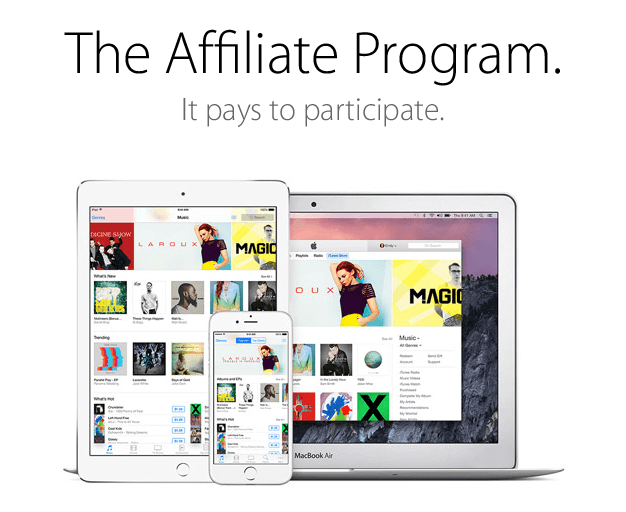
A Comprehensive Guide to the iTunes Affiliate Program

Inexpensive software and other tools, coupled with ubiquitous Internet access, have made it easier than ever for creative people to reach a large audience. Whether you are a writer, a podcaster, a video producer, a software developer, or a maker of some other description, distribution has been reduced to a mere implementation detail.

Yet, with barriers to entry being lowered, this also means that it’s never been more difficult to make a living online. Right now, if you run a website, advertising rates are down while readers are blocking ads in ever-increasing numbers. Podcasters are doing better as sponsorship rates are superior to web ads, but it’s a relatively new medium dominated by a relatively small group of companies that sponsor the most popular shows. The resulting concentration makes many podcasts vulnerable to losing the majority of their income if a sponsor leaves. Meanwhile, app prices continue to race toward free on every platform.

One of the keys to succeeding in any online market where supply outstrips demand, or where risk is concentrated, is to remain nimble and distribute the risk. People have experimented with all sorts of revenue models as a hedge against this uncertainty. Memberships and patronage systems are options that let “super fans” support work that they value more than others. But, there’s another option you should consider that has a lower barrier to entry, the potential to reach a far wider audience, and once set up, works on autopilot, producing cash without any intervention by you and at no added cost to your audience – the iTunes Affiliate Program.

In March, I launched an iOS app called Blink that makes it easy to create links for the iTunes Affiliate Program. I know writers, developers, and podcasters who have used the program successfully for years, but each had their own unique, quirky, and often fiddly solutions for generating links. I set out to streamline that process so they could concentrate on their craft instead of links.

But, Blink is just a tool. It leverages Apple’s iTunes Affiliate Program to help creative people build a sustainable business, but outside of a savvy core of people who recognize that the affiliate program helps them keep doing what they love, the program is still largely unknown. The purpose of this article is to fix that – to lay it all out comprehensively.

There is a lot here on the program because who doesn’t like a nerdy “deep dive” into almost anything? Don’t let that intimidate you. At its core, the program is dead simple. There are tools, like mine, to make linking easier once you have signed up, but you don’t need them to get started.

Read more


Virtual: You Make Your Own Classics

This week Federico and Myke discuss whether old games are really still worth playing today, before talking about Goat Simulator, and a Hydraulic set-up for GTA V.

If you’ve ever wondered whether you still like old games or if you’re looking at the past with rose-colored glasses, this week’s Virtual should help in your quest. You can listen here.

Sponsored by:

  • Squarespace: Build it Beautiful. Use code INSERTCOIN for 10% off.
Permalink