That Emoji Does Not Mean What You Think It Means

Alissa Walker, writing for Gizmodo on a fascinating study about emoji implementations across different platforms:

A study by the GroupLens Research team at the University of Minnesota examines the variations between some popular emoji presentations and how they are perceived. The most widely misinterpreted is the “grinning face with smiling eyes” emoji, which—depending on the platform—can range from the rosy-cheeked cherubic face of glee to the anguished clenched-teeth look of constipation.

Just seeing the difference in emoji presentations is revelatory in itself. But then it gets even more interesting. GroupLens researchers asked subjects to rate 22 anthropomorphic emoji from five platforms by sentiment, using a scale that ranged from strongly negative (-5) to strongly positive (5). And here’s where you start to see where “grinning face with smiling eyes” goes so very wrong. Apple’s average sentiment ranking was almost -1, while Microsoft, Samsung, LG, and Google all were 3 or above.

It’s curious to see what happens when you only have a loosely defined standard.
Permalink

Daylite: The Productivity App for Individuals and Teams, Exclusively for Mac and iOS [Sponsor]

This week is sponsored by Marketcircle, the developers of Daylite.

Daylite is a business productivity app that organizes your contacts, calendars, tasks, emails, notes, projects, and new business opportunities – all in one app. It helps you stay on top of calls and meetings, prioritize your tasks, and track projects and new business opportunities on your Mac, iPhone, and iPad.

You can use Daylite on your own to manage your solo business, or use it within a team to schedule meetings, delegate tasks, and track projects together. Daylite is a native app so you don’t need an Internet connection to use it. Your information is stored right on your Apple device so it’s always with you. When you get an Internet connection, it syncs your Mac, iPhone, and iPad so you and your team are up-to-date.

Daylite is loved by consultants, real estate agents, lawyers, photographers, designers, and more. For many small businesses, Daylite is the lifeline of their business and “makes order out of what would otherwise be chaos”. Learn how small businesses use Daylite to stay organized and increase productivity on Marketcircle’s website.

Our thanks to Marketcircle for sponsoring MacStories this week.


Apple Debuts New Apple TV Ad, ‘Father Time’

Actor Michael B. Jordan and NBA legend Kobe Bryant star in a new Apple TV commercial called ‘Father Time’ that highlights the Apple TV’s Siri integration. Bryant who announced his retirement at the end of the 2015-16 NBA season, sits down on a couch with Jordan and says “Siri, open the NBA app.” The app opens and the two begin watching footage of Bryant’s early career. Bryant explains to Jordan, “That’s the guy you’re playing in this movie, a cold blooded assassin.”

Jordan clearly has something different in mind. He grabs the remote and asks Siri to play The Curious Case of Benjamin Button and then to fast forward to 20:36 where he pauses the movie on an image of Brad Pitt as an old man and says “Now that’s the guy I’m playing in this movie”, at which point Bryant kicks Jordan out. The minute-long advertisement is funny and cleverly manages to incorporate both sports and movie content on the Apple TV, while also demoing some of the core Siri features on the Apple TV.


Canvas, Episode 7: Scanning with iOS Devices

Scanning with just the camera on the back of the device is an area of iOS that has been around for many years and has matured significantly over that time. The latest generation of iOS scanner apps, coupled with ever-better cameras on our devices are really very usable scanners indeed. Couple that with increasingly sophisticated post-scan workflows and you have a tool that James Bond could only dream of.

On last week’s episode of Canvas, we talked about one of the kinds of mobile software that has been reinvented by the iPhone’s camera – scanner apps. There’s a lot of choice when it comes to scanning documents and going paperless on iOS. You can listen here.

Permalink

Find Local Movie Showtimes with Snapseat

As established companies with deep pockets fill the App Store, small developers often struggle with entering a genre with existing competitors. For the app to succeed at all, it must be far more compelling the alternatives, often requiring competitive and standout pricing.

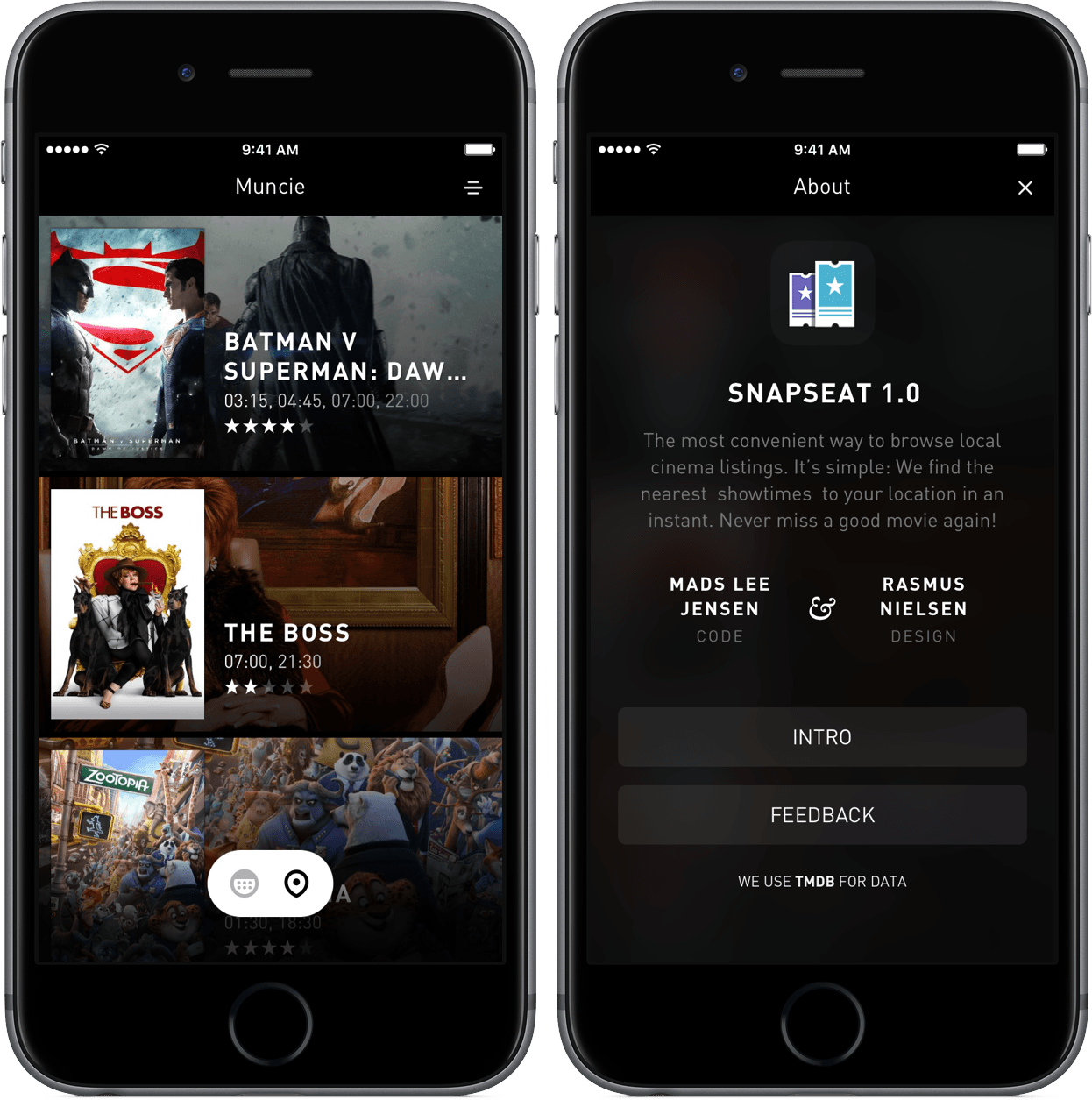
Snapseat, an app for finding showtimes and information about movies, is very similar to Fandango, which poses a question: what makes it different?

Read more


Microsoft Launches Hub Keyboard for iOS

Microsoft has been on a roll on iOS lately. In addition to the news from the Outlook team that Sunrise integrations are coming back as Calendar Apps for Outlook on iOS, Microsoft Garage, its experimental apps project, launched an iOS keyboard called Hub.

Hub, which has a nice clean design, is tightly integrated with Microsoft Office 365. Hub has an extra row at the top of the keyboard that lets you paste from a clipboard history, your contacts, or your OneDrive and Sharepoint documents. Hub, which is a free download on the App Store, can also help you translate what you type into other languages.

Permalink

Microsoft Bringing Back Sunrise Integrations as Calendar Apps for Outlook

Since Microsoft acquired Sunrise last year and began the process of integrating it with Outlook, I’ve been wondering when they’d bring back the popular third-party integrations of Sunrise. That became clear today with the launch of three Calendar Apps for Outlook on iOS – Wunderlist (obviously), Facebook, and Evernote.

Here’s the Outlook team, writing on the company blog:

This is why we are launching Calendar Apps for Outlook on iOS and Android. With Calendar Apps, you can connect your apps—Wunderlist, Facebook and Evernote to start with—to see all your tasks, events and notes from your digital life in one place: your Outlook calendar. By connecting your calendar with a wide range of services, Outlook will be able to provide you with a far better view of your day, week and months ahead.

Those of you who use and love Sunrise will be familiar with this capability. Since the Sunrise team joined Outlook, we’ve been hard at work bringing all the goodness and extra features from their app directly into our calendar to give you a single, powerful app for managing your personal and professional life. Calendar Apps, along with a two-week mini-calendar, three-day view and iOS calendar widget, have already made it to Outlook, with Connected Calendars up next.

Smart move, and something I don’t see Apple doing either. I hope they’ll open up the platform to more services soon.

Permalink

Activity++ Review

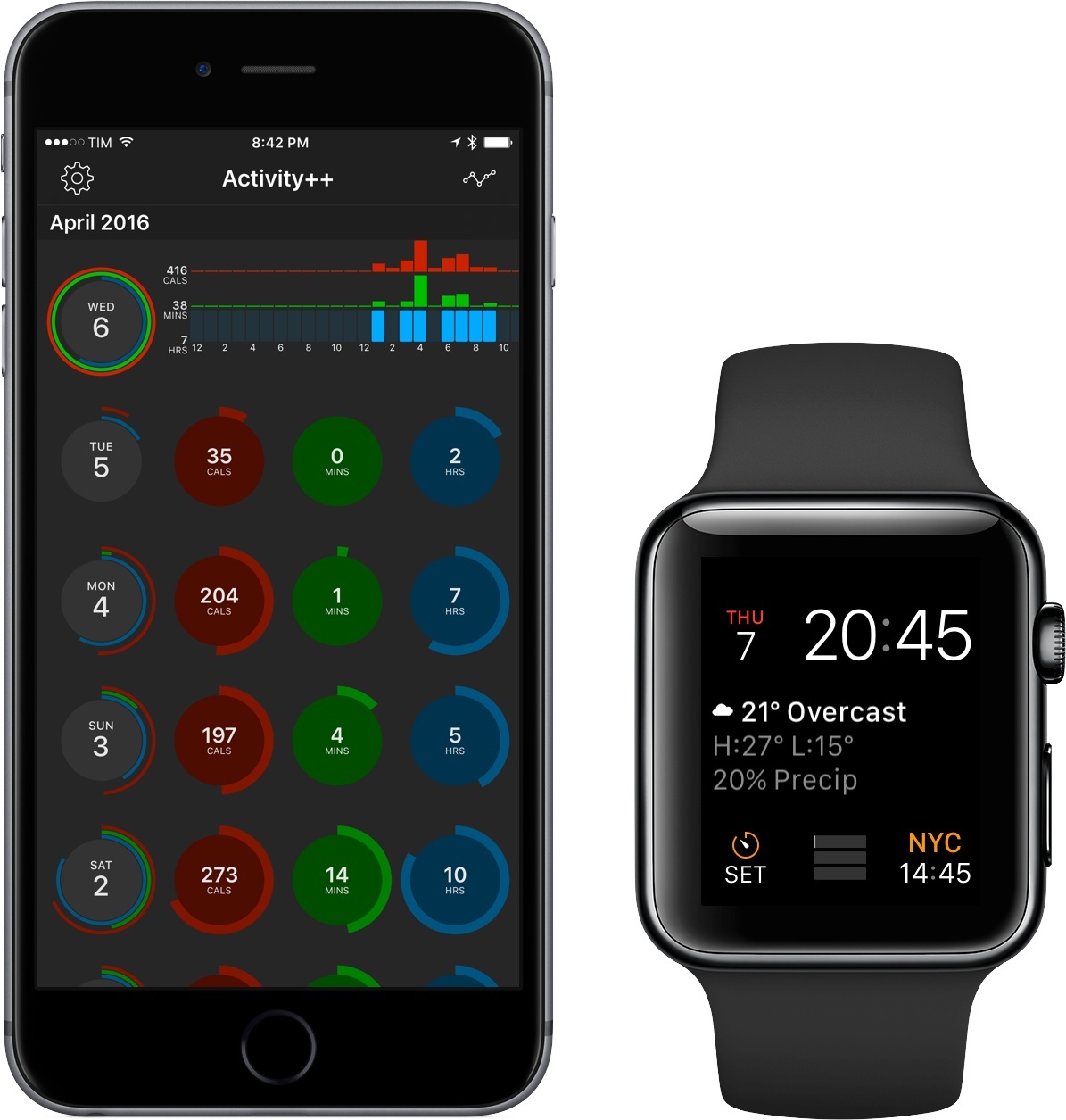
After creating the wildly useful Sleep++ and Pedometer++, iOS veteran David Smith has returned with Activity++. Smith’s newest venture is set on improving what’s already been done with activity tracking for the Apple Watch. Along with its $2.99 price tag, Activity++ is a bold move in the progression of solid apps from Smith and one that, rather unsurprisingly, looks to be a great step forward.

Read more