Today, Apple announced the finalists for its App Store Awards, a selection of apps picked by the App Store Editorial team each fall to recognize “exceptional user experience, design, and innovation from developers across the world.”
This year’s awards are a little different than in the past. 2023 was the first time finalists were announced, so that part isn’t new. But this year, Apple has expanded the number of categories from 10 to 12 and increased the finalist count from about 40 to 45 to include apps and games for Vision Pro. It’s also notable that the finalists were introduced in a press release last year by Phil Schiller, while this year’s awards are being introduced by Carson Oliver, Apple’s head of Worldwide App Store, who had this to say about the finalists:
We’re thrilled to celebrate this year’s App Store Award finalists, whose imagination and craftsmanship have produced amazing apps that users love. From games that transport players to fantastical new worlds, to apps that fuel creativity, these developers are delivering remarkable experiences that captivate and inspire.
Let’s take a look at the categories and finalists as they’re described in Apple’s press release.
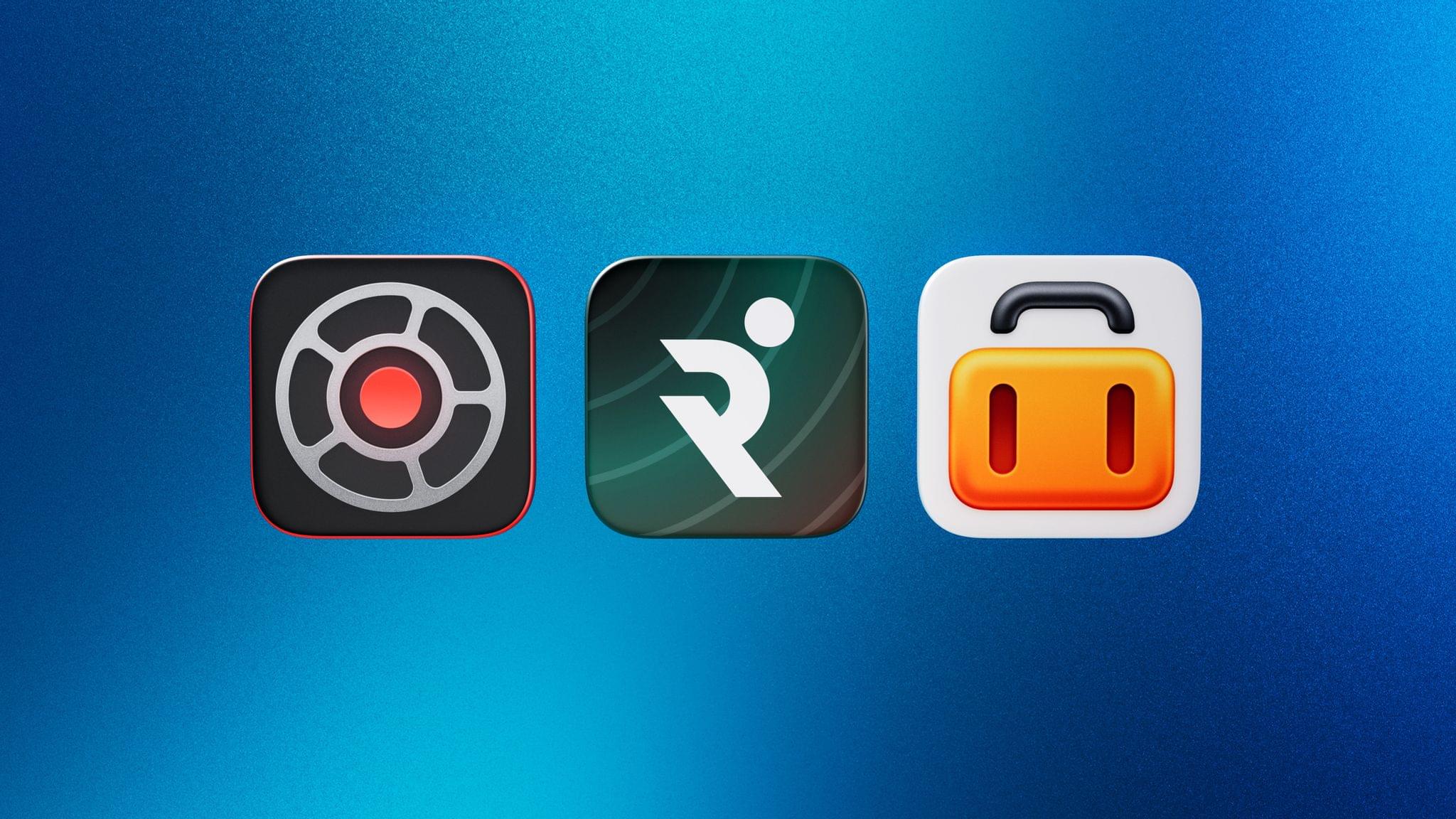
iPhone App of the Year Finalists
Finalists in the iPhone App of the Year category empowered users to enhance real-life experiences through personalized tools and easy-to-use features:
Kino, for turning everyday moments into cinematic masterpieces.
Runna, for offering tailored training plans to runners of all experience levels.
Tripsy, for keeping travelers organized and stress-free.
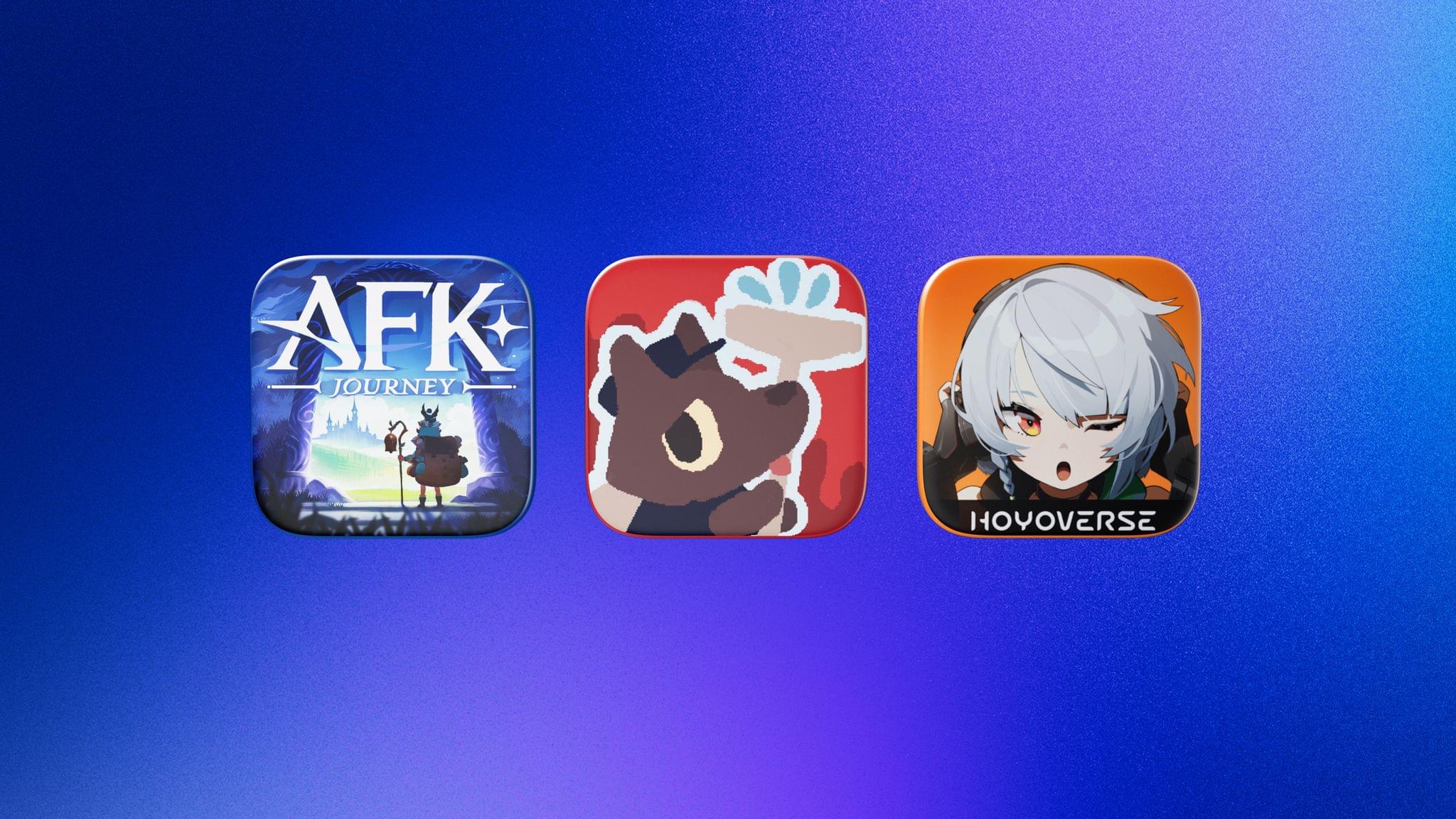
iPhone Game of the Year Finalists
Finalists in the iPhone Game of the Year category brought players captivating narratives with rich visuals and compelling characters:
AFK Journey, for building enchanting fantasy worlds with striking battles.
The WereCleaner, for delivering comical and creative gameplay.
Zenless Zone Zero, for immersing players in action-packed storylines.
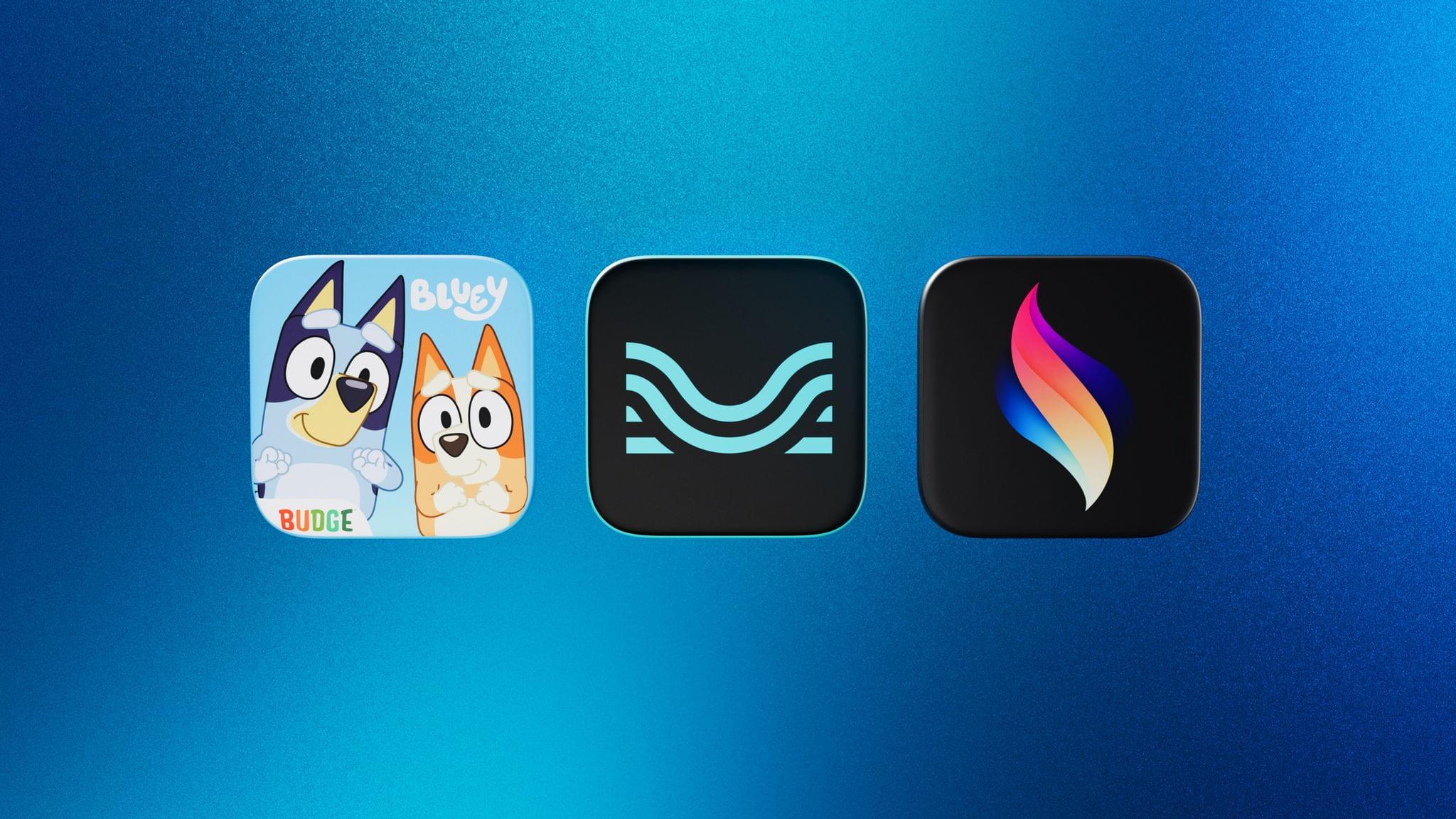
iPad App of the Year Finalists
Finalists in the iPad App of the Year category inspired imaginative play and creativity:
Bluey: Let’s Play, for delivering lovable characters and family-friendly fun.
Moises, for elevating music practice with AI-powered tools.
Procreate Dreams, for bringing animated stories to life.
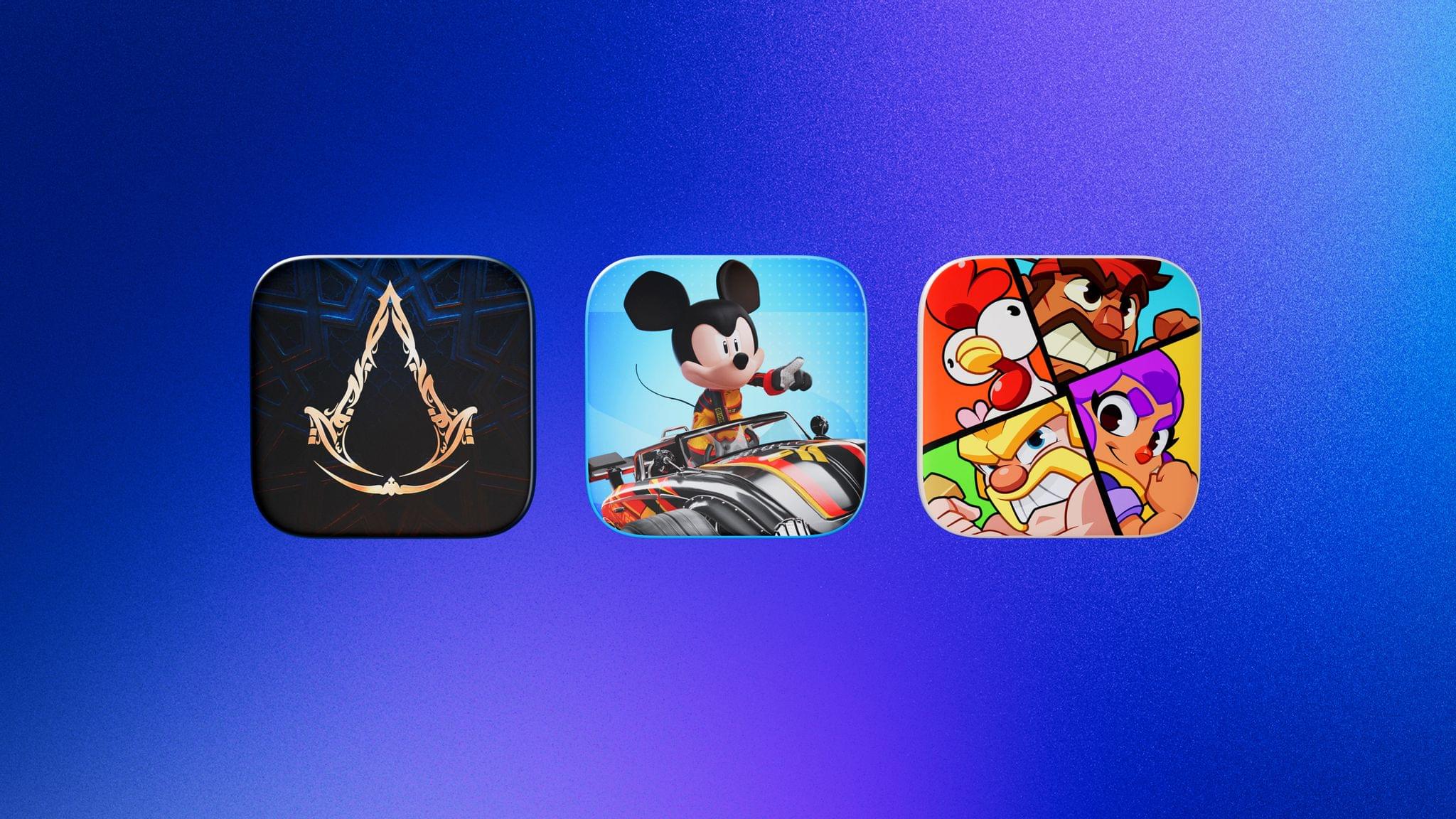
iPad Game of the Year Finalists
Finalists in the iPad Game of the Year category featured dynamic storytelling and beautifully crafted worlds:
Assassin’s Creed Mirage, for transporting players into a world of narrative-driven adventure.
Disney Speedstorm, for bringing exciting, high-speed racing experiences.
Squad Busters, for combining the thrill of competition with welcoming, playful gameplay.
Apple Arcade Game of the Year
Finalists in the Apple Arcade Game of the Year category offered epic stories and a refresh of the classics:
Balatro+, for inventing a thrilling card game that’s like no other.
Outlanders 2, for captivating players with revamped graphics and imaginative levels.
Sonic Dream Team, for introducing new adventures to the characters players know and love.
Mac App of the Year Finalists
Finalists in the Mac App of the Year category delivered powerful tools, helping users tackle projects with ease:
Adobe Lightroom, for enhancing the photo editing process with AI-powered features.
OmniFocus 4, for fostering focus with simplified task management.
Shapr3D, for transforming the 3D design workflow.
Mac Game of the Year Finalists
Finalists in the Mac Game of the Year category brought gamers unique protagonists, visual style, and endless fun:
Frostpunk 2, for expanding on the city-building genre.
Stray, for capturing both mystery and playfulness in its dark world.
Thank Goodness You’re Here!, for amusing players with nonstop humor and absurdity.
Apple Watch App of the Year Finalists
Finalists in the Apple Watch App of the Year category provided convenient access to helpful tools and information, right on their wrist:
LookUp, for improving vocabularies with daily definitions.
Lumy, for connecting users to the rhythms of the sun and moon.
Watch to 5K, for giving runners a boost, all the way to the finish line.
Apple Vision Pro App of the Year Finalists
Finalists in the Apple Vision Pro App of the Year category pushed the boundaries of spatial computing:
JigSpace, for empowering users to view 3D and augmented reality models with ease.
NBA, for redefining the future of how users watch the sports they love.
What If…? An Immersive Story, for inviting players into a new kind of Marvel experience.
Apple Vision Pro Game of the Year Finalists
Finalists in the Apple Vision Pro Game of the Year category stunned players with vibrant scenes and intuitive gameplay:
Loóna, for crafting relaxing puzzles to unwind with.
THRASHER, for introducing smooth, trailblazing controls and a mesmerizing alien world.
Vacation Simulator, for taking players to destinations filled with funny characters and even funnier activities.
Apple TV App of the Year Finalists
Finalists in the Apple TV App of the Year category brought stunning experiences to the biggest screen in the home:
DROPOUT, for providing endless laughter and fun.
F1 TV, for transporting fans straight into the cockpit of a race car.
Zoom, for keeping groups connected in innovative ways.
Cultural Impact Finalists
Finalists in the Cultural Impact category brought users powerful stories and helped them bring out their best selves to create a lasting impact:
Arco, for letting players shape their own story.
The Bear, for turning bedtime into a calming, interactive experience.
BetterSleep, for helping users sleep — and feel — better.
Brawl Stars, for delivering quick bites of action-packed gameplay.
DailyArt, for inspiring curiosity about artistic masterpieces.
Do You Really Want to Know 2, for addressing misconceptions about HIV through an endearing interactive story.
EF Hello, for empowering language learners with AI-enhanced tools.
NYT Games, for uniting puzzle lovers across generations with a daily dose of fun.
Oko, for making street-crossing safer and more accessible to all.
Partiful, for simplifying social gatherings to foster connection and community.
Pinterest, for inspiring new ideas and endless possibilities.
The Wreck, for telling an intimate and impactful story via cinematic gameplay.
As always, it’s great to see MacStories favorites like Kino, Tripsy, Procreate Dreams, Balatro, OmniFocus, LookUp, Arco, and others among the finalists. Apple says the winners will be revealed in the coming weeks.