A few months ago, I realized that Reminders wouldn’t be able to scale to my new professional life in 2025. You see, this year we’re planning to expand and diversify MacStories even further, launching projects that have been years in the making as well as trying some new things that we recently thought of. New...
Read more
Working with Web APIs in Shortcuts: My Collection of Shortcuts for the Todoist API
Federico’s Latest Automation Academy Lesson: Working with Web APIs in Shortcuts→
Earlier today, Federico released a collection of four advanced Todoist shortcuts as part of his Automation Academy column, an exclusive perk of Club MacStories+ and Club Premier.
Federico started using Todoist again a few months ago specifically because it has a robust web API:
There were several reasons behind my decision to return to Todoist, but the most important one was its web API. I’m convinced that our modern AI era is marking a resurgence of web services, and I wanted to find something that could theoretically support some kind of connection to an AI assistant (such as ChatGPT or Gemini) down the road. At the same time, I also wanted something that could be easily _and_consistently automated. With more responsibilities coming into my life, it’s essential for me to automate all the boring parts of my job that can happen without my manual, time-consuming input. With the combination of a REST API and native Shortcuts actions, Todoist simply felt like the perfect candidate.
Federico is absolutely right. As I recently wrote for Club members, web apps have been on the rise for a long time, and the trend is only accelerating with the ascension of AI tools. As a result, knowing how to use web APIs with Shortcuts is only going to become more important over time. Sure, you can often manage to scrape information from a website directly, but you’re much better off with a thoughtfully designed REST API that can fetch data for you in a structured way.
Today’s Automation Academy installment is the perfect place to get started. Todoist’s API is rich and thorough, and Federico takes readers through each of his four shortcuts in a methodical but conversational way that concludes with key takeaways readers can use in other contexts.
I struggled with implementing web APIs in Shortcuts for a long time. Web APIs aren’t easy. But today’s Academy lesson is the perfect introduction that starts with the basics and builds up to more advanced techniques, helping readers do more with Todoist and apply their new skills to other web APIs they encounter.
Automation Academy is just one of many perks that Club MacStories Plus and Club Premier members enjoy including:
- Weekly and monthly newsletters
- A sophisticated web app with search and filtering tools to navigate eight years of content
- Customizable RSS feeds
- Bonus columns
- An early and ad-free version of our Internet culture and media podcast, MacStories Unwind
- A vibrant Discord community of smart app and automation fans who trade a wealth of tips and discoveries every day
- Live Discord audio events after Apple events and at other times of the year
On top of that, Club Premier members get AppStories+, an extended, ad-free version of our flagship podcast that we deliver early every week in high-bitrate audio.
Use the buttons below to learn more and sign up for Club MacStories+ or Club Premier.
Join Club MacStories+:
Join Club Premier:
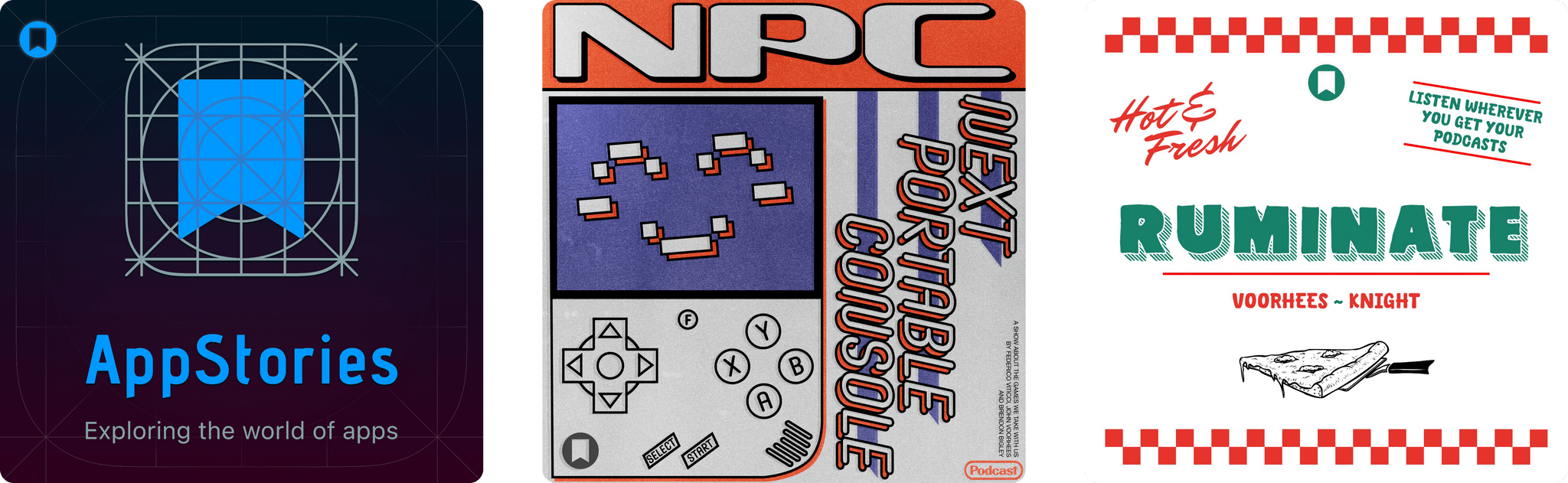
The Latest from AppStories and NPC: Next Portable Console
Enjoy the latest episodes from MacStories’ family of podcasts:
AppStories
This week, Federico and I say goodbye to the AppStories+ pre-show and hello to the new post-show. Then, for the main event, we update listeners on how MacStories plans to cover AI news and tools.
On AppStories+, Federico and I share the AI tools we are using ourselves.
NPC: Next Portable Console
This week, Brendon, Federico, and I consider how the Switch 2 will impact the wider handheld market, recap the specs and benchmarks for the Legion Go S and 2, and cover new devices coming from Anbernic and AYANEO. Then, Brendon shares his experience running Bazzite on the ASUS ROG Ally X.
Migrating Purchases from One Apple Account to Another Is Now Possible→
Yesterday, Apple published a support document explaining how to migrate purchases from one Apple Account to another for users everywhere except the EU, UK, and India. This process solves a very particular problem for users who have separate Apple Accounts for digital purchases across Apple’s storefronts and want to consolidate everything under one account, which Stephen Hackett recently went through.
I’m in the same boat. I started buying music from iTunes on a Windows PC for an iPod before I owned any other Apple products. Those purchases were linked to one email address. Later, when I got my first Mac, I got a .Mac email address, which became a MobileMe account and, finally, an iCloud account. That left me with an iCloud account for iCloud services and a different address for my music, movies, TV shows, apps, and other purchases.
I’ve gotten used to the process of signing in to different accounts for iCloud and my purchases, but every now and then, it causes some hard-to-troubleshoot conflict somewhere. That’s why I’m glad to see there’s now a process for moving everything to one account. However, having also lived through many iCloud headaches over the years, I think I’ll wait a while before attempting a migration. iCloud is one area where being an early adopter doesn’t always pay off.
Apple Announces New Health Study Collaboration with Harvard’s Brigham and Women’s Hospital→
Today, Apple announced a broad-based research study that is being conducted in a partnership with Harvard’s Brigham and Women’s Hospital. The study, which U.S. residents can access through Apple’s Research app, aims to evaluate how technology can play a role in understanding health and wellness changes.
In the company’s press release, Sumbul Desai, M.D., Apple’s vice president of Health, explains:
Research and validation are part of the foundation of all of our work in health, supporting the innovative features we bring to our users across devices. The valuable insights we’ve gained since launching the Research app have allowed us to bring innovative new tools to our users — including the Vitals app on Apple Watch and Walking Steadiness on iPhone — and surface new insights in areas of health that have long been undervalued, like menstrual and hearing health. We’re thrilled to bring forward the Apple Health Study, which will only accelerate our understanding of health and technology across the human body, both physically and mentally.
If you live in the U.S. and meet the minimum age requirements, you can sign up to participate in the study through the Research app.
Beats Releases the Powerbeats Pro 2 with H2 Chip and Heart Rate Monitoring
It’s been six years since the original Powerbeats Pro debuted, so it’s no surprise that Beats has finally updated them. The new wireless headphones, which are great for running and other activities because they hook over your ears, have a slimmer, more vertical design and other new features.
Powerbeats Pro 2 include Apple’s H2 chip from the AirPods Pro 2 and AirPods 4. That means the new model supports active noise cancelation, transparency mode, Personalized Spatial Audio, longer battery life (up to 45 hours with the case), and improved sound quality. The new headphones are Beats’ first to feature heart rate monitoring, too. Colors include Jet Black, Quick Sand, Hyper Purple, and Electric Orange. The Powerbeats Pro 2 are also IPX4 sweat and water resistant. The headphones’ case is 33% smaller and supports Qi charging.
Over on 9to5Mac, Chance Miller has a hands-on review of the Powerbeats Pro 2. Regarding the heart rate monitoring, Chance explains that:
Each Powerbeats Pro 2 earbud has a built-in heart rate monitor comprised of four components. First, there’s an LED sensor that emits green LED light at a rate of over 100 pulses per second. This light is emitted through the skin and hits your red blood cells. The photodiode then receives the reflected light from the red blood cells that is modulated by the red blood flow. There’s an optical lens that helps direct and separate the transmitted and received light, along with an accelerometer to ensure accuracy and consistency in data collection.
If you’re a Powerbeats Pro fan and in need of replacing an aging pair, Beats’ latest version looks like a nice update. I used to use Powerbeats, but I switched to the Beats Fit Pro to take advantage of the more capable H1 chip. However, I could see myself giving Powerbeats Pro 2 a try when my headphones need replacing.
The Powerbeats Pro 2 are available to order now for $249.99 on Beats and Apple’s websites. Deliveries and in-store availability will begin on February 13th.
NotebookLM Plus Is Now Available to Google One AI Premium Subscribers
In this week’s extended post-show for AppStories+ subscribers, Federico and I covered the AI tools we use. NotebookLM is one we have in common because it’s such a powerful research tool. The service allows you to upload documents and other files to a notebook and then query what you’ve collected. It’s better than a traditional search tool because you can ask complex questions, discover connections between topics, and generate materials like timelines and summaries.
Yesterday, Google announced that NotebookLM Plus is now available to Google One AI Premium subscribers, significantly expanding its reach. Previously, the extended functionality was only available as an add-on for Google Workspace subscribers.
The Plus version of NotebookLM increases the number of notebooks, sources, and audio overviews available, allows users to customize the tone of their notebooks, and lets users share notebooks with others. Google One AI Premium also includes access to Gemini Advanced and Gemini integration with Gmail, Docs, and other Google services, plus 2 TB of Google Drive cloud storage.
I’ve only begun to scratch the surface of what is possible with NotebookLM and am currently moving my notebook setup from one Google account to another, but it’s already proven to be a valuable research tool. Examples of the types of materials I’ve collected for querying include:
- legislative material and articles about Apple’s DMA compliance,
- my past macOS reviews,
- summaries of and links to stories published on MacStories and Club MacStories,
- video hardware research materials, and
- manuals for home appliances and gadgets.
Having already collected and read these materials, I find navigating them with NotebookLM to be far faster than repeatedly skimming through them to pull out details. I also appreciate the ability to create materials like timelines for topics that span months or years.
Google One AI Premium is available from Google for $19.99 per month.
MacStories Weekly: Issue 452
The Latest from Comfort Zone, MacStories Unwind, and Magic Rays of Light
Enjoy the latest episodes from MacStories’ family of podcasts:
Comfort Zone
Matt made an app and brings a very, very unbiased take on it, Chris has solved some of his tech paper cuts, and Niléane probably won yet another challenge by bringing a really rad Apple TV remote.
MacStories Unwind
This week on Unwind, I make a Kuzu discovery that may amuse Italian listeners, we explore bars and aperitivo, and we share a music and TV show pick, along with a great deal.
Magic Rays of Light
Sigmund and Devon highlight the premiere of Apple Original Spanish-language comedy Love You To Death, break down the changes coming to MLS Season Pass this season, and recap immersive film Man vs. Beast.