Super Arc Light Review: A Classic Arcade Shooter

Developer No Code Studio knows how to make a game, as evidenced by their offerings across a variety of subgenres. But if you need proof of No Code Studio’s prowess, look no further than the addicting shooter Super Arc Light.

In a modern-day take on the style of gameplay made popular by titles like Space Invaders, Super Arc Light assigns you one task: ward off enemies creeping ever closer to you. As a barrage of shapes appears, you’ll fire shots their way, hoping to hit them as soon as you can, both to continue the game and to score higher points. If an enemy stays for too long, it’ll move in faster and, if not dealt with, end your game.

A seemingly easy premise becomes far more difficult with Super Arc Light’s movement mechanisms, which ditches a linear movement for a more circular approach. Since enemies can approach you from any side, you’ll rotate around a circle, changing direction by shooting. This takes a while to get used to, but it provides a unique challenge that adds difficulty to the game.

Throughout your play-throughs, you’ll unlock new weapons that make taking down enemies much easier. Each has its benefits and drawbacks, but discovering and utilizing the tools you find in-game will be imperative to raising your overall score.

Overall, Super Arc Light isn’t a story-driven game that you’ll sink dozens of hours into – but that’s okay. It’s a stellar arcade experience, one that will challenge you at a blistering pace from start to finish of each run. For a quick, intense gaming fix, Super Arc Light is a perfect choice.

If you’d like to give Super Arc Light a try, you can pick it up in the App Store for $1.99 (Universal).



AppStories, Episode 12 – The State of Non-Native Apps

On this week’s episode of AppStories, we look at the state of non-native apps, the trade-offs inherent to them, and discuss examples of non-native apps we like and a few we don’t.

Sponsored by:

  • FlightLogger – Elegantly-designed, real-time flight tracking for worry-free travels.
  • Deliveries – Simple package tracking that syncs everywhere.
    • Sign up here by Thursday, July 6, 2017 at 9 pm New York time for a chance to win one of 10 free copies of Deliveries for iOS.
AppStories+ Deeper into the world of apps

AppStories Episode 12 - The State of Non-Native Apps

0:00
38:29

AppStories+ Deeper into the world of apps

Permalink

Connected, Episode 149: Caramel

Will the next iPhone eschew Touch ID for facial scanning? Is Stephen keeping his Echo Show? Can Ticci explain CoreML in a way that normal humans can understand?

On this week’s Connected, we cover some of the latest iPhone 8 rumors and try to explain what Apple is doing with machine learning in iOS 11. You can listen here.

Sponsored by:

  • Mack Weldon: Smart underwear for smart guys. Get 20% off with the code CONNECTED.
  • Hover: Domain names for your ideas. Get 10% off your first purchase.
  • Igloo: A digital workplace platform Free for up to 10 people.
Permalink

Airmail: An Elegant, Customizable Email Client for Mac and iOS [Sponsor]

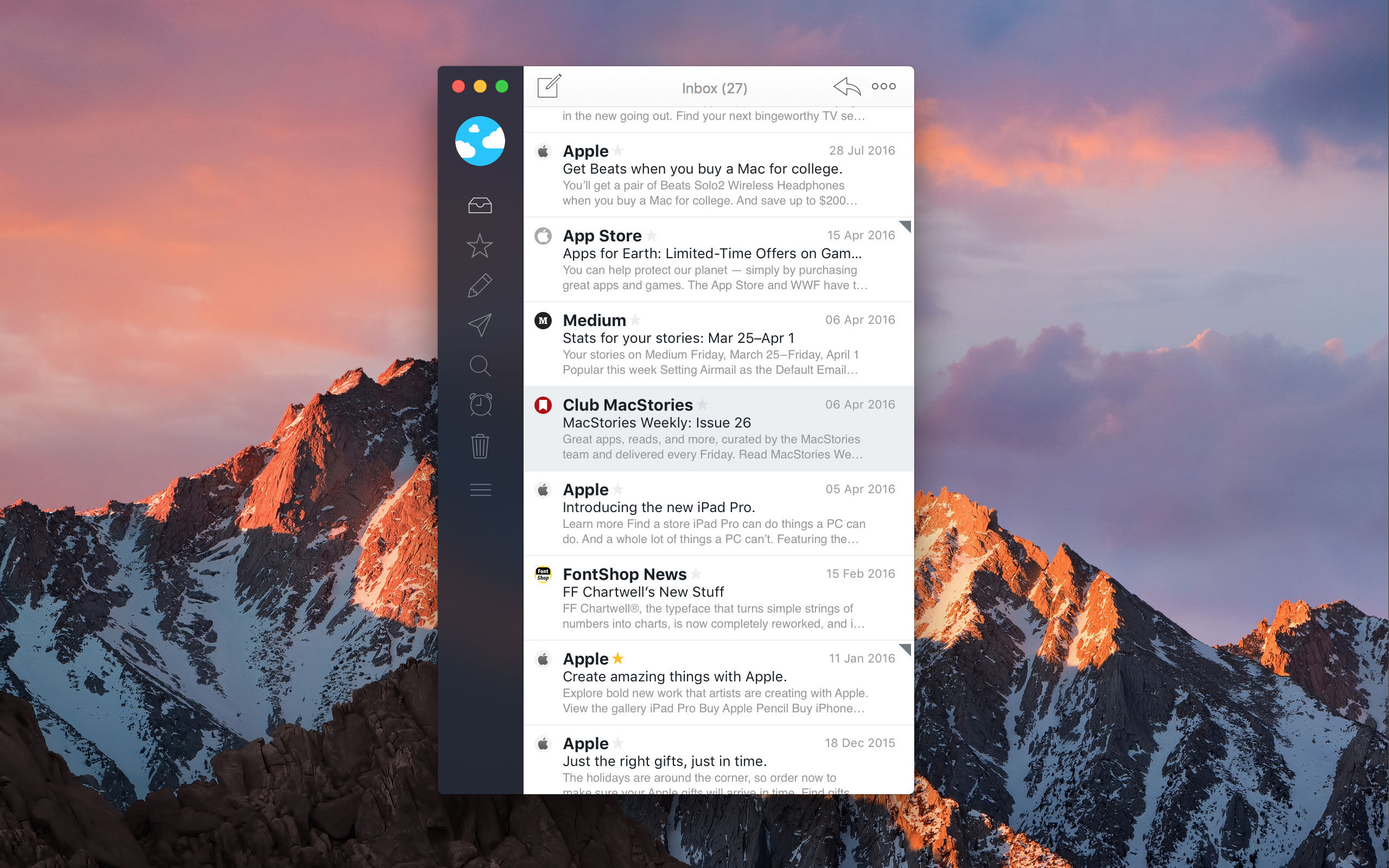
Airmail is the 2017 Apple Design Award-winning email client from Bloop that marries elegant design with rich, customizable features that tame your inbox.

Everyone approaches email a little differently. For some people, their inbox is a sort of task manager. For others, keeping their inbox empty and messages neatly organized into folders is paramount. No matter how you manage your email accounts, Airmail from Bloop has you covered.

Airmail is highly customizable while maintaining a clean, intuitive interface that makes it a pleasure to use. The app supports all major email technologies, including Gmail, iCloud, Exchange, IMAP, and POP3. On macOS, Airmail also incorporates the latest operating system features like the Touch Bar.

With Airmail, you can manage one or several email accounts. With multiple accounts, it’s just as easy to review messages from every account in a unified inbox as it is to dive into just one account. Airmail also features rich customization like the ability to send messages later, snooze messages, and create smart folders and rules. Actions let you send messages to other apps you use like task managers and your calendar or create a PDF from a message. Best of all, you only need to set up Airmail once because your settings sync via iCloud to all your Macs and iOS devices.

Airmail is available on macOS from the Mac App Store and on the iPhone, iPad, and Apple Watch from the App Store.

Our thanks to Airmail for sponsoring MacStories this week.


Game Day: Missile Cards

Missile Cards, which originally debuted on Steam, combines so many of my favorite game elements - a strategy-based mashup of genres, retro graphics, and a fun chiptune soundtrack - that I knew I had to try it. My only hesitation was that it’s a mashup of a Missile Command-style arcade shooter with a card game, which isn’t one of my favorite genres. My reluctance disappeared the minute I began playing though. Missile Cards is a fantastically fun game that’s incredibly hard to put down.

Read more


Apple to Recognize National Parks with Donations, Activity Badge

Paying homage to United States national parks, Apple announced today that it will introduce opportunities for customers to donate to the National Park Foundation and earn a new Activity badge and iMessage stickers.

For two weeks beginning July 1, Apple will donate $1 for every Apple Store purchase made with Apple Pay, whether made in-store or online, to the National Park Foundation.

In a press release, Apple explained that: “Proceeds will support the National Park Foundation’s mission to help protect and preserve national parks through conservation projects and other initiatives, as well as inspire the next generation of park enthusiasts with enriching youth programming.”

In addition, Apple will award an Activity badge for Apple Watch and a set of iMessage stickers when users complete a 3.5 mile or more workout on July 15. The distance, Apple says, is roughly the same as the trek from Old Faithful to Mallard Lake – but luckily, you don’t have to go to Yellowstone to get the badge.

For more information on how Apple is working to celebrate national parks, you can find their press release here.


iOS 11 and Accessibility

Great overview by Steven Aquino on the Accessibility changes coming with iOS 11. In particular, he’s got the details on Type to Siri, a new option for keyboard interaction with the assistant:

Available on iOS and the Mac, Type to Siri is a feature whereby a user can interact with Siri via an iMessage-like UI. Apple says the interaction is one-way; presently it’s not possible to simultaneously switch between text and voice. There are two caveats, however. The first is, it’s possible to use the system-wide Siri Dictation feature (the mic button on the keyboard) in conjunction with typing. Therefore, instead of typing everything, you can dictate text and send commands thusly. The other caveat pertains to “Hey Siri.” According to a macOS Siri engineer on Twitter, who responded to this tweet I wrote about the feature, it seems Type to Siri is initiated only by a press of the Home button. The verbal “Hey Siri” trigger will cause Siri to await voice input as normal.

Technicalities aside, Type to Siri is a feature many have clamored for, and should prove useful across a variety of situations. In an accessibility context, this feature should be a boon for deaf and hard-of-hearing people, who previously may have felt excluded from using Siri due to its voice-first nature. It levels the playing field by democratizing the technology, opening up Siri to an even wider group of people.

I wish there was a way to switch between voice and keyboard input from the same UI, but retaining the ‘Hey Siri’ voice activation seems like a sensible trade-off. I’m probably going to enable Type to Siri on my iPad, where I’m typing most of the time anyway, and where I could save time with “Siri templates” made with native iOS Text Replacements.

Permalink