Gboard Update Brings YouTube and Maps Integrations

One of the best third-party keyboard options on iOS just got better. The latest update for Gboard adds special integrations with two Google services: YouTube and Google Maps.

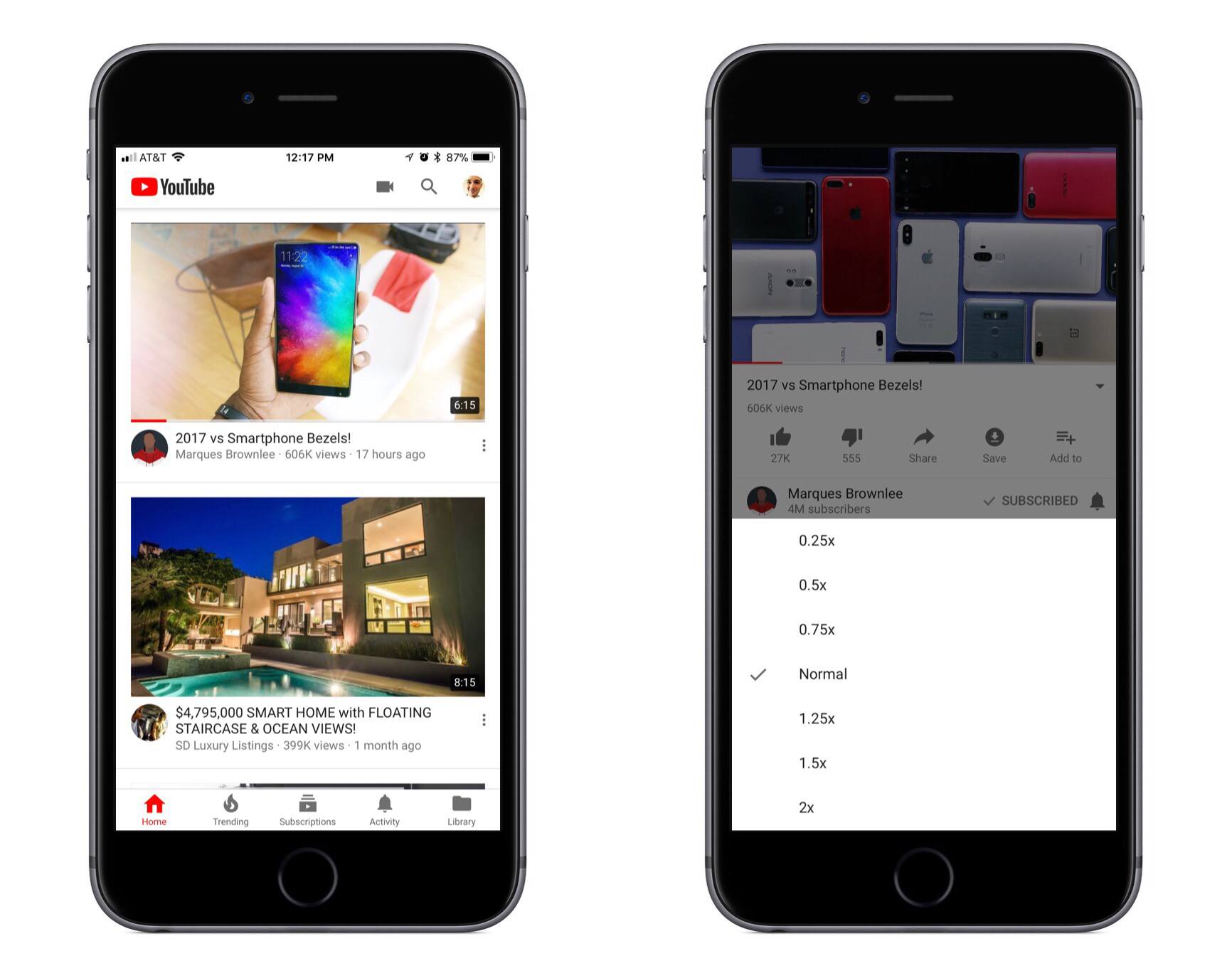
When using Gboard, tapping the G button will now present YouTube and Maps tabs alongside the standard Search option. Both new options present an assortment of suggestions when you first open them, along with the expected search function. YouTube’s suggestions appear to be a selection of top trending videos; in my testing Gboard wouldn’t show any videos personalized to me or my watch history, but that may change over time with more use. Maps shows an assortment of nearby locations, as well as your current location if you grant that permission. Making a selection copies a link to the content inside the text box, alongside a brief description of what you’re linking to.

The market for third-party keyboards on iOS has largely grown stagnant, but Google continues to show its commitment to Gboard. While adding new features to a keyboard could clutter its interface before long, YouTube and Maps are natural fits for Gboard, integrating well both from a functionality standpoint and in their placement in the interface.


1Blocker: Make Safari Browsing Fast, Safe, and Productive [Sponsor]

Advertising and trackers have gotten out of hand on many sites. Pages load slowly wasting your time, draining your battery, and using up your mobile data. Even worse, ads sometimes serve up malware to unsuspecting users. To take back control, you need 1Blocker.

1Blocker fights back by putting fine-grained controls in the hands of its users. The app has rules that block tens of thousands of common ads, trackers, social buttons, and other junk. The ad blocking category alone includes over 40,000 rules. On top of that, there are eight other categories with thousands of additional rules that will make you more productive online by reducing distractions. In the unlikely event that 1Blocker doesn’t have a rule you need, you can add your own too.

You can even hide individual elements on a webpage with 1Blocker’s powerful action extension on iOS. All you have to do is invoke the extension, tap what you want to hide, and then save. It’s incredibly simple and effective for page elements that aren’t already blocked by 1Blocker’s extensive built-in rules.

1Blocker is available on macOS too and syncs with the iOS version via iCloud to keep your blocking rules up-to-date across both platforms. Head on over to 1Blocker’s website for more information about how it can make your browsing better.

Our thanks to 1Blocker for sponsoring MacStories this week.


Game Day: Linelight

Linelight, an award-winning minimalist puzzle game by My Dog Zorro, debuted on iOS this week. The game was released for Windows and macOS earlier this year and is available on Sony’s PS4, but this is the first time the game has made its way onto a mobile, touch-based platform. Many games bill themselves as ‘minimalist,’ but few are as elegantly simple as Linelight. The result is a game that is easy to play and understand, highlighting the game’s perplexing and fun puzzles over its mechanics.

You play as a dash of light traversing a line. You guide your dash along the line that splits and branches in different directions by dragging your finger across the screen of your iOS device. To stop and consider how to solve a puzzle, just pick up your finger and your dash stays put. Linelight works so well as a touch-based game, it’s hard to believe that it was designed for keyboards and controllers first.

As you advance your dash along the line, you encounter puzzle after puzzle. In total, there are over 200 puzzles split across six separate spacey worlds. As with any good puzzle game, Linelight introduces new challenges gradually. There are sections of lines that shift depending on whether your dash passes over a switch, keys to be picked up and delivered to designated spots, red dash enemies that you need to avoid because colliding with one means starting that puzzle over, and much more.

There is no up or down in Linelight, so it doesn’t matter if you play in portrait or landscape, which is a nice departure from the many games that require you to play in one orientation or the other. Add a soothing piano-based soundtrack to its tricky puzzles and Linelight is one of the most relaxing and absorbing games I’ve played this year. If you’re a fan of puzzle games, Linelight is a must-play.

Linelight is available on the App Store.


MacPaw Acquires The Unarchiver

The Unarchiver has been around for more than a decade unpacking a wide array of archive file types. Today MacPaw announced it acquired The Unarchiver, which will become part of its stable of Mac utilities, which include CleanMyMac and Gemini II. According to MacPaw’s blog post about the acquisition:

MacPaw developers hope to not only maintain, but improve The Unarchiver. We plan a major facelift and a couple of new features. The app is going to get prettier and we’ll keep it updated for the upcoming macOS. Naturally, it will always stay free for all users.

In recent years The Unarchiver hasn’t received many updates, so it’s good to see the app find a new home where it should fit right in with MacPaw’s other products.

Permalink

iPod Nano and iPod Shuffle Disappear from Apple.com

Stephen Hackett reports on 512 Pixels that the iPod nano and iPod shuffle have both been entirely removed from Apple’s website, indicating that the products have been discontinued. In their absence, the only iPod product currently mentioned on Apple’s site and available for purchase is the iPod touch, now available in streamlined configurations of 32GB and 128GB for $199 and $299 respectively.

Those who want to get their hands on one of these missing products may still have luck visiting an Apple Store, according to MacRumors:

For now, it appears the iPod nano and iPod shuffle are still available to purchase at many Apple Stores and other resellers, but if the devices are indeed discontinued, then that may not be the case much longer. The latest iPod nano started at $149, while the iPod shuffle cost $49, in the United States.

While newer products like AirPods and HomePod carry on Apple’s music legacy, it seems likely to be only a matter of time before the iPod era comes to a complete end.

Permalink

Capo touch 2.5 Review

I don’t play guitar as often as I used to, but I’ve always enjoyed trying to pick out the chords of my favorite songs. The trouble is, that can be hard to do unless you have a well-trained ear, which I don’t. That is exactly where Capo touch can help. The app can analyze a song, pick out the chords and help you practice it a little at a time at a comfortable pace until you figure out how to play it. This week, Capo touch got a big update that streamlines the learning process and brings powerful features over from Capo for macOS.

Read more


Apple Park Design Detailed by Jony Ive for WSJ

Credit: Mikael Jansson for WSJ.

Credit: Mikael Jansson for WSJ.

Christina Passariello published a feature story for The Wall Street Journal today titled, “How Jony Ive Masterminded Apple’s New Headquarters.” It contains many new details about Apple Park, all framed in the context of an interview with its chief designer, Jony Ive.

Regarding the question of which Apple employees will occupy the main building of Apple Park, Passariello comments on a diagram outlining the locations of each division inside the four-story headquarters:

The fourth floor will be home to the executive suites (including Ive’s design studio), the watch team and part of the group working on Siri, which will also occupy a fraction of the third floor. The Mac and iPad divisions will be interspersed with software teams on the middle levels.

One of the primary themes behind the campus mentioned by Ive is that of collaboration, creating natural places for employees to meet together – whether formally or informally. Among those places is the massive main cafeteria; “Ive imagines it as a central meeting point…leading to the kinds of serendipitous encounters that could give birth to new ideas.” Unlike many other major tech companies, the cafeteria’s food will not be free, but it will be partly subsidized.

The inner ring of the building, referred to by Ive as “the parkland,” will serve as a place to get some fresh air and have chance encounters with coworkers, but it will also host more official gatherings like the company’s weekly Friday afternoon “beer bashes” that often include featured entertainment. And in addition to making for a nice work and play environment, many of the parkland’s numerous trees will also serve a functional purpose of being “regularly harvested to provide fruit for the campus kitchen.”

The Steve Jobs Theater’s main public-facing purpose will be to host new product keynote events, but Apple will be using it for a variety of company-only functions as well, including “seminar talks, small concerts and meetings with Cook or Ive that will be simulcast to every pod on campus.”

Ive and his design team are not yet working at Apple Park; they’re scheduled to move in within the next few months as one of the last teams moving. Therefore it appears that by the end of fall, Apple Park should be up and running as home to all its planned employees.

Permalink