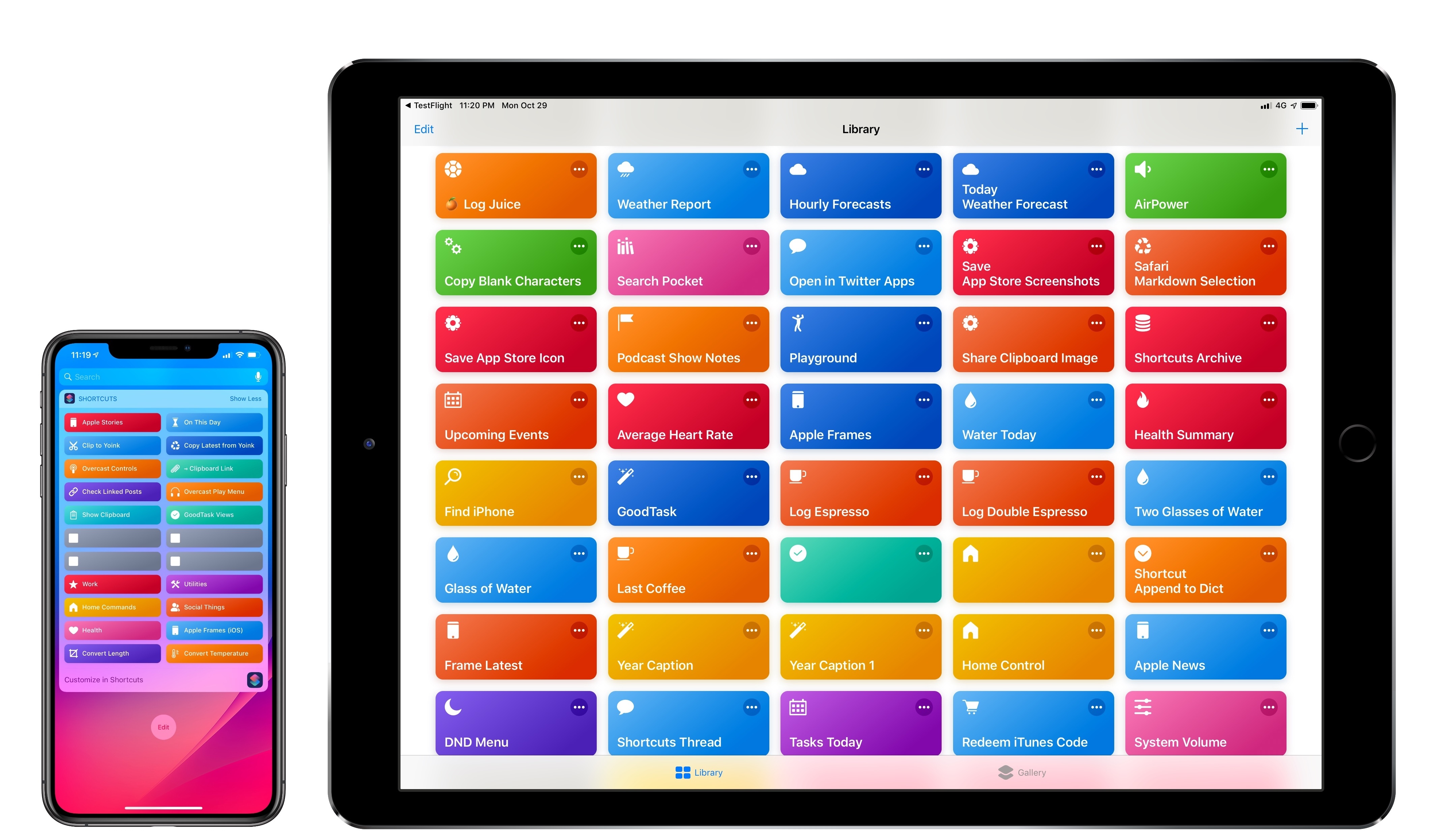
I’m in the process of creating a complete archive of every workflow I ever created for the Workflow app and updating each one for Shortcuts. As I was browsing through my old Workflow articles, I came across an interesting workflow I created in early 2015 called Photo Flashbacks. The main idea was simple enough: given Workflow’s ability to read the contents of the photo library, the workflow would filter a photo taken on the same day in previous years and preview it with Quick Look. That seemed like a fun project that I could pick up again and improve for the Shortcuts app.
Visualizing Photos Taken ‘On This Day’ in Previous Years with Shortcuts
More Than 70 New Emoji Coming Later This Fall Are Now Available in the iOS 12.1 Beta→
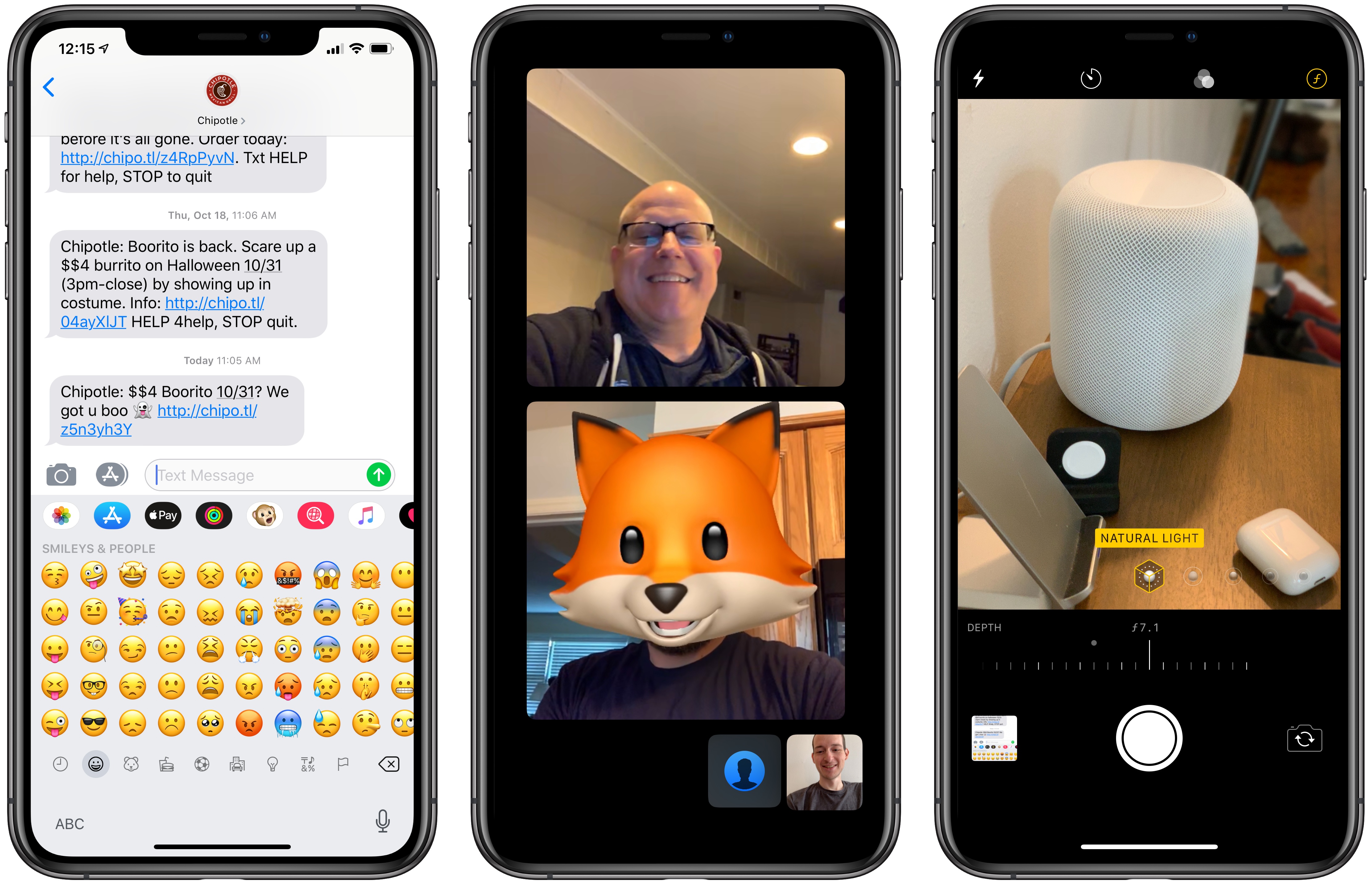
Apple has announced that later this fall, it will release more than 70 new emoji. The emoji, which will be released when iOS 12.1 is shipped, will be included on the Mac and Apple Watch too.
The new glyphs, which are based on the characters approved by the Unicode Consortium as part of Unicode 11.0, include a wide variety of themes. For people, there are new options for gray, red, and curly hair, and for bald people. The new set of emoji also includes new foods, animals, sports, and other activities like travel.
Among the animals added are a raccoon, kangaroo, lobster, swan, parrot, peacock, and llama. Foods include leafy greens, a cupcake, a bagel, moon cake, mango, and salt. Sports have added a softball, frisbee, lacrosse stick and ball, and skateboard. There are new emotive smiley faces too.
Looking to next year, Apple says that for Unicode 12.0, which will be the basis for emoji released in 2019, it is working with the Unicode Consortium to add disability-themed emoji. Although the emoji announced today will be officially released until later this fall, you can try them now as part of the iOS 12.1 beta and public preview released today.
AppStories, Episode 81 – Mac and iOS App Convergence→
On this week’s episode of AppStories, we consider what the new Marzipan apps in Mojave may mean for the future of apps on all of Apple’s hardware platforms.
Sponsored by:
- Linode - High performance SSD Linux servers for all of your infrastructure needs. Get a $20 credit with promo code ‘appstories2018’
- Downie - Easily download videos from thousands of different sites.
AppStories Episode 81 - Mac and iOS App Convergence
32:58
An In-Depth Explanation of Computational Photography on the iPhone XS→
Outside of Apple employees, one of the people most knowledgeable about the iPhone’s camera is Sebastiaan de With, designer of the manual camera app Halide. It is fitting, then, that Sebastiaan would publish what I believe is the best explanation of the iPhone XS camera system to date. Following up on a piece he wrote about the new camera’s hardware changes, the subject of today’s article is software – specifically, all the work of computational photography on the iPhone XS and XS Max.
The piece starts with an explanation of the iPhone’s new Smart HDR feature, then details the exact reasons why selfies on the new iPhones appear to employ skin smoothing (a theory he soundly debunks). Finally, Sebastiaan details the problem that the XS camera poses for RAW camera apps like Halide, and shares about the forthcoming solution Halide’s team came up with: something they call Smart RAW.
There are too many excellent, informative tidbits to quote here, so I highly recommend you check out the article in full. This year’s iPhones are so full of interesting changes to the way the camera works, most of which are undocumented by Apple – as Sebastiaan says, it is “a whole new camera” in many ways.
Apple Releases Materials for the Everyone Can Create Curriculum
Last March, Apple held an education event in Chicago where it unveiled a 9.7-inch iPad with Apple Pencil support and a new curriculum called Everyone Can Create. Since then, Apple says over 350 schools worldwide have begun working with the program. A complement to its Everyone Can Code initiative, Everyone Can Create is designed to help teachers and students use iPads in creative pursuits such as drawing, music, photography, and filmmaking.
Today, Apple announced that as part of the Everyone Can Create initiative, it has released four student guides and a teacher guide that are available in Apple’s Books app.
“We believe Apple technology can help unleash every child’s creative genius,” said Philip Schiller, Apple’s senior vice president of Worldwide Marketing. “Working closely with teachers, we have built the Everyone Can Create curriculum to help bring creative expression and the arts into the classroom, and to help students stay engaged through creativity and ultimately be more successful.”
Each student guide, which is free to download in the Books app, includes projects designed to help students learn new creative skills progressively. There is also a teacher guide with over 300 lesson ideas that can be used in a variety of subjects.
The curriculum includes projects that use third-party apps like Tayasui Sketches School as well as Apple’s apps too.
Although the Everyone Can Create guides are being released after many students are already back in school, teachers have had preview materials since the summer, which should help them incorporate the new materials into their lessons if they’d like. Everyone Can Create extends Apple’s curriculum offerings beyond coding, which I like because it should reach a broader group of students. It’s also designed to fit with existing subjects taught in schools, which I expect will make the iPad more valuable to schools that have adopted them.
The Everyone Can Create books are available as free downloads in Apple’s Books app.
iMazing 2: Manage Your iPhone Your Way [Sponsor]
Migration to New iPhones
iMazing 2 provides safe and fast migration to any iOS device. Transferring data from your old iPhone to your new iPhone XS, XS Max, or XR is easy and convenient thanks to iMazing’s step by step wizard. You can even pre-load apps in iMazing’s App Library, so they’re immediately available once the transfer is done – no need to wait for your favorite apps to download after restoring an iTunes or iCloud backup.
Ready For The Future: macOS Mojave and iOS 12 Are Fully Supported
iMazing is made by Mac lovers, for Mac lovers. It features polished support for Mojave’s gorgeous Dark Mode, and handles the new security features gracefully. On iOS, iMazing works perfectly with iOS 12. If you haven’t updated already, backing up first with iMazing is a great idea: if anything goes wrong, you’ll have all your data at hand. Oh, and of course you can also update to iOS 12 from iMazing itself - in that case, iMazing will perform a security backup for you, just in case.
New Features Galore
iMazing is constantly updated with new features, quite a few of them resulting from user feedback. Calendars, Safari data, and ringtones management were added in June this year. The latest update has Dark Mode and a new drop zone called ‘Quick Transfer’: drop anything from your desktop to iMazing, and iMazing will display compatible apps installed on your device. You just need to pick the one you want your photos, media, or documents to go to.
Visit iMazing today to learn more and take advantage of a 30% off discount just for MacStories readers using the coupon code MACSTORIES30OFF2018.
Our thanks to iMazing for sponsoring MacStories this week.
Google Maps Adds Commuting Features
Google has announced that later this week, it will add several new features to its Maps app for iOS and Android commuters. The update includes live, personalized traffic data, support for ‘mixed-mode’ commutes, real-time bus and train tracking, and integration with Apple Music, Google Play Music, and Spotify.
The update will include a dedicated ‘Commute’ tab in the Maps app. After users identify their commute, Google Maps will provide live traffic data about the route. The Android app will also include notifications about delays as they happen so you can adjust your trip.
Google Maps will also support mixed-mode commutes. That means, for example, commuters who travel by car, train, and on foot will see commute information relevant to each leg of their journey. Real-time bus and train tracking is being added in 80 cities worldwide too.
Playback controls for Apple Music, Spotify, and Google Play Music is coming to Google Maps. Spotify users on Android will also be able to browse and select content from inside the app.
As someone who used to commute by train every day, I particularly appreciate the focus on public transportation. Google hasn’t said, but hopefully, these new features are included as part of Google Maps’ CarPlay integration too.
Google Maps is available as a free download on the App Store.