On this week’s episode of AppStories, to mark MacStories’ 10th anniversary, John interviews Federico about how MacStories got started, what led to the MacStories that readers know today, and what’s in store for the site and other MacStories properties in the future.
Today Apple published six new videos that focus on the iPad Pro. Five of them are continuations of the ‘A New Way’ series that debuted in January, highlighting the device’s versatility in tasks like video creation, wedding planning, and serving as the perfect travel companion. The final video, titled ‘Life on iPad,’ follows a man around town as he uses the iPad Pro during what’s presented as an average day – he uses the device to make a Group FaceTime call, do illustrative work while connected to an external monitor, email a file, and draft a document during a flight.
All five ‘A New Way’ videos do a great job showcasing real-life tasks being tackled on the iPad. Most are focused on getting things done, but the video about travel also highlights the iPad’s strengths as a video player and even coloring book. The task-focused videos offer step-by-step examples of workflows that can be helpful to users aiming to stretch their use of the iPad Pro.
As with the prior round of ‘A New Way’ ads, these all end by highlighting how they were filmed, edited, designed, and made entirely on iPad Pro, no doubt with similar workflows to the ones Apple previously documented.
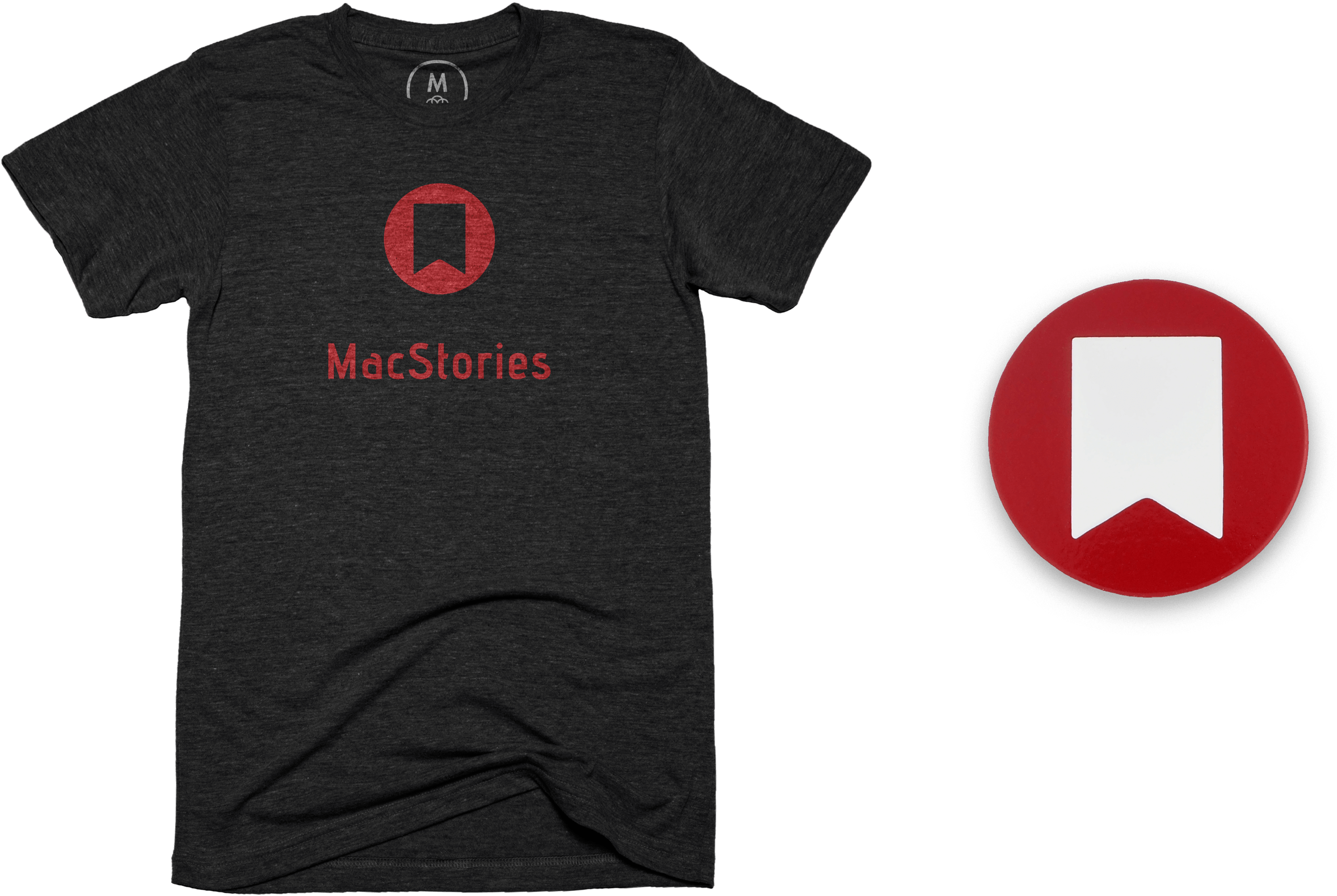
We’re very fortunate at MacStories to have a terrific group of loyal readers. As MacStories turns 10 and has become known not just for the site, but also Club MacStories and AppStories, it felt like the perfect time to celebrate with MacStories’ very first official merchandise, which is available from macstoriesmerch.com, a Cotton Bureau storefront that we’ve set up for this and any future sales. I can already sense a few of you typing ‘finally’ into your Twitter clients, but as the saying goes, ‘good things come to those who wait,’ and I think you’ll like what we’ve got for you.
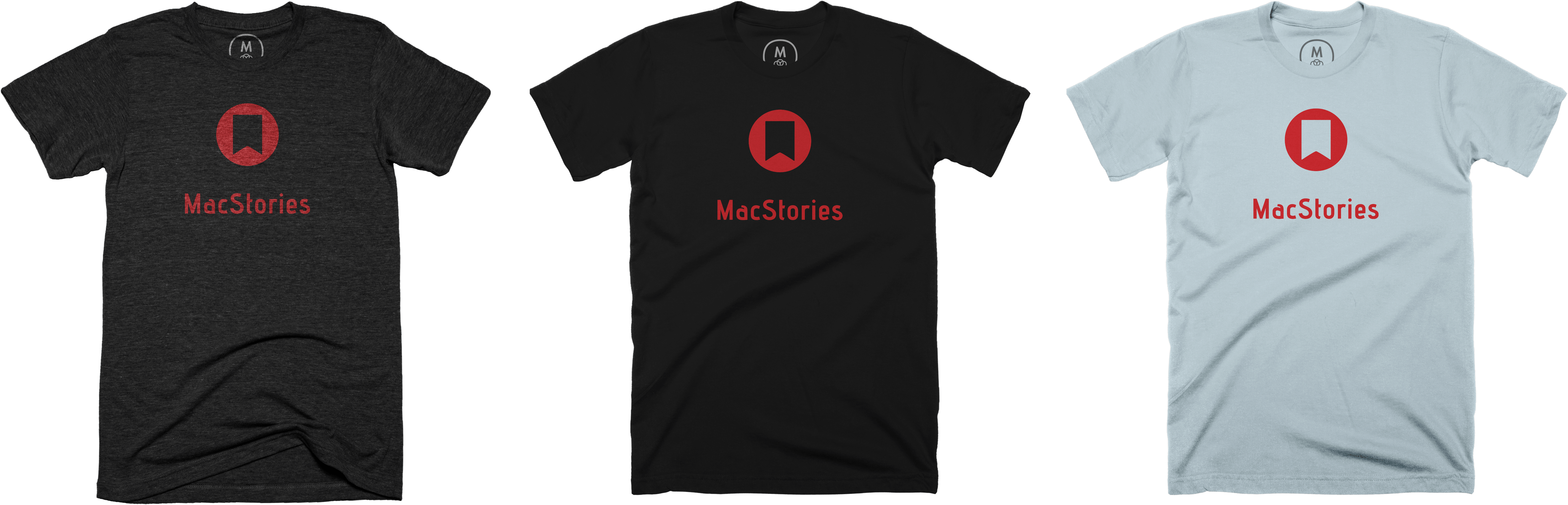
The first item is the MacStories 10th Anniversary T-shirt, which features the site’s classic bookmark logo and distinctive typography. The shirt, offered through our friends at Cotton Bureau, comes in three styles: Vintage Black Tri-Blend, Black 100% Cotton, and Light Blue 100% Cotton in both men’s and women’s cuts and a wide range of sizes for $30.
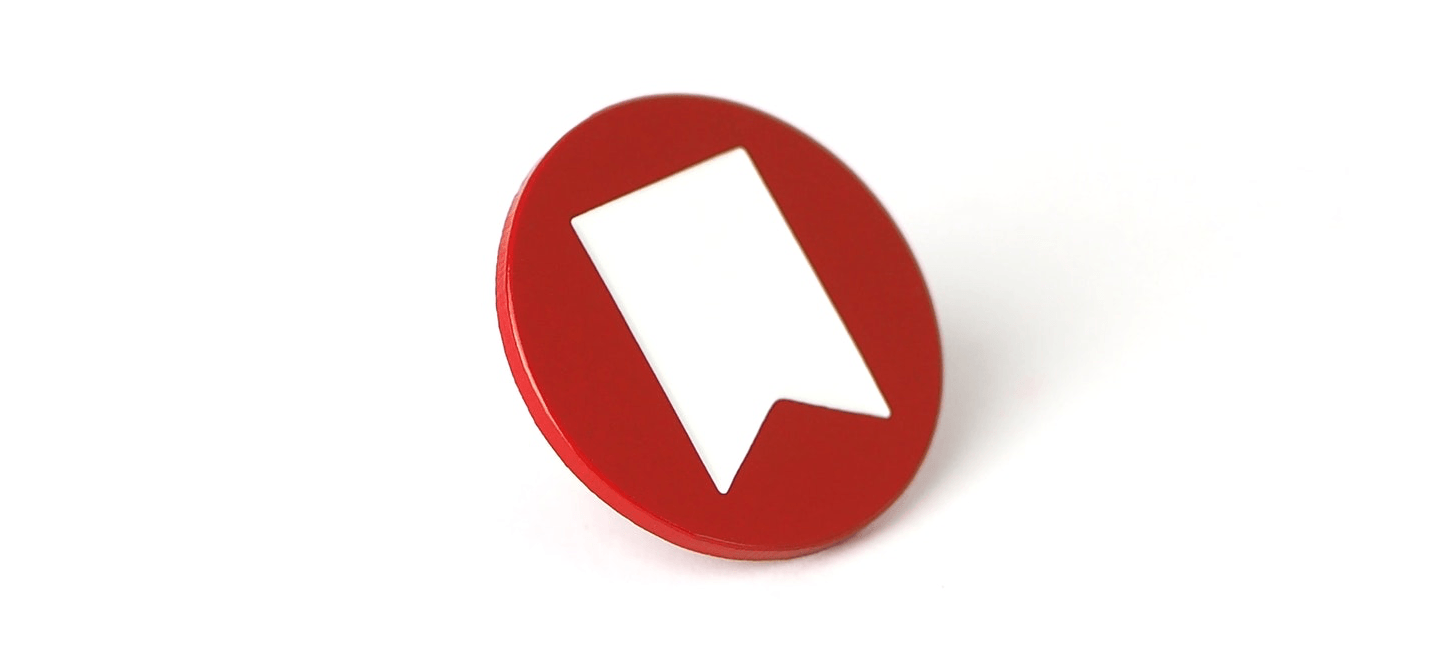
The second item is the MacStories 10th Anniversary Enamel Pin. The pin features MacStories’ iconic bookmark logo in the perfect shade of MacStories red for $15.
The shirts will be available to order for two weeks and the pins will be for sale until supplies run out, so don’t wait. Two weeks is not long and we expect the pins to sell out fast.
We’d like to expand what we offer in the future, but that depends entirely on demand and interest from you. So let us know what you think on Twitter (@MacStoriesNet) and send us pictures of your new MacStories shirts and pins in the wild when they arrive. We’re excited to get them in your hands soon.
Later this week on Saturday, April 20, MacStories will turn 10 years old.
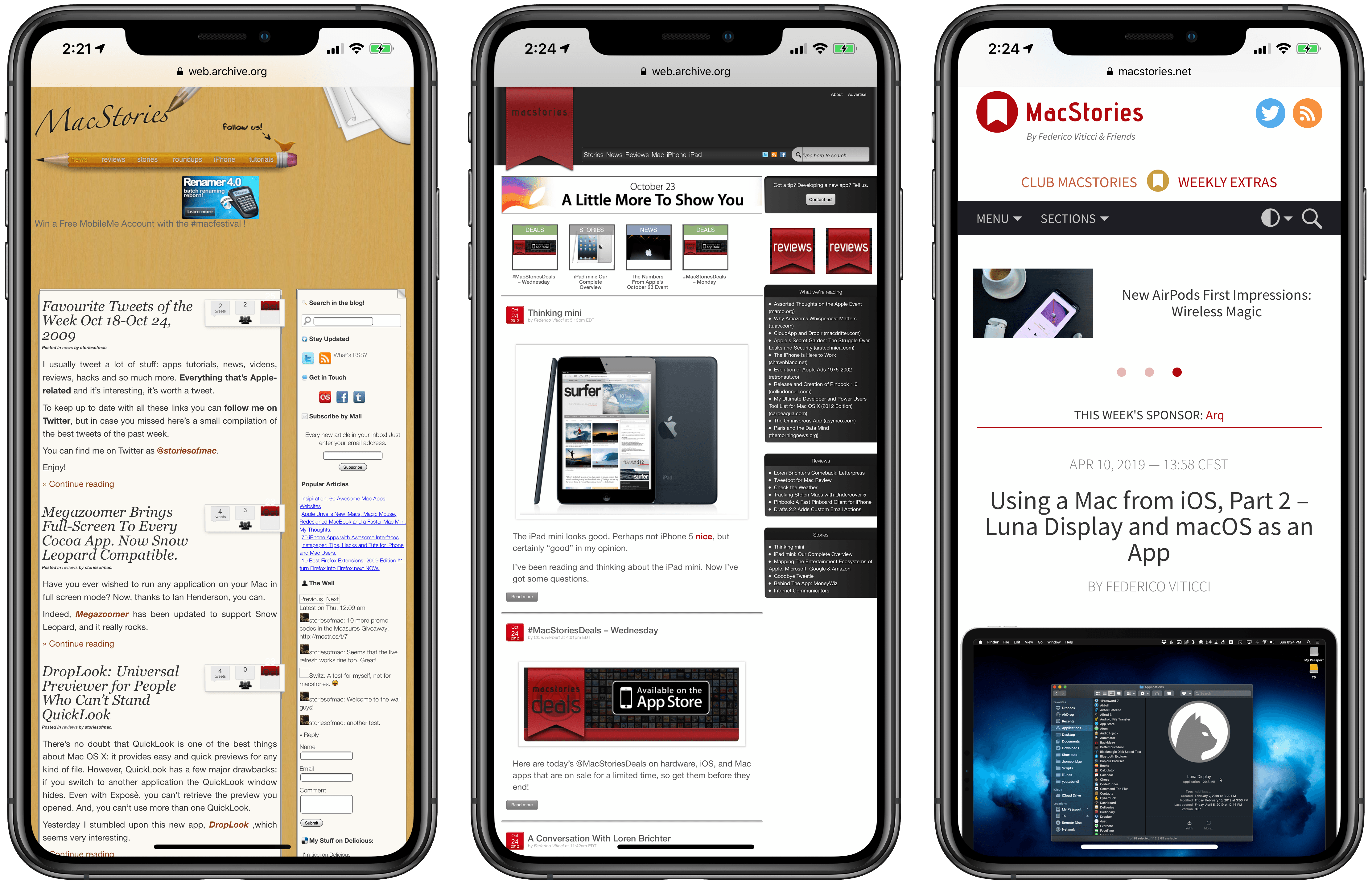
It was Monday, April 20, 2009 when, fresh out of a job from which I had gotten fired, I decided to publish the first official post on my self-hosted blog after a few weeks of running a free WordPress.com website. I was 21. My English was terrible and, at the time, MacStories was written in two languages, English and Italian – probably to hide my discomfort as a non-native English speaker. If you want to hear this story (and my entire background) in much greater detail, John interviewed me on this week’s special episode of AppStories.
Since that first post about web browsers, MacStories has been on my mind every day and it remains the most important thing I’ve ever built in my adult life. In many ways, MacStories has come to define me.
As you might guess, I’ve struggled to come to terms with the meaning of this anniversary. I don’t like celebrating work-related anniversaries. I don’t think our readers appreciate excessive self-congratulatory content and I’d rather focus on getting work done every day. I prefer to let other people compliment us if they ever feel compelled to do so; otherwise, I just want to focus on providing a service to our audience, because that’s what I’m ultimately here to do: to make sure that MacStories and our related properties can be useful and inspiring for our readers around the world.
Ten years, however, does feel like an extremely long time in Internet years. For this reason, when I started thinking about this looming milestone sometime last year, I knew I had to do something special for this anniversary – just this once – to look back at the past decade of MacStories, reflect on the things I’ve learned along the way, and plan ahead for the future.
Here’s the short version: this week is going to be extra special on MacStories. We’re launching our first official merchandise today (macstoriesmerch.com) and there will be a series of retrospectives published on MacStories throughout the week (keep an eye on this tag). In addition, we will be launching a couple of new perks exclusive to Club MacStories members.
Now, allow me to share some thoughts about creating MacStories and what this website has meant for me over the past 10 years.
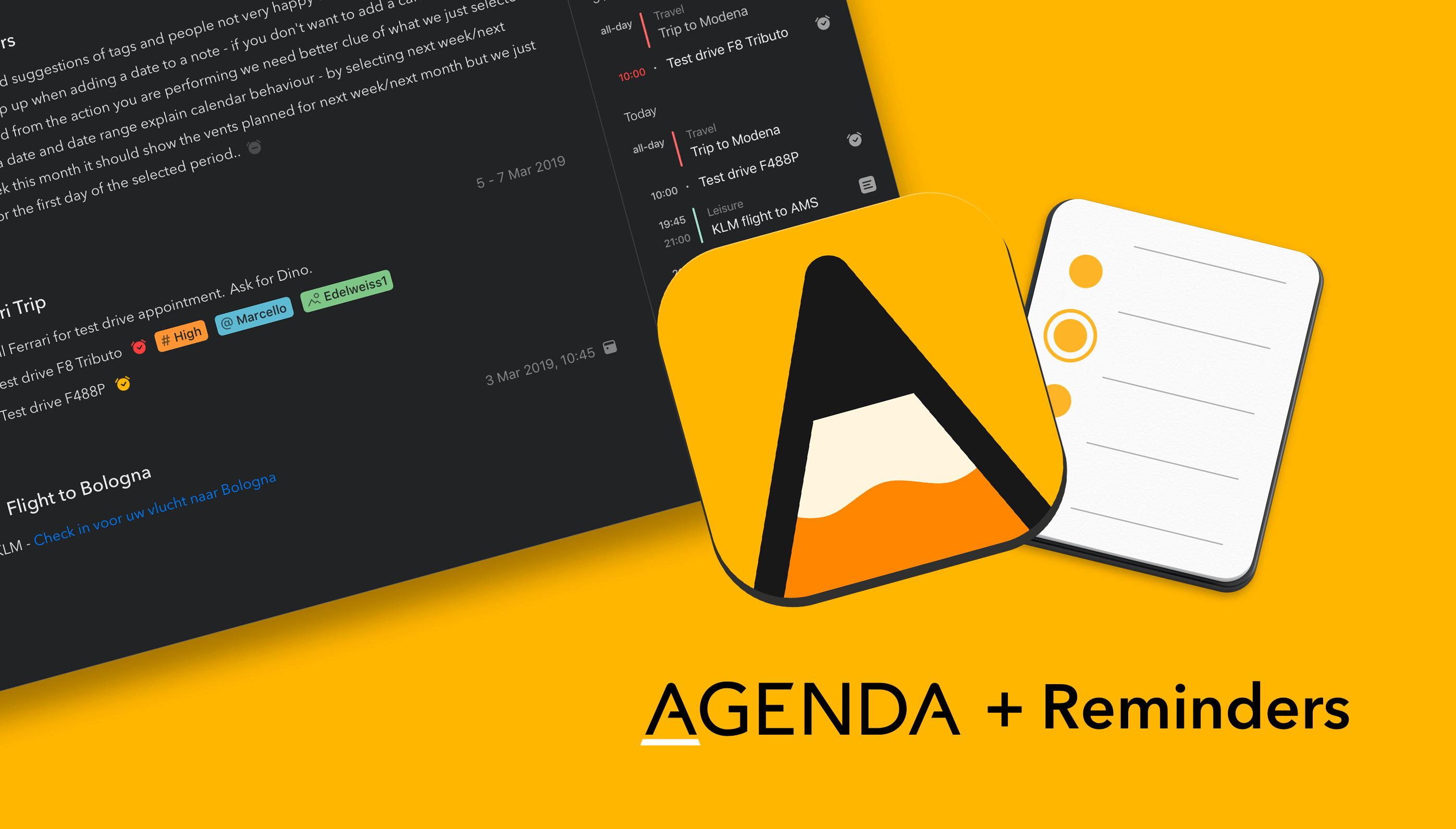
Agenda is a strong new entrant in the arena of note taking apps for Mac, iPad, and iPhone. It’s elegant and powerful — Agenda was the only Mac app to win an Apple Design Award in 2018 — and includes a few twists on what you have come to expect from a note taking app.
To begin with, Agenda focuses on dates. You organize your notes chronologically in projects, with each project flowing from future, through present, and into the past. Use Agenda to plan for a future meeting or vacation, and have your notes ready when it is time to begin. When it’s all over, the very same notes are preserved for posterity in Agenda’s unique timeline.
You can even link notes to events in your calendar app, and edit the events without leaving Agenda. Rather than competing with your calendar, Agenda complements it, working perfectly in tandem.
Even more exciting, the Agenda team is putting the finishing touches on an update which will bring that same level of integration for Apple’s Reminders app. Reminders is great tool for scheduling tasks that are due at a particular time or place; in just a few weeks time, Agenda will allow you to create and edit reminders without leaving the app.
Similar to calendar support, the Agenda team have opted to integrate with the existing Reminders app, rather than reinvent the wheel. You will be able to link reminders to list items in Agenda, so that you get a notification when they become due. Agenda will autofill as much information as possible, making it ridiculously easy to create new reminders for your tasks. There is even support for a markdown-like syntax, so you don’t even have to stop typing.
Agenda is free to download and use forever. It is a great time to give it a try, because there is now support for importing from Evernote and Apple Notes, and free sync via iCloud.
A premium feature upgrade is available via In-App Purchase. It includes all current premium features, as well as new ones added in the next 12 months. Best of all, the features you unlock are yours to use forever — strictly no subscription.
Our thanks to Agenda for sponsoring MacStories this week.
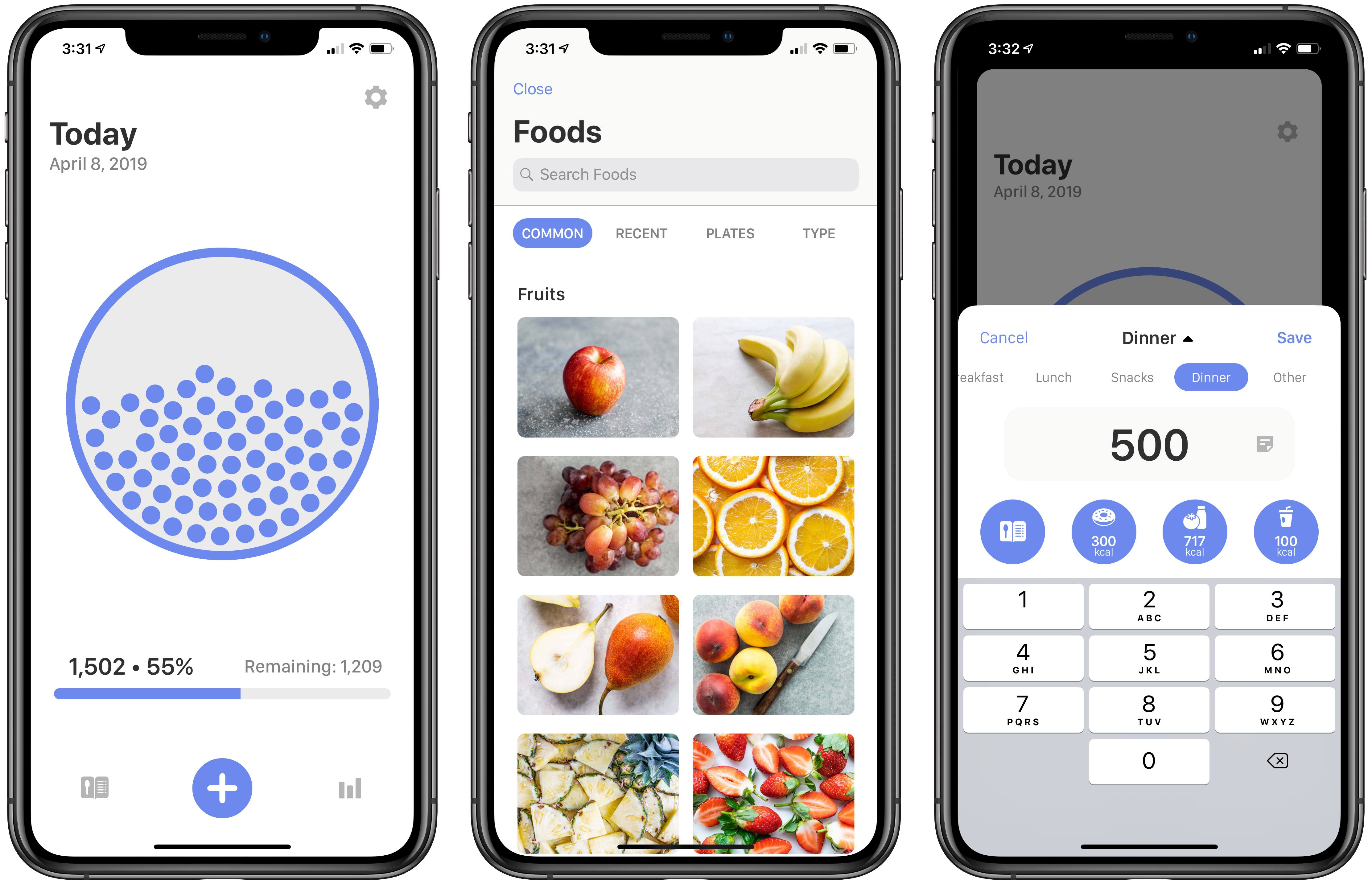
In my estimation, there are two types of nutrition-tracking apps on the App Store: those for users who want full control of all nitty-gritty details regarding what they consume, and those for people like me who just want to do simple calorie-tracking. Calory, a new iOS app from the makers of WaterMinder, HealthView, and HabitMinder, falls strictly in the latter category. While you can optionally track certain statistics like fat, carbs, and protein, the primary purpose of Calory is convenient calorie tracking – and the app excels at that.
Federico has discovered something terrible about his childhood, Stephen had an accident and Myke wants a new TV. After all of that is taken care of, the trio talk about a new iPad case that uses the Magic Keyboard and using macOS as an iPad app.
The first thing that I noticed about this year’s show, is that some of the major players in the mobile video editing space planned their booths to be adjacent to one another. This was a smart move, as it created a stronger presence for mobile video editing than in years before.
I also noticed that there was a significant uptick in foot traffic than in the past. Some of this can be attributed to the way the booths were organized, but I feel like mobile video editing has gained more legitimacy as a whole as people come to grips with how powerful the available apps, tools, and hardware have become.
Benjamin’s story includes details on upcoming updates to LumaFusion and Filmic Pro that are in the works as well as a new app coming later this year from Filmic called Filmic Audio that allows one iOS device to be used as a remote audio recorder that will sync its recordings with video filmed using Filmic Pro on a second iOS device. Benjamin also previews an update coming to the Gnarbox, an outboard storage and backup solution, which is designed to be used by photographers and videographers wired or wirelessly with iOS devices, and the Movi Cinema Robot, an iPhone gimbal that is gaining Filmic Pro integration soon.
Mobile video production is one of the most interesting pro areas for which iOS devices are being used currently as was recently highlighted by Jonathan Morrison who has used apps like LumaFusion to produce YouTube videos. As Benjamin points out, mobile video production is clearly on Apple’s radar based on the company’s behind the scenes look at how it shot some of its recent iPad Pro ads. I too hope Apple’s interest foreshadows the arrival of new iOS 13 features that will simplify video and audio production.