This Week's Sponsor:

Dropzone 5

Improve your Drag-and-Drop Workflow


macOS 26 Tahoe: The MacStories Review

I’m going to cut to the chase – I like macOS 26 Tahoe a lot. No, it’s not perfect, and yes, I wish Apple had done even more, but that’s the case every year.

What I love about Tahoe is its balance. It’s not the sort of thing you can draw up a set of specs or a table of pros and cons for. It just feels right.

The heart of why Tahoe works is that it meets users where they are better than the typical annual release. If you’ve been using macOS for years and prefer to follow a beaten path through its features, you can. You may stumble across a new feature now and then, and you’ll notice visual differences thanks to Liquid Glass, but I’ve been moving between macOS Sequoia and Tahoe all summer long, and when I’m not seeking out what’s new, everything simply feels familiar and comfortable. That’s a good thing for an OS that’s relied upon by millions of people to get their work done.

But you’re probably wondering how I can say that given the Liquid Glass design and online drama surrounding it over the summer. The thing is, whether you’re a Liquid Glass fan or foe, it’s just not as big of a deal on the Mac as it is elsewhere. I’ll explain what I like about Liquid Glass and what I don’t, but it hasn’t moved the needle at all when it comes to my daily work.

What has moved the needle are the new features available in Tahoe. They won’t get in the way of your existing workflows, but if you’re interested iprn exploring new and better ways of getting things done, there’s a lot to like about this update. That’s why I’m such a big fan of macOS 26: it’s a release that walks a careful line between the familiar and the new. There’s no adjustment period, but there are plenty of new features to explore that I think will make a big difference in the way MacStories readers use their Macs.

So join me for a tour off the beaten path to explore what you can expect to discover in macOS 26 Tahoe.

Read more


iOS and iPadOS 26 Review Extras: eBooks, Drafts Actions, Apple Intelligence Shortcuts, and a Special Edition of MacStories Weekly

Today’s the day! This morning, Federico published his comprehensive review of iOS and iPadOS 26, covering the systems’ design, new app features, and more – including, of course, big changes to iPadOS. His review kicks off a really fun week here at MacStories, and we’re making it extra special with exclusive perks for Club MacStories members. Here’s what’s in store.

For Club MacStories members, we’ve got some exciting perks to help you dive deeper into Federico’s review:

  • An eBook edition of iOS and iPadOS 26: The MacStories Review that you can download and read on your favorite device or app
  • A behind-the-scenes making-of story in the next MacStories Weekly with details on how Federico researched, wrote, and compiled the review

If you’re not already a member, you can join Club MacStories for $5/month or $50/year using the buttons below:

Read more


iOS and iPadOS 26: The MacStories Review

Old and new through the liquid glass.

My first job, I was in-house at a fur company with this old pro copywriter, Greek, named Teddy. And Teddy told me the most important idea in advertising is “new”. Creates an itch. You simply put your product in there as a kind of calamine lotion. But he also talked about a deeper bond with the product: nostalgia. It’s delicate, but potent.

– Don Draper (Mad Men Season 1, Episode 13 – “The Wheel”)

I was reminded of this Don Draper quote from one of my all-time favorite TV scenes – the Kodak Carousel pitch – when reflecting upon my contrasting feelings about iOS and iPadOS 26 a few weeks ago. Some of you may be wondering what I’m doing here, starting my annual review of an operating system with a Mad Men reference. But here we are today, with an eye-catching iOS update that, given the circumstances, is betting it all on the glittering allure of a new visual design, and a tablet operating system that comes full circle with old, almost nostalgic functionalities repurposed for the modern age.

I’ve spent the past three months using and working with iOS and iPadOS 26, and there’s this idea I keep coming back to: the old and new coexist in Apple’s software strategy this year, and they paint a hyperrealistic picture of a company that’s stuck in a transition phase of its own making.

Read more


Drafts, Tally, Terminology, Simple Scan: Quality Productivity & Utility Apps, Ready for OS 26, from Agile Tortoise [Sponsor]

Great indie apps that shine on OS 26. Try them free today:

  • Drafts: Quick capture notes taking with powerful actions to edit and export content.
  • Tally: Flexible, simple app for all your counting needs, from scorekeeping to habit tracking.
  • Terminology: Extensible dictionary and thesaurus.
  • Simple Scan: Breaks Apple’s scanning interface out of Notes, and provides easy, low-friction ways to route scans to email, messages, files, and more.

Download for free today at agiletortoise.com!

Our thanks to Agile Tortoise for sponsoring MacStories this week.


Podcast Rewind: Challenging Inputs and OS Review Perks

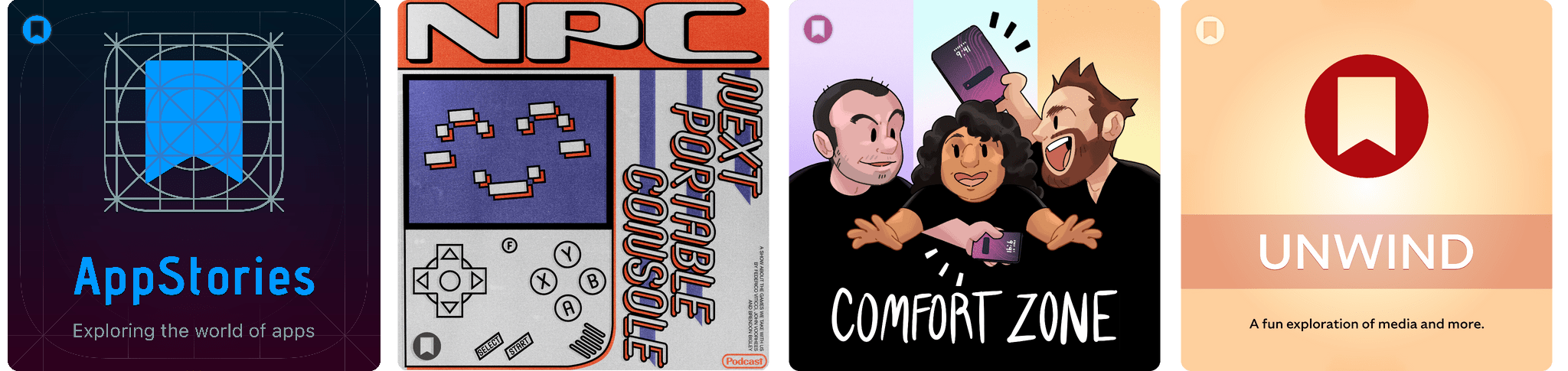
Enjoy the latest episodes from MacStories’ family of podcasts:

Comfort Zone

Niléane goes phone shopping for someone else, Chris conducts the iPhone 16 Pro exit interview, and the whole gang gets weird with inputs.

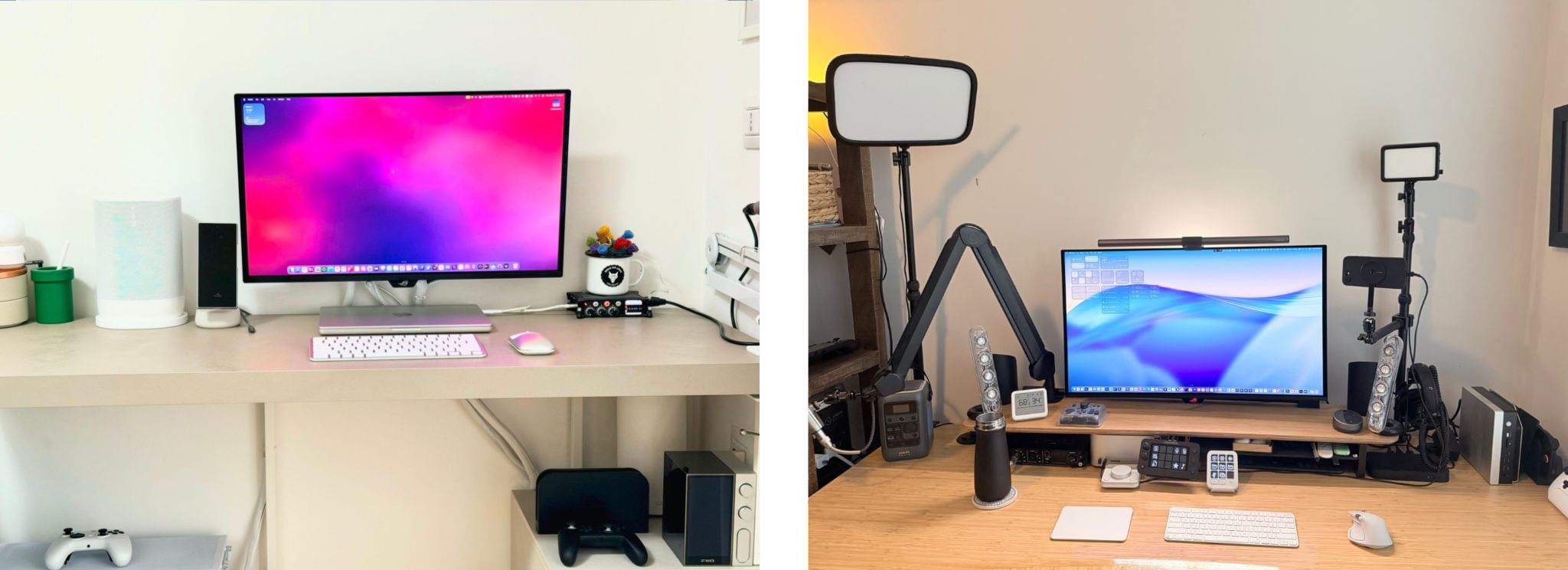
On Cozy Zone, the gang roasts each other’s desk setups.


MacStories Unwind

This week, John explains the art of Southern storytelling with an example, reminding Federico to touch grass before sharing a classic movie deal and previewing some of the perks coming next week with his iOS and iPadOS 26 review.

Read more


Sound Designer Dallas Taylor on the Audio Enhancements to AirPods Pro 3

Source: [Dallas Taylor](https://www.youtube.com/@dallastaylor.mp3).

Source: Dallas Taylor.

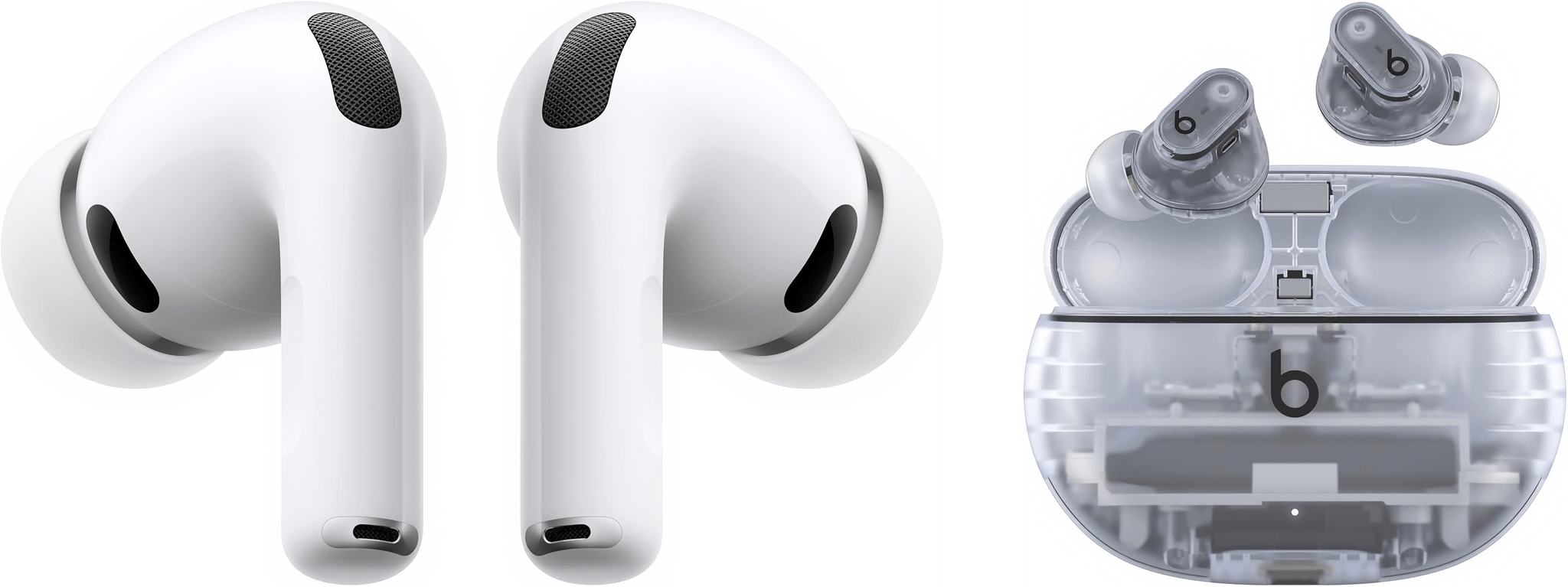
While the highlights of Apple’s AirPods Pro 3 reveal seemed to be the addition of heart rate sensors, increased battery life, and improved Active Noise Cancellation, Dallas Taylor on YouTube went a bit deeper on the actual listening experience.

Taylor is a sound designer and the host of the excellent Twenty Thousand Hertz podcast. (I can highly recommend this episode about the famous sounds of Apple and this one about the iconic sound of HBO.) He also runs a YouTube channel and was invited to Apple Park yesterday to try out the new AirPods Pro for himself.

He came away very impressed with the improved ANC, but what stood out to me was the significant upgrade in sound quality he mentioned, especially the bass. You can watch Taylor give his thoughts below, but it’s interesting to hear about a notable improvement in what people use AirPods for the most: listening to music.


You can follow all of our September 2025 Apple event coverage through our September 2025 Apple event hub or subscribe to the dedicated September 2025 Apple event RSS feed.

Permalink

Podcast Rewind: A Pre-Event Vibe Check, New Handhelds, and an All-New Interview Show

Enjoy the latest episodes from MacStories’ family of podcasts:

AppStories

This week, Federico and John do their annual pre-Apple event “vibe check,” discussing what they expect and hope to see at the upcoming September Apple event. They explore the rumored iPhone 17 lineup, AirPods Pro 3, and debate the Apple Watch Ultra. Plus, they share thoughts on the prospect of a Apple TV with Apple Intelligence capabilities, HomePods, and updates to AirTags.

On AppStories+, John and Federico explore the divisiveness surrounding the Liquid Glass update coming to macOS Tahoe.

This episode is sponsored by:

  • Claude – Get 50% off Claude Pro, including access to Claude Code.
  • Factor – Healthy, fully-prepared food delivered to your door. Use code appstories50off

NPC: Next Portable Console

This week, Brendon and John examine the latest handheld announcements from Lenovo and AYN that both come with impressive specs and some age-old frustrations. Plus, a new chip is coming to Anbernic’s lineup, and Brendon shares his first impressions of Dbrand’s Nintendo Switch 2 killswitch case.

On NPC XL, Brendon and John tackle the handheld collector’s dilemma as both hosts find themselves swimming in too many devices. They discuss strategies for decluttering their collections, from Brendon’s “three device rule” to the challenges of finding good homes for beloved handhelds.


First, Last, Everything

In this premiere episode, YouTuber Tom Hitchins, aka Byte Review, discusses his creative life that led to the creation of one of the most aesthetically pleasing tech channels on the site. From teaching Photoshop at a college to a lifelong love of Nintendo and Japanese design and entertainment, Tom’s passion for technology touches every aspect of his life.

Read more


Testing Claude’s Native Integration with Reminders and Calendar on iOS and iPadOS

Reminders created by Claude for iOS after a series of web searches.

Reminders created by Claude for iOS after a series of web searches.

A few months ago, when Perplexity unveiled their voice assistant integrated with native iOS frameworks, I wrote that I was surprised no other major AI lab had shipped a similar feature in its iOS apps:

The most important point about this feature is the fact that, in hindsight, this is so obvious and I’m surprised that OpenAI still hasn’t shipped the same feature for their incredibly popular ChatGPT voice mode. Perplexity’s iOS voice assistant isn’t using any “secret” tricks or hidden APIs: they’re simply integrating with existing frameworks and APIs that any third-party iOS developer can already work with. They’re leveraging EventKit for reminder/calendar event retrieval and creation; they’re using MapKit to load inline snippets of Apple Maps locations; they’re using Mail’s native compose sheet and Safari View Controller to let users send pre-filled emails or browse webpages manually; they’re integrating with MusicKit to play songs from Apple Music, provided that you have the Music app installed and an active subscription. Theoretically, there is nothing stopping Perplexity from rolling additional frameworks such as ShazamKit, Image Playground, WeatherKit, the clipboard, or even photo library access into their voice assistant. Perplexity hasn’t found a “loophole” to replicate Siri functionalities; they were just the first major AI company to do so.

It’s been a few months since Perplexity rolled out their iOS assistant, and, so far, the company has chosen to keep the iOS integrations exclusive to voice mode; you can’t have text conversations with Perplexity on iPhone and iPad and ask it to look at your reminders or calendar events.

Anthropic, however, has done it and has become – to the best of my knowledge – the second major AI lab to plug directly into Apple’s native iOS and iPadOS frameworks, with an important twist: in the latest version of Claude, you can have text conversations and tell the model to look into your Reminders database or Calendar app without having to use voice mode.

Read more