Paper’s 10th Anniversary

It’s hard to believe that it’s been a decade since the drawing app Paper was released on the iPad. Andy Allen, a co-founder of FiftyThree, the company that released the app in 2012, marked the anniversary with a post on Andy Works that recounts the app’s origin story during the early days of the iPad.

According to Allen, Paper was born from the ashes of Microsoft’s prototype device called the Courier, which was never released:

While Paper was born in 2012, its roots go back a few years prior when we co-founders first met at Microsoft working on the idea for a new device called Courier. Before the iPad, this was a two-screen digital journal + pen with an entirely new OS and apps designed for a very un-Microsoft customer—creative types. Despite internal excitement for the product, Ballmer shut down Courier in 2010, and if it wasn’t for a leaked prototype video that caused a stir online, things might’ve ended there.

Allen’s post also describes the unconventional design decisions that drove Paper’s unique look and interaction model, which anyone interested in the history and process of app design will love. What really struck me, though, was Allen’s observations about the Paper’s resilience, which is more an exception than a rule:

Most apps from the early App Store-era that were hailed for their design are no longer with us (Path). Yet Paper is still here. And in much the same form as when it was first released having weathered the many tides of changing UI trends (flat design) and iOS updates. The same principles continued guiding it through new features, experiments, and even full rewrites. Every part replaced, yet its soul intact.

Yet, despite Paper’s longevity, even it isn’t immune from the impermanence of modern apps:

In writing this article, I wanted to get the original version of Paper 1.0 running on an old iPad. I tried for a full day but failed. A reminder that our work is transient—here for its moment and then gone.

I’m glad Allen shared these stories about Paper. Too many of the tales of the early App Store have already been lost, and Paper is an important milestone in that history that illustrates the kind of creativity and innovation that the iPad made possible.


Permalink

AppStories, Episode 267 – State of the Platforms, with Apple’s Vivek Bhardwaj

This week on AppStories, we had the pleasure to interview Apple’s Vivek Bhardwaj about Universal Control, Shortcuts, Live Text, and more.


On AppStories+, Federico and John discuss the irony that the Studio Display contains the hardware of a base-model iPad, Federico explores the best way to trigger Shortcuts from app launchers, and John reports on Netflix’s iOS gaming efforts.

We deliver AppStories+ to subscribers with bonus content, ad-free, and at a high bitrate early every week.

To learn more about the benefits included with an AppStories+ subscription, visit our Plans page, or read the AppStories+ FAQ.


Last Week, on Club MacStories: The 8th Installment of Federico’s Obsidian Series, John’s Studio Setup, and an Afterparty Town Hall

Because Club MacStories now encompasses more than just newsletters, we’ve created a guide to the past week’s happenings along with a look at what’s coming up next:

AV Club Town Hall: The Afterparty

AV Club is a monthly event held in the Club MacStories+ Discord community. Club members vote on a movie, TV show, videogame, book, or music to enjoy as a group. It’s like a book club, but for all kinds of media.

This month, we watched the Apple TV+ series The Afterparty. Then, last week, we held a live audio AV Club Town Hall in our Discord community. Alex and I were joined by Sigmund Judge and Jonathan Reed, two Club members who write at Screen Times, to discuss the show and take questions from members who listened live.

If you’re a Club MacStories+ or Club Premier and missed the lively discussion, it’s available as a Club-only podcast that you can enjoy on the Club website or subscribe to from your the Club Podcasts page.

MacStories Weekly: Issue 313


Apple TV+’s CODA Wins Best Picture at the Oscars

Last night was a big night at the Oscars for Apple. In just the second year that Apple TV+ has been eligible for an Oscar, the streaming service’s film CODA won the award for Best Picture. CODA was also honored with the award for Best Adapted Screenplay, and CODA star Troy Kotsur was named Best Supporting Actor.

Apple acquired the streaming rights to CODA at the Sundance Film Festival in early 2021 and debuted it on TV+ last August. Going into the ceremonies last night, CODA was up against other strong contenders, including The Power of the Dog, a Netflix film that won critical acclaim. But ultimately, it was CODA, a feel-good family drama, that took home Apple’s first-ever Oscar and the first Best Picture award from any streaming service.

CODA is also notable for its predominantly Deaf cast, which includes Troy Kotsur and Marlee Matlin. Kotsur took home the Best Supporting Actor award for his role, which was a first for a Deaf male actor. Matlin previously won an Oscar for her role in Children of a Lesser God.

Apple’s head of Worldwide Video Zack Van Amburg had this to say about the awards:

On behalf of everyone at Apple, we are so grateful to the Academy for the honors bestowed on ‘CODA’ this evening. We join our teams all over the world in celebrating Siân, Troy, the producers, and the entire cast and crew for bringing such a powerful representation of the Deaf community to audiences, and breaking so many barriers in the process. It has been so rewarding to share this life-affirming, vibrant story, which reminds us of the power of film to bring the world together.

If you haven’t seen CODA yet, it’s available to stream on Apple TV+.


MenuBar Stats: Advanced System Monitoring [Sponsor]

MenuBar Stats is a suite of 9 menu bar modules for monitoring your Mac that has been developed over the course of 9 years of listening carefully to customer feedback. The app tracks your Mac’s:

  • Battery
  • Bluetooth devices
  • CPU
  • GPU
  • Storage
  • Memory
  • Network connection
  • And, with a helper app, your Mac’s temperature and fan speed

The app, which is highly customizable, provides essential details, with even more extensive information just a click away. Modules can be combined into a single window, displayed as individual windows, and anchored to always be visible. The stats monitored are available as a collection of more than 10 widgets and accessible through MenuBar Stats’ Shortcuts actions. The app has been extensively tested on and tuned for Apple’s latest M1-based Macs and includes a tool to clean your Mac’s memory too.

MenuBar Stats goes beyond monitoring and reporting with the ability to set up notifications to alert you of the details that matter most to you. Whether that’s when your battery reaches a certain level or when there’s a process that is monopolizing your CPU, MenBar Stats can alert you, so you’ll know the moment your Mac needs your attention.

Acting on those notifications couldn’t be simpler. MenuBar Stats can take you to a long list of Mac system utilities from your menu bar or using global keyboard shortcuts that you define. There’s also backup and restore functionality, so you can recreate your carefully-crafted setup anywhere.

It’s easy to see why MenuBar Stats has an average rating of 4.5 stars worldwide. Download MenuBar Stats today to see for yourself why so many people rely on it to monitor their Macs.

Our thanks to MenuBar Stats for sponsoring MacStories this week.


MacStories Unwind: The Valve Steam Deck, Spider-Man: No Way Home, and Dune

AppStories+ Deeper into the world of apps
0:00
28:41

AppStories+ Deeper into the world of apps


This week on MacStories Unwind, Federico shares his thoughts on the Valve Steam Deck and John recommends a movie double feature of Spider-Man: No Way Home and Dune.

Federico’s Pick

John’s Picks


Overcast Redesign Enhances Podcast Navigation with an Emphasis on Playlists and Recent Episodes

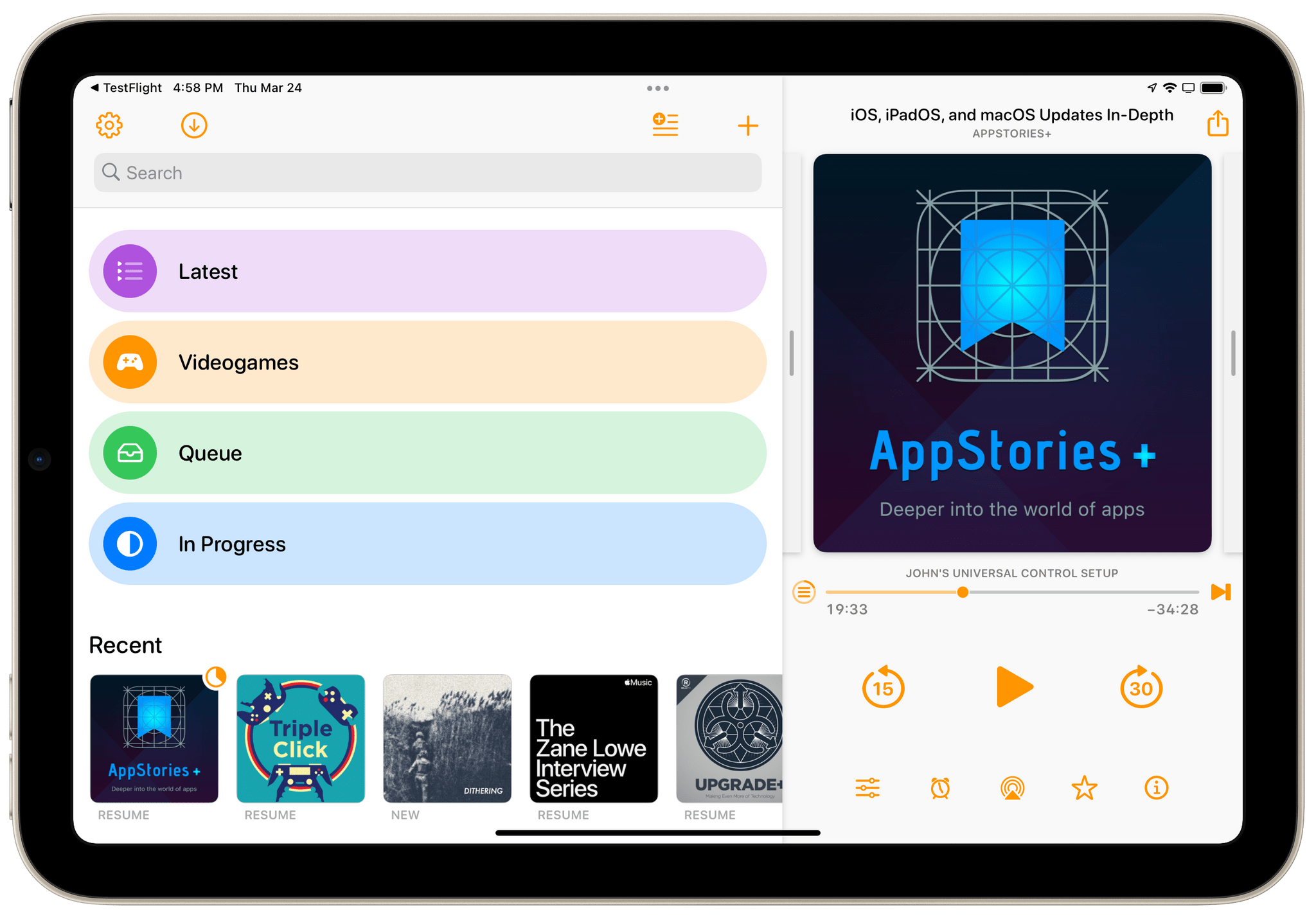
I’ve used a lot of different podcast apps over the years, but the one I return to most often and have used the most is Overcast by Marco Arment. The app’s customizability, Smart Speed and Voice Boost audio enhancement technologies, and Shortcuts support are unrivaled among podcast players. I also appreciate that when episodes of the shows I love are published, they usually appear in Overcast first.

Read more


Alto’s Adventure: Spirit of the Mountain Released on Apple Arcade

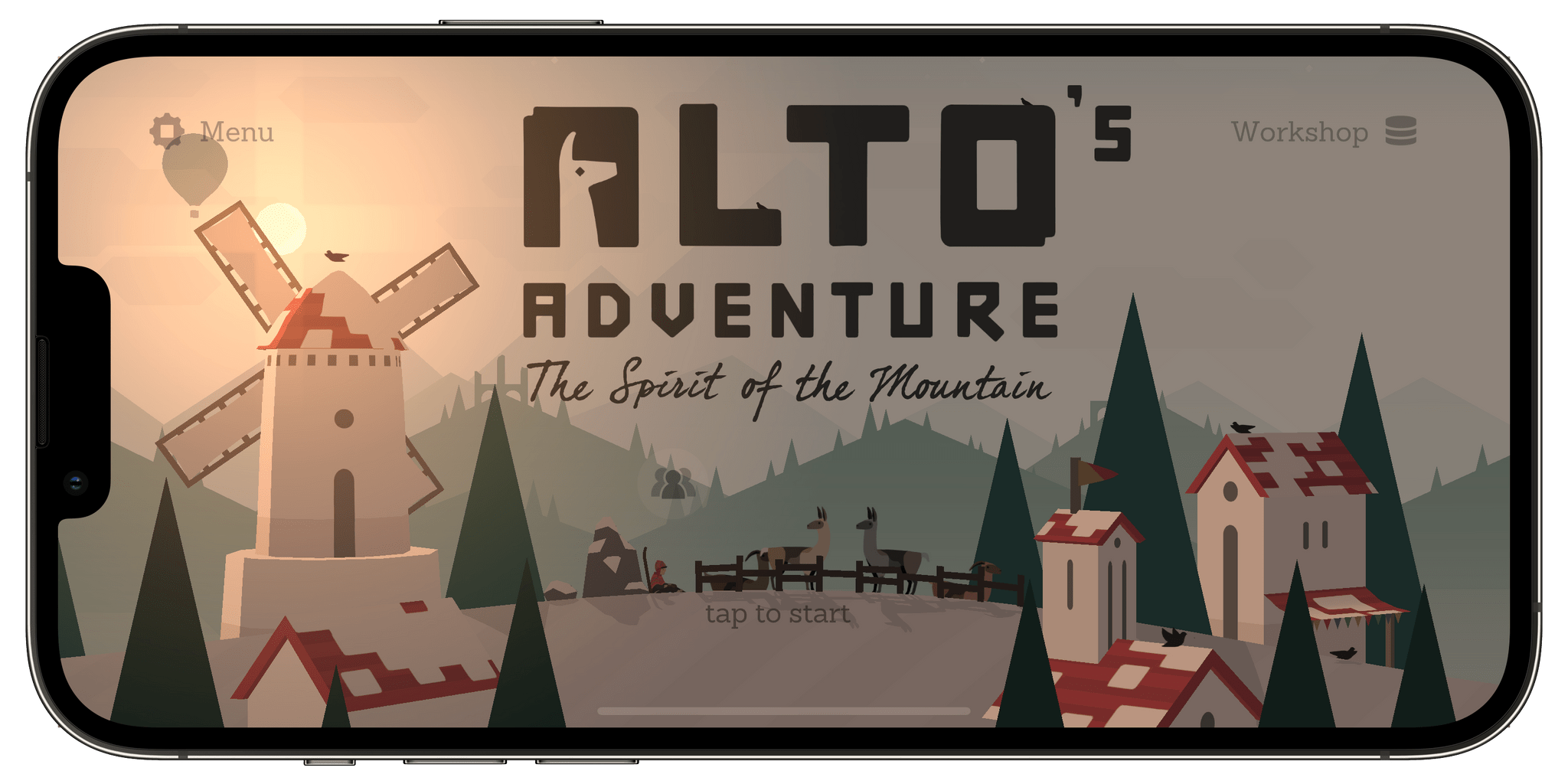
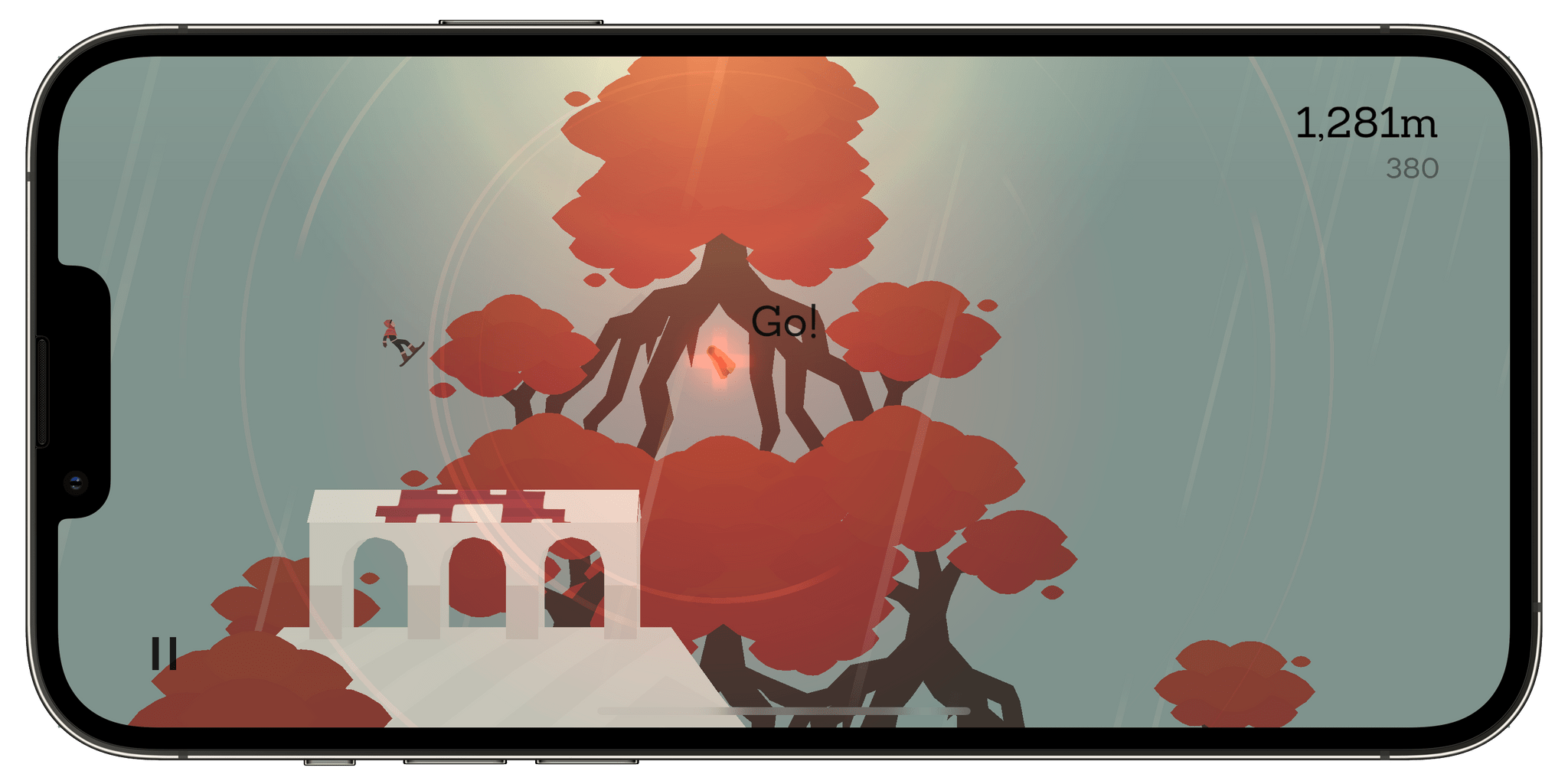
Alto’s Adventure has long been one of my favorite iOS games. Originally released in 2015, the game has been updated over the years with features like zen mode and released on multiple platforms. Today, a remastered version known as Alto’s Adventure: Spirit of the Mountain is available exclusively on Apple Arcade.

New collectible artifacts are scattered throughout Alto's Adventure and unlock a new playable character.

New collectible artifacts are scattered throughout Alto’s Adventure and unlock a new playable character.

If you have played Alto’s Adventure on iOS before, your existing progress can be imported into the remastered version, which features new ways to enjoy the game. The core gameplay mechanics of Alto’s Adventure, which were such a big part of its success, remain unchanged. The new version allows players to unlock a brand new character with unique abilities and tricks by collecting artifacts as you play. Once the new character is unlocked, players can set out to accomplish 20 new goals accompanied by a new soundtrack.

Alto’s Adventure is a game that I enjoy revisiting periodically, so I really didn’t need an excuse to play it again. Still, it’s great to have a chance to replay this classic game with the added perk of a new character and goals to explore.

Alto’s Adventure: Spirit of the Mountain is available on the App Store as part of an Apple Arcade subscription.