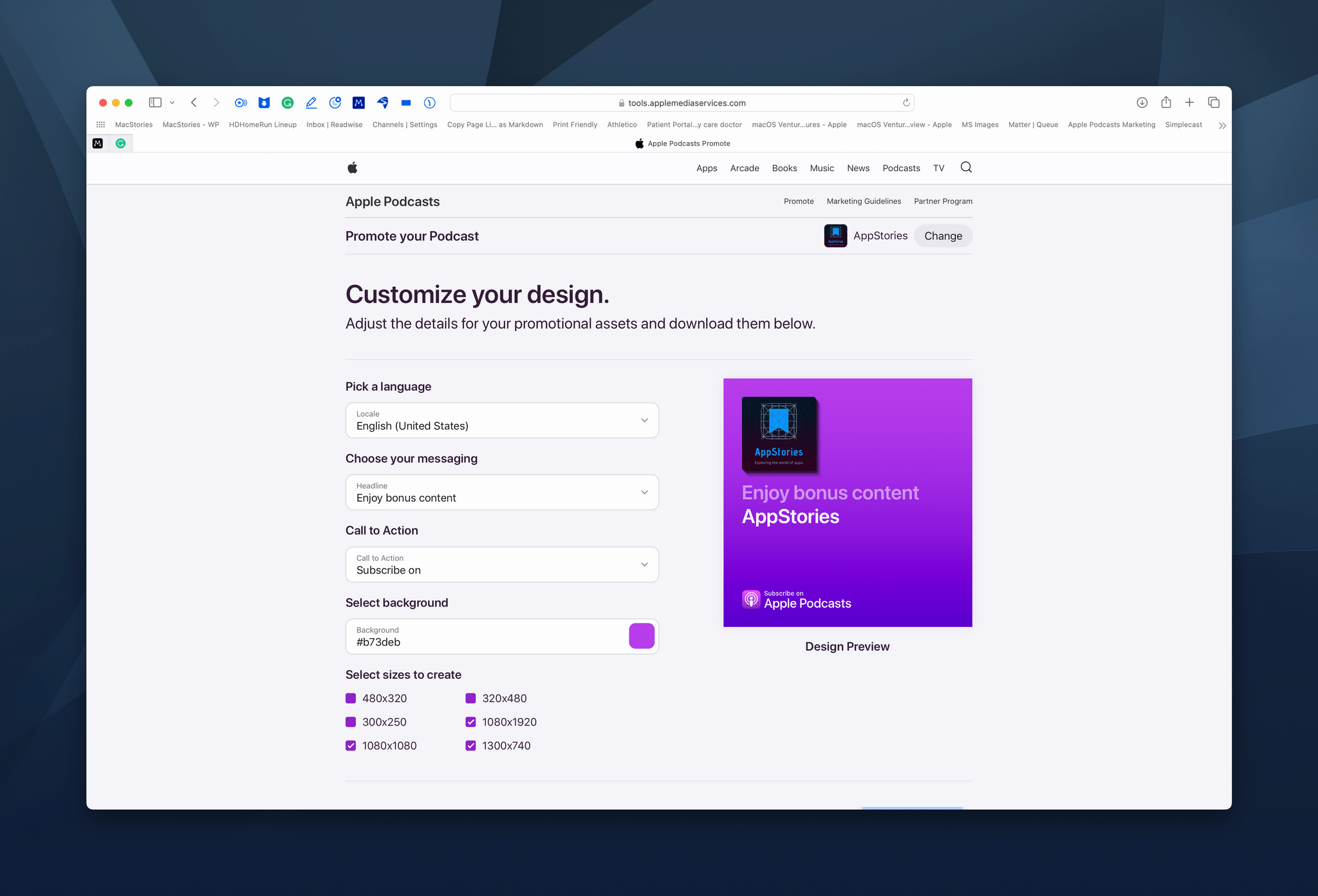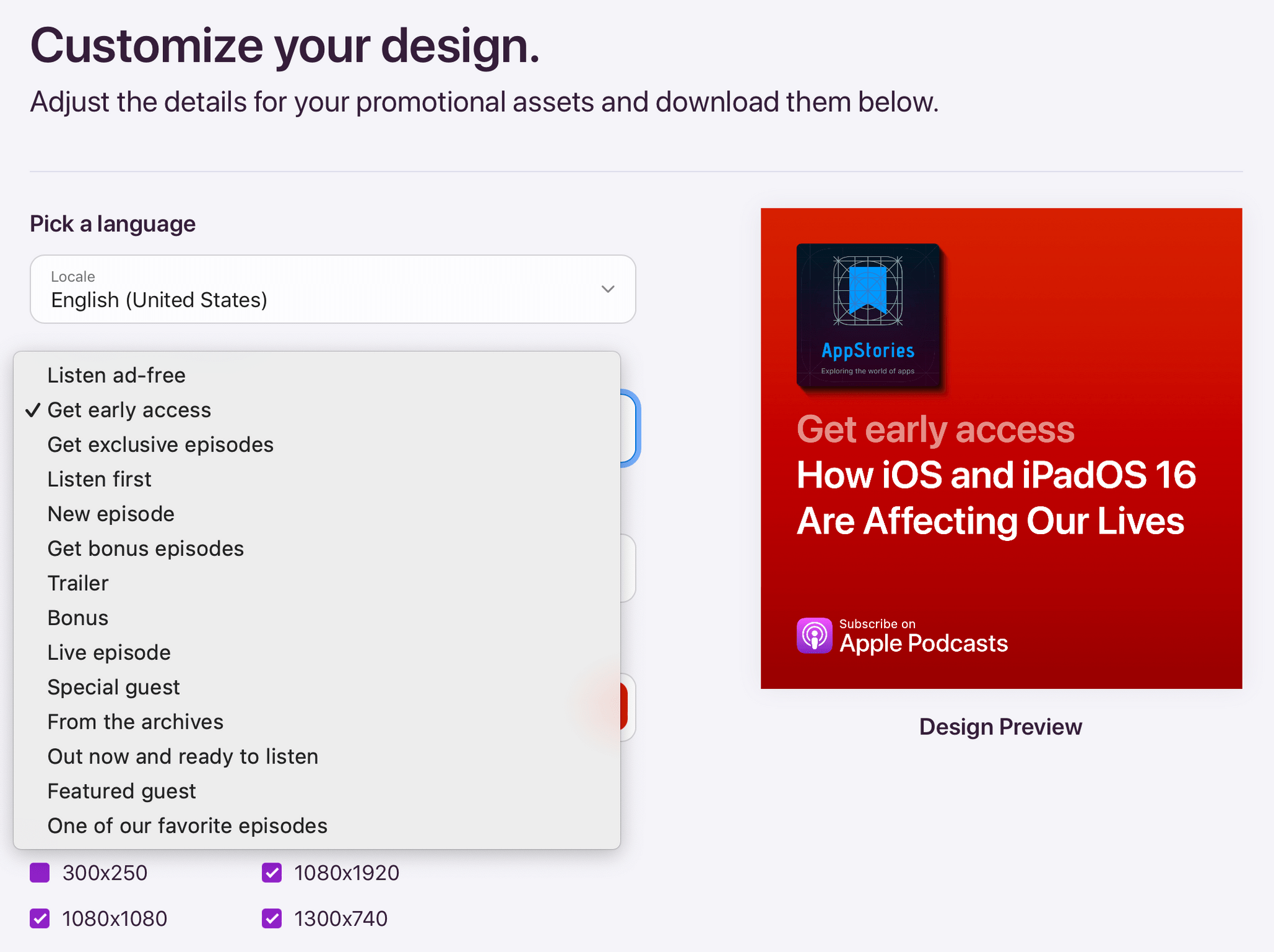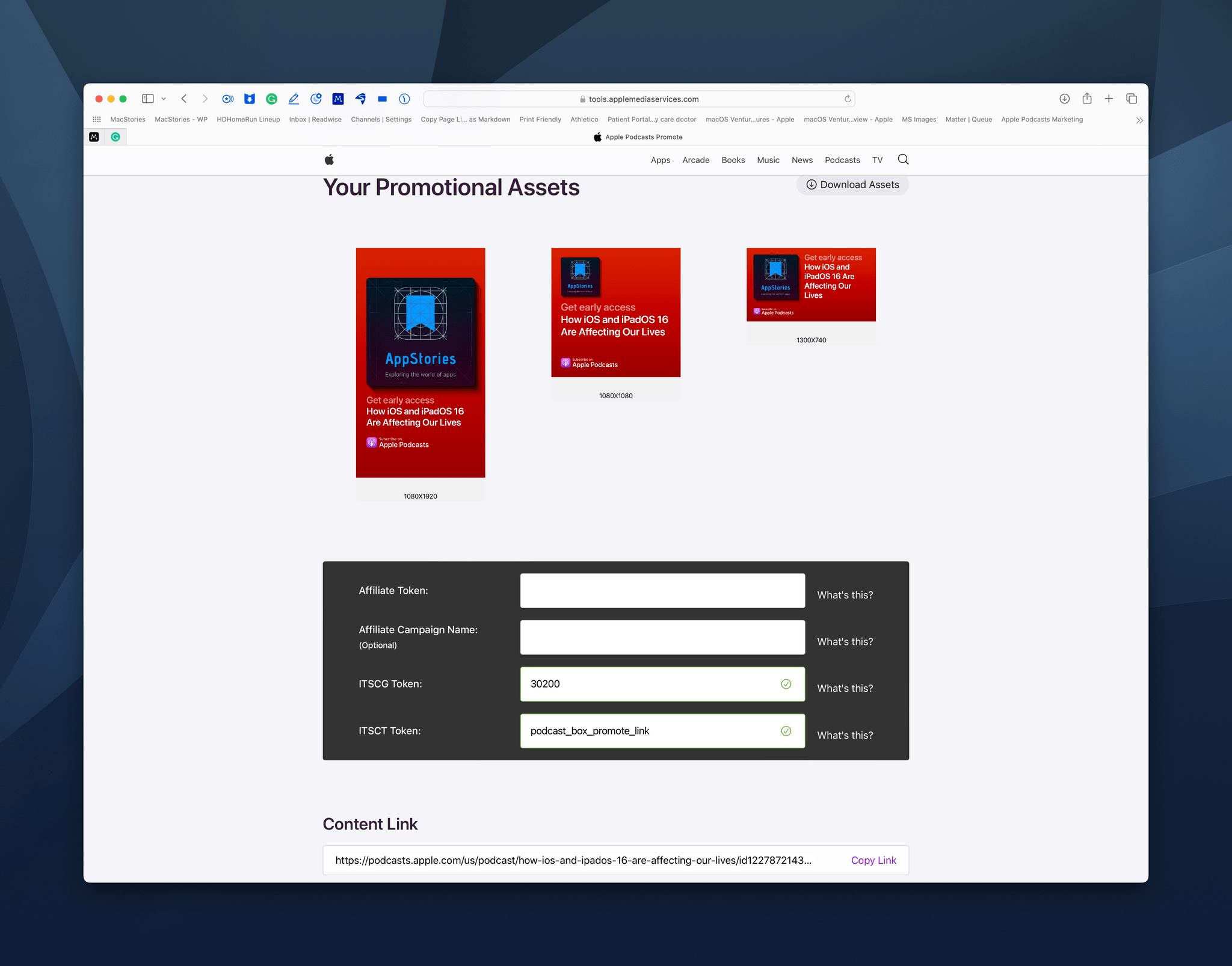
Last Week, on Club MacStories: MusicBox Shortcuts, Great iPad mini Reading Apps, and MacStories Unplugged

Because Club MacStories now encompasses more than just newsletters, we’ve created a guide to the past week’s happenings along with a look at what’s coming up next:

MacStories Weekly: Issue 322

Fetching Apple Music editorial content with one of Federico's shortcuts.

Fetching Apple Music editorial content with one of Federico’s shortcuts.

Up Next

Later today, we’ll be sharing what we’re doing for WWDC this year at MacStories, which includes special events in the Club MacStories+ Discord and a special issue of MacStories Weekly for all Club members.

On Tuesday, May 31st, at 12:30 PM Eastern US time, we’ll be holding a live audio Town Hall in our Discord community for Club MacStories+ and Club Premier members. Federico and I will be joined by a special guest to talk about our expectations for WWDC, take questions from members, and share some of our plans for WWDC week. We’ll also cover a big article Federico is publishing on MacStories this week.


Kolide: Endpoint Security Powered by People; Try for Free!

Kolide is a SaaS app that sends employees important, timely, and relevant security recommendations concerning their Mac, Windows, and Linux devices, right inside Slack.

Kolide is perfect for organizations that want to move beyond a traditional lock-down model and move to one where employees are educated about security and device management while fixing nuanced problems. We call this approach Honest Security.

For example, Kolide can:

  1. Instruct developers to set passphrases on the unencrypted SSH keys littered throughout their devices.
  2. Find plain-text two-factor backup codes and teach end-users how to store them securely.
  3. Convince employees to uninstall evil (yet allowed) browser extensions that sell their browser history to marketing companies

You can try Kolide on an unlimited number of devices with all its features for free and without a credit card for 14 days.

Our thanks to Kolide for sponsoring MacStories this week.


MacStories Weekly: Issue 322

Read more

MacStories Unwind: Harder Than It Looks and Tomb Raider Definitive Survivor Trilogy

AppStories+ Deeper into the world of apps
0:00
25:26

AppStories+ Deeper into the world of apps


This week on MacStories Unwind, Federico recommends Simple Plan’s latest album, Harder Than it Looks and takes listeners back to 2005 for the band’s one song show in Viterbo, Italy, while I revisit the Tomb Raider trilogy on the the Xbox Series X.

SaneBox – Organize Your Inbox (and Never Waste Time on Email Again)

Federico’s Pick:

John’s Pick:


Grocery 3.0 Introduces App-Wide Redesign and New Inventory Features

It’s been fun to watch Grocery by Conrad Stoll evolve over the years. The app started as a relatively simple shopping list app on the iPhone but has transformed into something much deeper. Today, Grocery is available on the iPhone, iPad, Mac, and Apple Watch and offers a comprehensive feature set that also covers meal planning, recipes, and inventory tracking. This week’s release of version 3.0 of Grocery takes the app’s formula further with a fresh, modern design, tighter integration between inventory management and shopping lists, and other new inventory features for better tracking of what you have on hand. It’s an excellent update that takes advantage of the latest features of Apple’s OSes to offer a broad-based approach to grocery shopping.

I’m going to focus this review on what’s new in Grocery 3.0, but you can read more about the app’s core features in my past reviews.

Read more


Mario Guzman’s Music MiniPlayer Lets You Control Apple’s Music App in iTunes 10 Style

Earlier this year, we interviewed Mario Guzman in MacStories Weekly about Music Widget, his Apple Music controller utility that recreates the look and feel of the original iTunes Dashboard Widget. This week, Guzman is back with a similar music utility for macOS that’s skinned to look like the original iTunes 10 MiniPlayer.

Called Music MiniPlayer, the utility is a remote control for Apple’s Music app, not a music player itself, that takes its inspiration from iTunes 10’s MiniPlayer. With the exception of some minor tweaks to the background of the playback controls, Music MiniPlayer is a pixel-perfect recreation of the iTunes 10 MiniPlayer written almost entirely using the Core Graphics and Core Animation frameworks to ensure crisp rendering on Retina and non-Retina displays.

Read more


Last Week, on Club MacStories: iOS Features That Should Be Apps and Due as a Work Habit Tracker

Because Club MacStories now encompasses more than just newsletters, we’ve created a guide to the past week’s happenings along with a look at what’s coming up next:

MacStories Weekly: Issue 321


AppStories, Episode 275 – Our iPadOS 16 Wishes

This week on AppStories, we tackle iPadOS and the changes we’d like to see come to iPad this year, and we revisit some of our Shortcuts wishes for 2022.

Sponsored by:

  • RevenueCat – Subscription management built for mobile apps.
  • Pillow – Sleeping better, made simple.
  • Sourcegraph – Universal Code Search. Move fast, even in big codebases. Try it now.

On AppStories+, we consider ways that Apple could adapt trends in cross-app linking into a more universal, user-friendly feature.

We deliver AppStories+ to subscribers with bonus content, ad-free, and at a high bitrate early every week.

To learn more about the benefits included with an AppStories+ subscription, visit our Plans page, or read the AppStories+ FAQ.

Permalink

MusicBox Review: The ‘Listen-Later’ Music App I’ve Been Waiting For

MusicBox for iPhone.

MusicBox for iPhone.

Longtime MacStories readers know how much music is important to me. I Made You a Mixtape, which I published six years ago, continues to be one of my favorite, most intimate things I’ve ever published for a simple reason: it tells the story of the importance music had in my life when I was growing up, the connections it helped me make, and the lifelong memories it created. I am not exaggerating when I say that I feel weird inside if I don’t listen to music every day. My love for music – all kinds of music – is also why I spent the past few years rebuilding a personal, offline music library and creating a setup that lets me enjoy music without distractions.

Now, I’ve covered plenty of music apps over the years on MacStories, starting from desktop utilities for music controls to Apple Music clients based on Apple’s official API, music widgets, and even Last.fm scrobblers. But there’s been one particular type of music app, which I’ve always wanted someone to build, that has eluded my coverage of apps on MacStories in over 13 years of reviews: a read-later utility, but for music you want you want to save and listen to later.

That is, until today. MusicBox, the latest app by indie developer Marcos Tanaka, is the “listen-later” music app of my dreams, the one I’ve wanted to use for years and that someone finally made as a Universal app for iPhone, iPad, and Mac. It’s rare for me these days to find new apps that elicit this kind of enthusiasm, but when I do, I know I’ve stumbled upon something special. MusicBox is one of those apps.

This review is going to be pretty straightforward. If you’re a music lover and use either Apple Music or Spotify, and if you feel like you discover more interesting music than you can possibly consume in a day, MusicBox is for you. Open the App Store, spend $2.99 (there are no subscriptions or In-App Purchases in the app), and you’ll get what is likely going to be one of your favorite apps of 2022. Then, if you want to learn more about what the app does, how it integrates with Apple Music, and how you can set it up on your device, come back to this story and let’s dive in.

Read more