This Week's Sponsor:

Dropzone 5

Improve your Drag-and-Drop Workflow


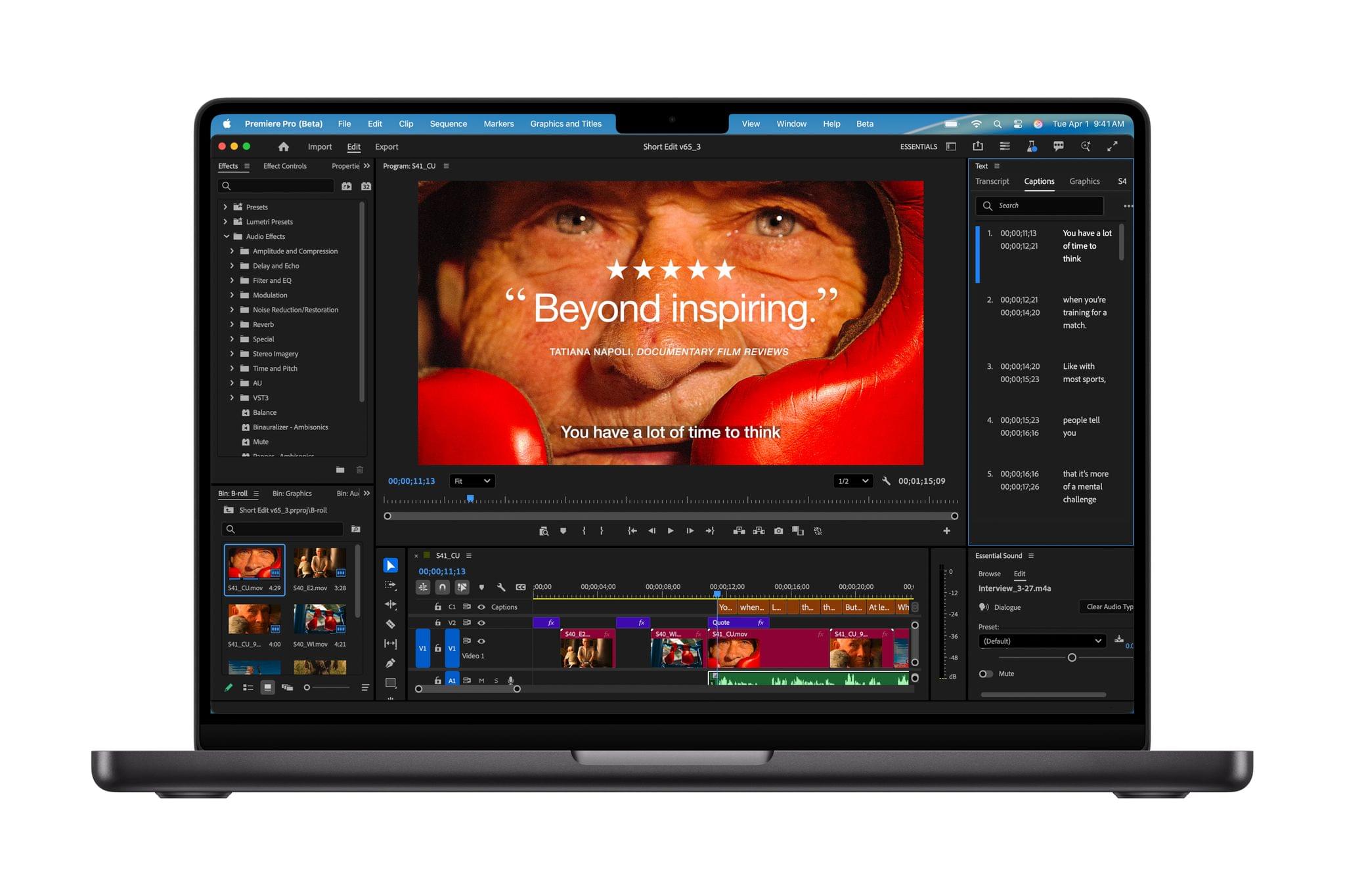
Apple Debuts New 14” MacBook Pro with the M5 Chip

Source: Apple.

Source: Apple.

Today, Apple debuted the new 14” MacBook Pro with its latest M5 chip, which is available for purchase now alongside the existing M4 Pro and M4 Max MacBook Pro models.

According to John Ternus, Apple’s senior vice president of Hardware Engineering:

MacBook Pro continues to be the world’s best pro laptop, and today, the 14-inch MacBook Pro gets even better with the arrival of the M5 chip. M5 marks the next big leap in AI for the Mac, and delivers a huge boost in graphics performance accelerating demanding workflows for everyone from students to creatives, developers to business professionals, and more. With its amazing performance, extraordinary battery life, and unrivaled display, M5 takes the new 14-inch MacBook Pro to another level.
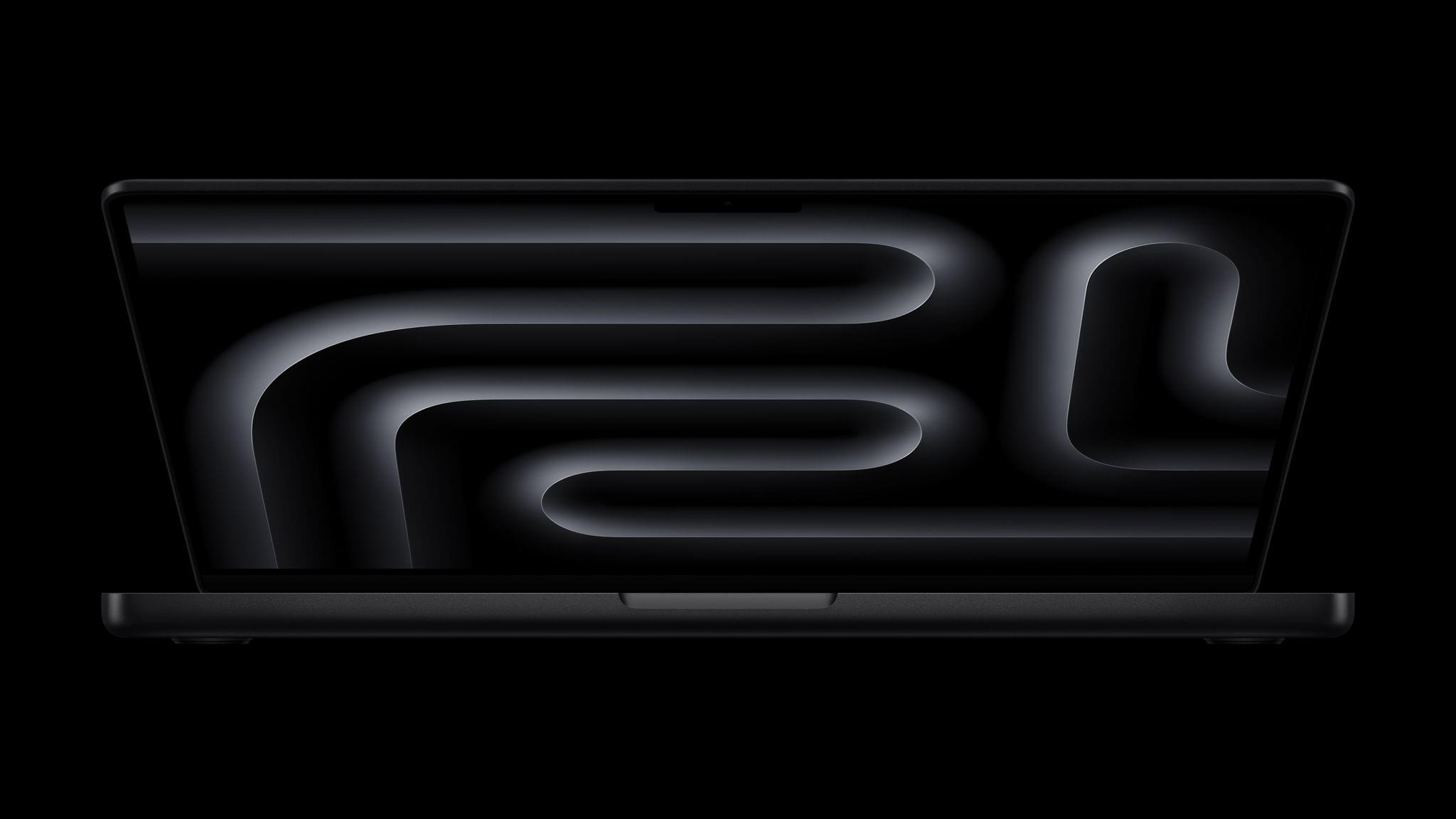
Source: Apple.

Source: Apple.

Apple’s new M5 processor is the star of today’s MacBook Pro update. Apple says that the chip, which is only available in the 14” MacBook Pro configuration, is faster at AI workflows and file transfers and can last 24 hours on a single charge. The M5 chip includes an all-new GPU with a Neural Accelerator in each GPU core, which Apple claims speeds up AI workflows up to 3.5× compared to the M4 chip and 6× compared to the M1 chip. The new MacBook Pro’s performance is also enhanced by a new 16-core Neural Engine and SSDs that are up to 2× faster and can be configured up to 4TB, which will make managing large files easier.

Although Apple makes a big deal of the 14” MacBook Pro’s AI performance, the new M5 chip will enhance all kinds of resource-heavy tasks, including these spotlighted by Apple in its press release:

  • Up to 7.7x faster AI video-enhancing performance in Topaz Video when compared to the 13‑inch MacBook Pro with M1, and up to 1.8x faster than the 14-inch MacBook Pro with M4.
  • Up to 6.8x faster 3D rendering in Blender when compared to the 13‑inch MacBook Pro with M1, and up to 1.7x faster than the 14-inch MacBook Pro with M4.
  • Up to 3.2x higher frame rates in games when compared to the 13-inch MacBook Pro with M1, and up to 1.6x faster than the 14-inch MacBook Pro with M4.
  • Up to 2.1x faster build performance when compiling code in Xcode when compared to the 13‑inch MacBook Pro with M1, and up to 1.2x faster than the 14-inch MacBook Pro with M4.

(See the press release for footnotes regarding testing details).
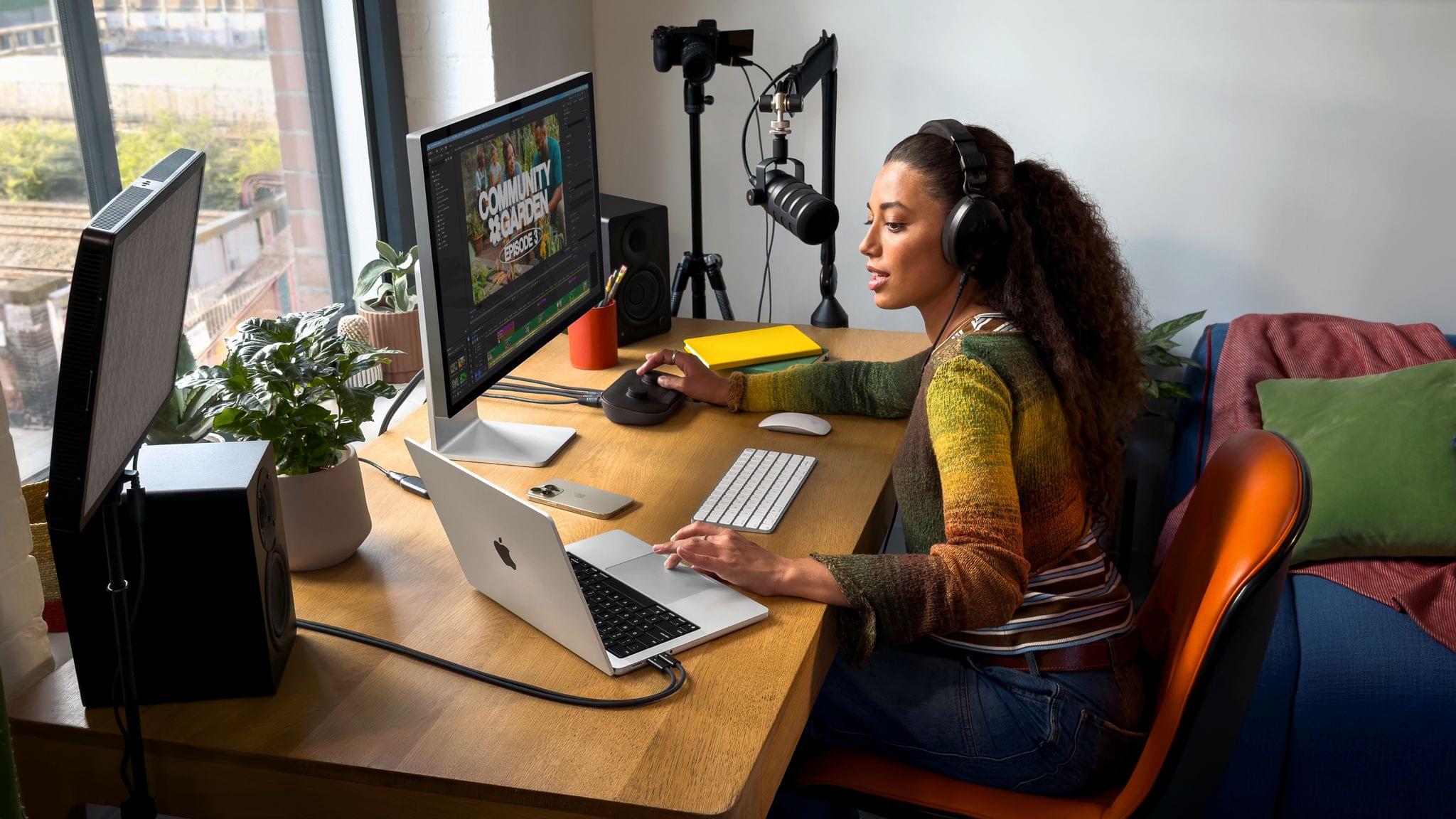
Source: Apple.

Source: Apple.

Although I’m impatient to see what an M5 Pro and M5 Max MacBook Pro are capable of, and I’m dying to see a Mac Studio configured with the M5 generation of chips, I’m glad Apple didn’t wait to release the M5 in the 14” MacBook Pro. If the chip is ready, why not? Pro workloads, including running AI models locally, are only becoming more demanding, so getting the M5 into more hands as early as possible makes sense. Plus, for anyone coming from an Intel-based setup or an early-generation Apple silicon Mac, this update should be significant.

The new 14” MacBook Pro comes in Space Black and Silver and starts at $1,599 but can be configured to over $3,330. Pre-orders can be placed now, with deliveries and in-store availability beginning October 22.
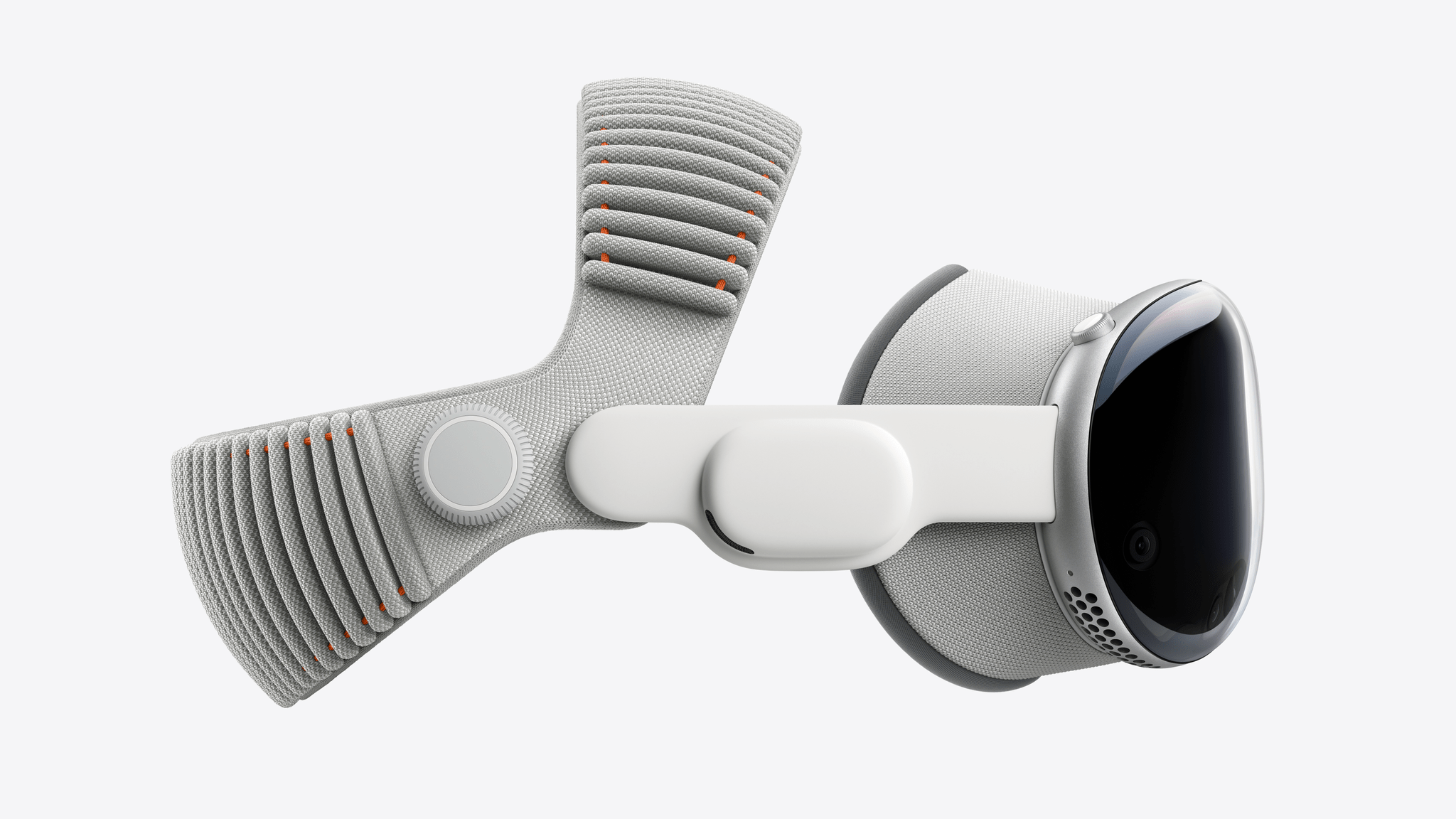
Apple Reveals the M5 Apple Vision Pro

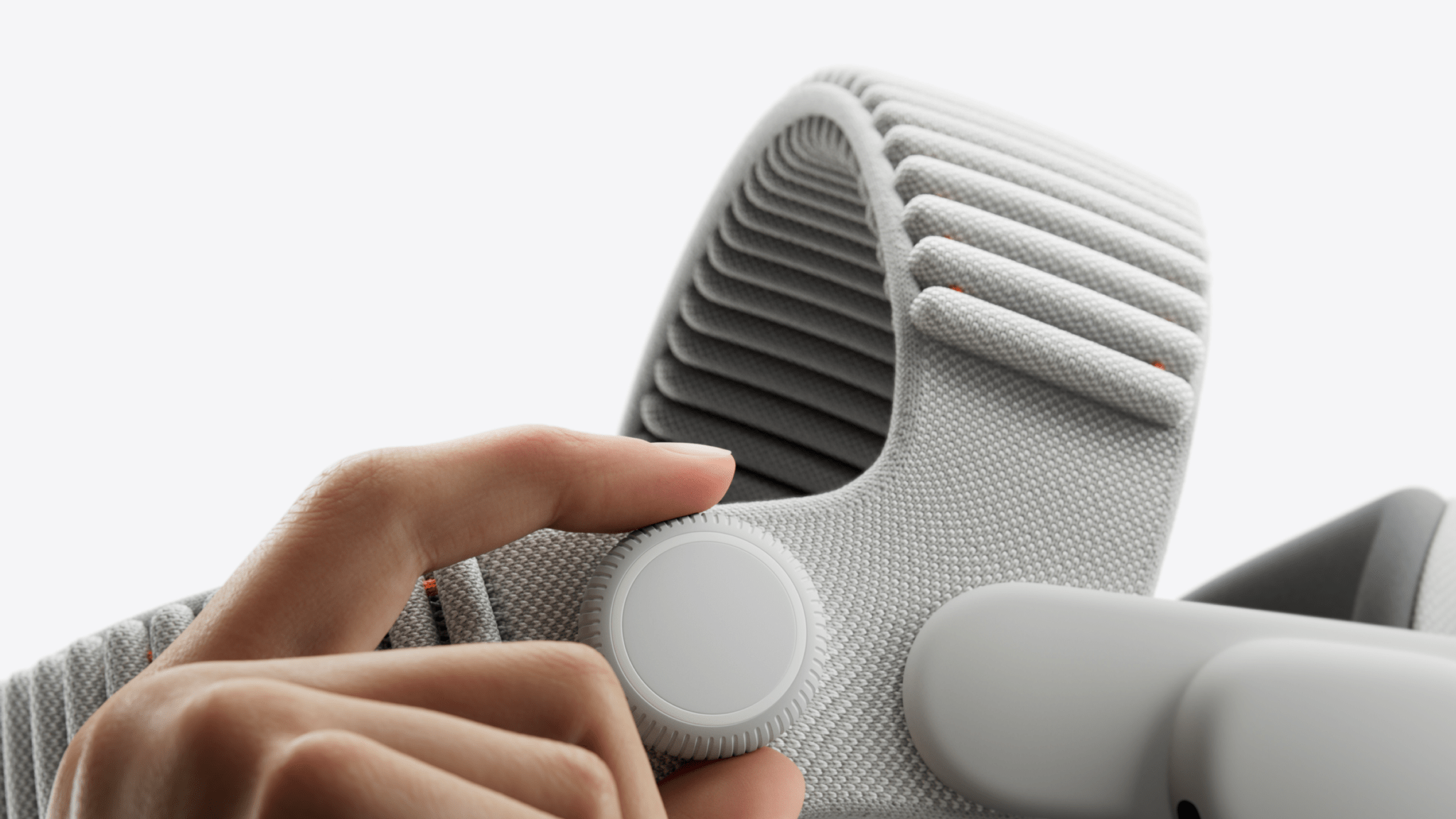
Today, Apple announced the first revision to the Vision Pro, the company’s mixed reality headset. The updated device sports an M5 chip and the new Dual Knit Band for improved comfort.

The M5 chip is making its debut in the Vision Pro alongside the new MacBook Pro and iPad Pro. It features a 10-core CPU, a 16-core Neural Engine that’s up to 50% faster than the M2, and a 10-core GPU with hardware-accelerated ray tracing and mesh shading. The M5 allows the Vision Pro to render 10 percent more pixels on its micro-OLED displays, resulting in a clearer image, an increased refresh rate up to 120Hz, and a smoother Mac Virtual Display experience. It also increases the device’s battery life to 2.5 hours of regular use and 3 hours of video playback. The M5 processor works alongside the R1 co-processor and the device’s built-in cameras and sensors to render the user’s surroundings in real time.

The biggest visible difference this generation is the new Dual Knit Band. Made of two 3D-knitted straps that look similar to the original Solo Knit Band, the Dual Knit Band incorporates a second strap that runs across the top of the user’s head and a counterweight in the lower strap to better distribute weight, increase comfort, and create a more stable fit. The strap is backwards compatible with the first-generation Vision Pro and available to purchase for $99.

Owners of either the M2 or M5 Vision Pro can pair the device with spatial accessories. The Sony PlayStation VR2 Sense Controller, which enables VR games like Elu Legend, Pickle Pro, Ping Pong Club, and Spatial Rifts and can be used to navigate visionOS in lieu of hand tracking, will cost $249.95 and be available November 11. The Logitech Muse digital pencil for drawing and collaboration costs $129.95; it can be pre-ordered directly from Apple now and will be released alongside the M5 Vision Pro.

The Vision Pro itself, meanwhile, maintains its starting price of $3,499 with 256 GB of built-in storage. The storage can optionally be configured to 512 GB for $3,699 or 1 TB for $3,899. The M5 Vision Pro is available for pre-order now with deliveries and in-store availability starting Wednesday, October 22.


Podcast Rewind: What We’d Like to See from Apple the Rest of the Year, the AYN Thor, and an Interview with Robin Kanatzar

Enjoy the latest episodes from MacStories’ family of podcasts:

AppStories

This week, with rumors of more products in the pipeline, Federico and John share what they want most from Apple before the end of the year.

On AppStories+, Federico experiments with lightning fast inference and iteration using Cerebras for scripting.


NPC: Next Portable Console

This week, we wonder who the Lenovo Legion Go 2 is for, get excited about the AYN Thor reviews, discuss Digital Foundry’s iPhone 17 Pro gaming discoveries, and check in on mini PCs, then Brendon bails on Bazzite.

On NPC XL, John experiments with the iPhone 17 Pro Max’s thermals, and Federico revisits Sunshine and Moonlight.


First, Last, Everything

Robin Kanatzar is this episode’s guest. Robin is a former industrial engineer who has been developing apps for iOS and Android since 2016, focusing on accessibility. She also gives talks on the subject, educating developers on how to make their apps more accessible, as well as publishing a weekly newsletter on the subject, titled ‘Appt News’.

Read more


LLMs As Conduits for Data Portability Between Apps

One of the unsung benefits of modern LLMs – especially those with MCP support or proprietary app integrations – is their inherent ability to facilitate data transfer between apps and services that use different data formats.

This is something I’ve been pondering for the past few months, and the latest episode of Cortex – where Myke wished it was possible to move between task managers like you can with email clients – was the push I needed to write something up. I’ve personally taken on multiple versions of this concept with different LLMs, and the end result was always the same: I didn’t have to write a single line of code to create import/export functionalities that two services I wanted to use didn’t support out of the box.

Read more


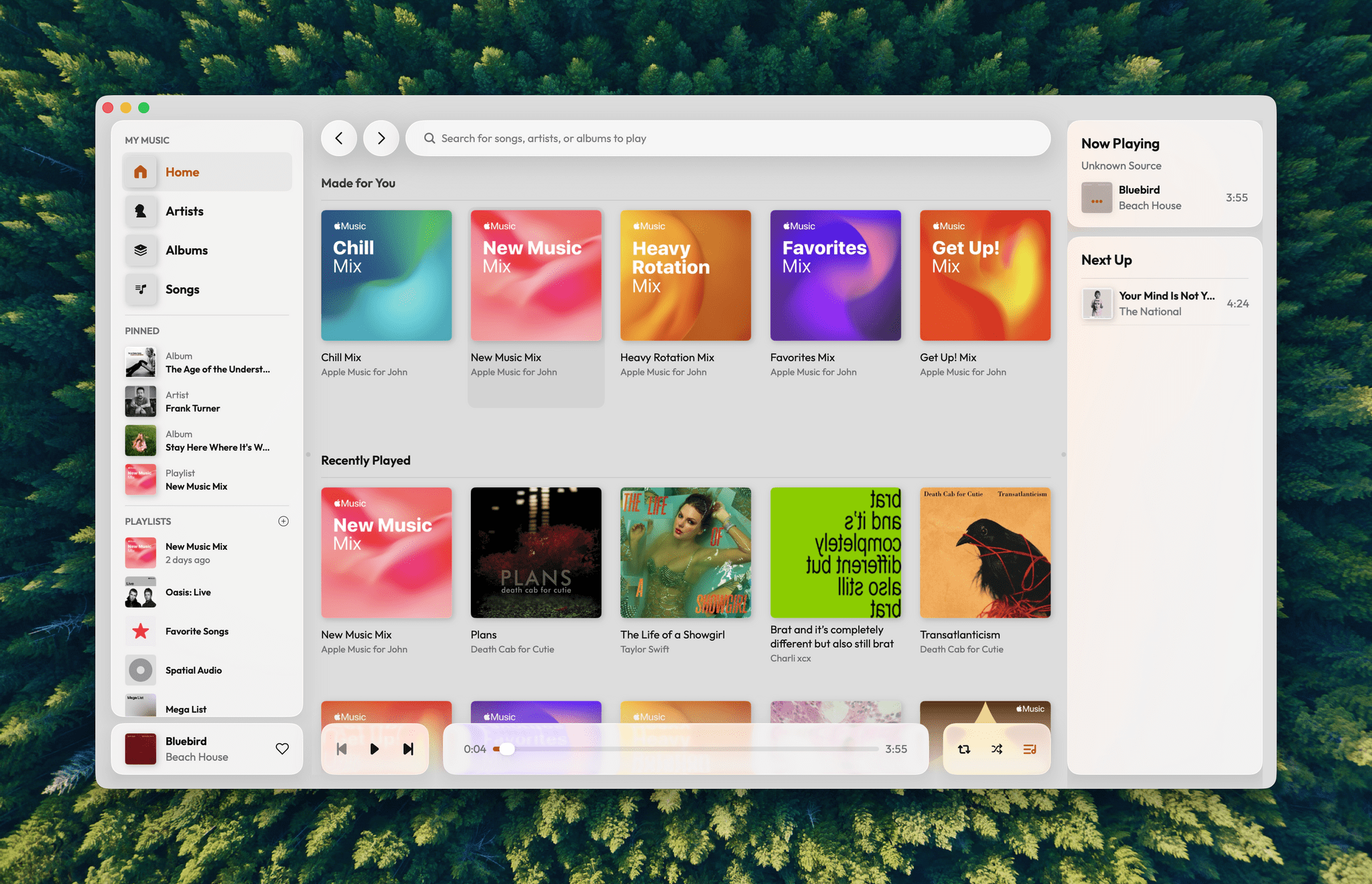
A Fresh Spin on Apple Music: Exploring Daft Music’s Liquid Glass Design

Daft Music asks a question that’s been on my mind for a long while: what if Apple Music started over with a new Mac app? As a service, I love Apple Music. I’ve been a subscriber since day one. But I’m less enamored with the Music app, especially on the Mac.

Music on the Mac has a long history dating back nearly 25 years to Apple’s acquisition of SoundJam MP, which became iTunes, an app for organizing your music collection, syncing it to your iPod, and, later, buying music. Over the years, iTunes expanded to encompass TV, movies, books, apps, and even courses, which was too much for one app. So Apple began dismantling iTunes, with the final blow coming in 2019 with the release of macOS Catalina. The update retired iTunes, replacing it with Apple Music and dedicated apps for other types of media.

Music was a significant break from the design of iTunes, but as a long-time user of both iTunes and Music, what didn’t seem to change as much was the app’s underlying code. That’s consistent with reporting at the time that Music was an AppKit app built on the bones of iTunes. The choice to build Music for macOS on top of the iTunes foundation had the advantage of allowing Apple to preserve iTunes features that the Music app lacked on other platforms. However, the decision had a big downside, too. Built on what was already a nearly 20-year-old code base, Music inherited iTunes’ bugs, which have hung around unfixed for years.

I love the simple elegance of Daft Music’s interface.

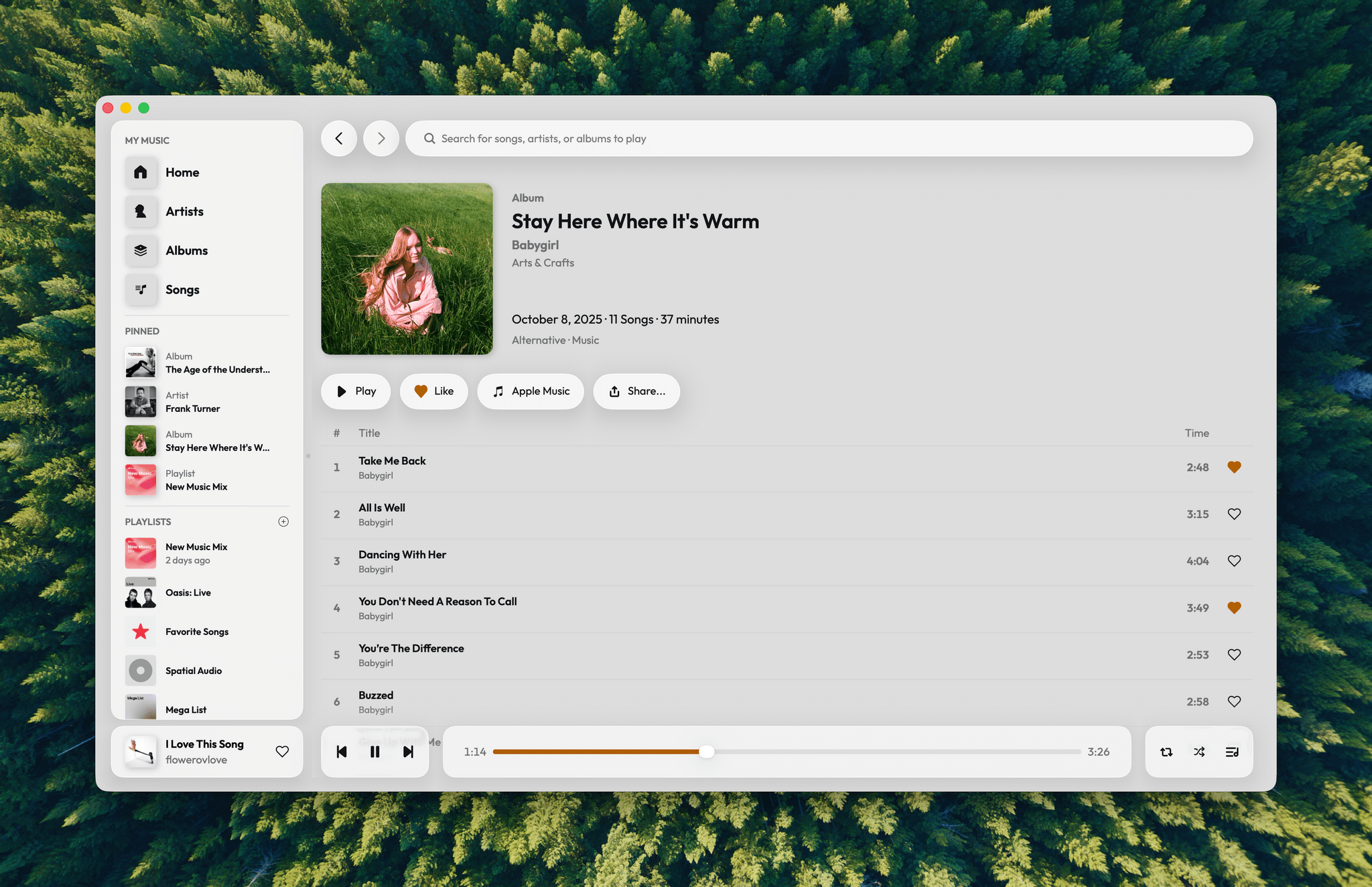
I love the simple elegance of Daft Music’s interface.

That’s where Daft Music by Dennis Oberhoff comes in. It’s a simple, elegant Apple Music “do-over” that also happens to be the first Mac app I’ve tried that was built from the ground up for Liquid Glass. There’s a lot to cover, so let’s dig in.

Read more


Podcast Rewind: A Podcast Within a Podcast and a Visit to Florence

Enjoy the latest episodes from MacStories’ family of podcasts:

Comfort Zone

Chris tries to sell us some new Logitech gear, Matt tries to sell some old challenges, and both of them try to sell Niléane on something from IKEA.

In the Cozy Zone, the gang review their charging habits. And let’s just say, one dad likes to over-engineer everything, while the other dad is in desperate need of a new USB-C cable.


MacStories Unwind

This week, John stumbles upon a restaurant with a thing for the Italian navy, Federico explores the Final Fantasy Tactics remake, and John has a movie pick.

Read more