Bitspace, the cloud powered music application we reviewed here, is finally out of the closed beta stage. In case you missed you missed our post about it, Bitspace enables you to upload your music files and listen to them from any browser that supports HTML5 (Safari and Chrome, I’d recommend).
You can create a new account and enjoy the free trial for 30 days, or head over the Pricing page and choose the plan that fits your needs. Here’s the official announcement blog post.
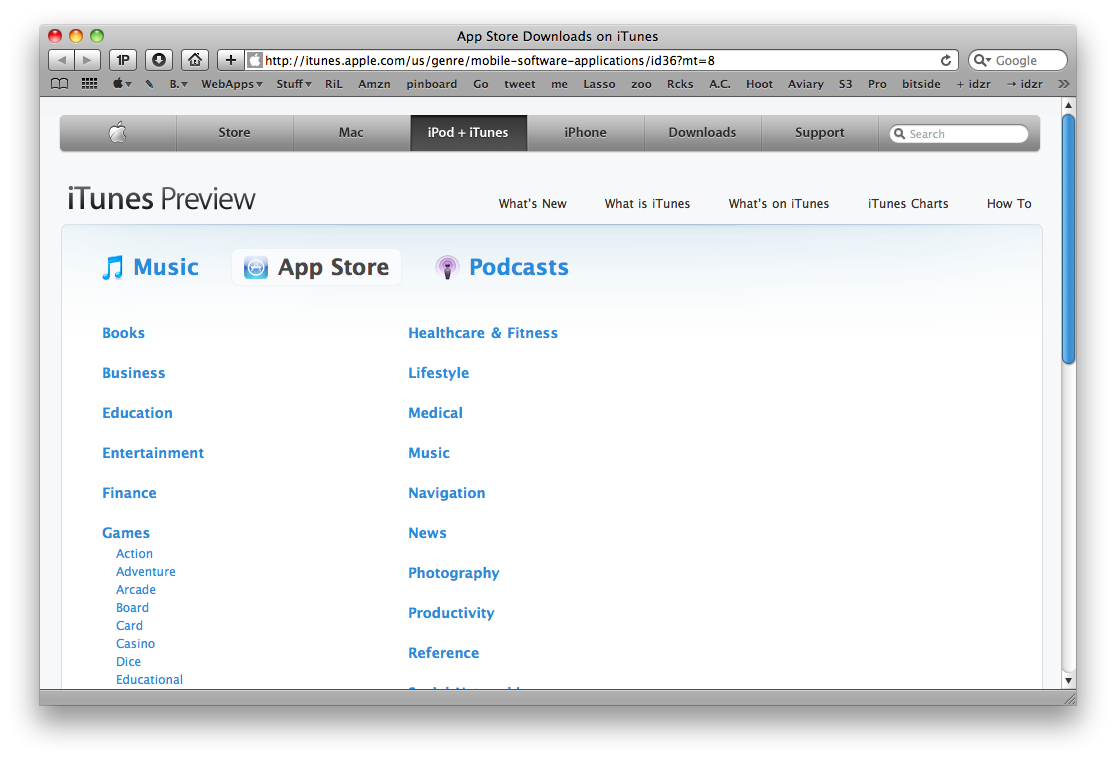
A few weeks ago Apple implemented the “iTunes preview” feature for single apps pages in the App Store. From today on you’ll be able to browse the whole App Store, including categories, from your browser.
MacStories has covered a few window management apps, including Cinch, MercuryMover, and SizeUp. Today, we’re going to bring you yet another window manager, this time for those who can’t keep their hands off their clickers.
Zooom/2, despite its name, is a handy window manager that makes moving and resizing windows just a tad easier. It isn’t revolutionary, but it’s definitely worth taking a look at.
Instead of grabbing the corner of a window, you are given the option to move, resize, and maximize/minimize by holding a couple of modifier keys from anywhere in your target window. The demo is a little confusing though, since the default settings conflict with the instructions (just something to be aware of), and you’ll want to enable “Require mouse click to activate” to follow along. Other than this minor caveat, learning the app only takes 30 seconds to learn - and you’ll be happy you went through the demo.
Otherwise, I think this is a pretty cool app, but it’s a bit buggy. Magnetics didn’t always work like I wanted them too, so I left it off. The ignore list initially confused me, because I thought checking an item disabled that particular feature, rather than enabling it. Overall I think it’s pretty solid, it’s 64-bit compatible for Snow Leopard, and it features what the developer describes as “clean code” (although I thought hiding the dock icon required some kind of hack). Anyway, check out the video for a quick demonstration on it’s feature. Trust me, this one is short!
The fact that I’m based in Italy doesn’t really help out with the management of MacStories advertisement. Being part of the BuySellAds network means that I have to deal with USD payments, which I have to convert everytime in Euros to see how much my income actually is. Which better tool than the iPhone to get a quick overview of currency conversion? There are hundreds of currency apps out there, including the popular Convertbot from Tapbots and Convert.
Today I’ll take a look at a new application that showed up this morning in my inbox, iCurrency Pad.
This Mosspuppet thing is just great. Go read the latest post here.
“When you think about it, Microsoft’s successful attempt to come up with something new and innovative to secure their place as a contender in the mobile phone space is really pathetic.”
AgileWeb Solutions is already working on the iPad version of the popular password manager and form filler app, 1Password. From the mockups that the developers posted online, we can see a very custom UI which will probably make an extensive use of popovers. We’ll see.
Here’s the blog post about it, we’ve included the first mockups right after the jump.
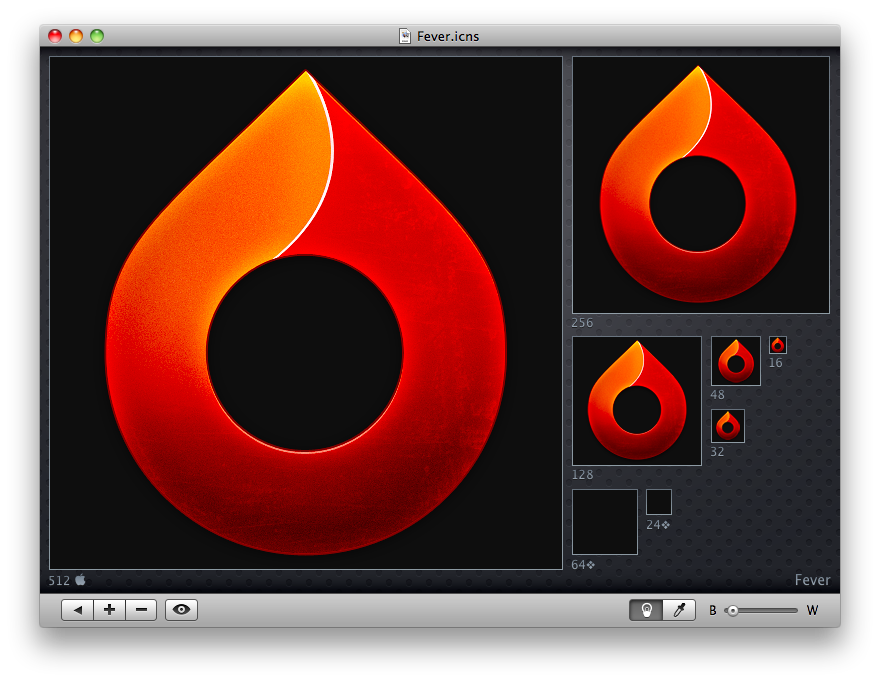
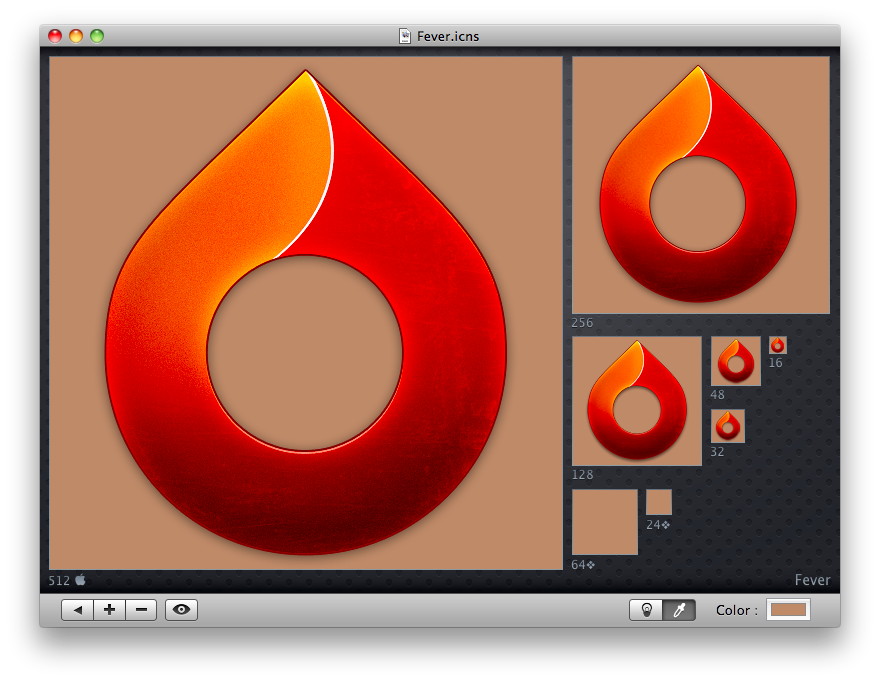
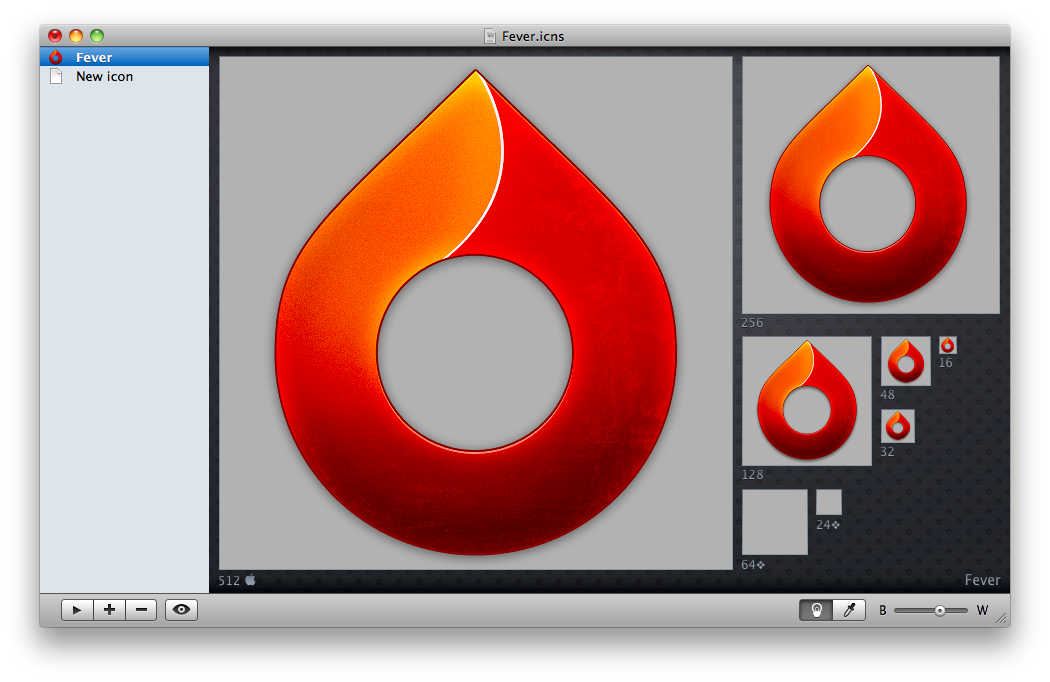
What a nice application I’ve just found on MacThemes forums. It’s called Hobiconer and it’s a free app by Jérémy Marchand that lets you create, import and export icon in many formats: .icns (Apple icon format), .ico (Microsoft icon), .png and .tiff.
As you can see from the screenshots, you can import an icon and see it at every available resolution, change the background color from black to white with a slider (or even choose another color with the system wide picker), hit the eye button to see the icon “live” in the dock, open more than a “project” in the sidebar.
Hobiconer
Hobiconer
Hobiconer
There are a lot of advanced tools that let you export icon image files, but this one is just a simple solution for people who need a quick conversion / preview. The app it’s free, it does well what it’s meant for, you should give it a try.