Extract: Grabs Flash Videos and Plays Them In a Dedicated Window

This is neat. Extract from Zach Waugh is a new Mac app that can load html code in a dedicated, almost chromeless, window and it’s ideally meant for loading flash videos into a standalone window on your Mac. You just have to launch the app, copy the embed code from either Youtube or Vimeo and paste it into Extract; the app will then load the lash instance and display it into a minimal, translucent black chrome.
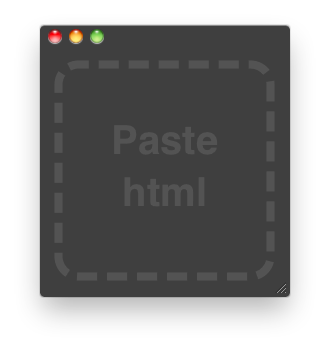
Extract Mac

Extract Mac

I find this app very useful as it lets you watch a video without having to open another Safari window or switching between tabs in the browser. Also, you can activate the “Keep on Top” function that will make the app stand in the foreground even when another application is selected: this means you can drag Safari around and the transparent border of Extract will just overlay it.
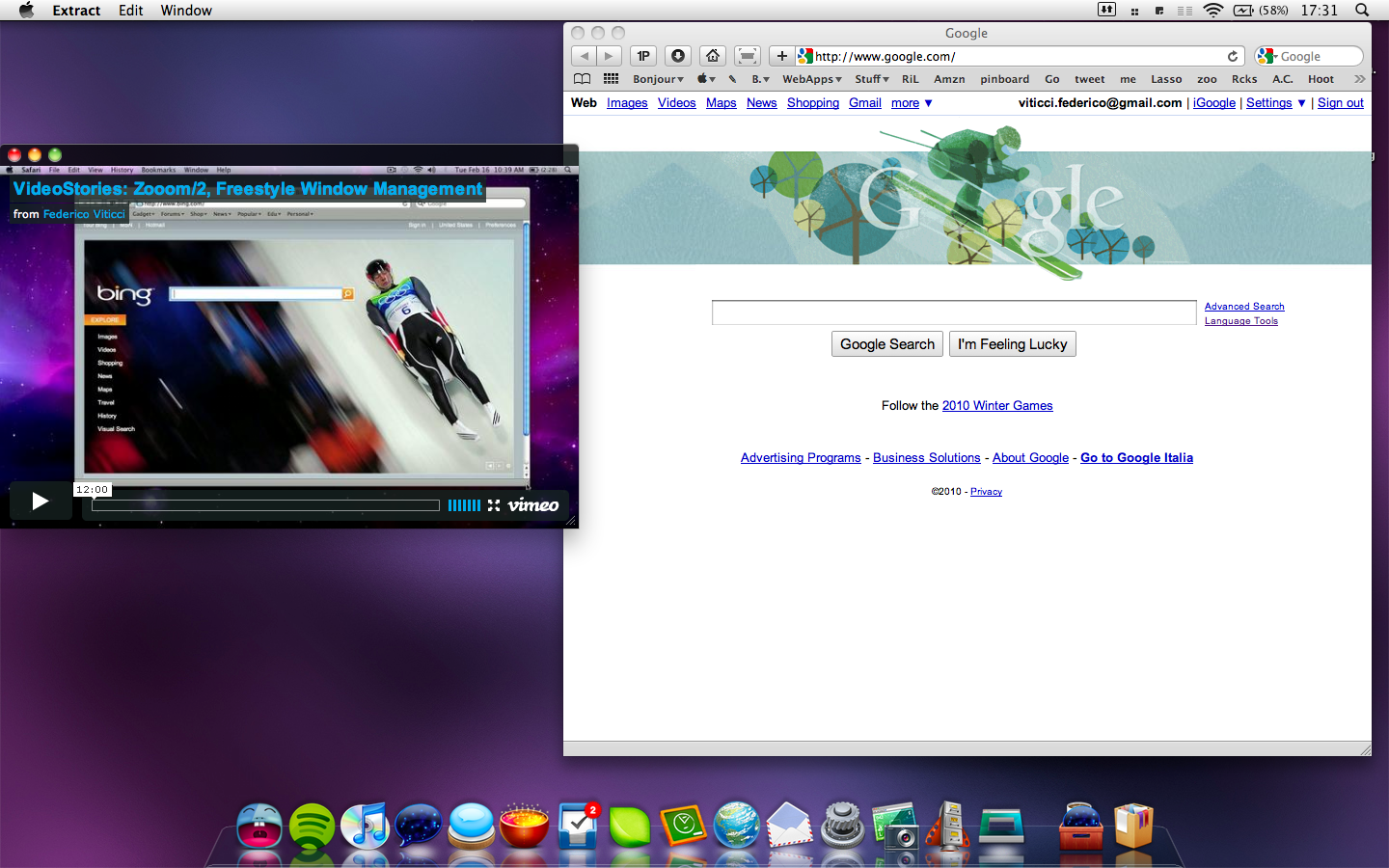
Extract Mac

Extract Mac

Now the developer just need to add an “automatically resize” feature and this will be my favorite utility since ClickToFlash.
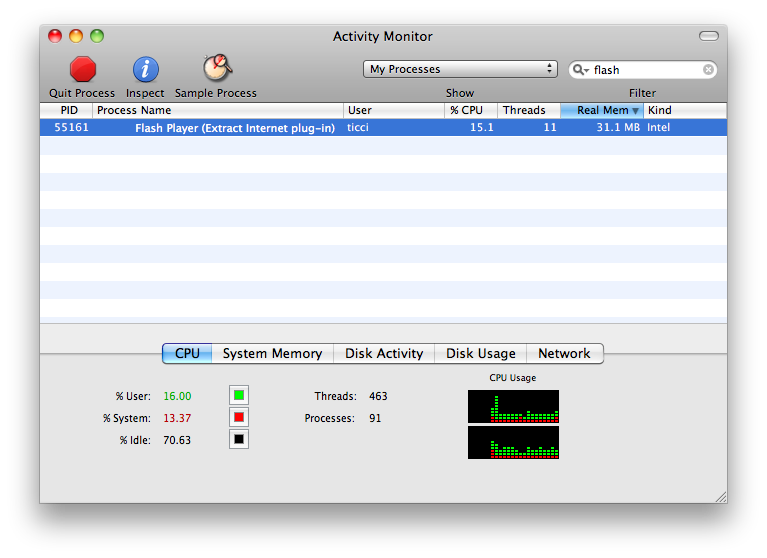
Extract Mac

Extract Mac

Sure, you can open a new Safari window, resize it and play the video in that window. Problem is, Flash would still be able to kill the browser (Leopard only. Snow Leopard has a separate process for Flash) and, overall, you can’t compare it to the easy to use of Extract.

Good job, Zach.


iPad App Pricing

Link

“Apple has also said that existing iPhone applications will run on the iPad and that they will be able to be “blown up” in size to be full screen. From reports I’ve heard and my own experience in the simulator, this doesn’t look very good. Developers will want to have an iPad specific interface built into their app. The amount of work to get an iPad app’s UI to have the great polish it should have is going to exceed that of the iPhone. This will mean higher development costs. Presumably with higher development costs, higher prices will come with it. The rub is that these universal applications are going to be subjected to the same price pressures from the iPhone side of the market because users will buying a single binary.”


Telephone for Mac: Open Source VoIP App to Make Phone Calls (Google Voice Too)

An interesting app I’ve just found on Google Code, Telephone is an open source project that lets you make phone calls over the internet with many SIP providers including Google Voice.

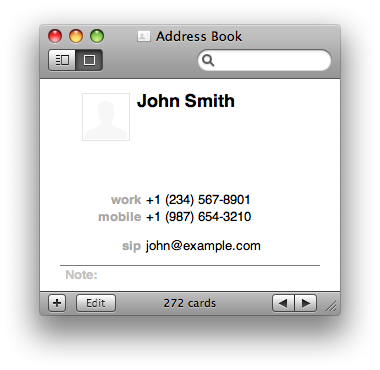
Telephone seems very simple and easy to use, it integrates with Address Book and has support for Growl notifications as well. You can head over the official project page here or read some frequently asked questions.


Axure for Mac Beta Available, Aims at March Final Release

Axure, the populad wireframing and prototyping tool for Windows, is being ported to Mac OS X, but you probably already know that. What’s new is that the developers have announced a full featured beta available for download here, which will expire on April 15, 2010 and that should give you a complete overview of what Axure for Mac will look like.

From the official blog post:

“The beta has all of the features from Axure RP 5.6 for Windows including shared projects. It also has a number of UI enhancements like a new properties pane and redesigned interactions dialog.”


The devs have also announced a final release by the end of March. We’ll keep you posted about it.


HipChat, Business Communication’s Must Have

Business communication is incredibly important whether you’re working with clients or you’re discussing the latest coffee spill from your board meeting. While some may rely on e-mail to keep up to tabs, let’s not forget that this is a relatively archaic way of chatting.

The folks over at HipChat have presented to us a wonderful new chat application built on Adobe Air that is designed for teams, groups, business, collaborators, and people who want to have a focused medium for tracking and recording their conversations. While the words “Adobe Air” might scare you, we wouldn’t be reviewing this if it wasn’t seriously cool, and as it takes two people to chat, I present to you today another DoubleStory feature.

Read more


Exclusive Preview: Firetask for Mac

Is there still room for another GTD app on Mac OS X? Probably. I think there’s still a huge room for creative and well developed apps, not for yet another clone of Things.app.

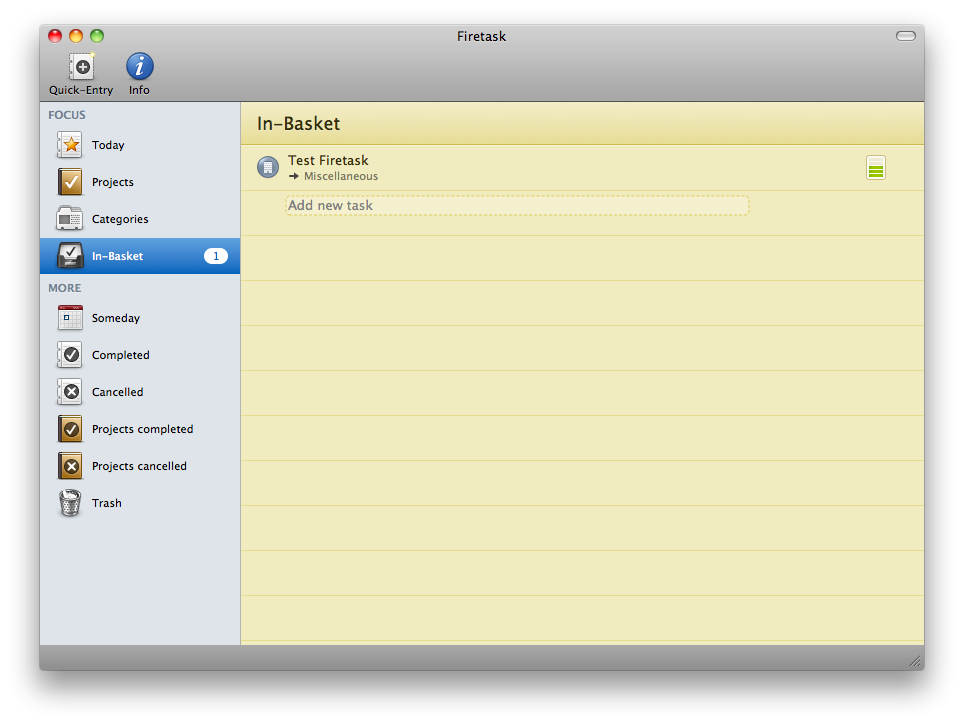
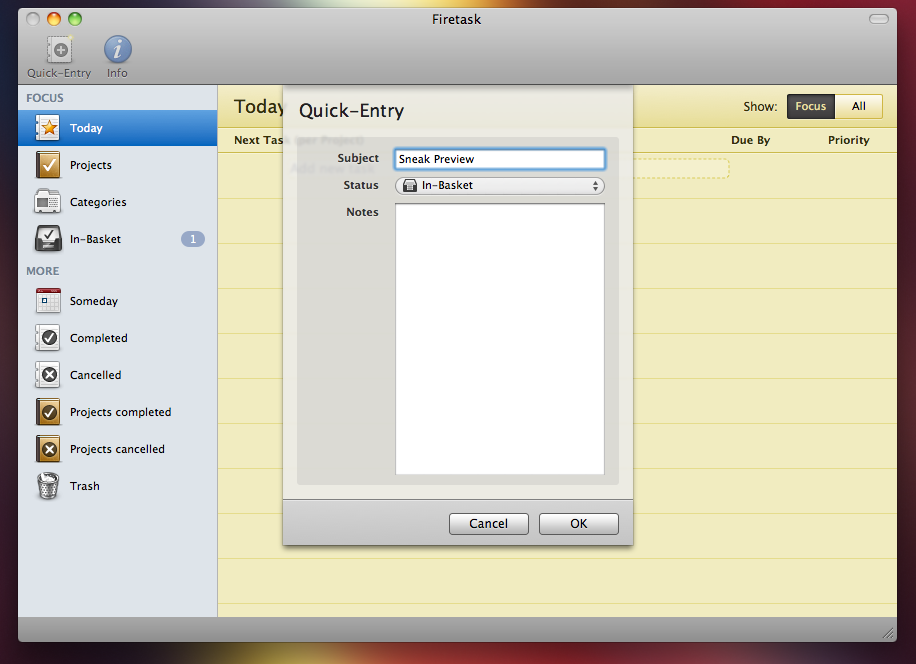
Thanks to Gerald Aquila and Wolfgang Bartelme I’m very proud to give you an exclusive sneak preview of a much anticipated application for Mac, Firetask. The app is currently in the early beta stage, so I’m attaching a very few screenshots as many things are likely to change before the official release.

Firetask will take a different approach from all the other GTD apps for Mac: it will be focused on simplicity, providing a clean and slick interface to not overhaul the user with tons of menus and tabs. In Firetask for Mac (and remember, there’s an iPhone app too which we reviewed here. The Mac version will sync with the iPhone one) you’ll be able to create tasks and give them a specific status, priority, category and assign them to a project.

The interface will be a mix of notebook-like pages and dark elements, plus some nice icons in the sidebar to quickly navigate.

Firetask Mac Preview

Firetask Mac Preview

Firetask Mac Preview

Firetask Mac Preview

I’m really looking forward Firetask for Mac, because it’s going to be different. I’m sorry I can’t tell more about it, but I’ll be sure to write another preview or review it as soon as it will be available. Can’t wait.


Dayta: One App to Rule Them All

The iPhone is more than just a phone to me. It’s an assistant, a device that I use to keep track of multiple things in my life (money, stats, followers, weight, smoked cigarettes) - each thing with a dedicated application. In the age of database driven applications, this is no doubt the best situation Jeff Raskin could ever imagine: a device that transforms in a new one everytime, according to the application that’s running on it.

But wouldn’t it be great to track all of this data in a single software? You know, at the end of the day they’re just numbers. I’ve slept 5 hours, I’ve spent 10 Euros in beer, I ate 3 eggs two days ago. They’re different situations, but they’re just numbers. And that’s why Sahil Lavingia (developer of Twizzle and Color Stream) started developing Dayta, the already popular One Week App: a single app that could keep track of data, no matter the context. Just data, and days.

And I tell you what, it works.

Read more


ThermoCLine: HUD Command Line for Mac OS X

ThermoCLine is an interesting utility developed by my friend @elasticthread which allows you to perform a lot of action from a command line interface anywhere on your Mac. You can go to folders, start Google searches, do some math, shorten URLs and even tweet.

It requires a little bit of setup (you have to copy some files, assign a keyboard shortcut with Fastscripts to the required Applescript) but after that, it’s pure awesomeness. The .zip files comes with a huge explanation of how the app works and with a list of commands as well, so you won’t miss anything TCL offers.

ThermoCLine

ThermoCLine

You can download the app here. Don’t forget to follow @elasticthreads on Twitter and give him some suggestions for new features.