Bowtie: The Customizable Music Controller. For Mac and iPhone.

How do you control your music?

I don’t know how many times I’ve been asked this question since I started blogging on MacStories. I still haven’t found a good way to control my music, besides the good & old “go to the player of choice and press play”. Yes, I’ve never been able to stick with a dedicated desktop controller for iTunes or Spotify, as I kept switching back and forth between new apps (Tracks), popular alternatives (Coversustra) and even mobile applications (Remote). As I mentioned many times before, I found a good compromise in Ecoute, which is a neat app that enables you to play your music library without launching iTunes and it even displays a nice controller on the desktop.

There was this other app, anyway, that many people were using and enjoying: Bowtie. Bowtie has been sitting on the much popular beta stage for months, but has been finally released as a 1.0 version - both on the Mac and iPhone. Was the wait really worth it?
Read more


ShrinkIt: A Little and Useful New App from Panic

Link

“Is your application larger than necessary because of needless data stored in image resources? What is making your PDFs four times the size they ought to be?

ShrinkIt is a simple, small Panic internal tool that will automate the process of stripping needless metadata from PDFs by re-saving them using Apple’s PDF processor. Just drop a bunch of files (not folders) onto it — such as the contents of your app’s Resources folder — It’ll find the PDFs and do its magic on them. The original files will be renamed with the prefix “org” for safety, but you’ll likely want to delete those. That’s it!”

An app meant for developers, but I’m curious to see how much space I can free from my /Applications folders.


Adobe and Wired Introduce a New Digital Magazine Experience

Link

“Built on Adobe AIR and developed with Condé Nast, the tablet prototype we showed during the TED “Play” session illustrates the possibilities for magazine publishers to reach readers in new ways. The concept enables — in digital form — the immersive content experience magazines are known for, and allows new interactive features to stimulate reader engagement”

Magazines built with Adobe AIR on the iPad? I’m very skeptical about it.


Neven Morgan on 16:9

Neven Morgan on 16:9

Every aspect ratio is a compromise. If a device is ever to be used in portrait mode - and my guess is that people will use the iPad in this book-like mode most of the time - that compromise must result in something closer to 4:3.

Permalink


More on Opera for iPhone

Mark Hattersley from MacWorld shares his thoughts about Opera for iPhone so far. Read the full entry here.

“Those familiar with Opera for Mobile will be aware that this is because of highly optimised code taking place away from the browser on Opera’s servers. Instead of contacting a server directly you are sending a request to the Opera server, which optimises the web site and pushes a compressed version to the iPhone.

[…]

t’s a fairly round specced browser as well. It has tabs (highly visual ones at the bottom of the screen) and passwords, bookmarks, and all the usual features. Like Safari on the iPhone you can zoom in automatically to text columns. But deep down it’s the speed that matters.

We note that the app we’re shown is marked Opera 5 Beta 2, and Opera has clearly been down this route before.”


The Complexities of the Filesystem

Link

“The professional might need access to the filesystem and even need multitasking in order to debug or configure apps. That’s cool, you will have access to that, however it’s not going to be the default mode. It’s like a car, you don’t care about how the engine works, you just want to go from point A to B. If it breaks you can take it to a professional that has access to the engine (the filesystem) or become a hacker yourself and fix the engine.”


Inspirit Movist Mod

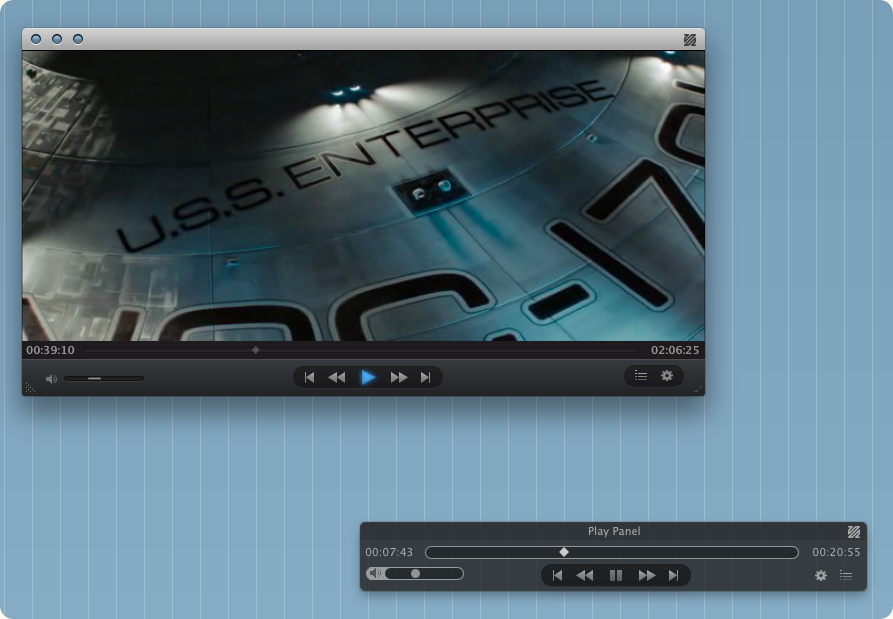
In case you missed it, Movist is a great alternative to VLC for Mac OS X that lets you perfectly play .mkv and many other file types in an elegant and minimal interface.

I’ve just found out this beautiful mod by dineinhell on Deviantart,which adds another bit of sexy to Movist’s original UI.

Go download it here.


iConvertX: Easy Video Conversion

I’ve always wanted a quick and easy way to convert movies to other formats. Ok, I know that there are tons of apps that allow you to convert videos to every format and such, but I’m not really that kind of user that requires God knows which bitrate customization. I just want it to work fine, in a simple and usable interface.

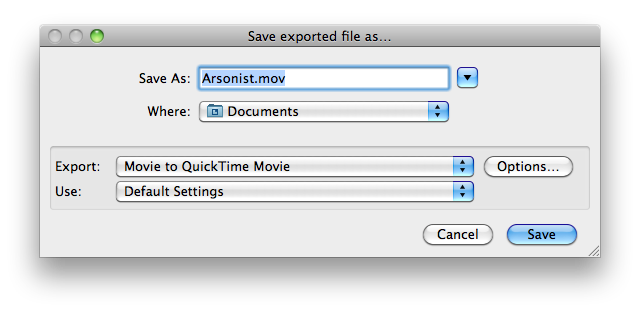
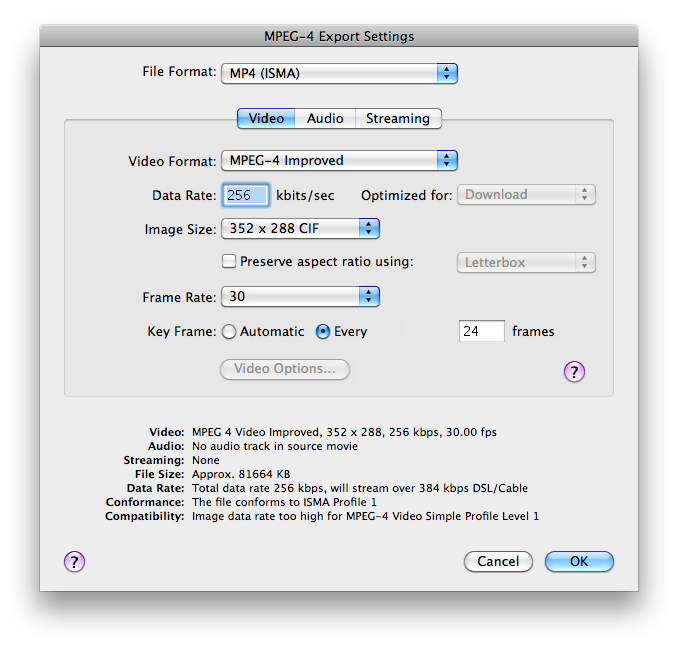
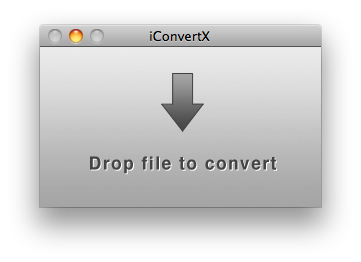
iConvertX (which has been updated to the 4.0 version) is a very straightforward application that does nothing but convert videos to other formats. You just have to drop a file onto the main window, choose a destination and the new format. Simple as that. It supports more than 20 file formats including .mov, .flc, .avi, .mp4, .divx and .mkv, but some of them require Perian to be installed. You can adjust some options before starting the conversion, like data and frame rate, key frames and “optimized for”. I didn’t do anything with this stuff, but you guys know what to do.

iConvertX

iConvertX

iConvertX

iConvertX

iConvertX

iConvertX

The app is built with simplicity in mind, and as far as I can tell - it works. You can purchase a license at $3.75 here, or either use it up to 5 times for free. Now, let’s hope the devs will ship an icon together with the app.

I’m sure that there are tons of apps like this out there. Have you got a suggestion? Feel free to share in the comments.